Menu
Back


Games like
Games Like Beam Eye Tracker
Aug 2, 2023·89% positive·Hot·
Enjoy more immersion in hundreds of PC games. Works with your webcam or phone, no extra hardware needed. Free demo.
Best games like Beam Eye Tracker
The best games like Beam Eye Tracker are ViewTracker, Natural Locomotion, BeamNG.drive, Aimbeast, and fpsVR. GAMESLIKE ranks these alternatives using shared gameplay metadata, Steam review sentiment, and similarity signals. Evidence includes 89% positive across 948 Steam reviews, Steam genre and tag overlap across Racing, Simulation, Utilities, platform support for Windows, and $29.99 pricing signal.
- ViewTracker - ViewTracker is closely similar to Beam Eye Tracker because both are Utilities games, and share gameplay elements like Utilities.
- Natural Locomotion - Natural Locomotion is closely similar to Beam Eye Tracker because both are Simulation and Utilities games, and share gameplay elements like Simulation, Utilities, VR, Immersive.
- BeamNG.drive - BeamNG.drive is closely similar to Beam Eye Tracker because both are Racing and Simulation games, and share gameplay elements like Simulation, Driving, Realistic, VR.
- Aimbeast - Aimbeast is loosely similar to Beam Eye Tracker because share gameplay elements like Simulation, FPS, Utilities, Software.
- fpsVR - fpsVR is loosely similar to Beam Eye Tracker because both are Utilities games, and share gameplay elements like VR, Utilities, Software, Hardware, FPS.
View on Steam
$29.99
Store and price-comparison links open external sites. Prices and availability can change there.
6+ languagesEyeware Tech SA
About Beam Eye TrackerShow moreShow less
TURN YOUR WEBCAM INTO AN EYE TRACKER
Look around naturally with head and eye tracking in hundreds of PC games. No extra hardware. Works with your webcam or phone.
Scan Your Cockpit, Check Mirrors, Look Behind You with Head & Eye Tracking
Hands stay on the wheel or stick. The in-game camera tracks your head and eyes naturally.
Built for Sim Gamers and Streamers
Sim racers track mirrors mid-corner. Flight pilots scan instruments mid-flight. Truckers and farmers watch the road, mirrors, and dashboard at a glance. Streamers share their gaze with viewers.
Use Your Webcam or Phone. No tracker hardware required.
Any standard webcam works, built-in or external. No webcam? Use your phone.
Try Before You Buy
Try the demo first with full feature access. 3 hours of active tracking. Remove the limit with a one-time purchase, no subscription.
Supports Hundreds of Head and Eye Tracking Games
A selection of compatible games across flight, space, racing, driving, trucking, farming, combat, FPS, and other simulator genres. The full game list is available on our website
Driving, Trucking, and Farming
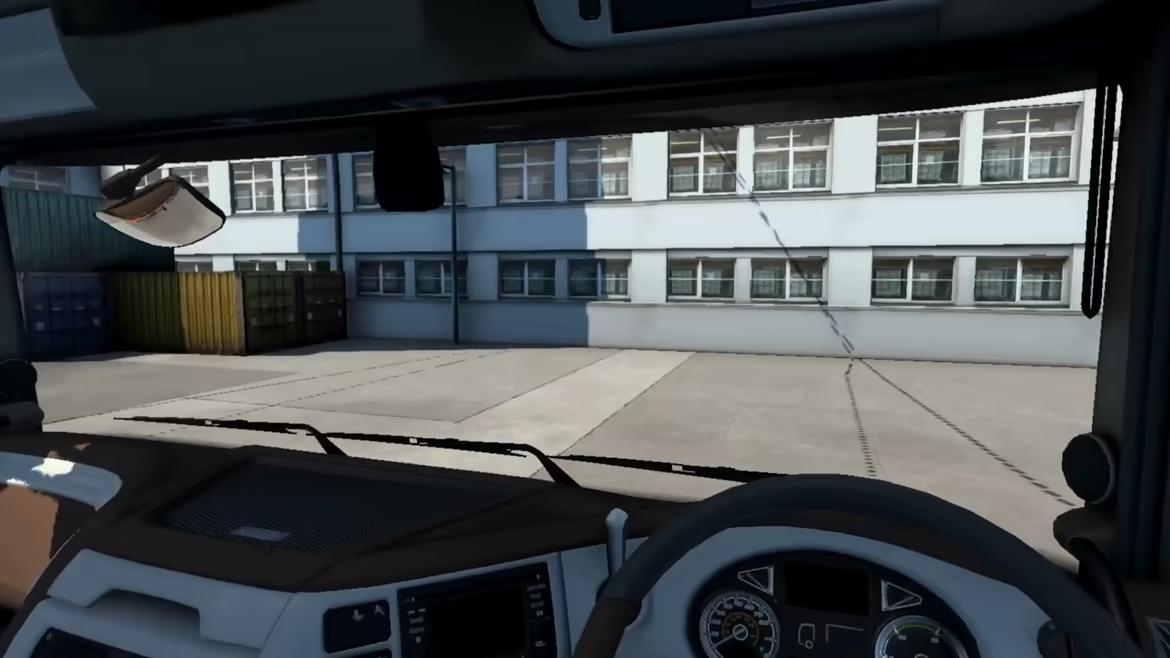
Check side mirrors, watch the road, glance at the dashboard and GPS.
•
Euro Truck Simulator 2
•
American Truck Simulator
•
BeamNG.drive
•
Farming Simulator 25
•
Farming Simulator 22
•
Bus Simulator 21
•
Train Sim World 5
Space Simulation
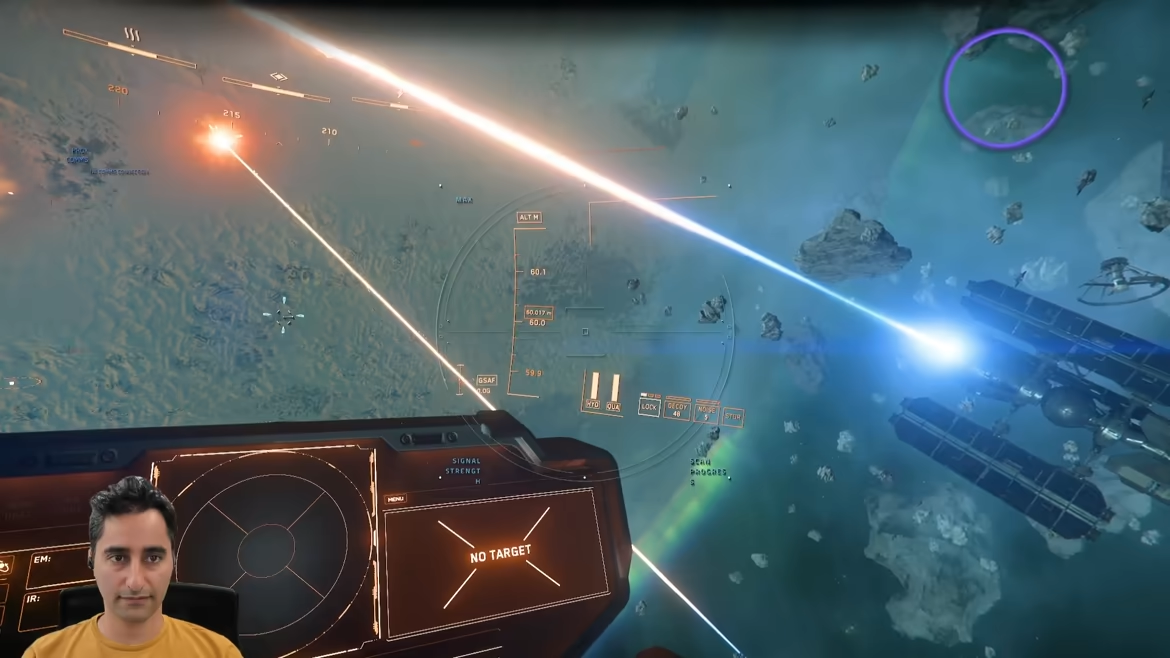
Look around the ship, track targets, check your radar.
•
Star Citizen
•
Elite Dangerous
•
Star Wars: Squadrons
•
X4: Foundations
•
Kerbal Space Program
Flight Simulation
Look around the cockpit, check instruments, scan for traffic and threats.
•
DCS World
•
Nuclear Option
•
Microsoft Flight Simulator 2024
•
Microsoft Flight Simulator 2020
•
Microsoft Flight Simulator X: Steam Edition
•
X-Plane 12
•
X-Plane 11
•
Top Gun: Maverick Expansion
•
IL-2 Sturmovik
•
AeroFly FS 2
Racing Simulation
Check your mirrors, spot the competition, look through the corner. A wider field of view without lifting your hands off the wheel.
•
Le Mans Ultimate
•
Assetto Corsa
•
Assetto Corsa Competizione
•
Automobilista 2
•
F1 25
•
F1 24
•
F1 23
•
F1 22
•
iRacing
•
rFactor 2
•
Project CARS
•
DiRT 3
FPS and Combat
Lean around corners, scan rooms, check your six.
•
War Thunder
•
Arma 3
•
Arma Reforger
•
DayZ
•
Insurgency
Get Started in Minutes
(1) Install Beam → (2) Run the Guided Setup → (3) Launch your game
•
Game setup guides on our website cover every supported game.
•
Support page with troubleshooting for anything else.
IMMERSIVE CAMERA
Webcam Eye Tracking
Eye tracking to control your in-game camera with no dedicated hardware. Supports 60 FPS or higher on compatible webcams for smoother, lower-latency tracking.
6DoF Head Tracking
Yaw, pitch, roll, plus lean forward, sideways, and up. Use it on its own or combined with eye tracking.
Direct Game Camera Control
Games see the Beam Eye Tracker directly. No third-party software running alongside.
Phone as a Webcam
Use your phone via Android or iOS built-in options. For Face ID iPhones, the dedicated Beam Eye Tracker iOS app runs tracking on your phone so your PC stays free.
Hotkeys
Pause, resume, and recenter tracking without leaving your game. Assign any key or button on your peripherals.
Demo Profiles and Community Profiles
Built-in Demo Profiles get you tracking right away. Adjust sensitivity, smoothing, and eye/head blend to match how you play. Access Community Profiles on the Steam Workshop after purchase for a head start.
EYE TRACKING OVERLAY
•
Stream Where You Look: Show viewers exactly what catches your eye in real time. Makes your reactions easier to follow and turns gameplay moments into stronger clips. Customize color, opacity, and size. Hide it on your screen while OBS or Streamlabs captures it.
•
Review Your Focus: Record gameplay with gaze data to spot what you missed. Improve faster.
•
E-Sports Training: The Minimap Awareness Trainer extension helps you build better map-checking habits.
PRODUCTIVITY & PRIVACY
Use eye tracking outside of games:
•
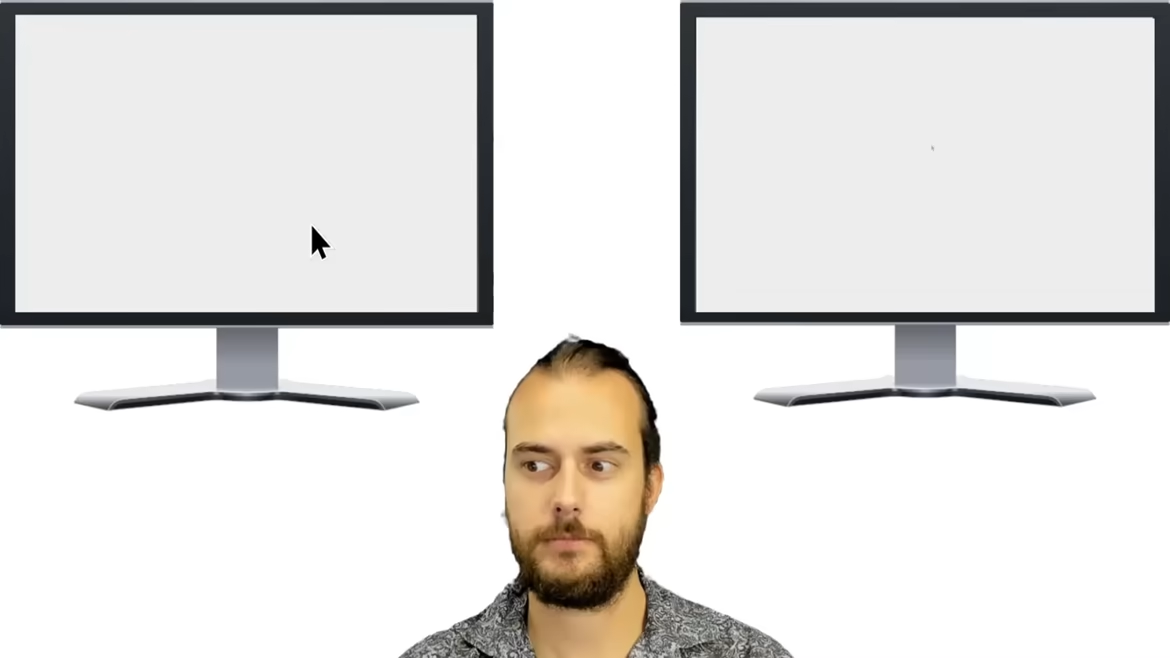
Multi-Screen Pointer: cursor follows your gaze across monitors.
•
Mouse Jump: hotkey teleports your cursor to where you're looking.
•
Privacy Filter: blurs parts of your screen you're not looking at.
•
Presence Detection: locks your screen when you step away.
· · ·
We Protect Your Privacy
All processing happens locally on your device. No biometric data is generated or stored. We're based in Switzerland, home to some of the world's strictest privacy laws.
Frequently Asked Questions
What webcam do I need for the Beam Eye Tracker?
For most users, a standard 720p webcam, built-in or external, is a cost-effective and instant option. It offers solid performance and simple setup at 30 FPS. You can also use free apps that turn your phone into a webcam.
Test the Demo first. Make sure you are happy with the app before buying any hardware. If the demo does not run, contact us for help.
Does the Beam Eye Tracker work with glasses?
Yes. Most users with glasses have no issues. Strong prescriptions or glare from lenses can reduce accuracy slightly, and thick frames may block your eyes at certain angles. If that happens, try positioning your webcam below the monitor instead of above it.
Try the Demo first to see how it works with your glasses.
How do I set up the Beam Eye Tracker with my game?
Most games work automatically. Start the Beam Eye Tracker, launch your game, and the in-game camera will respond to your head and eye movements. A few games (like Star Citizen, F1, and Farming Simulator) need a quick in-game setting change. Check the game setup guides for game-specific instructions.
Does the app collect biometric data?
No, the Beam Eye Tracker does not generate or store any biometric data.
Join the Community
Help shape what we build next. Share feedback on Discord or in the Steam Community Hub. Our SDK is open to developers who want to build their own extensions. Browse the Extensions page on our website to see what's already out there.
Steam data © 2026 Valve Corporation. Trademarks are property of their respective owners.