

 52%Good match
My Dream Setup
92%7k92% positive reviews, Very Positive across 7k reviews·Design & Illustration · Building
—



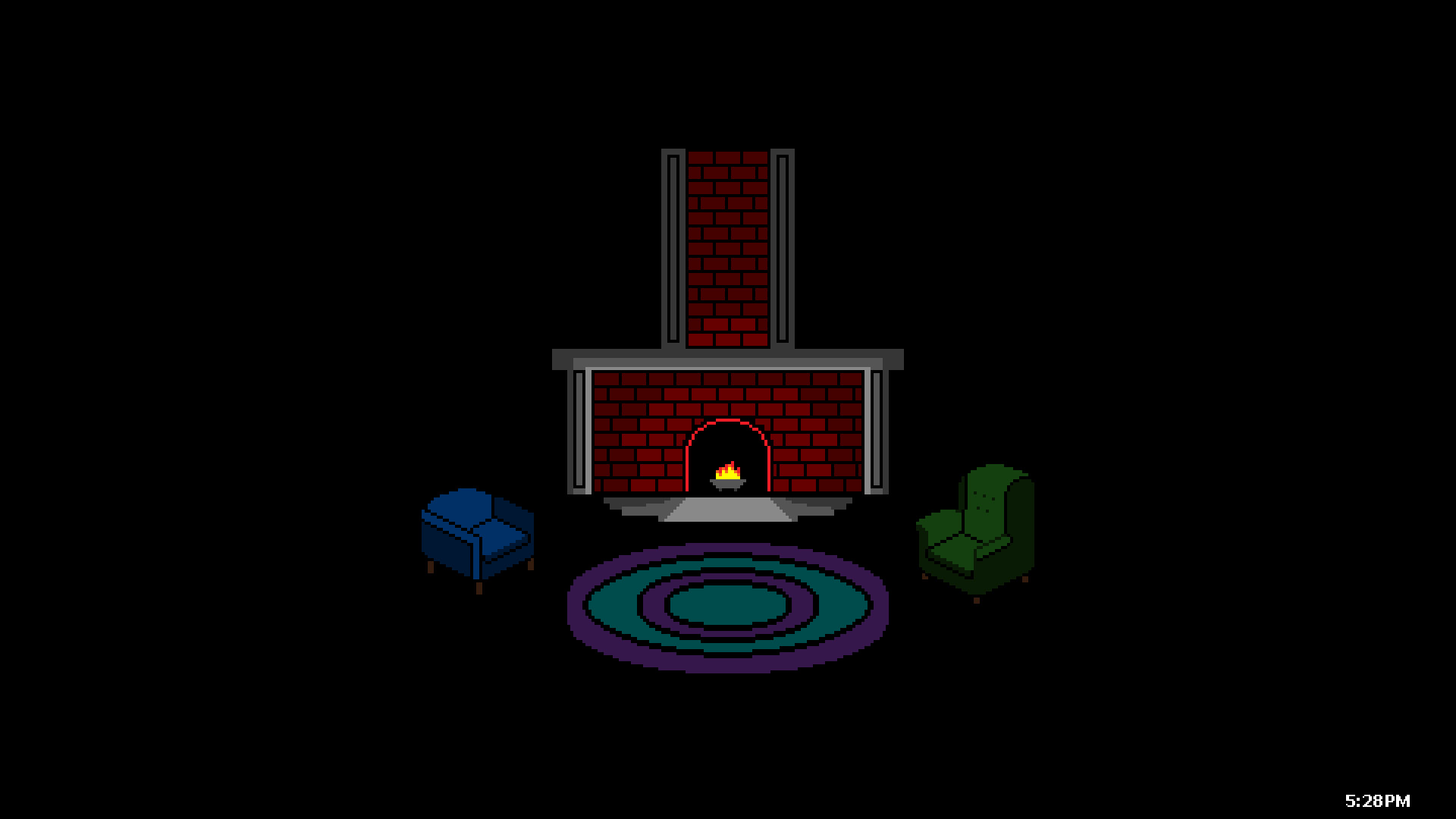



Use the Color Room to change the mood of your room. Use the Decorations Room to widen your real space into the virtual world. Use the Dice Room to take a chance on Abstract Artwork, or something you might recognize...Also, I spent a lot of time on the full description...
Open Colour
SteamMood Lighting The Color of Open Colour comes from the Color Room. The Color Room offers 10 hidden features along with an infinite amount of Color possibilities. Say, you don't want the Color Pattern? No worries! Simply change the Color Tone to meet your needs using the arrow keys.. Say, you don't want the Color to be so bright? No worries! Simply change the Color Brightness using one of the many Color Control's keyboard inputs. Will you find all seven of the hidden Color Rooms? Only time will tell, but the future is clouded... Decorations Open up your real space to the virtual world, or bring the virtual world into your real space using Open Colour's Decorations Room. You can Interact with Decoration Sets as a whole, or use the Decoration Controls to interact with over 100,000 Decoration Variations, from 15 different Decoration Sets. The Decoration Room is perfect for use, night and day… and you might even find a friend along the way... Take a Chance Use the Dice Room to take a chance on seeing over 10 pieces of hidden Abstract Artwork. If you want something a little more recognizable, the Dice Room has over 40 different sprites and over 80 variations for you to display on your Monitor. By using the Dice Room Clock you can keep the time with a unique image to look at. Do you want to take a chance on the Dice Room? Your fortune is written in the stars… Open Colour Open Colour is a great way to have something interesting to show on your computer’s screen. Perfect for use at a party, while your working, or anytime you’re around your computer. You can always keep the time using one of Open Colour’s 5 different Clocks, which offer a variety of different locations to be displayed at. Don’t like time? Use the Clock Settings to turn the Clocks off Use the Color Room to change the mood of your room. Use the Decorations Room to widen your real space into the virtual world. Use the Dice Room to take a chance on Abstract Artwork, or something you might recognize. Open Colour, the perfect enhancer for your real space.
Steam data © 2026 Valve Corporation. Trademarks are property of their respective owners.
All matches
Finding similar games…
My Dream SetupShares Design & Illustration , adds Building92% · 7k positive reviews52%Good match—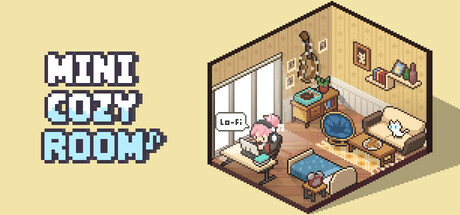 Mini Cozy Room: Lo-FiShares Pixel Graphics , adds Cozy97% · 4k positive reviews49%Loose match—
 Unbox the RoomShares Design & Illustration · Pixel Graphics , adds Relaxing83% · 266 positive reviews49%Loose match—
 Doors: ParadoxShares Indie · Casual , adds Puzzle91% · 2k positive reviews48%Loose match—
 MakeRoomShares Design & Illustration , adds Immersive Sim94% · 1k positive reviews48%Loose match—
 Scriptorium: Master of ManuscriptsShares Design & Illustration , adds Medieval98% · 1k positive reviews47%Loose match—
All matches
The best games like Open Colour are My Dream Setup, Mini Cozy Room: Lo-Fi, Unbox the Room, Doors: Paradox, and MakeRoom.
Match on: filter matches for Open Colour by tag