



 68%Strong match
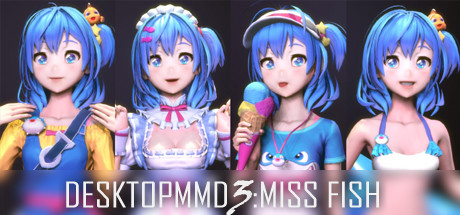
DesktopMMD3:Miss Fish
71%24571% positive reviews, Mostly Positive across 245 reviews·Anime · Nudity
—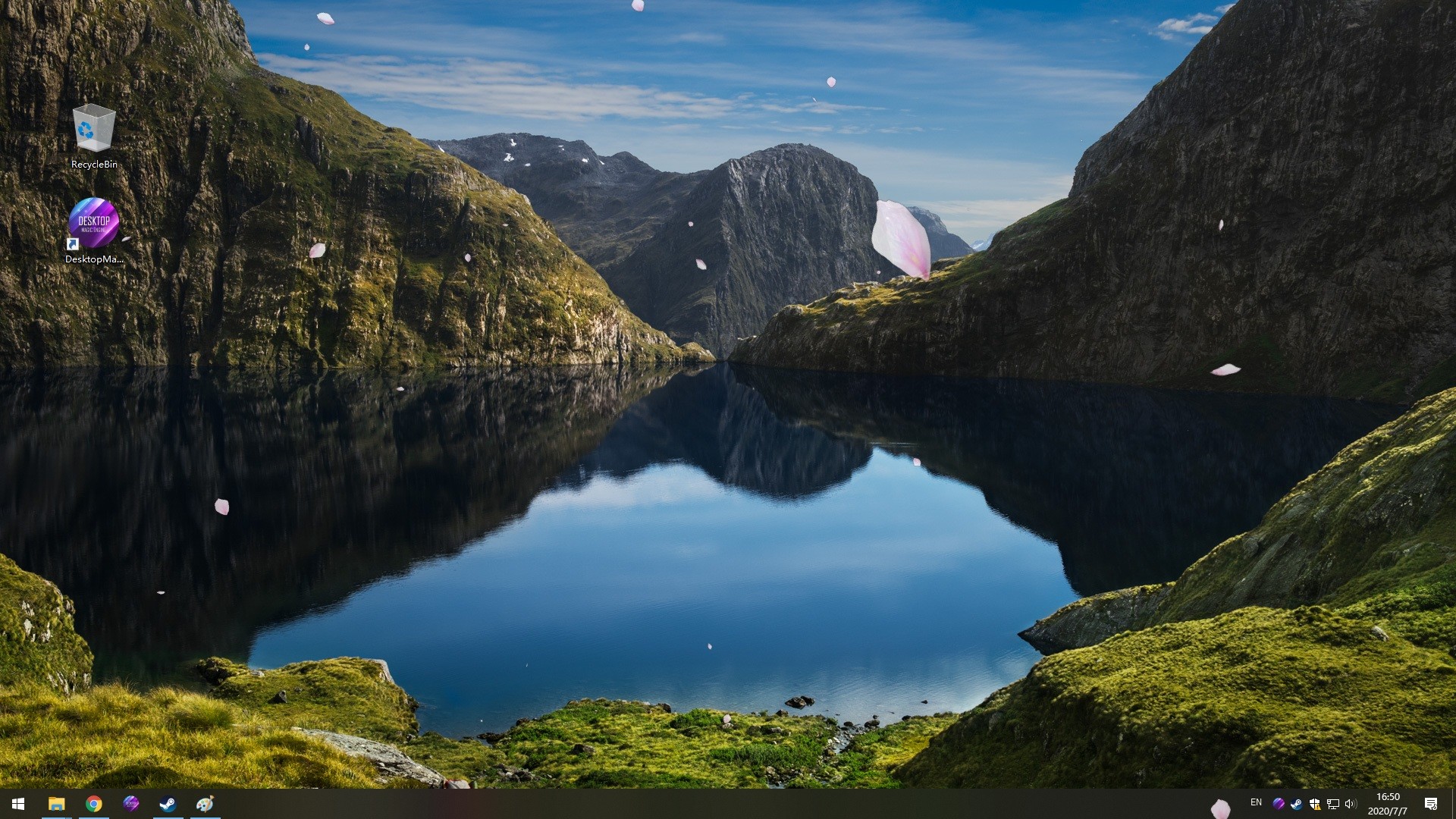
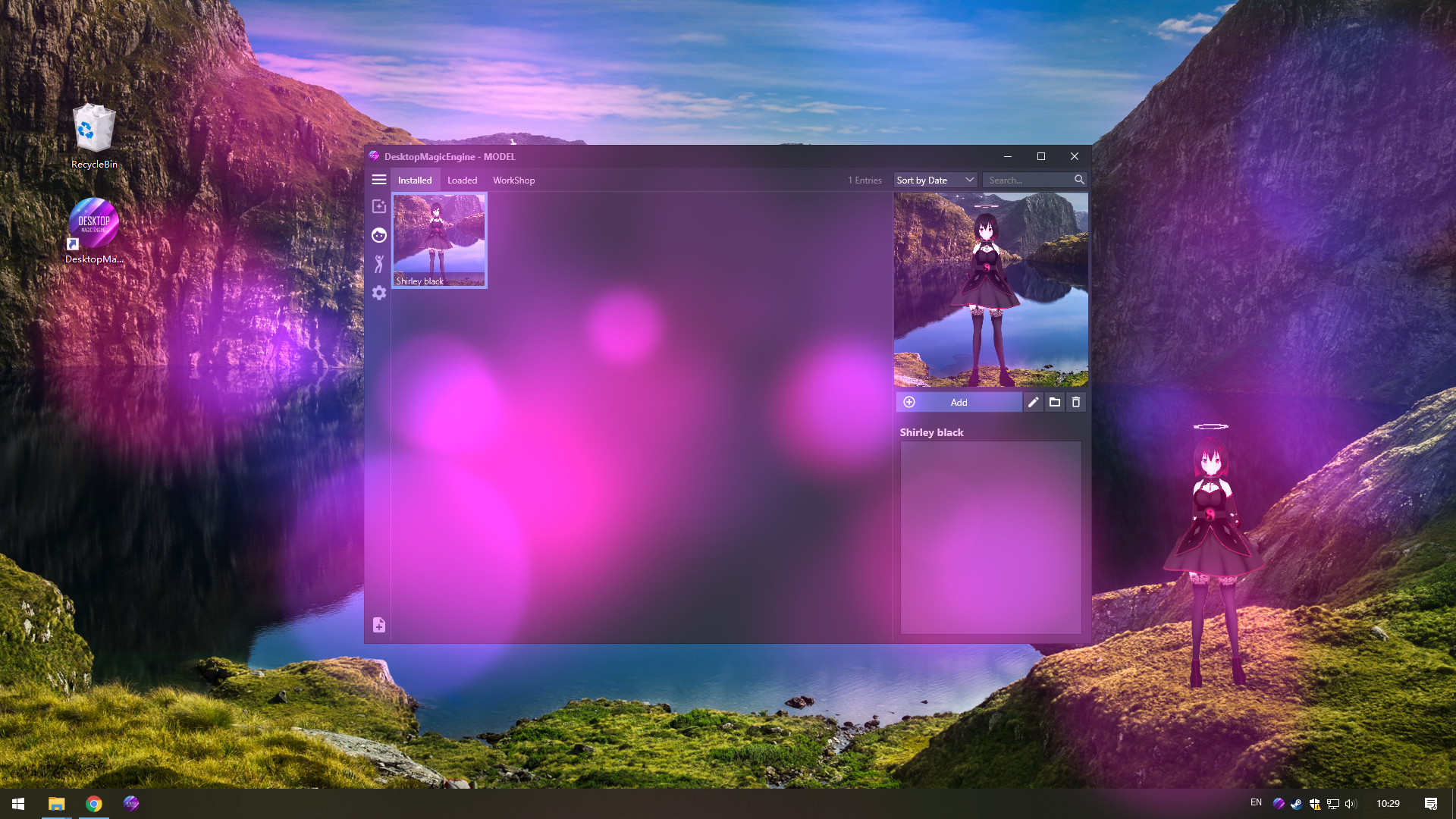
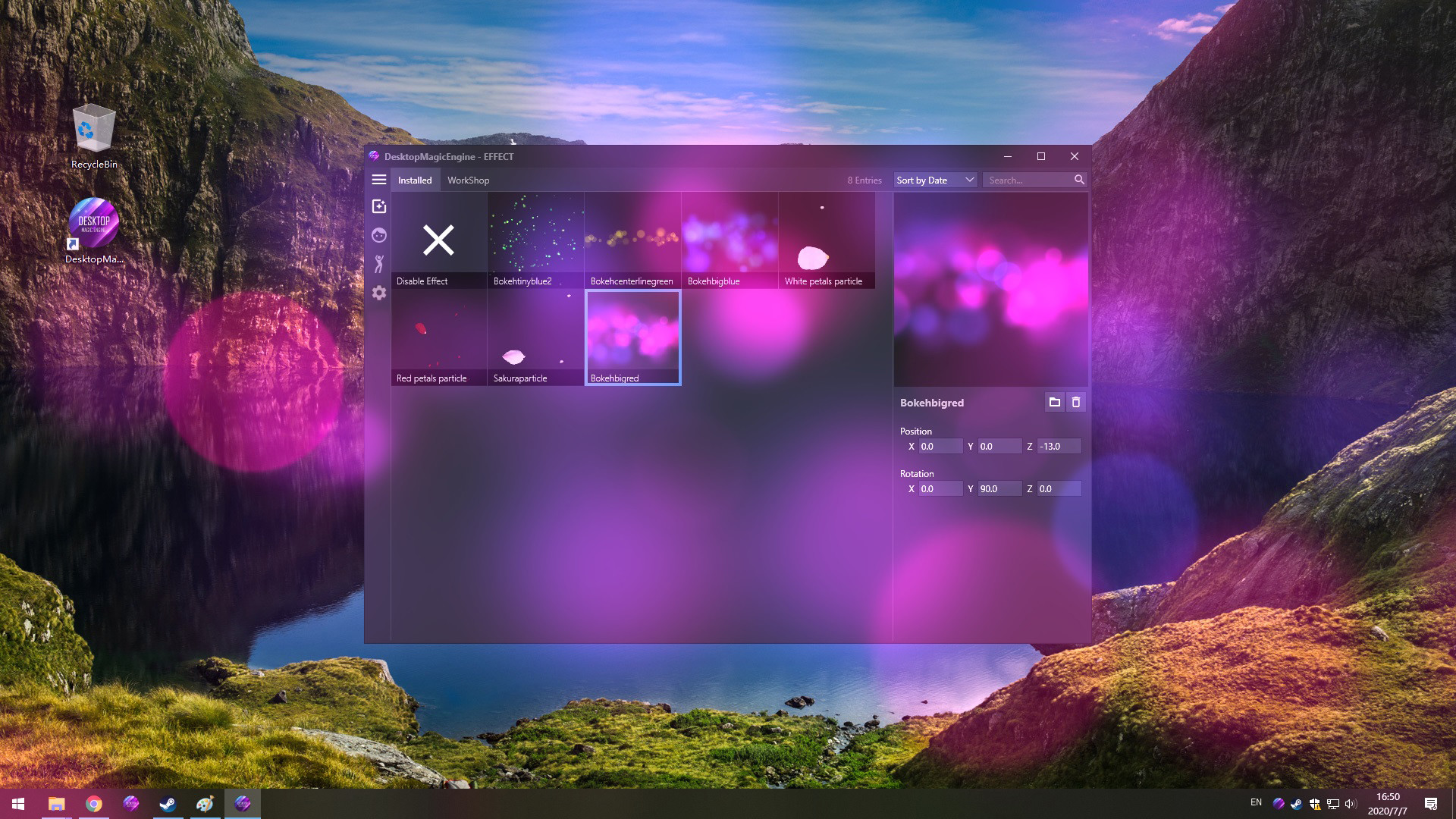
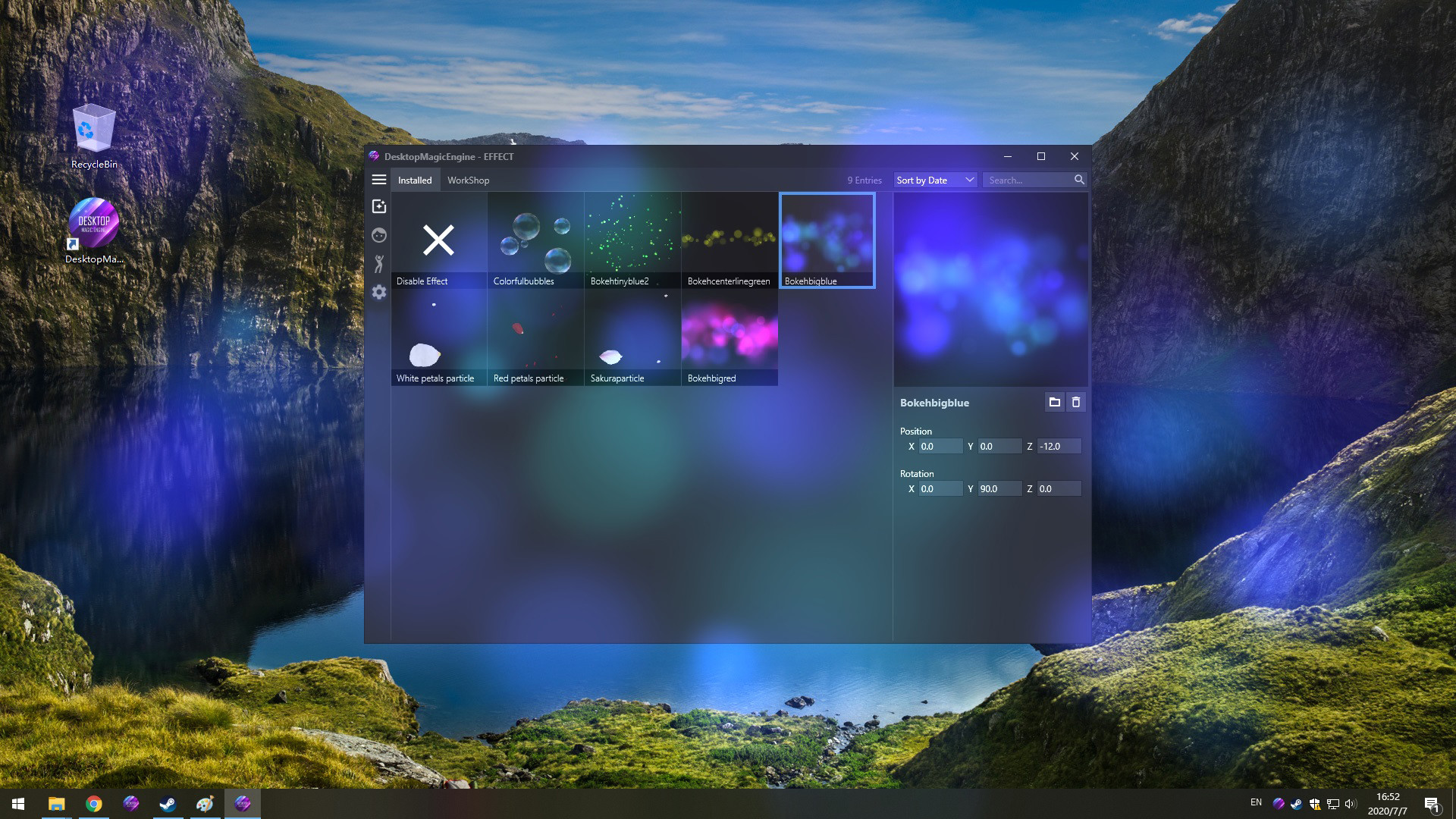
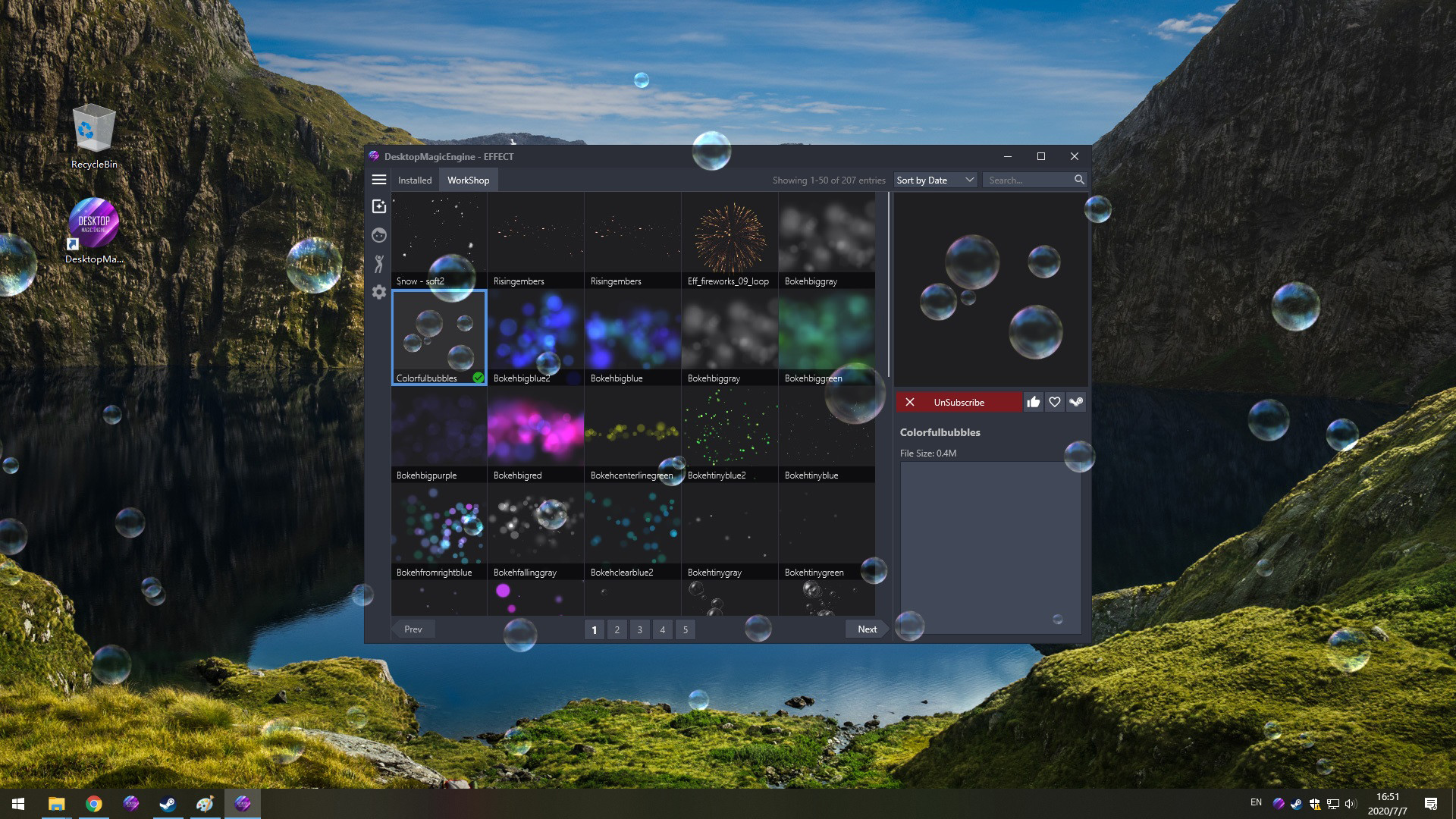
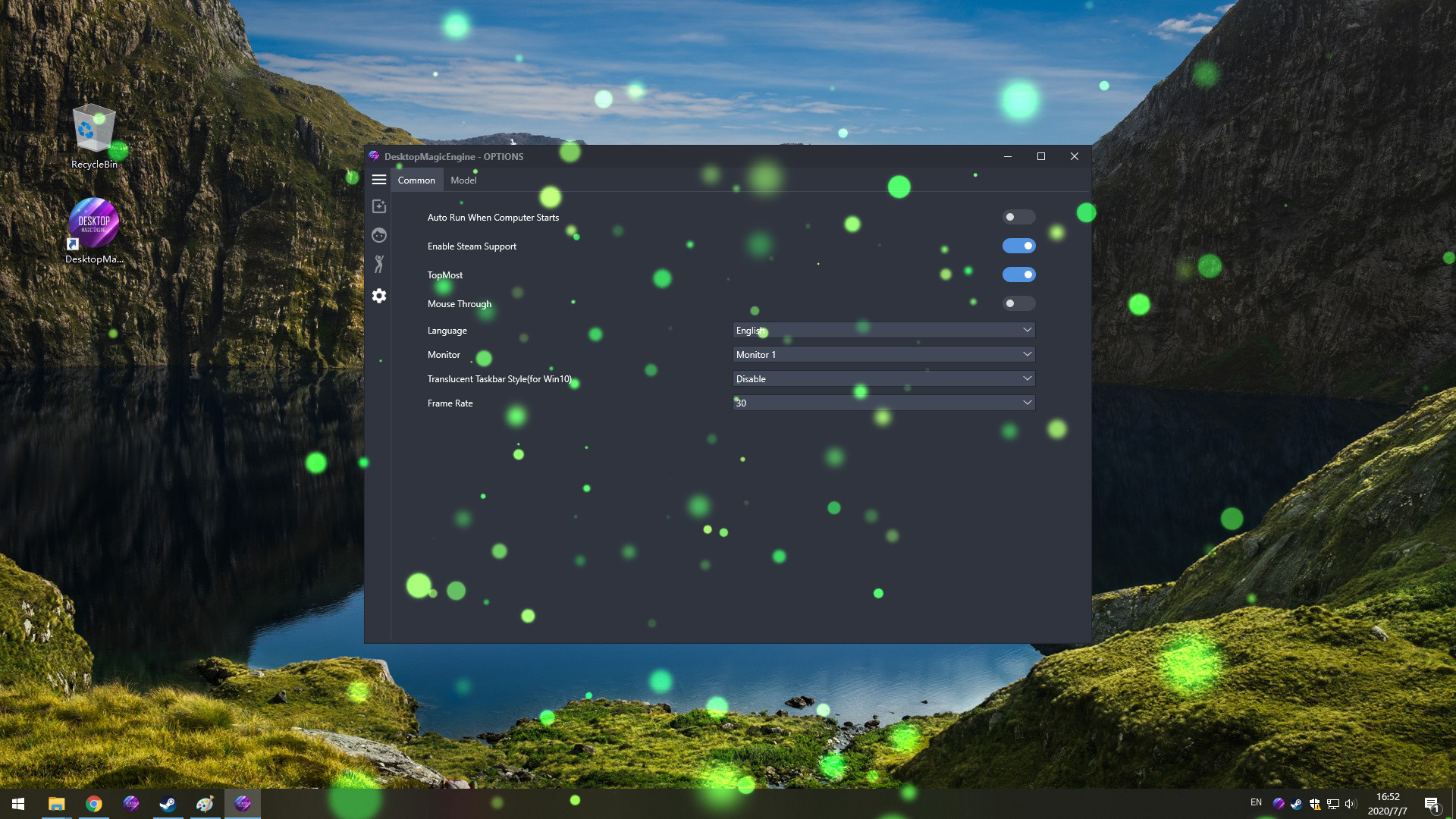
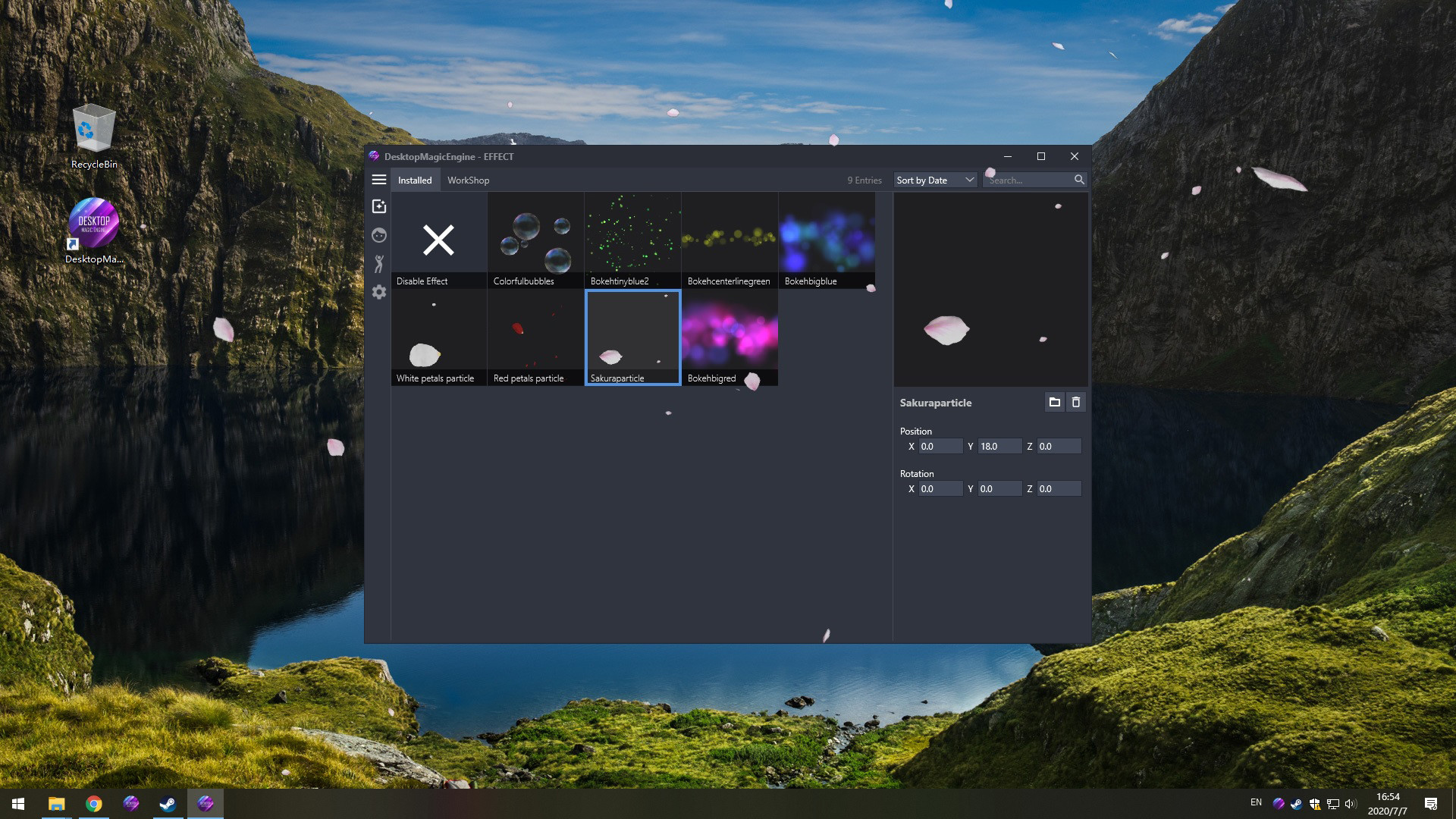
DesktopMagicEngine is the second generation of DMMD,With the help of new AI Technology, you can now have a living and dancing cute girl with amazing effects on your desktop! She will always be with you, even while having other windows open. Supports STEAM workshop.
Buy “DesktopMagicEngine” now and Get "DesktopMMD4: Born to Dance"
1. Try to close all models at "Manage Model">"Loaded", and restart DME from Tray Icon Menu 2. Try to exit DME from Tray Icon Menu and Click the "Verify integrity of game files" on Steam Library 3. Try to exit DME from Tray Icon Menu and Delete the cache file DesktopMagicEngine/AppData/Cache, then restart software 4. Try to exit DME from Tray Icon Menu and Delete the file DesktopMagicEngine/AppData/Themes/Default/theme.json, then restart software
DesktopMagicEngine is the second generation of DMMD,With the help of new AI Technology, you can now have a living and dancing cute girl with amazing effects on your desktop! She will always be with you, even while having other windows open. Supports STEAM workshop.
DesktopMagicEngine is NOT a live wallpaper,So it compatible with all other software and live wallpapers such as Wallpaper Engine or RainWallpaper.
================================================================================ Q: How to add model to desktop? A: You need subscribe models from STEAM Workshop first at "Manage Model">"Workshop" , and then load model at "Manage Model">"Installed" list. Q: Why is my background all black on some computers? A: You can press the "Win" key to pop up the taskbar, and then proceed to the following operations: 1. Open the Nvidia panel and select [manage 3D settings] on the left 2. [multi frame sampling AA (MFAA)] and [smoothing fxaa] in the right side are changed to [off] 3. Close the application to solve the problem of game black screen. Q: Why can not display model on desktop sometimes? A: Some PMX models crash DME,just need close all models in "Manage Model">"Loaded" List and restart DME from tray icon popupmenu. Q: How to import PMX model into DME? A: Drag and drop .PMX model file into DME "Manage Model">"Installed" List Box, the model will auto display on your desktop. Q: How to Hiding "Now Playing Destop Magic Engine" from Steam status? A: Right click tray icon and select menu item "Preferences" and uncheck the "Enable Steam Support", and restart app from tray icon menu. Q: How to set the model to HD texture? How to modify the drawing quality of the model? A: To save RAM, the model defaults to low-quality textures. You can switch to HD mode: right-click the model and select the menu item "Edit" in the "Manage Model"> "Installed" list, and select "Graphic Quality" as "Hight" in the edit window. Then reload the model
Steam data © 2026 Valve Corporation. Trademarks are property of their respective owners.
All matches
Finding similar games…
DesktopMMD3:Miss FishShares Anime · Relaxing · Cartoon , adds Cartoony71% · 245 positive reviews68%Strong match— DesktopMMD4:Born to DanceShares Animation & Modeling · Audio Production · Anime , adds Cartoony76% · 252 positive reviews65%Strong match—
 Digital MateShares Animation & Modeling · Design & Illustration · Anime74% · 395 positive reviews58%Good match—
 Wallpaper EngineShares Animation & Modeling · Design & Illustration · Anime , adds First-Person98% · 1.0m positive reviews56%Good match—
 Energy Engine PC Live WallpaperShares Design & Illustration · Beautiful , adds Experimental62% · 343 positive reviews55%Good match—
 Live Wallpaper MasterShares Animation & Modeling · Design & Illustration , adds Photo Editing73% · 601 positive reviews51%Good match—
All matches
The best games like Desktop Magic Engine are DesktopMMD3:Miss Fish, DesktopMMD4:Born to Dance, Digital Mate, Wallpaper Engine, and Energy Engine PC Live Wallpaper.
Match on: filter matches for Desktop Magic Engine by tag