



 66%Strong match
GizmoVR Video Player
63%44663% positive reviews, Mixed across 446 reviews·VR · 360 Video
—
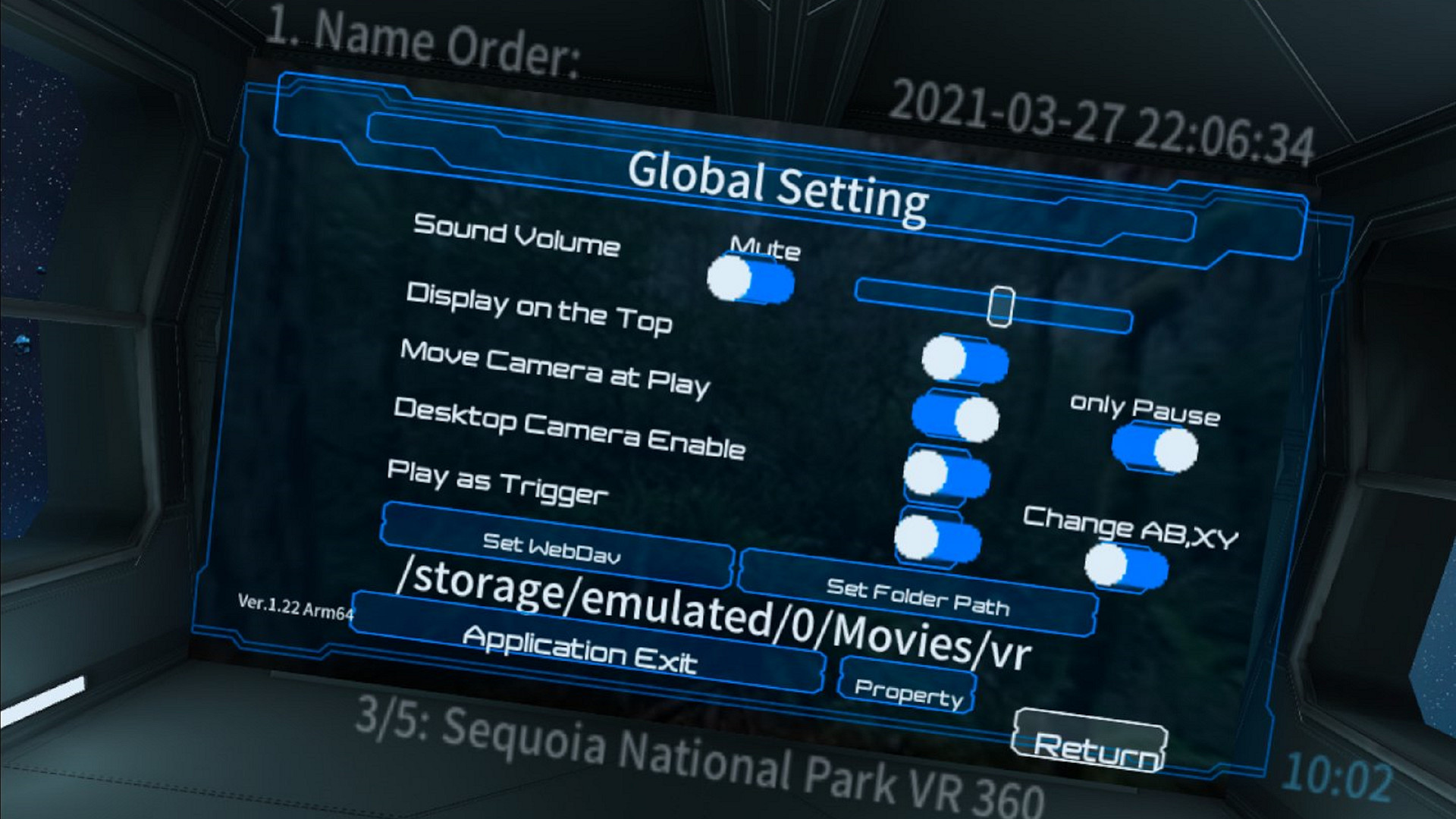
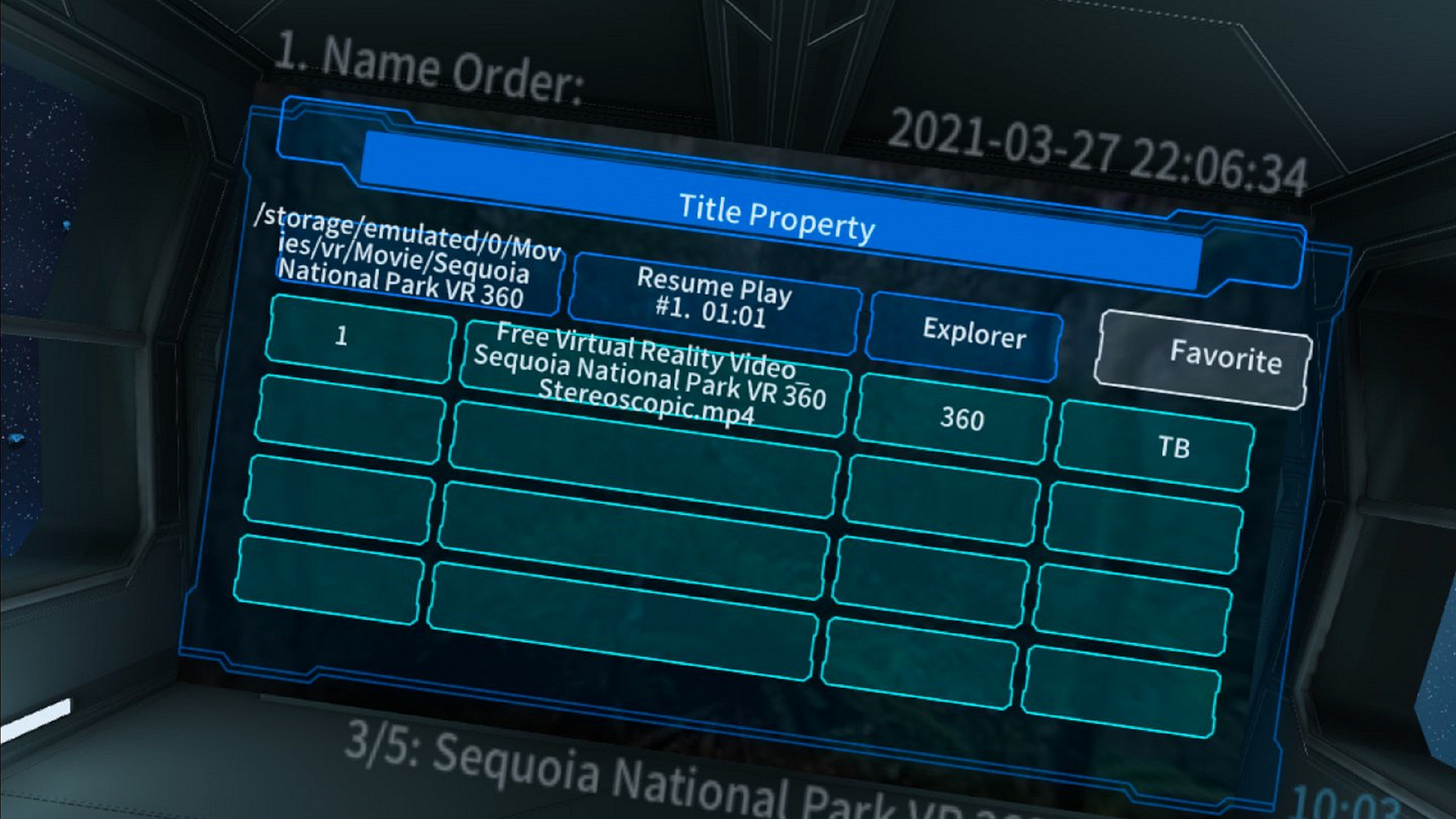
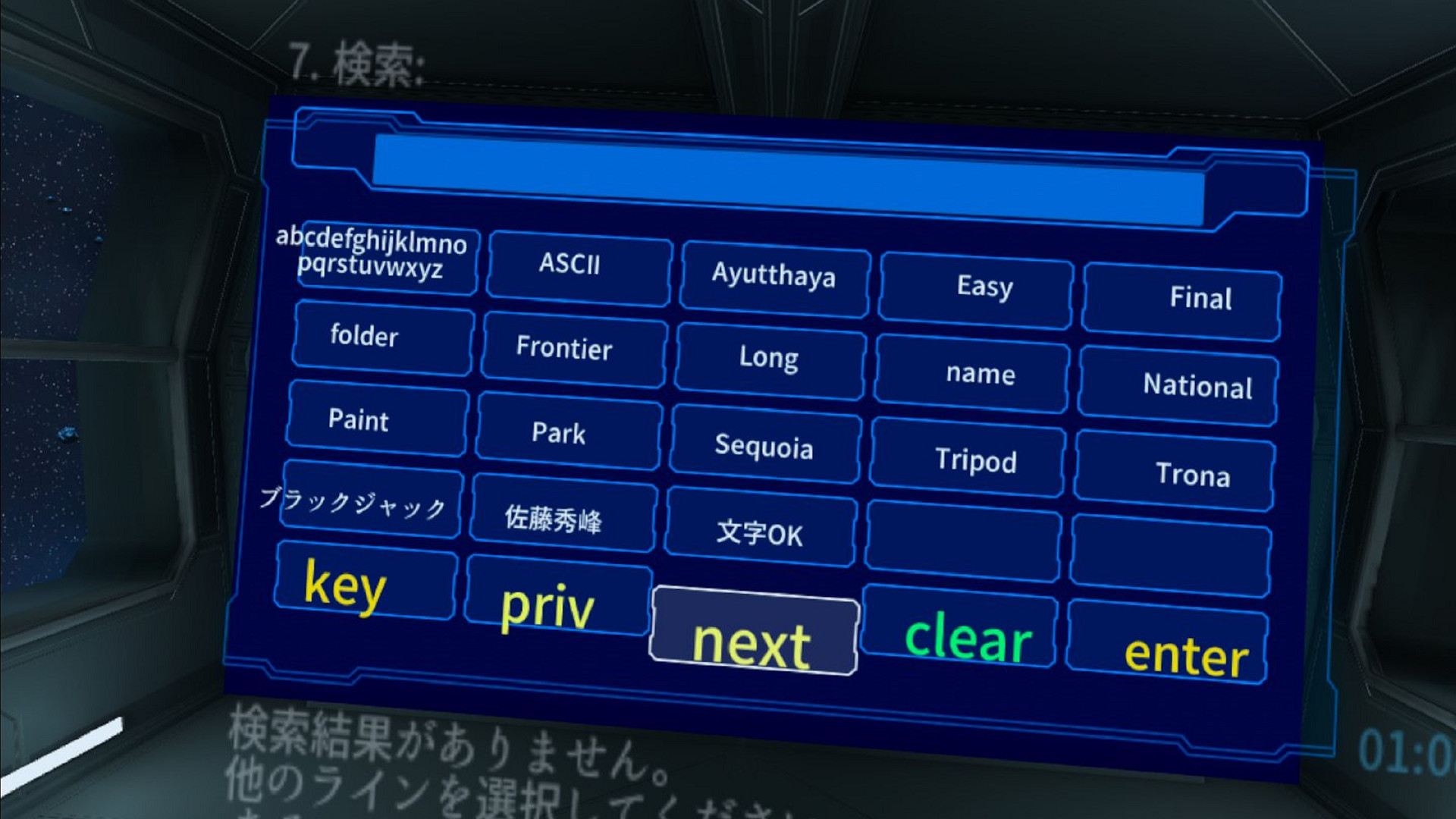
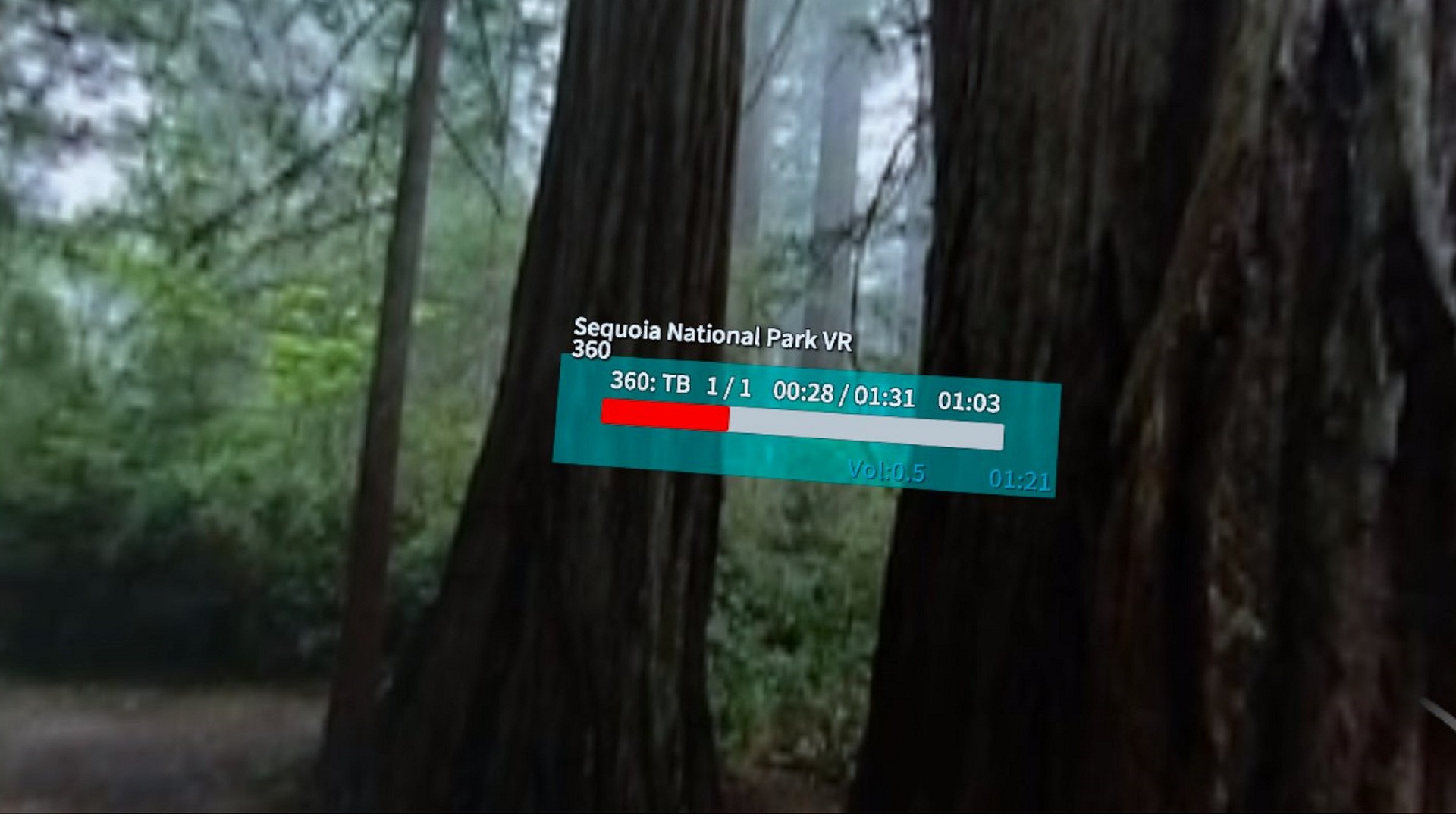
Play multiple VR movie titles saved on your PC or WebDAV server as if they were a single movie file. and You can also browse still images and comic books (zip, cbz). A keyboard or XBox game controller, Oculus Touch is available.
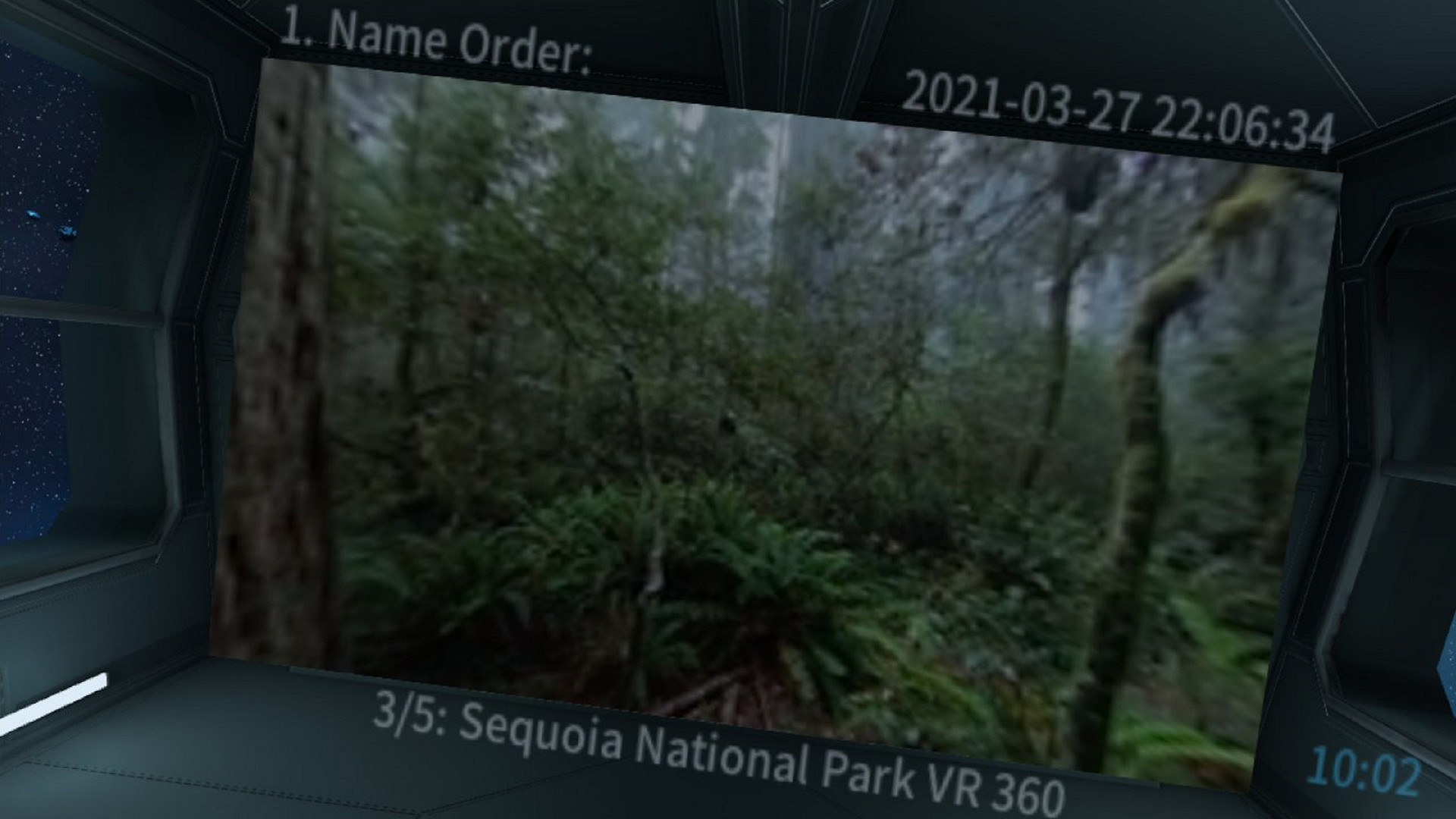
Multiple VR movie files saved in each folder on your PC can be played back in folders like a single VR work. You can also display still image (jpg, png) or comic book (zip, cbz) files. Supports Oculus Touch, keyboard and Xbox game controller. When operating for Rift, it is recommended to use Open Composite. The evaluation version and Quest2 version are available on our website.
Video supports VR360, VR180, 2D and Side by Side (LR), Top & Bottom (Over Under), and Mono video formats. Add support for FishEye 180 Side by Side. The extension of supported movie file names is mp4. It supports jpg and png for still images and zip and cbz for comic books.
If there is a still image file in the folder in addition to the video, it will be treated as a video playback folder, but the first file found will be used as a thumbnail of that folder and displayed on the screen of the SciFI theater room. For folders and comic books that have only still images, the still image display mode is set when playback starts. The playback order of videos and still images is the order of file names displayed in Explorer.
It is equipped with a favorite registration function, unplayed title display, history function, and search function. You can also move the viewpoint and change the orientation while the video is playing. There is a ceiling display mode, and you can operate and view it while lying on your back. Since it does not use a laser pointer method, there is no need to raise your arm while lying on your back.
In playback mode, you can change the aspect and format of your video by double-clicking the D-Pad Up / Down button on your Xbox game controller or from the radial menu. You can also specify the video format in advance in the properties dialog.
A single click of the D-Pad Up / Down button will display the video title and help screen.
In the setting dialog, if you set the playback start with a trigger, or if you enable the camera movement only during the pause in the movement of the left and right sticks, you can also change the setting to normally be a trick play operation. Also, if you enable swapping of AB and XY and set the movement only during the pause at the same time, the operation with Oculus Touch will be easier.
Steam data © 2026 Valve Corporation. Trademarks are property of their respective owners.
All matches
Finding similar games…
GizmoVR Video PlayerShares Video Production · 360 Video · VR Only , adds VR63% · 446 positive reviews66%Strong match— Simple VR Video PlayerShares Video Production · VR Only , adds VR69% · 347 positive reviews65%Strong match—
 Whirligig Media PlayerShares Video Production · 360 Video , adds VR80% · 489 positive reviews59%Good match—
 Virtual Desktop ClassicShares VR Only , adds VR69% · 2k positive reviews58%Good match—
 HereSphere VR Video PlayerShares Video Production · 360 Video · VR Only , adds VR87% · 207 positive reviews57%Good match—
 OVR Advanced SettingsShares VR Only , adds VR92% · 5k positive reviews57%Good match—
All matches
The best games like Channel Player are GizmoVR Video Player, Simple VR Video Player, Whirligig Media Player, Virtual Desktop Classic, and HereSphere VR Video Player.
Match on: filter matches for Channel Player by tag