

 51%Good match
001 Game Creator: 2026 Edition
77%29977% positive reviews, Mostly Positive across 299 reviews·Game Development · Animation & Modeling
—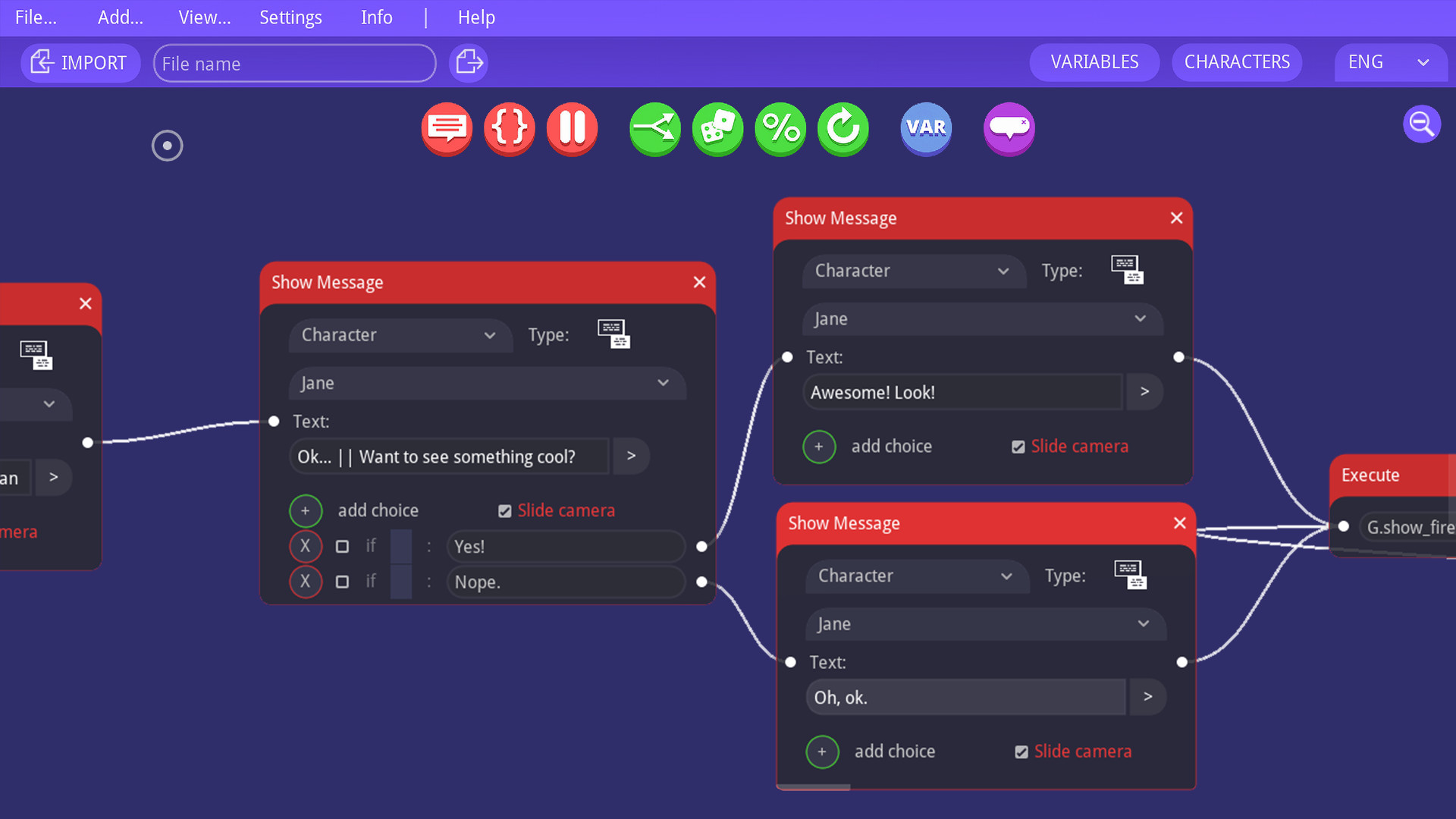
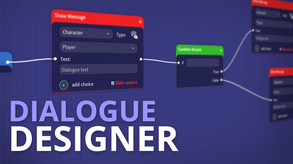
A branching dialogue and storylines editor for game developers. Designed for non-programmers (no coding experience required). Can be used with any game engine / framework supporting JSON files.
A powerful (but easy to use) branching dialogue editor designed for story-driven games like RPGs and Visual Novels. Create complex non-linear data structures in seconds, no programming experience required! Works with Unity, Unreal 4, Godot, Construct 3, GameMaker Studio 2 and many more!
No license required. Pay once, and it's yours forever (along with any future updates). ----------- FEATURES:
The editor was created for non-programmers. It is easy to understand and navigate. It is also fast and lightweight - it runs smoothly even on less powerful PCs.
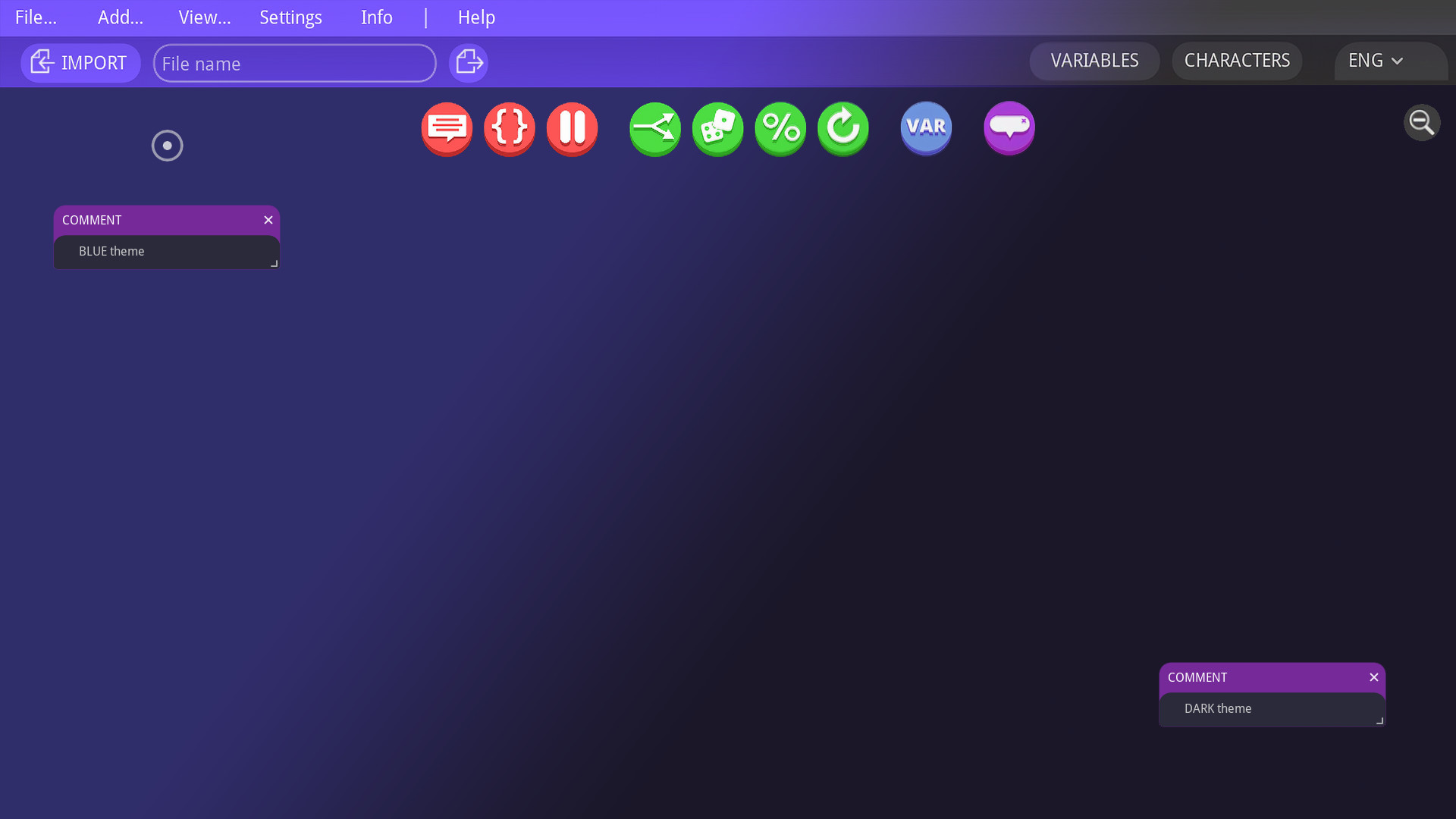
Minimalistic, highly usable interface. Two themes available: Blue and Dark.
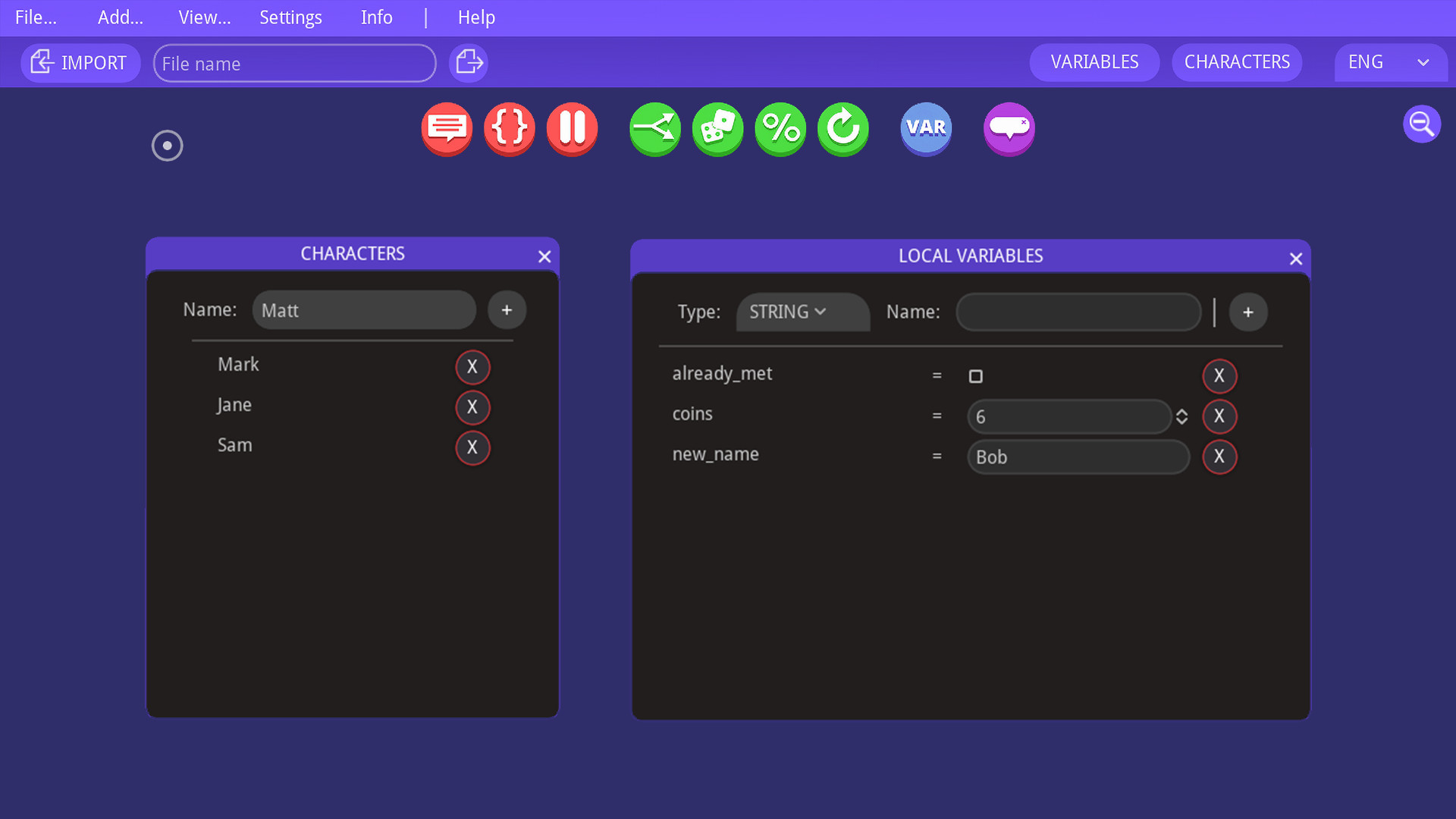
The editor includes a characters database and local variables database (strings, integers, booleans). They are incredibly helpful in organising the dialogue and keeping track of player's progress.
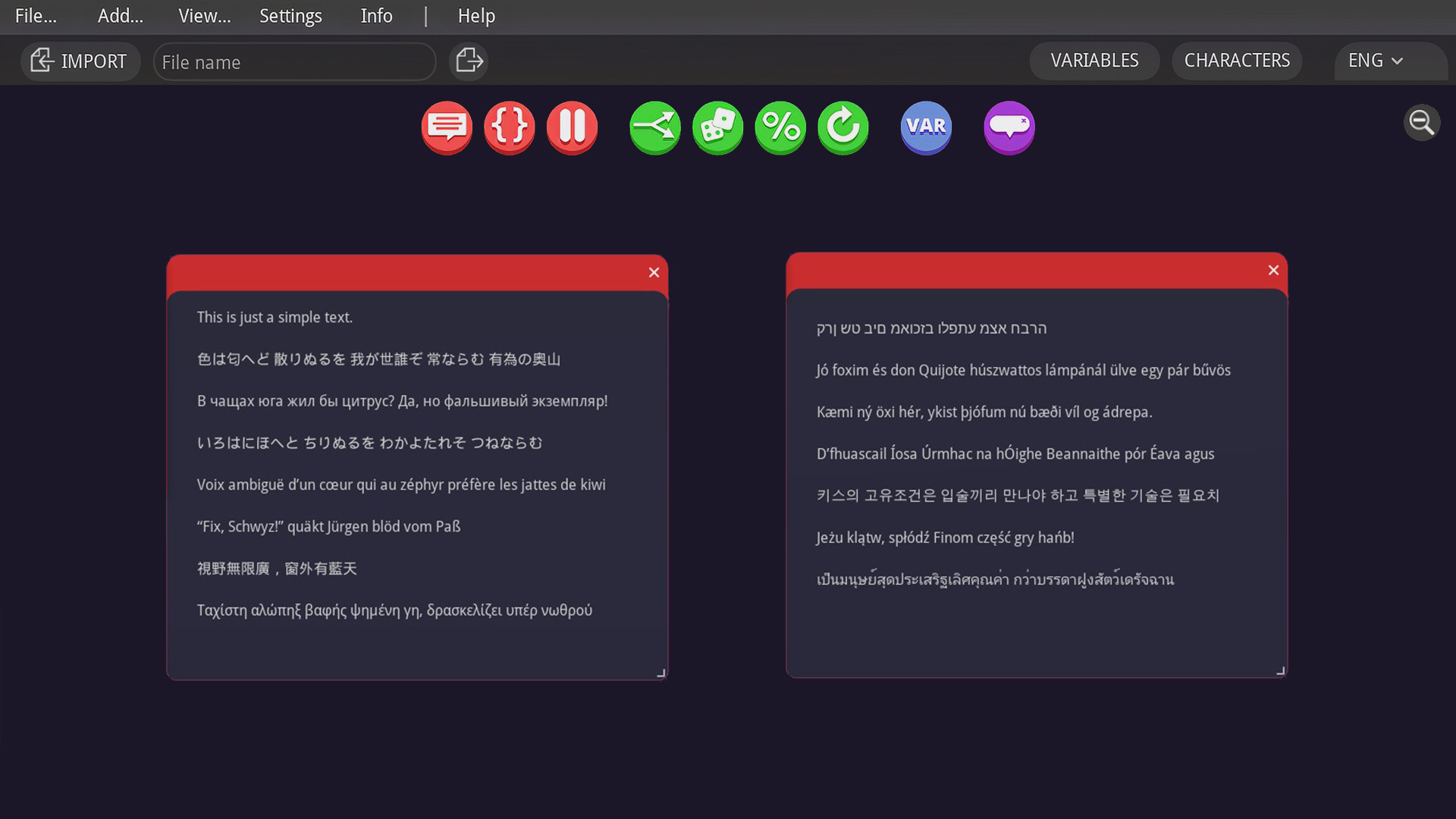
Change the dialogue language by selecting it from a drop-down menu. There are no limits for the amount of languages you can use.
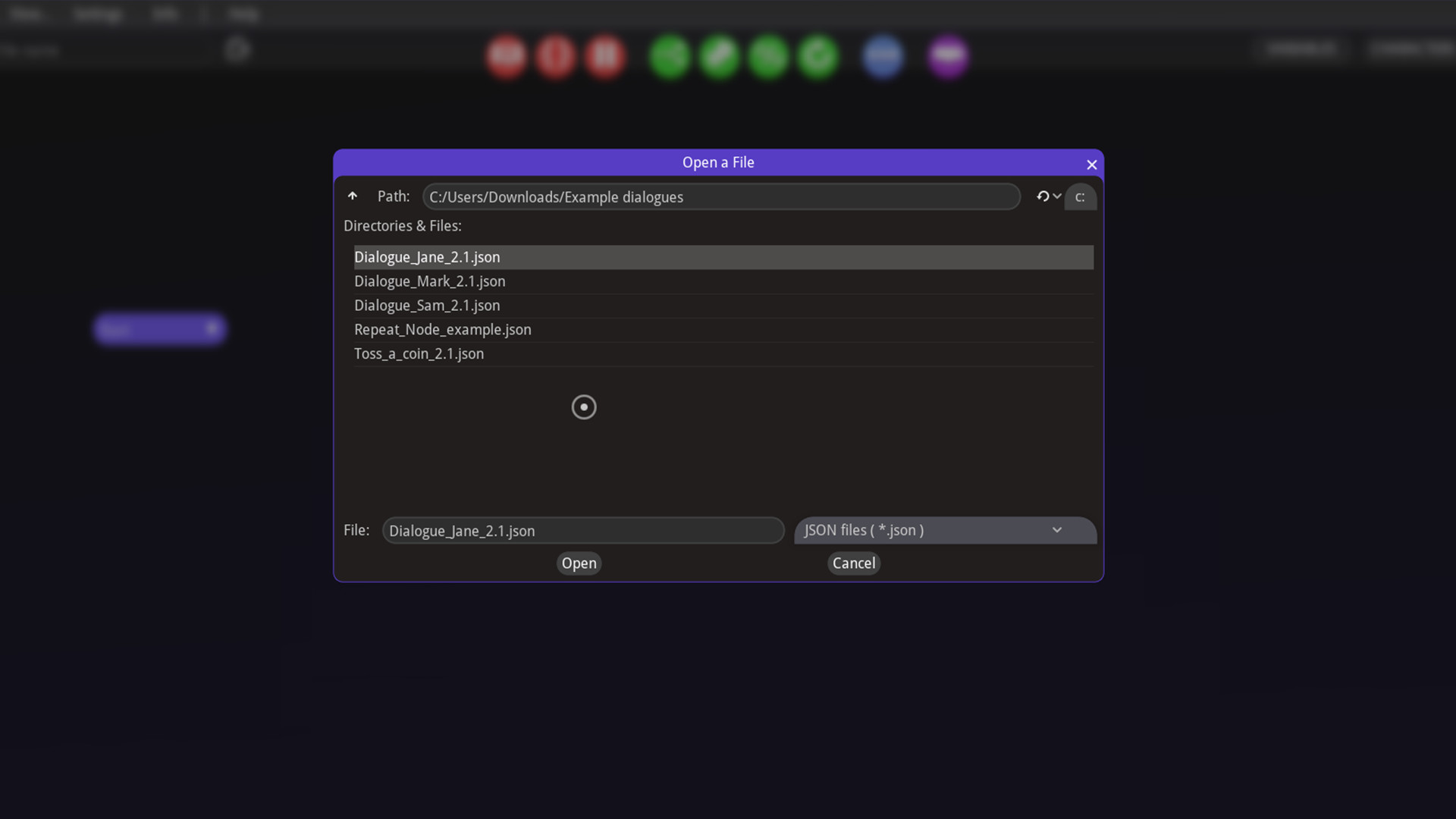
Export your dialogue with one click to a JSON text file. JSON files are simple text files, which are easy to read by a human (one like you!). In it, each key is assigned a set of values, for example: character: "Matt", message: "Hello!", is_happy_to_see_you: TRUE That way it is very simple to import into your favourite game engine or framework, most of which already have lots of tutorials and plugins for importing JSON files and creating dialogues using them.
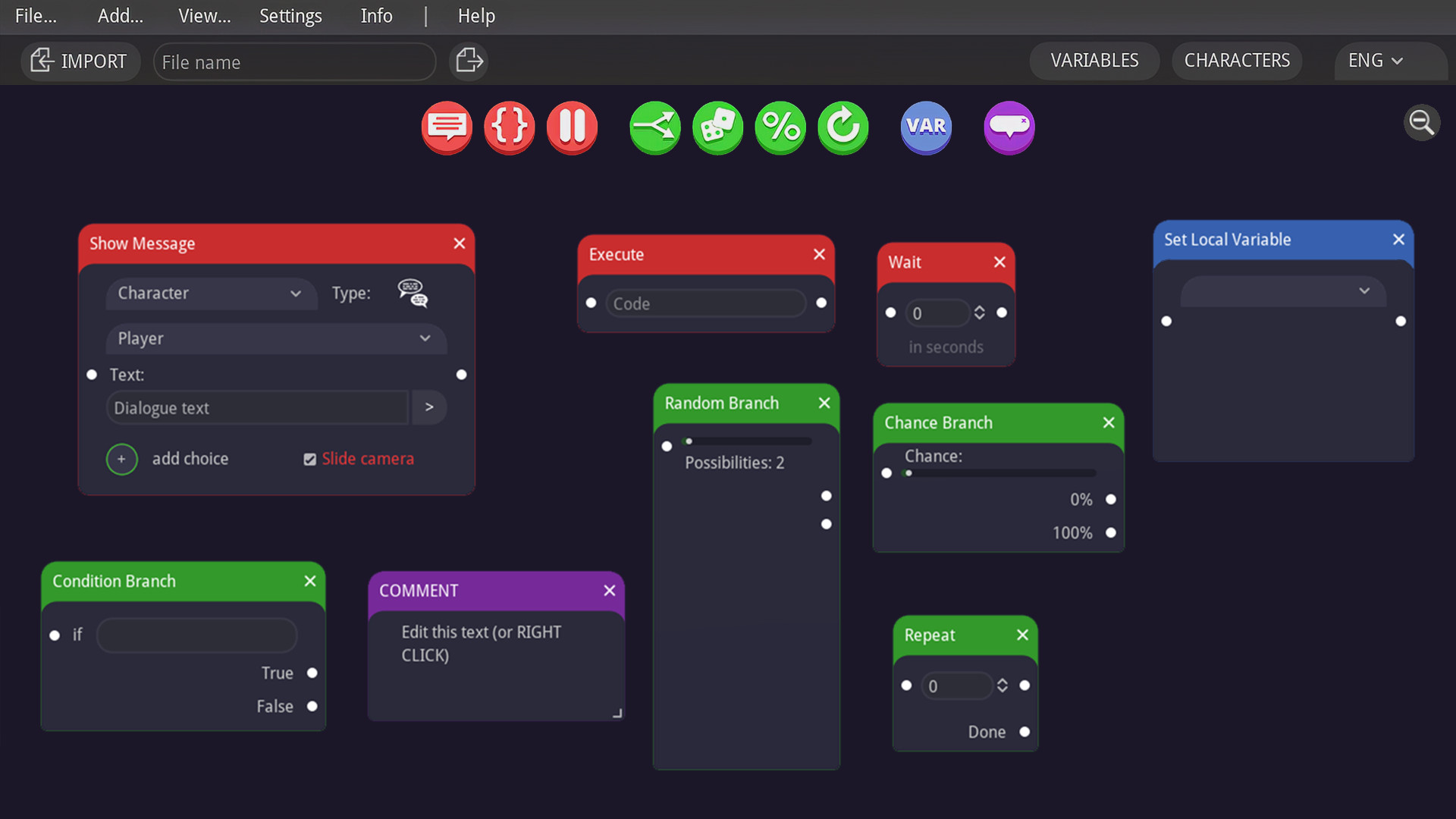
The above usage of each node is just a proposition, you can easily repurpose each node to suit your needs. ----------- See the documentation if you need more help or contact me and ask a question!
Steam data © 2026 Valve Corporation. Trademarks are property of their respective owners.
All matches
Finding similar games…
001 Game Creator: 2026 EditionShares Game Development · Design & Illustration · Education , adds Web Publishing77% · 299 positive reviews51%Good match— SMILE GAME BUILDERShares Game Development · Design & Illustration , adds Web Publishing85% · 286 positive reviews51%Good match—
 TyranoBuilder Visual Novel StudioShares Game Development · Visual Novel , adds Anime85% · 852 positive reviews50%Good match—
 RPG in a BoxShares Game Development · Design & Illustration , adds Animation & Modeling93% · 481 positive reviews49%Loose match—
 Leadwerks Game Engine 5Shares Game Development · Design & Illustration · Education , adds Animation & Modeling73% · 402 positive reviews49%Loose match—
 S2ENGINE HDShares Game Development · Design & Illustration · Education , adds Animation & Modeling73% · 291 positive reviews48%Loose match—
All matches
The best games like Dialogue Designer are 001 Game Creator: 2026 Edition, SMILE GAME BUILDER, TyranoBuilder Visual Novel Studio, RPG in a Box, and Leadwerks Game Engine 5.
Match on: filter matches for Dialogue Designer by tag