


 56%Good match
Pixel Puzzles Ultimate Jigsaw Puzzles
84%53484% positive reviews, Very Positive across 534 reviews·Puzzle · Board Game
—
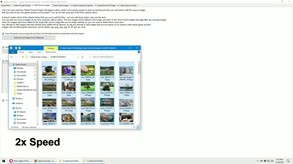
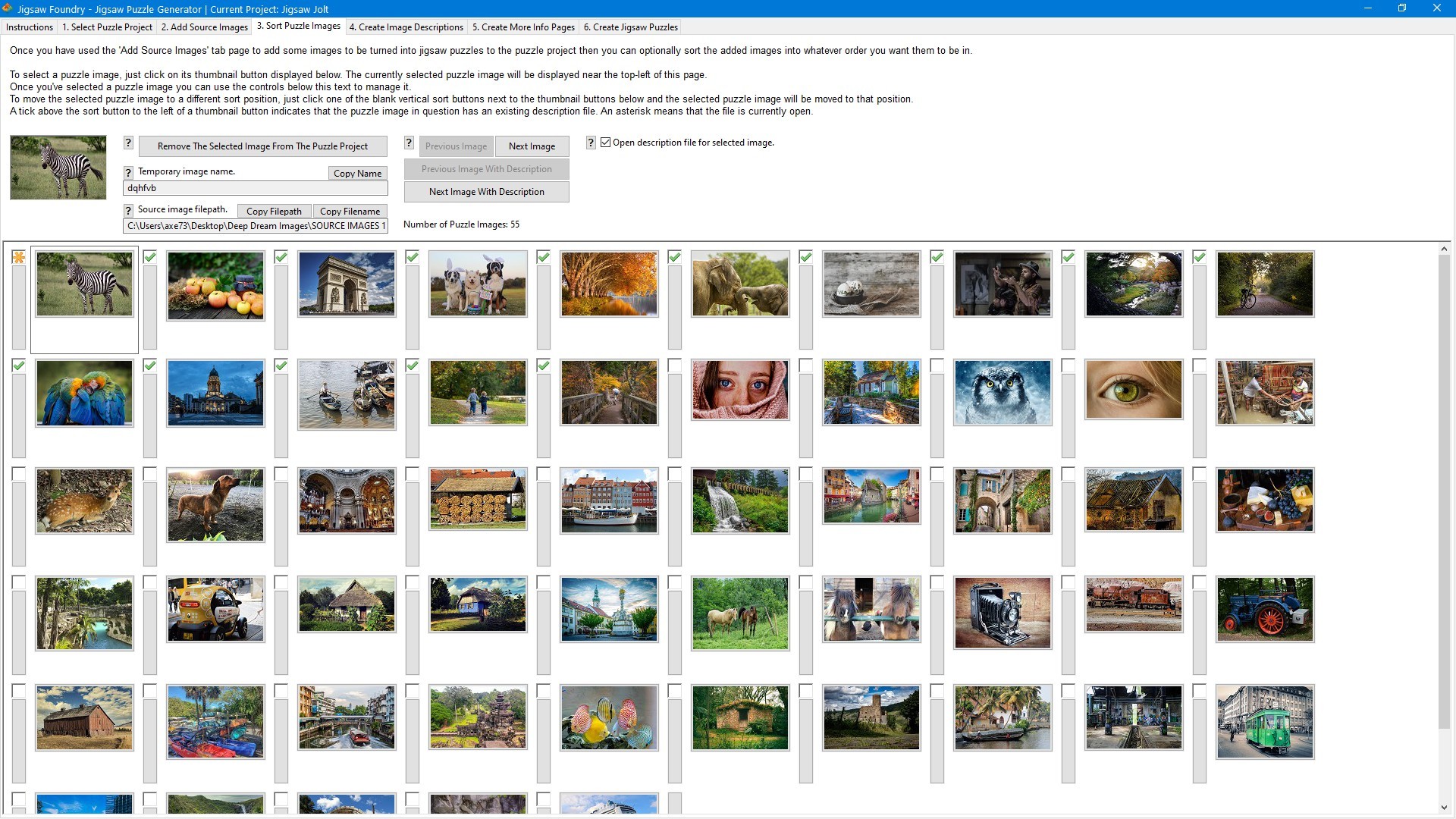
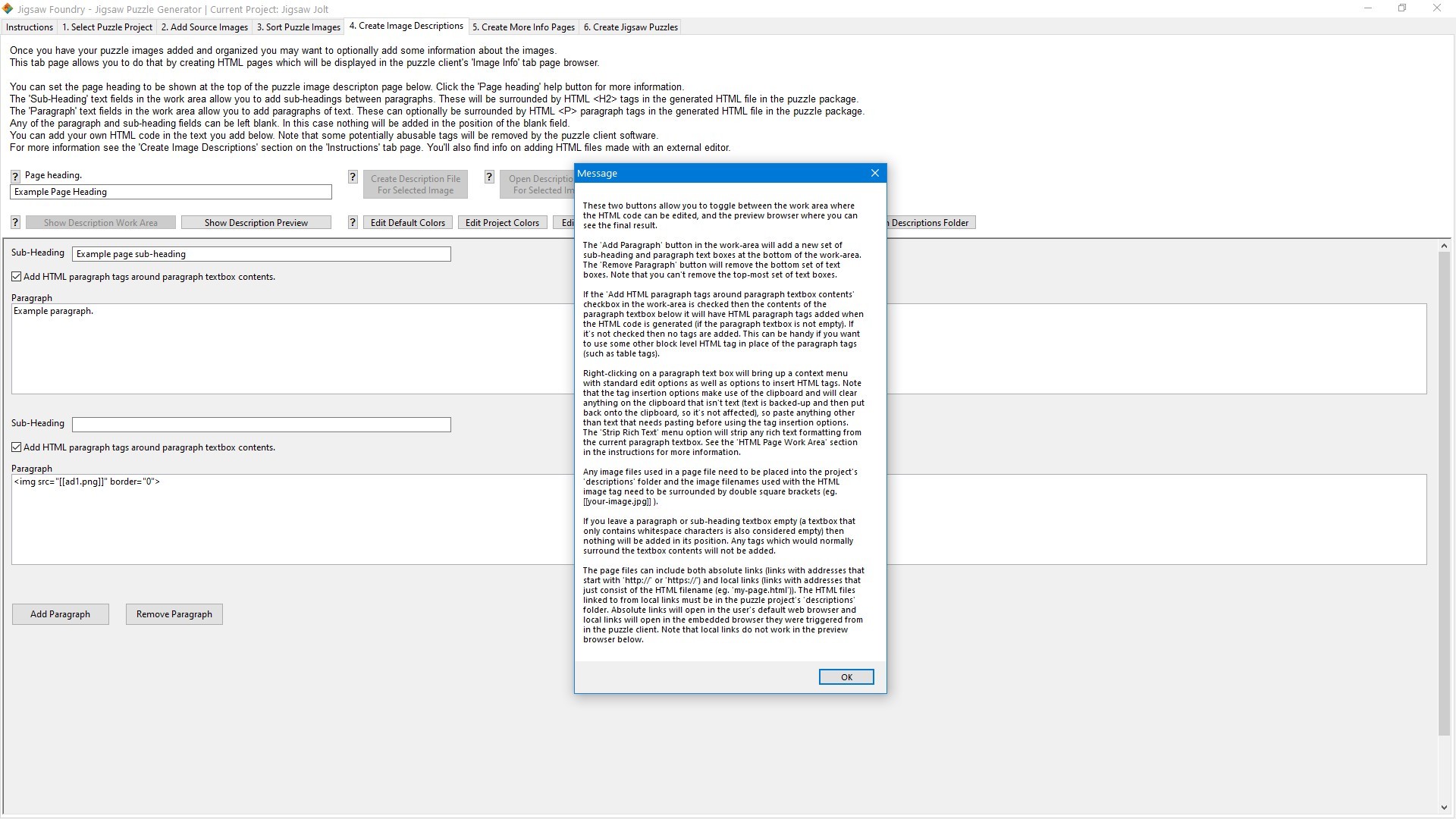
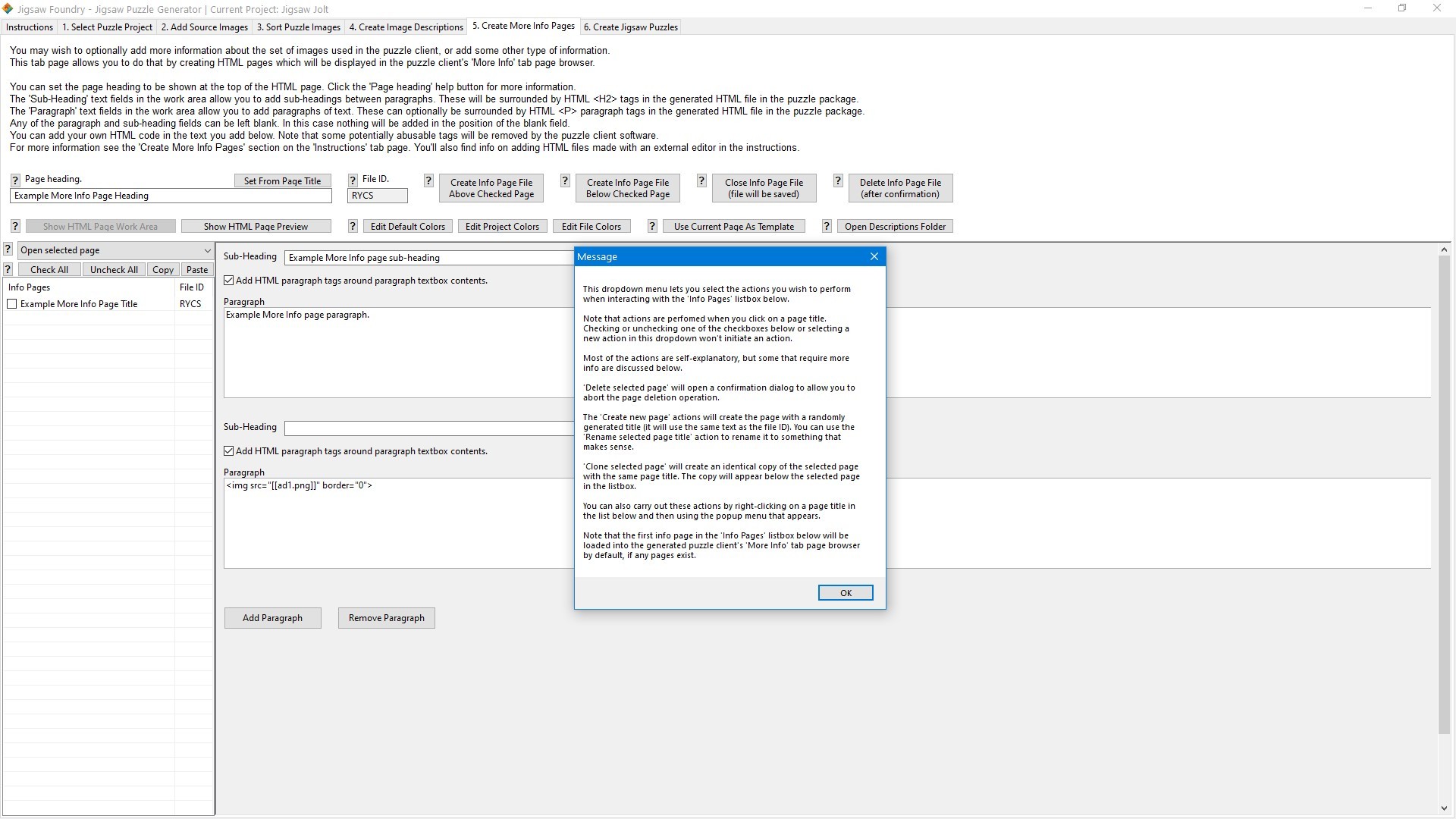
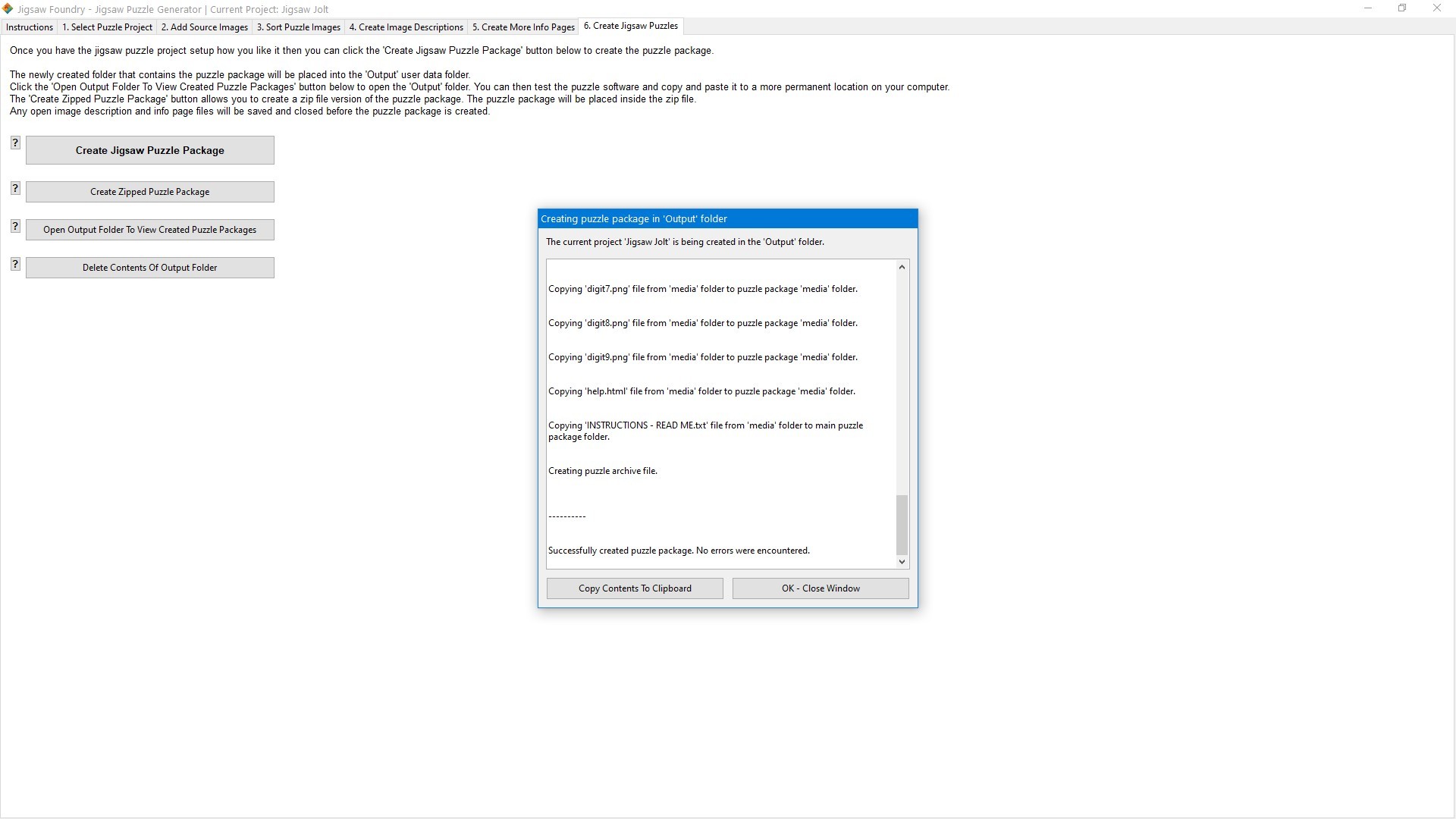
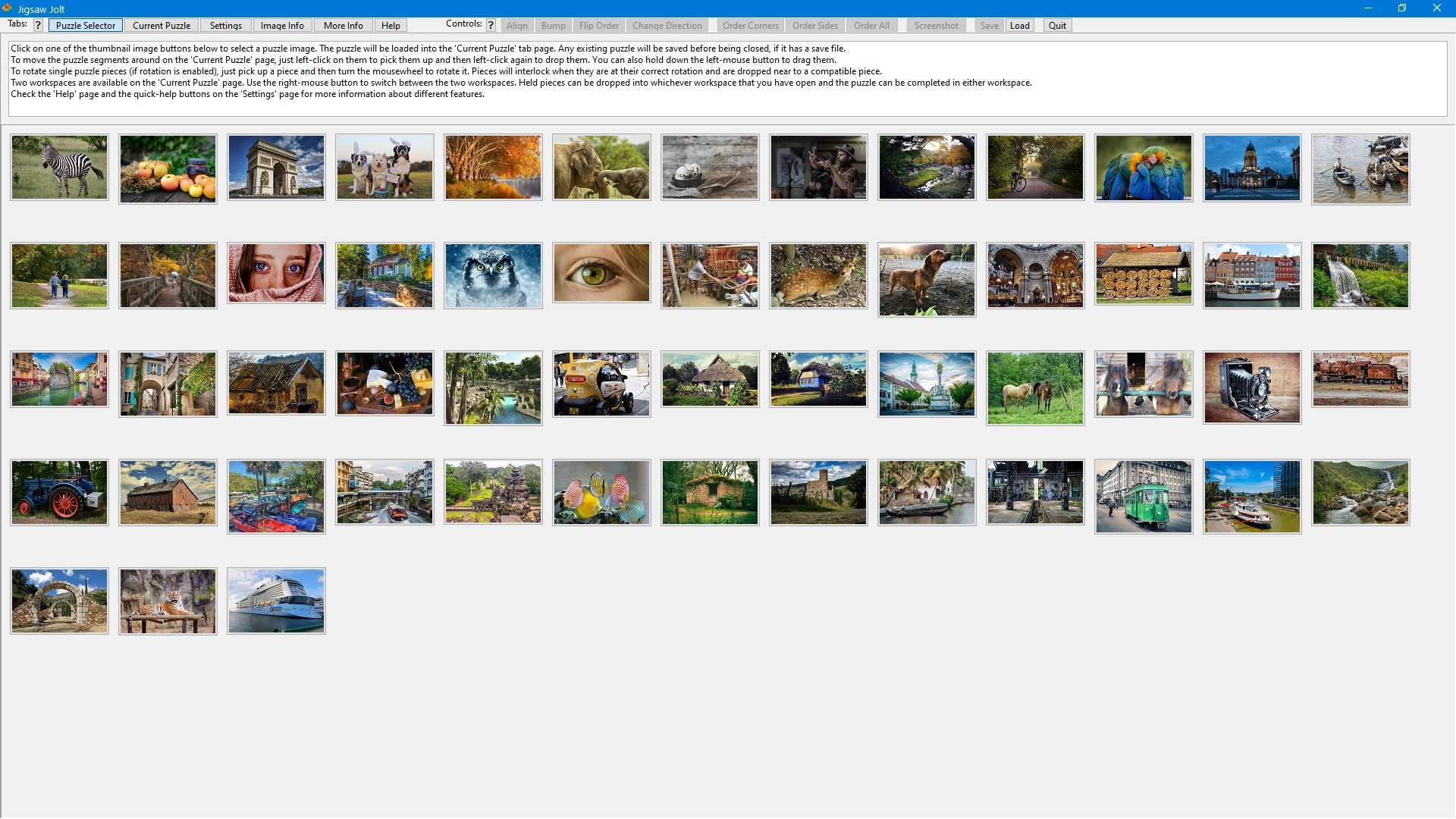
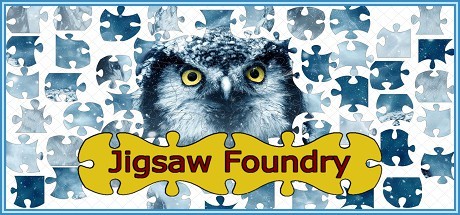
Jigsaw Foundry lets you turn your digital images into jigsaw puzzle software packages that you can share with anyone. The program is simple to use and makes it easy to customize the puzzle packages. The puzzle client that displays the jigsaw puzzles is filled with fun and easy to use features.
Why not turn them into digital jigsaw puzzles that your friends and family can enjoy? The Jigsaw Foundry jigsaw puzzle generator software lets you quickly turn your holiday snaps and family photos into jigsaw puzzle software packages that you can run on your computer and share with anyone you wish. You can also add information pages to the puzzle software to provide details about the images used for the jigsaw puzzles, giving you a great fun way to share your photos with your friends while updating them on what's been going on in your life. You can use Jigsaw Foundry to turn your family photos or holiday snaps into jigsaw puzzles and send copies out to your friends and relatives. You can turn photos of your kids or pets into jigsaw puzzles. You can turn your wedding photos into jigsaw puzzles and share them with your wedding guests. You can create puzzles from and for your events, sports, or hobbies. You can turn photos from your nature walks or urban explorations into puzzles. You can create promotional puzzles for your business, company, or organization and give them out to all your customers. You are free to distribute the jigsaw puzzle software packages that you create with Jigsaw Foundry to whoever you wish, however you wish. You can also sell them or use Jigsaw Foundry to make puzzle packages for other people. There are no restrictions imposed on commercial usage.
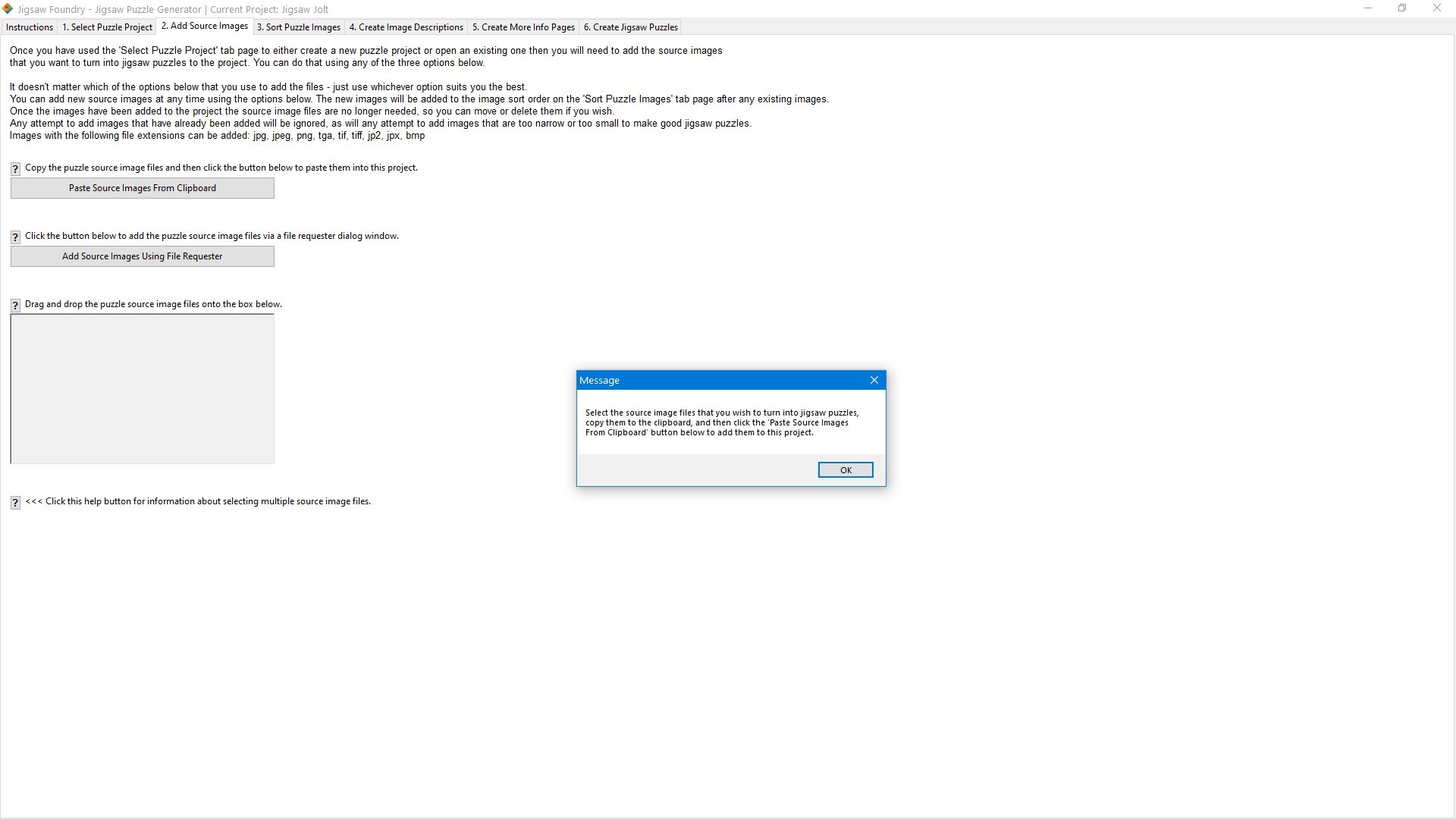
The process of turning your images into standalone jigsaw puzzle packages is broken up into several steps spread over several tabbed pages that are displayed in the program. You can work on these steps in any order you wish and omit several of the steps entirely. You'll start off by creating your project on the 'Select Puzzle Project' tab page. You can also configure the title-bar text, user files save location, and other package functionality on this page. Once you have your project created you'll want to go to the 'Add Source Images' page to add your puzzle images. You can add images using drag-and-drop, copy-and-paste, or via a file requester. You can add additional images at any time. When you have your images added to your project you can go to the 'Sort Puzzle Images' page to easily sort them into the order you want them in. The 'Create Image Descriptions' page lets you create optional description files for each puzzle image. These will show up in the 'Image Info' tab page on the puzzle client. If the images you are using are from a holiday adventure, for example, then this page lets you add more information about each puzzle image to share that adventure with the person completing the puzzle. If you have more general information that you want to share then the 'Create More Info Pages' page lets you optionally create multiple info pages that will appear on the puzzle client's 'More Info' tab page. This page has a navigation sidebar that allows the user to browse the information files that you have provided. Once your puzzle project is ready for testing you can go to the 'Create Jigsaw Puzzles' page and create a puzzle package with the single press of a button. You can create a package that is organized into a file and folder structure, or you can create a zipped puzzle package that is ready to be sent to your friends. The generated packages can be easily tested from inside the 'Output' folder they are generated in, so if the project needs more work just delete the package and try again. You can easily find all the information you need to use the program on the 'Instructions' tab page in the program. Most controls also have nearby help '?' buttons that provide contextual information in a pop-up window.
The jigsaw puzzle client software supplied in puzzles generated by Jigsaw Foundry is highly customizable, and allows users to configure the puzzles to be solved in many different and interesting ways.
Steam data © 2026 Valve Corporation. Trademarks are property of their respective owners.
All matches
Finding similar games…
Pixel Puzzles Ultimate Jigsaw PuzzlesShares Relaxing · Puzzle · 2D , adds Board Game84% · 534 positive reviews56%Good match— Strange JigsawsShares Relaxing · Puzzle · 2D , adds Abstract99% · 5k positive reviews53%Good match—
 PictopixShares Relaxing · Puzzle · 2D , adds Pixel Graphics97% · 2k positive reviews53%Good match—
 Draw Puzzle 画之谜Shares Puzzle , adds Anime97% · 793 positive reviews51%Good match—
 Piece by PieceShares Relaxing · Puzzle · 2D , adds Cozy100% · 219 positive reviews50%Good match—
 Pixel Puzzles: JapanShares Relaxing · Puzzle77% · 419 positive reviews48%Loose match—
All matches
The best games like Jigsaw Foundry are Pixel Puzzles Ultimate Jigsaw Puzzles, Strange Jigsaws, Pictopix, Draw Puzzle 画之谜, and Piece by Piece.
Match on: filter matches for Jigsaw Foundry by tag