
 61%Good match
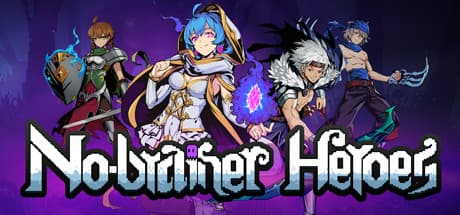
No-brainer Heroes 挂机吧!勇者
73%1k73% positive reviews, Mostly Positive across 1k reviews·Idler · Pixel Graphics
—


This is a third-person 3D real-time battle game. Heroes kill monsters, gain experience and followers. Followers form a formation to fight with the heroes.
1: Introduction to the game This is a third-person 3D real-time battle game. Players can choose different heroes, use different skills to kill monsters, gain experience and followers. The enrolled followers can be arranged in different formations to fight with the heroes. There are red monster refresh points on the map, and some monsters will be refreshed at regular intervals. When the total number of monsters exceeds 100, the game fails. When the hero level reaches level 10 and multiples of level 10, the challenge is successful, and then the player can choose to continue the challenge or quit the game. The hero only needs to stand on the red refresh point for a certain period of time to turn the refresh point into green. At this time, the monster's refresh time will be extended. When the hero is upgraded, the hero's level, ranking and time used will be recorded on the leaderboard. The time is in seconds. The main interface of the game is shown below:
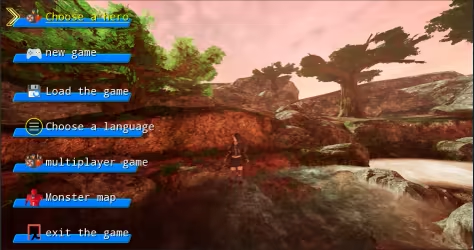
2: Hotkey function X: Select the hero. Enter: Join or leave the formation. C: Show or hide the formation. Z: Release skills. V: Show or hide followers. Q: Show or hide tasks. W, S, A, D: mobile hero. ↑, ↓, ←, →: Move the position of the hero or follower in the formation. 1~8 number keys: select the corresponding follower. W, S, ↑, ↓: select menu or language. 3: Main menu The main menu includes hero selection, new game, loading game, language selection, multiplayer game, monster map, and exit game. 4: Choose a hero Click the Select Hero button to select different heroes. Hero One is shown in the picture below:
Hero Two is shown in the picture below:
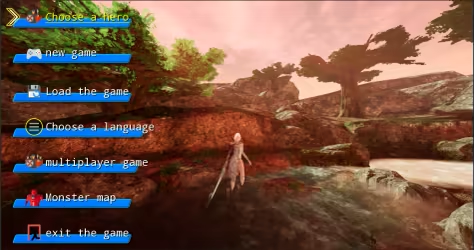
Hero Three is shown in the picture below:
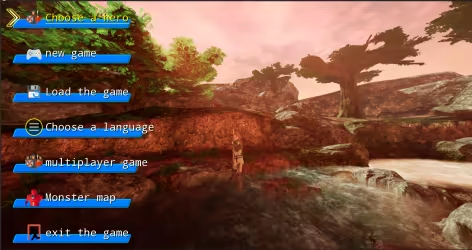
Hero Four is shown in the picture below:
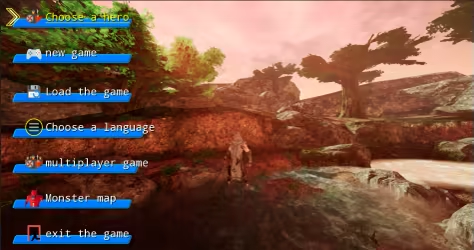
Hero Five is shown in the picture below:
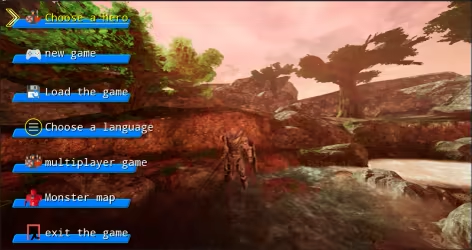
Hero Six is shown below:
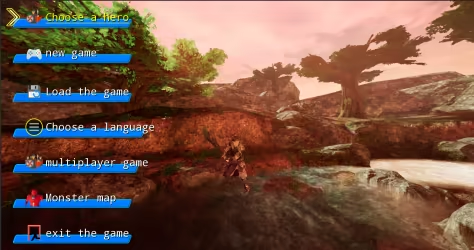
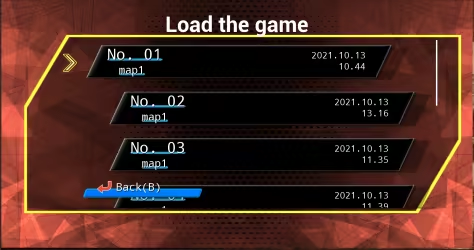
5: New game Click the new game button to start the game. 6: Load the game: Click Load Game to load the saved game. As shown below:
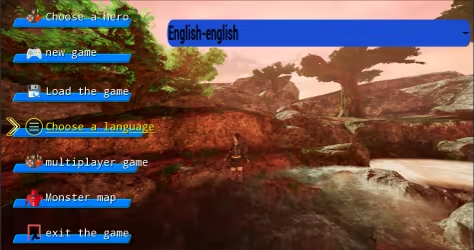
7: Choose language: Click Choose Language to choose the language used in the game interface. The game supports a total of 24 languages. Language can be selected by W key, S key or up and down keys. As shown below:
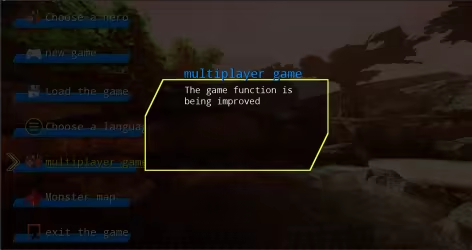
8: Multiplayer games Multiplayer games will be launched in subsequent versions. As shown below:
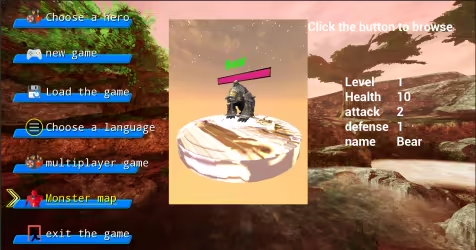
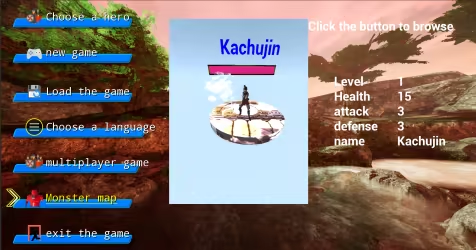
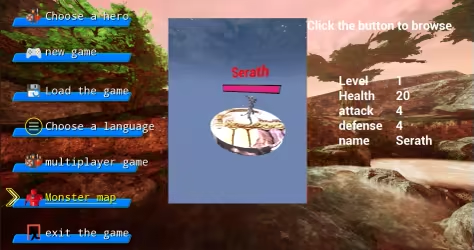
9: Monster Map Click on the monster map to browse the monsters that appear in the game. There are eight types of monsters, divided into green, blue, and red. The abilities are enhanced in turn, with melee and ranged. As shown below:
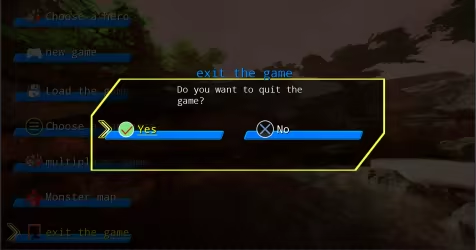
10: Quit the game Click to exit the game, as shown below:
11: Game interface Click New Game to enter the game interface. As shown below:
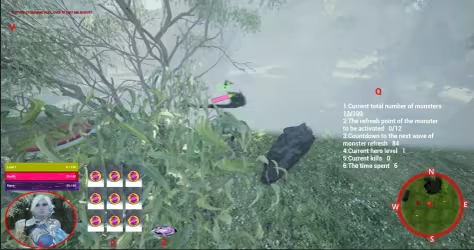
The lower left corner is the hero information area, which will display the current level, life and magic value. Press the hot key X to select the hero, and a red circle will be displayed. Press Enter again to make the hero join or leave the formation. The up, down, left, and right keys will adjust The position of the hero in the formation. Hotkey C displays the hotkey corresponding to the formation. Pressing the C key will show or hide the formation. The hot key Z corresponds to the skill key, and pressing the Z key will launch the skill. The hot key V in the upper left corner is used to display and hide follower information. The Q key on the right is used to display and hide task information. The mini map will show the hero's current location and direction. Press the corresponding number keys 1~8, the corresponding follower will be selected, press the Enter key to join or leave the formation, the up, down, left, and right keys will adjust the position of the follower in the formation.
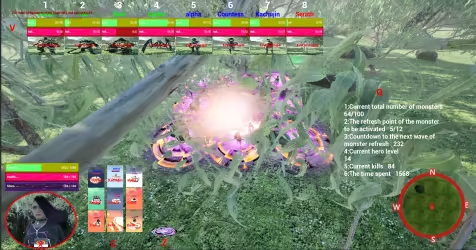
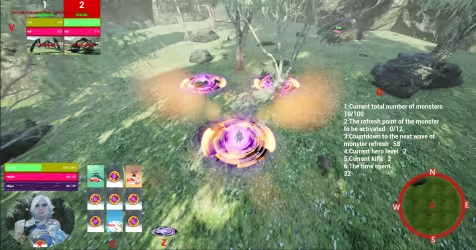
12: Monster refresh point Every once in a while, the monster refreshes from the refresh point, and the hero stands on the refresh point until the refresh point turns green, which can extend the monster's refresh time. As shown below:
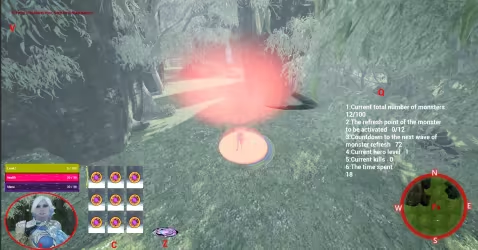
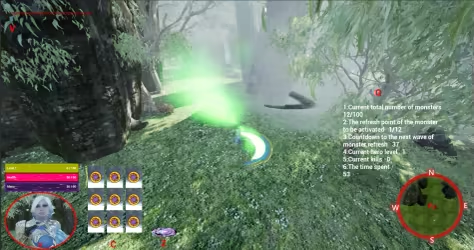
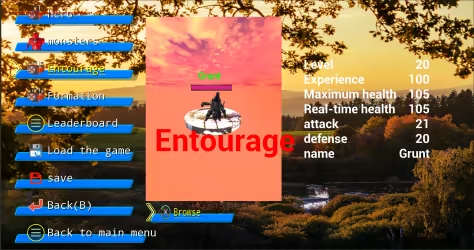
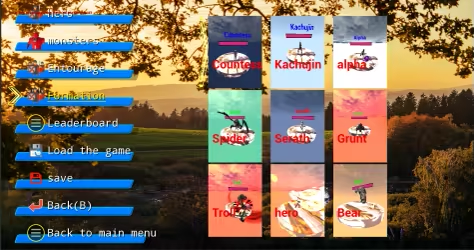
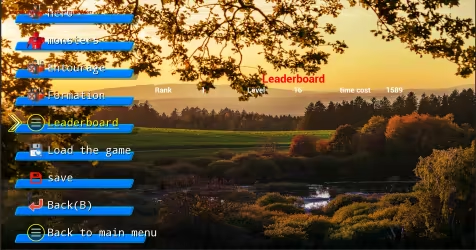
13: Pause the game interface Press Esc or P to bring up the pause interface. The menu includes: hero, monster, entourage, formation, leaderboard, load game, save, back(B), and return to the main menu. Hero sketch:
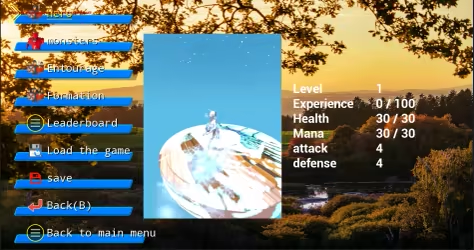
Monster sketch:
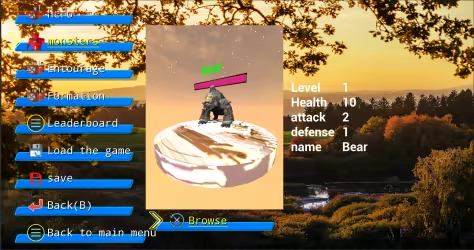
Schematic diagram of the entourage:
Schematic diagram of formation:
Leaderboard diagram:
Steam data © 2026 Valve Corporation. Trademarks are property of their respective owners.
All matches
Finding similar games…
 No-brainer Heroes 挂机吧!勇者Shares Casual · Adventure , adds Idler73% · 1k positive reviews61%Good match—
 放置勇者:远征/Idle Heroes:OdysseyShares Casual · Adventure , adds Idler52% · 524 positive reviews59%Good match—
 Who Needs a Hero?Shares Action-Adventure · Fantasy , adds Choices Matter92% · 1k positive reviews55%Good match—
 Hero's HourShares Fantasy · Tactical , adds Pixel Graphics80% · 4k positive reviews55%Good match—
 Desktop RaidShares Fantasy , adds Idler76% · 641 positive reviews55%Good match—
 Etaine: Magic Survivor / 伊泰恩:魔法幸存者Shares Action RPG · Fantasy , adds Female Protagonist88% · 210 positive reviews54%Good match—
All matches
The best games like HeroBattle are No-brainer Heroes 挂机吧!勇者, 放置勇者:远征/Idle Heroes:Odyssey, Who Needs a Hero?, Hero's Hour, and Desktop Raid.
Match on: filter matches for HeroBattle by tag