

 61%Good match
PlayClaw 5 - Game Recording and Streaming
71%39271% positive reviews, Mostly Positive across 392 reviews·Software
—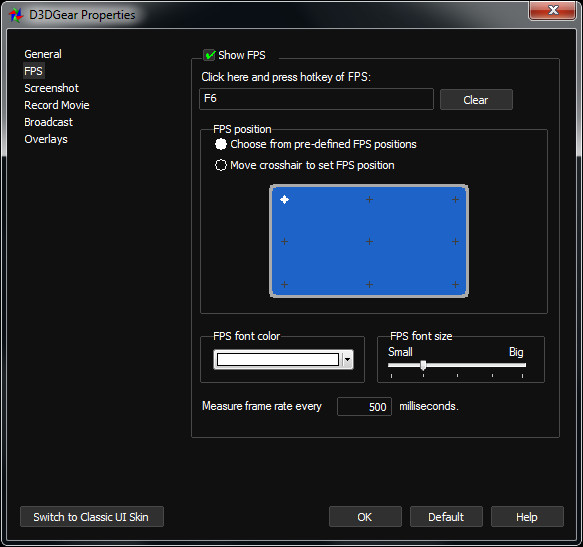


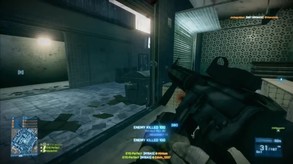
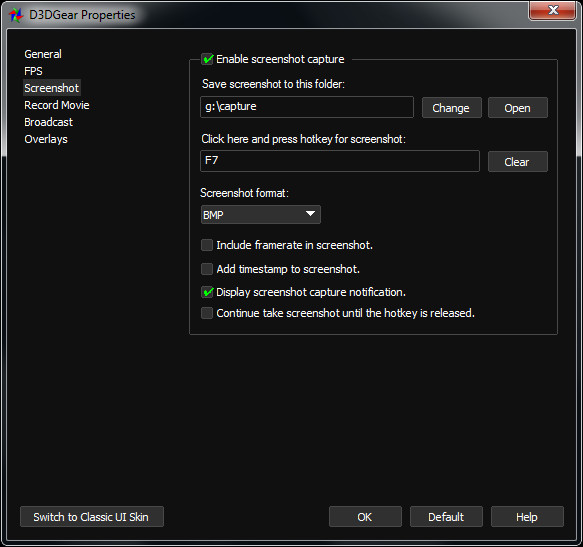
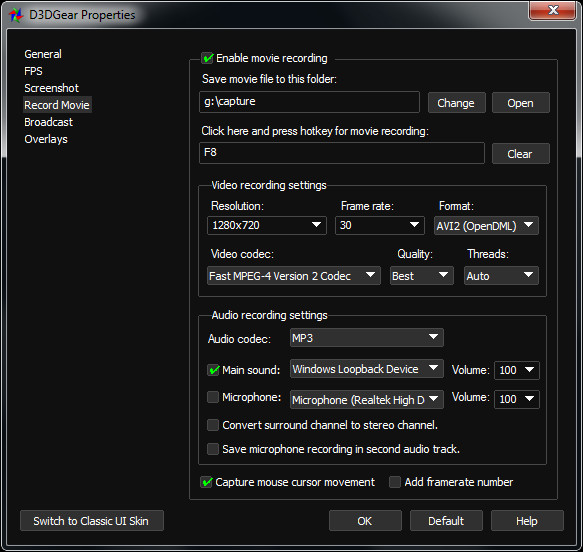
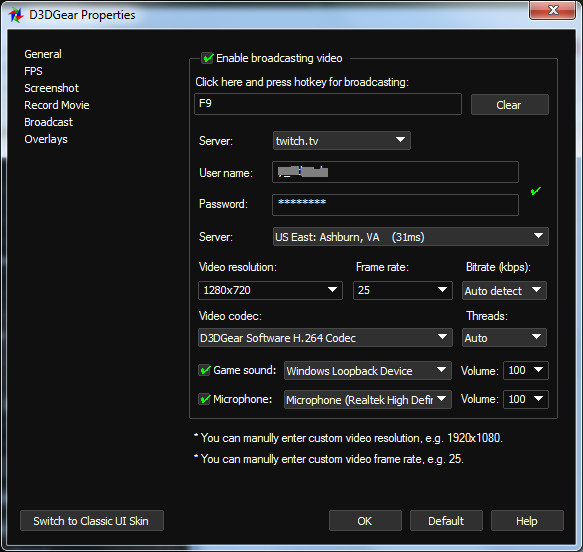
D3DGear is a fast game recording and live streaming software for PC. It allows users to record gameplay to video; or stream the game to websites like twitch.tv. Our software is designed to have minimal impact on game performance, and won’t make the game lag or decrease FPS.
D3DGear - A fast game recording and live streaming software for PC. D3DGear is a fast game recording software for PC. Users will be able to record their gameplay without slowing down the game. Our software has minimal performance impact, and won’t cause games to lag or drop large frame rate like most recording software. D3DGear will quickly stream to twitch.tv without effecting game performance, giving users the chance to show off their skills. D3DGear streaming function is fast and easy to use. D3DGear works with even slow upload speeds. It is fully compatible with twitch.tv, YouTube, and other game streaming websites.
Visit the D3DGear website at for detailed information about the software features, and to download the free trial.
Steam data © 2026 Valve Corporation. Trademarks are property of their respective owners.
All matches
Finding similar games…
PlayClaw 5 - Game Recording and StreamingShares Software Training · Audio Production · Video Production71% · 392 positive reviews61%Good match— Action! - Gameplay Recording and StreamingShares Software Training · Audio Production · Video Production , adds Web Publishing85% · 7k positive reviews60%Good match—
 PlayClaw 7 - Game Overlays, Recording and StreamingShares Software Training · Audio Production · Video Production , adds Web Publishing86% · 831 positive reviews56%Good match—
 Gecata by Movavi 5 - Game Recording SoftwareShares Software Training · Audio Production · Video Production , adds Web Publishing70% · 511 positive reviews55%Good match—
 VEGAS Pro 18 Edit Steam EditionShares Audio Production · Video Production46% · 402 positive reviews50%Good match—
 VEGAS Movie Studio 17 Platinum Steam EditionShares Audio Production · Video Production43% · 465 positive reviews46%Loose match—
All matches
The best games like D3DGear - Game Recording and Streaming Software are PlayClaw 5 - Game Recording and Streaming, Action! - Gameplay Recording and Streaming, PlayClaw 7 - Game Overlays, Recording and Streaming, Gecata by Movavi 5 - Game Recording Software, and VEGAS Pro 18 Edit Steam Edition.
Match on: filter matches for D3DGear - Game Recording and Streaming Software by tag