Match on: filter matches for CPUCores :: Maximize Your FPS by tag

Maximize your FPS :: Use CPUCores to isolate and constrain OS + non-game processes and dedicate CPU resources to be used exclusively for your games! CPUCores fully integrates with all Steam games!

About CPUCores :: Maximize Your FPS

Just Updated

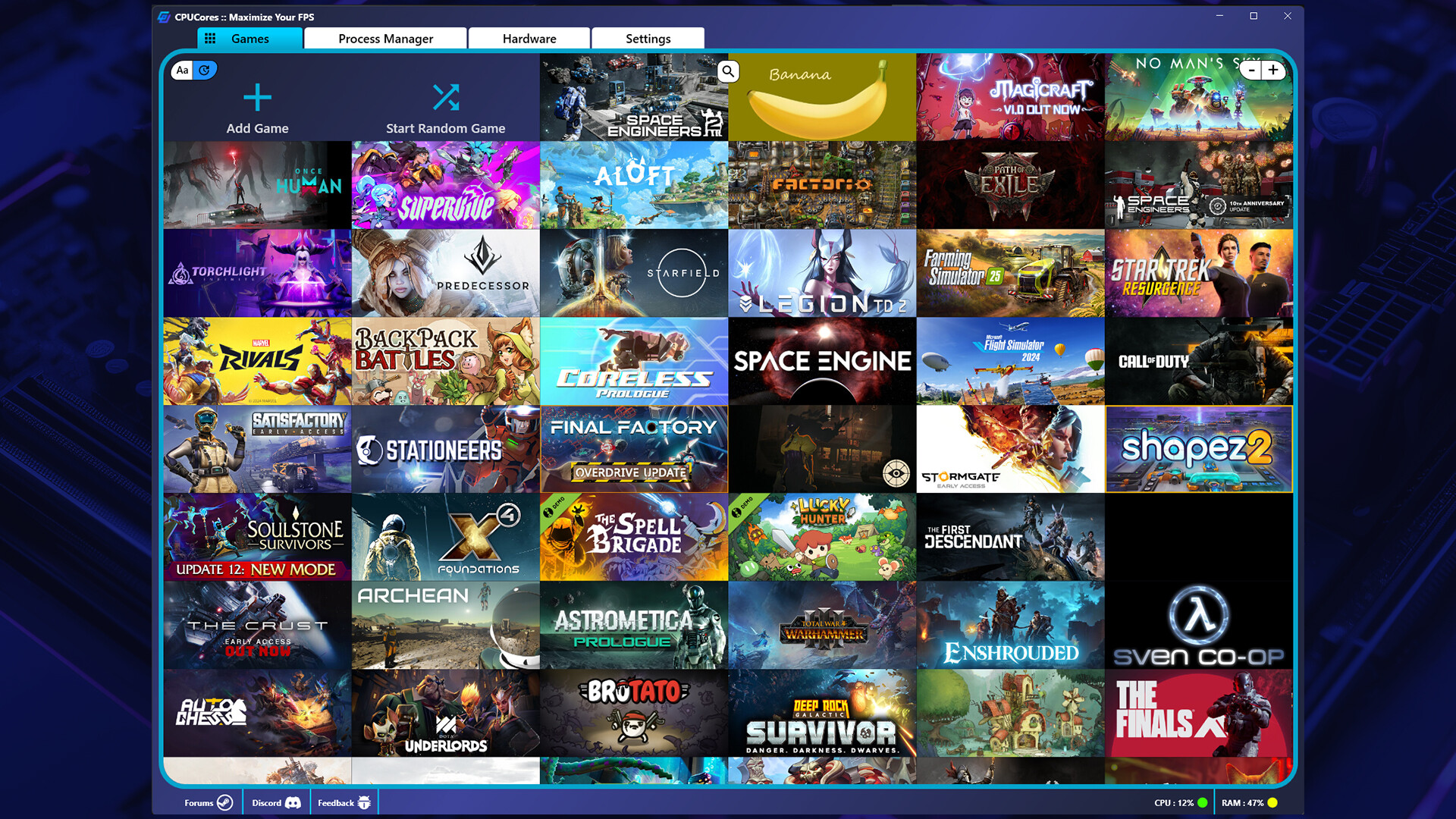
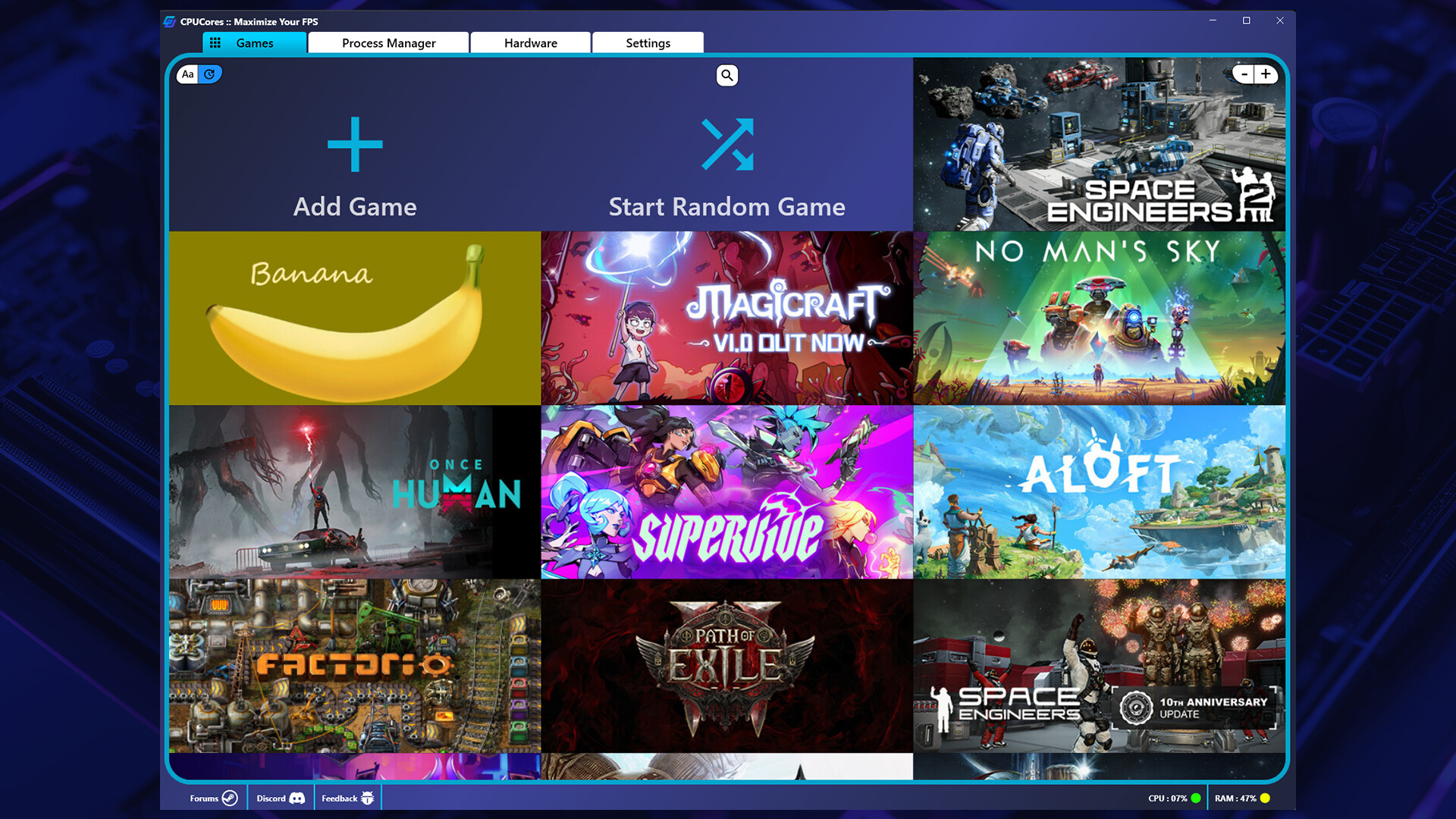
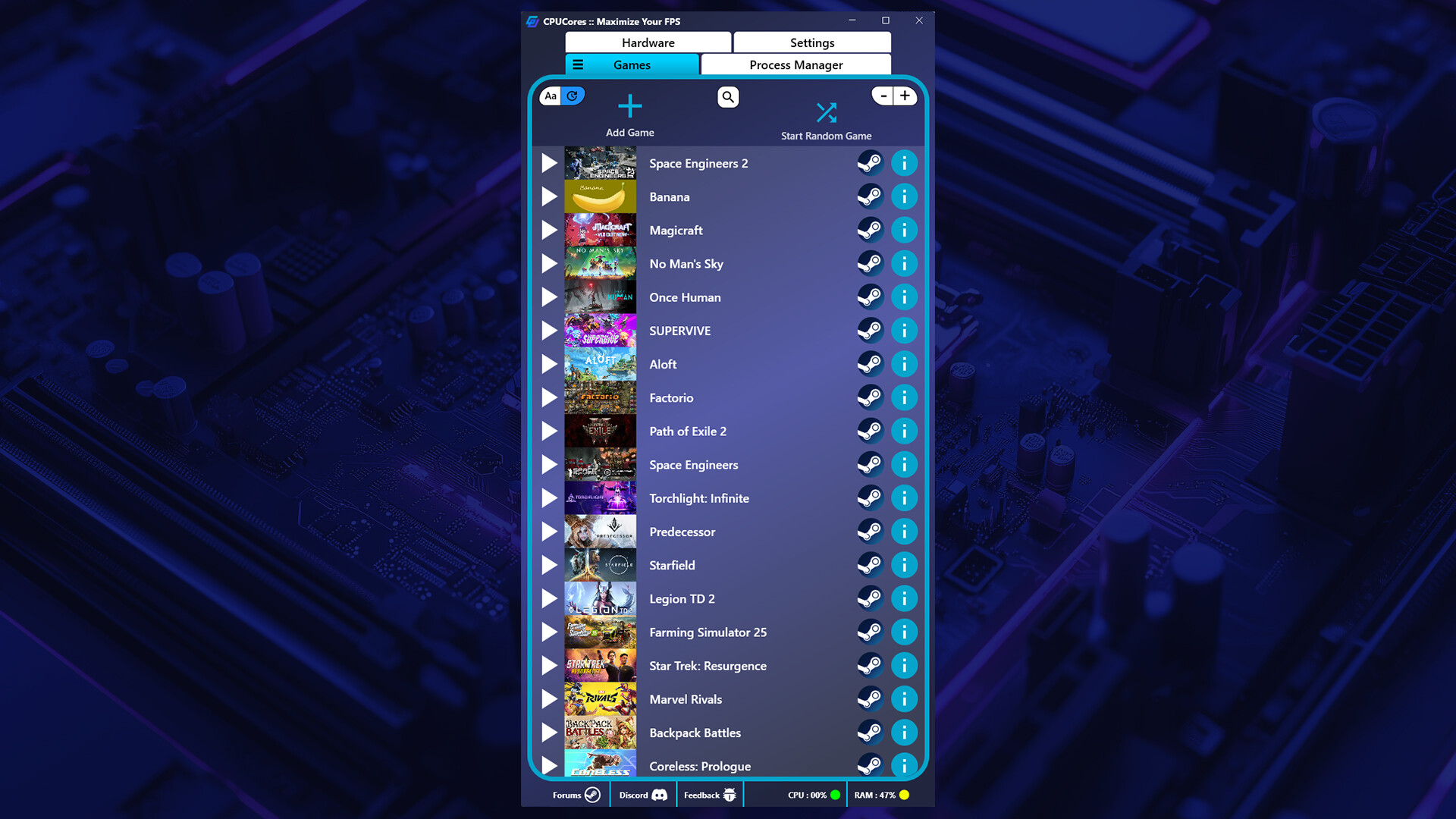
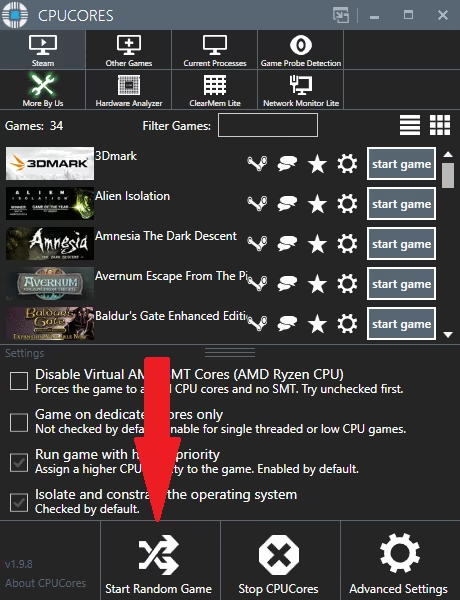
1 Click "START RANDOM GAME" functionality!
Works extremely well with Battle Royale games!
CPUCores fully supports VR-based games!
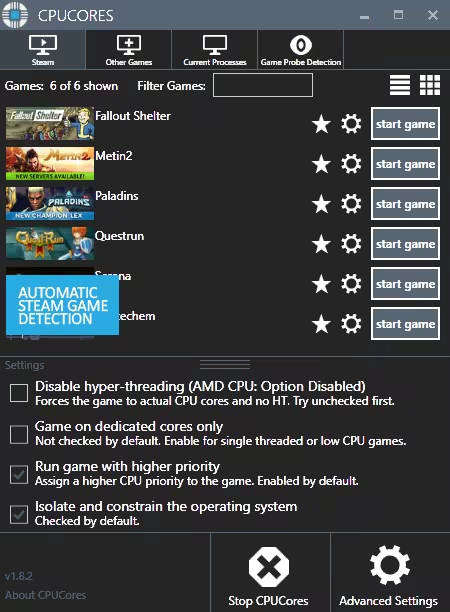
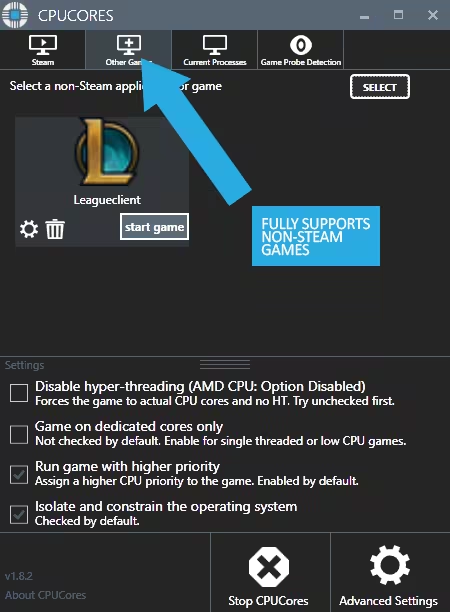
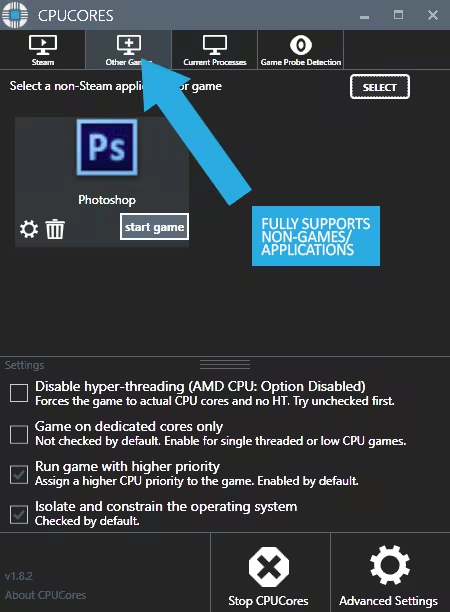
Fully supports Steam-based games as well as non-Steam games and applications!

About the Software

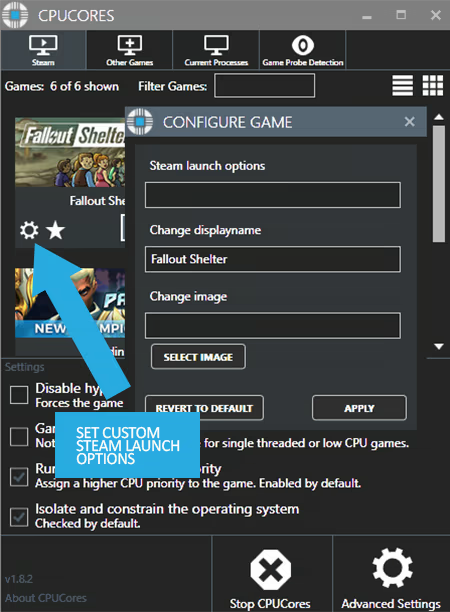
CPUCores :: Maximize Your FPS screenshot 1

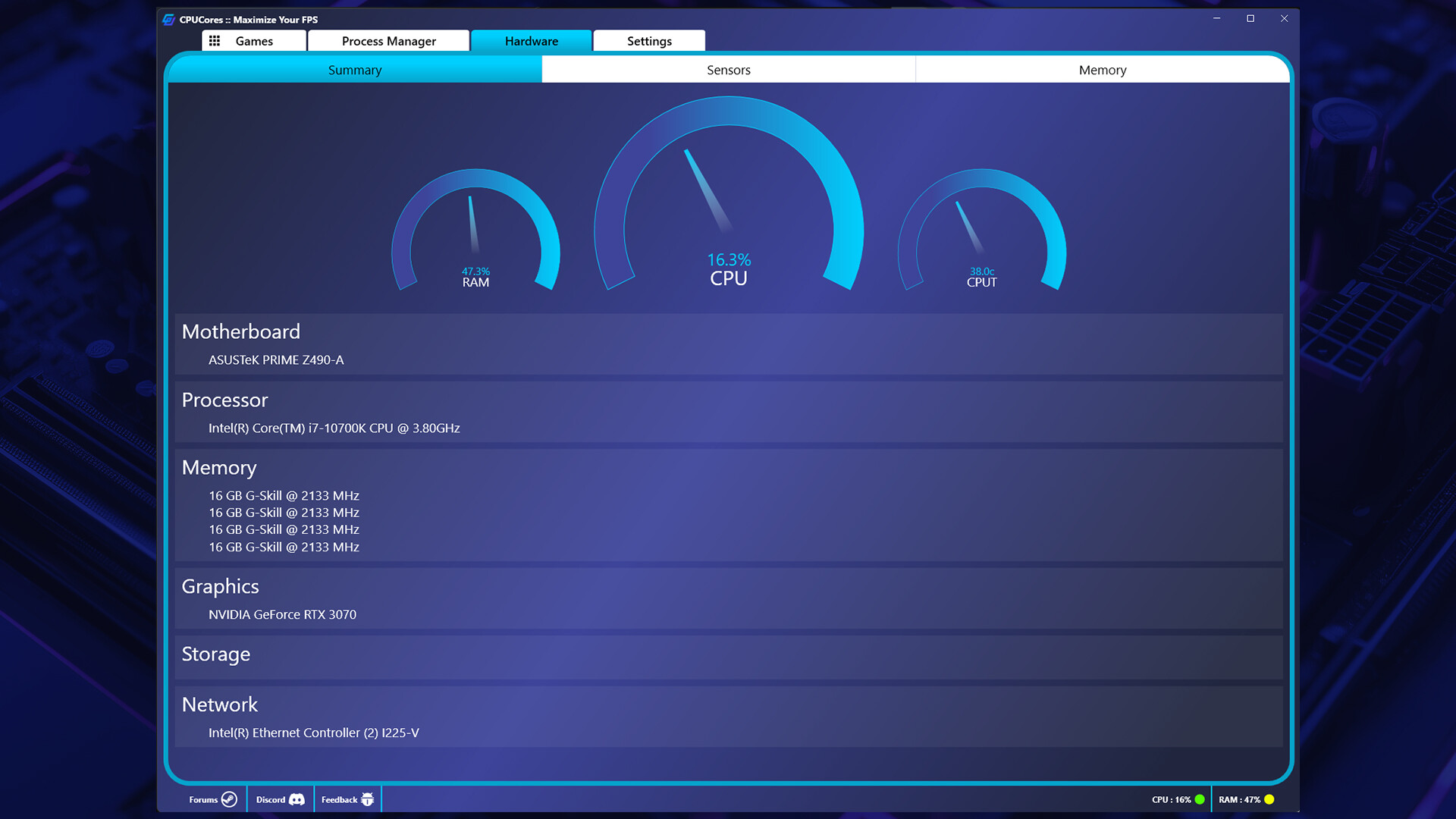
CPUCores ADVANCED is a cutting-edge Windows-based software built--by gamers, for gamers--with one thing in mind: MAXIMIZE YOUR FPS! CPUCores ADVANCED does this better than ever before by micromanaging your Windows OS and non-essential applications to deliver maximum CPU to your game!

CPUCores :: Maximize Your FPS video 2

1) DIRECT STEAM INTEGRATION

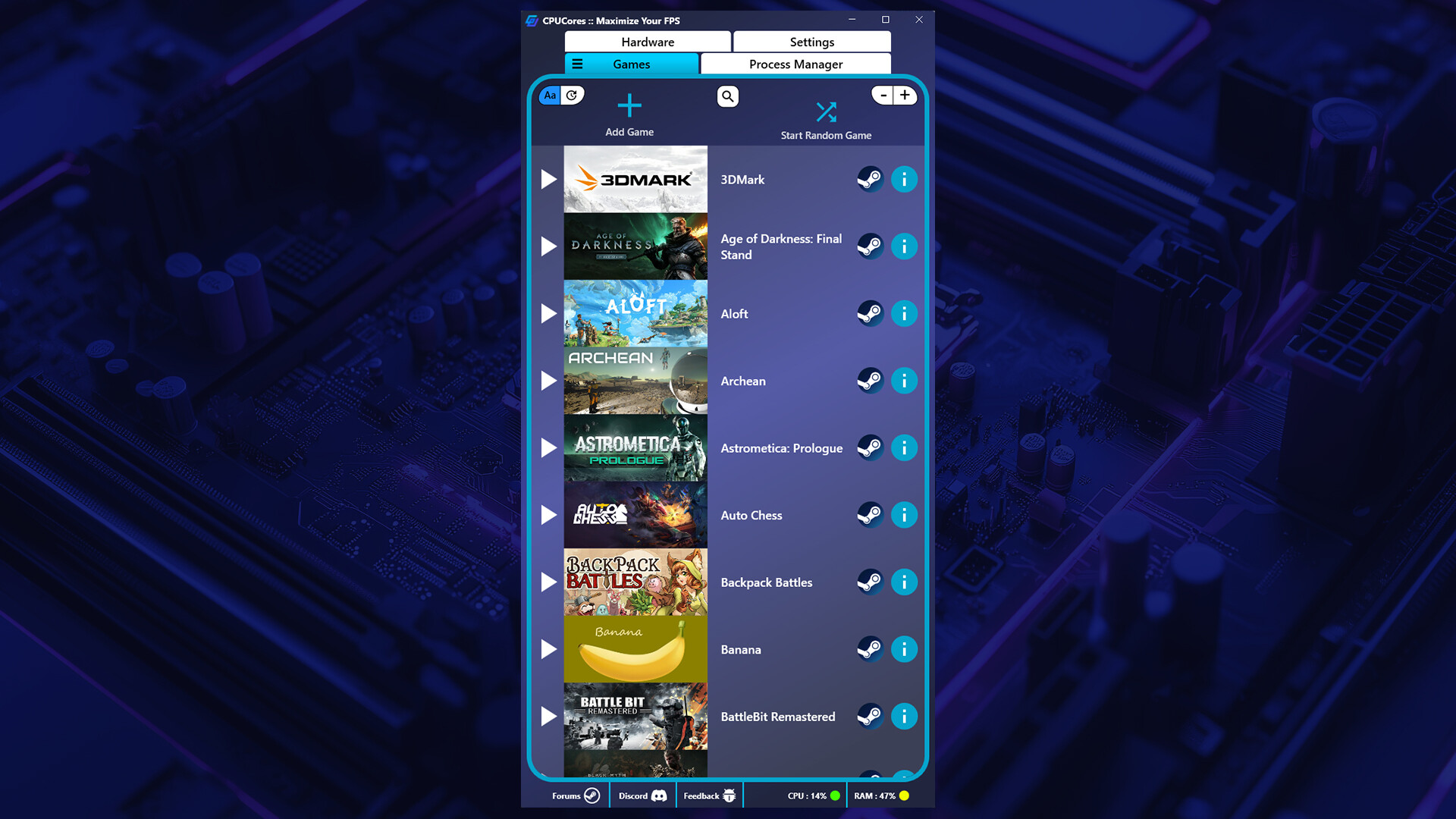
CPUCores automatically detect all of your Steam games.

2) OS OPTIMIZATION

To start, CPUCores will isolate your entire OS to your first core.
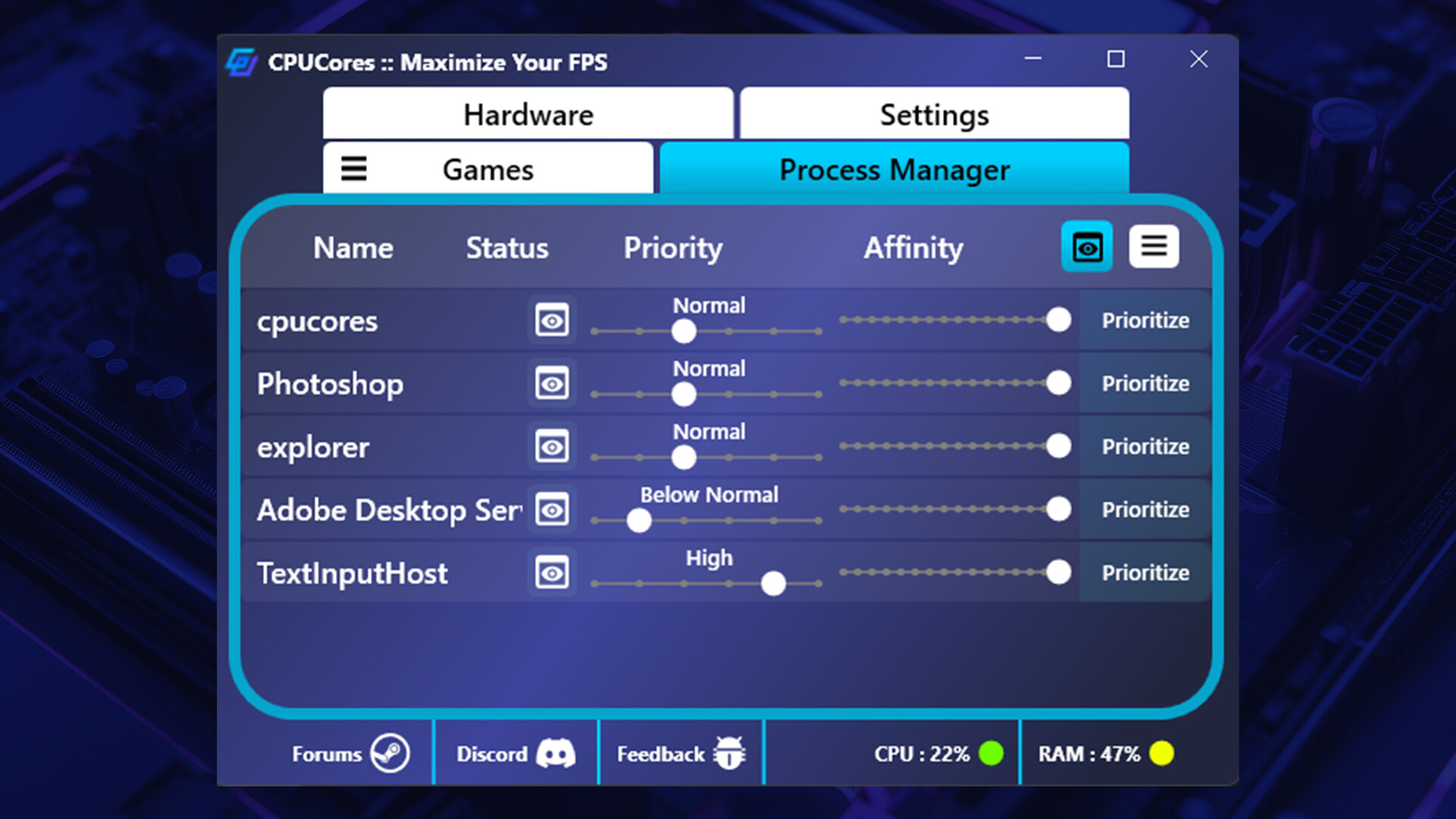
Secondly, CPUCores examines and constrains key Windows services that are not essential and known to hog CPU resources.
Third, CPUCores examines and isolate key Windows processes to ensure a perfect balance of CPU savings without starving key Windows processes.

3) GAME OPTIMIZATION

CPUCores will isolate and dedicate processing cores to be exclusively used by your game.
CPUCores will allow game-specific hyper-thread disabling/enabling.

4) BACKGROUND / NON-GAME OPTIMIZATIONS

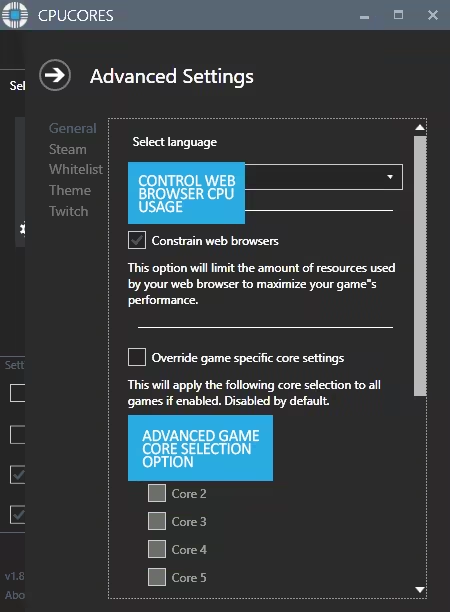
CPUCores examines what non-OS and non-game operations your PC is running. It will do things such as constrain non-game programs to your first processing core.

5) EXTRAS

Ability to "START RANDOM GAME" with 1 button click!
Fully supporting VR games!
Support for non-Steam games
Support for general, non-game applications like video editing, graphic design and more!
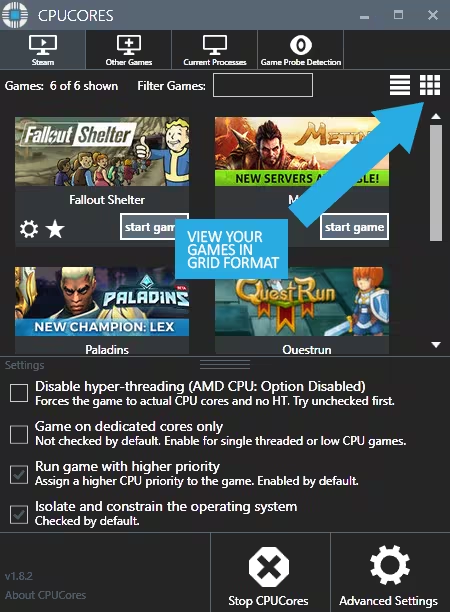
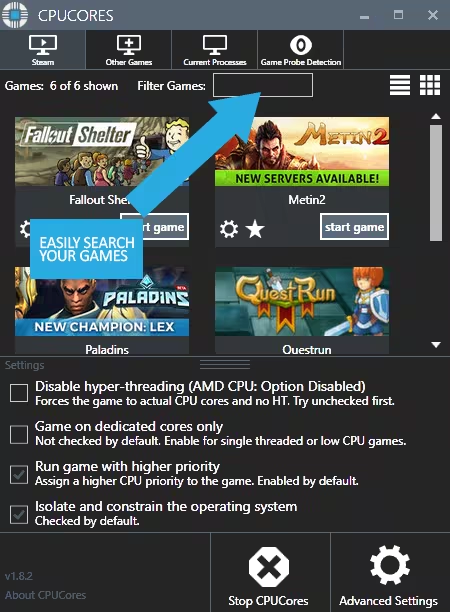
Convenient game sorting options makes large Steam libraries manageable
Incredible community surrounding the software!
Direct contact with the developer for suggestions on feature updates!
CPUCores :: Maximize Your FPS video 3

The impact of how CPUCores will help with FPS depends on essentially 2 things:

#1 Your PC Hardware

#2 The game itself

Here are some benchmarks we've recently seen from our test system:

ARMA III - 17.5% FPS Increase!
Team Fortress 2 - 58% FPS Increase!
TombRaider - 6.3% FPS Increase
Left4Dead2 - 14% FPS Increase
CPUCores :: Maximize Your FPS video 4

The CPUCores application identifies dozens of Windows programs, background processes, and non-gaming applications, and immediately controls and isolates them to a subsection of your total CPU resources.

CPUCores will then free up a block of CPU resources and dedicated it specifically for a game. You can then launch a Steam game, or any game/program, directly via the CPUCores application. This enables CPUCores to control the processor usage for that game/program and ensure it has dedicated usage to processing cores. Your game no longer has to share resources with the OS / other applications.

SCREENSHOTS
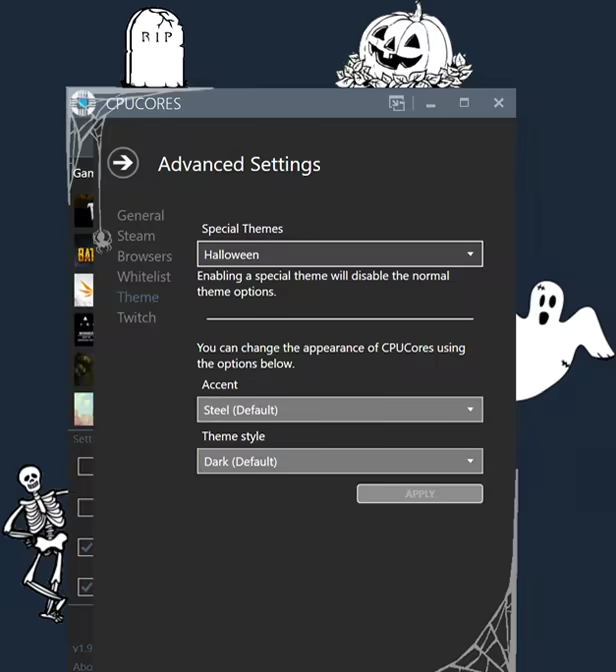
CPUCores :: Maximize Your FPS video 5CPUCores :: Maximize Your FPS screenshot 6CPUCores :: Maximize Your FPS screenshot 7CPUCores :: Maximize Your FPS screenshot 8CPUCores :: Maximize Your FPS screenshot 9CPUCores :: Maximize Your FPS screenshot 10CPUCores :: Maximize Your FPS screenshot 11CPUCores :: Maximize Your FPS screenshot 12CPUCores :: Maximize Your FPS screenshot 13CPUCores :: Maximize Your FPS screenshot 14CPUCores :: Maximize Your FPS screenshot 15

Steam data © 2026 Valve Corporation. Trademarks are property of their respective owners.