

Games Like Edge Lightning Engine
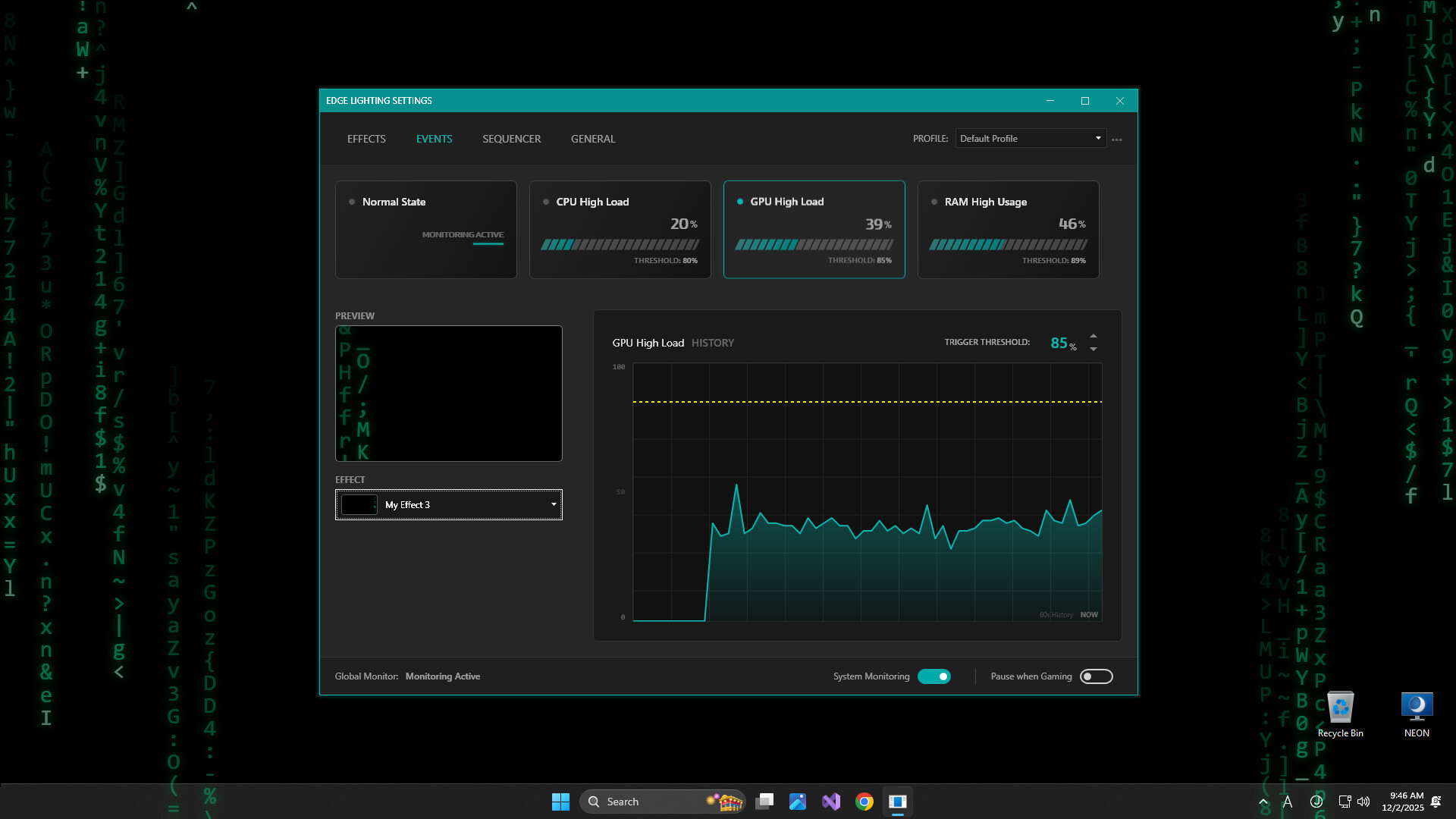
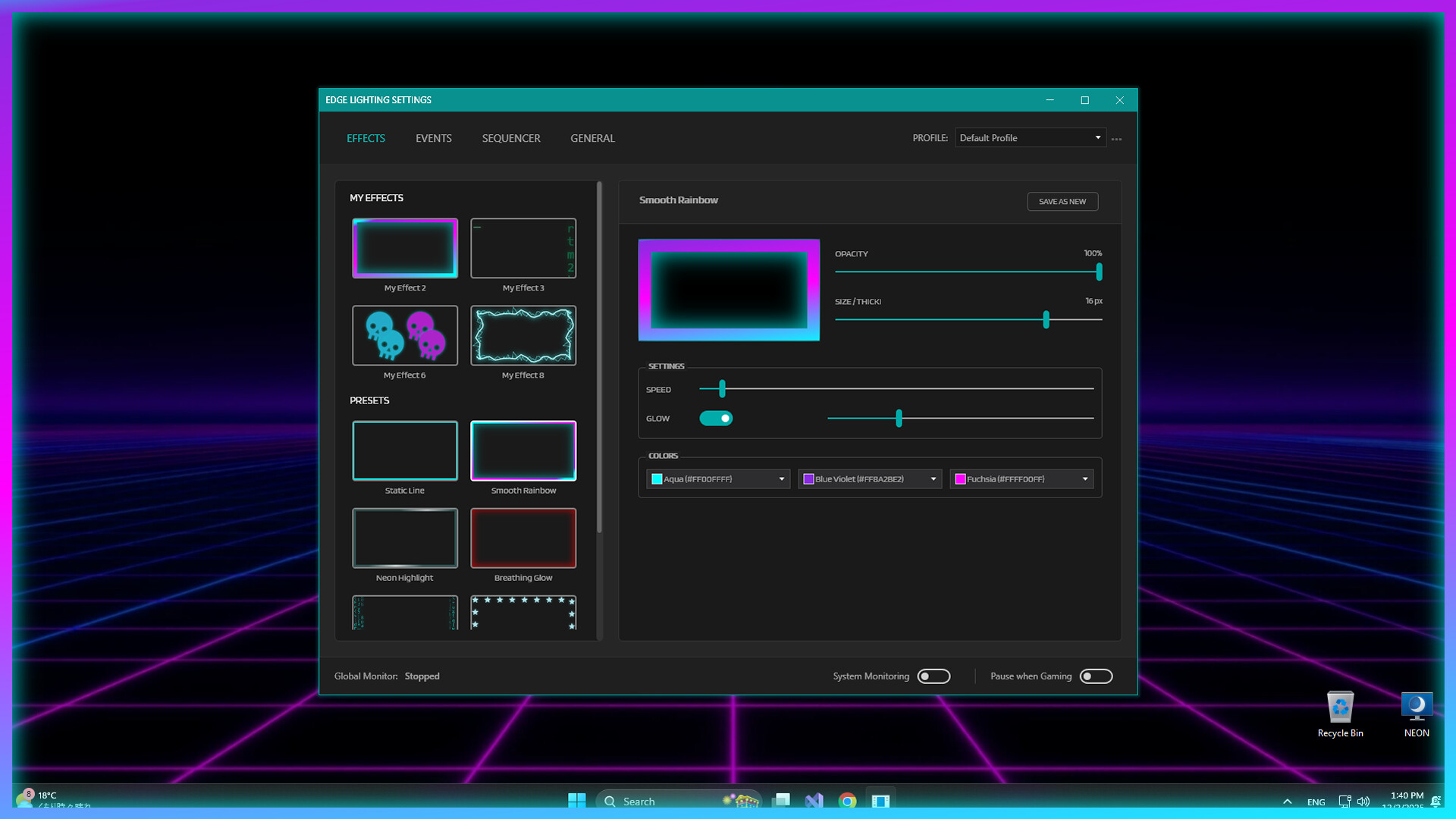
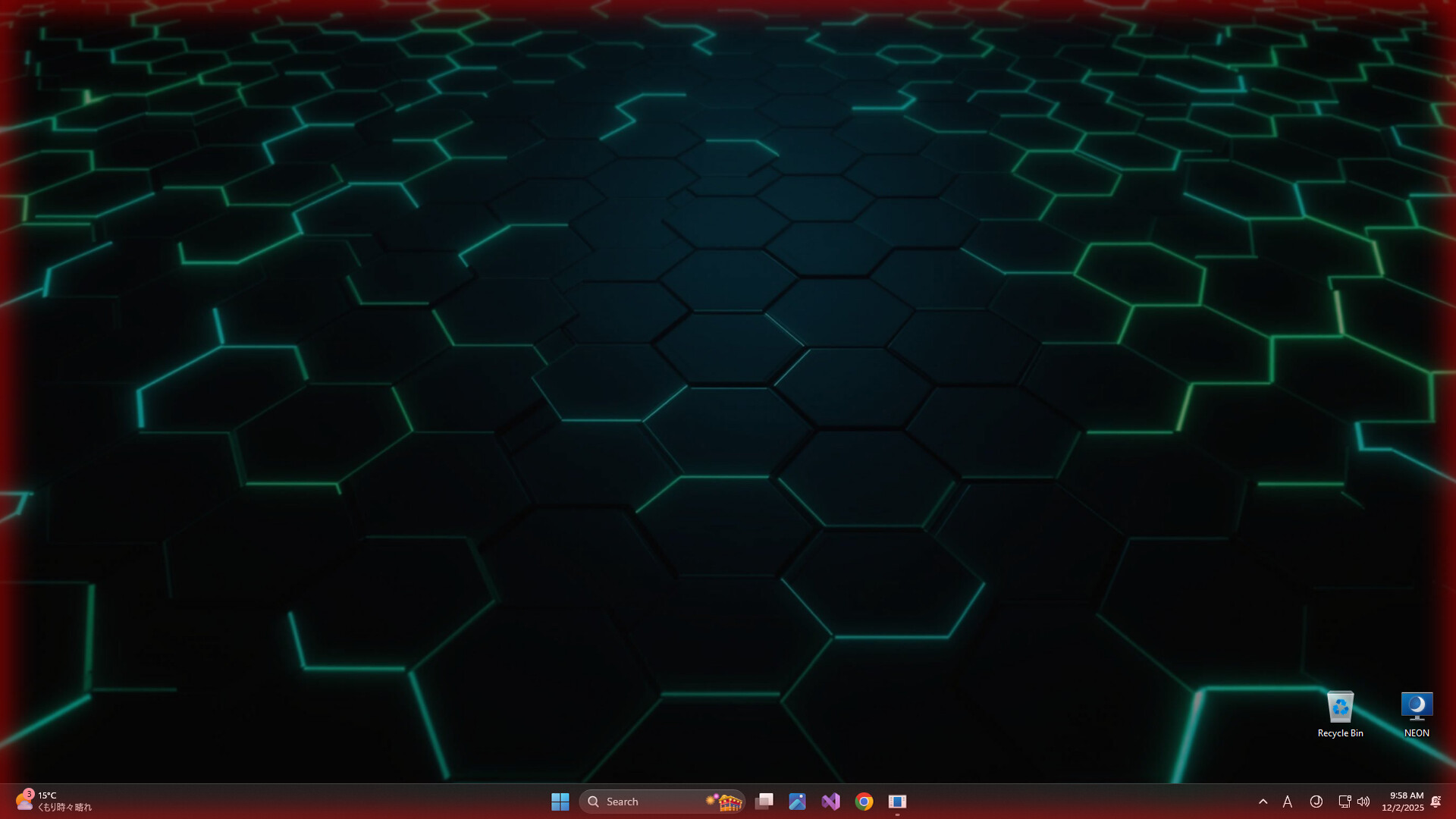
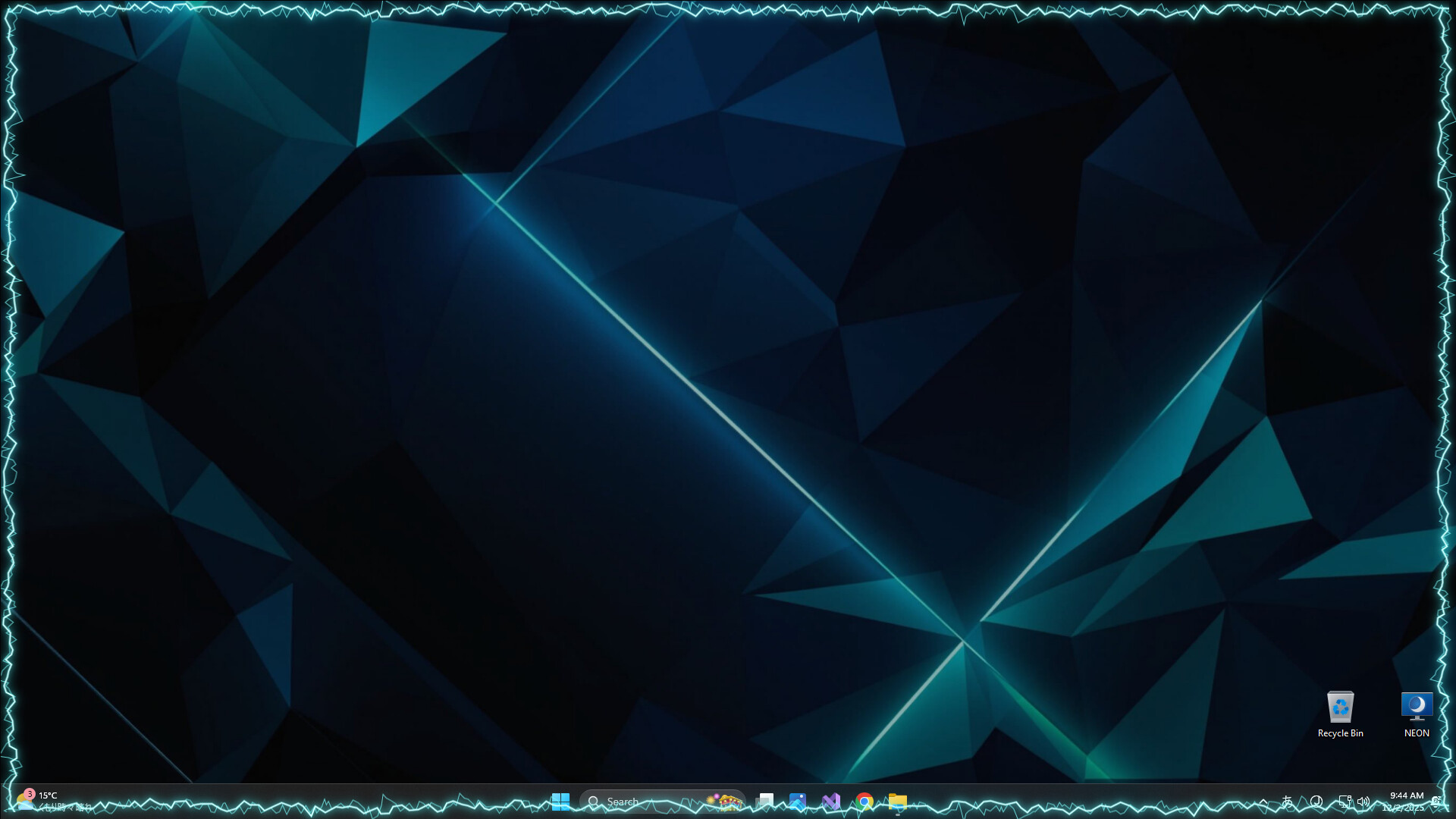
Monitor your system performance with a reactive screen border. Edge Lightning Engine visualizes CPU, GPU, and RAM usage via dynamic ambient lighting. Lightweight, fully customizable, and designed to be a non-intrusive "click-through" overlay for your desktop.
Top matches
Match strength key:80+65+50+<50
Edge Lightning Engine
SteamAbout Edge Lightning Engine
Performance & Safety (Gamer First)
Zero-Distraction "Auto-Pause": The engine includes an automatic detection system that pauses effects instantly when a fullscreen application is active. This ensures 0% resource usage while you are in a competitive match.
Note: For games played in Borderless Window or Windowed Mode, automatic detection may vary. We recommend manually toggling the "Pause" switch via the system tray icon before starting a match to guarantee maximum performance.
Anti-Cheat Safe (Non-Intrusive Design): We prioritize your account safety over deep system integration. Edge Lightning Engine monitors system performance using only standard Windows APIs (WMI). Because we do not hook into specific game processes or read window memory to force detection, the software remains completely safe to use alongside anti-cheat systems like VAC, Vanguard, and Ricochet.
⚠️ Early Access Performance Note
This software is currently in early access and allows for high-fidelity visual effects. While optimized, some presets can be GPU intensive.
Important for Gamers: If you experience any FPS drops:
Steam data © 2026 Valve Corporation. Trademarks are property of their respective owners.
All matches
Similar games to Edge Lightning Engine
Finding similar games…