
Find a co-op game with friends
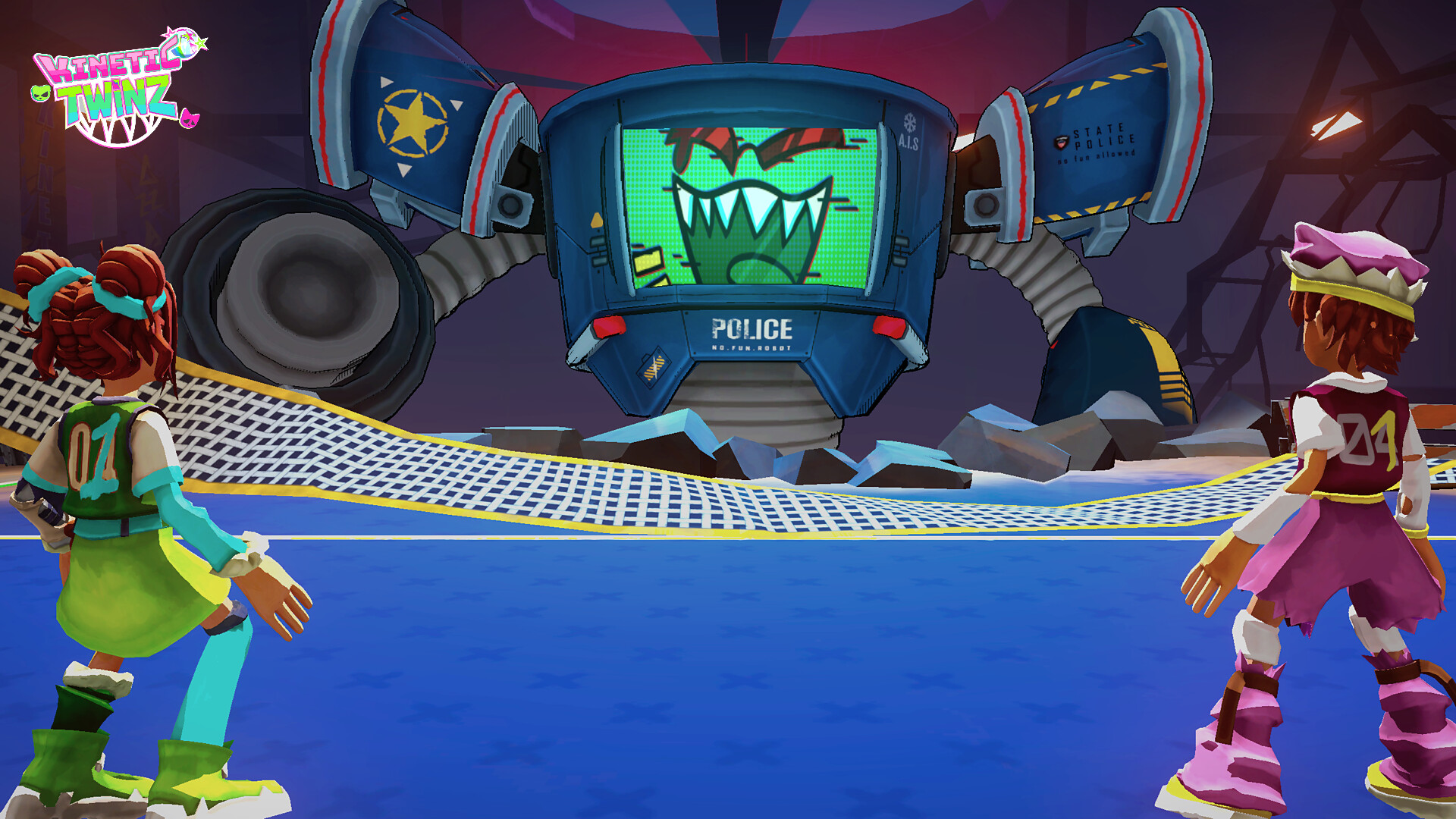
Kinetic TwinZ screenshot 1
Official Trailer
An Introduction to Kinetic TwinZ
Kinetic TwinZ screenshot 4
Kinetic TwinZ screenshot 5
Kinetic TwinZ screenshot 6
Kinetic TwinZ screenshot 7
Kinetic TwinZ screenshot 8

Games Like Kinetic TwinZ

Availability unconfirmed·ISART DIGITAL·

In this Motion Control party game, turn volleyball into an act of defiance! Seize your Joy-Cons, dodge powerful attacks, and coordinate with your duo to defeat the "Anti-Fun" police.

Top matches

Match strength key:80+65+50+<50
Finding similar games…

About Kinetic TwinZ

Play together in local co-op using Joy-Cons and motion controls, where every movement matters.

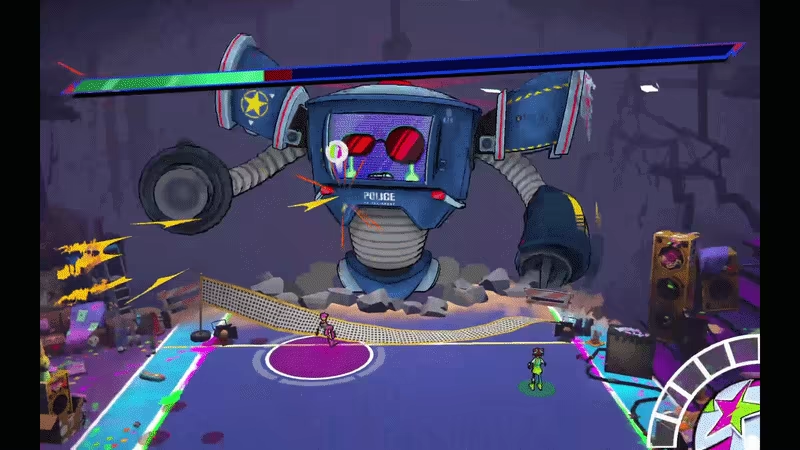
In an abandoned gym, turn volleyball into a revolution as rebellious twins: Smash, pass, dodge, and coordinate your actions to survive your encounter with the anti-fun police and push back against a world that wants to shut down fun... forever.
Kinetic TwinZ video 1

The goal ? Defeat the ANTI-FUN POLICE

In a world where fun is forbidden, play the role of two rebellious teens who are determined to have a good time. 
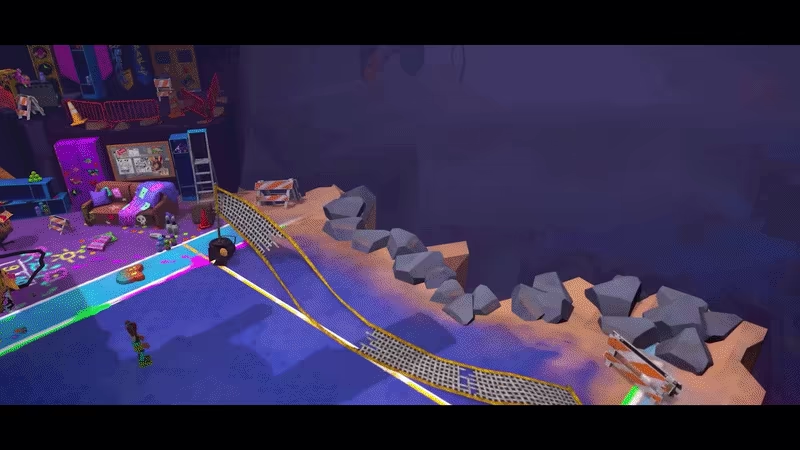
Kinetic TwinZ video 2

And how to do that, you  might ask?

Passing the ball between both player charges it up! A fully charged ball will deal MAXIMUM damage to the boss!


Kinetic TwinZ video 3Kinetic TwinZ video 4

Smash TOGETHER for a brilliant finish!

<span class="bb_img_ctn"><video class="bb_img" autoplay muted loop playsinline poster="https://shared.akamai.steamstatic.com/store_item_assets/steam/apps/4196150/extras/f820e003f3e0530e2d6795d01b27521d.poster.avif?t=1780502468" width=800 height=450 ><source src="https://shared.akamai.steamstatic.com/store_item_assets/steam/apps/4196150/extras/f820e003f3e0530e2d6795d01b27521d.webm?t=1780502468" type="video/webm; codecs=vp9"><source src="https://shared.akamai.steamstatic.com/store_item_assets/steam/apps/4196150/extras/f820e003f3e0530e2d6795d01b27521d.mp4?t=1780502468" type="video/mp4"></video></span>

Set-up

Kinetic TwinZ requires Nintendo Switch Joy-Cons to play. The ideal experience uses the Switch's motion controls, but accessibility options are available for those who can't! The initial set-up can be a little finicky, but the following advice should take you through any issues you might encounter:

On Windows:

•
Open Settings > Bluetooth & devices
•
Toggle Bluetooth on

If you have previously connected Joy-Cons:

•
Click on each Joy-con: (L) and (R)
•
Click "Remove"

This step is vital, as it is impossible to automatically or re-connect a disconnected Joy-Con on Windows.

Turn on your Joy-cons:

•
Press and hold the small, circular black button located in between SL and SR.

After 3 seconds the lights should start to flicker.

On Windows:

•
Add Device > Bluetooth > Joy-Con (L) and Joy-Con (R) individually
•
Open Steam
•
Click "Play"!

The whole team wishes you the best experience playing Kinetic TwinZ. 

Frequently Asked Questions

I'm having connection issues, lag or the motion controls aren't working

•
You might be too far away from your PC. Distance can cause lag or disconnection of Nintendo Switch Joy-Cons.
•
Disconnecting and reconnecting your Joy-Cons tends to fix most issues. We recommend updating your Bluetooth drivers for the smoothest experience.

Can I play with Nintendo Switch 2 Joy-Cons?

•
Sadly, no. Nintendo Switch Joy-Cons won't connect to a PC via Bluetooth. If this becomes possible we would love to ensure compatibility!

I don't have Joy-Cons. Can I play with a keyboard?

•
Technically it is possible to replace two Joy-Cons with a keyboard and a controller. We don't recommend you play like this, but if you want to experience Kinetic TwinZ and don't have any Joy-Cons, you can! Please note that the pictogrammes and other in-game signs will not reflect this.

Steam data © 2026 Valve Corporation. Trademarks are property of their respective owners.

All matches

Similar games to Kinetic TwinZ

Finding similar games…