



Games Like SLIME WATCH
Advanced SteamVR overlay utility: windows and desktop in VR, built-in browser, VR keyboard, profiles, and performance monitoring.
Top matches
Match strength key:80+65+50+<50Finding similar games…
SLIME WATCH
SteamAbout SLIME WATCH
SLIME WATCH is an advanced overlay utility for [ SteamVR (OpenVR) ] that bridges your PC and your VR space.
View and control your windows, desktop, and tools directly in VR — without removing your headset.
WHAT CAN YOU DO?
•
Space Drag: Grab the world and move your playspace effortlessly.
•
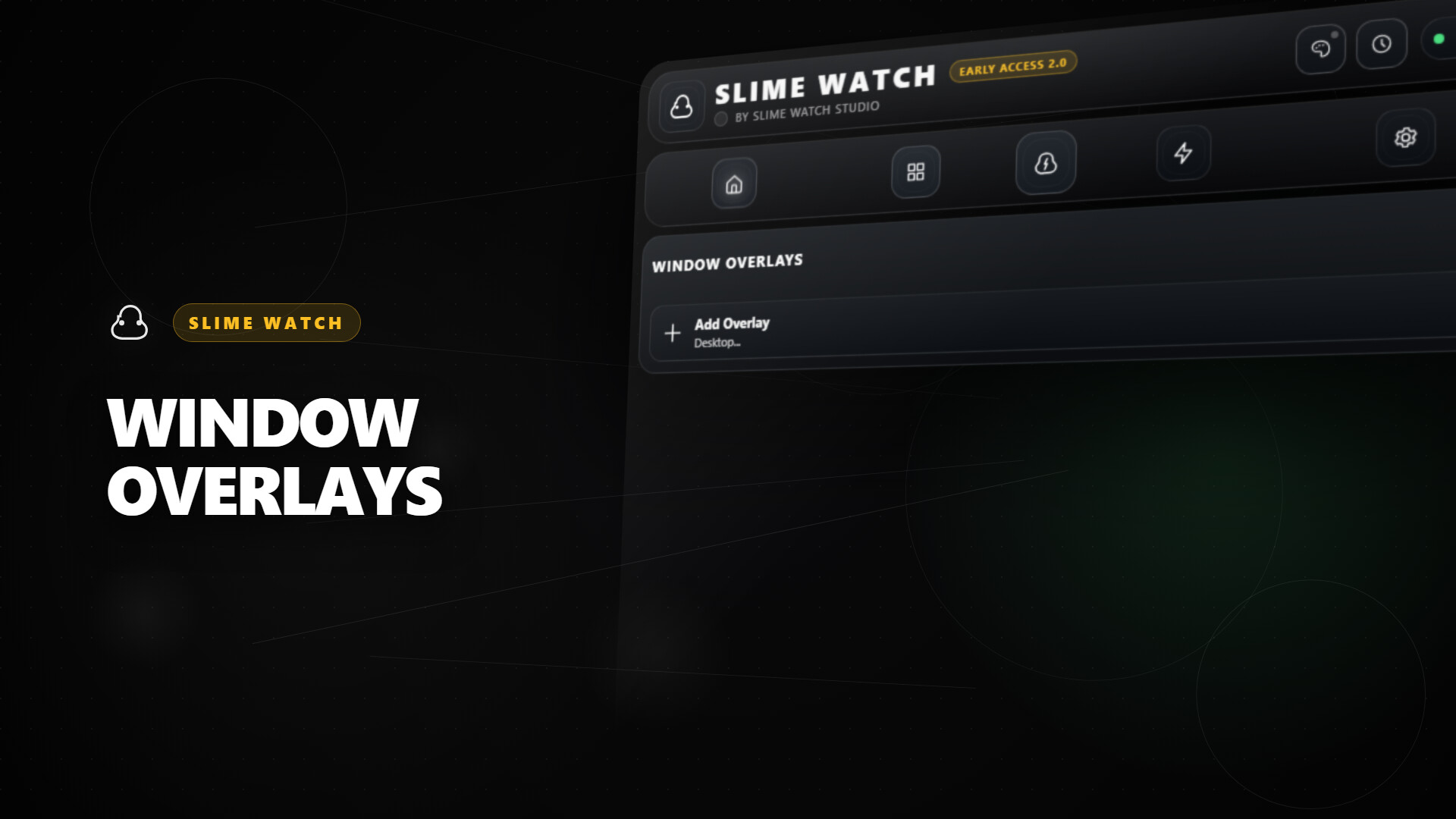
Create Overlays: Spawn windows or desktop views anywhere in your VR space.
•
Clock Mode: Keep track of time and performance with a stylish wristwatch.
•
And much more: Explore a variety of tools designed to improve your VR experience.
USE CASES
•
In-game multitasking: Discord, Twitch, guides, YouTube, chat, dashboards — always visible in VR.
•
VR productivity: create a VR workspace for development, modding, and monitoring.
•
Streaming: monitor OBS and streaming tools without breaking immersion.
KEY FEATURES
•
Desktop and window overlays: capture a screen or a specific window, duplicate it, crop it, adjust opacity/brightness, and lock it in place.
•
Flexible placement: attach overlays to the world, the headset (HMD), the controllers, or the SteamVR dashboard space.
•
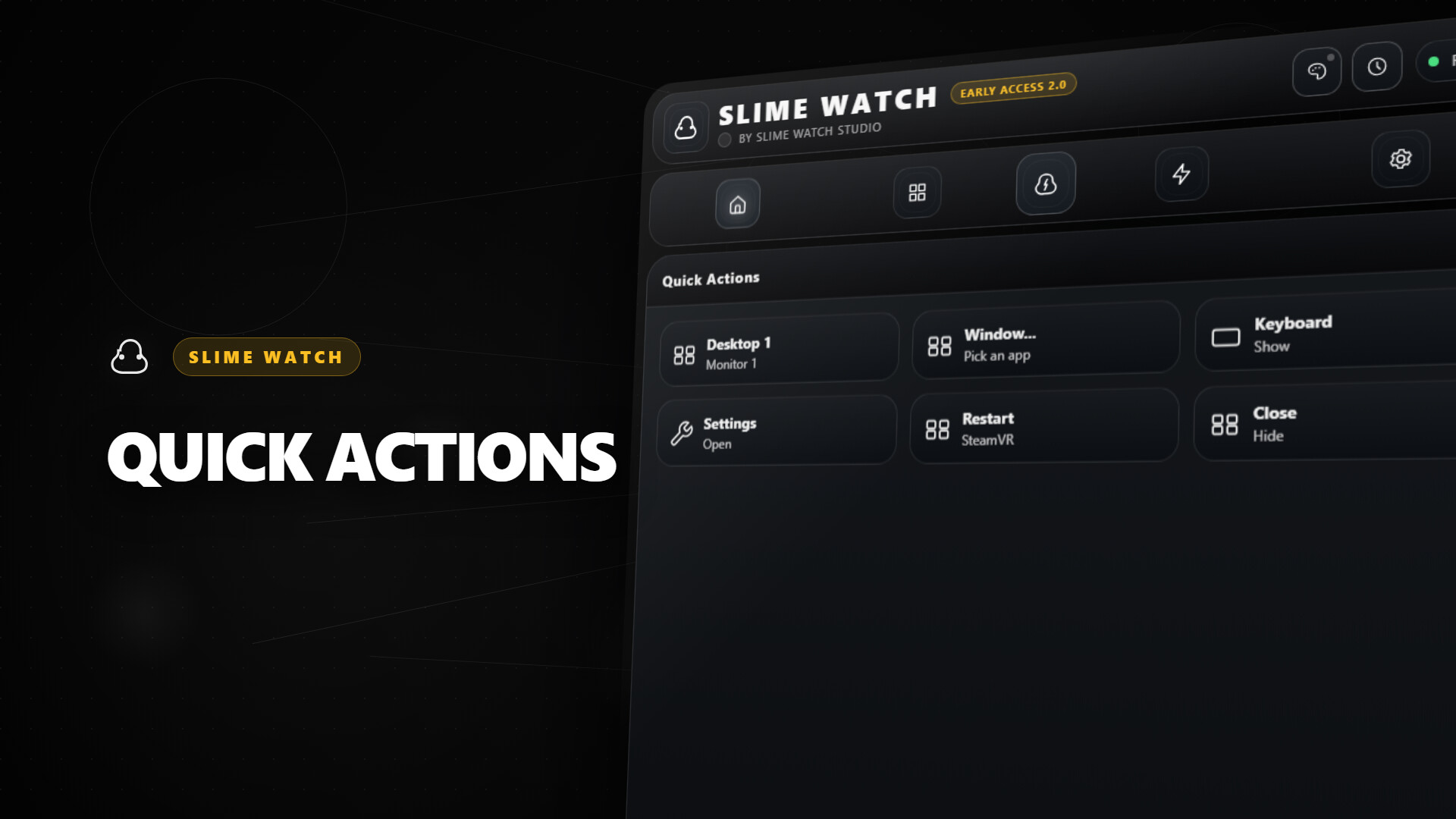
VR interaction: pointer/laser, click, scroll, drag and drop, and configurable actions.
•
VR keyboard: type in VR with configurable and editable layouts.
•
Profiles: save/load configurations and app-specific profiles with automatic activation by VR title.
•
Performance monitor: real-time FPS, CPU, GPU, RAM, and VRAM.
INTERFACE & MENUS
•
Wrist menu (left controller): the main control center on the controller for adding, managing, and configuring overlays.
•
Overlay context menu: quick actions for each overlay, including move, resize, and actions.
•
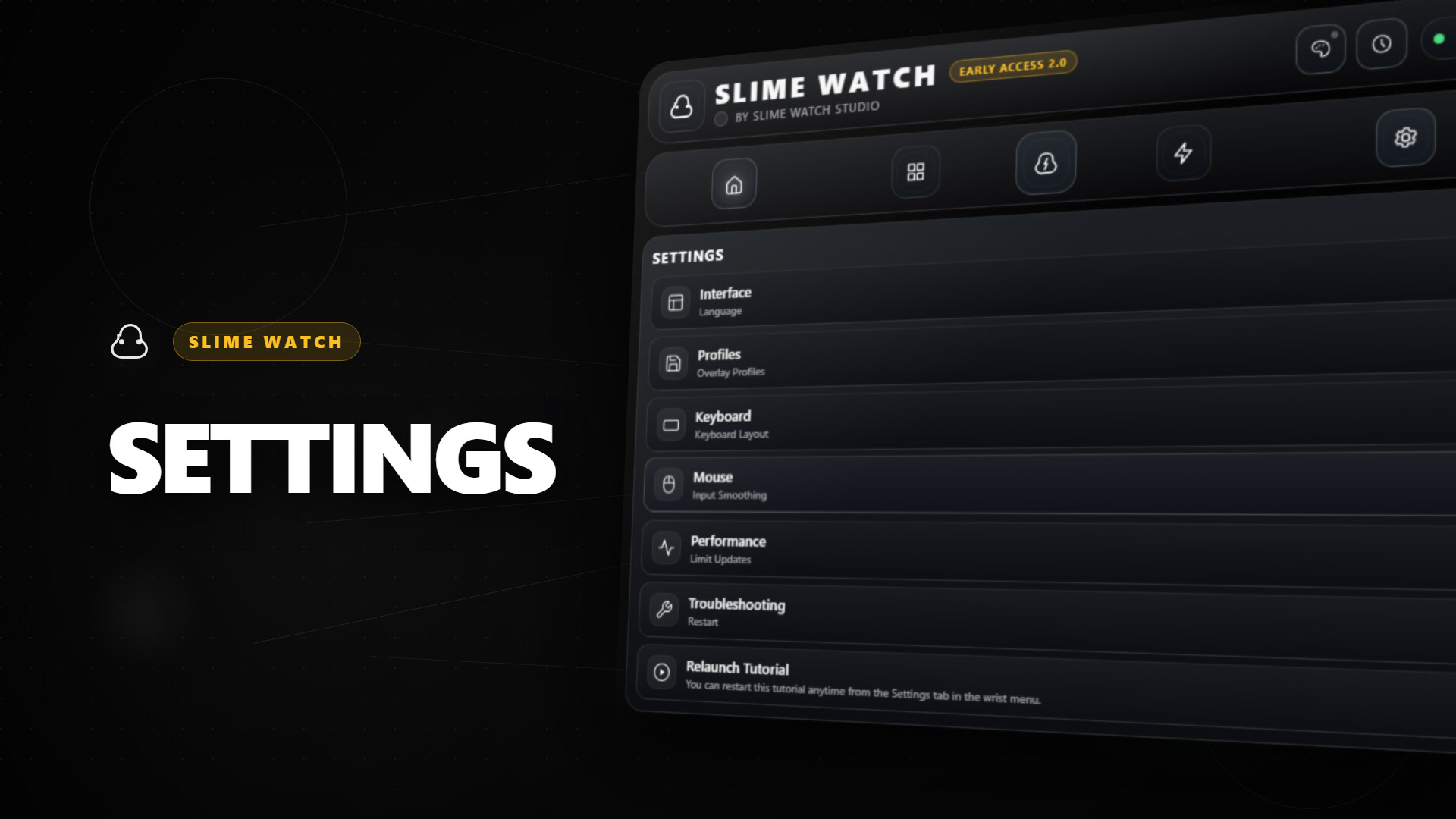
Settings: global options, profiles, actions/shortcuts, keyboard, and interactions.
•
Non-intrusive: stays usable without getting in the way of your VR experience.
•
Fast workflow: create, place, lock, and duplicate overlays in seconds.
•
Customizable: actions, profiles, and rendering options (opacity, curvature, cropping) tailored to your setup.
PERFORMANCE & PHILOSOPHY
•
Lightweight and stable: built on the appropriate Windows APIs (DXGI / Windows Graphics Capture).
•
Optimizations: rendering stops when an overlay is hidden; shared textures are used when cloning the same source.
•
Control: configurable FPS limiter to reduce GPU load.
Steam data © 2026 Valve Corporation. Trademarks are property of their respective owners.
All matches
Similar games to SLIME WATCH
Finding similar games…