

Games Like Basecoat: Mini Painting Studio
Turn your STL files into painted, VTT-ready miniatures. Automatic shadows & highlights, bucket fill, free paint, custom stamps and more. Export for Tabletop Simulator, TaleSpire or as OBJ.
Top matches
Match strength key:80+65+50+<50
Basecoat: Mini Painting Studio
SteamAbout Basecoat: Mini Painting Studio
Basecoat is a full 3D digital painting studio for miniatures.
It handles all the technical prep for you (mesh optimization, UV unwrapping, material setup) and lets you get straight to the fun part - actually painting!
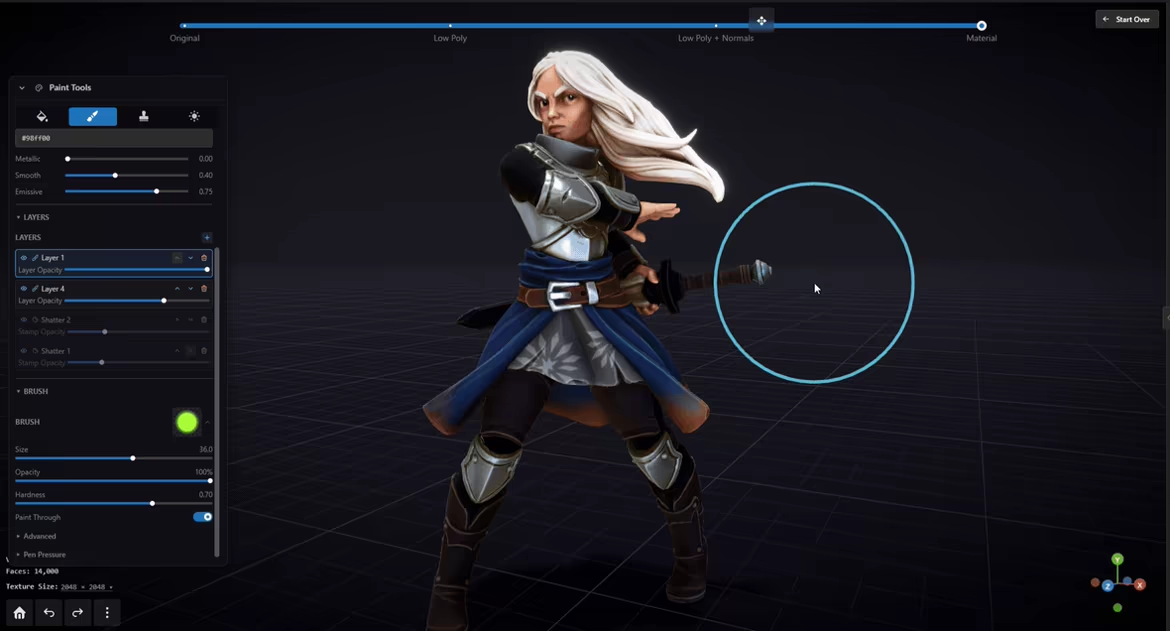
PAINTING TOOLS
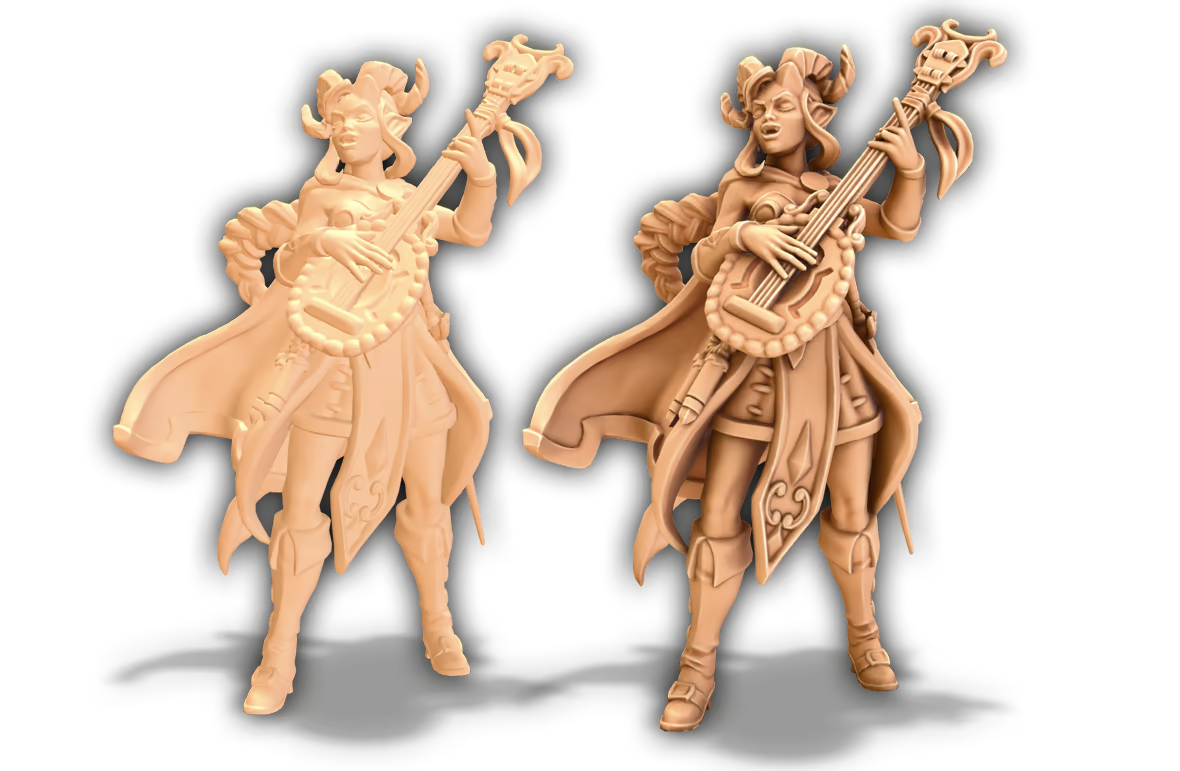
Raw STLs look flat. Auto-generate shadows and highlights to bring out the details. Shading adapts to painted colors automatically.
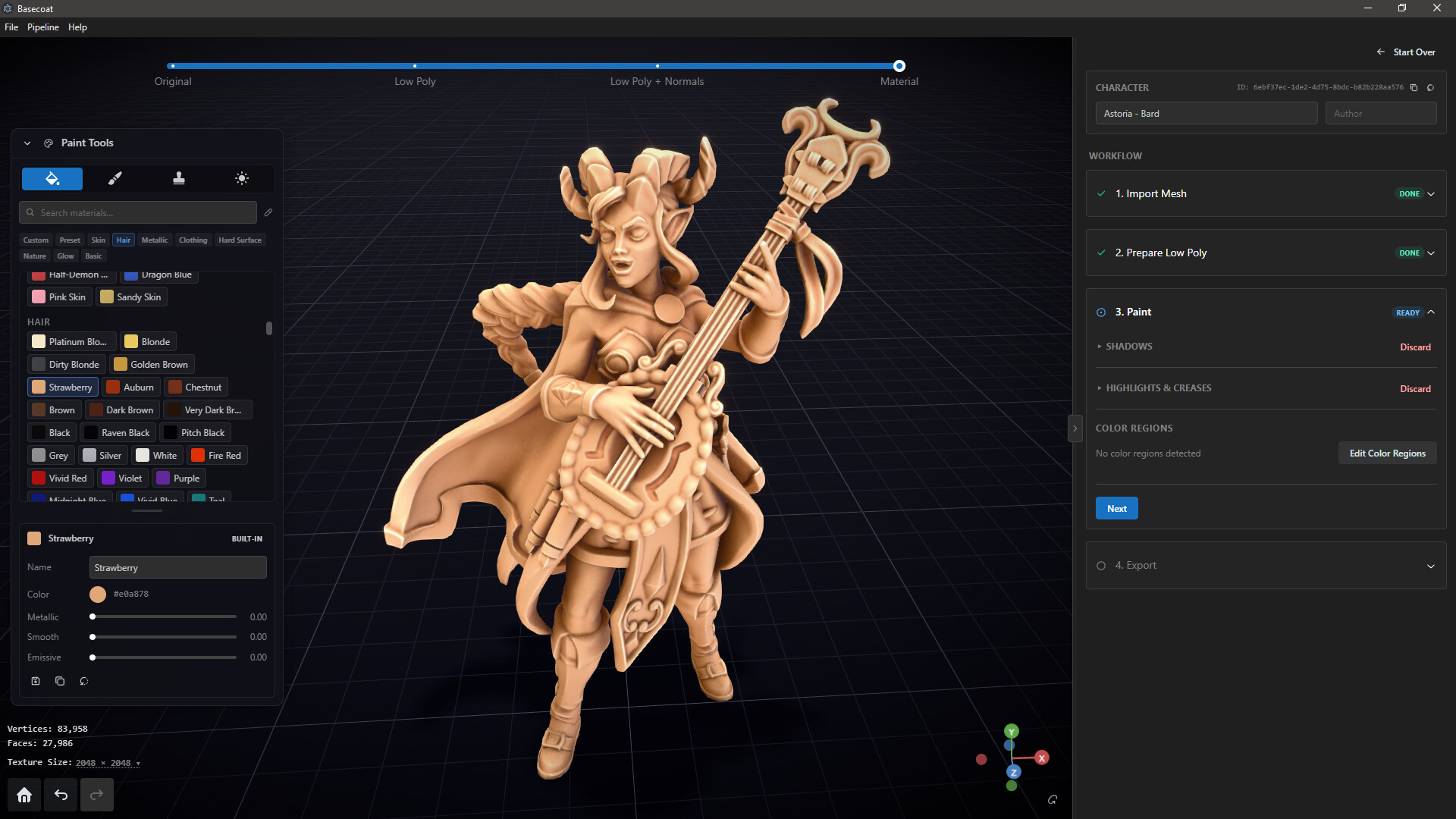
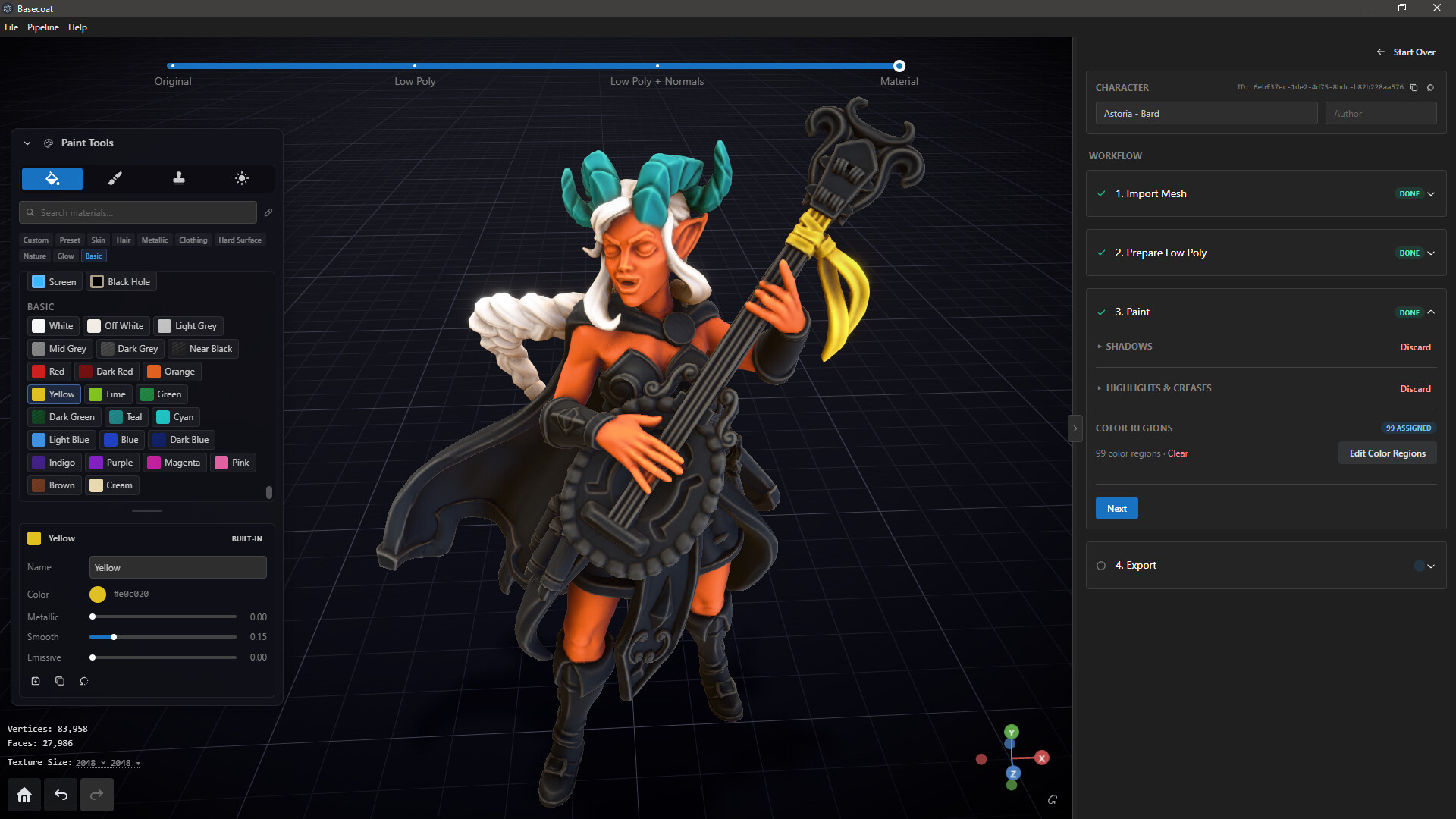
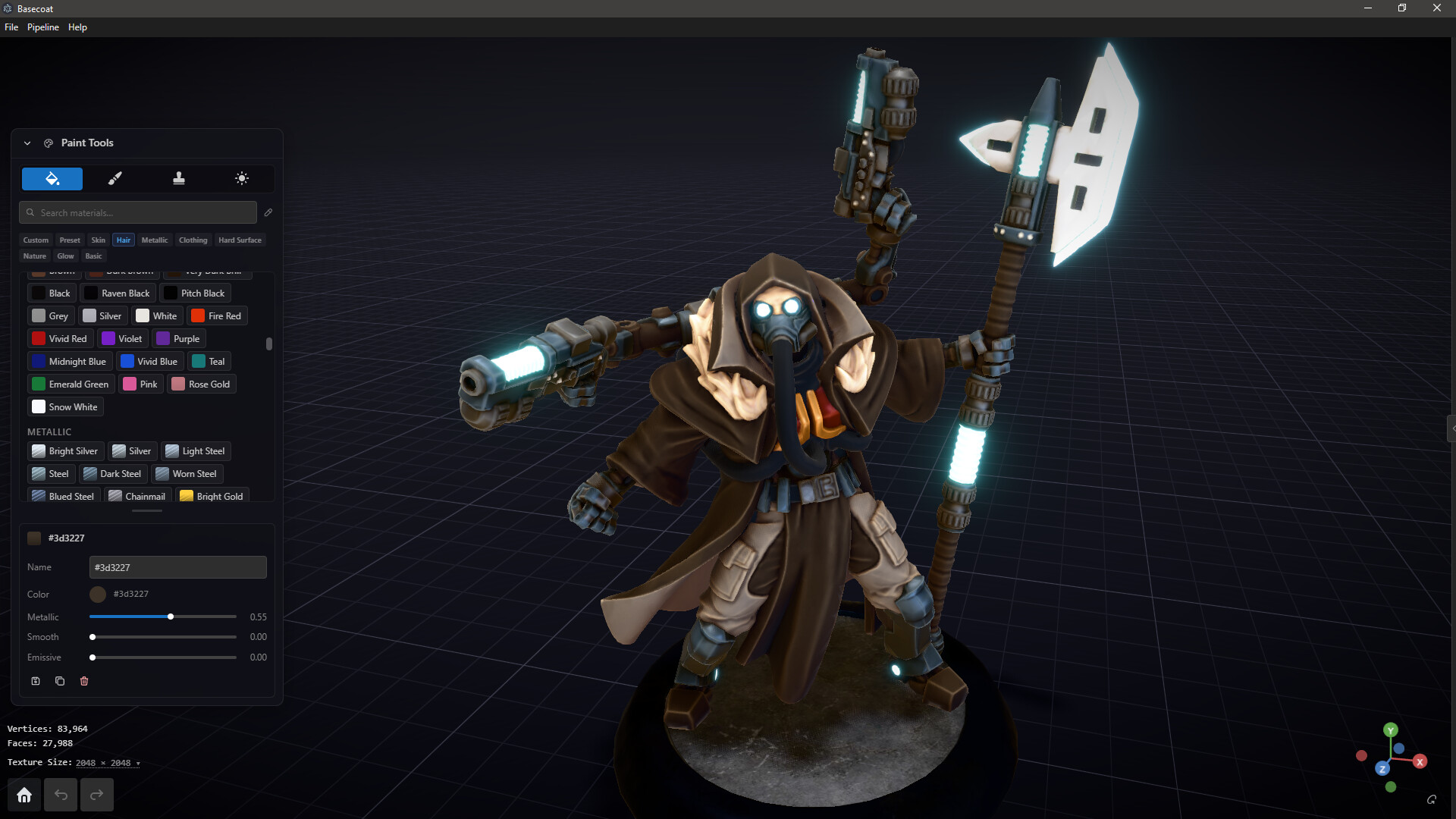
Quickly put down base colors with bucket paint mode. Use auto-generated color regions (one click, adjustable), or define your own regions.
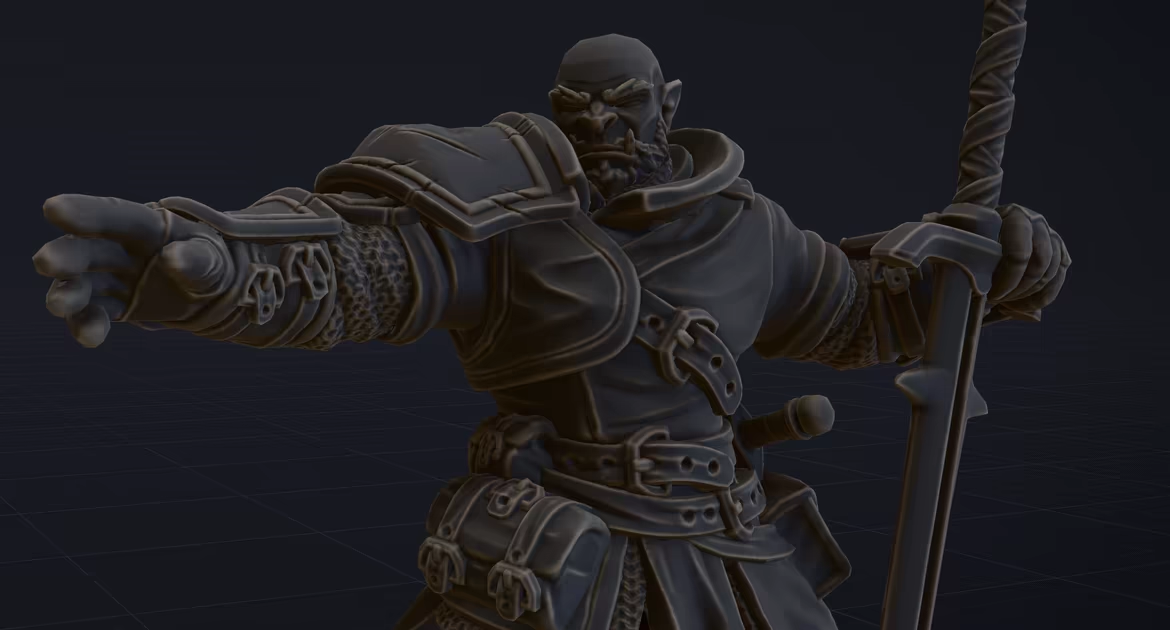
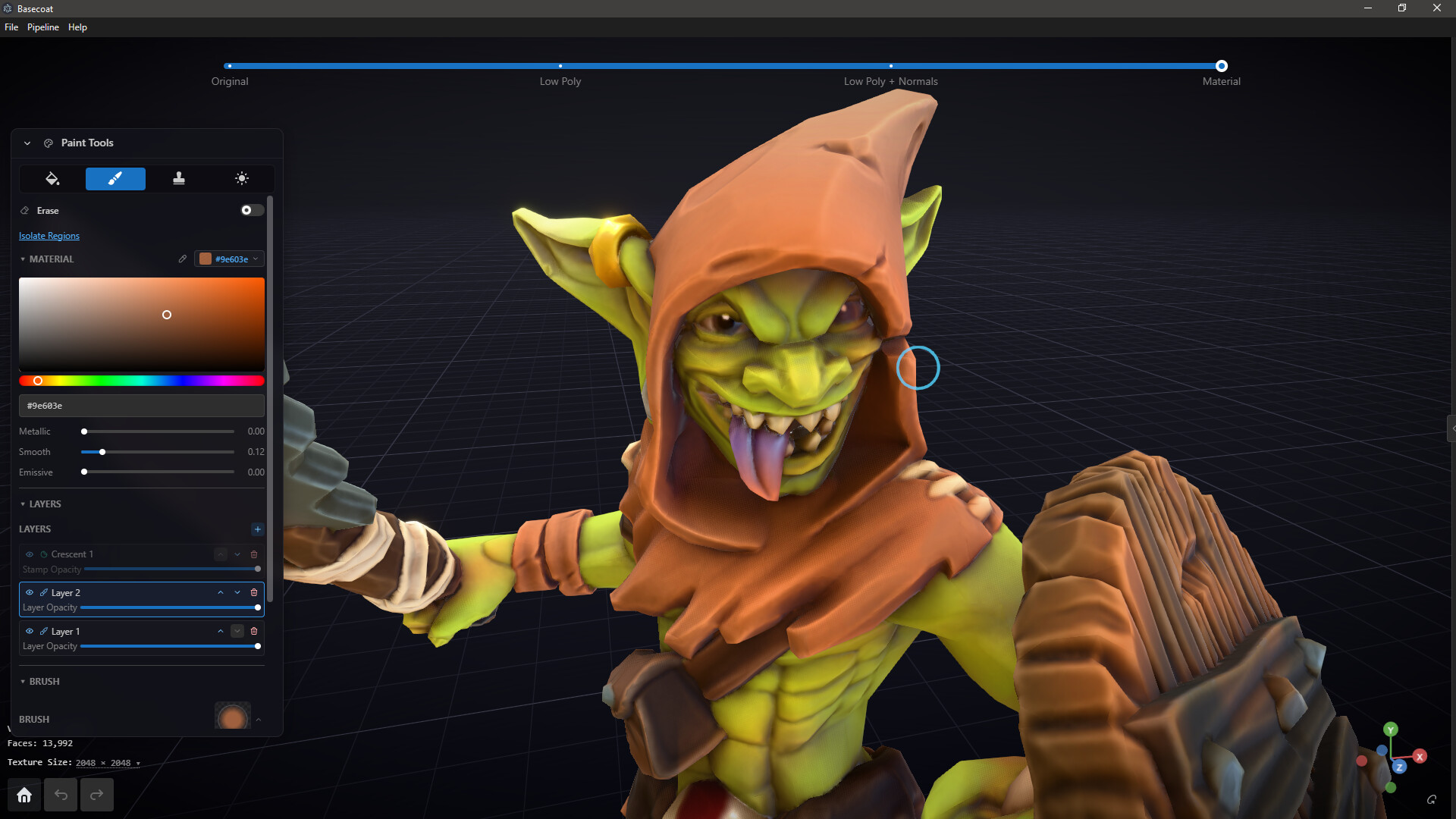
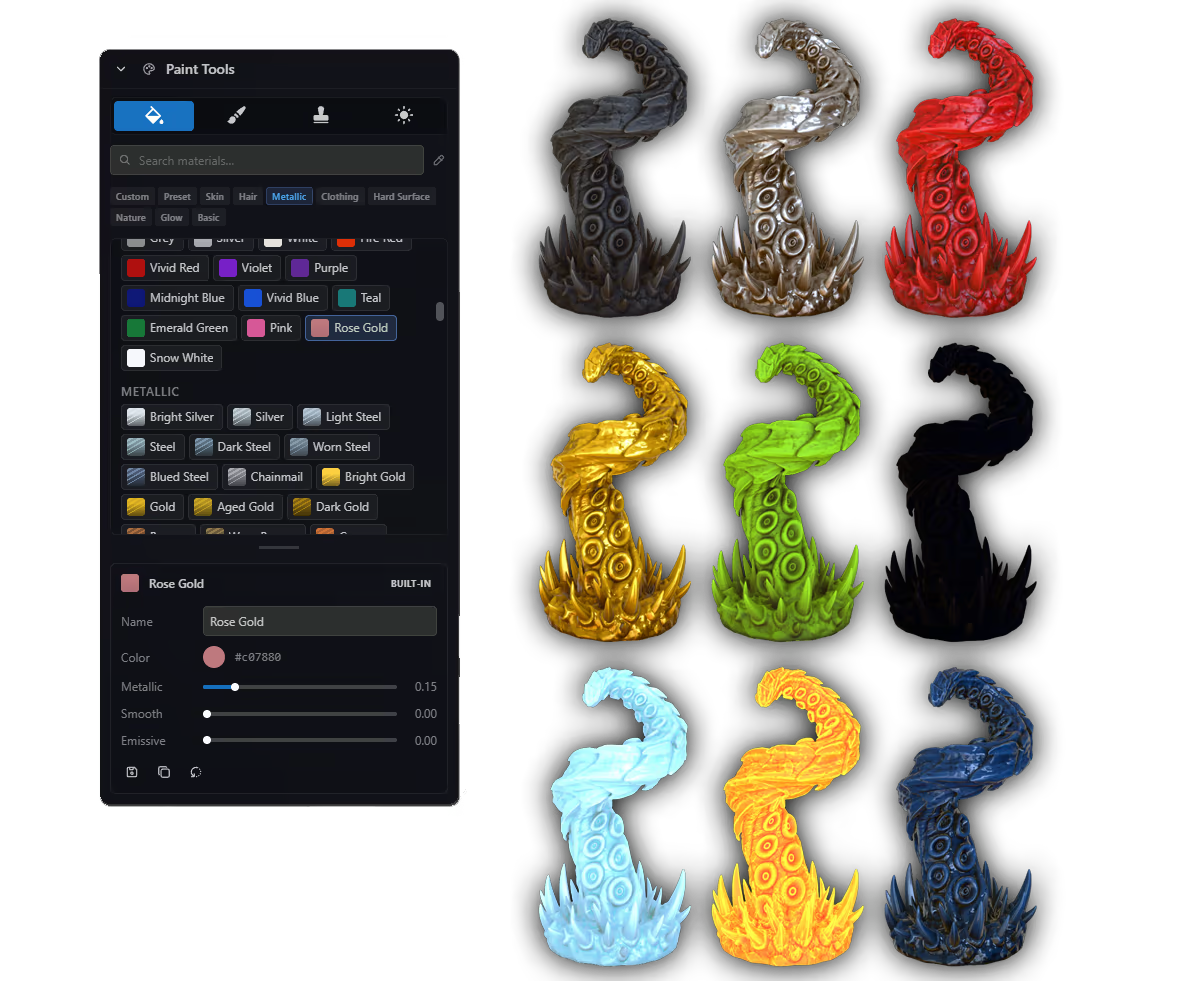
Start with a palette of premade materials, or design your own. Adjust color, metallic, reflectivity, and glow (emissive).
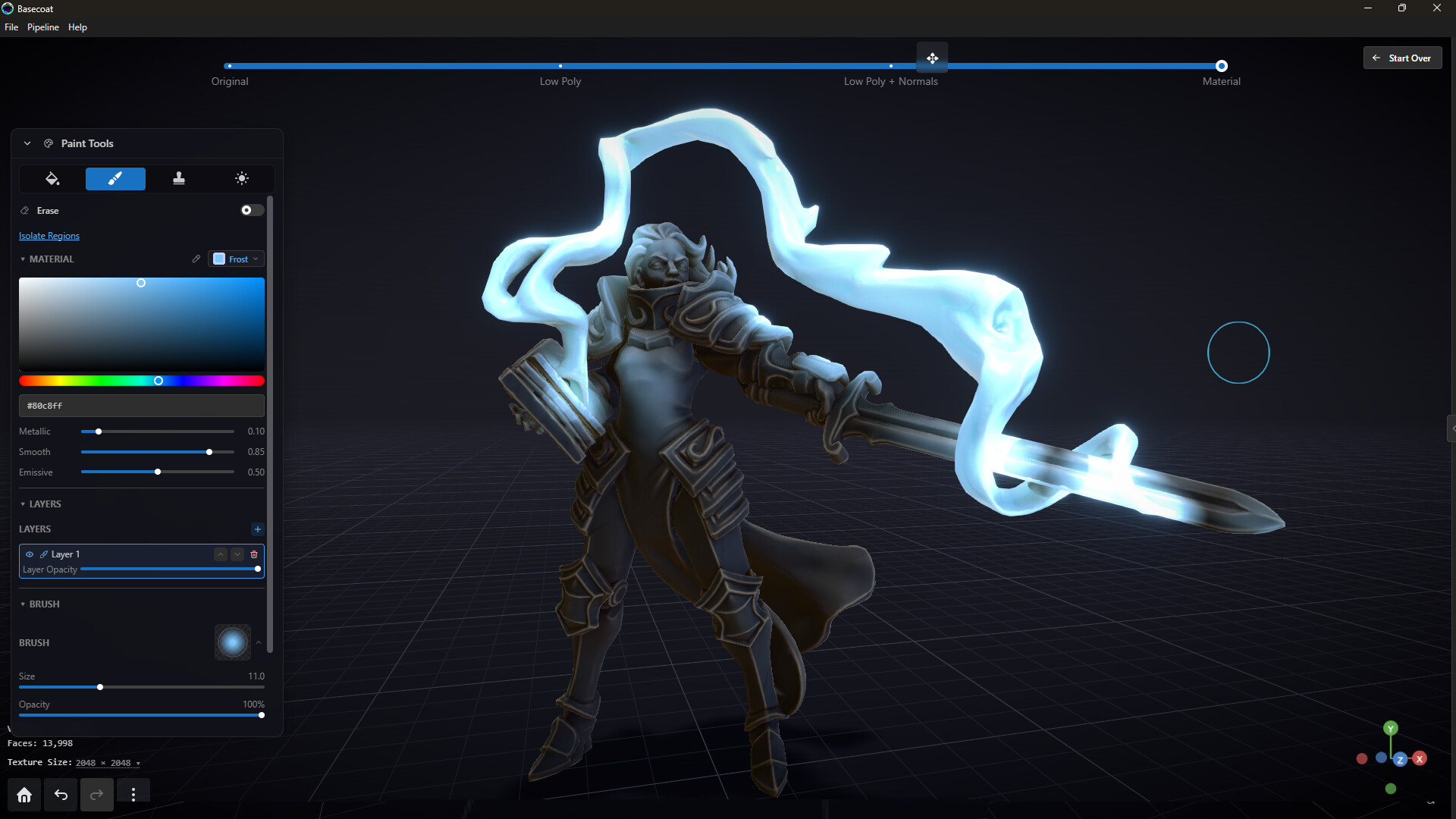
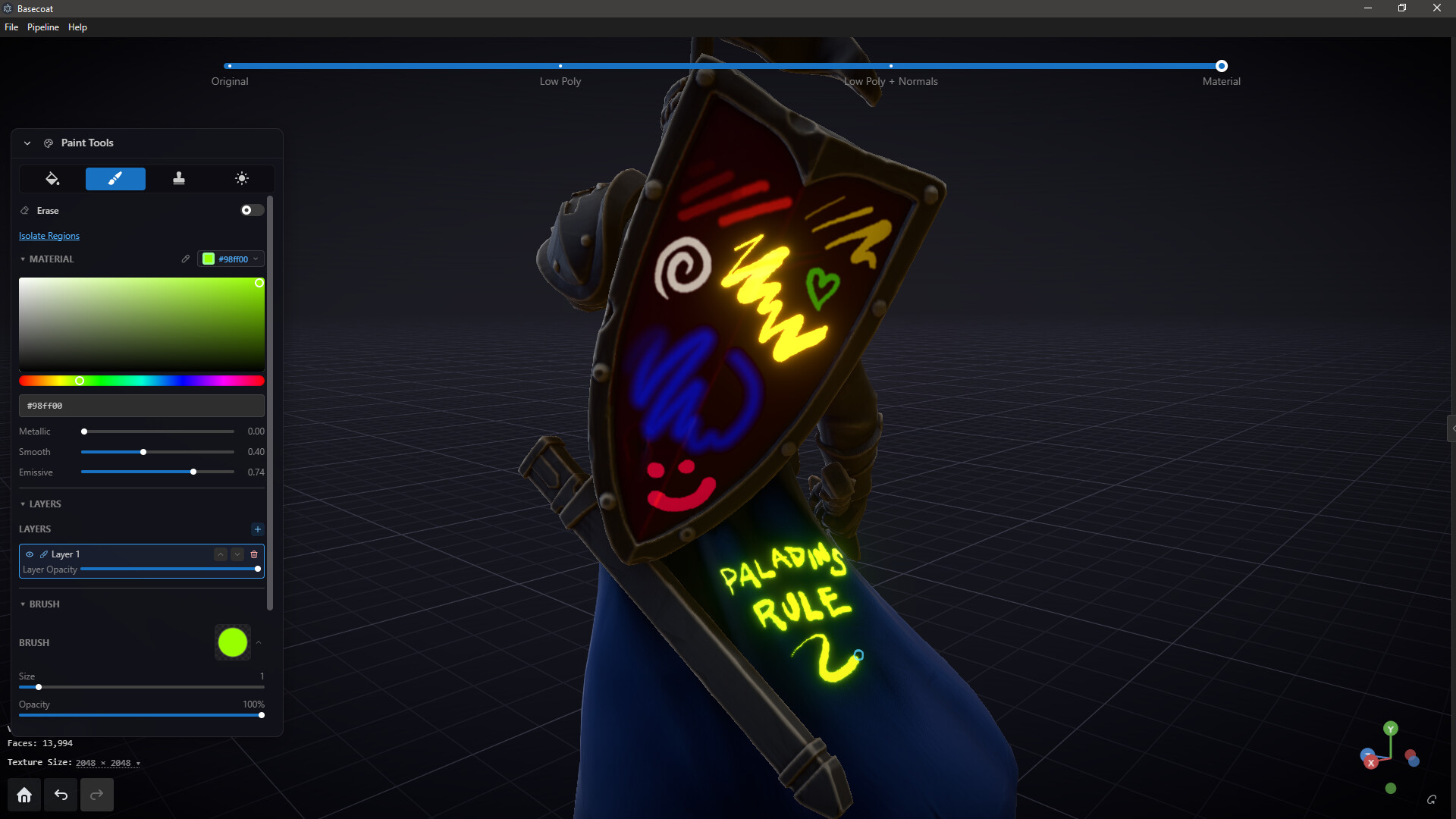
Draw on any surface! Control brush size, hardness, opacity and shape. Supports common drawing tablets.
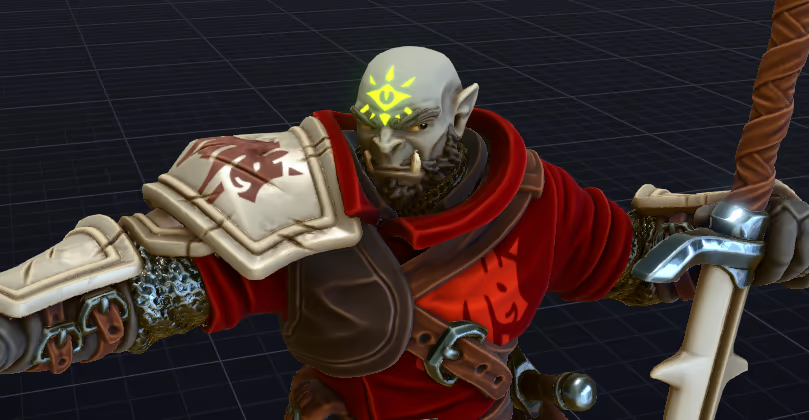
Add stamps to your minis in any material. Use the built-in stamp library, or upload your own PNG or SVG stamps.
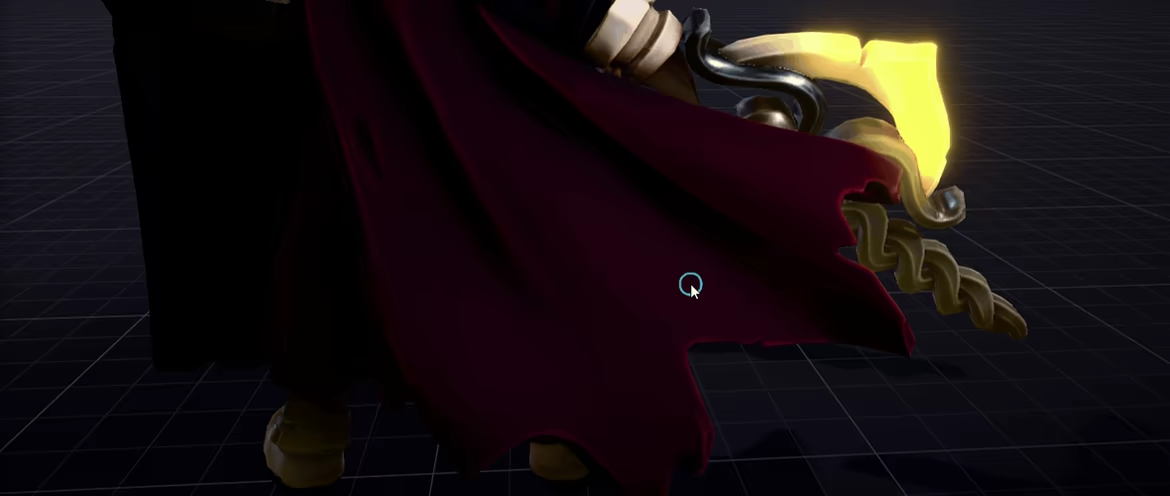
Use the airbrush and Paint Through to paint the glow from a torch or spell, directly onto your model's textures.
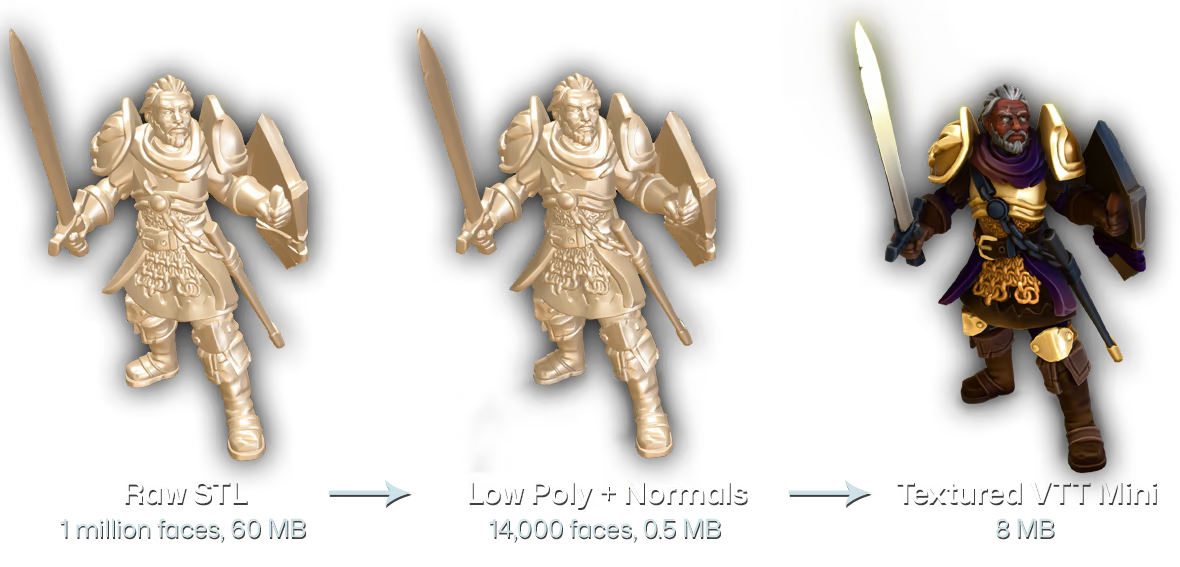
STL files designed for 3D printing are usually too large to work well on VTT. Basecoat creates a reduced, low poly version of your original mesh, with a wrap-around normal map to capture details. The resulting optimized miniature is a fraction of the file size, but looks just as detailed as the original.
EXPORT FORMATS
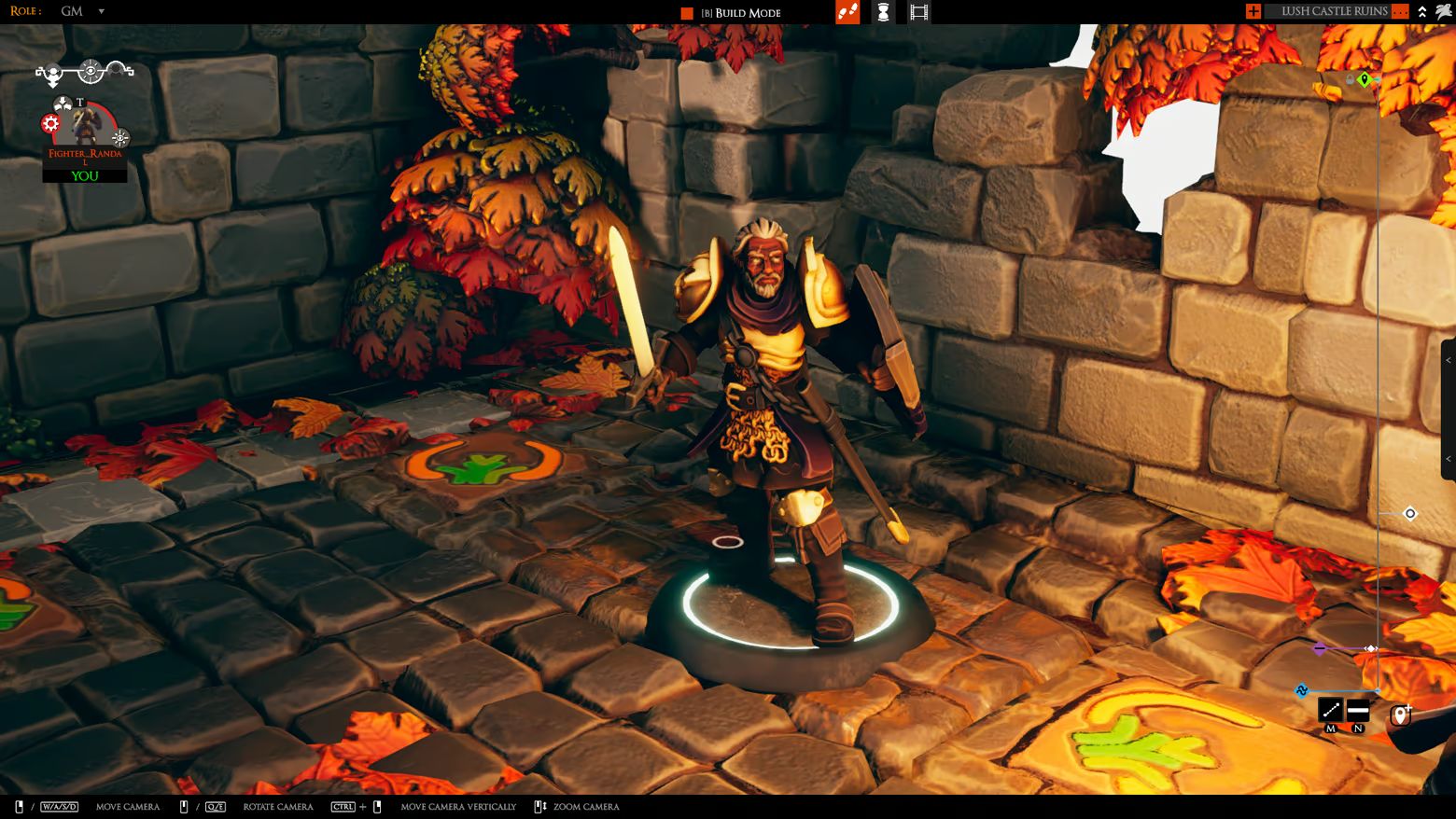
Export to native .tsMod format, then drop it into your TaleSpire folder to use locally. Define your own hit/head/torch/spell markers. Base size is auto calculated based on geometry, and can be previewed in Basecoat before export.
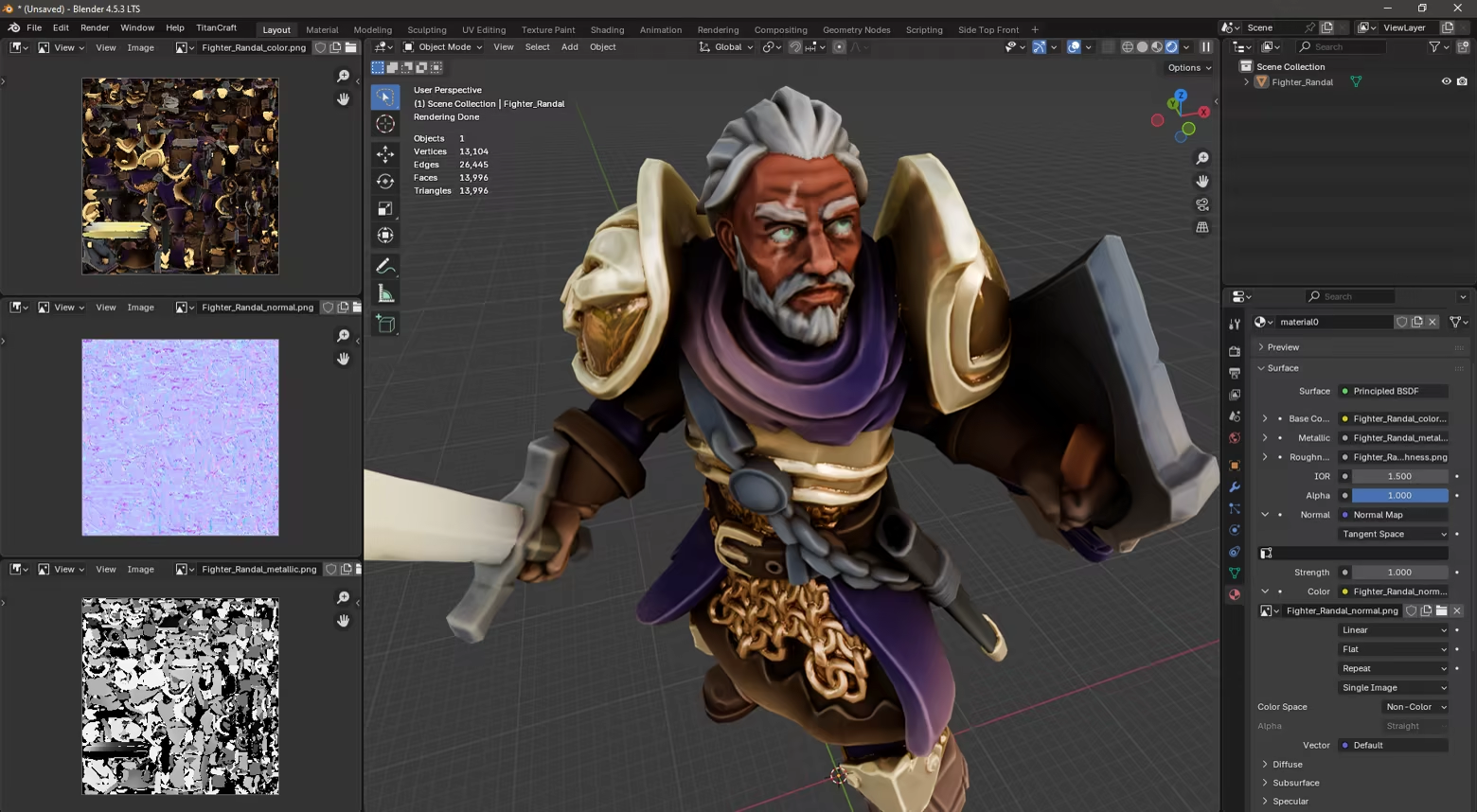
Export to .obj format, compatible with most 3D programs. Textures include color (albedo), normals, metallic, roughness, and emission.
Export as a .unity3d AssetBundle, compatible with Tabletop Simulator and other Unity-based engines. Requires Unity to already be installed on your machine.
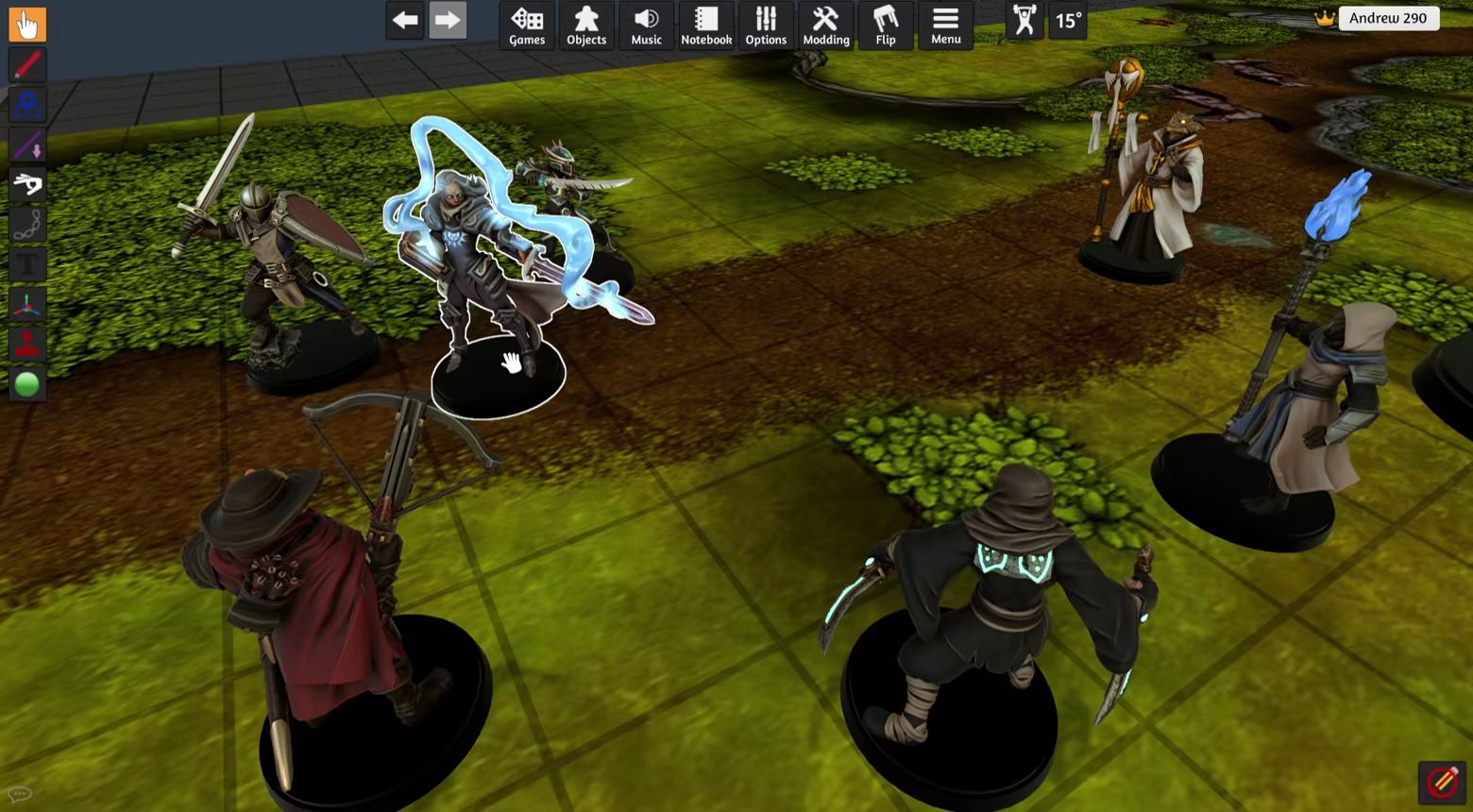
IMPORT YOUR OWN FILES
Paint the digital miniatures you already own!
Basecoat can read STL, OBJ and FBX files.
Files should be manifold (watertight) to work properly. STL files designed for 3D printing usually work well - models designed for video games may not.
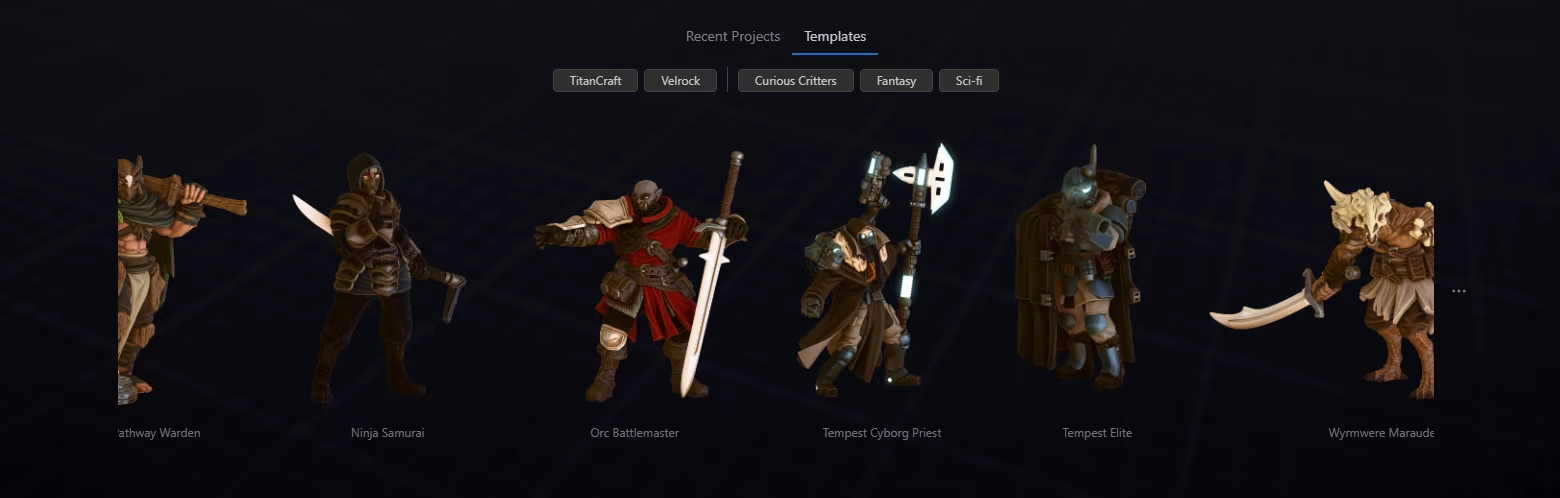
...OR START WITH A TEMPLATE
Don't have your own models? Start painting now with our library of ready-to-paint built-in characters.
SKIP THE PREP WORK
Outside of Basecoat, the common workflow for getting a model ready to paint is:
With Basecoat, the workflow becomes:
Basecoat gives you exactly what you need to paint minis, without the cost or learning curve of traditional texturing programs.
BATCH FILE PROCESSING
Process entire folders of STLs in one go. Generate shadows and highlights, bake any included colors, optimize for VTT, and export to one or more formats - all automatically.
FEEDBACK
Help us make Basecoat better! Find us on the TitanCraft discord server, linked in the Info section.
Credits: Galaad Miniatures (miniatures), Velrock Art (miniatures), Lemurian (TaleSpire map), MatsHellman (Tabletop Simulator map)
Steam data © 2026 Valve Corporation. Trademarks are property of their respective owners.
All matches
Similar games to Basecoat: Mini Painting Studio
Finding similar games…