

Games Like XR Cad
Constructive Solid Geometry CAD for VR/AR for easy modeling of game assets or 3d printing functional parts.
Top matches
Match strength key:80+65+50+<50
XR Cad
SteamAbout XR Cad
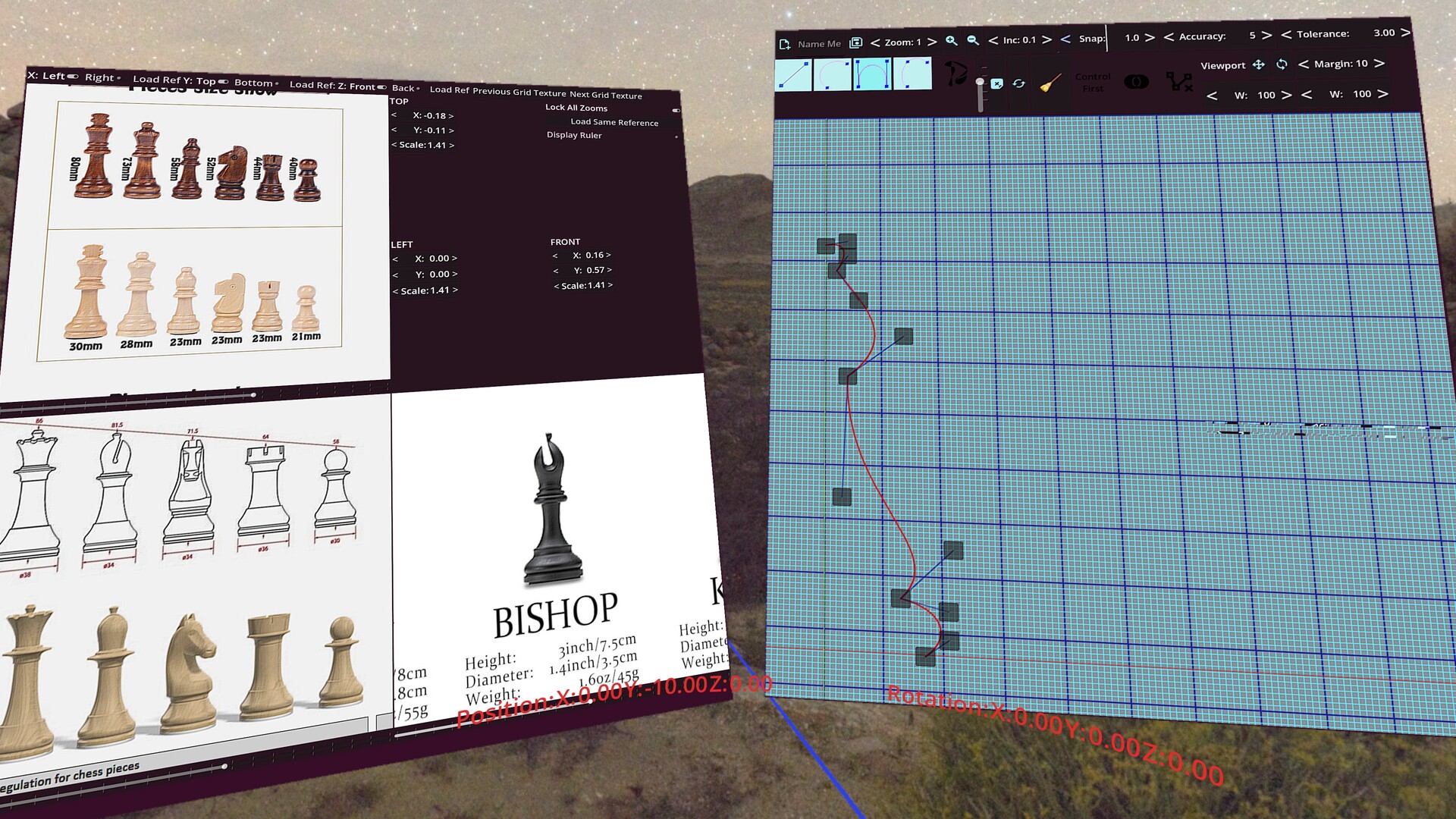
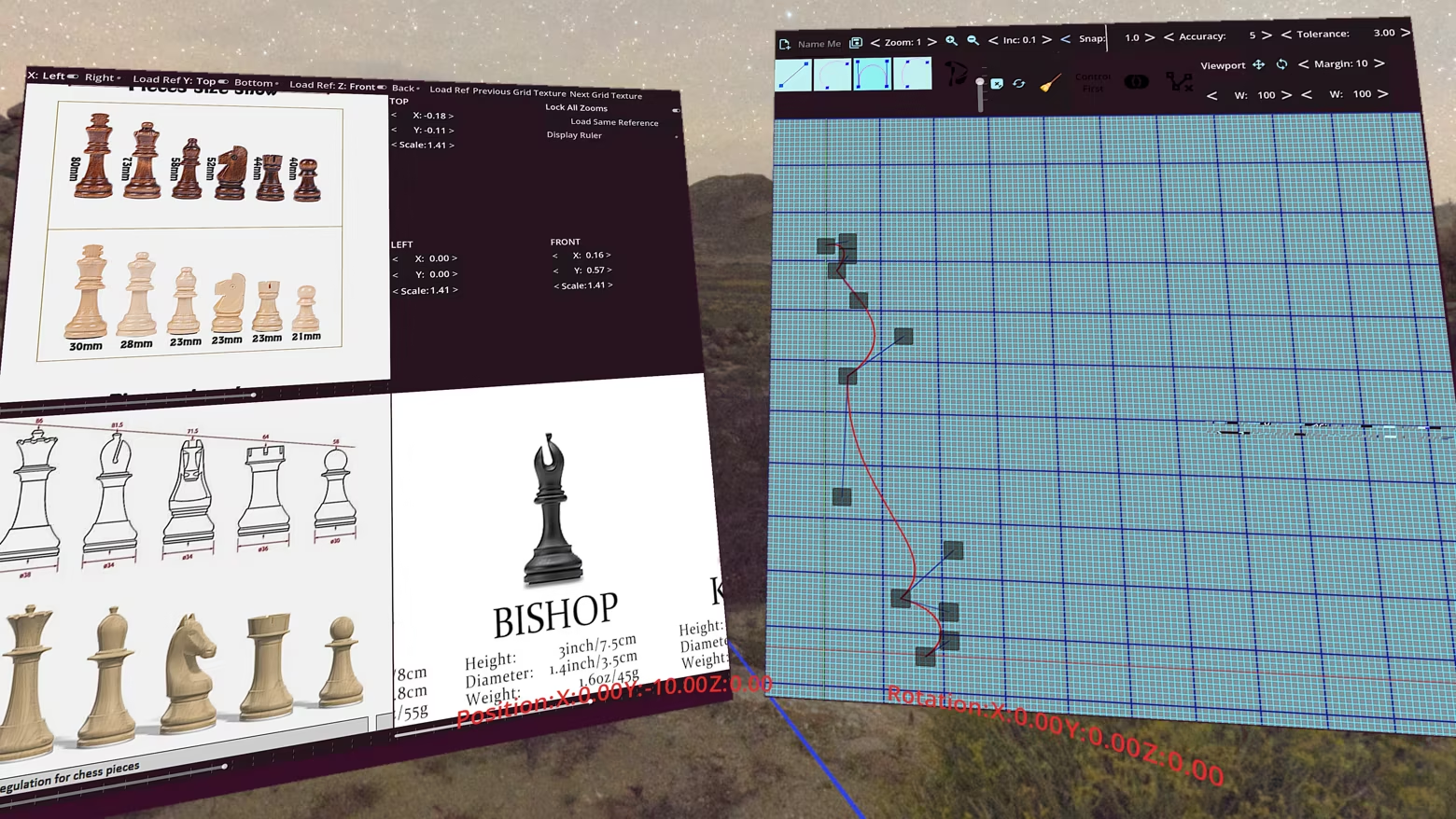
Extrusion/Lofting of 2D Paths
Shapes can be created through lofting or extrusion of 2D paths. Path construction is done through a combination of lines, weighted quadratic beziers(default weight suitable for creating arcs), cubic beziers, and smooth cubics.
Constructive Solid Geometry
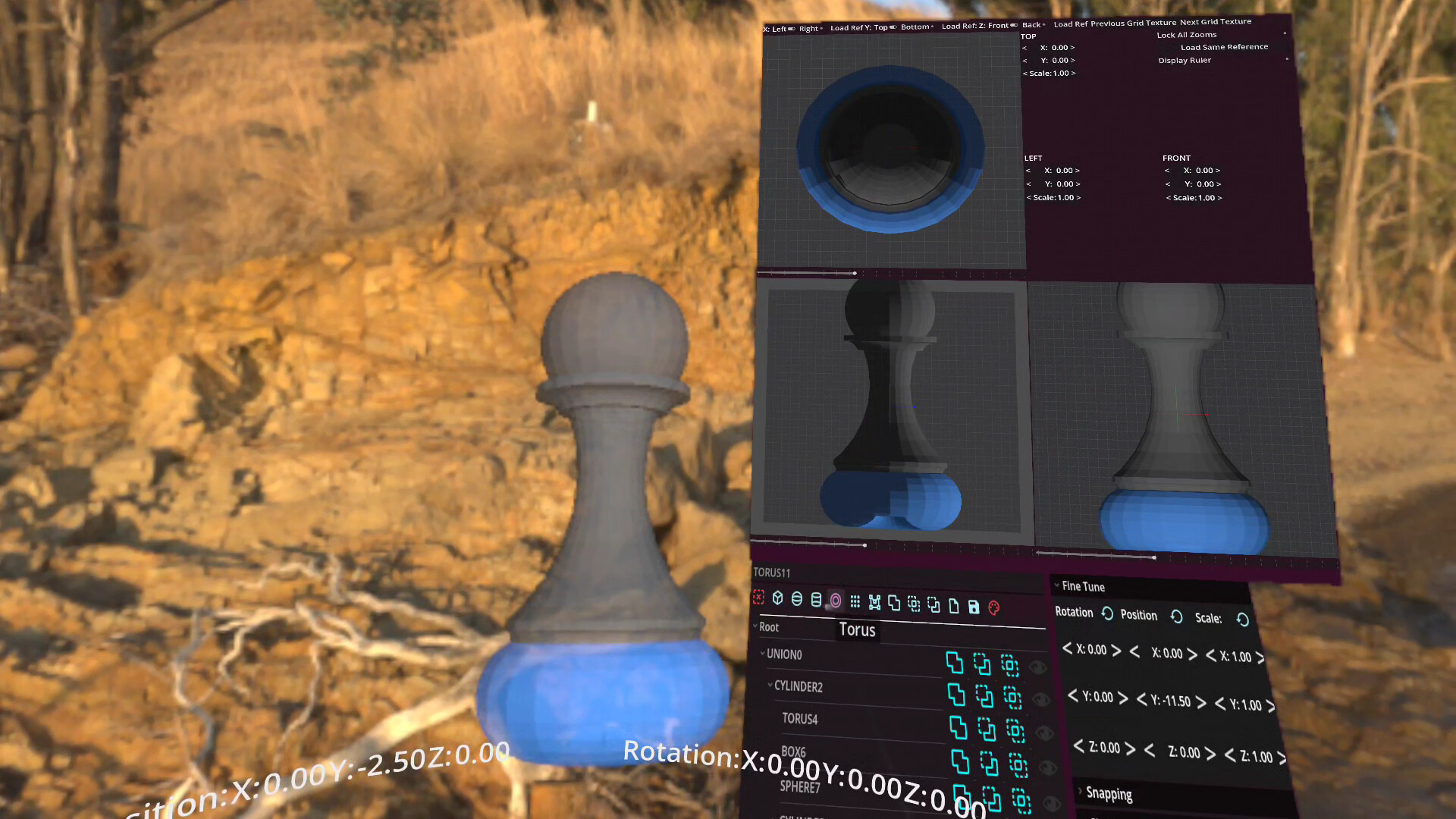
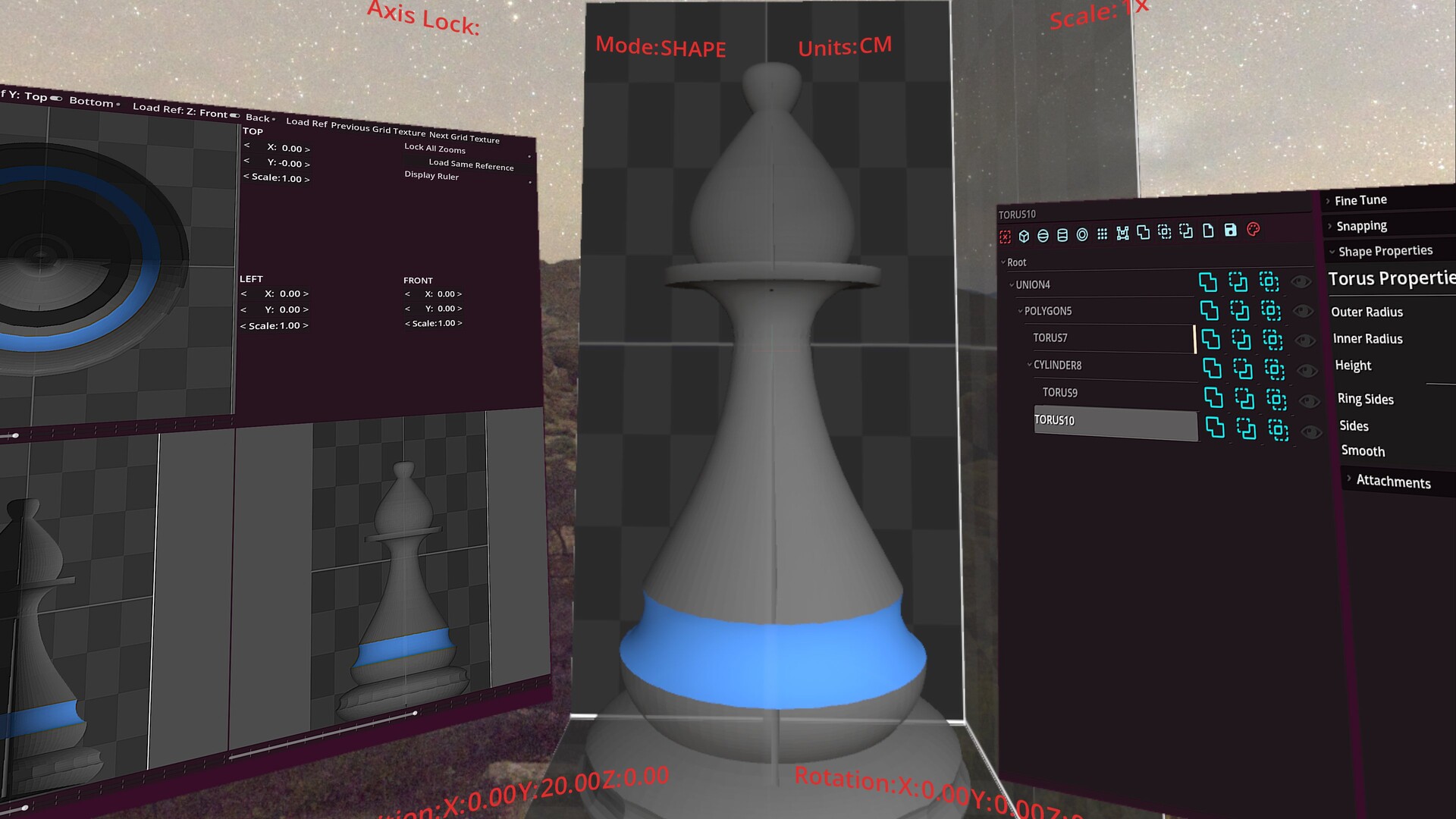
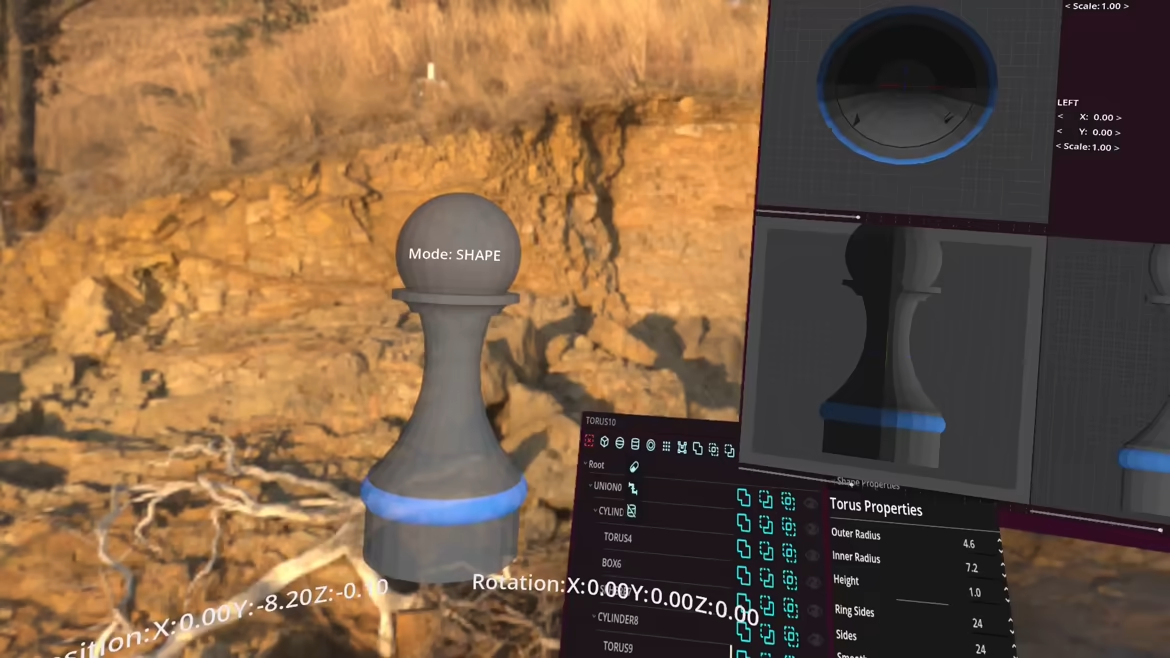
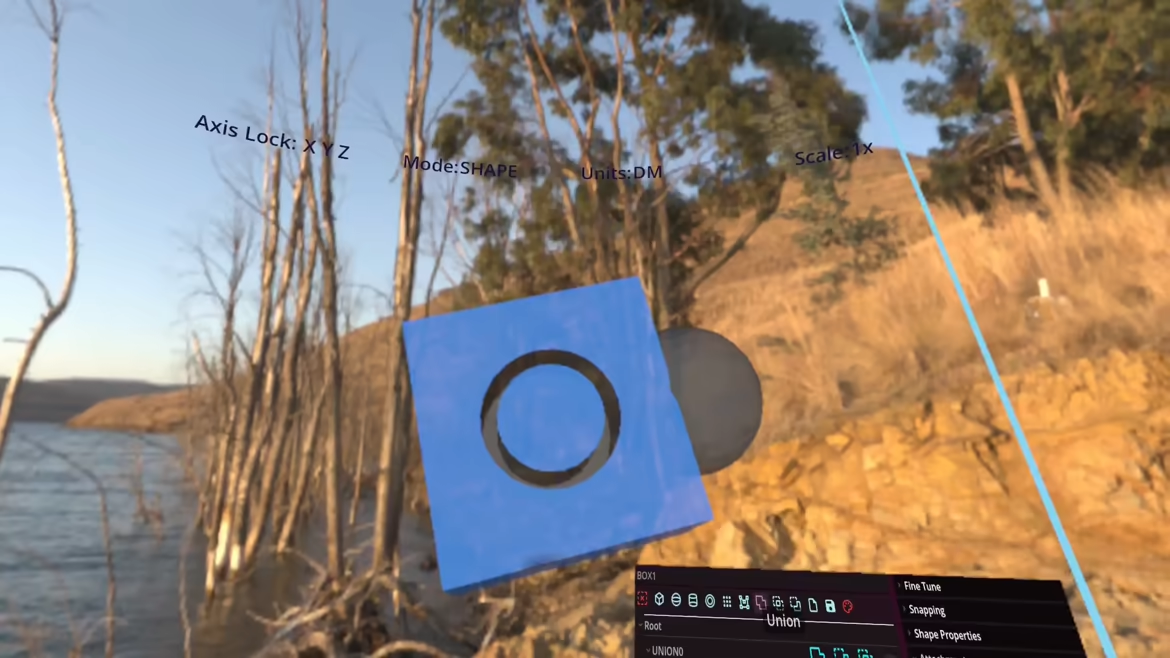
Object construction through boolean combinations of basic shapes in an object hierarchy.
Advanced shapes such as rounded cubes, with options for which faces are rounded,
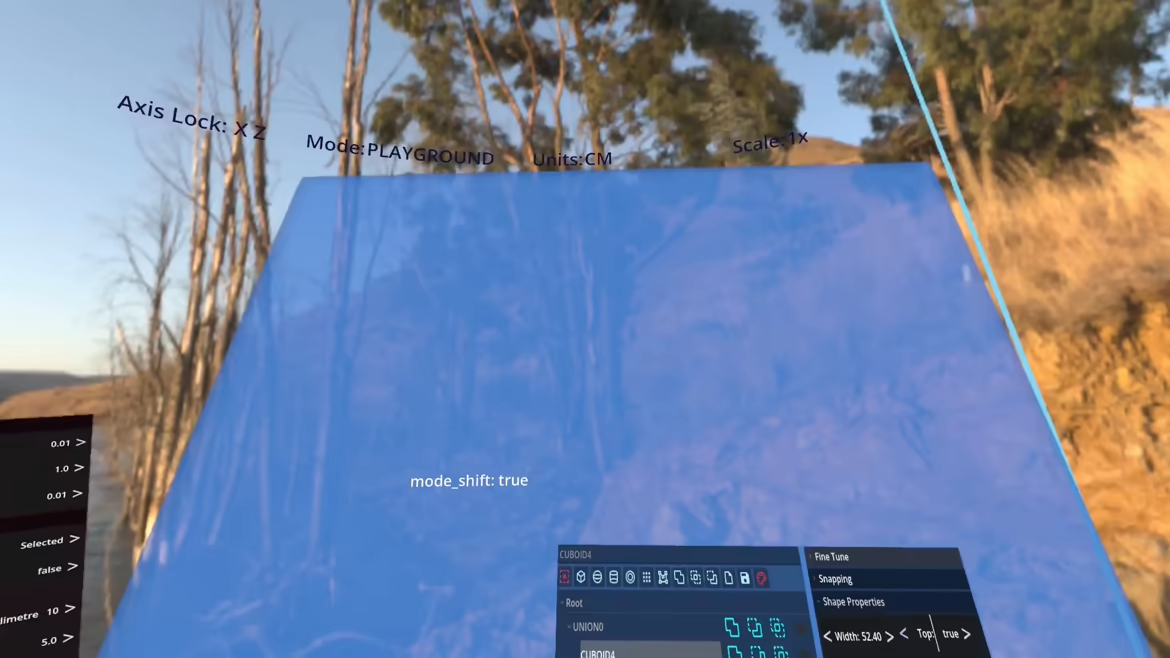
pills, tubes, filets(2D and 3D), make construction even faster.
Shape attachments for ease of construction
Child objects can be attached to a specific parents face,edge, or corner.
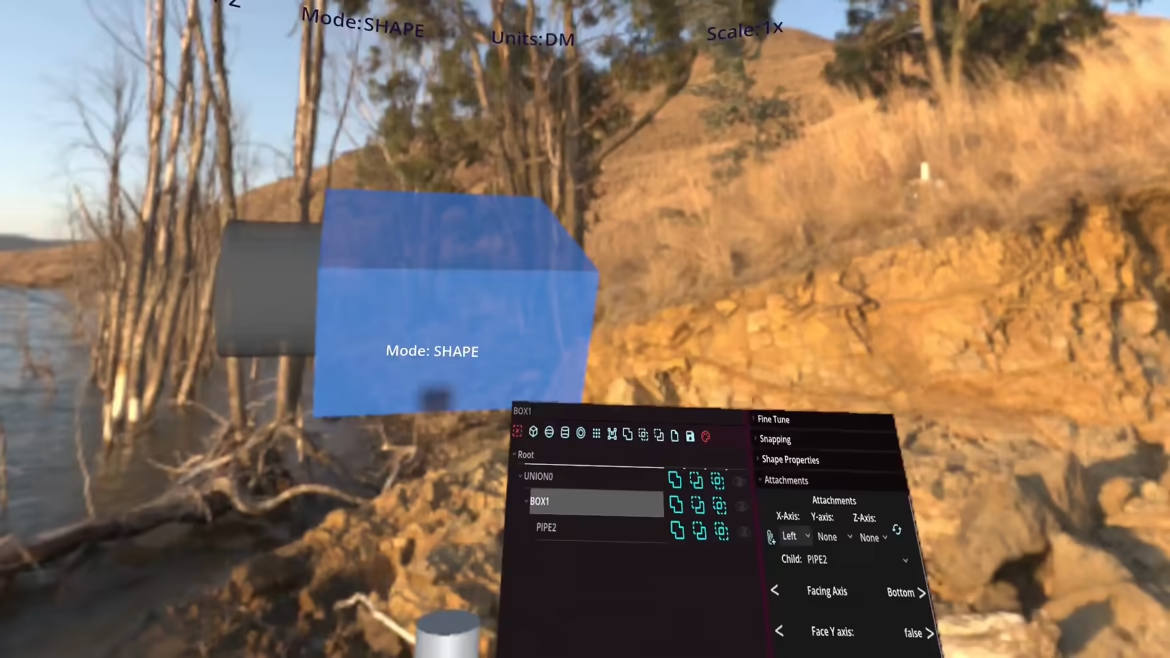
Attachments guarantee that changing a parents dimensions will keep children where you want them.
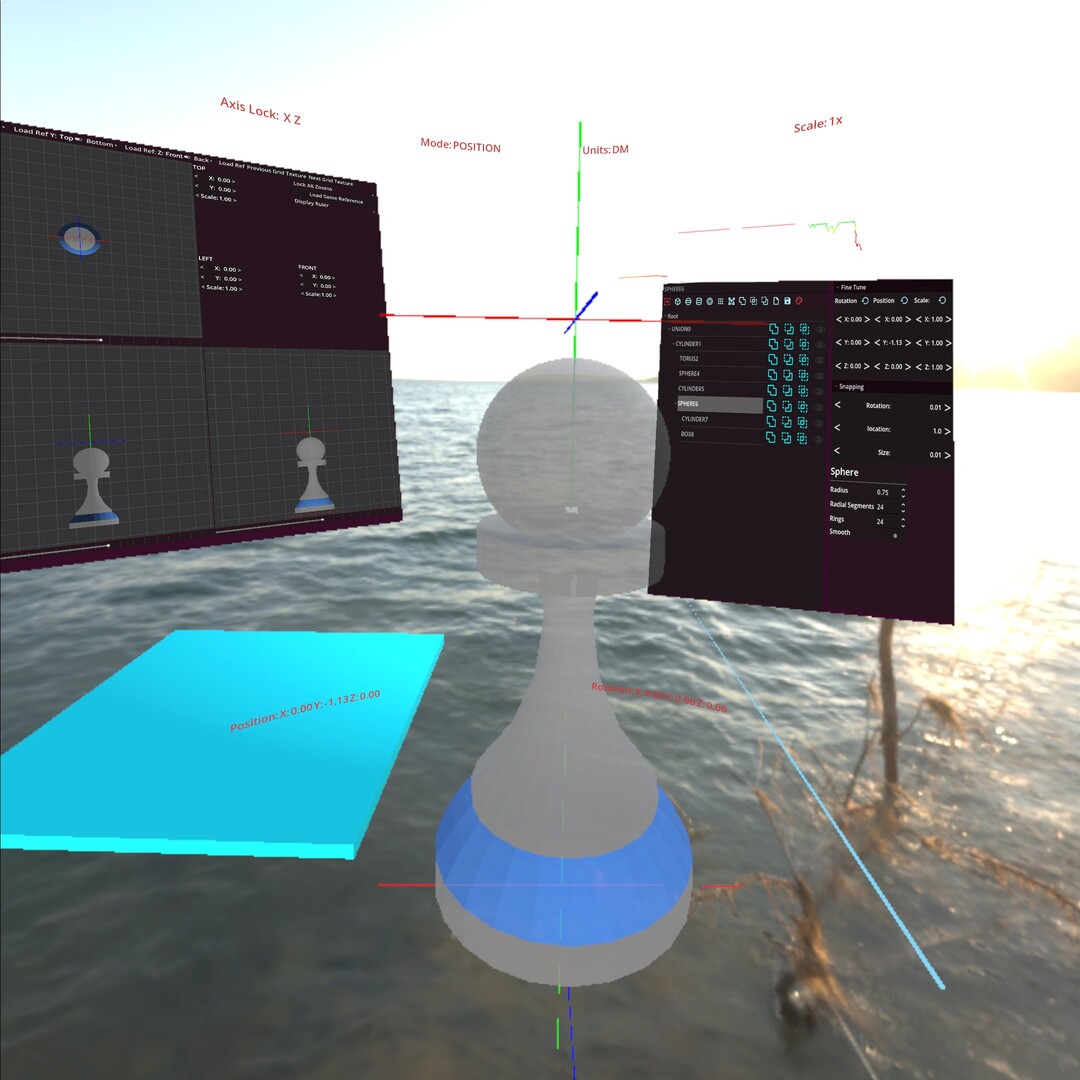
Orthographic views
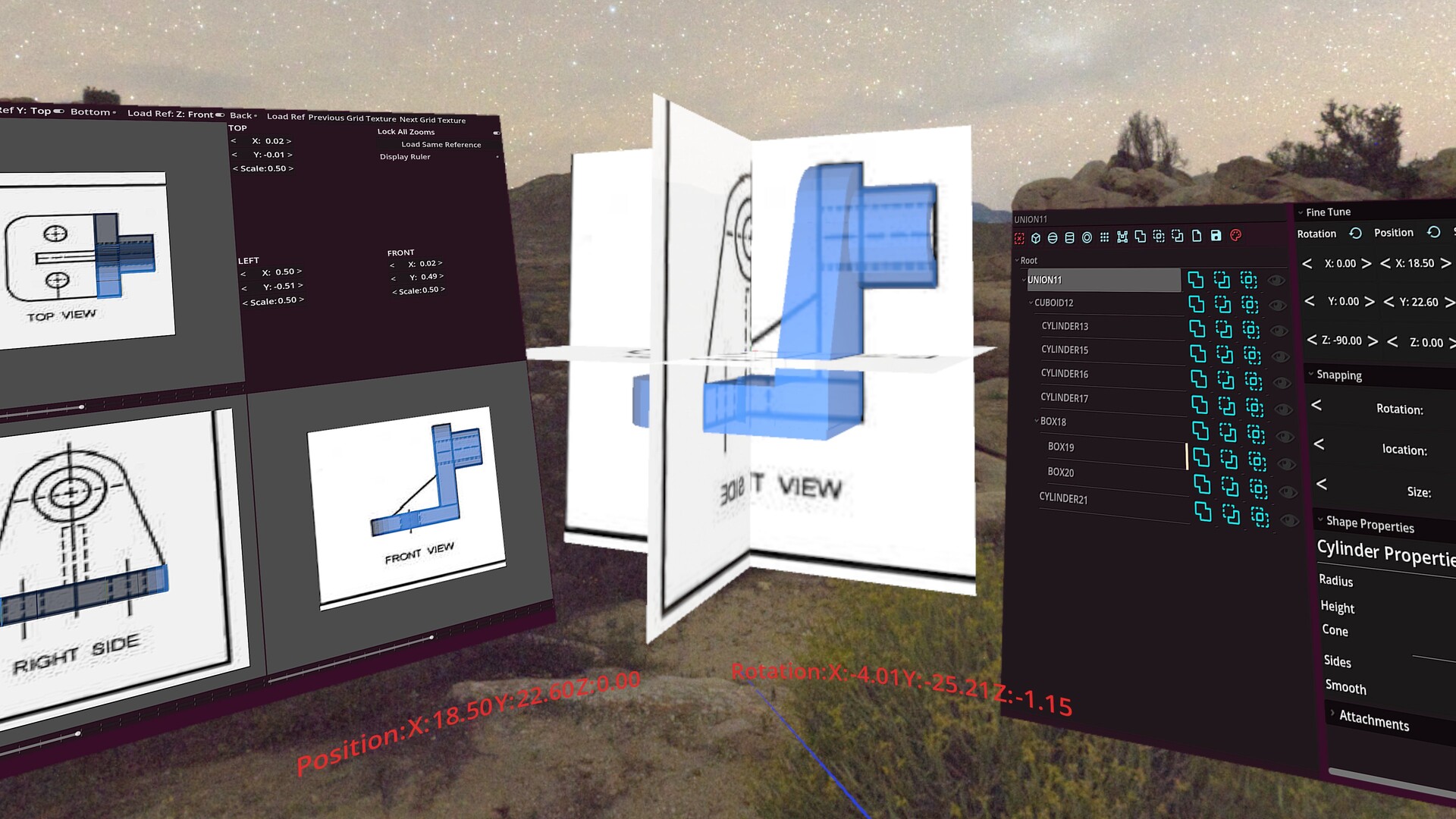
An orthographic view panel is provided with customizable textures for easier visual measurement.
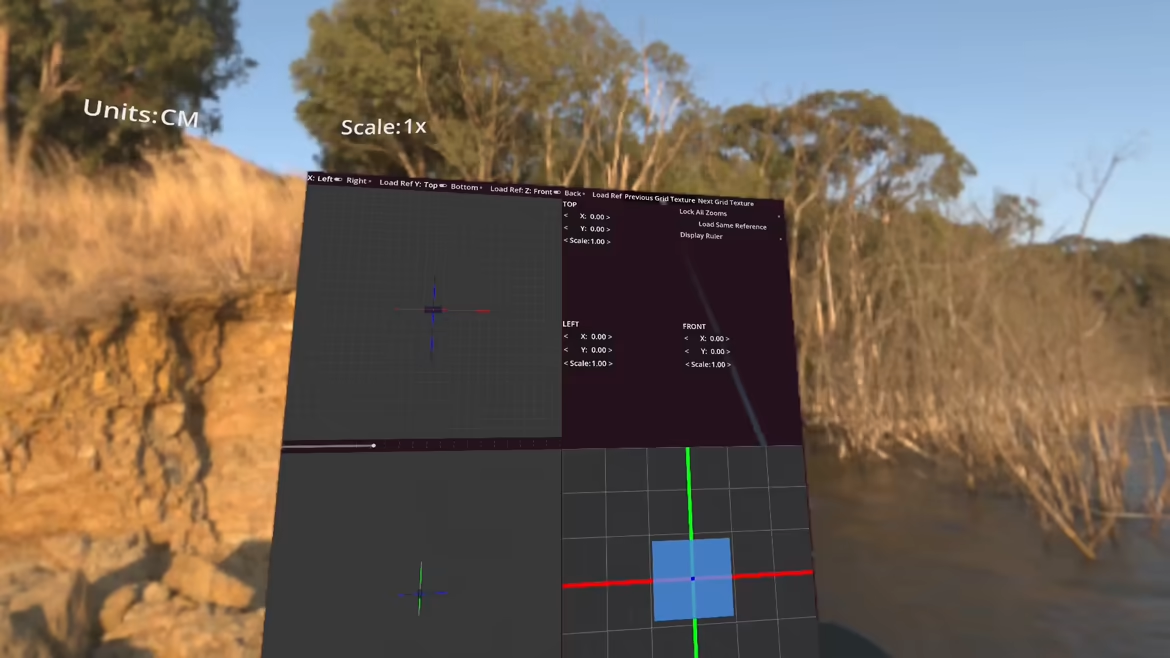
Ability to load individual reference images for each view, TOP/BOTTOM, LEFT/RIGHT, FRONT/BACK. Ability to load the same image to all viewports with controls for pan and zoom for copying from orthographic renderings of parts. Comes with a ruler to match scale and ability to lock all views to the same zoom.
Extensive use of OpenXR Composition Layers
The fully customizable cylindrical HUD (font size/colour, radius, angle, aspect ratio) is rendered crystal clear by use of composition layers.
Every panel that displays menus, orthographic view, vector graph, is also rendered using composition layers. Panels can be grabbed, placed anywhere, and resized by simply using both grips and pulling.
Shape Distributors
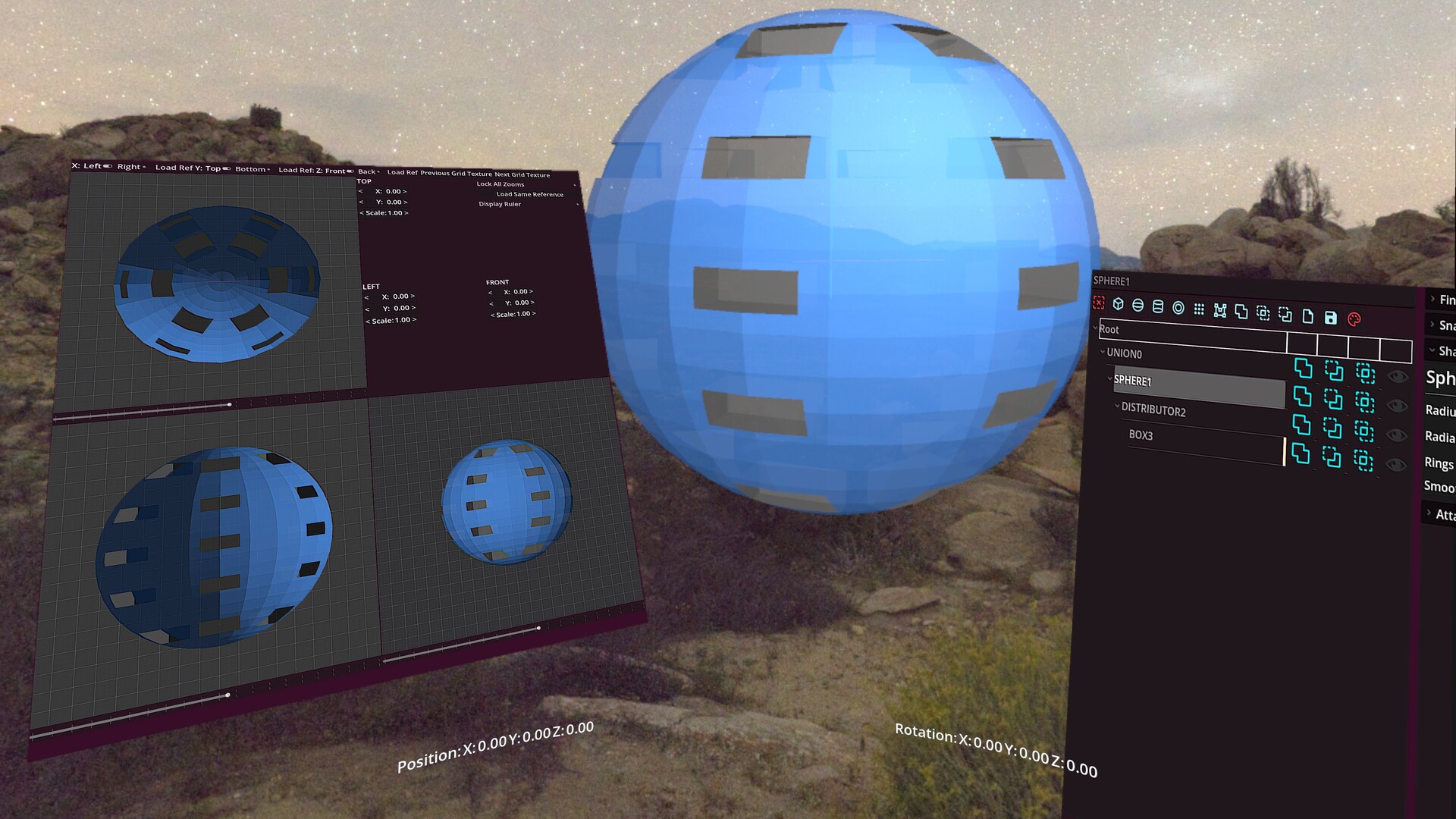
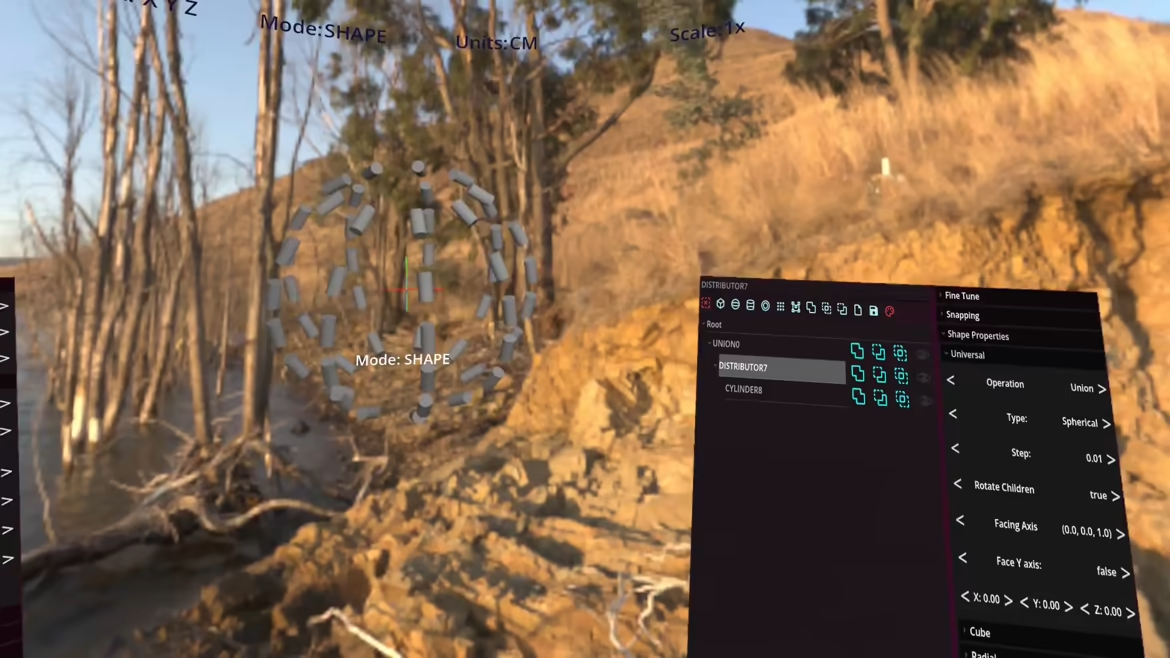
Distributors allow child constructs to be distributed in rows, columns, and layers for grid spacing.
Radial and spherical distribution similarly distribute over rings, arms, and layers.
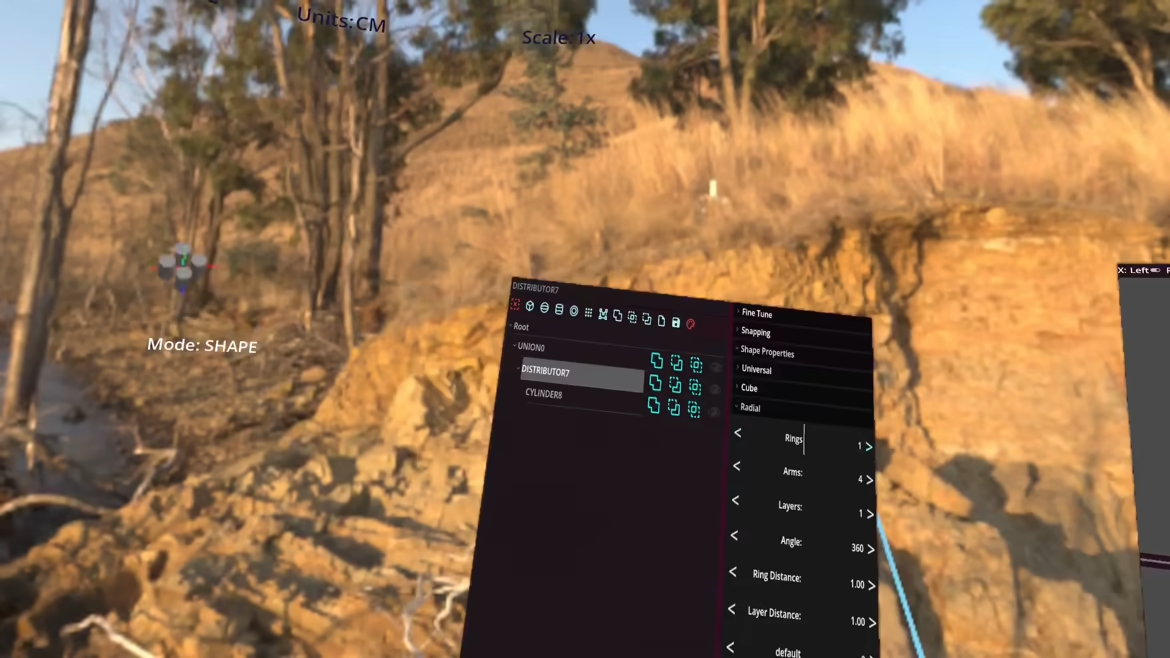
Objects can be left un-transformed or having a specific face oriented towards the origin, the vertical y-axis, or a user chosen 3D point in space.
Customizable Render/Preview profiles
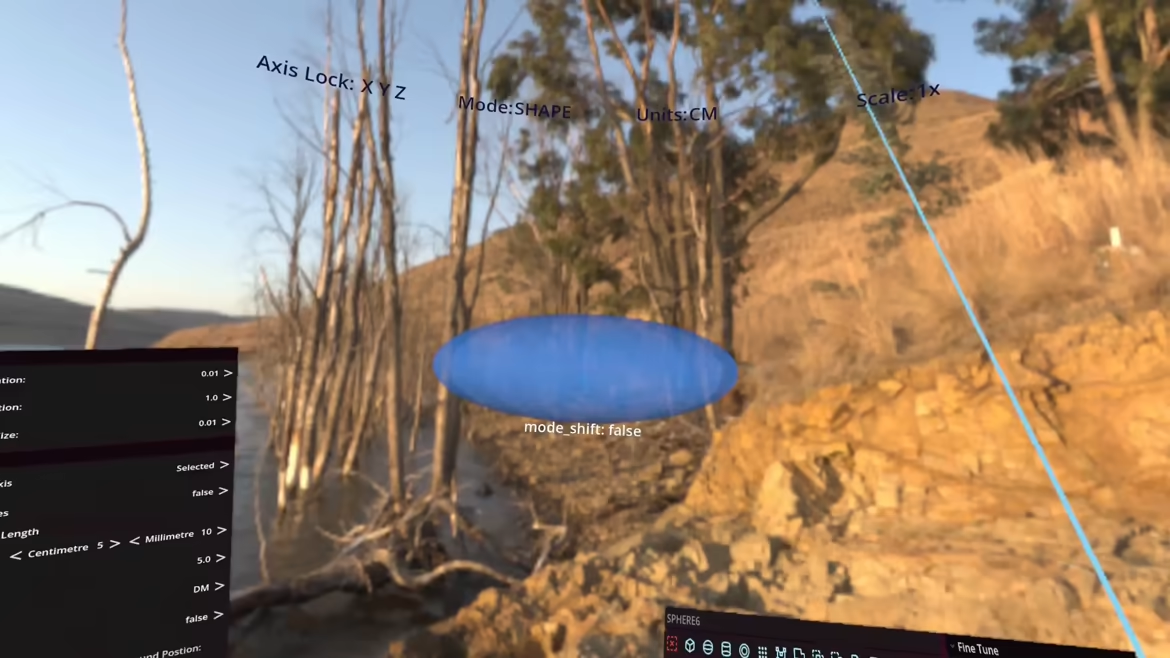
Objects are constructed using the preview settings, reducing the need for expensive computing while dynamically combining objects. Preview settings are set globally for all objects of the same family, e.g. cylinders constructed from 12 sides. Render settings are used when exporting objects as stl or glb/gltf. Settings can be adjusted individually for each object and will be used when exporting that particular shape, e.g. if you want to make a triangular tube set sides to 3 in the options for that shape in the object hierarchy.
About the Software
Construct manifold geometry using CSG with output to GLB/GLTF and/or STL for 3D printing. Designed to be used with VR controllers allowing for manipulation of shape properties, rotation, position, scaling, units, all without fumbling through menus.
Attachments make for easy placement of child objects on the face/edge/corner of a parent shape, automatically updating for changes in the dimensions of the parent.
Easier construction with distributors, which allow automatic placement of child objects in a row/column/layer, whether in a grid, radial or spherical distribution. Easy alignment of any face of the child primitive to the Y-Axis or origin/arbitrary point.
Steam data © 2026 Valve Corporation. Trademarks are property of their respective owners.
All matches
Similar games to XR Cad
Finding similar games…