
Games Like Desktop Overlays
Your favorite character, living on your desktop: above your wallpaper, behind your apps. Pin GIFs to your game, cut out backgrounds in one click, pick from 10 cursor effects, and grab clocks, visualizers, system monitors and a desk pet. Every click goes straight through.
Top matches
Match strength key:80+65+50+<50
Desktop Overlays
SteamAbout Desktop Overlays
Your desktop, but it's yours now
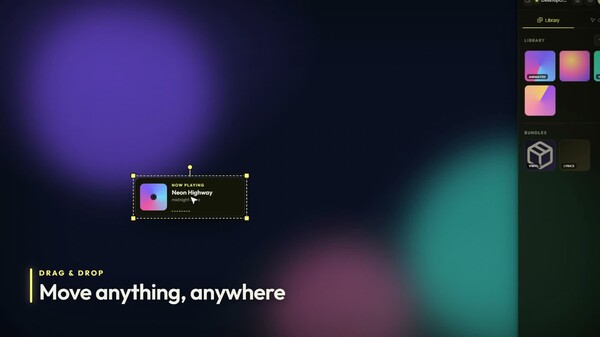
Drop a GIF of your favorite character onto your screen. Scale it, spin it, fade it, park it on the edge of your monitor. Then forget the editor exists. It just lives there. Images, GIFs and videos. As many as you want. Across every monitor you have. And your mouse never notices. Every overlay is click-through, always. Nothing steals a click, nothing gets in the way of a double-click on a desktop icon.
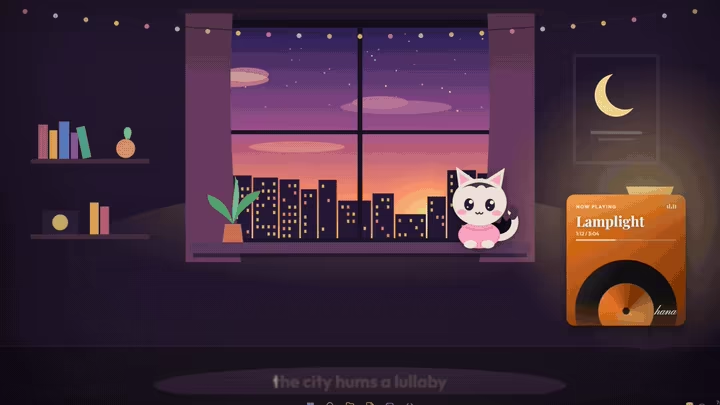
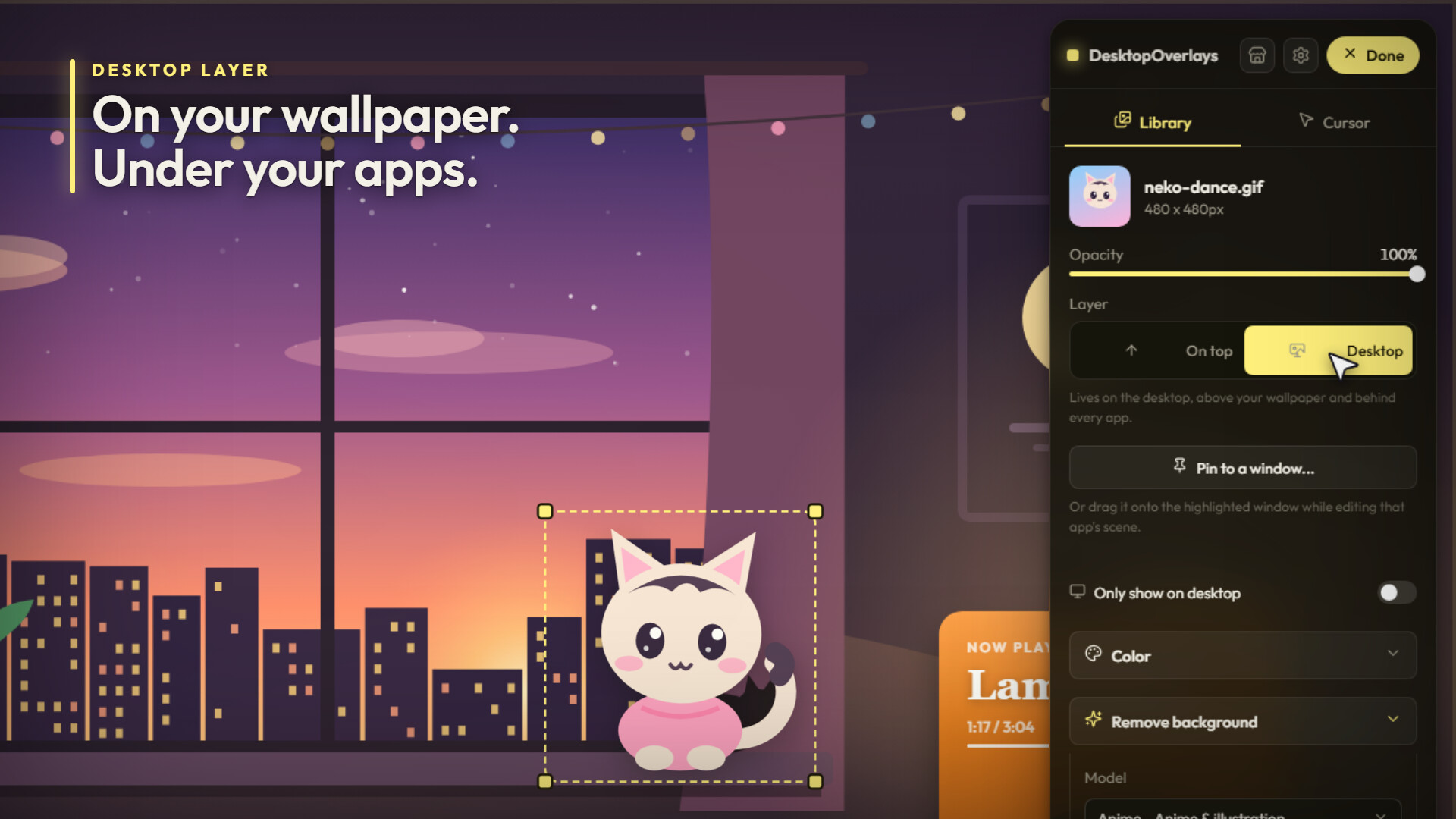
On your wallpaper. Behind your apps.
Every overlay picks a layer. On top floats above everything, taskbar included. Desktop sits right on your wallpaper and desktop icons, animated wallpapers too, and slides under every window you open. Your character hangs out on the wallpaper. Open a browser and it tucks in behind, like a real part of the desktop. Colors clash with your setup? Every overlay has a Color section. Pick any hex tint and choose how it lands: Recolor, Hue only, Multiply, Screen, Overlay or Soft light. Then push hue, saturation, brightness, contrast, blur and film grain until it matches. It's alpha-aware, so it recolors the character, not a box around it.
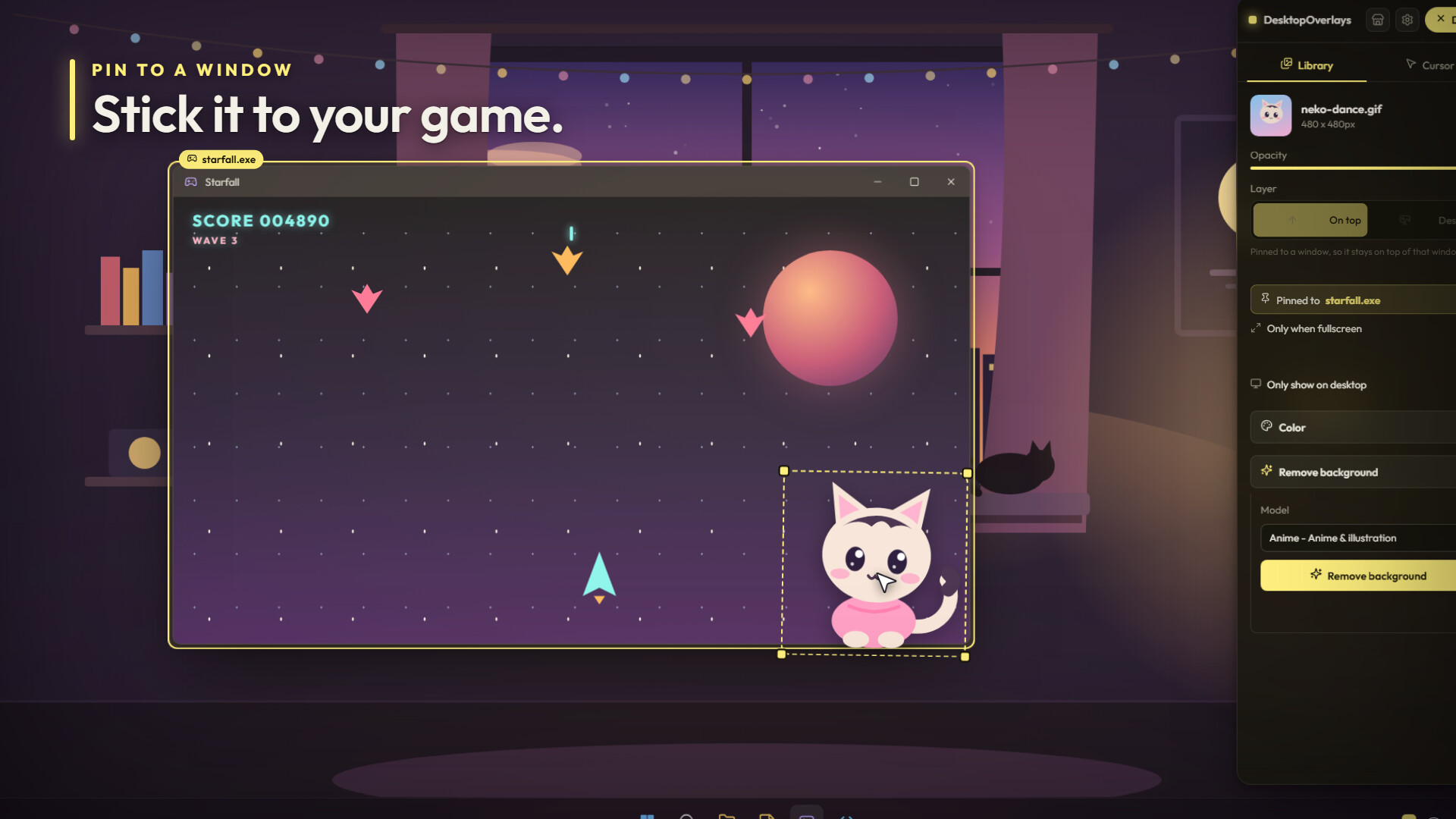
Stick it to a game
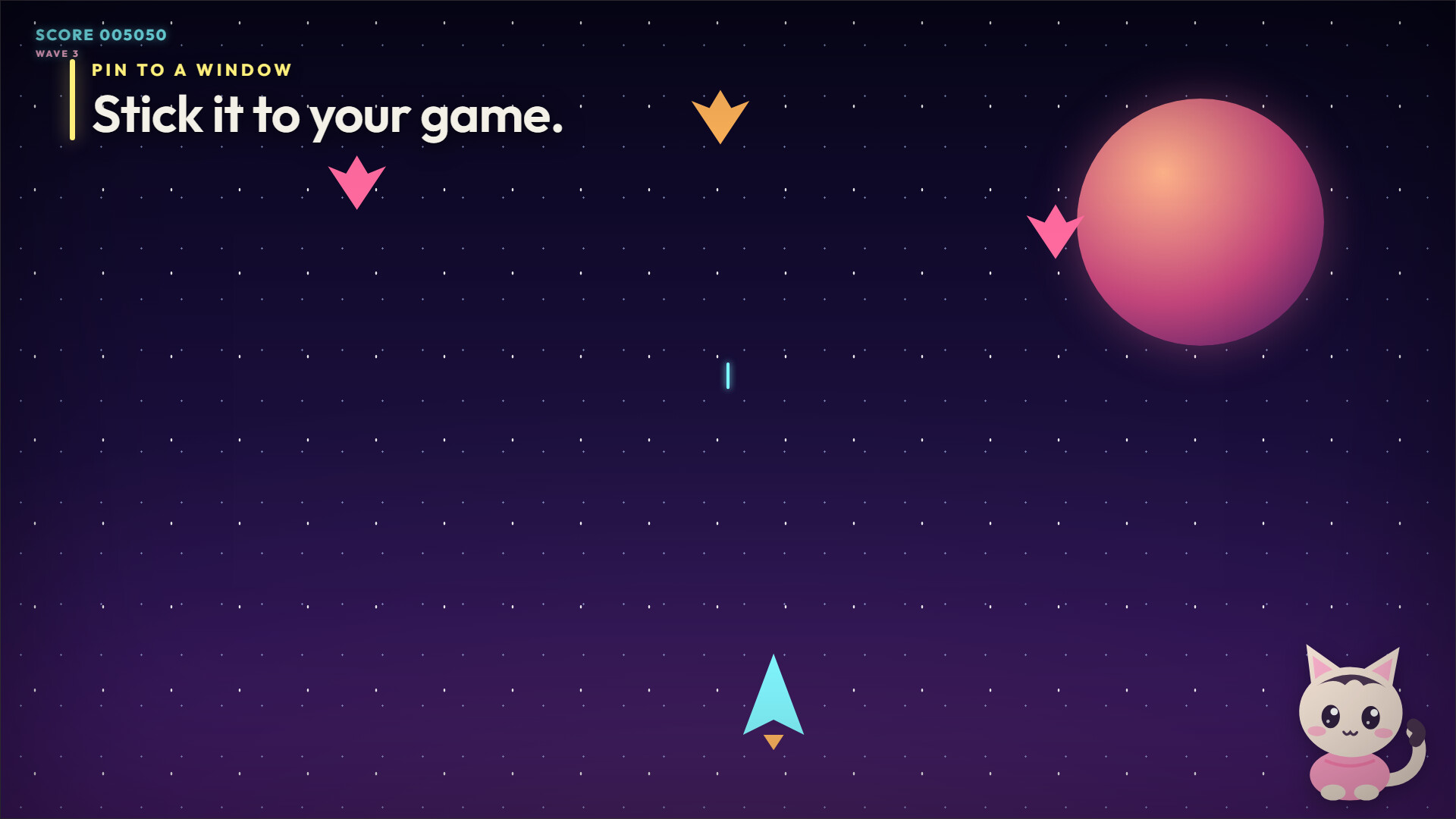
Click any app and pin an overlay to it. Move the window, the overlay follows. Minimize it, cover it, and the overlay disappears with it. Flip on "only when fullscreen" and it only shows up when the game goes big. A mascot riding the corner of your game. A frame hugging your editor. A reminder that only appears while one specific program is up. Want it the other way around? "Only show on desktop" keeps an overlay for when you're looking at your desktop, and "Hide on fullscreen" clears the screen whenever a game takes over.
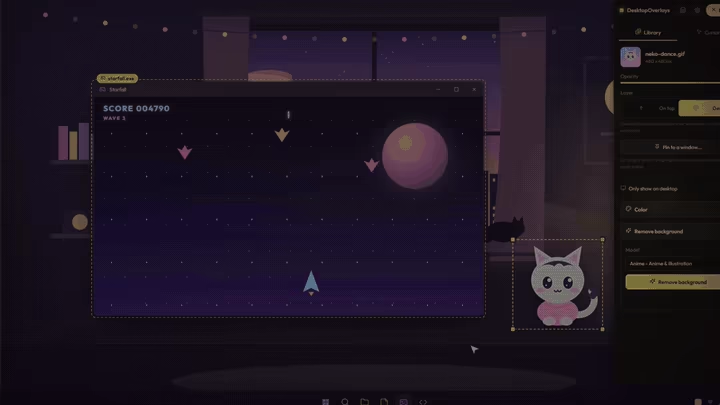
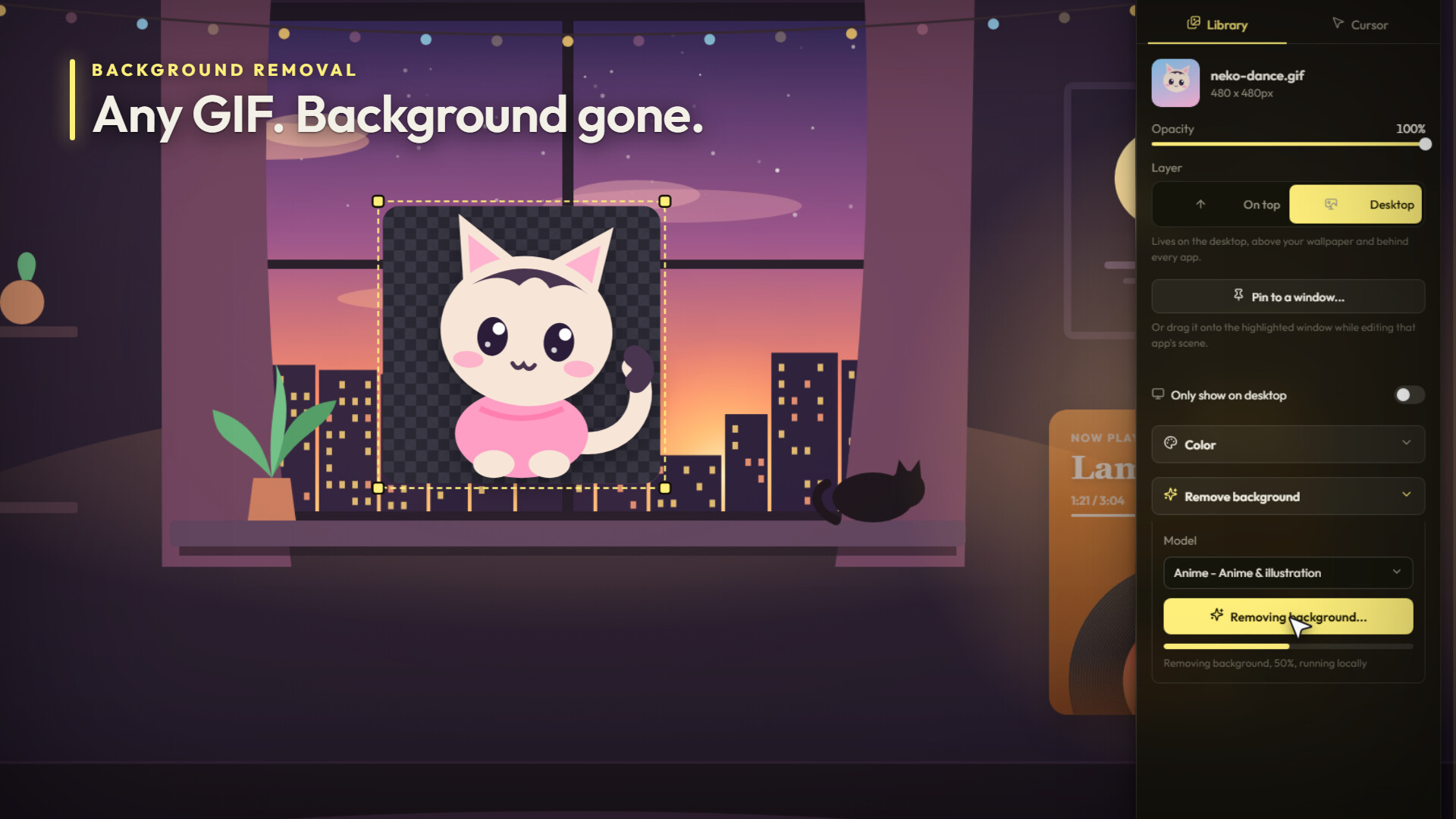
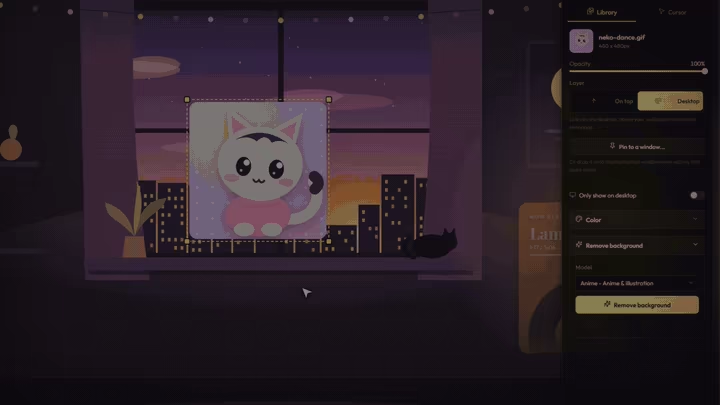
Backgrounds? Gone.
Found the perfect GIF but it's stuck in a gray box? Cut it out. Background removal runs right on your PC, no uploads, with a General model for photos and an Anime model for characters and illustrations. It works on images, GIFs and videos. Animated in, transparent animation out.
It hears your music
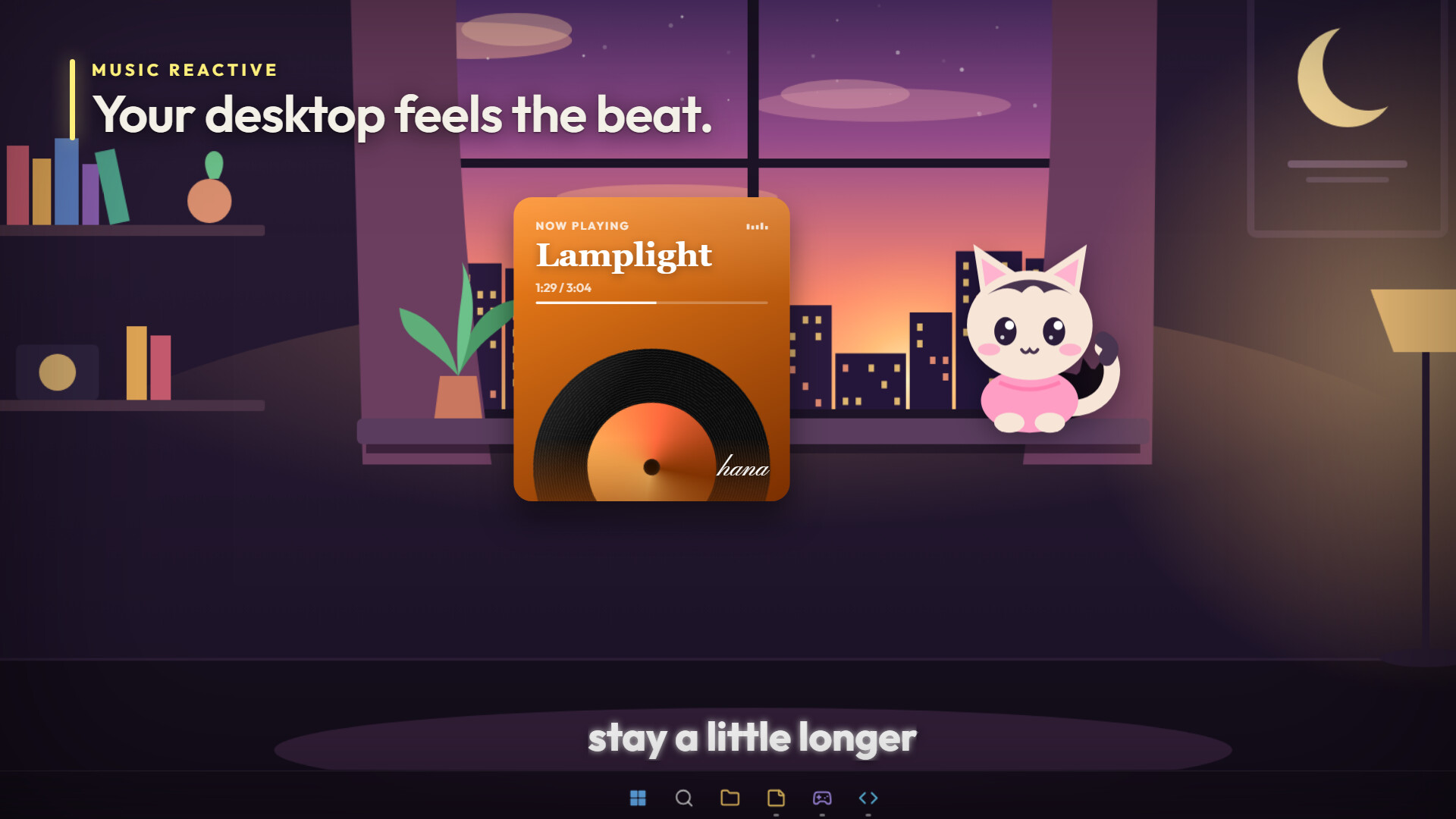
Overlays can read the sound coming out of your PC and move with every beat. They know what's playing too: title, artist, album and cover art. Three to start with:
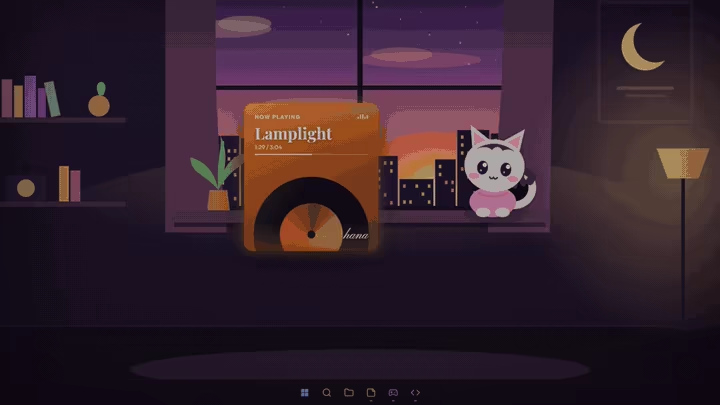
Widgets that feel like part of the room
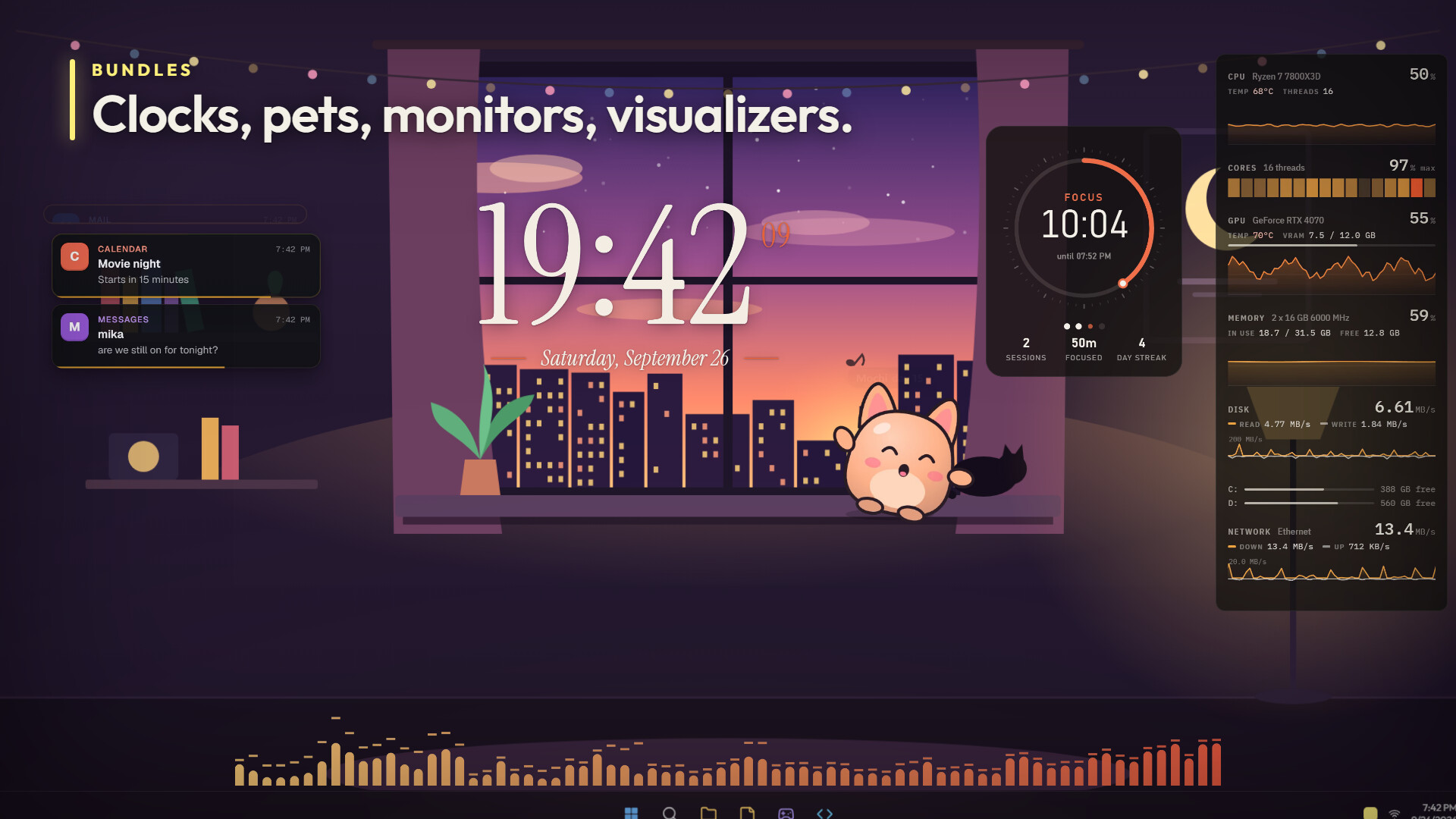
Ready-made bundles you can grab, drop on your desktop and tune from their own settings panel.
And Mochi. A little round desk pet whose eyes follow your cursor. Hover over it and it blushes. Rub your cursor back and forth and it spills hearts. Leave it alone and it naps. Play music and it dances. Hit Feed and it catches a cookie. Press a hotkey and it waves. Let it roam and it walks along the bottom of your screen.
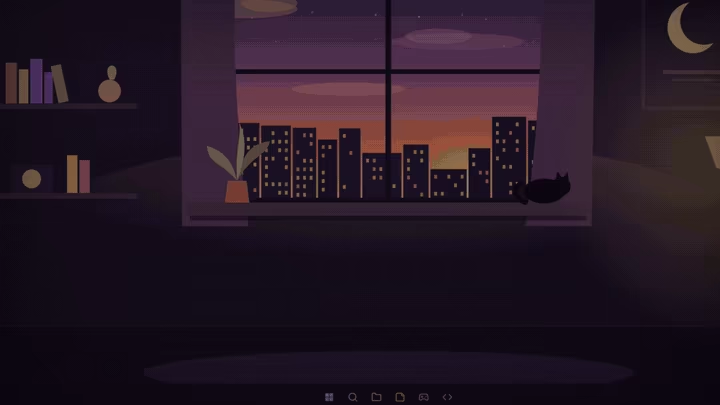
Your cursor, but louder
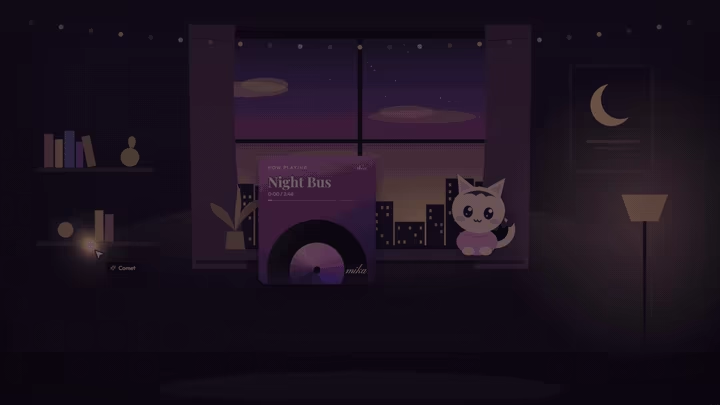
Ten effects, and every one moves on its own in the Cursor tab before you pick it.
Every effect gets color, size, amount and opacity. Pick a color or go full Rainbow. Then each one has its own knobs: tail width, bolt length, turbulence, float speed, gravity, flutter. Jump into a game that hides the cursor and the effect hides with it. No sparkles stuck mid-screen during a match.
Build your own
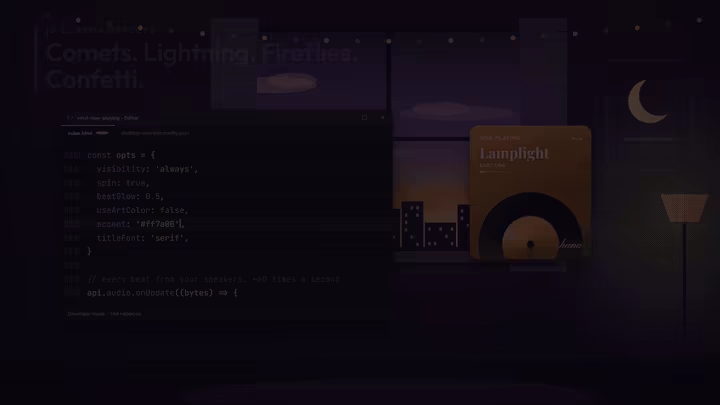
No code? Hit Create bundle, pick files from your library, done. It's a shareable overlay. Write code? Overlays are plain HTML, CSS and JavaScript running in a sandbox, with an API for live audio, now playing, CPU, RAM, GPU, disk and network stats, Windows notifications, the focused window and global hotkeys. Declare some options and the app builds the settings panel for you. Point developer mode at a folder and every save hot-reloads on screen. Every bundle asks before it touches anything. You see exactly what it wants on a permission screen and you decide.
The Workshop is wide open
Browse, subscribe and publish without leaving the app. The Workshop is young and small, which means the overlay you make this weekend could be the one everybody grabs. Come build it.
The small stuff
Steam data © 2026 Valve Corporation. Trademarks are property of their respective owners.
All matches
Similar games to Desktop Overlays
Finding similar games…