


Games Like Bardio
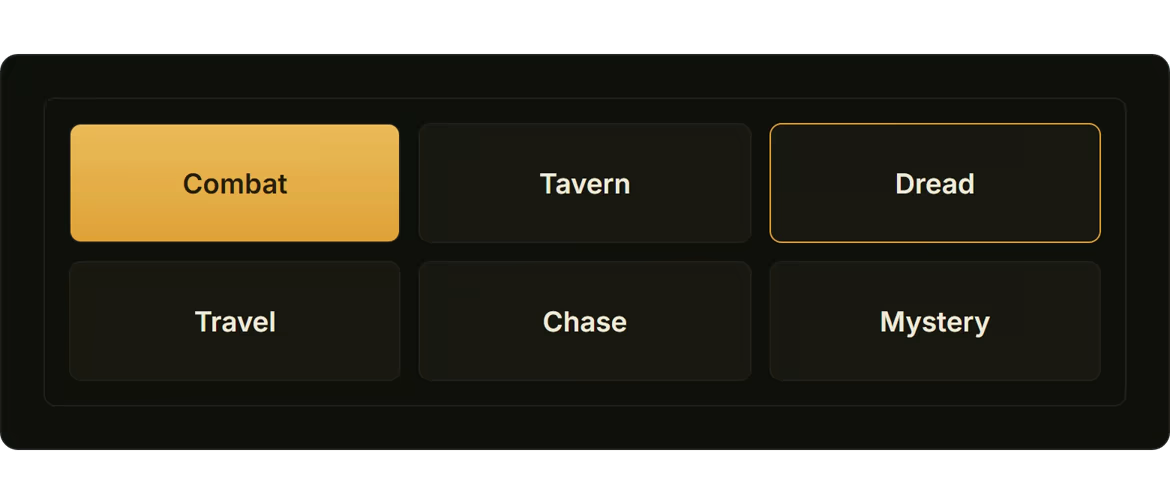
Music, ambience and sound effects for your tabletop game, one press per scene. Tap what's happening: Combat, Tavern, Dread, Travel. The sound changes while you keep talking. A ready-made fantasy library comes in the box. Windows PC; works with Elgato Stream Deck. One purchase, no subscription.
Top matches
Match strength key:80+65+50+<50
Bardio
SteamAbout Bardio

Press the scene. Keep telling the story.
The fight starts. The music is still the tavern. You're looking down at a laptop, hunting for the right tab, and the table is waiting for you. Or you stopped bothering with music, because it was one more thing to run. Bardio gives you one press instead. Tap Combat. The music turns, the rain you lit earlier keeps falling, and you're still mid-sentence. Your players feel the room change, and they never see you do it.
What a press does
Every scene is a button: Combat, Chase, Tavern, Travel, Dread, Festival, Court. Press the one that's happening.
Nothing to wire, nothing to mix mid-story.

Who is Bardio for?
I made Bardio for a friend who wanted music for their game and couldn't find anything good at a reasonable price. It ships finished. Install it this evening and run a session with it.
The box works as it comes; the rest of this page is optional.
Bring your own music
Drop in a folder. Bardio listens to each track and sorts it into a scene.

Fix it in two taps
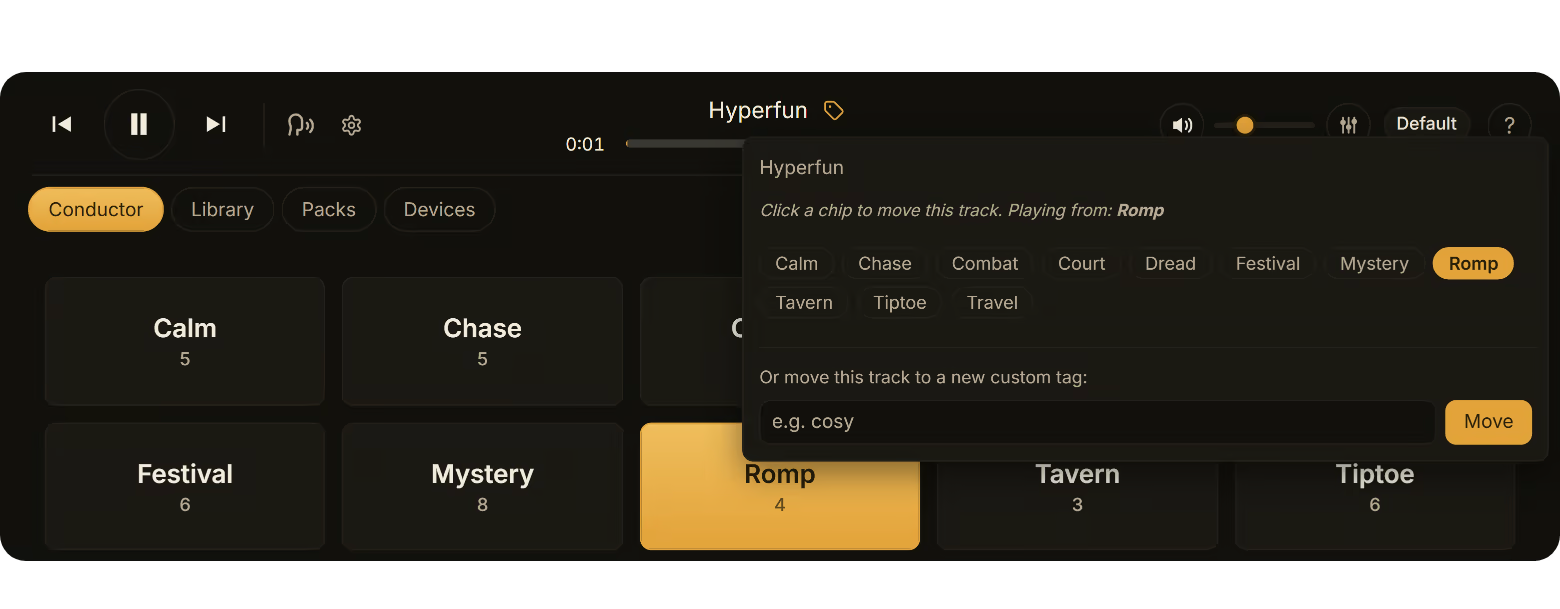
When a track turns up in the wrong scene, tap the tag beside its name and pick where it belongs. Bardio moves it, and the scene you're in plays on; you never leave the board.
Presets: the whole room in one press
A preset is a scene with its ambience and its volumes, saved together. Press Tavern night and the tavern music starts with the fire and the crowd under it, at the levels you set. Press Boss fight and the whole room changes at once.

Make the board yours
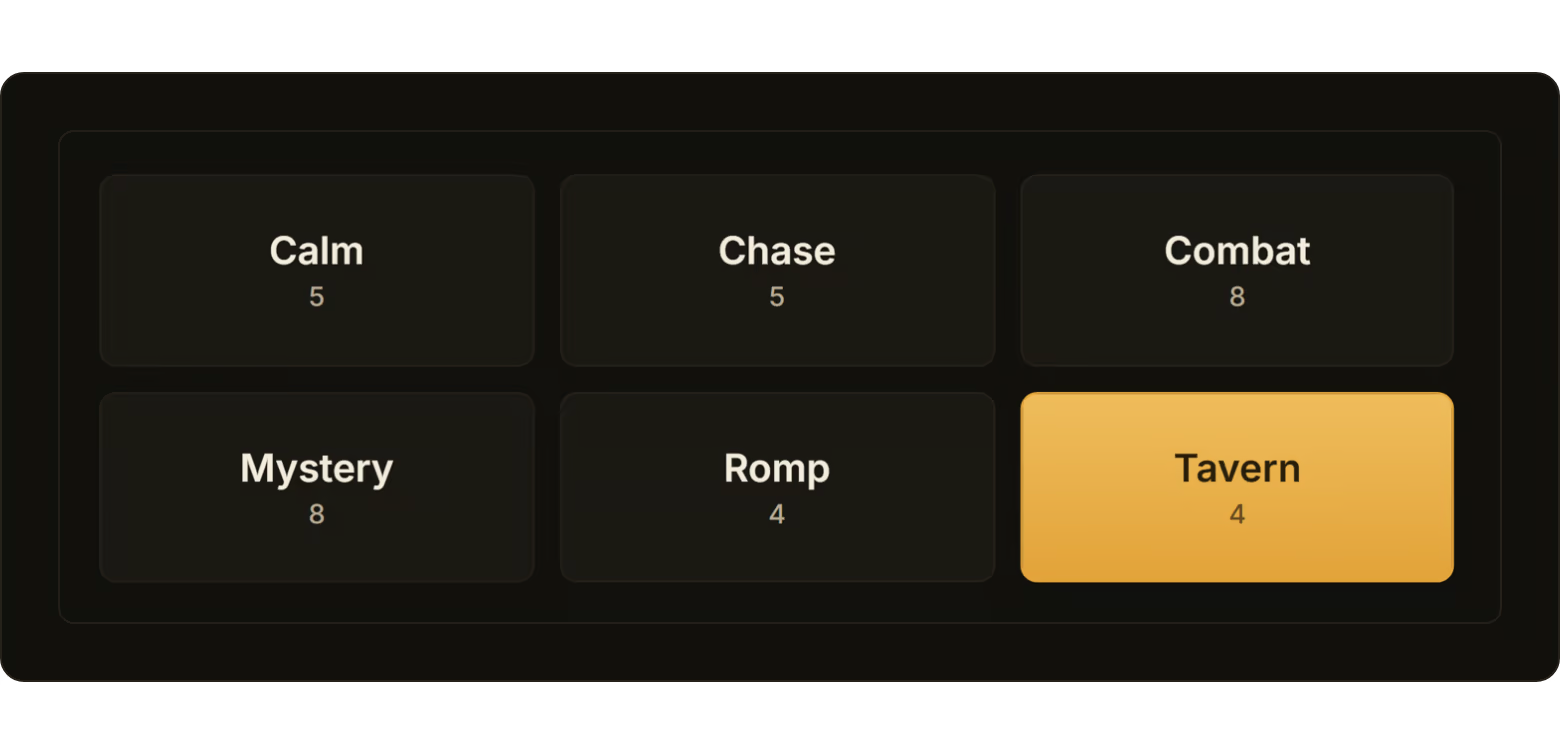
Scenes are yours to name, and the board is yours to arrange.
Your phone is the remote
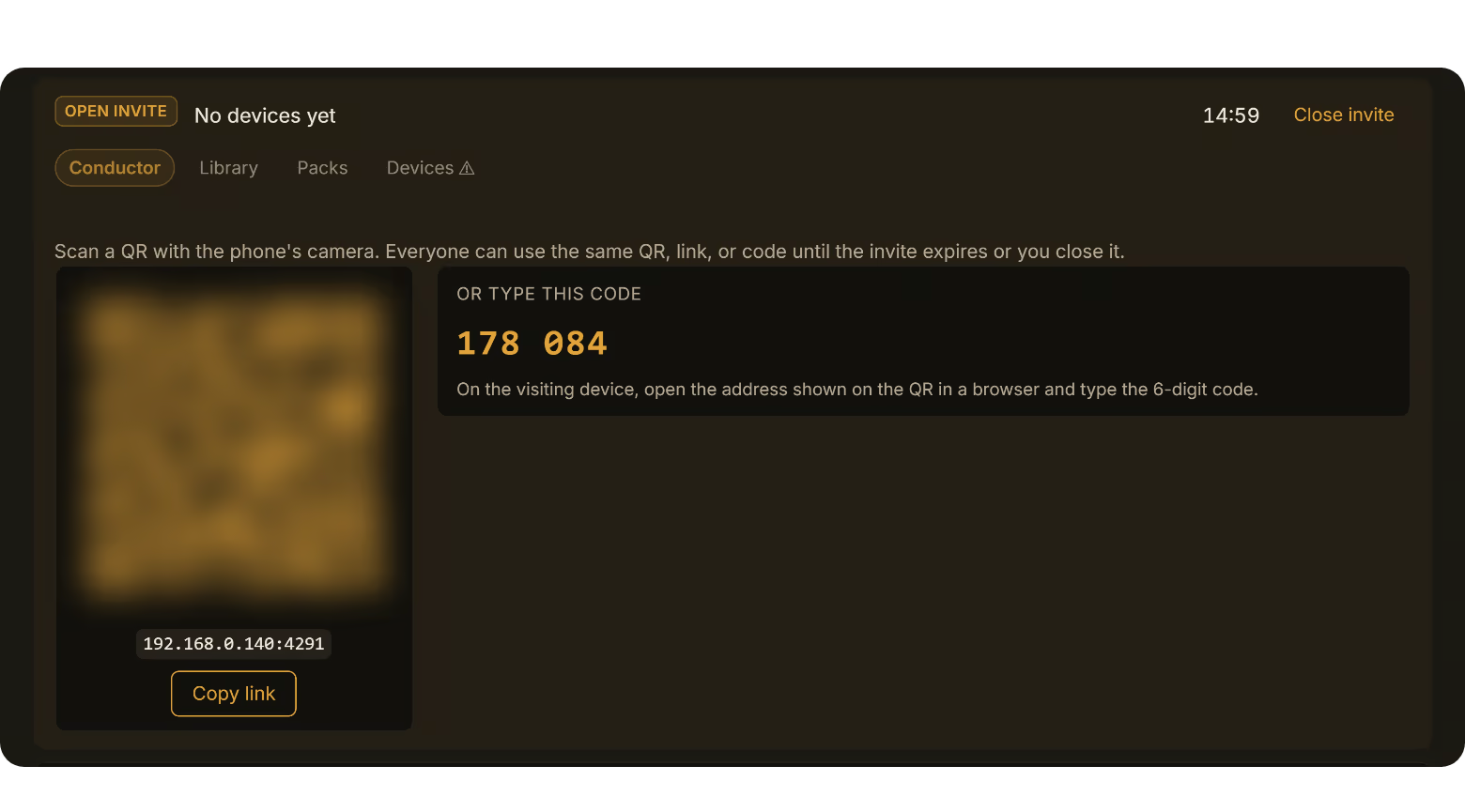
So is a tablet or a laptop: anything on the same Wi-Fi with a browser. Pair it once, by scanning the code or typing six digits, and from then on you change the scene from your seat without reaching for the keyboard. If you want, anyone at the table can do the same.

Elgato Stream Deck
Got an Elgato Stream Deck? The Bardio plugin ships inside the app. Install it from Bardio's settings, drag a scene onto a key, and the scene is a physical button: press it mid-sentence without looking at a screen. Presets, sound effects, Pause and Stop get keys too. It needs Elgato's own Stream Deck app on the same PC.

Put the sound where you want it
Bardio plays through one device at a time, and you choose which. Out of the box that's the PC. Pair a phone and the Mixer's Playing on list offers it: tap the phone's name and the sound comes out of that phone instead, or out of whatever it's connected to, a Bluetooth speaker, a soundbar, a pair of headphones. The PC goes quiet and keeps the controls, and so does every other device at the table.

Playing online? Share it in Discord
If you run the game over Discord, share the Bardio window in the call with sound on; everyone who clicks Watch Stream hears the soundtrack. Your mic stays your mic, and the music skips Discord's voice filtering, so it arrives sounding the way it does at your desk.

One purchase. Runs on your machine.
What's in the box
At the table
Your library
The purchase
Questions about the sound
Why not just use a playlist or YouTube? A playlist plays one mood until you stop talking to change it. Bardio changes with the scene on one press, and you keep talking. Is the music any good? Where is it from? Composed, played and recorded by people, licensed, and credited in the app with a link to every source. No AI. It's Classic Fantasy: battles, taverns, dread, travel. For anything else, bring your own.
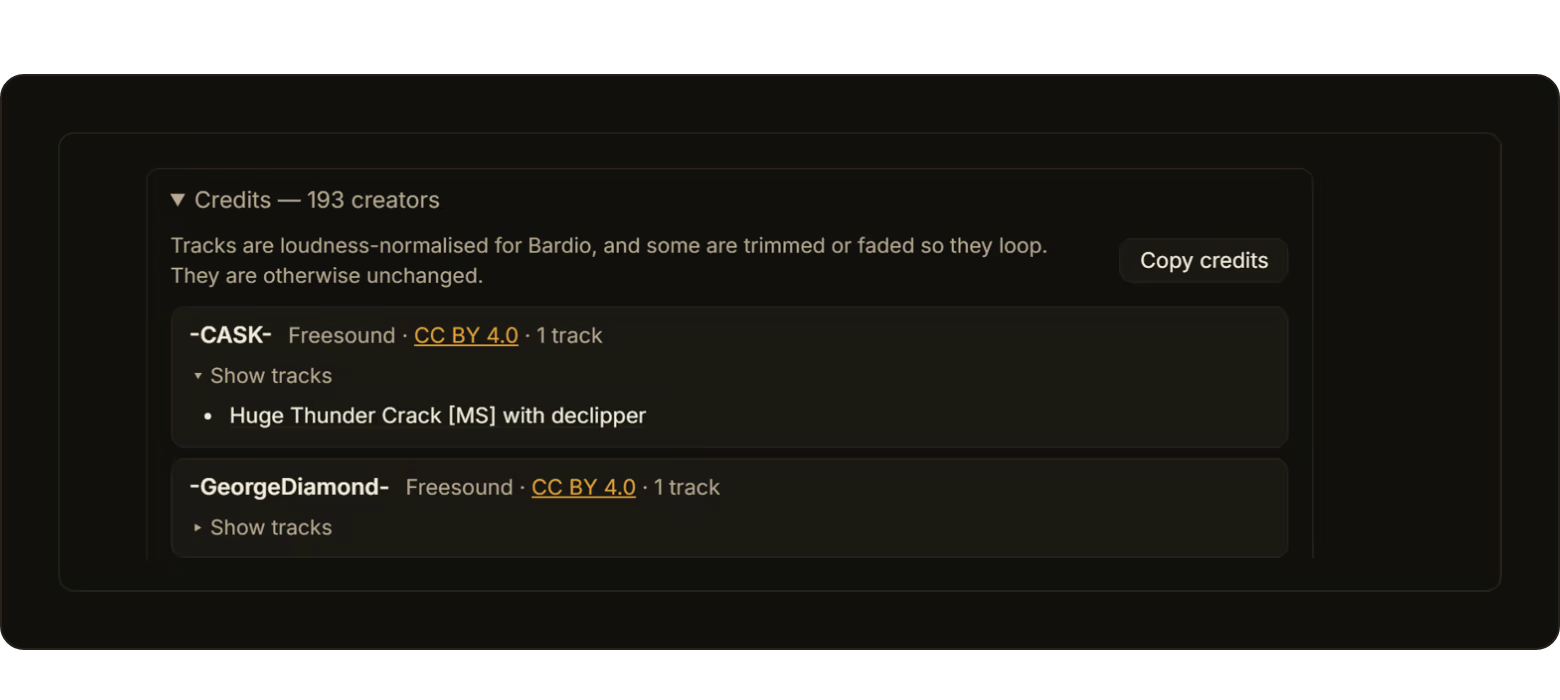
Does it work for D&D? Yes. DnD, 5e or older, Pathfinder, Call of Cthulhu, any TTRPG. Warhammer 40,000 and other miniature wargames too: bring your own music and press the scene. Only fantasy? The library in the box is Classic Fantasy. For horror, sci-fi or anything else, drop in your own music and Bardio sorts it into the same scenes, or into scenes you name yourself. Can I use my Spotify playlists? No. Bardio plays files on your machine. If you have the music as files, drop the folder in. Is this a soundboard? Not the kind you build. Scenes come ready; press the one that's happening. There are one-shot effects too, a door, a sword, a crowd, when you want them. Is this AI? No AI music, no AI sounds. Every track in the box was composed, played or recorded by a person, and each one is credited in the app with a link to where it came from. The only models in Bardio sort your own music, one in the box and a sharper one as an optional download: you pick a few tracks for a scene and they find the ones that sound alike, on your PC, sending nothing anywhere and making nothing. Can I stream or record with the bundled music? Yes, with credit. Every bundled track is under a licence that allows it in a stream or a recording: Creative Commons Attribution or CC0. Copy credits on the Packs page gives you the whole list, with licence links, to paste into a description. If a platform's automatic matching ever flags a track, that list is what you dispute it with.
Questions about your setup
Can I have more than one campaign? Yes. Each campaign keeps its own scenes, presets, board order and theme; switch from the campaign menu. Do I need to know anything about audio? No. Press the scene. That's the whole job. What do I need to run it? A Windows PC, Windows 10 or later. It plays through the PC's speakers, or you hand the sound to a paired phone and whatever that is connected to, a Bluetooth speaker say; one device plays at a time. Any phone, tablet or laptop on the same Wi-Fi works as a remote; so does an Elgato Stream Deck. Does it need an internet connection? No. Bardio runs fully offline. No account, no licence server. Remotes join over your local Wi-Fi, which doesn't need the internet either. On a venue network that blocks devices from seeing each other, a phone's hotspot works instead. It works on a laptop in a basement with no signal.
Questions about buying it
Is there a subscription? No. One purchase. What happens if the studio disappears? Nothing changes for you. Bardio runs on your own machine with no server to switch off, and your library is on your hard drive. The copy you installed keeps working.
With thanks
The music and sounds you hear on this page come from the Classic Fantasy library in the box; in the feature videos they are the tracks Bardio played while they were recorded. Thank you to the people who made them. In the trailer
In the videos
Every track in the box is credited inside the app too, with a link to where it came from.
Steam data © 2026 Valve Corporation. Trademarks are property of their respective owners.
All matches
Similar games to Bardio
Finding similar games…