
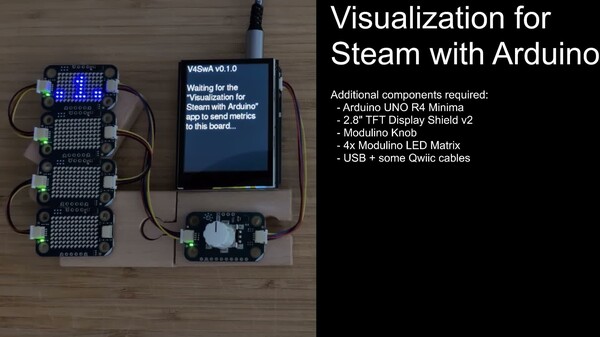


Visualization for Steam with Arduino is a PC software and Arduino firmware package for players who want to build a custom faceplate for their Steam Machine or Steam gaming PC. External hardware required.
Top matches
Match strength key:80+65+50+<50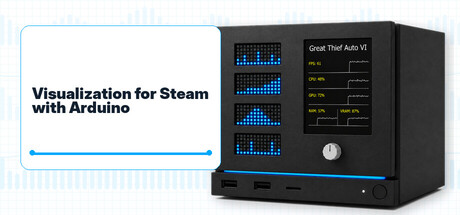
Visualization for Steam with Arduino
SteamAbout Visualization for Steam with Arduino
Give your gaming setup a face of its own
Build a custom faceplate that brings your Steam games and system stats onto a physical display. Visualization for Steam with Arduino combines a PC companion app and Arduino firmware for your Steam Machine or Steam gaming PC. External hardware required. This purchase includes software and firmware only; no physical components or games are included.
Your game at a glance
Available metrics and achievement data depend on the game, system, drivers, and Steam data.
Connect, customize, play
The app detects a supported Arduino board and installs the matching firmware when needed. A single USB cable powers the board and carries firmware and display data. The companion app runs quietly in the background and can be minimized to the system tray. Build with off-the-shelf modules and solder-free Qwiic connections. Create your own faceplate, enclosure, and mounting layout, with reusable components and no battery required.
What you need
The official website (follow the link on the right panel) provides more product details, along with installation and configuration instructions to help you get started. Its gallery offers a closer look at the display and custom builds, while the changelog documents updates and improvements.
Steam data © 2026 Valve Corporation. Trademarks are property of their respective owners.
All matches
Similar games to Visualization for Steam with Arduino
Finding similar games…