
Games Like Brilliante Capture
The only screenshot tool for gamers. Capture HDR, VR, and motion photos!
Top matches
Match strength key:80+65+50+<50
Brilliante Capture
SteamAbout Brilliante Capture
Screenshots that keep your HDR
Your game runs in HDR. Your screenshots don't. Other capture tools use the SDR pipeline, so on an HDR display the brightest, best parts of the frame clip to flat white. The neon sign blows out. The sunset goes gray. The muzzle flash turns into a white blob.
Brilliante Capture grabs the frame in true High Dynamic Range and writes it to modern HDR formats that preserves every stop of brightness. What looked luminous on your screen looks luminous in the file.
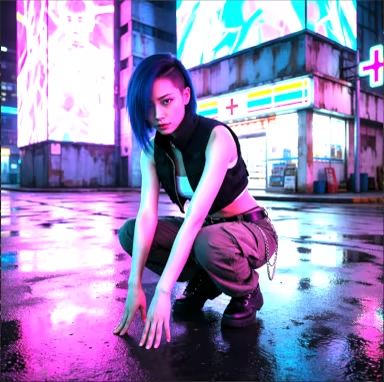
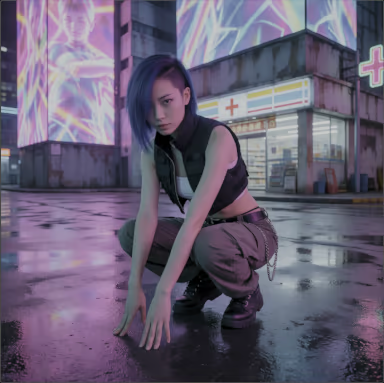
Left: Windows Snipping Tool — the highlights clip and the billboard collapses into a flat white smear. Right: Brilliante Capture — If your display is in HDR mode, the right-hand image is a real HDR screenshot, rendering in HDR right here on this page.
Built for HDR gameplay
The HDR screenshot you can actually share
Capture an HDR moment with Xbox Game Bar and you get a .jxr file — it opens on Windows and nowhere else. Not on your phone, not in a browser, not on a Mac. Your best HDR shot, stranded on one PC.
Brilliante saves in multiple HDR formats including:
Motion-photo screenshots
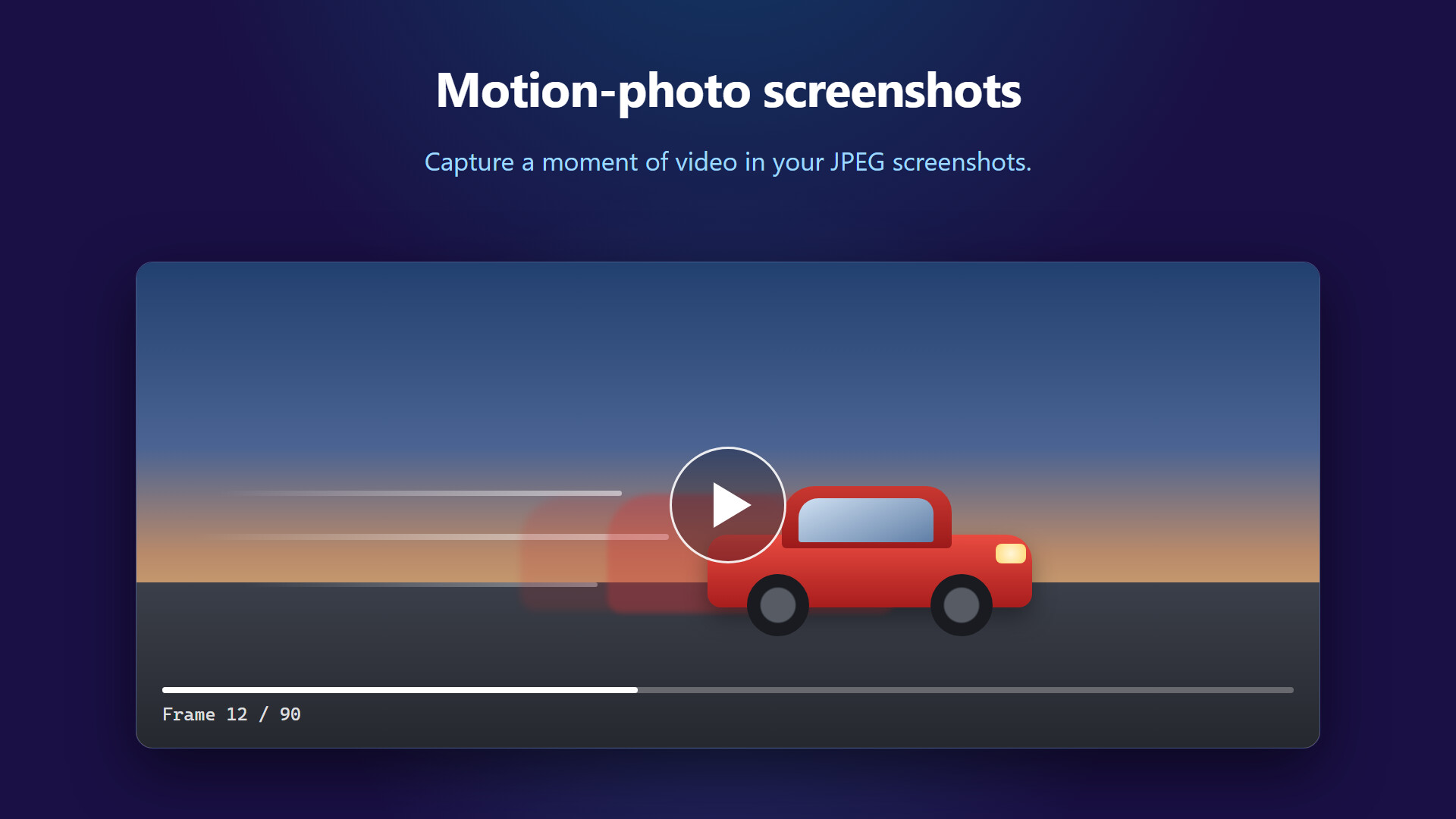
Capture a moment of video, embedded in your JPEG screenshots. Sometimes in the middle of the action, you don't have time to consider whether you want a screenshot or video. Now you can get both with one click.
Compatible with Google Photos and Microsoft Photos.
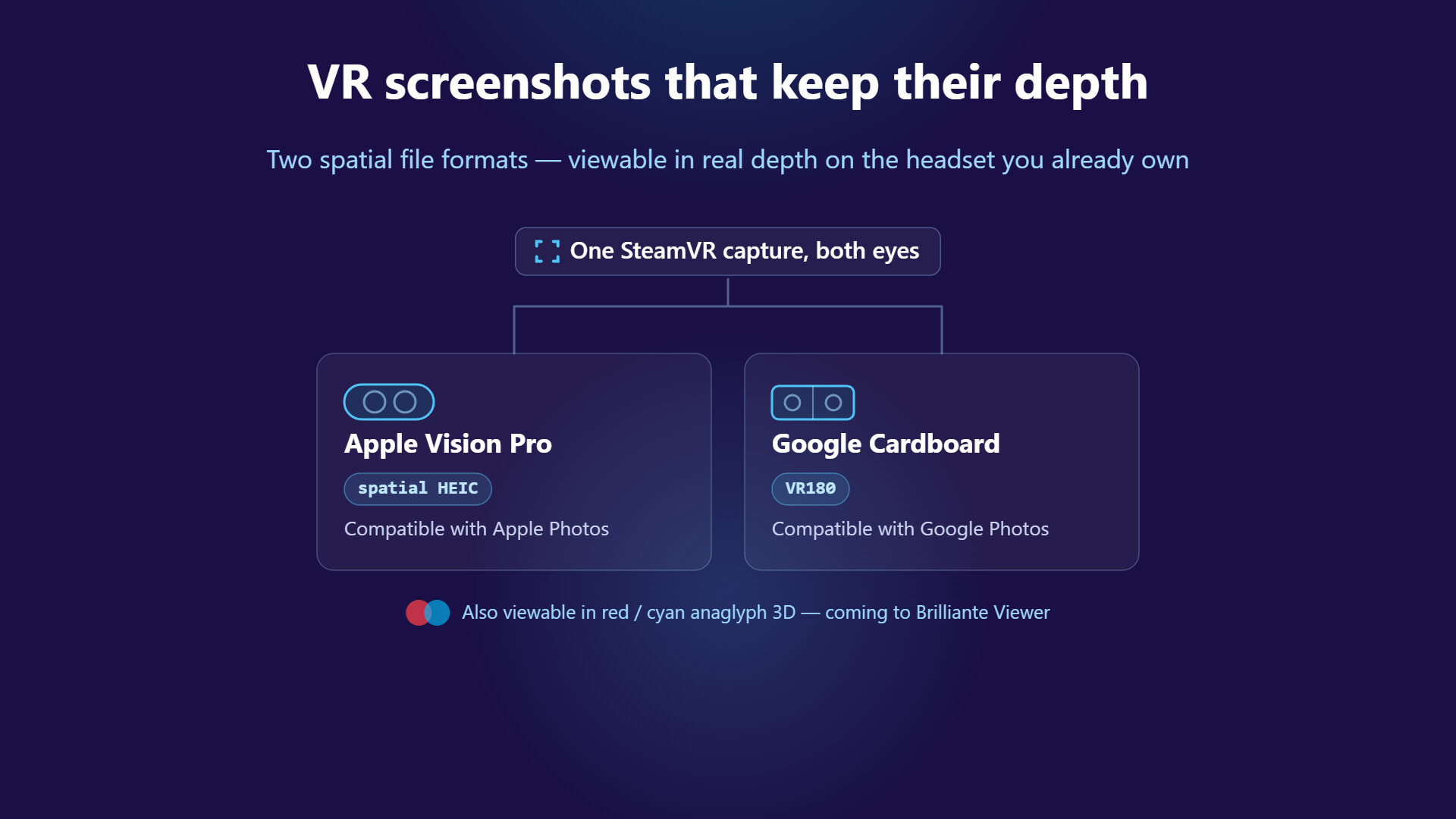
VR screenshots that keep their depth
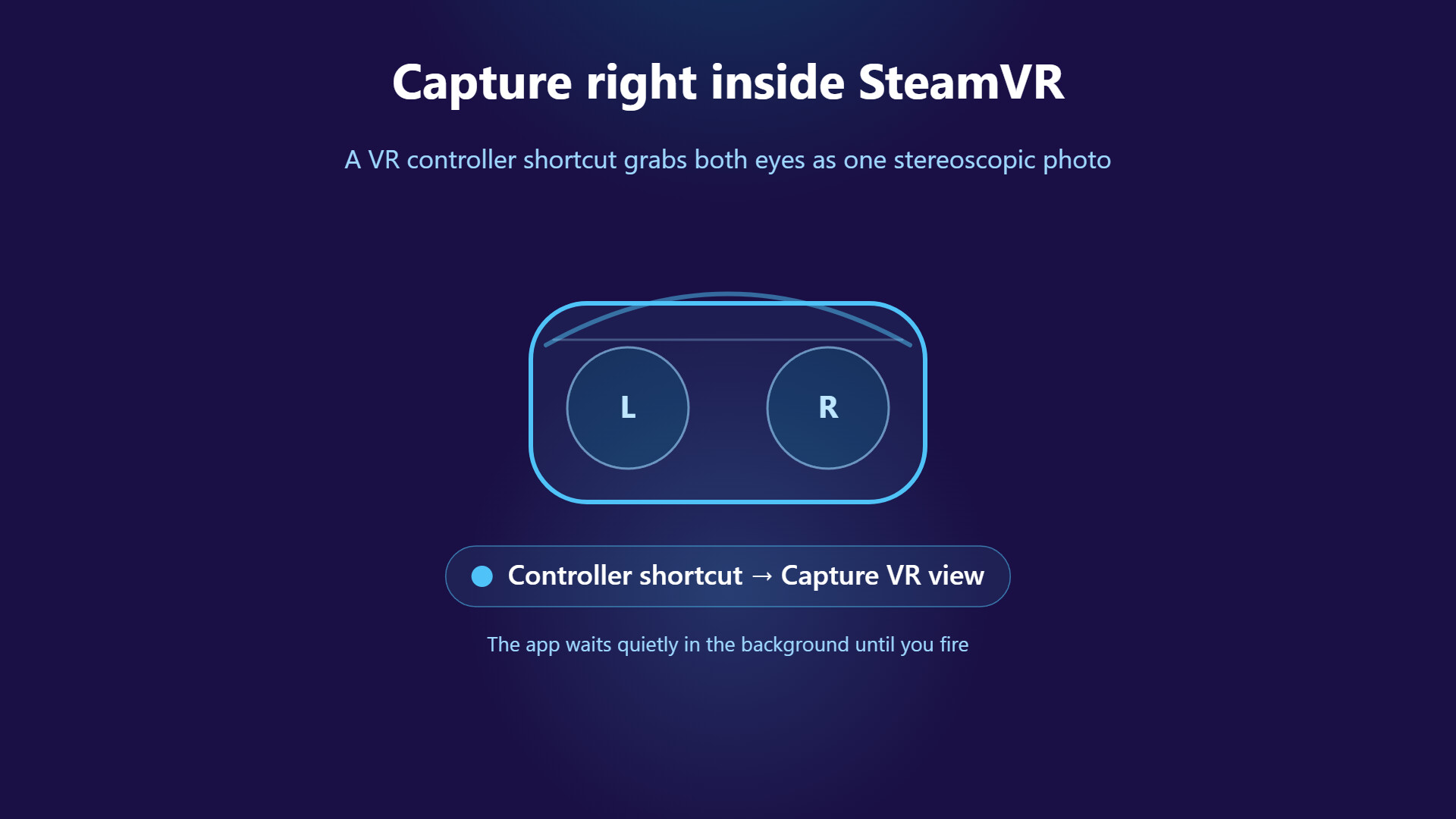
Running a SteamVR title? Brilliante's SteamVR screenshot mode grabs both eyes and saves a true stereoscopic image — depth intact, not a flattened single view. One capture writes two spatial formats:
HDR output requires an HDR-capable display in HDR mode. On SDR displays, Brilliante saves a standard-range image. Spatial output requires a running SteamVR title. Spatial output is SDR and limited to 100° perspective. HEIC output requires a GPU that supports HEVC encoding, or the HEVC Video Extensions from the Microsoft Store — that extension is bundled free with some PCs, but some might require purchase from Microsoft. Motion photos require a GPU with hardware HEVC encoding.
Features and system requirements are subject to change. Individual features may be added, changed, or removed in future updates for technical or business reasons.
Steam data © 2026 Valve Corporation. Trademarks are property of their respective owners.
All matches
Similar games to Brilliante Capture
Finding similar games…