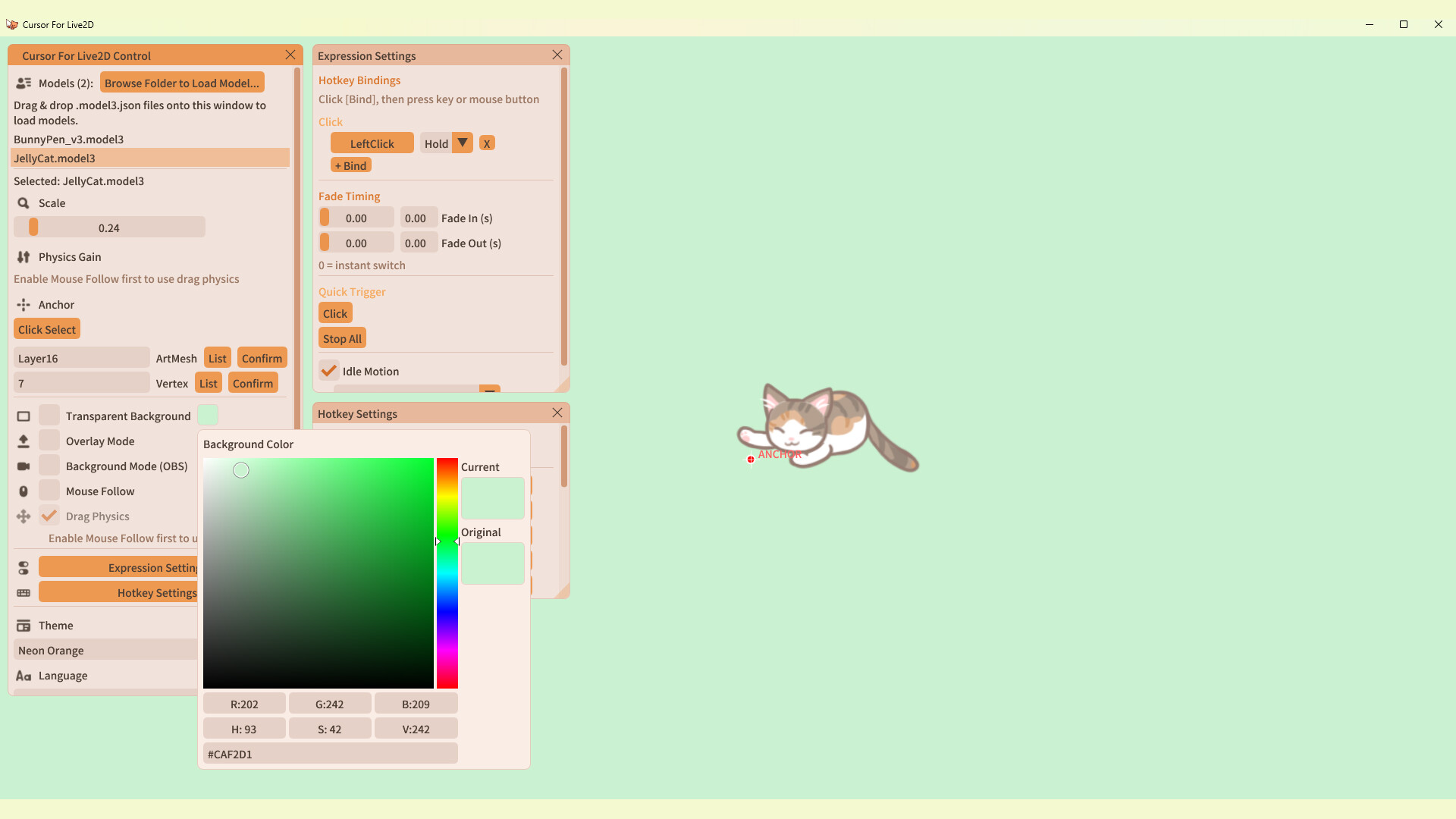
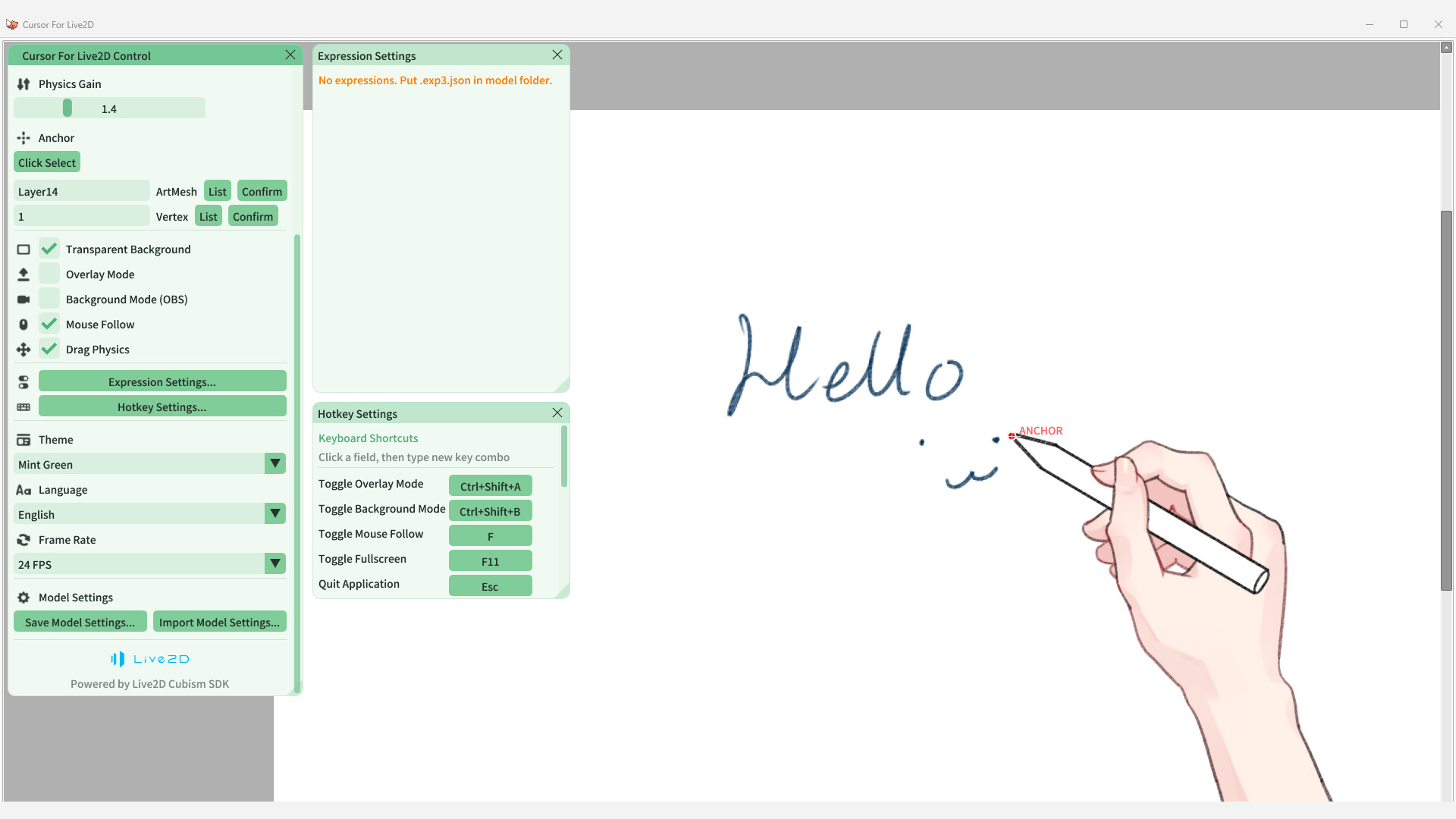
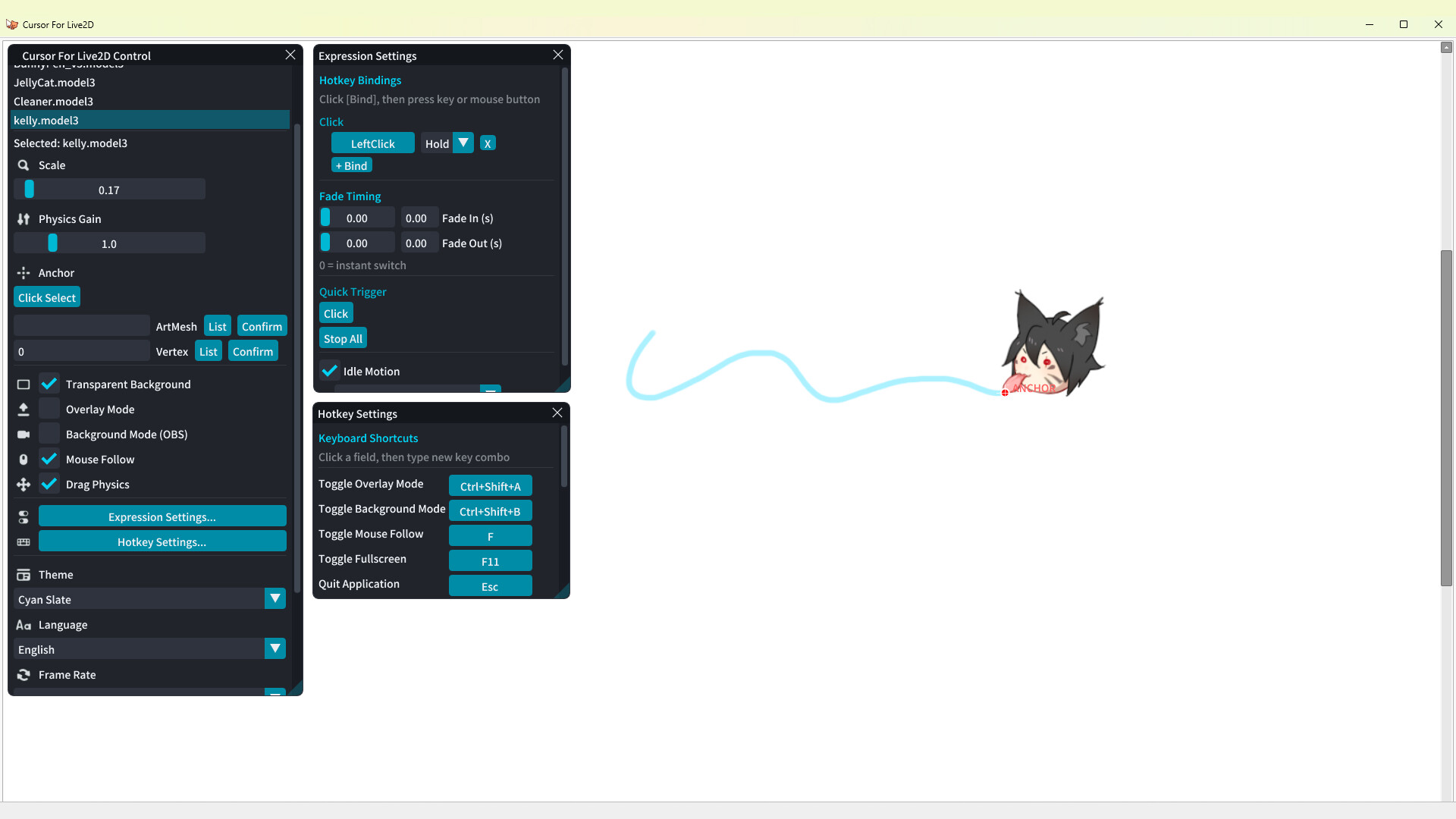
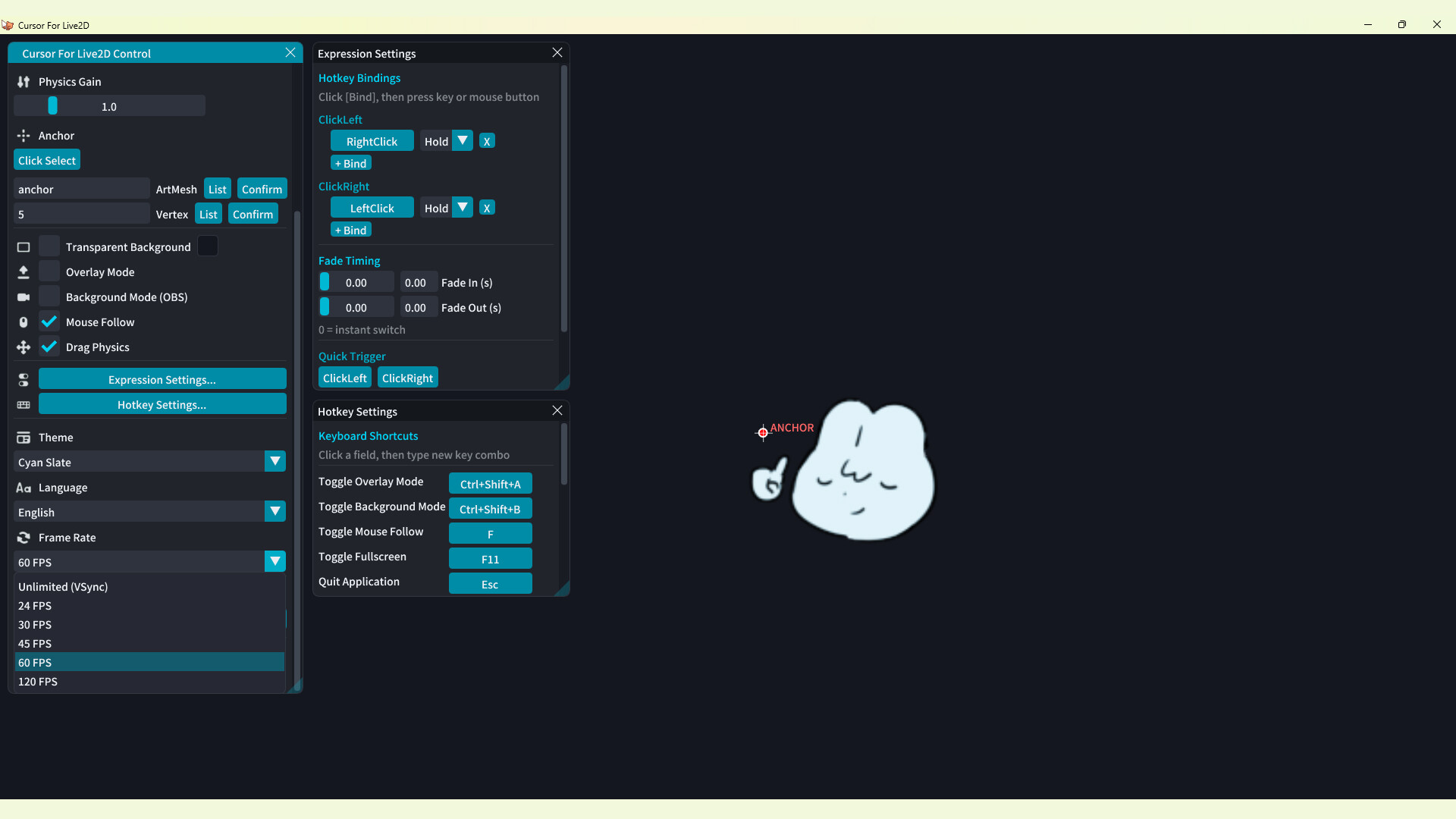
Cursor for Live2D screenshot 1
Cursor for Live2D Preview Video
Cursor for Live2D screenshot 3
Cursor for Live2D screenshot 4
Cursor for Live2D screenshot 5
Cursor for Live2D screenshot 6

Games Like Cursor for Live2D

Import any Live2D model and let it follow your mouse, with physics effects, hotkey-triggered expressions, and idle animations. Whether you're streaming, drawing, recording videos, or simply using your computer, your character can accompany you with every click.

Top matches

Match strength key:80+65+50+<50

Finding similar games…

About Cursor for Live2D

Cursor for Live2D video 1

A lightweight interactive mouse companion for Live2D models.

Live2D Desktop Companion

Import any Live2D model and let it follow your mouse, with physics effects, hotkey-triggered expressions, and idle animations. Whether you're streaming, drawing, recording videos, or simply using your computer, your character can accompany you with every click.

Features
•
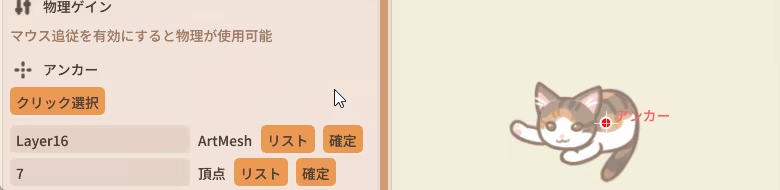
Customize a model's tracking anchor point so it can follow your mouse.
•
Automatically detect the model's X- and Y-axis physics effects, with a slider to adjust the physics intensity.
•
Background Mode allows video recording software to capture the model's movement while the model itself is not displayed on screen.
•
Freely bind expressions to hotkeys, with options for hold or toggle mode and adjustable fade-in and fade-out durations.
•
Import models by dragging and dropping a ".model3.json" file or selecting a folder. Multiple models can be imported and switched between at any time.
•
Runs in the system tray for quick access.
•
Supports multiple languages, currently including Chinese, Japanese, Korean, and English.
Cursor for Live2D video 2

Default Hotkeys

•
F: Makes the model track the mouse based on the user-defined anchor point.
•
Ctrl + Shift + A: Overlay Mode — hides the UI, displays only the model, and keeps the application always on top.
•
Ctrl + Shift + B: Background Mode — runs the model in the background so OBS can capture it.
•
ESC: Exit the application.

For Live2D Creators

Please refer to the manual for information about setting the model's tracking anchor point and parameters.

Thank you for using the software!

Steam data © 2026 Valve Corporation. Trademarks are property of their respective owners.

All matches

Similar games to Cursor for Live2D

Finding similar games…