


Games Like Aitan Studio Pro
Load your images, click a variation, and get a ready-to-use visual instantly. Aitan Studio Pro offers striking compositions, dynamic image layouts, text, logos and effects — without the complexity of a traditional image editor. Works offline, with no subscription.
Top matches
Match strength key:80+65+50+<50
Aitan Studio Pro
SteamAbout Aitan Studio Pro
Create striking visuals in just a few clicks
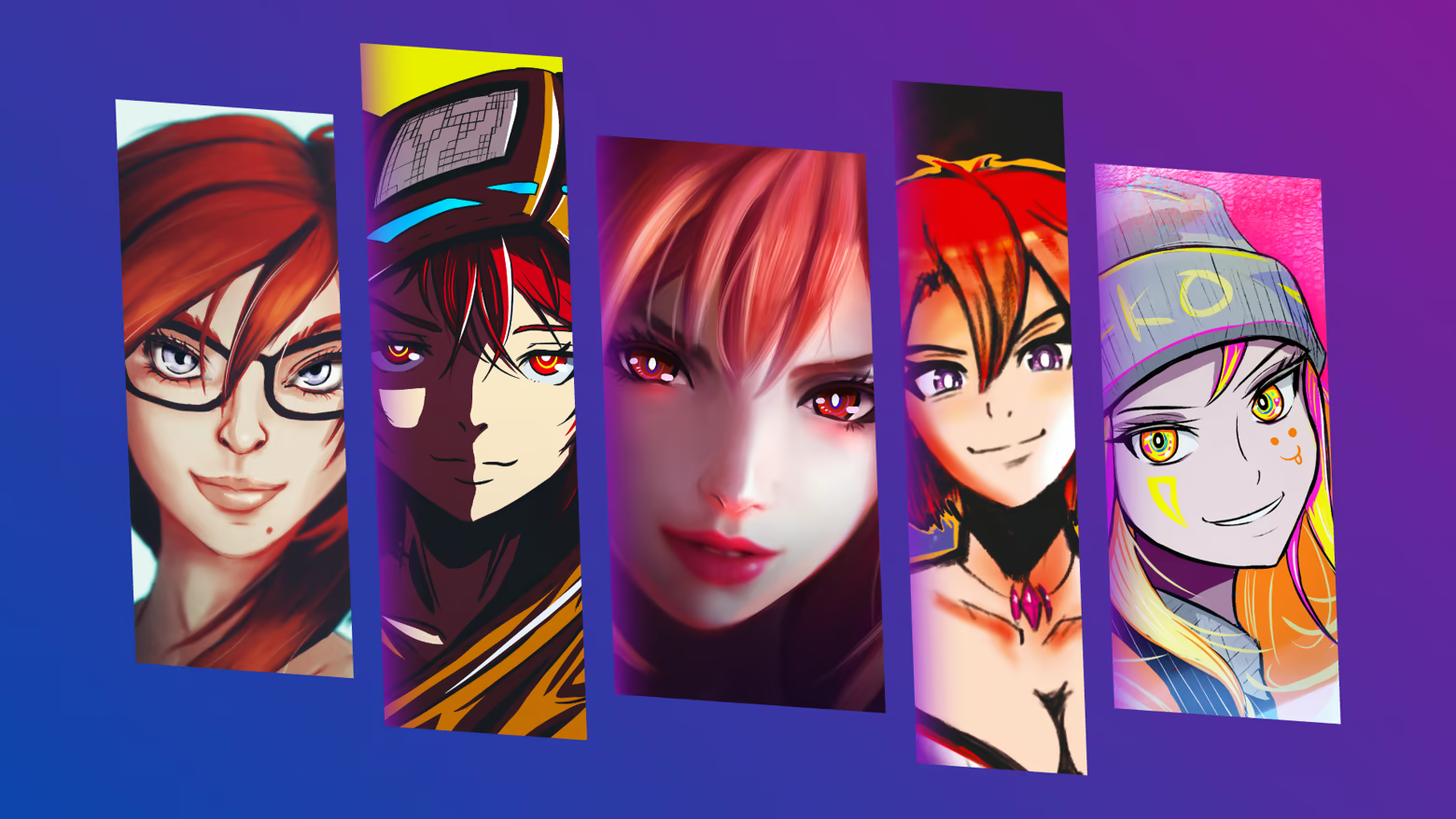
Aitan Studio Pro is a fast, convenient and creative composition-making app. With it, you can turn a few images into an eye-catching cover image, montage, social media graphic or promotional visual in moments.
You do not need to open a complex image editor for every task, create dozens of layers or spend long minutes manually aligning elements. Load your images, choose a composition or ask for a new variation, then fine-tune the result to match your own idea.
The goal of Aitan Studio Pro is to give you a usable first result almost immediately, while still keeping more detailed editing options available.
Instant variations with one click
Not sure which layout to start with?
The New Variation function can remix the images and change the composition proportions, spacing, corners, shadows and other visual details. Variations do not simply repeat the same templates: the system can create many different yet usable arrangements.
A full variation can also change the background, the gradient look and certain atmospheric effects. This lets you quickly review several creative directions without having to build every setting by hand.
If one result is not right, you can step back with Undo and Redo, or request a new version immediately.
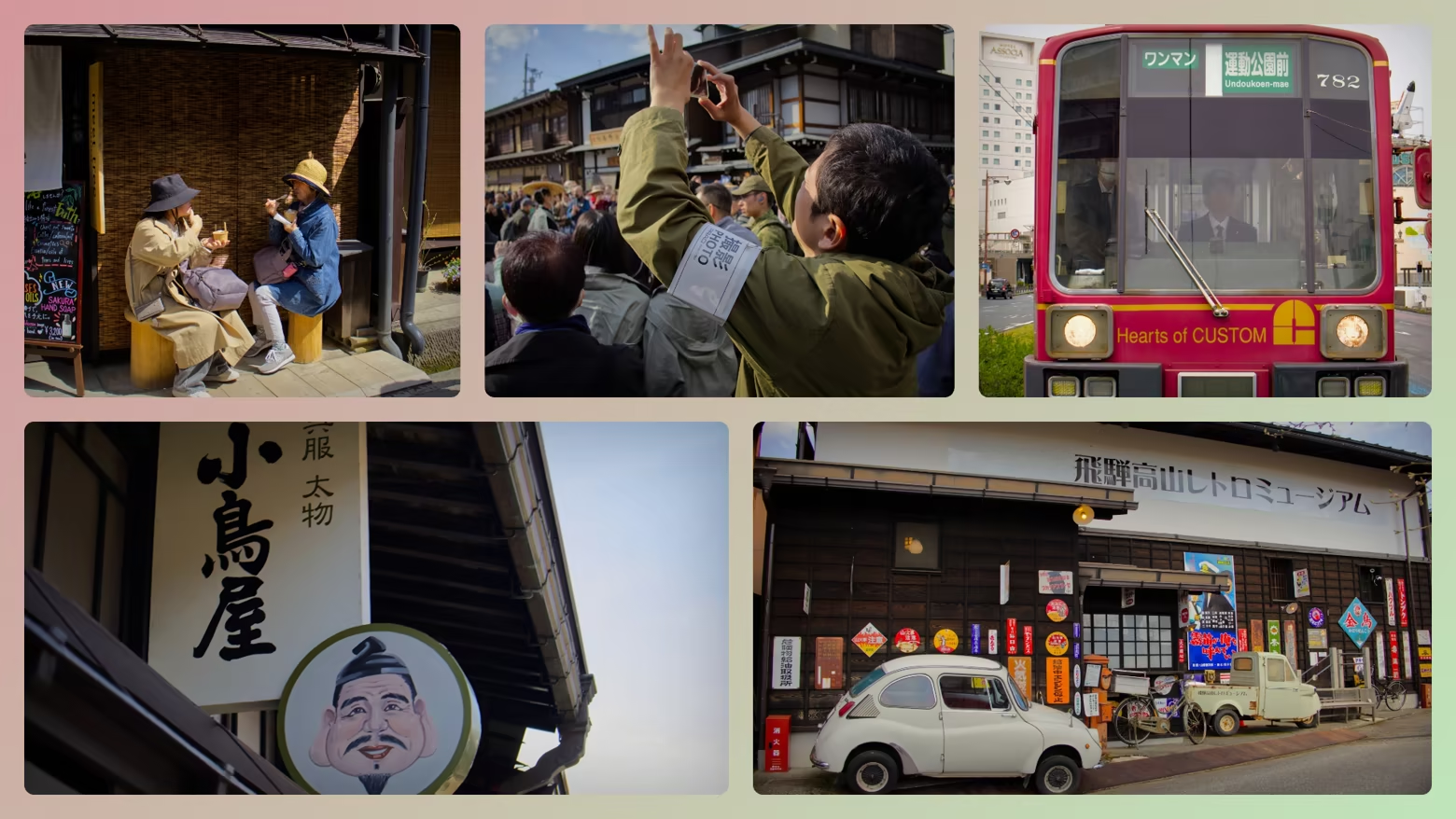
Dynamic slices
Dynamic slices let you arrange images into spectacular, adjustable panels.
Among other things, you can adjust:
You can use vertical or horizontal image arrangements, and you can also fine-tune individual dividers.
Free montage
Free montage is designed for creating more flexible, magazine-like and mosaic-style compositions.
For example, you can choose:
Automatically generated layouts can be edited further later. The goal is not a locked template, but a fast and useful starting point.
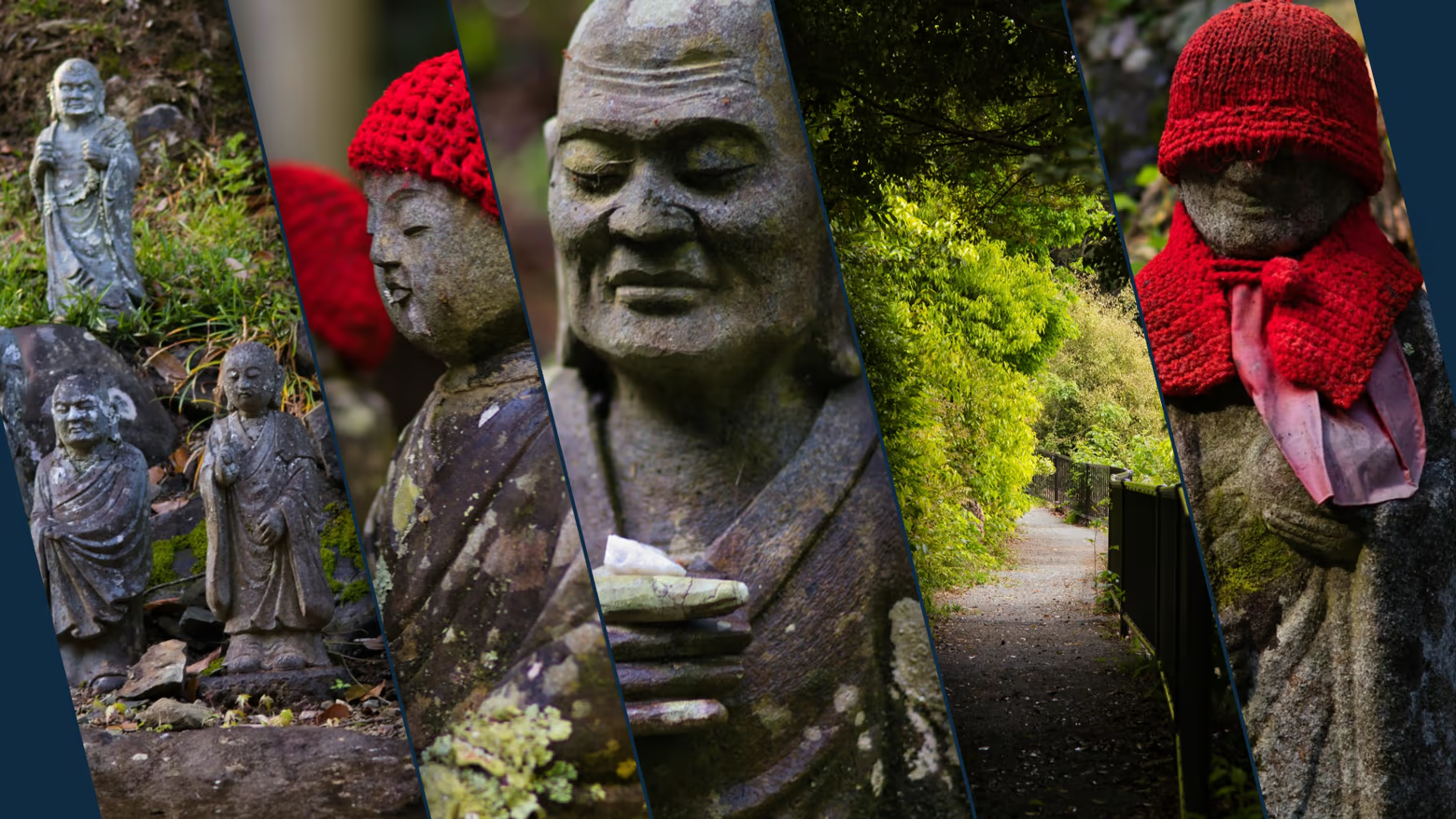
Images, text and logos in one composition
Aitan Studio Pro is not only about arranging images.
You can add the following to a composition:
You can manage layer order, and move, resize and rotate elements on the canvas.
Fade layers and directional effects
With fade layers, you can create controlled fades and mask-like visual transitions.
For fade layers, you can modify:
By stacking multiple fade layers, you can create more complex lighting and focus effects.
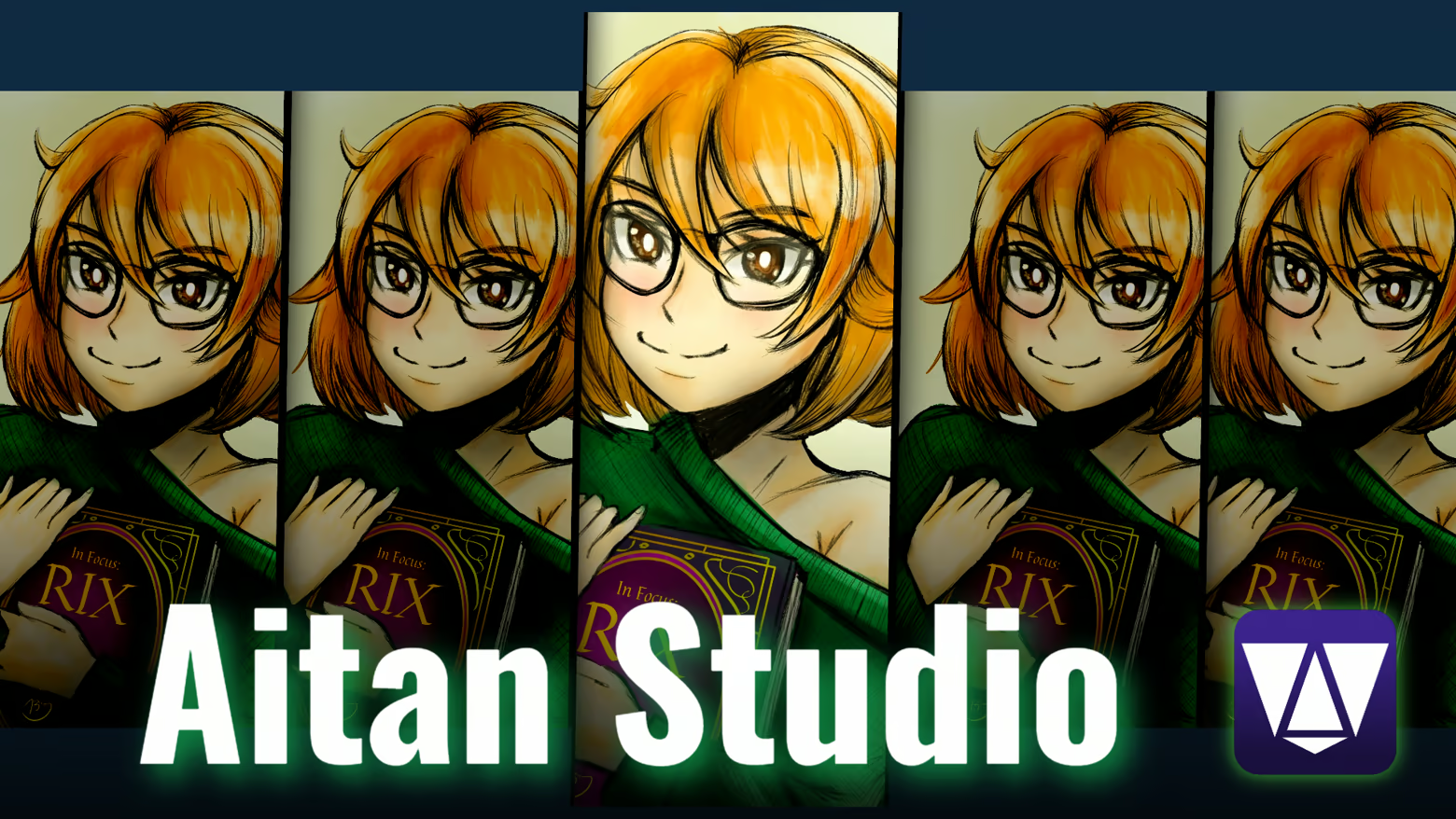
Background and color mood
The composition background can be:
You can adjust the gradient colors and direction, and you can also use global overlay and blur. Quick variations can try several color moods, making it easier to adapt the composition to the look of a campaign, article, video or social media page.
Per-image settings
Images can also be fine-tuned separately when needed.
Available settings may include:
This helps images from different sources receive a more unified visual style.
Fast workflow
One of the most important goals of Aitan Studio Pro is speed.
A typical workflow:
You do not have to use every panel or detailed setting. If you need a quick result, the app can be used in just a few clicks. If you want more precise control, the details of the composition remain editable.

Export
The finished composition can be saved as a PNG image. The composition can also be copied to the clipboard, so it can be quickly moved to, for example:
You can also export PNGs in different shapes. In addition to predefined and editable shapes, you can load your own PNG mask, influencing the shape and transparency of the saved image.
Optimization
I tested the program in Steam Deck Desktop Mode, so it can almost be guaranteed to run even on weaker hardware. (This does not mean it is compatible with Steam Deck Gaming Mode, but it works on the desktop interface with a mouse and keyboard.)
One-time purchase
You only need to buy the program once, and from then on you can use it and receive updates. There are no complicated license terms, no data collection of any kind, and the whole program works 100% offline. I ask nothing from you except that you support my work once. From that point on, the program is yours, and I hope it will help you in everyday use.
This software was made in the European Union, in Hungary. Note: I am a journalist and graphic designer, not a programmer, so Aitan Studio was created with a vibe-coding method.
Steam data © 2026 Valve Corporation. Trademarks are property of their respective owners.
All matches
Similar games to Aitan Studio Pro
Finding similar games…