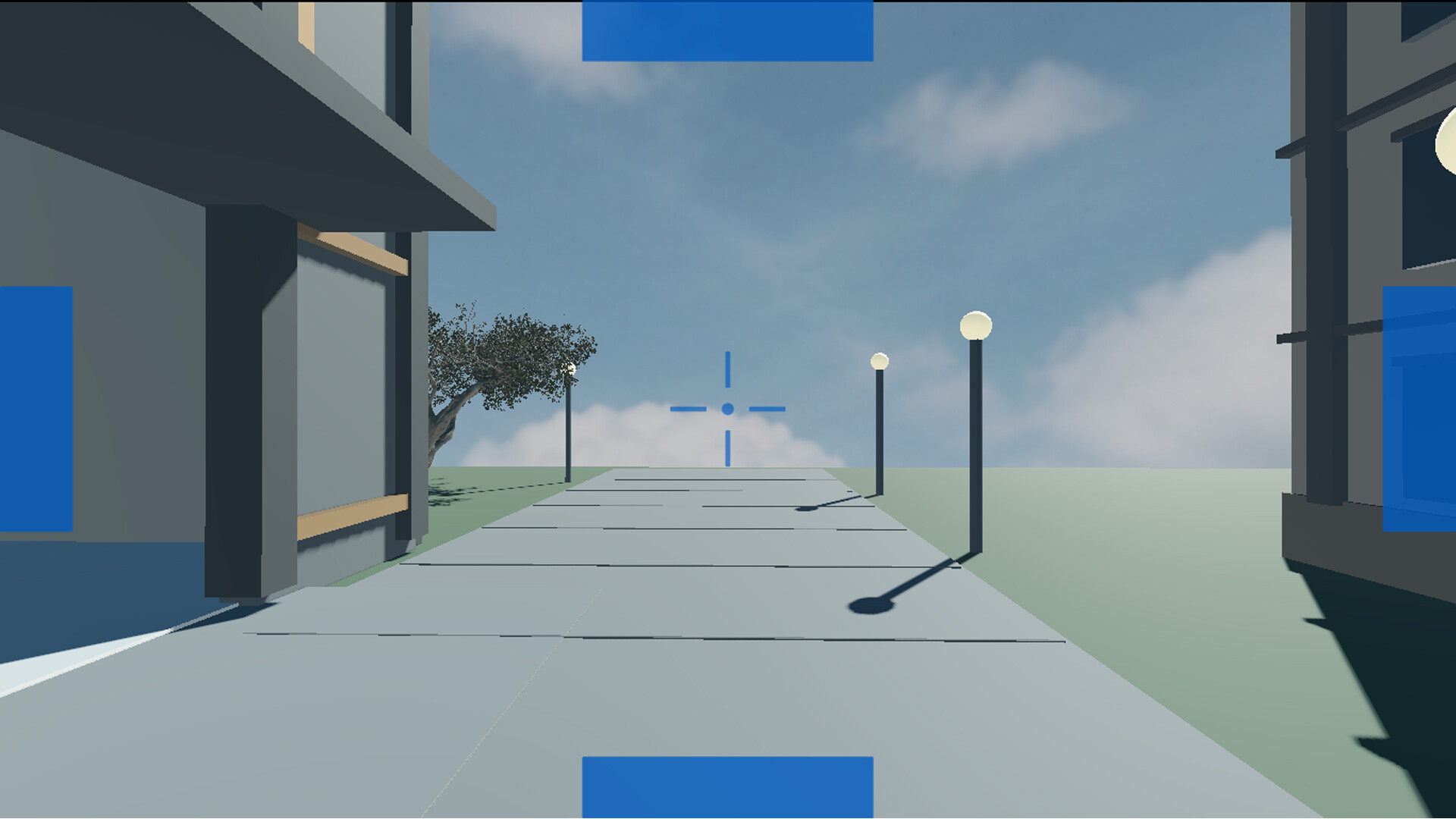

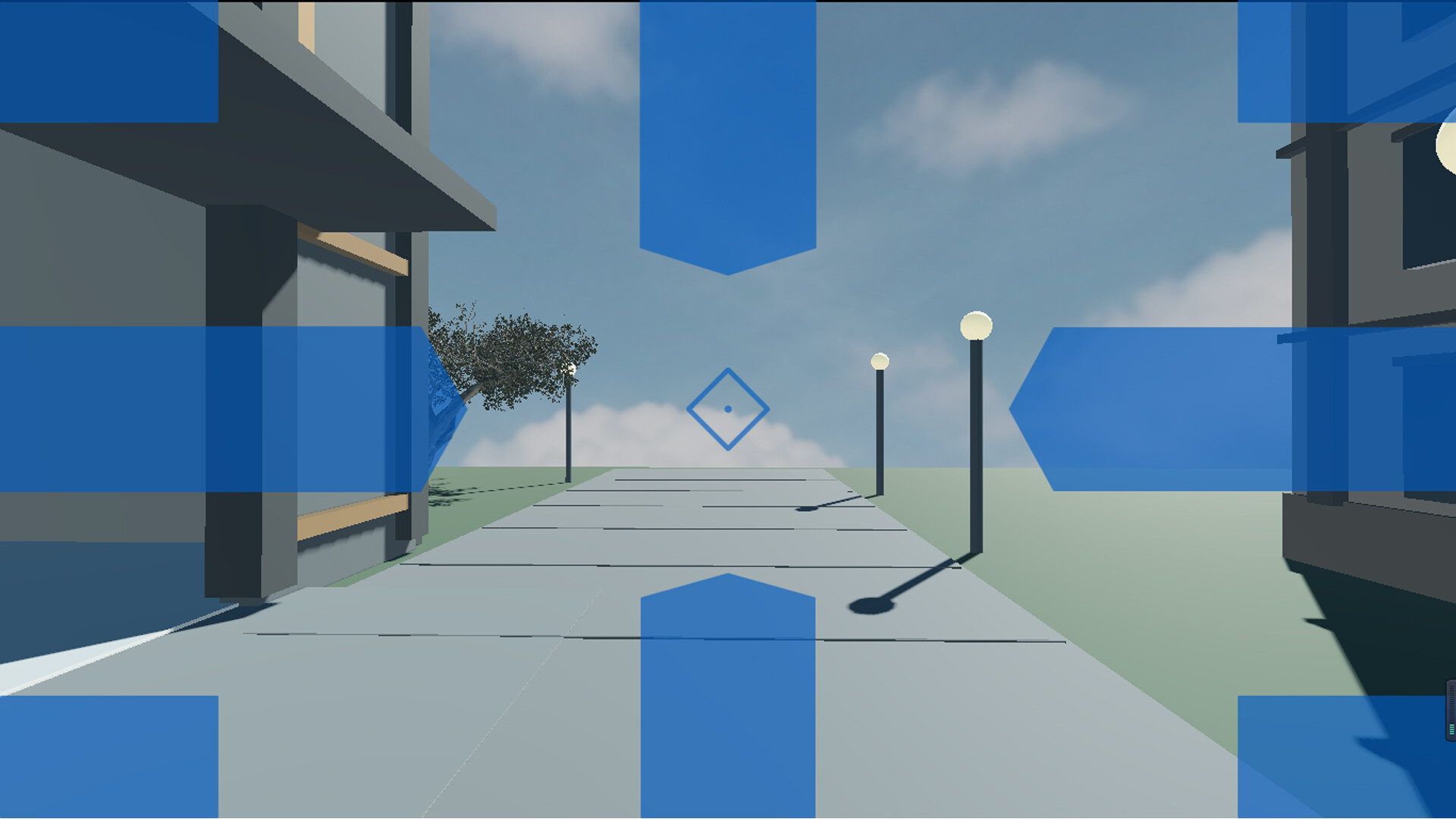
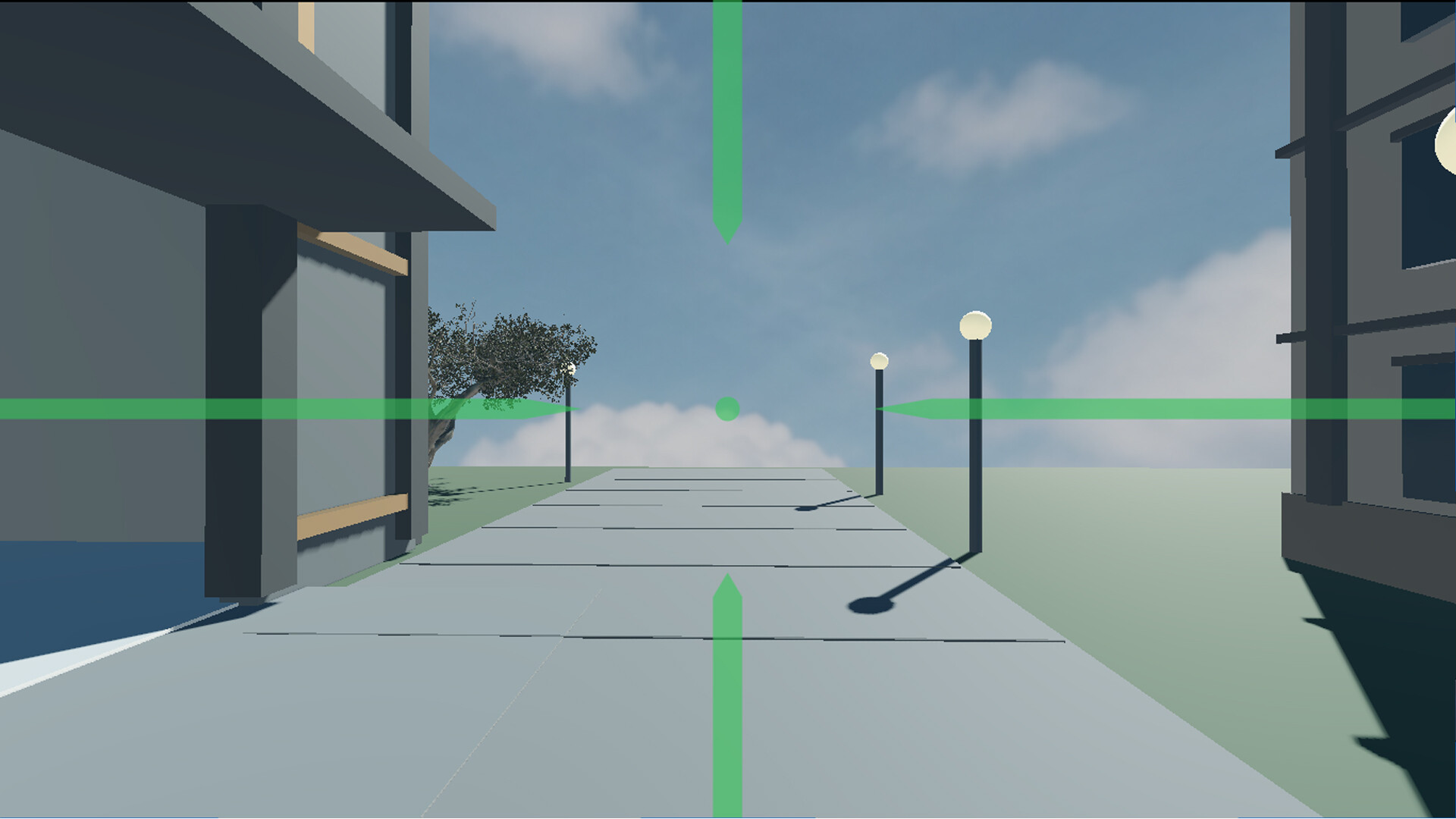
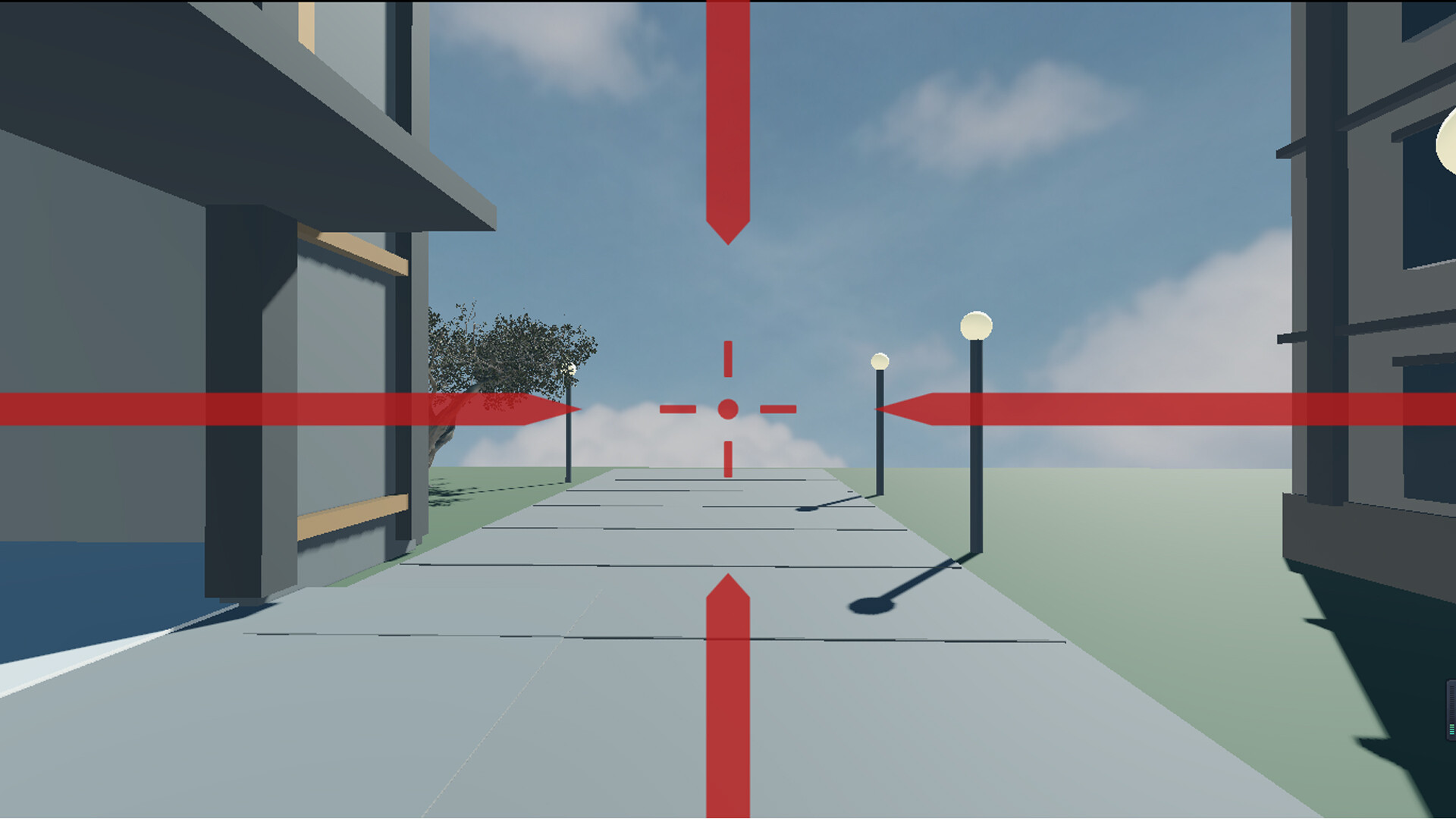
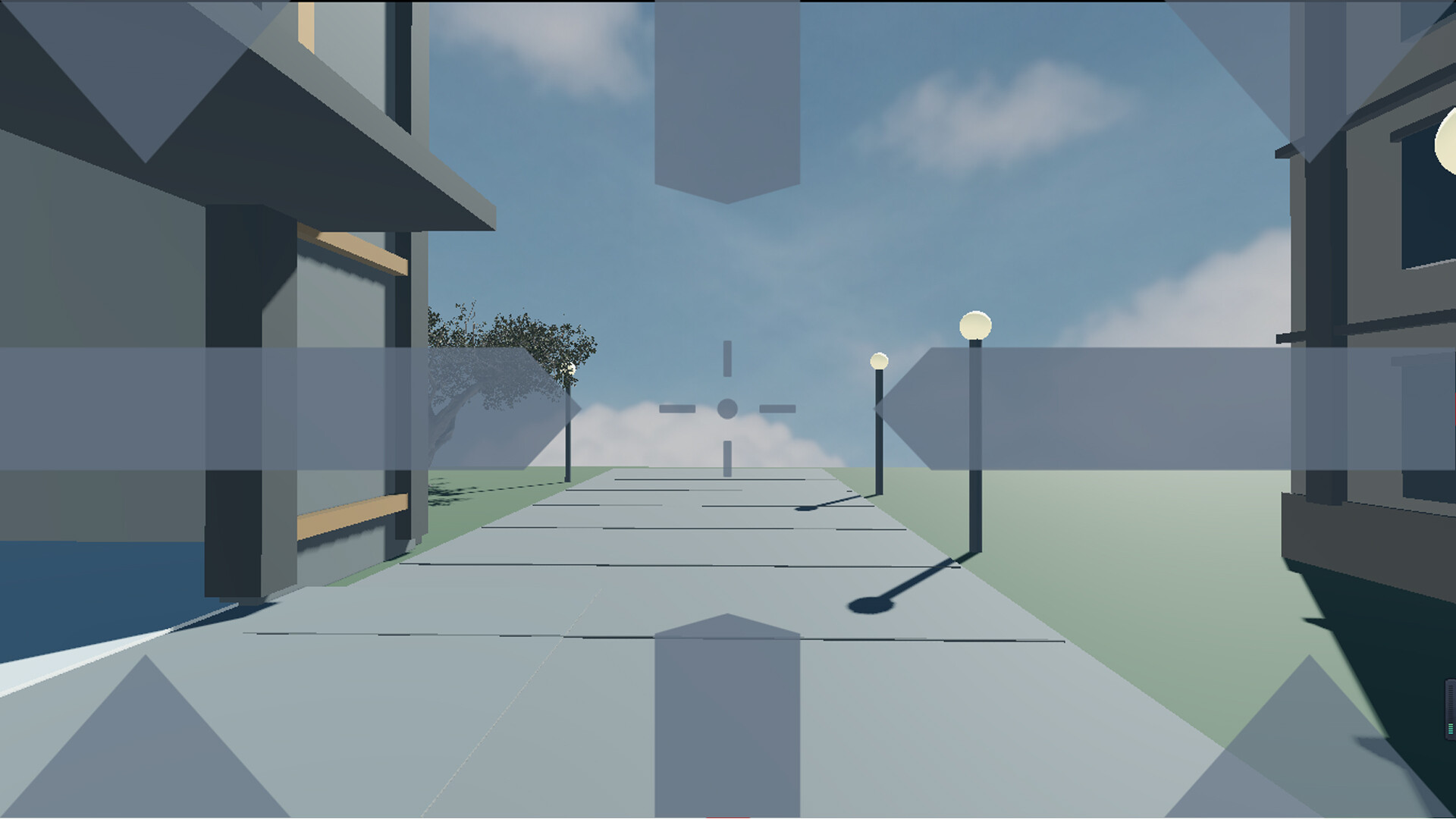
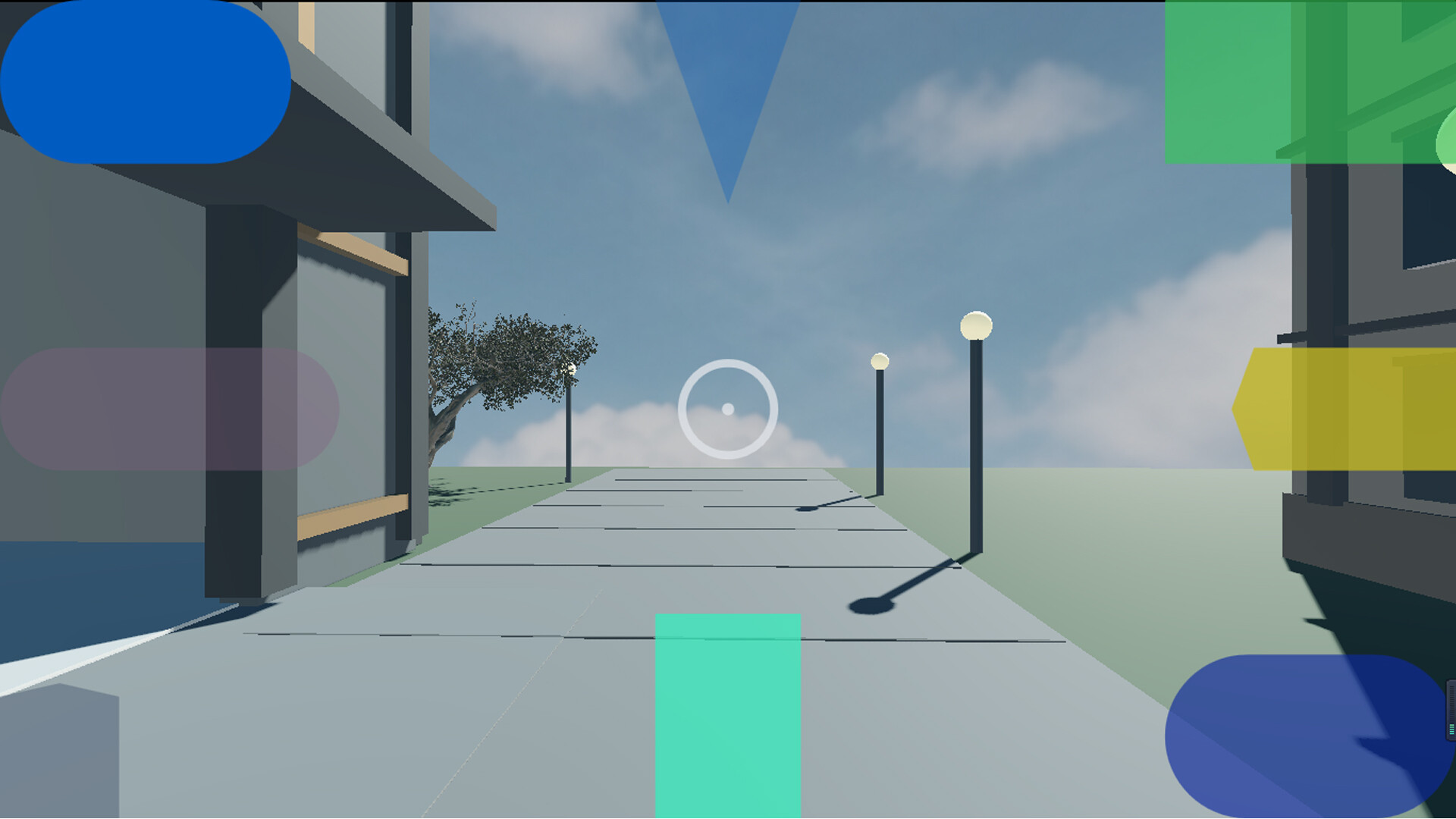
Purely visual overlay relieving 3D motion sickness without touching game processes. 9-zone anchors give your brain a stable reference. 45+ parameters, per-game presets, hotkeys, motion follow, fade, multi-monitor, Steam Cloud. <1% CPU, <10MB, exits on close. Not a drug—a tool to tune comfort.
Top matches
Match strength key:80+65+50+<50
MotionAnchor 3D: Motion Sickness Relief
SteamAbout MotionAnchor 3D: Motion Sickness Relief
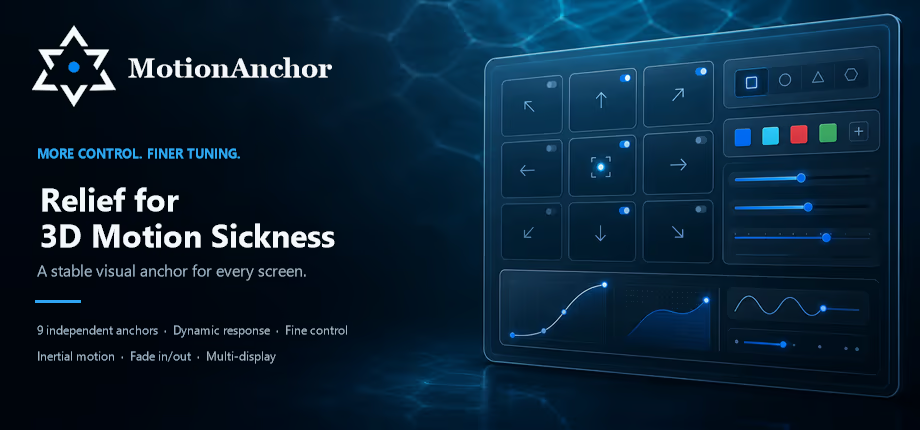
The most complete and customizable 3D motion sickness relief tool available.
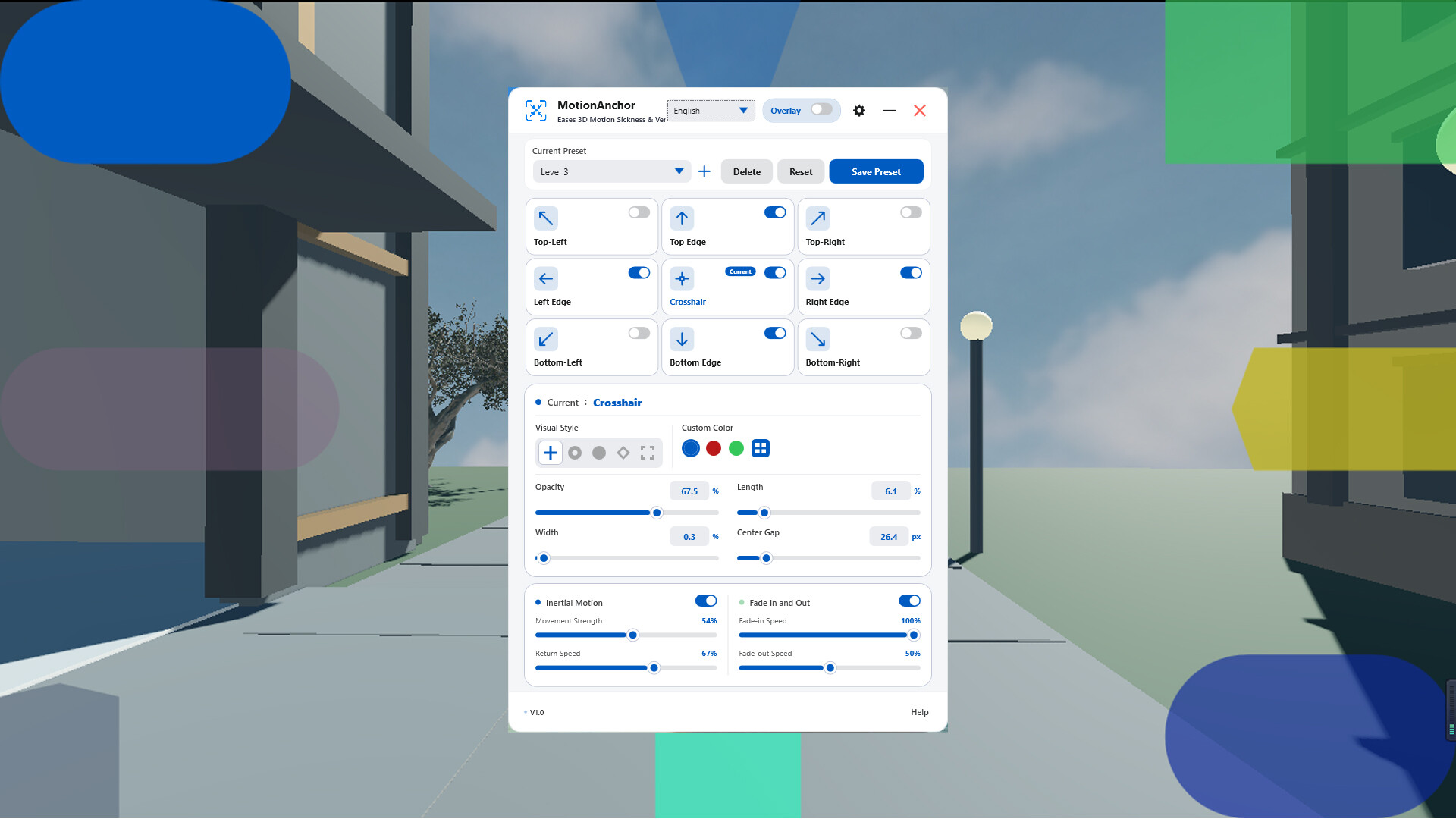
3×3 grid anchors, custom crosshair, inertial motion, dynamic fade in/out, preset switching, and global hotkeys. Every element can be fine-tuned until you find the mode that feels right.
Playing 3D games without feeling sick shouldn’t be a talent.
It’s just a sensory conflict: your eyes say “I’m moving,” your body says “No, you’re not,” and your brain gets caught in the middle, finally protesting with nausea. We can’t change your physiology, but we can trick your brain.
MotionAnchor doesn’t treat a disease, doesn’t inject anything, and doesn’t modify your game. It simply places a layer of visual anchors on screen—visible but unobtrusive—like the horizon on a rocking boat, giving your brain a stable reference point. Everything else—rhythm, intensity, on/off—stays in your hands.
Motion sickness shouldn’t be where your enjoyment ends. It shouldn’t be part of the game at all.
Pure Visual Overlay Technology: Safety Is the Baseline
Some tools on the market need to inject into the game process, modify memory, or load DLL files. That can trigger anti-cheat systems and put your account at risk. From day one, MotionAnchor chose a more restrained and safer path.
MotionAnchor runs as a pure visual overlay, which means:
All MotionAnchor does is draw a layer of assistive visual elements on top of your screen—as simple, safe, and transparent as putting a semi-transparent guide sticker on glass. You play your game; we just make it easier on your eyes.
In return, the game needs to run in borderless windowed mode.
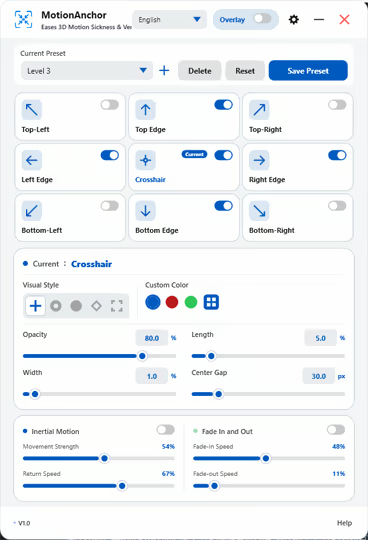
Full-Screen 9-Point Graphical Control: Not Just Parameters, but a Paintbrush
We divide the screen into a 3×3 grid, and each point has its own independent set of visual control parameters. Unlike tools that rely on intuitive dragging, MotionAnchor offers a precision numeric adjustment system—so you can exactly reproduce someone else’s good configuration, and get a completely consistent experience across different devices.
Each point has 5 fully independent core parameters, for a total of 45 adjustable parameters across 9 points. That doesn’t even include motion-follow modes, fade in/out settings, and preset settings—so the real number of dimensions you can tune goes far beyond that.
What Exactly Is It Relieving? A Plain-Language Explanation
Simply put, the core cause of motion sickness is that your eyes tell your brain “I’m moving,” while your body tells your brain “I’m not.” The two signals conflict, and your brain protests with nausea.
MotionAnchor’s approach is to place visual reference anchors near the screen edges and in specific areas. These anchors either move gently at very low frequencies or provide stable static references, helping your brain find a middle ground between “visual motion” and “physical stillness.” It’s like staring at the horizon on a rocking boat—it gives your brain a stable coordinate, and the discomfort naturally decreases.
The entire process is passive visual stimulation. You don’t need to actively do anything or split your attention to operate the tool. It works quietly in the background while you focus on the game.
Personalized Presets: Tailored for Every Game
Different games trigger motion sickness in completely different ways:
MotionAnchor lets you save independent presets for different games and name them after the game. When switching games, load the corresponding preset with one click—no repeated tuning needed. You can even save multiple presets for different scenes in the same game, such as “indoor exploration” and “outdoor combat,” and switch between them at any time.
Hotkey System: No Interruptions, No Alt-Tabbing
In an intense match, any alt-tab can be fatal. MotionAnchor provides a complete global hotkey system, so every action can be done blind while staying in the game:
All hotkeys can be customized to avoid conflicts with in-game keybinds. Set them once, and you’ll never have to think about them again.
Full-Scenario Display Adaptation
Displays come in all shapes and sizes, and MotionAnchor covers them all:
Steam Cloud: Your Settings Follow You
Tuning a visual preset that fits you often takes repeated trial and patience. That work shouldn’t be lost when you change computers, reinstall your system, or switch to Steam Deck.
MotionAnchor fully supports Steam Cloud. All presets, hotkey configurations, screen selection preferences, and other settings are automatically synced to your Steam account cloud. After installing on a new device, the first launch will automatically pull all your configurations—install and use immediately, no retuning required.
Performance: You’ll Barely Notice It’s There
MotionAnchor’s runtime logic is pure graphics rendering. It involves no computationally intensive tasks—no extra inference, no video encoding, no image recognition. On most modern PCs, CPU usage is under 1%, GPU usage is under 1%, and the impact on game frame rate is negligible. We know how sensitive gamers are to performance, so we made “lightweight” one of our core development goals.
The software is also compact: the installer is under 10MB, there are no background resident processes, and when you close it, it exits completely and leaves no trace.
Closing: Let Every Pair of Eyes Enjoy the Game
MotionAnchor isn’t trying to “cure” motion sickness—that’s a complex medical issue. Our goal is more practical and specific: give you a set of tools so you can find the most comfortable visual state for yourself.
No expensive hardware, no changing your gaming habits, and no account risk from sketchy third-party plugins. A lightweight, safe, highly customizable visual assistant—that’s our commitment to every 3D game enthusiast.
See, don’t fight. MotionAnchor—using vision to smooth away motion sickness and bring back the pure joy of gaming.
We built MotionAnchor to help ease motion sickness discomfort in 3D FPS games. Results vary depending on individual sensitivity and playing conditions, so we can't guarantee it will work for everyone. If you don't find it helpful, you're welcome to request a refund.
Steam data © 2026 Valve Corporation. Trademarks are property of their respective owners.
All matches
Similar games to MotionAnchor 3D: Motion Sickness Relief
Finding similar games…