

Games Like Second Look — Screen Magnifier for Gaming and Low Vision
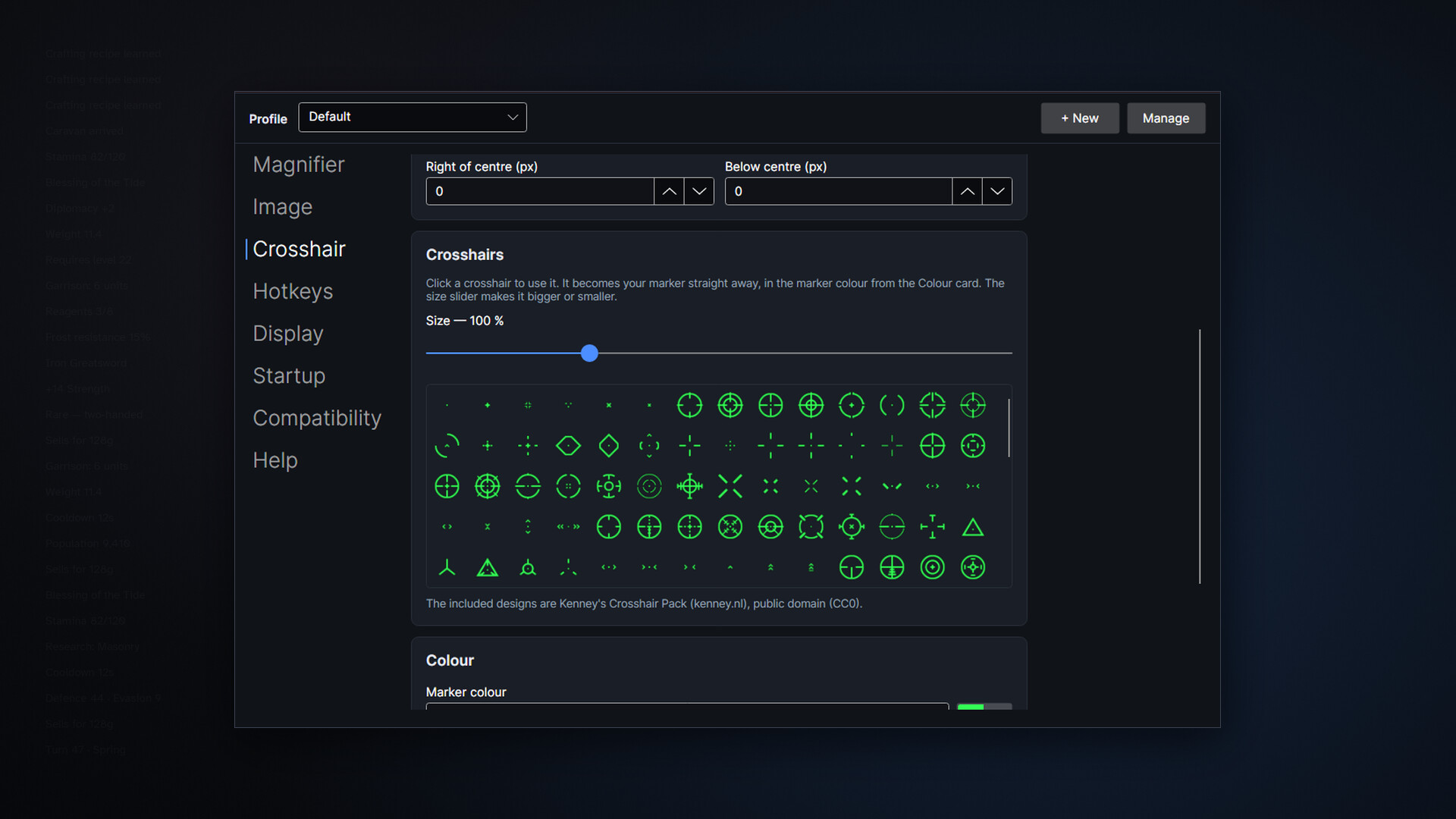
Second Look enlarges whatever you point at, sharp and right under your cursor, so quest text, item names and map labels stay readable in any game. Built for gaming and for eyes that struggle with small text, it stays light on your frame rate and even includes a crosshair with 200 designs.
Top matches
Match strength key:80+65+50+<50
Second Look — Screen Magnifier for Gaming and Low Vision
SteamAbout Second Look — Screen Magnifier for Gaming and Low Vision
Small text shouldn't end a hobby
Quest logs at 4K. Item names crammed into an inventory grid. The unit tooltip in a strategy game that assumes you're twenty-five and sitting eighteen inches from the screen. If you've caught yourself leaning in, squinting, or quietly giving up on games you used to love, Second Look is built for you.
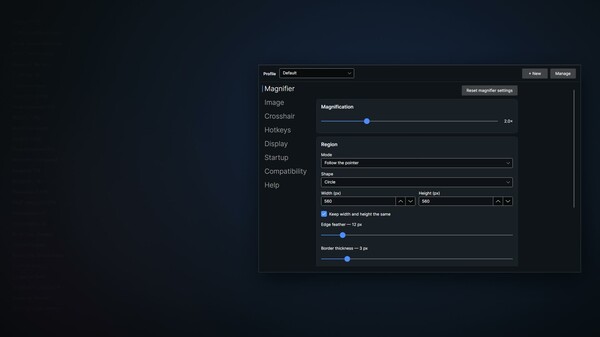
Press a hotkey and point. Whatever is under your cursor enlarges in place, sharply, and follows as you move. Read it, and let go. There's no launcher to set up, no game to modify, and nothing to change inside whatever you're playing. It works over the top of what's already on screen.
Before you buy: competitive multiplayer games with kernel-level anti-cheat block screen magnifiers. The full list is under Compatibility below. Please read it first.
What it does
What your screenshots and clips show
On both Windows and SteamOS, the lens itself is held out of screenshots and screen recordings, for an honest technical reason: it sits on your pointer, and so does the slice of screen it's reading. There's no way to let it record without it also filming itself, and a lens that films itself magnifies its own image over and over until the picture is unusable within seconds. Holding it out of the recording is the only way a lens that follows your pointer can magnify everything under it. Everything else is as it should be: it isn't hidden from Task Manager, it doesn't touch the game, and it closes when you close it.
Compatibility: read this before you buy
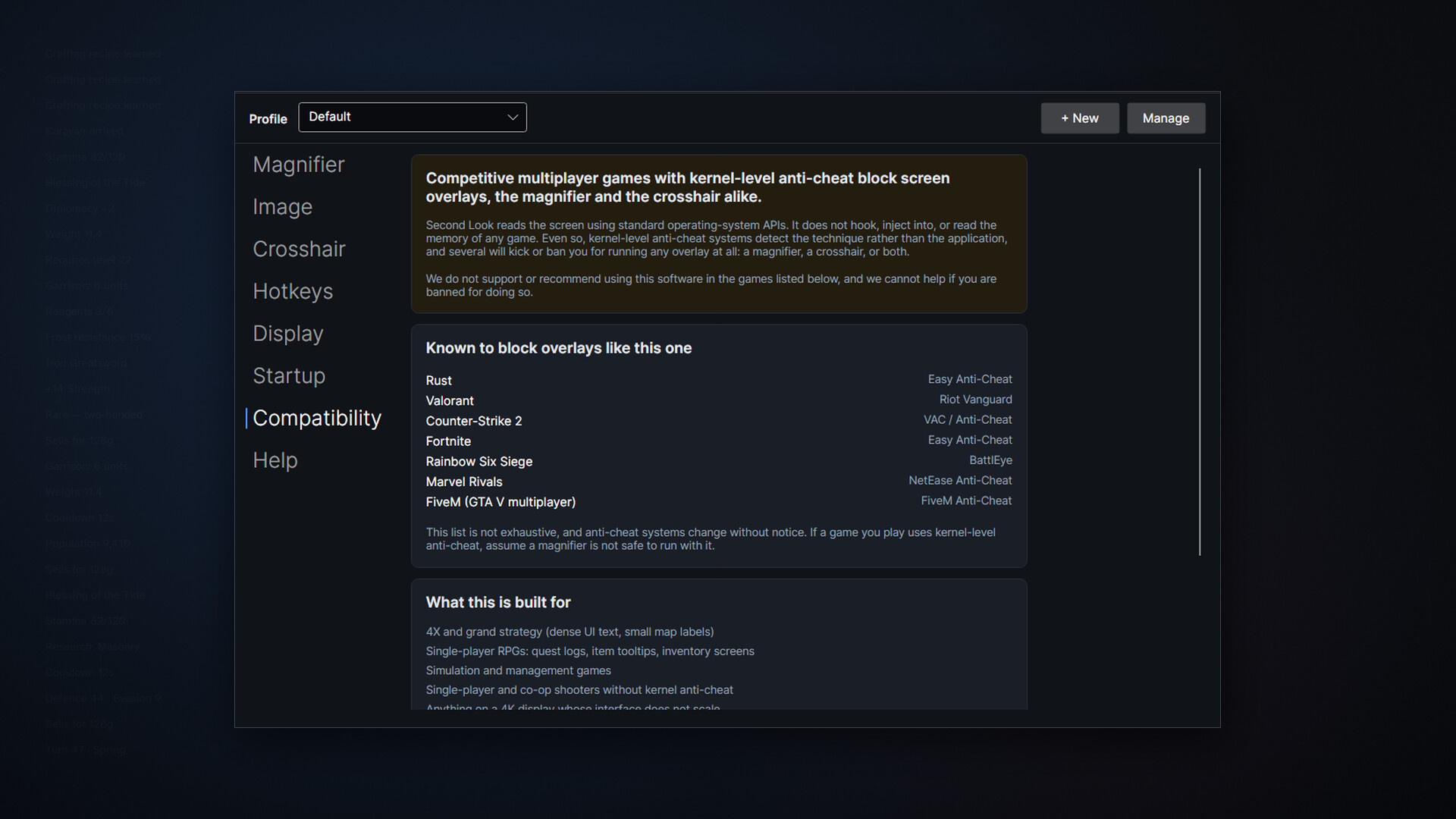
Competitive multiplayer games with kernel-level anti-cheat block screen magnifiers.
Second Look reads the screen through standard operating-system APIs. It does not hook, inject into, or read the memory of any game. Even so, kernel-level anti-cheat detects the technique, not the application, and several systems will kick or ban you for running any magnifier at all. We don't support or recommend using it in the games below, and we can't help if you're banned for doing so:
This list isn't exhaustive, and anti-cheat systems change without notice. If a game you play uses kernel-level anti-cheat, assume a magnifier isn't safe to run with it. The app shows you this same list the first time you launch it.
Where it shines
Performance
The goal is simple: cost you nothing when it's off, and next to nothing when it's on. Captured frames never leave the GPU, with no copy to system memory and no read back, and when zoom is off there is genuinely nothing running: no capture session, no timer, no background thread. In our own testing, holding the lens up through a demanding scene showed no measurable frame-rate cost. We'd rather tell you that plainly than quote a number we can't stand behind on your hardware.
Built to keep working
Alt-tabbing, a resolution change, plugging in a monitor, a graphics-driver reset: these are the moments screen overlays traditionally fall over. Second Look treats them as normal life. Capture re-acquires and carries on rather than freezing, the lens follows you to the window or display you actually switched to, and because every setting is written to disk the instant you change it, even a crash can't cost you your setup. If something on your system genuinely can't be worked with, it says so on screen, in plain words.
Steam Deck and SteamOS
A 1280x800 handheld is one of the strongest cases there is for a magnifier. In Desktop Mode this works fully: hotkey, follow-cursor magnification, all three quality tiers, the lens drawn over whatever you're running. In Game Mode it is not available: Game Mode replaces the desktop compositor with gamescope, which doesn't expose the overlay and capture interfaces this is built on. Rather than fail silently, the app detects Game Mode and tells you on screen. We'd rather you knew that before buying than after, and if Game Mode support becomes possible, we'll add it and say so.
What it isn't
Steam data © 2026 Valve Corporation. Trademarks are property of their respective owners.
All matches
Similar games to Second Look — Screen Magnifier for Gaming and Low Vision
Finding similar games…