

Games Like MPE Keys
A real-time MIDI keyboard and piano visualizer. Every note you play appears in the colour of its own MPE channel, with pressure, pitch bend in cents and timbre drawn on the key itself. Nine designs, and live notation on a Grand Staff. No controller? Your computer keyboard plays it.
Top matches
Match strength key:80+65+50+<50
MPE Keys
SteamAbout MPE Keys
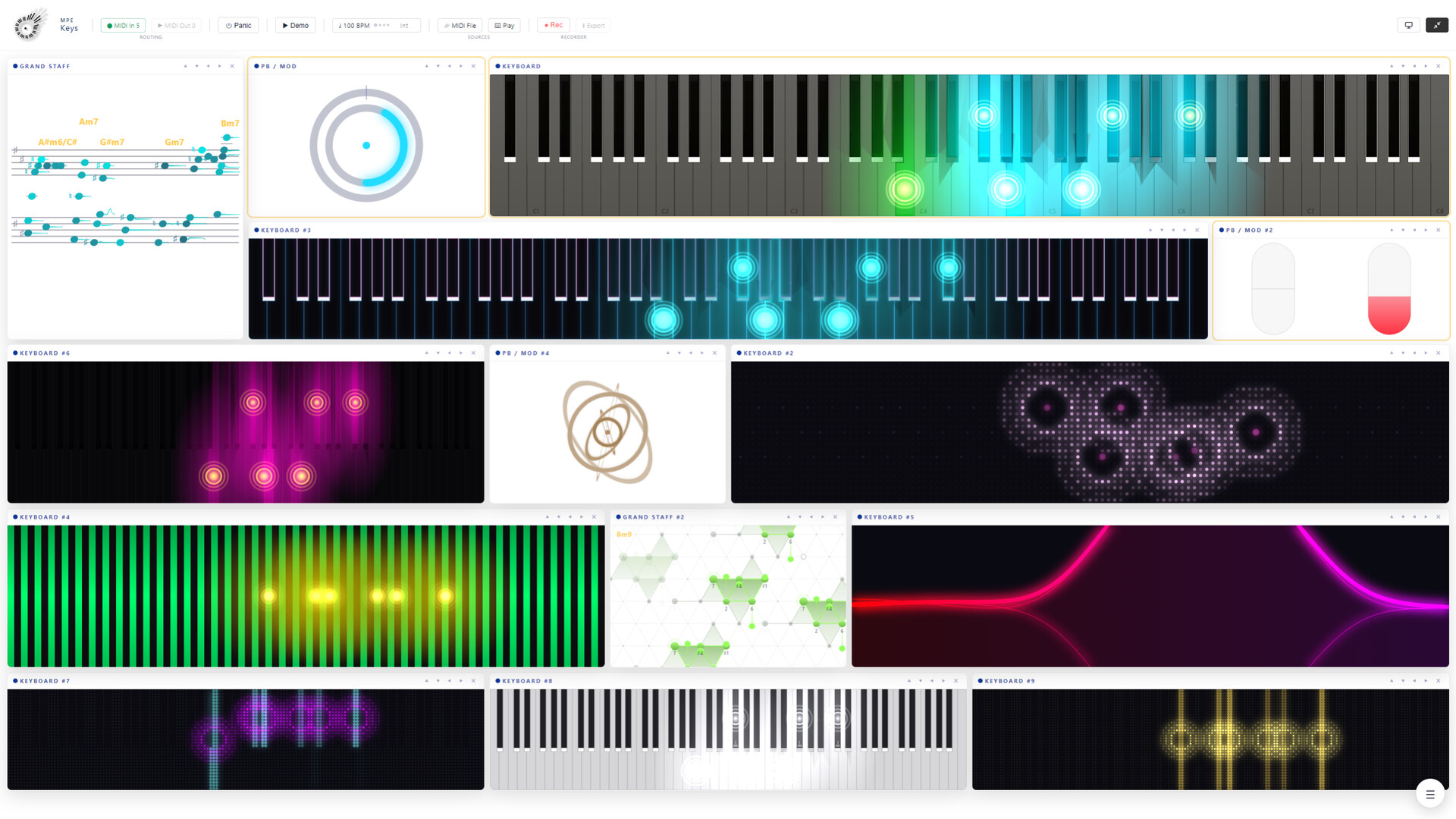
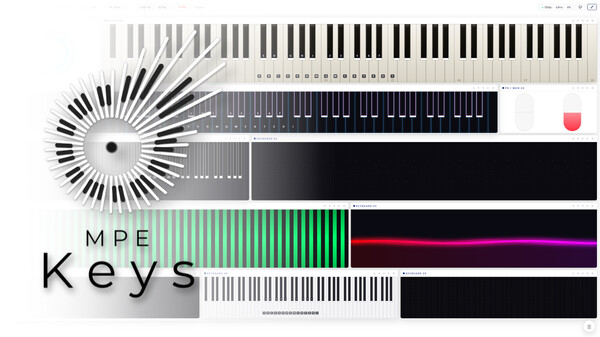
MPE Keys is a real-time tool for playing, visualizing and exploring MPE. It puts the instrument you already own on screen, key by key: every note in the colour of its own MPE channel, its pressure, its pitch bend and its timbre drawn on the key itself.
It is the Keyboard, the PB / Mod display and the Grand Staff of MPE Insight, running on their own, in a window shaped for three modules instead of nine. A smaller app, not a smaller keyboard: nothing about the keyboard is cut down for this build.
For the camera, the classroom and the desk. Any class-compliant MIDI device, no drivers, no plugins and no browser. An MPE controller sends its five dimensions straight away; an ordinary keyboard lights the keys it plays.
A piano that shows what your hands are doing
On an ordinary keyboard display a key is on or off. Under MPE a key has a life: it is held by one voice, it leans, it presses, it brightens. All four are drawn at once, on the key itself, from any MIDI keyboard you already own.

It plays, too
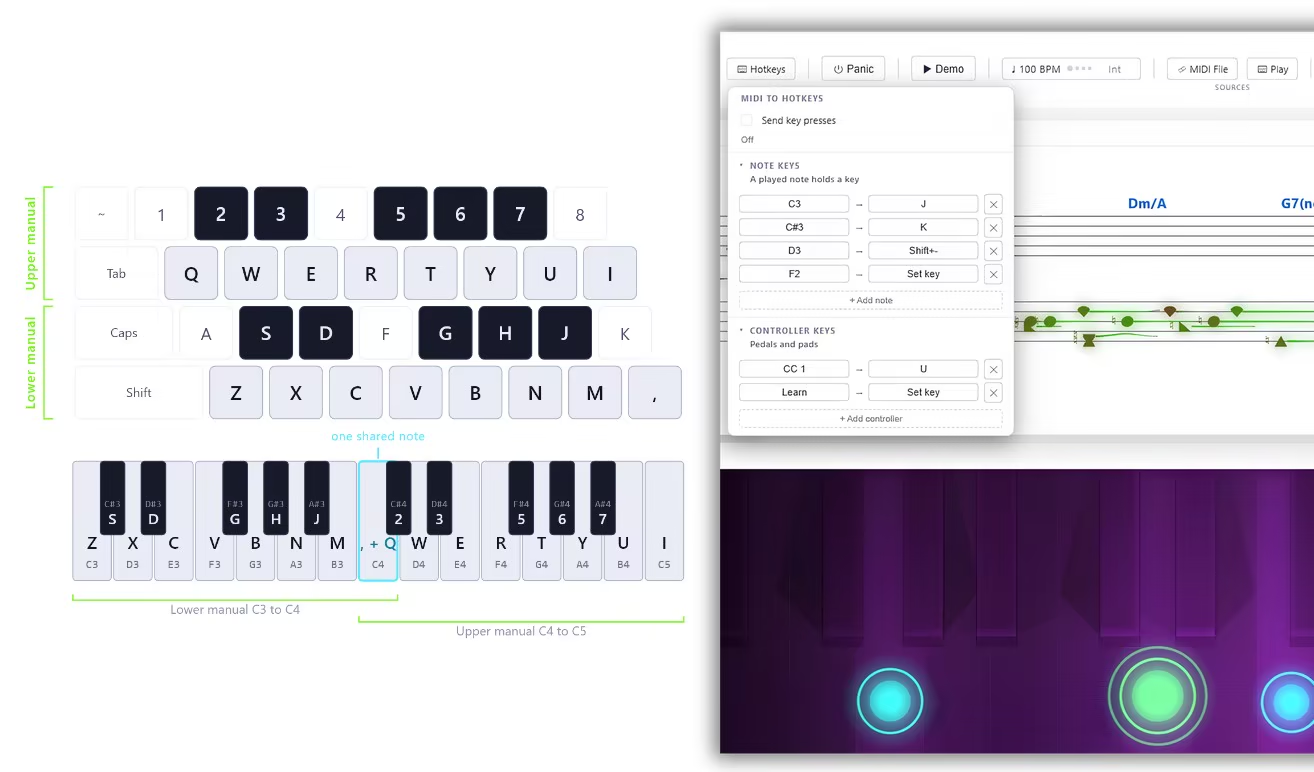
A display that can only watch is useless on a train, so both playable ways in come along and both send real MPE out of the app. Typing Keys lays two manuals under your hands on the computer keyboard, eight white keys each with the sharps on the row above and the space bar as the sustain pedal, in key positions rather than letters so QWERTY, QWERTZ and AZERTY fall under the same fingers. Mouse Mode gives every pointer its own MPE member channel, so multi touch chords work: drag sideways for pitch bend, up for pressure, down for timbre. One switch puts it on channel 1 instead, for a synth that does not speak MPE. Hotkeys works the other way around: instead of your computer keyboard playing the app, your playing presses computer keys in any app. A key stays down as long as the note sounds, pedals switch at 64, and any row can be mapped in two clicks with Learn and Set Key
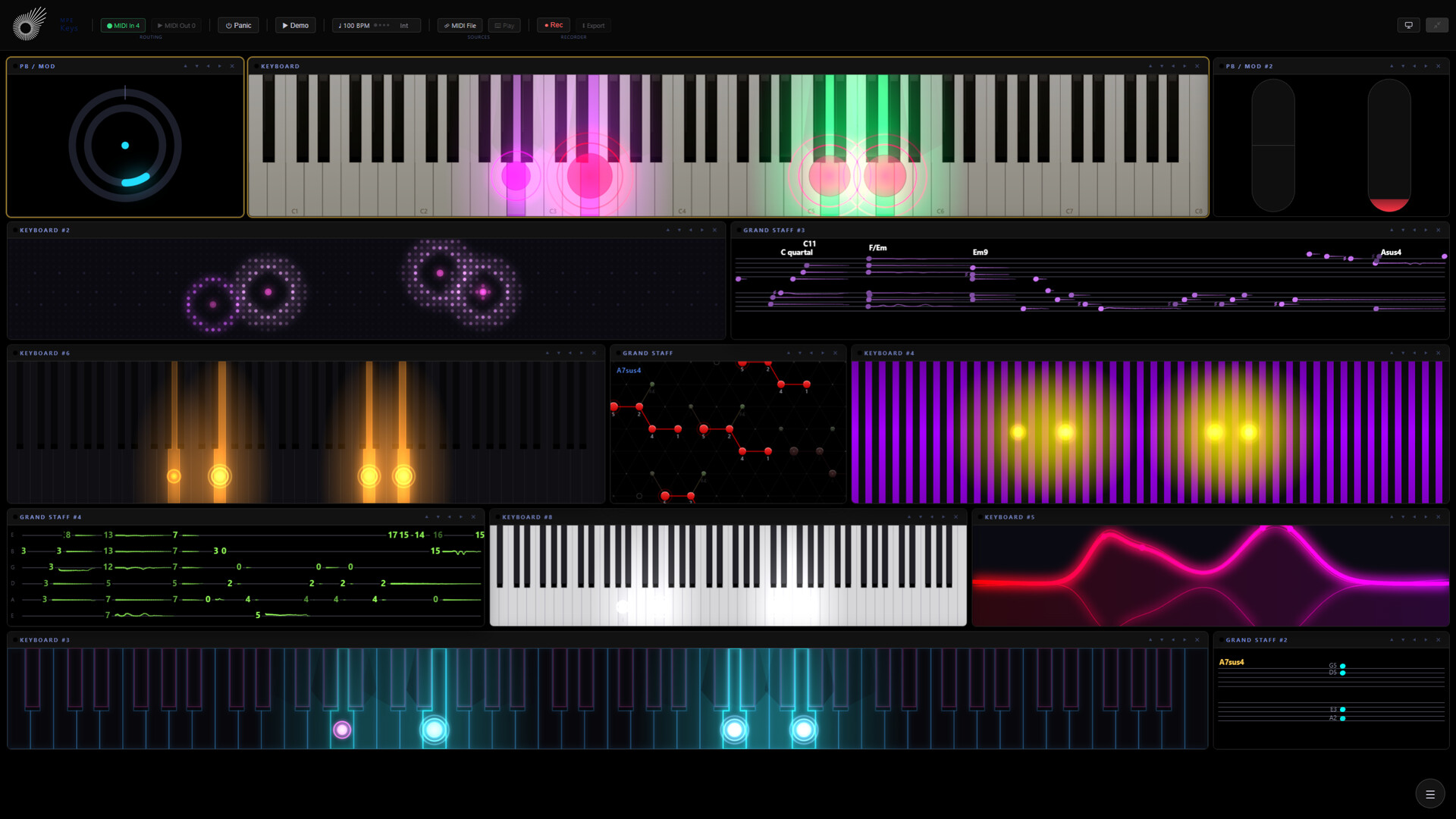
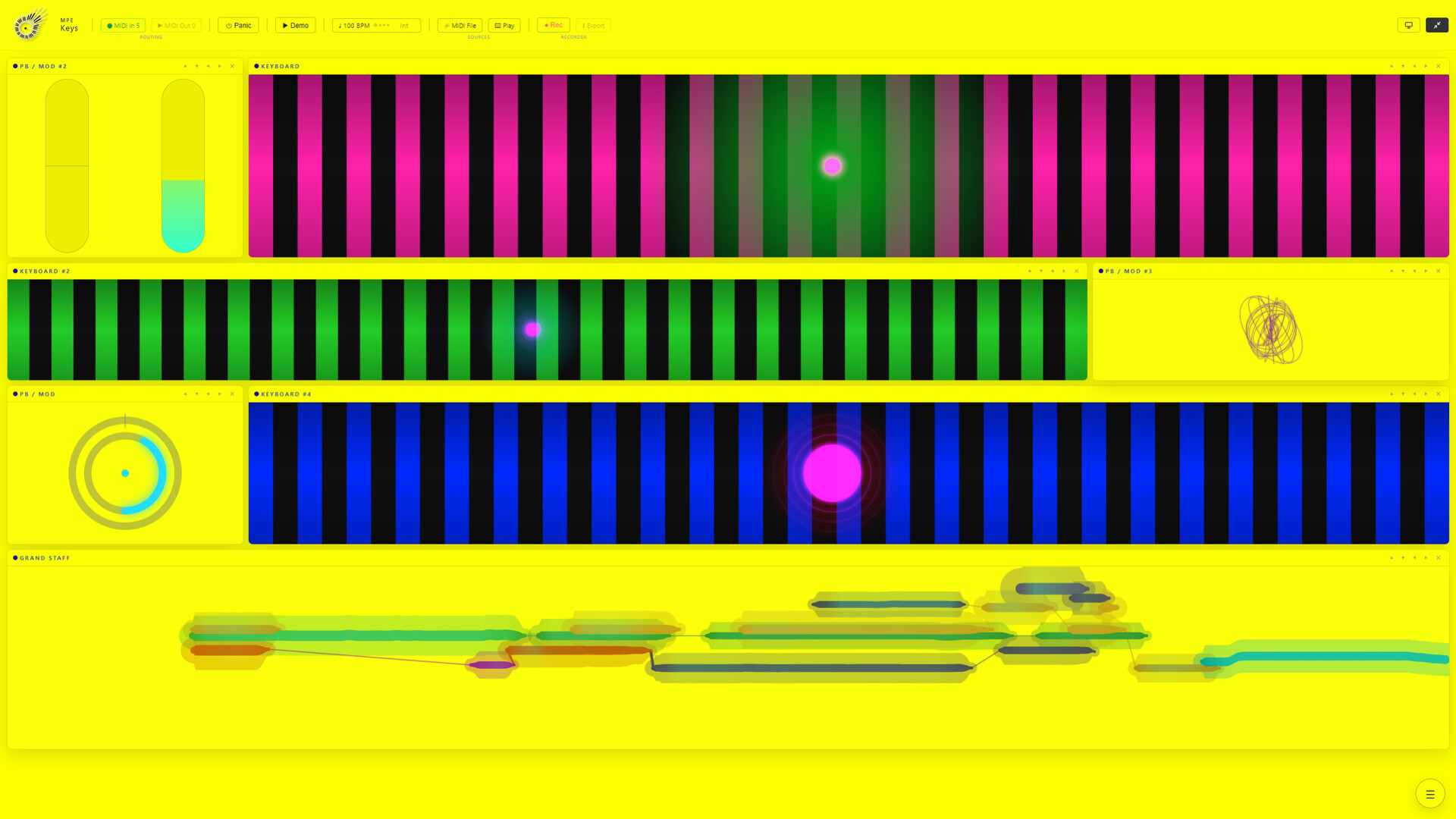
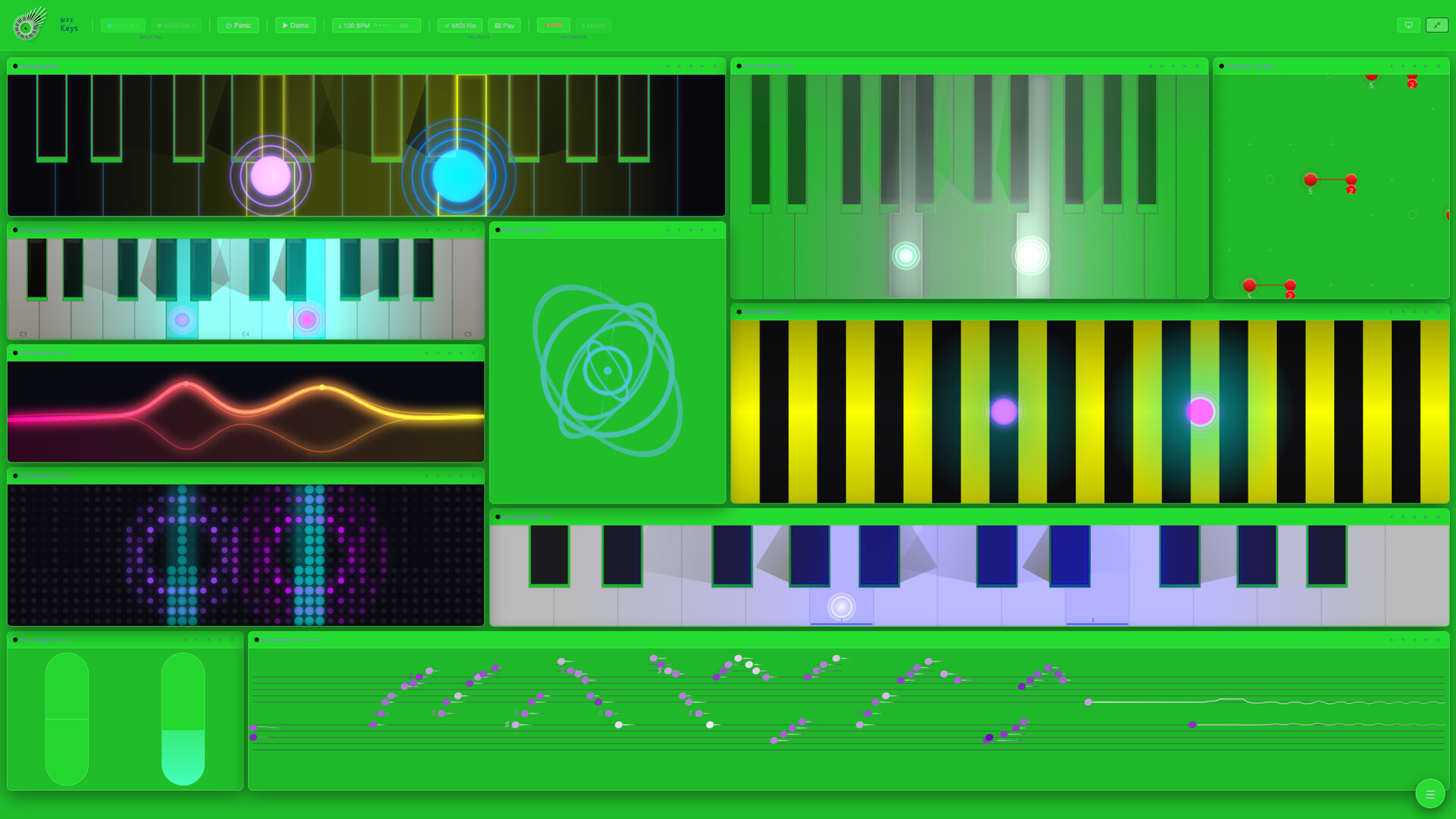
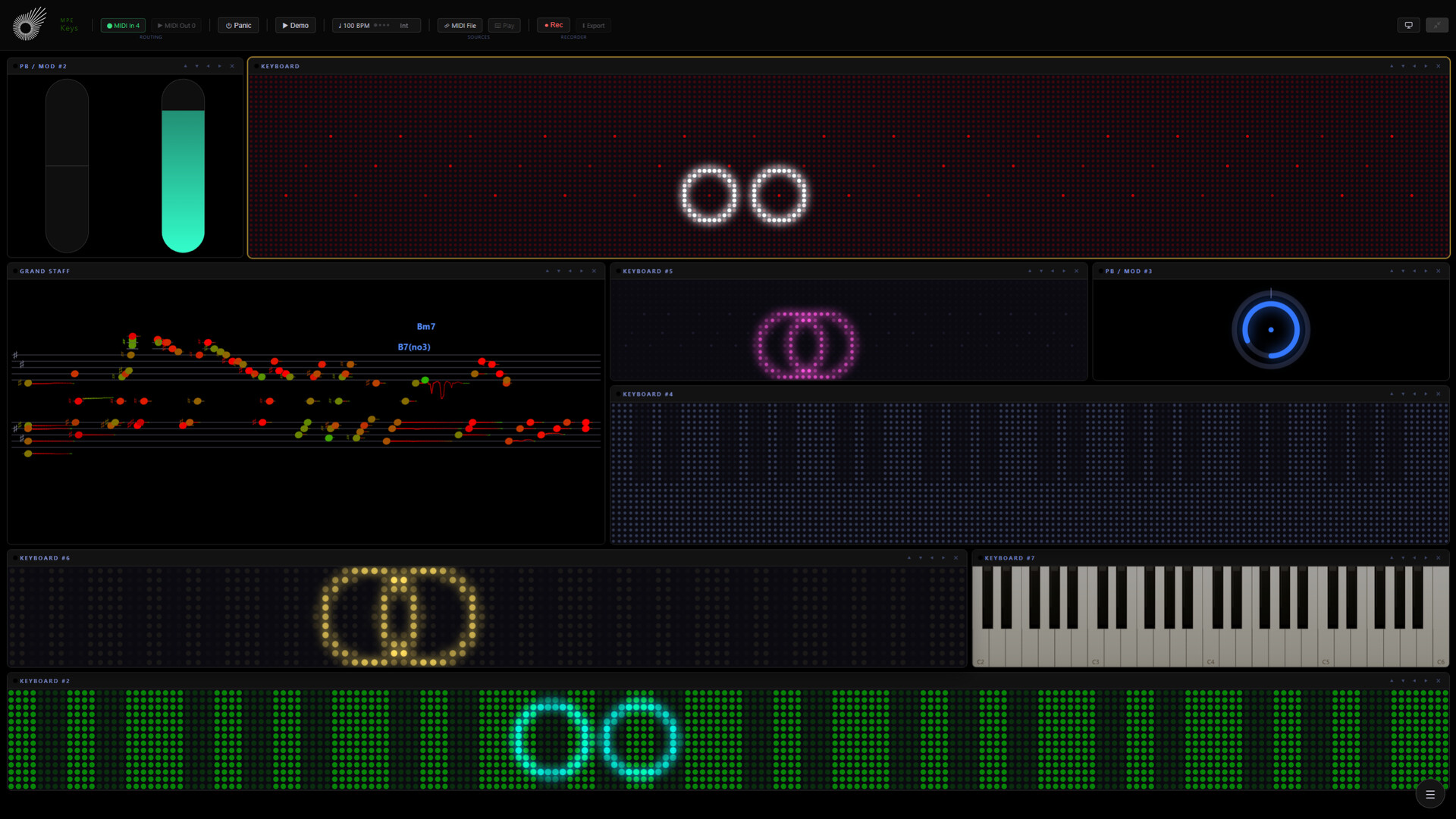
Nine designs, the same notes read nine ways

Four things happen on one key, and light across them all

The Grand Staff
Beside the keys sits live notation: what you play is engraved as it happens, on treble and bass clef with the accidentals of the key signature you pick. Chord detection labels what you hold lead-sheet style, slash inversions included, an optional pitch bend hook arcs out of each notehead, and a soft halo sits behind them. Bar lines can run through the live playing as well, in Time and in Tab. Five views read the same playing: Now shows only what is held, Time scrolls it past like a timeline, Flow turns every note into a ribbon whose length is its duration and whose curve is the bend, Weave drops the staves for an interval field where every major chord is the same triangle in every key, and Tab writes it as guitar tablature on six strings, with tuning and capo adjustable and an unplayable fret shown in red rather than hidden. How it is written is yours too: note labels as names, degrees or sol-fa, chord labels as symbols, Roman numerals or figured bass, round noteheads or the seven shape notes, and a guitar or ukulele fingering drawn above the chord. And it prints: a recorded take is engraved and paginated in the view you were using, saved as one PNG.

The wheels
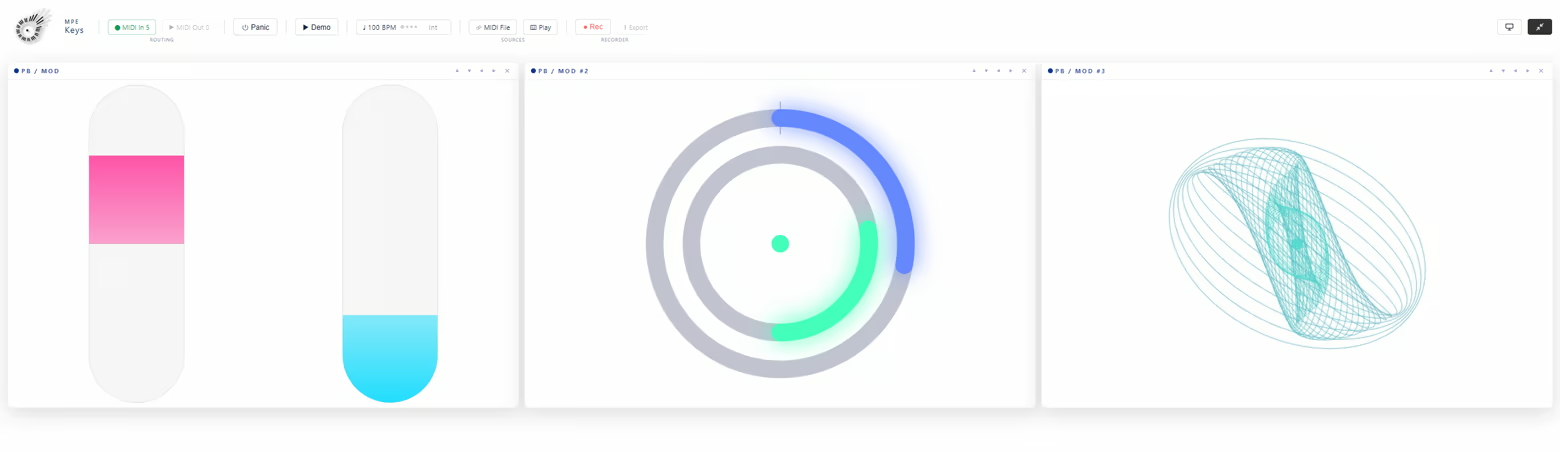
Beside the piano sit master pitch bend and modulation from channel 1, as two sliders or as one dial. This is the one reading on screen that never converts, so full deflection is full deflection whatever range the instrument reports. And a third face for the tile: the Expression Pad, a stack of tilting rings you play with the mouse, sending real channel pressure and CC74 to every sounding note.
MIDI in and out
The workspace

Setup

What is not in it
MPE Keys is the smaller of the two apps on purpose. AURA, CASCADE, FORGE, DRIFT, the Expression Overview and the Stream Log are not in this build, and not switched off either: the files they live in are not in it at all. If you want those, you want MPE Insight.
Steam data © 2026 Valve Corporation. Trademarks are property of their respective owners.
All matches
Similar games to MPE Keys
Finding similar games…