

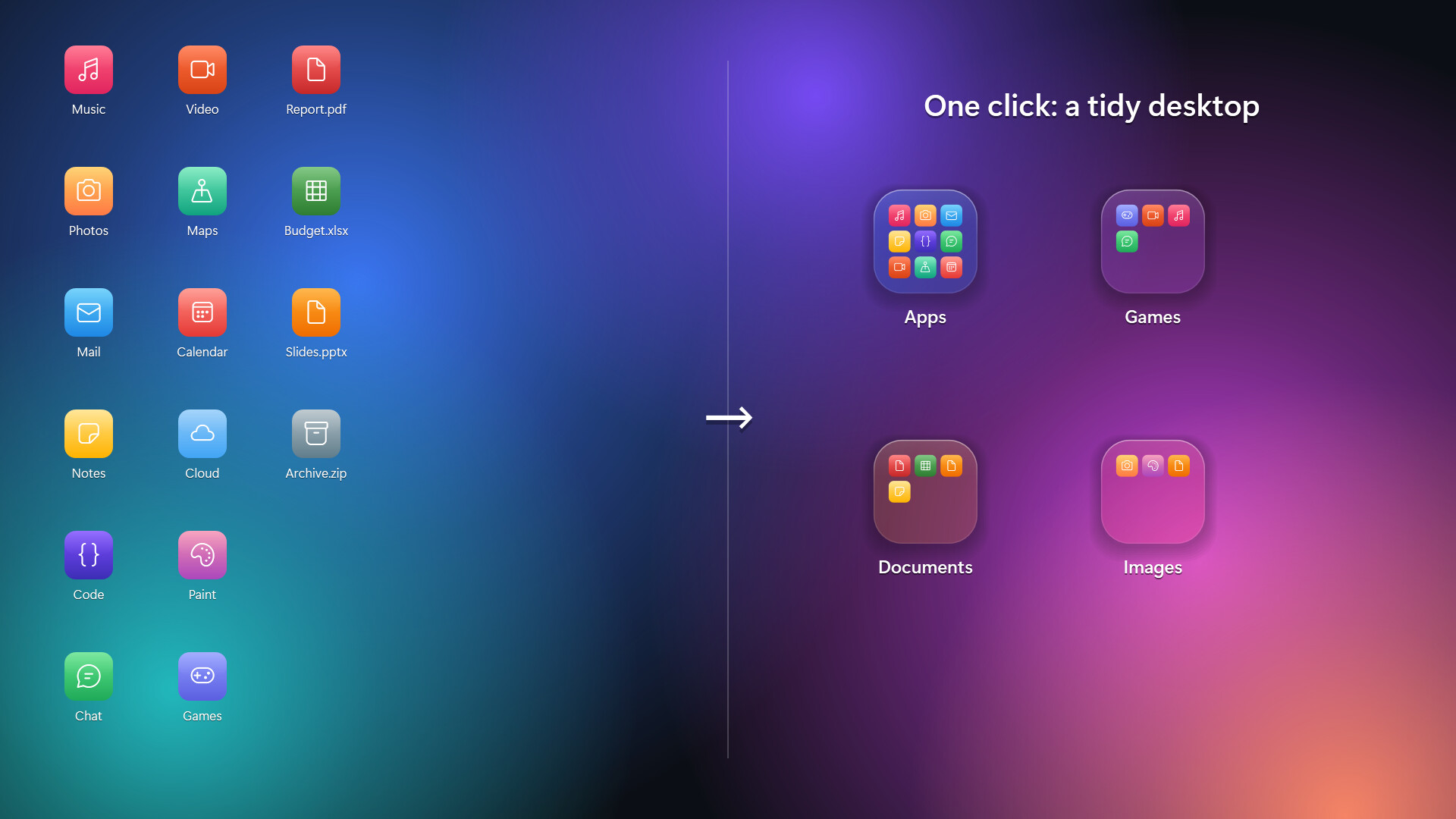

Group your desktop icons into folders, just like on your phone. Click a folder and the screen softly blurs as it springs open. Crystal and frosted glass styles, animated wallpaper see-through, auto-organize, and a clean uninstall that puts every file back.
Top matches
Match strength key:80+65+50+<50
DeskFolders
SteamAbout DeskFolders
[h2]A tidy desktop, the way your phone does it[/h2]
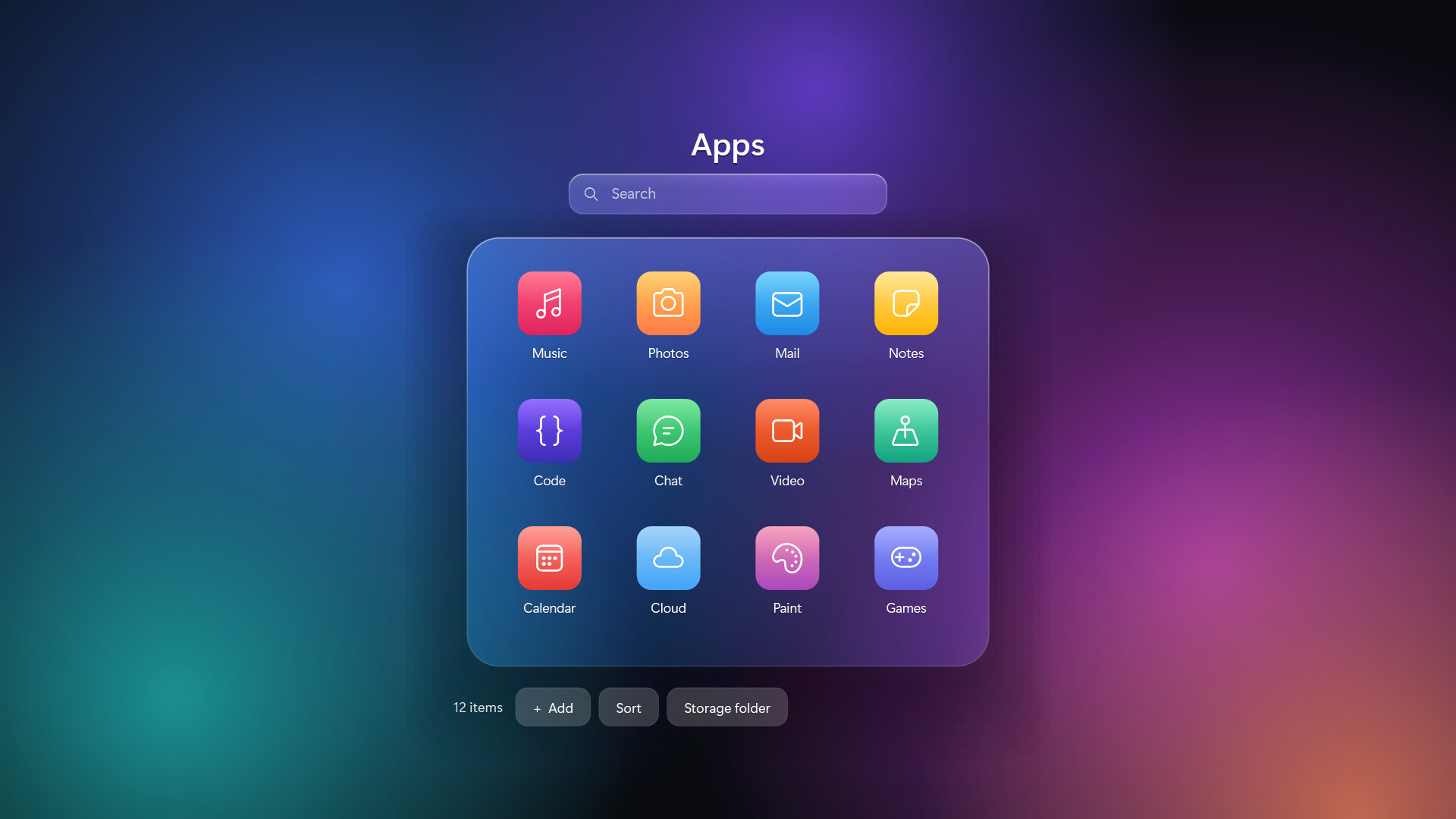
DeskFolders turns a cluttered Windows desktop into a few neat folders. Drop files onto a folder, click it, and it springs open over a softly blurred screen. Click outside or press Esc to close.
[h2]Features[/h2]
[list]
[*][b]Phone-style folders[/b]: drag files and folders onto a folder tile to add them. Click an icon inside to open it.
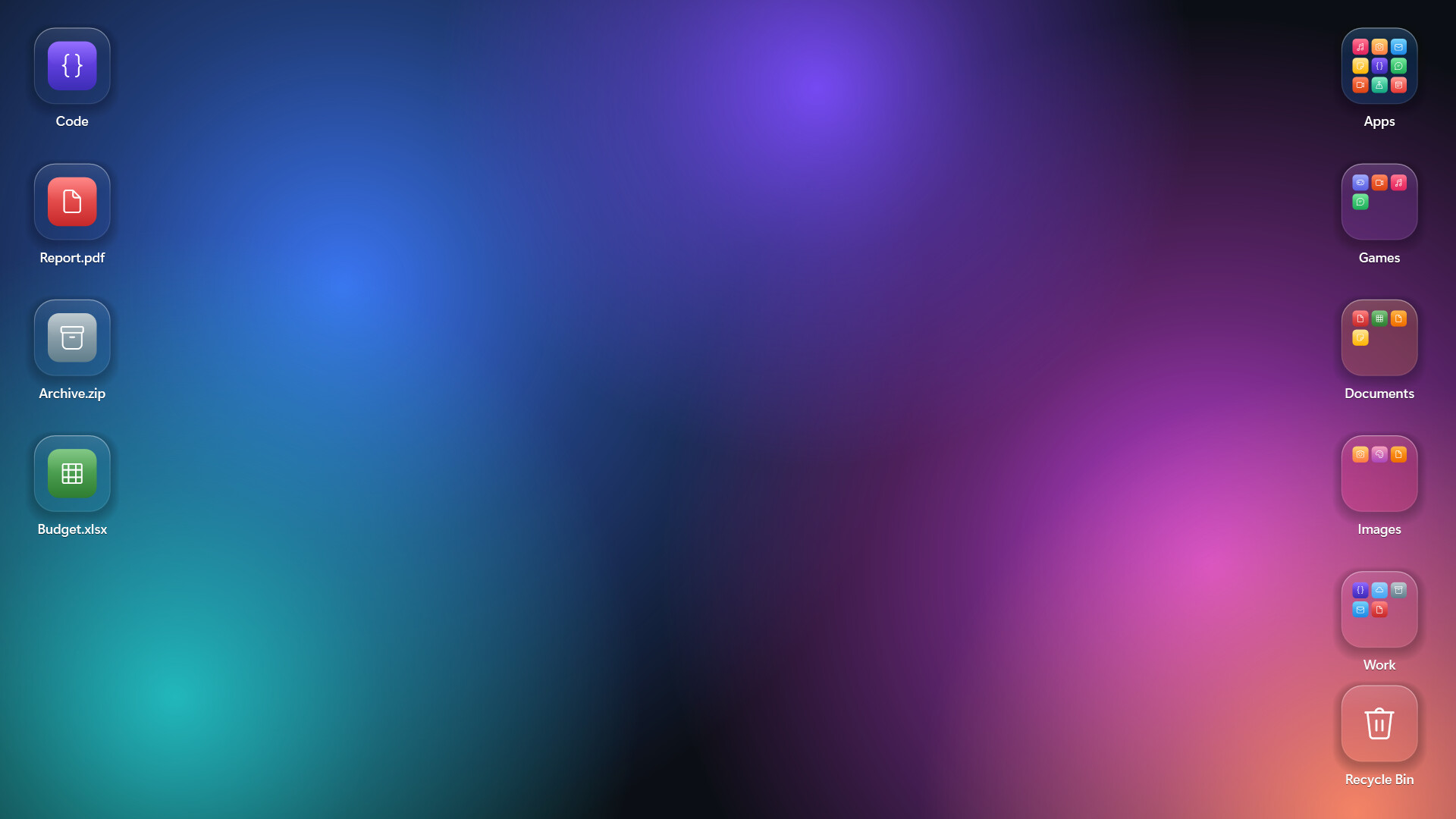
[*][b]Auto-organize[/b]: sort your whole desktop into Apps, Games, Documents, Images and more in one click. Undo it any time.
[*][b]Two glass styles[/b]: Crystal (clear, with light bending at the edges) or Frosted (soft, milky glass).
[*][b]Animated wallpaper see-through[/b]: with Wallpaper Engine or Lively Wallpaper running, your moving background shows through the folders.
[*][b]Glass desktop icons[/b]: optionally show every desktop item as a matching glass icon.
[*][b]Quick search[/b]: type inside a folder and press Enter to launch.
[*][b]Recycle Bin tile[/b]: drop files on it, click to restore or empty.
[*][b]Grid snapping[/b], multi-select with Ctrl+click, and double-click the empty desktop to hide or show all folders.
[*][b]Multi-monitor & high-DPI[/b] aware.
[*]English and Korean.
[/list]
[h2]Your files stay yours[/h2]
Files you move into a folder are kept in a plain folder in your user profile (%USERPROFILE%\DeskFolders), one subfolder per desktop folder. Open it in Explorer and move things around; the desktop updates instantly.
Uninstalling from Steam (or Settings › Prepare to uninstall) puts every file back on your desktop and restores Windows' own settings.
[h2]Notes[/h2]
[list]
[*]Windows 10 (version 2004 or later) or Windows 11, 64-bit.
[*]While animated wallpaper see-through is on, folder tiles don't appear in screenshots or recordings. You can turn this off in Settings.
[/list]
Steam data © 2026 Valve Corporation. Trademarks are property of their respective owners.
All matches
Similar games to DeskFolders
Finding similar games…