


Games Like Real-Time Screen Translator
A Windows app that reads game subtitles and interface text in a selected screen area and translates them in place. Choose from offline-capable local models covering up to 100 languages, with stable subtitle overlays and a customizable glass-style display.
Top matches
Match strength key:80+65+50+<50
Real-Time Screen Translator
SteamAbout Real-Time Screen Translator
Translate without pausing your game
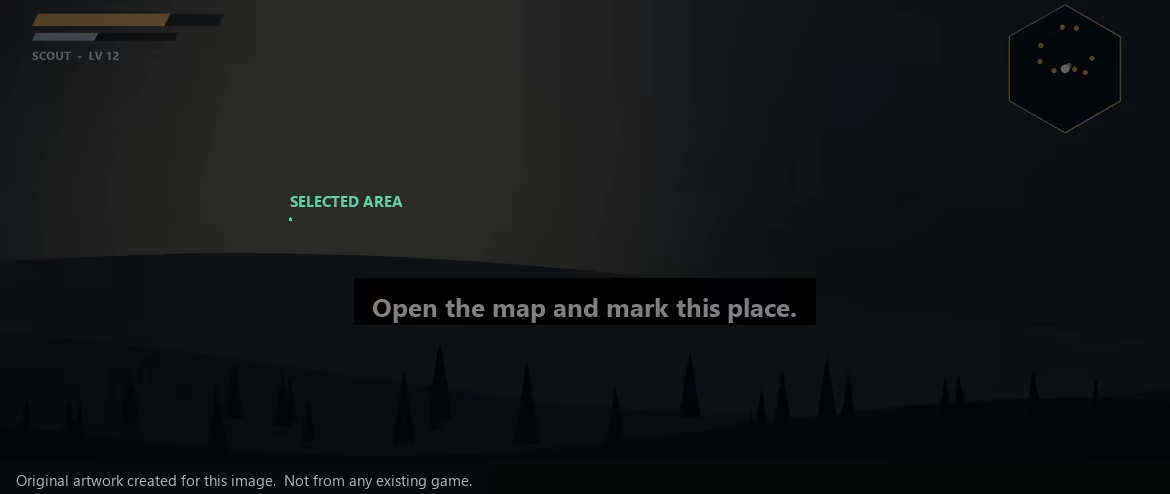
Select a screen area. Real-Time Screen Translator reads subtitles and interface text with OCR, then places the translation over the source so you can keep playing.

Local models for up to 100 languages
Choose among four local translation profiles to balance speed, resource use and natural wording. Language coverage depends on the selected model; the broadest local profiles cover up to 100 languages and can run offline after installation.

Pick the local model that fits your machine:

A stable subtitle flow
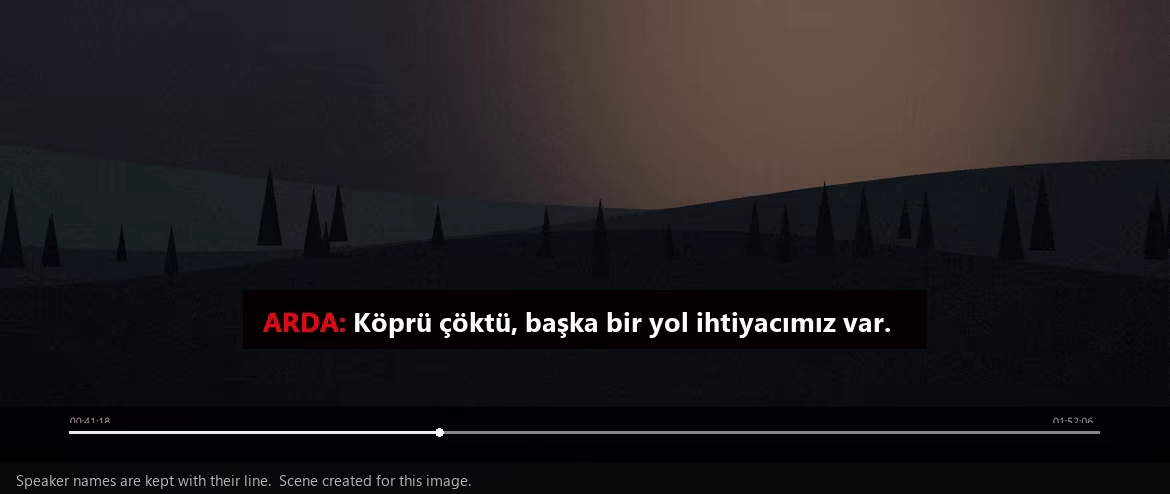
New lines are processed in order. Speaker names stay with their dialogue, subtitle position remains steady, and a finished line is replaced only when the next translation is ready.
Privacy and compatibility
With local models, OCR and translation stay on your Windows PC. The first model download requires internet; optional cloud providers do too. The app works with text Windows can capture and OCR can read, so speed and compatibility vary by display mode, font, chosen model and hardware. Key features
Make it look the way you want
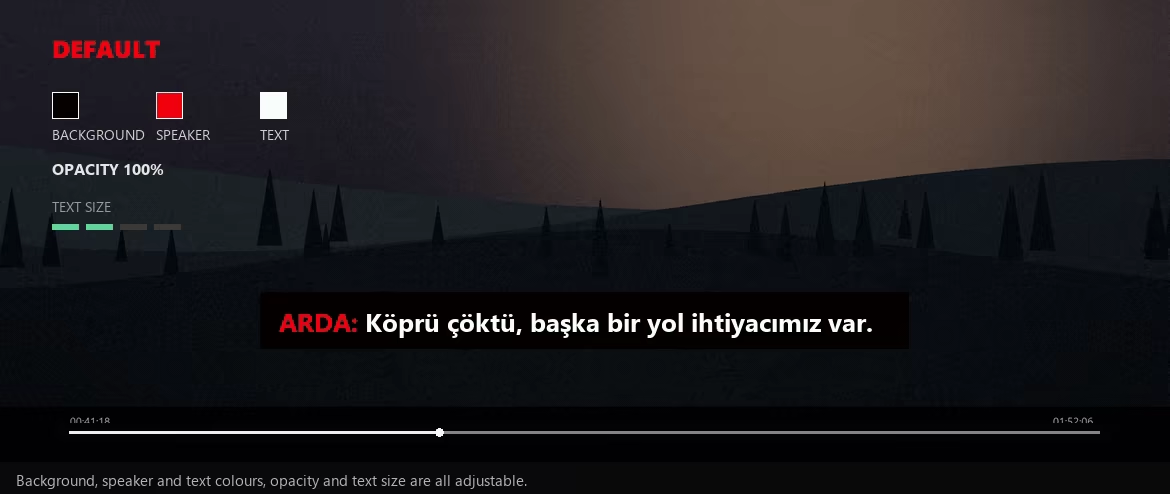
Background, Speaker name and Translated text each take their own colour, and Opacity and Text size are adjustable. You set the band once and it stays that way.
Useful beyond games
It works with any readable text inside the region you select: application windows, videos, documents and web pages. Results vary with the font, resolution, motion, the model you picked and your PC.

Console and TV workflows
The app does not run directly on a console or television. When console video is displayed on Windows through PS Remote Play or a capture-card preview, select that Windows preview area for OCR and translation. Results depend on preview quality, latency, resolution and capture hardware.

Steam data © 2026 Valve Corporation. Trademarks are property of their respective owners.
All matches
Similar games to Real-Time Screen Translator
Finding similar games…