
Aquarium games can put you in charge of very different things. A tank that looks good in a customer's home is not the same project as a public aquarium with staff, visitors, and bills. And designing either is different from feeding fish and restoring a neglected tank.
Choose by the work you want to do, not the number of fish in a screenshot.
| Game | The main decision |
|---|---|
| Megaquarium | How to run a public aquarium |
| Aquarium Designer | How to satisfy a client's tank brief |
| Aquarist | How to build and maintain tanks for customers |
Megaquarium: make the tanks work as a public attraction
Megaquarium connects the animals in your tanks to the people who come to see them. Visitors viewing animals generate research that opens up livestock and equipment. A successful display therefore helps fund what you can build next, but it also adds needs and costs you must support.
Megaquarium
Recommendation
- Best for
- Animal needs, staff, visitors, and operating costs
- Why it fits
- Hire and train staff, decide whether specialists or multi-skilled workers suit your aquarium, and cover food, supplements, wages, and expensive tanks.
- Skip if
- You mainly want to decorate one tank
The management reaches beyond choosing fish. Guests also need seating, food, drink, toilets, and somewhere to buy a souvenir.
Tank planning has an operational purpose: arranging animals around their food and water needs can make the aquarium easier to run. The attraction is a connected business, not a collection of unrelated decoration projects.
The ten-level campaign gives that management a sequence of objectives. Sandbox settings and random challenges offer another way to build. Choose Megaquarium when the interesting question is “Can I keep this whole aquarium working?” rather than “What should this one tank look like?”

Aquarium Designer: turn a customer's brief into a tank
Aquarium Designer keeps the commission itself in focus. Customers include restaurants, hotels, offices, and homes.
Aquarium Designer
Recommendation
- Best for
- Layouts, equipment, decoration, and suitable fish
- Why it fits
- Read the brief, choose a tank's shape and size, then assemble its equipment, decoration, and inhabitants.
- Skip if
- You want a whole attraction to manage
Filters, conditioners, air pumps, gravel, and ornaments give you more to consider than a color scheme. Fish have different environmental needs, so a finished design must suit its inhabitants as well as its customer. Completing commissions earns money for more elements.
That makes this the most direct choice here for someone searching for fish tank games with a design brief: the tank is the project you deliver. You do not need to want visitor facilities or staff management to be interested in that work.
For your own builds, Casual creative mode removes maintenance: fish and plants cannot die, and the water never gets dirty. Realistic keeps the care challenge: fish and plants can die, and water quality deteriorates over time, even while the game is closed. Choose it for customer aquascaping and personal tank design; choose Megaquarium instead if the public venue is what you want to manage.
Aquarist: take the care jobs as well as the design jobs
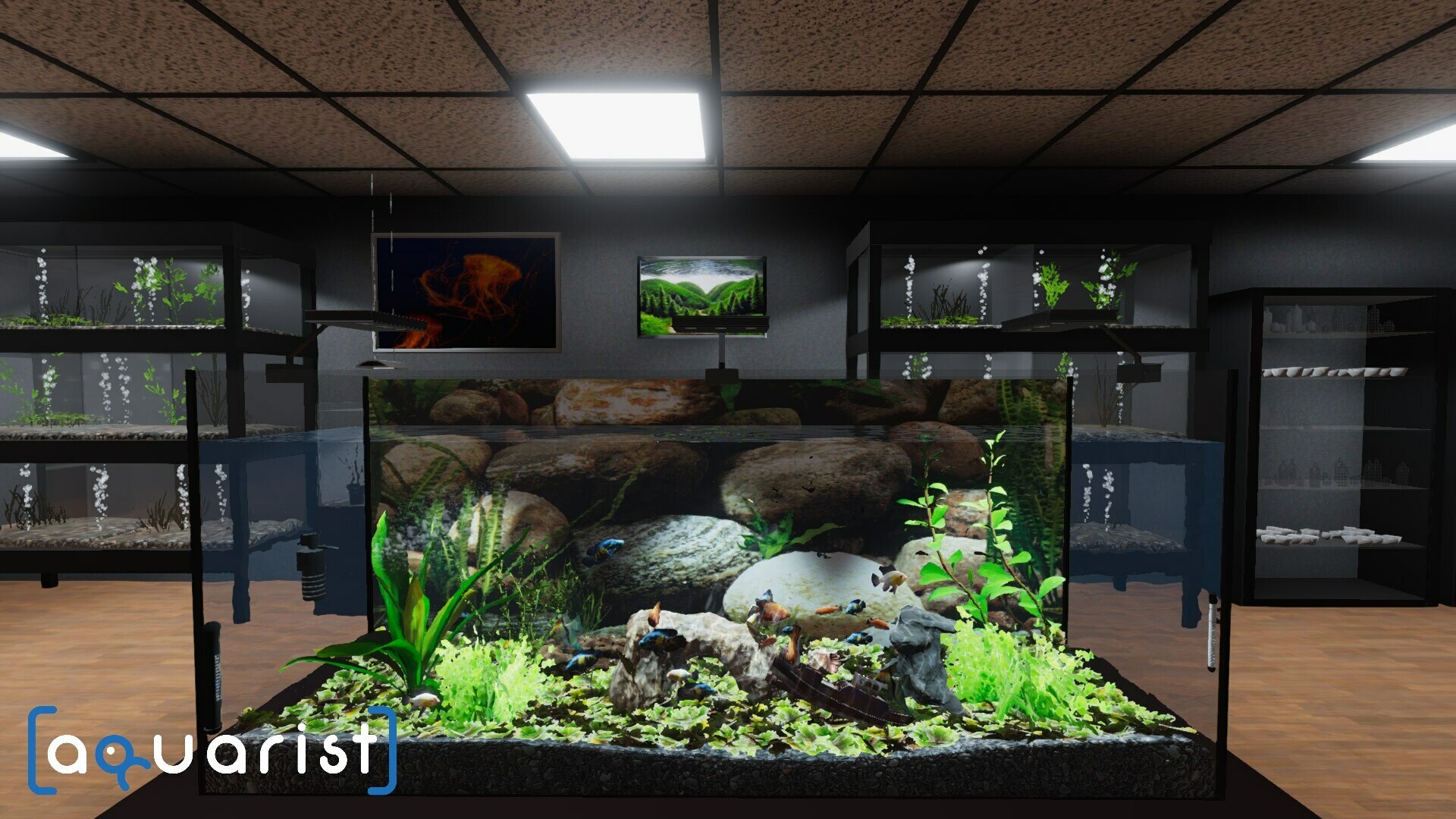
Aquarist includes freshwater and saltwater tanks, feeding animals, and maintaining their water.
Aquarist
Recommendation
- Best for
- Fish care, restoration jobs, and a growing business
- Why it fits
- Customer orders supply earnings that unlock equipment and help expand your business into more locations.
- Skip if
- You want design without ongoing care tasks
Jobs include restoring neglected tanks and building habitats for clients such as museums, bars, restaurants, and private homes. The appeal is not just the reveal of a decorated aquarium: it is also taking responsibility for the animals and the condition of their tank.
Aquarist advertises progression from a shop toward an oceanarium, so it is not limited to small household commissions. The useful distinction from Megaquarium is the emphasis on hands-on tank work and customer jobs, not a claim that Aquarist has no larger venues.
Choose it when an aquarium simulator means care, repairs, and paid orders to you. If those duties sound like interruptions to arranging plants and ornaments, Aquarium Designer is the closer starting point.
Which PC aquarium game should you choose?
Start with the responsibility you want. Megaquarium makes you responsible for a public attraction. Aquarium Designer gives you a customer's tank to design. Aquarist adds practical care and restoration work to its customer orders.
All three have Windows versions in the official Steam listings checked on November 9, 2026. Megaquarium also lists macOS and Linux; Aquarium Designer and Aquarist list Windows only. Those listings do not establish Steam Deck compatibility.
This is a focused comparison of three PC games, not an exhaustive list across platforms. The mechanics and platform details come from the official Megaquarium, Aquarium Designer, and Aquarist listings. The recommendations compare their advertised systems, not firsthand play sessions.
Play queue
Play these next
See game details, similar picks, and store options.


About the author

Alex Burlis
Founder of GamesLike
Alex Burlis founded GamesLike, a game discovery website that uses Steam game information and player feedback to find games with similar gameplay. Alex is editorially responsible for the GamesLike guides, which explain who each pick suits and the tradeoffs to expect.