
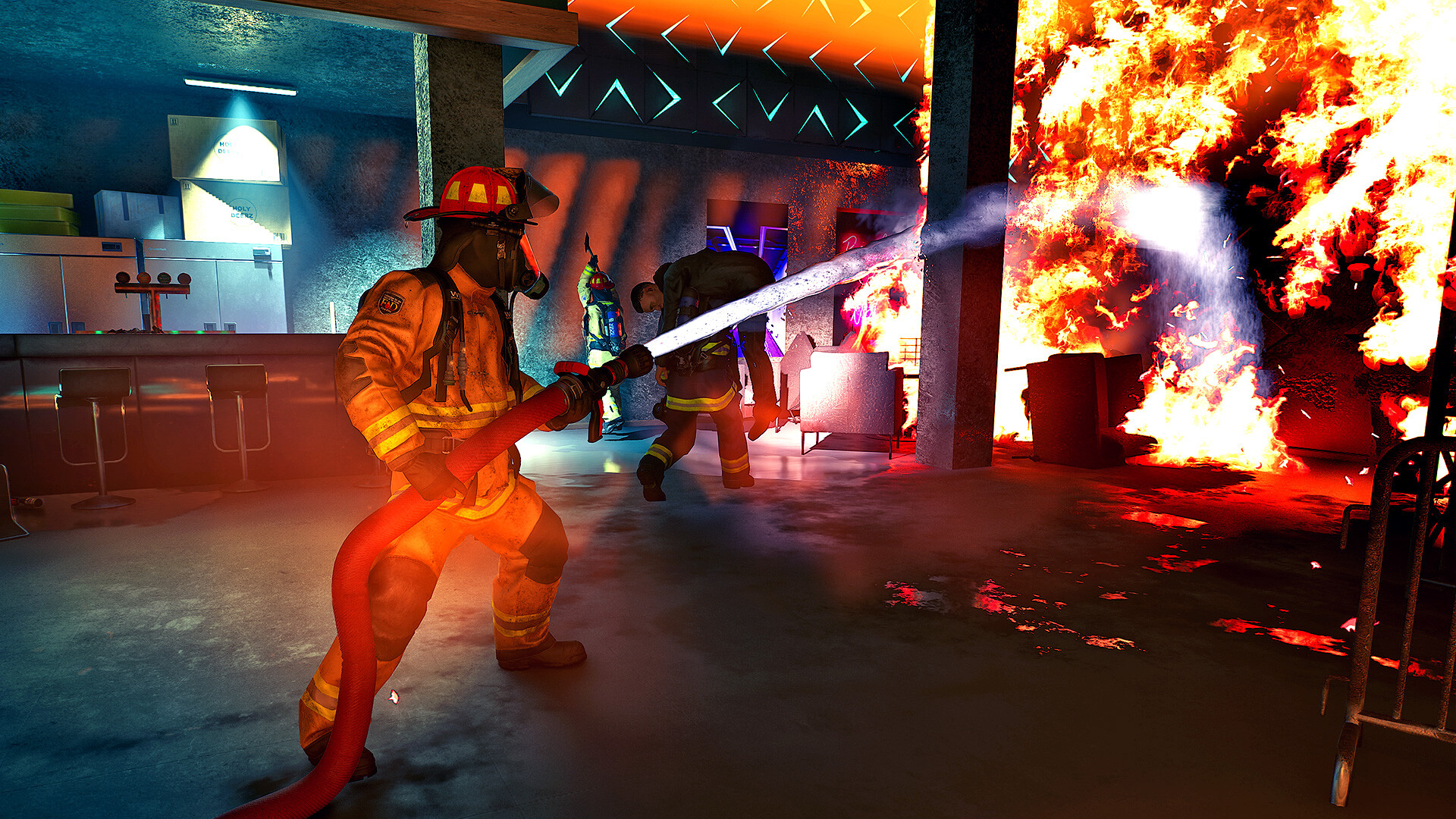
Start with Firefighting Simulator: Ignite if you want firefighter games on PC that put the tools in your hands. Drive to the emergency, work through a burning building and rescue people with up to three friends or an NPC crew. Its appeal is carrying out the job together; choose it because you want to handle the incident yourself.
Firefighting Simulator - The Squad offers the older version of that direct-action premise, with four-player co-op, AI task assignments and a lower published minimum graphics requirement. Fire Commander suits a different evening: single-player real-time strategy built around specialist firefighters, water supplies and decisions about where to send your team.
The useful split is how much of the operation you want to control through an individual firefighter. Ignite is the first place to look for crew missions. Move to Fire Commander when managing several people's work sounds more interesting than aiming the hose yourself.
Choose firefighter games on PC by your role at the incident
Choose Ignite when your ideal mission involves driving the truck, using tools and entering the emergency with a crew. The Squad is worth comparing if its older simulator approach or hardware requirements suit you. Fire Commander gives you the wider tactical view, at the cost of the hands-on co-op role.
| What you want to do | First choice | What changes the decision |
|---|---|---|
| Use hoses, open routes and rescue civilians with a crew | Firefighting Simulator: Ignite | Its published minimum asks for 8 GB of VRAM and DirectX 12 |
| Play the older crew simulator and assign AI tasks | Firefighting Simulator - The Squad | It lists a GTX 750 Ti or RX 460 minimum, plus Denuvo Anti-Tamper |
| Coordinate specialists, vehicles and water supplies | Fire Commander | This is a single-player RTS |
A team appears in all three games, but the work reaches you differently. In the two simulators, you can join the action while AI colleagues help, or play online with friends. In Fire Commander, allocating your crew is the central activity. That distinction matters more than the number of trucks pictured on the store page.
Ignite for tools, hazards and a crew beside you
Pick Ignite first if the attraction is a mission where several practical jobs contribute to a rescue. The game includes hoses, saws, Halligan tools, axes and extinguishers, with situations involving electrical fires, flammable liquids and trapped civilians. You commit to handling those problems close up, rather than directing the whole incident from above.
The choice of tool has a reason. Its described mission work includes opening routes through obstacles, ventilating, cooling overheated objects and selecting an extinguishing agent. That makes Ignite a useful first pick when you want more to do at the scene than drive a licensed fire engine. These are game mechanics to weigh when buying, rather than a substitute for firefighting training.
Firefighting Simulator: Ignite
Recommendation
- Best for
- Hands-on rescue and firefighting missions with up to three friends or an NPC crew.
- Why it fits
- Tools, ventilation, different fire hazards and a fire-station training hub give the crew several kinds of work.
- Skip if
- You want to command specialists from above, or your PC falls below its published graphics requirements.
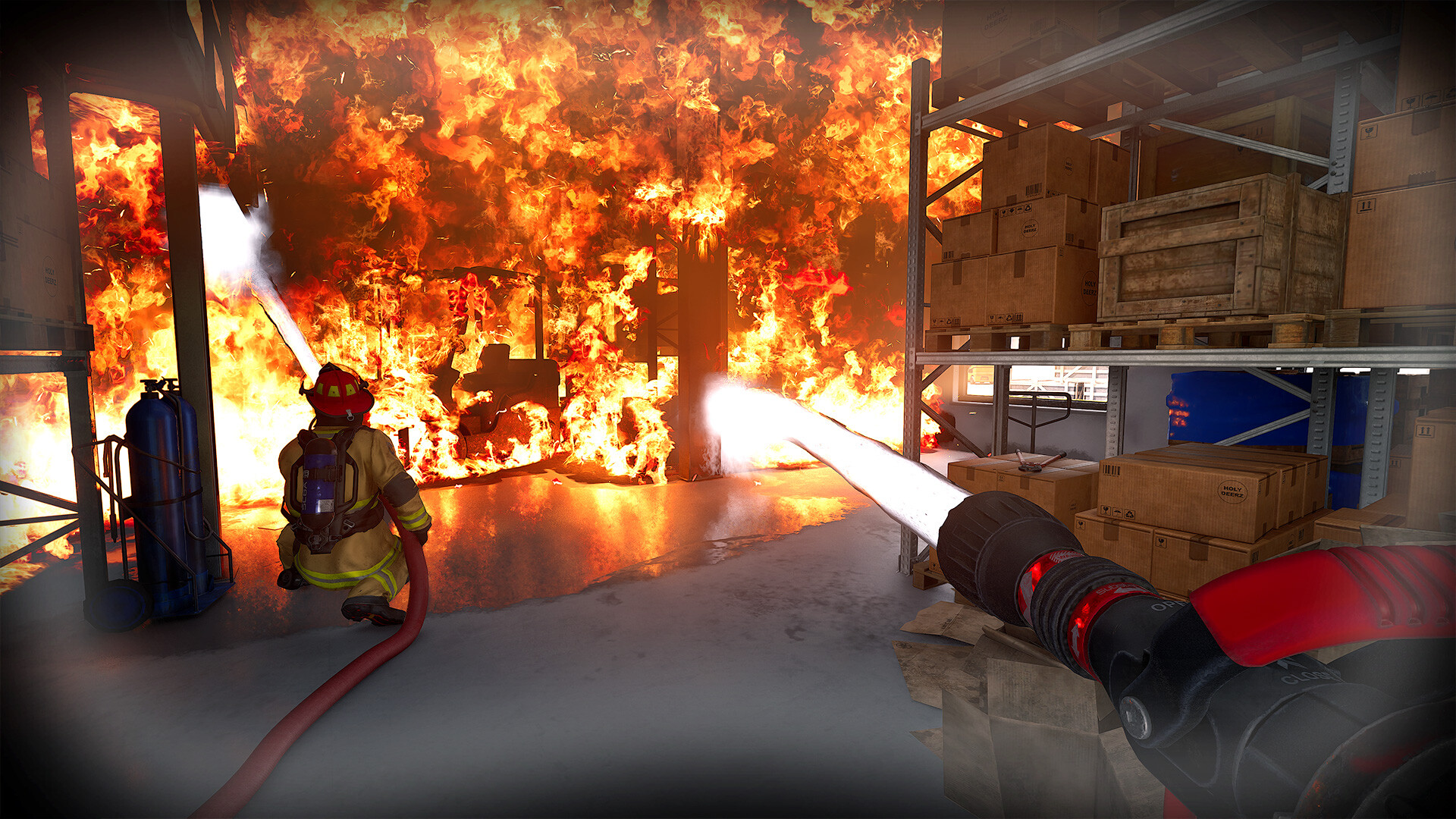
The warehouse scene shows the reason to choose this branch: a hose stream runs into the fire while another firefighter works nearby. Between emergencies, the station serves as a place to learn the tools and choose assignments. Buy for that cycle of preparing and responding if the actual work interests you.
The Windows minimum lists 8 GB of VRAM, DirectX 12 and 45 GB of storage. Those requirements make hardware a meaningful reason to compare The Squad before choosing Ignite. Steam also requires a third-party EULA. The crew missions described here refer to the base game; the Year 1 edition and its add-ons are separate purchase choices.
The Squad for the older hands-on simulator
Choose The Squad if you want direct firefighting and its published requirements fit your machine better. You can drive licensed Rosenbauer trucks, extinguish fires and rescue civilians, with up to three friends or AI colleagues. The compromise is buying the older game for its own missions and equipment, without assuming Ignite's newer features are included.
Solo play keeps you in the action while a command interface lets you assign tasks to AI firefighters. That is an important middle ground: wanting some command responsibility does not automatically point you toward an RTS. If you want to delegate a job and then return to using equipment yourself, The Squad's advertised solo setup fits that request.
Firefighting Simulator - The Squad
Recommendation
- Best for
- An older crew simulator with direct action, AI task assignments and online co-op.
- Why it fits
- Forty deployment locations and five licensed fire trucks support its drive, extinguish and rescue loop.
- Skip if
- Denuvo Anti-Tamper rules it out for you, or commanding an entire team is the main attraction.
The Squad remains close to Ignite in the kind of evening it offers. Its fire simulation includes backdrafts, flashovers and grease fires, so age alone does not make the setting a simple hose-and-truck game. Compare the actual mission premise and hardware needs before treating the newer release as an automatic purchase.

Its published Windows minimum names a GTX 750 Ti or RX 460 with 2 GB of VRAM, DirectX 11 and 12 GB of storage. That is a lower listed graphics minimum than Ignite's, rather than a measured frame-rate comparison. Steam discloses Denuvo Anti-Tamper and a third-party EULA, both worth knowing before buying this particular alternative.
Fire Commander for water, specialists and tactical decisions
Choose Fire Commander when you want to decide which firefighters go where and how to use their resources. This single-player RTS asks you to manage people and water supplies, combine class specializations and use different vehicles. You give up the simulator's direct tool handling and the option of bringing friends into a crew.
The mission risks include toxic spills and explosions as well as flames. Different specialists and equipment let you approach situations in multiple ways, while training courses and unlockable skills develop the crew. If the part that interests you is preparing people for the next emergency, the growing station gives those tactical missions a longer thread.
Fire Commander
Recommendation
- Best for
- Single-player decisions about specialists, vehicles, water and crew development.
- Why it fits
- Class roles and limited supplies give you several resources to coordinate across more than 30 missions.
- Skip if
- You want to aim a hose yourself or play firefighting co-op with friends.
The overhead scene makes the change in viewpoint plain: crew units and vehicles occupy the same area as several separate fires, with objectives and unit information around the screen. This is the branch for reading the incident as a tactical problem. Pick Ignite if you would rather be one of the people carrying out the response.

Fire Commander is a paid Windows game with single-player listed on Steam. Its requirements ask for 12 GB of RAM and 15 GB of storage. Choose it for the command role; the older Windows versions in a requirements list do not establish current Steam-client support for those operating systems.
The wrong default: assuming every firefighting game offers co-op
Start with Ignite or The Squad if your reason for searching for firefighting games is sharing an emergency with friends. Fire Commander places a squad under your control, but its single-player RTS structure cannot fill that group session. A shared setting and a team of firefighters leave the multiplayer question unanswered.
“Firefighter simulator games” can hide another mismatch: you might want truck driving above everything else. The two simulators also ask you to extinguish fires and rescue people. Choose them when those incident duties are part of the appeal; licensed vehicles alone are a weak reason to buy a game whose missions you would want to skip.
Choose your first response
Open Ignite first for crew missions if your PC meets its requirements. Compare The Squad when the older simulator or its lower published graphics minimum is the deciding factor. Choose Fire Commander when you want a solo evening coordinating people and supplies, with no expectation of direct-action co-op.
Start with Firefighting Simulator: Ignite and decide whether its hands-on incident work is the evening you want. If allocating crews sounds better than carrying a tool, open Fire Commander instead.
Play queue
Play these next
See game details, similar picks, and store options.

About the author

Alex Burlis
Founder of GamesLike
Alex Burlis founded GamesLike, a game discovery website that uses Steam game information and player feedback to find games with similar gameplay. Alex is editorially responsible for the GamesLike guides, which explain who each pick suits and the tradeoffs to expect.