
You know you want to fly, but a sky full of aircraft does not tell you what to do after takeoff. The useful split between these flight games on PC is what gives a session its purpose: earning your next aviation certification, practicing a particular approach, or completing a military mission.
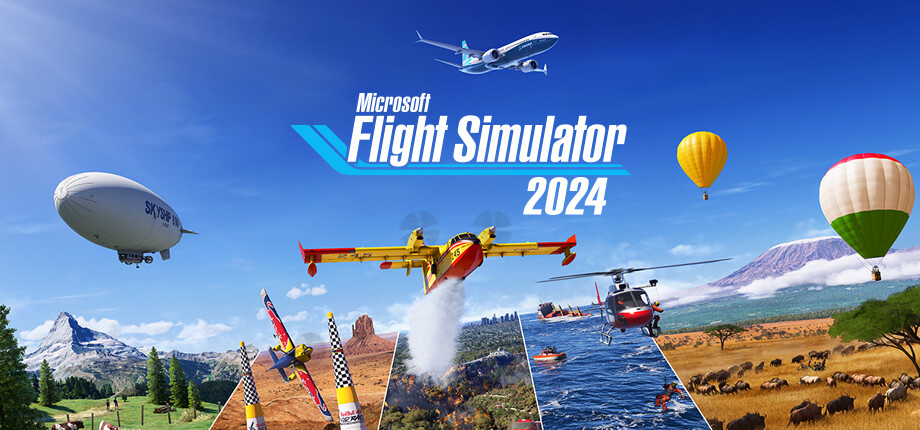
Start with Microsoft Flight Simulator 2024 if you want a civilian career to set that direction. Its jobs and certifications give you reasons to move between flights. The tradeoff is a paid, Windows-only Steam game that requires an Xbox Live account and broadband, with different aircraft sets across its editions.
Choose X-Plane 12 if you already have a cockpit task in mind, or DCS World Steam Edition if learning weapons and targeting systems is part of the appeal. Buying the biggest aircraft collection first can miss the thing that will keep you flying.
Use those choices as three starting points. If you want the game to give you the next assignment, take the career route. If repeating one landing sounds more rewarding than unlocking another job, start with the practice route. Combat adds a different reason to learn the cockpit: what you can accomplish with the aircraft once you can fly it.
Flight games on PC for a career with somewhere to go
Choose Microsoft Flight Simulator 2024 first when you want progress beyond getting airborne. A career suits the player who needs a reason to return: gain experience, build a reputation, and earn certifications for further aviation activities. If you only want to repeat one landing, that progression is a reason to choose the practice branch instead.
Cargo operations, search and rescue, aerial firefighting, and airline passenger transport give you different work to pursue. The destination and assignment matter alongside handling the aircraft. If your wishlist is driven by the work a pilot does, rather than one specific plane, this is the clearest starting point here.
Microsoft Flight Simulator 2024
Recommendation
- Best for
- Players who want civilian jobs and certifications to guide their next flight.
- Why it fits
- Career progression opens aviation activities from cargo and rescue work to airline transport.
- Skip if
- You mainly want to repeat a configured cockpit exercise, or need a native macOS or Linux Steam version.
The career is the reason to put this first, but it need not be your only way to fly. Precision landings, low-altitude challenges, and Challenge League provide other goals. Its planner also includes IFR and VFR map layers, charts, and fuel and payload planning, so the work can begin before takeoff.

Before choosing an edition, find the aircraft you actually want in its content list. Standard, Deluxe, Premium Deluxe, and Aviator contain different aircraft and airport sets. The Steam version also requires an Xbox Live account and broadband; its network notes list 10 Mbps minimum and 50 Mbps recommended. Those requirements belong in your decision before a larger fleet does.
X-Plane 12 when you want to repeat the approach
Start with X-Plane 12 if you would rather improve one task than earn the next assignment. Its configurable flights let you choose the aircraft, airport, and starting position, including an airborne approach. The tradeoff is that you must decide what to practice instead of using an aviation career as your agenda.
That makes a useful first session easy to define: choose an aircraft, begin on an approach, and work on that landing. Later, change the weather or add a selected aircraft failure. Configuring the situation around the task is the appeal; you do not need another aircraft purchase to decide what today's exercise should be.
X-Plane 12
Recommendation
- Best for
- Players who want to set up a flight task and return to it deliberately.
- Why it fits
- Flight setup supports runway, apron, and airborne starts, adjustable weather, and selected failures; Flight School covers takeoff, landing, and navigation.
- Skip if
- You want jobs and certifications to choose the next objective for you.
If a cold-and-dark cockpit is too much for your first session, start with the engines running. Flight School provides a route into takeoff, landing, and navigation before you configure a more demanding exercise. For an instrument approach, the manual includes an ILS tutorial using the Cessna 172 at Seattle-Tacoma. Choose one task like that before treating every switch as something to learn at once.
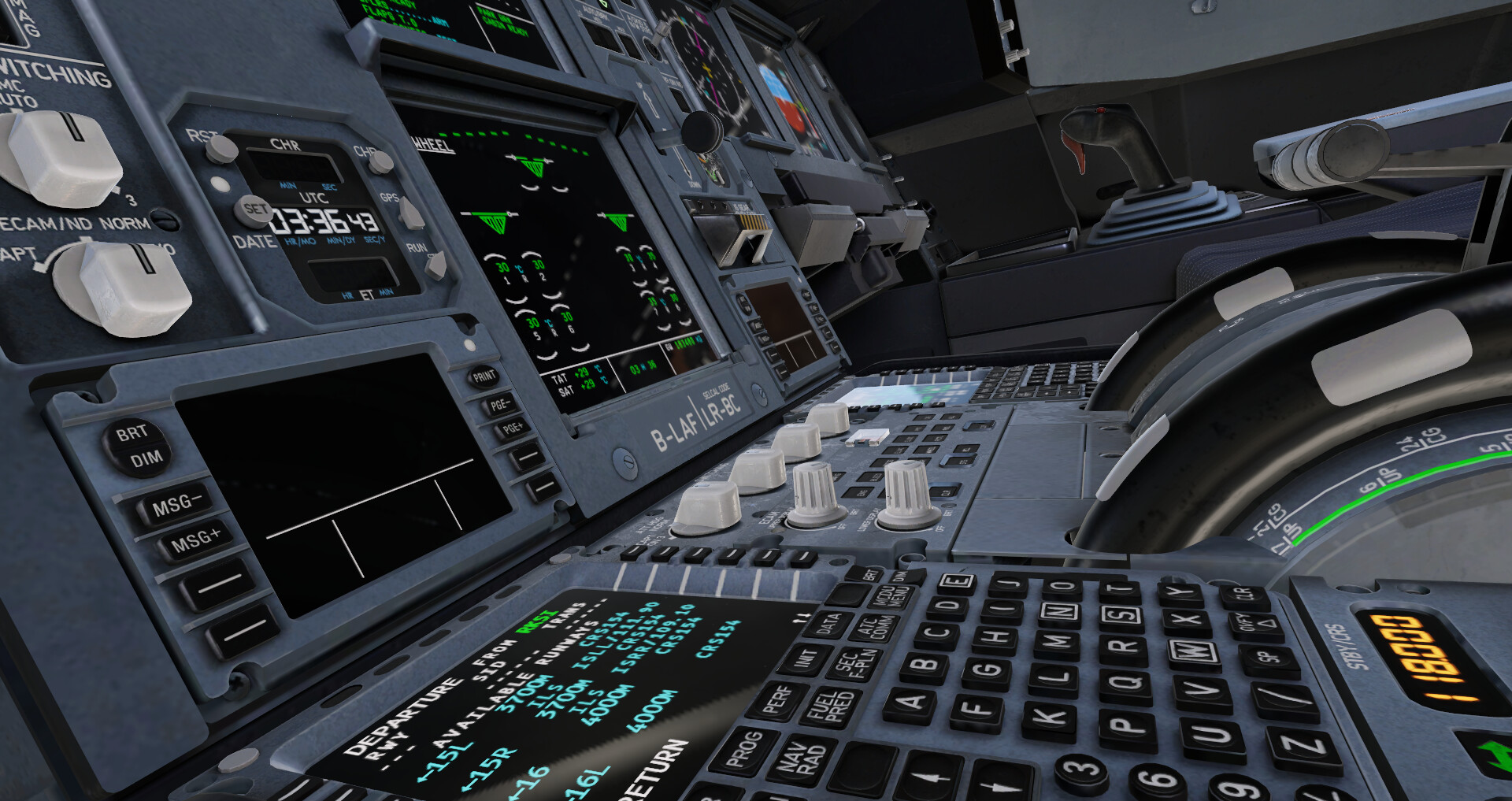
X-Plane 12 is also the native Steam option among these three for macOS and Linux as well as Windows. Linux has its own requirements: the documentation calls for proprietary GPU drivers and does not support specific distributions. Regional Global Scenery downloads on Steam are listed as free, separately from paid aircraft and airport add-ons. Do not mistake those scenery downloads for a paid map requirement.
DCS World when the mission is military
Choose DCS World Steam Edition if the objective you want involves military aircraft, weapons, sensors, and targeting. Combat flight simulator games add those systems to the flying itself. The tradeoff is a new set of things to learn, plus module decisions if your desired aircraft lies beyond the free base download.
The included Su-25T gives you a ground-attack starting point, while the Mission Editor lets you build missions and campaigns. Single-player, multiplayer, PvP, and co-op are listed on Steam. Decide whether you want a solo military task or shared missions before choosing an aircraft module; a civilian job ladder will not answer that question for you.
DCS World Steam Edition
Recommendation
- Best for
- Players who want military objectives to give cockpit learning a purpose.
- Why it fits
- The free base includes the Su-25T, TF-51D, Caucasus region, and Mariana Islands, with a Mission Editor for building missions and campaigns.
- Skip if
- You want a civilian aviation career, or expect the free download to include every aircraft shown on the store page.
Free entry still has a substantial hardware and storage requirement. Steam currently lists Windows, 16 GB RAM, discrete graphics with at least 8 GB of memory, and 200 GB available space as the minimum. Use those requirements to decide whether to download the base game before considering paid aircraft, terrain, or campaigns.
The wrong default: choosing by the largest fleet or a free label
If you are undecided, return to Microsoft Flight Simulator 2024 for career goals, X-Plane 12 for a configured exercise, or DCS for combat. Choosing a flight simulator on PC by aircraft count or download price skips that decision. You can spend on more planes without getting the kind of session you wanted.
DCS is the clearest trap. Beyond the included aircraft and regions, additional aircraft, terrain, and campaign modules are sold separately. The included TF-51D is not the separately sold armed P-51D. A store screenshot of a desired aircraft does not establish that the aircraft comes with the free download.
Choose the activity first, then identify the content needed for it. If you want to practice an approach in X-Plane, start with a Flight School exercise. If you want an aircraft from a particular Microsoft Flight Simulator 2024 edition, compare that edition's contents before buying. A larger purchase is useful only when it serves the flight you want to make.
Pick the first flight you want to make
Start with the session you can picture doing twice. Choose the career if you want another job waiting, the practice setup if you want another attempt at the same task, or the combat sim if you want a military objective. A career introduces progression, practice asks you to set the task, and combat adds weapons and mission systems to learn.
Start with the civilian career; choose an edition around the aircraft you want.
Use Flight School or configure an airborne start, then change the conditions as your task changes.
Check the base game's hardware requirements and included content before buying modules.
Still undecided among flight simulator games? Open Microsoft Flight Simulator 2024 first and decide whether cargo, rescue, firefighting, or airline work sounds like a reason to return. If you would rather repeat one approach than pursue those jobs, make X-Plane 12 your first click instead.
Play queue
Play these next
See game details, similar picks, and store options.


About the author

Alex Burlis
Founder of GamesLike
Alex Burlis founded GamesLike, a game discovery website that uses Steam game information and player feedback to find games with similar gameplay. Alex is editorially responsible for the GamesLike guides, which explain who each pick suits and the tradeoffs to expect.