
Choose a gardening game by the activity you want to return to: tending flowerbeds, collecting indoor plants, or making abandoned scenes bloom.
Garden Life suits watering, pruning, and restoring a shared garden. Garden In! suits pot arrangements and discovering plants through seed combinations. Cloud Gardens suits placing objects and growing foliage across small abandoned landscapes. All three list Windows support on Steam; their other desktop platforms differ.
Garden Life: care for a community garden
Garden Life: A Cozy Simulator
Recommendation
- Best for
- Watering, pruning, and restoring an outdoor community garden
- Why it fits
- Plant care feeds into neighbor tasks, new garden areas, and freely placed flowers and ornaments.
- Skip if
- You want indoor pot collecting, or seasonal rules that closely model real gardening.
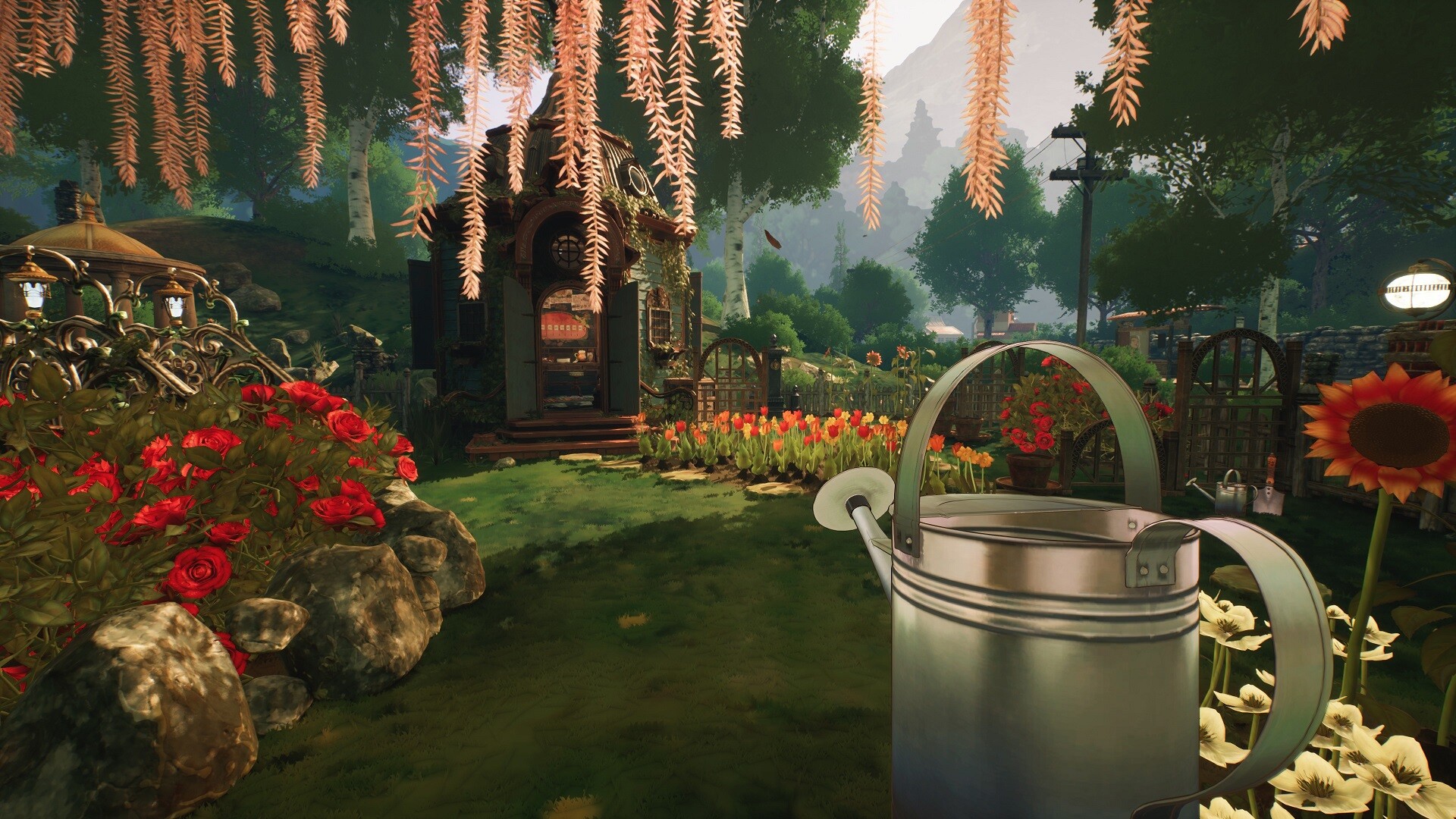
Garden Life gives plant care a place in a larger restoration project. You take over an abandoned community garden, plant seeds with room to grow, and maintain the beds by watering, fertilizing, and clipping plants. Neighbors' requests unlock tools, seeds, ornaments, and areas as the garden develops.
That makes it the clearest choice here if the satisfying part is returning to a flowerbed and doing something for it. Flowers can produce new colorful varieties, while the placement system lets you arrange plants and decorations without a grid. Some plants climb nearby objects, so a support or ornament can become part of the planting.
The care rules leave room for a forgiving garden. You can remove weeds or leave some to help protect against pests. Every plant can thrive regardless of season, which matters if you want flowers to stay central to your design. Treat that as a creative allowance rather than a promise of strict horticultural realism.
Choose Story mode for restoration and neighbor requests. Choose Creative mode when you want access to the garden's corners, seeds, and ornaments immediately.
Garden In!: grow a collection in indoor pots
Garden In!
Recommendation
- Best for
- Indoor pot arrangements and discovering hybrid plants
- Why it fits
- You choose pots, soil, and seeds, then combine seeds to expand a herbarium.
- Skip if
- You want to restore outdoor flowerbeds or follow community-garden requests.
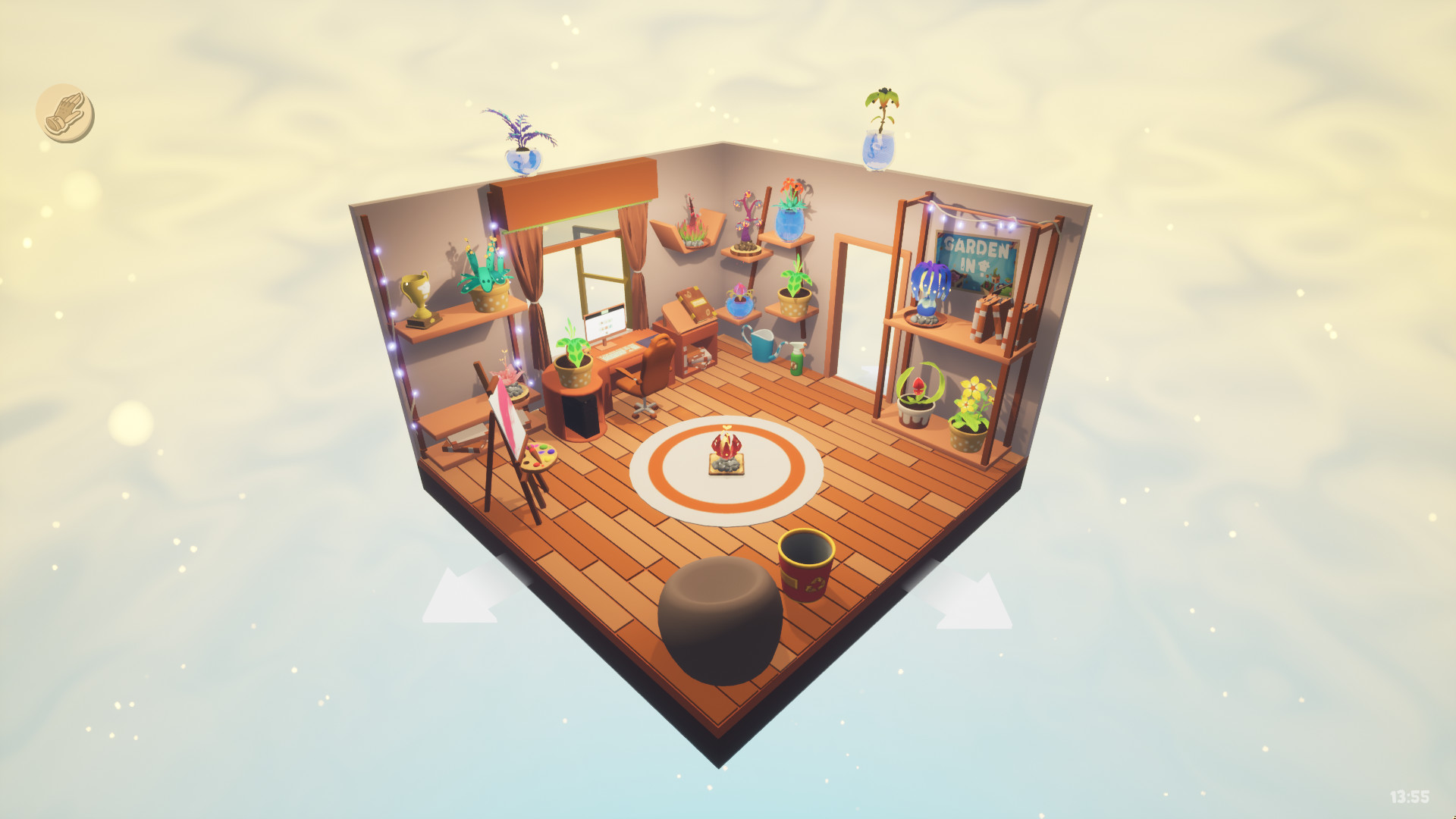
Garden In! shrinks the setting to pots and rooms. Start with a pot, soil, and a seed, then attend to the needs of that plant. The collecting hook is hybridization: put two seeds together in a hybridization pot to grow a new bud and work toward completing the herbarium.
That changes what counts as progress. In Garden Life, a request can send you toward another part of the community garden. Here, a seed combination can give you a new plant to find a place for. Choose Garden In! if a growing collection is what makes you want to return.
Arranging that collection is part of the appeal. You can move seedlings around the available environments and change room colors and backgrounds. Think about whether you would rather compose a shelf or plan a flowerbed: the indoor scale is the reason to choose this game.
Cloud Gardens: cover abandoned dioramas with foliage
Cloud Gardens
Recommendation
- Best for
- Overgrowth puzzles and building small reclaimed landscapes
- Why it fits
- Seeds and discarded objects work together to spread plants through urban-decay dioramas.
- Skip if
- You want routine watering, pruning, or a conventional plant-care simulation.
Cloud Gardens puts the plants among abandoned structures and discarded objects. You plant seeds in small lo-fi dioramas and encourage vegetation to reclaim the manufactured landscape. The main decision is where things should go so the overgrowth can spread.
In the campaign, adding objects encourages vegetation, and each object needs a covering of foliage to proceed. That gives a decorative choice a puzzle consequence: a discarded object adds something to the scene, but also something for the plants to reclaim. Choose it when making a landscape work is more appealing than maintaining a bed of flowers.
There is also a goal-free sandbox for building scenes without the campaign's objectives. Creative mode lets you use unlocked objects and plants. The abandoned setting gives those arrangements a different character from a bright community garden or an indoor plant display.
Choose Cloud Gardens for arranging plant-covered scenes and solving placement puzzles.

Which gardening game fits your PC?
The Steam desktop listings checked on November 9, 2026 show Windows for all three, Linux for Garden In!, and macOS for Cloud Gardens. Garden Life lists neither macOS nor Linux. A store platform label does not establish compatibility with a particular current macOS release; check the game's current requirements against your computer before buying.
The recommendations above follow the developers' descriptions and official gameplay screenshots, not firsthand play. Steam Deck compatibility and hands-on controller behavior are outside this comparison.
Play queue
Play these next
See game details, similar picks, and store options.


About the author

Alex Burlis
Founder of GamesLike
Alex Burlis founded GamesLike, a game discovery website that uses Steam game information and player feedback to find games with similar gameplay. Alex is editorially responsible for the GamesLike guides, which explain who each pick suits and the tradeoffs to expect.