
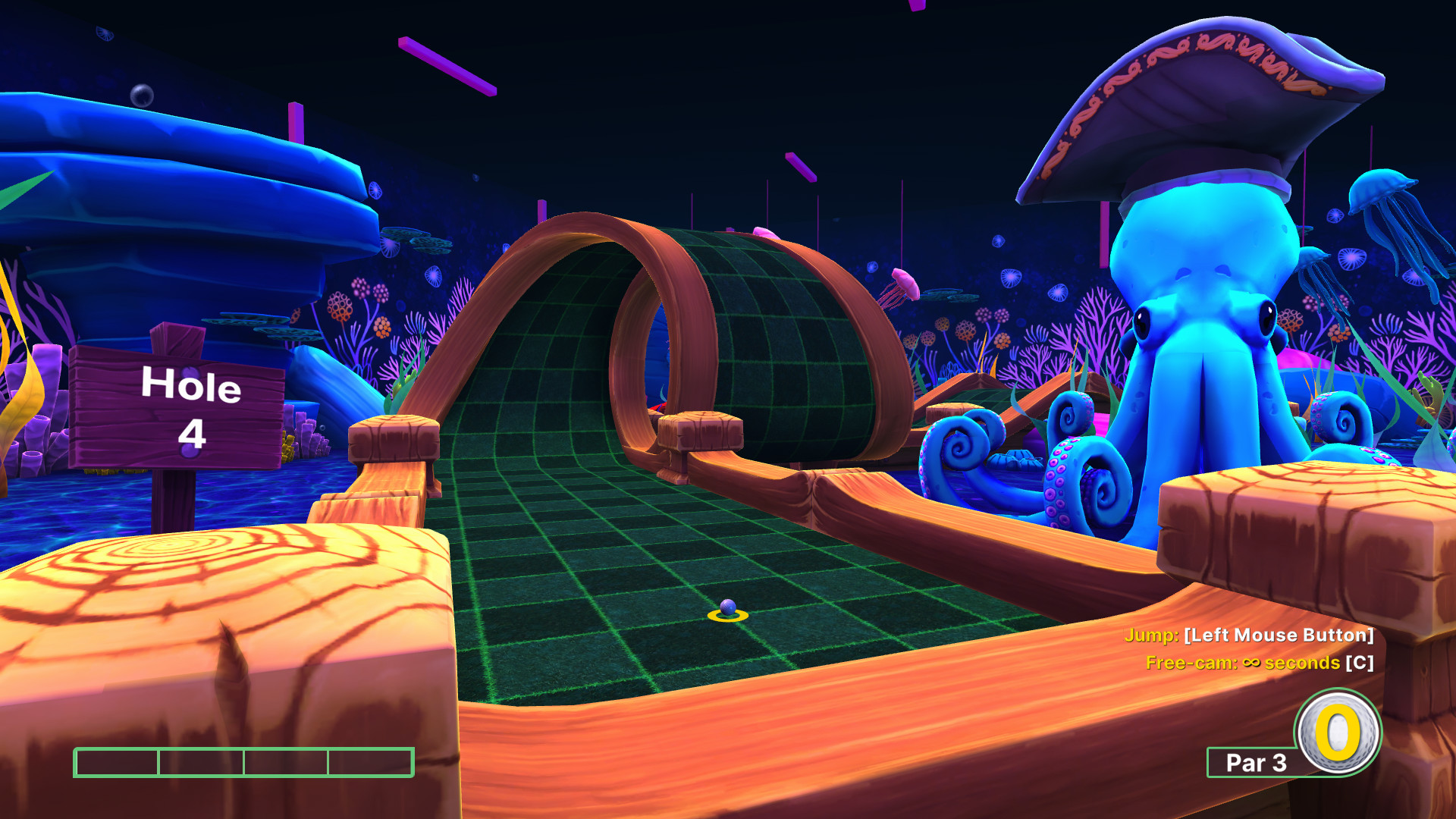
If you're browsing golf games for PC to find something for your online group, start with Golf With Your Friends. Up to 12 people can play minigolf simultaneously, so the attraction is taking your own shot while everyone else tackles the same course. You give up full-course golf and tour progression for obstacles, powerups and shared rounds.
If you came for fairways, championships and a golfer to develop, go straight to PGA TOUR 2K25. Its MyCAREER and MyPLAYER systems serve that interest, though the account requirements and online services matter to the purchase. Golf It! is the minigolf alternative when discovering community courses or making your own sounds as appealing as keeping score.
Golf games for PC: choose the kind of round first
For a group without a strong golfing preference, choose Golf With Your Friends first. Mini golf games turn ramps, narrow lanes and unusual obstacles into the shared problem; you don't need everyone to want a sporting career. Choose PGA TOUR 2K25 instead if that career is the reason to play, even when you're playing alone.
Course creation is a second decision, not a clean divide between these games. Golf With Your Friends has a level editor, PGA TOUR 2K25 has Course Designer, and Golf It! pairs its editor with Steam Workshop courses. The question is what you want to make: a full golf course or a minigolf contraption. Then decide whether you want to browse other people's creations or sit down with a ready-made mode.
For an online group: start with simultaneous putting
Golf With Your Friends is the first pick when the group wants to play the hole together. Its advertised 12-player limit applies to simultaneous online multiplayer; it does not mean twelve controllers attached to one PC. That distinction matters more than the size of the number when you're arranging the evening.
The rules can change the mood of the round. Classic minigolf keeps the hole as the target, while hoops and hockey modes change what you're aiming for. Powerups can freeze another ball, trap it in honey or turn it into a cube. Choose those interruptions because your friends enjoy interference; they are a different attraction from trying to improve a conventional round of golf.
Golf With Your Friends
Recommendation
- Best for
- An online group that wants simultaneous minigolf and a choice of playful rules.
- Why it fits
- Classic, hoops and hockey modes give the group different targets, with powerups available for more interference.
- Skip if
- You want full-course golf, a tour career, or are treating the online player limit as a local-controller promise.
This is my first suggestion for a group still deciding among golf games on Steam because the mode choice gives the evening a starting point. Golf It! moves ahead when someone already wants to bring a Workshop course or build a hole. Both offer creation tools, so having an editor alone does not settle that comparison.
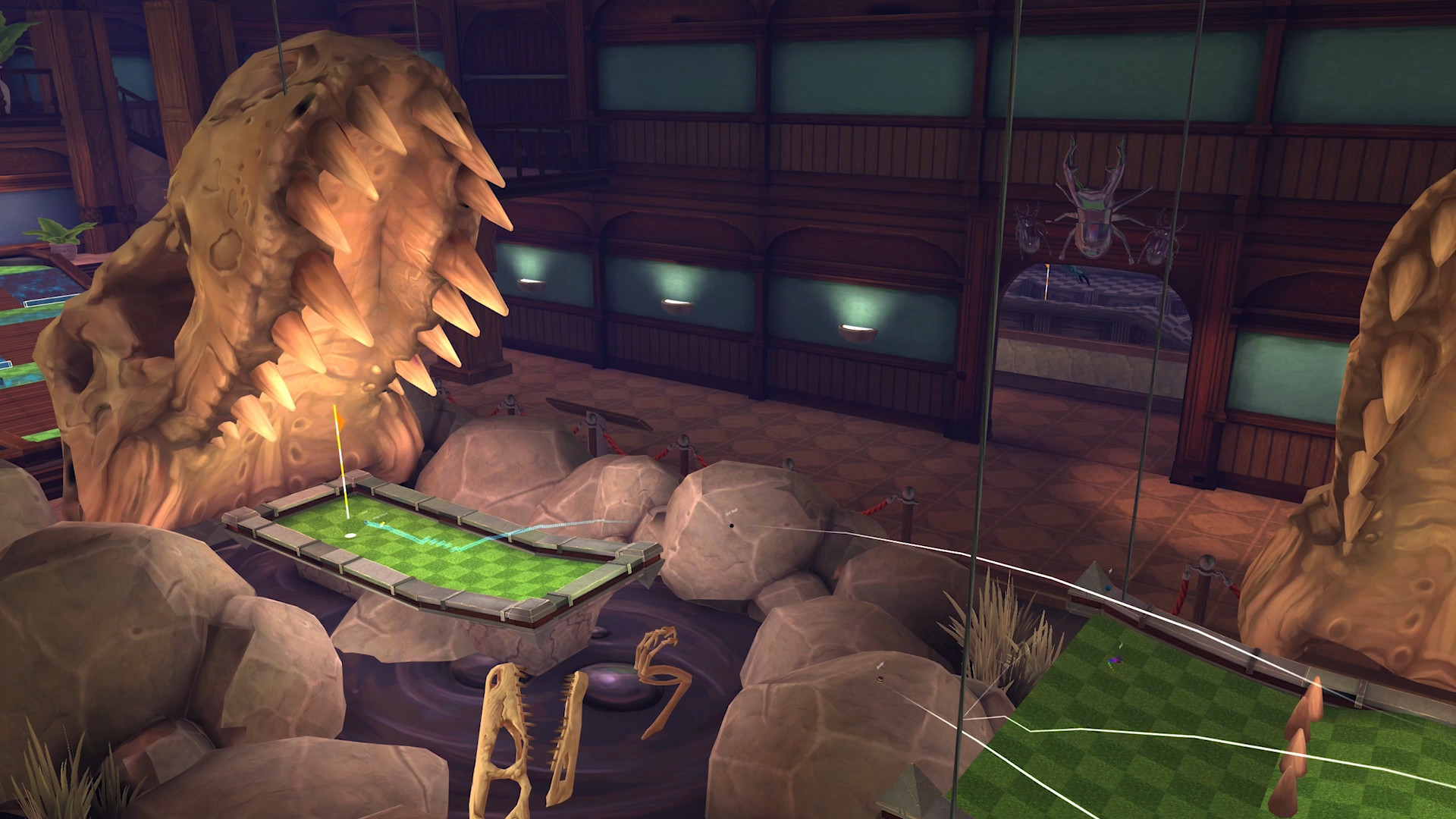
The store sells additional course and cosmetic DLC. If a particular themed course is what sold you, find it in the package contents before choosing an edition. A screenshot in the store gallery is not an inclusion list. Steam lists Windows, macOS and Linux versions.
For full-course rounds: choose the career, understand the services
Choose PGA TOUR 2K25 when you want to develop a golfer through MyCAREER and MyPLAYER progression. The PGA Championship, U.S. Open and The Open Championship give that progression a tournament setting. You trade the minigolf party premise for a game built around full-course competition, with more account and purchase details to weigh.
It also has Match Play, Scramble and Skins online or locally, plus ranked and casual play and cross-platform societies. Those are reasons to consider it for friends who already want golf. They do not make it a substitute for Golf With Your Friends' simultaneous obstacle-course sessions.
PGA TOUR 2K25
Recommendation
- Best for
- Players who want tour progression, a developing golfer and organized full-course competition.
- Why it fits
- MyCAREER and MyPLAYER connect rounds to progression, while Course Designer offers a separate creative interest.
- Skip if
- You need an assured offline career, dislike account requirements, or mainly want party minigolf.
The purchase needs a little more attention here. Steam lists a 2K Account, Denuvo and in-app purchases. Premium Clubhouse Passes are optional paid reward tracks; do not assume every edition includes them. Pick an edition for the contents you actually want rather than treating a premium pass as a requirement to begin. The publisher FAQ explains the current editions and pass structure.

Offline play is a narrower promise than the word “local” might suggest. The edition FAQ broadly requires internet and a 2K Account, while the 2K service table specifically names Local Match and Training as offline modes. That does not establish an offline career or an internet-free first launch. At the September 2026 check, the table scheduled online features through February 28, 2029; that schedule can change. Steam lists Windows for this version.
For course makers: put Golf It! ahead of the party default
Choose Golf It! when your ideal minigolf session starts with finding an unusual course or showing friends one you've made. Its eight official courses provide a defined starting set, and Steam Workshop adds community creations. The tradeoff is that browsing custom courses becomes part of choosing the session instead of relying only on the official selection.
The level editor includes objects, terrain and event systems. That makes it worth a closer look if arranging a route and its obstacles is the hobby you want alongside playing. Golf With Your Friends can also scratch the creation itch, but Golf It!'s official-course-plus-Workshop offering is the reason to move it to the front of this particular shortlist.
Golf It!
Recommendation
- Best for
- Minigolf players who want to browse community courses or spend time making their own.
- Why it fits
- Eight official courses sit alongside Workshop creations, with terrain, objects and events available in the editor.
- Skip if
- You want a tour career or would rather avoid choosing among community-made courses.
A larger pool of courses is useful only if you enjoy selecting from it. Community creations can vary in complexity and quality; treat them as things to explore, not a promise that every download suits your group. Solo play is also listed, so you can consider the course-making side without having a regular group available. Steam lists Windows and macOS.
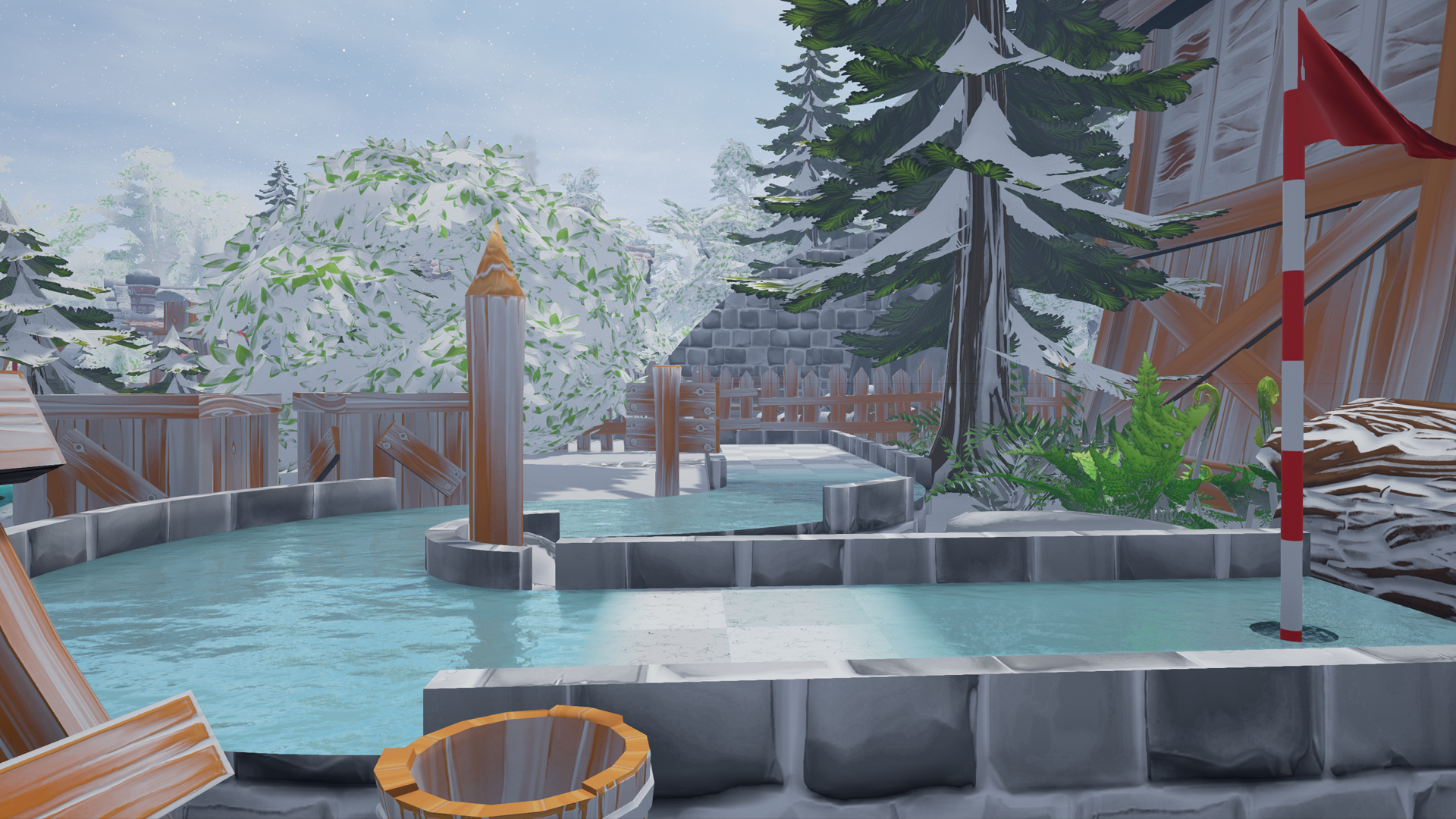
Avoid the wrong default: the tour license does not choose the evening
If your friends want a minigolf night, start with Golf With Your Friends even if PGA TOUR 2K25 looks closer to the sport on television. Choosing the licensed tour game gives you full-course golf and progression; it gives up the specific simultaneous putting premise that brought the group together. Conversely, a funny minigolf clip is a poor reason to buy when you really want to develop a golfer across a career.
Searching for a golf simulator on PC can also lead to a different purchase entirely. These are videogame choices, and this comparison does not establish compatibility with launch monitors or a home hitting setup. If physical golf hardware is the requirement, its supported-software list should decide the shortlist.
Choose your first round
For an undecided online group, open Golf With Your Friends first and decide whether you want classic putting or disruptive rules. Go directly to PGA TOUR 2K25 if you already know the career is the attraction, accepting its service requirements. Put Golf It! first when choosing or building the course is part of the fun.
Start with simultaneous online minigolf, then choose the mode and check any desired DLC course.
Choose full-course progression after weighing the account, online and optional-pass details.
Explore official and Workshop courses, with an editor for making your own.
Still choosing for friends? Open Golf With Your Friends and look at the putting obstacles first. If everyone would rather be planning fairway shots, you have your reason to switch to PGA TOUR 2K25.
Play queue
Play these next
See game details, similar picks, and store options.

About the author

Alex Burlis
Founder of GamesLike
Alex Burlis founded GamesLike, a game discovery website that uses Steam game information and player feedback to find games with similar gameplay. Alex is editorially responsible for the GamesLike guides, which explain who each pick suits and the tradeoffs to expect.