
 70%Strong match
OVR Toolkit - Desktop Overlay
86%3k86% positive reviews, Very Positive across 3k reviews·VR · Software
—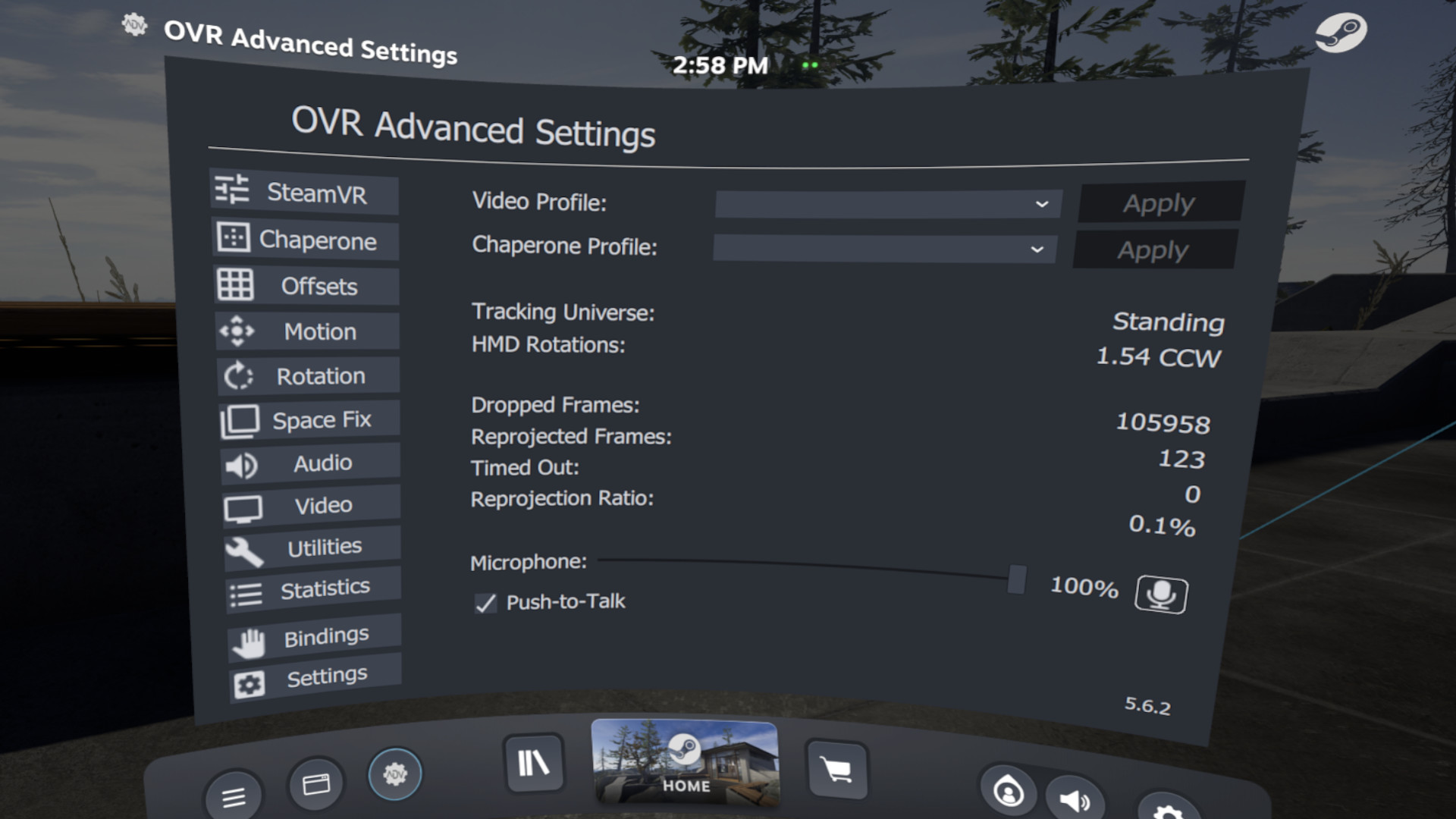
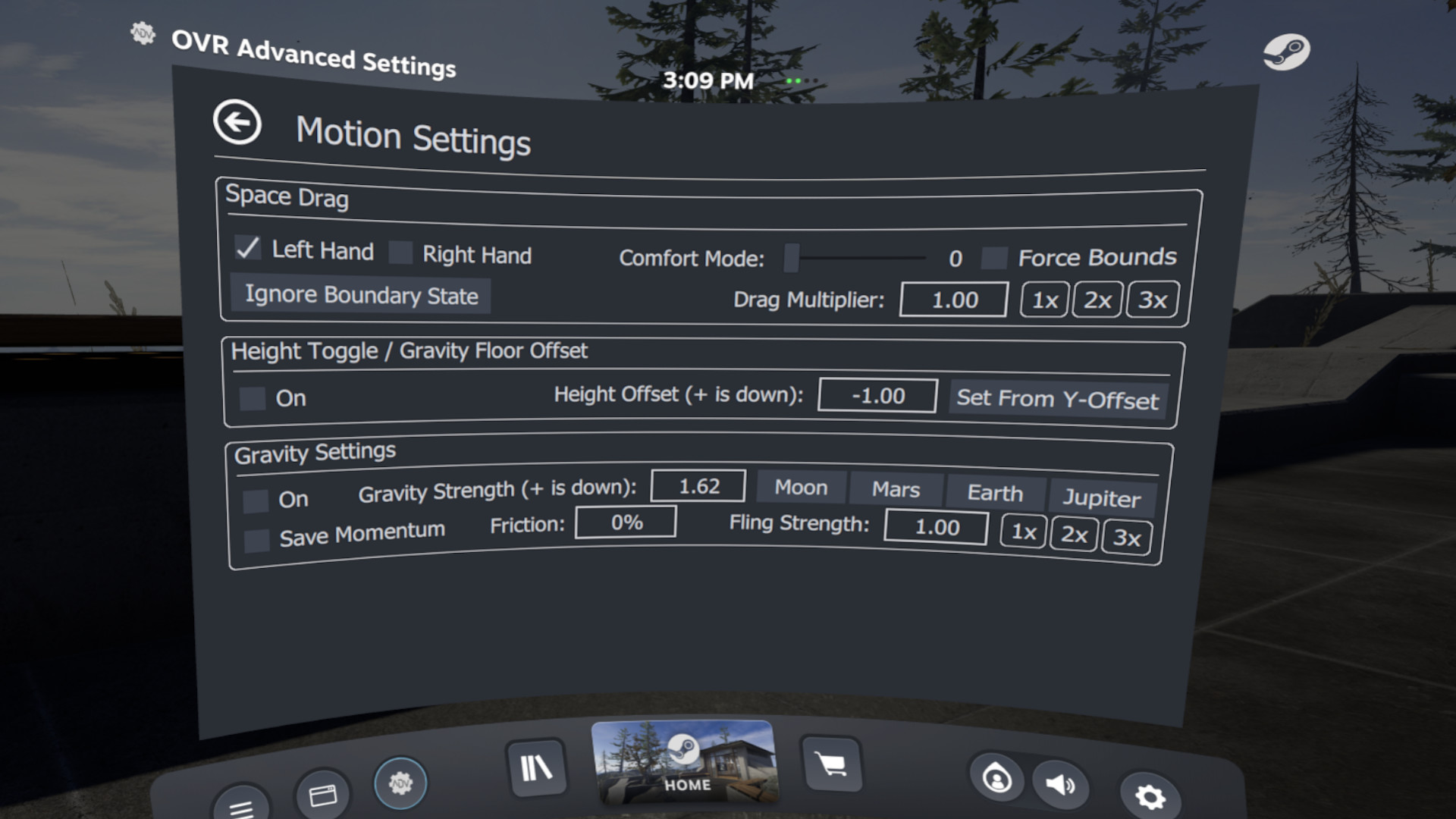
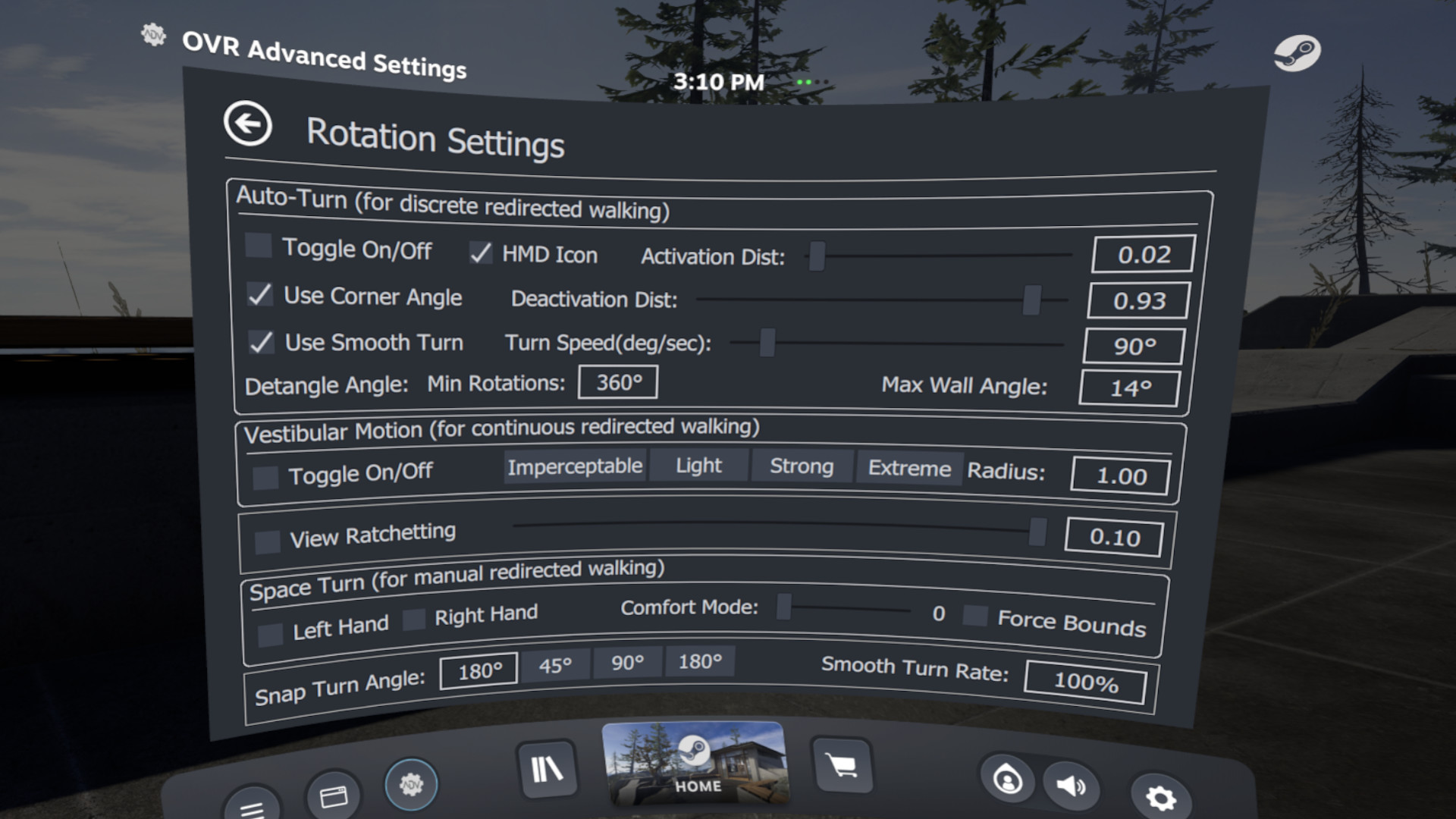
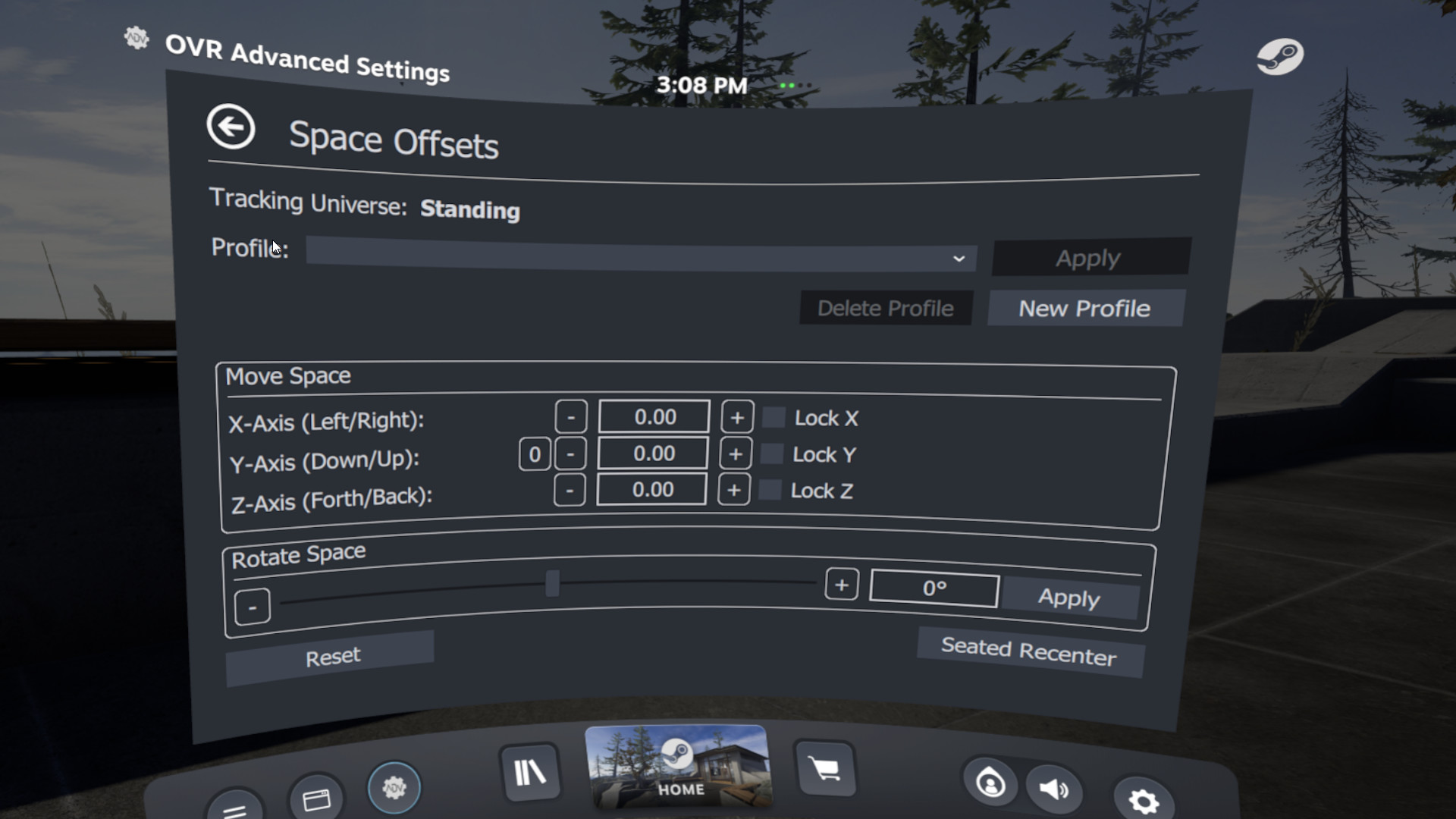
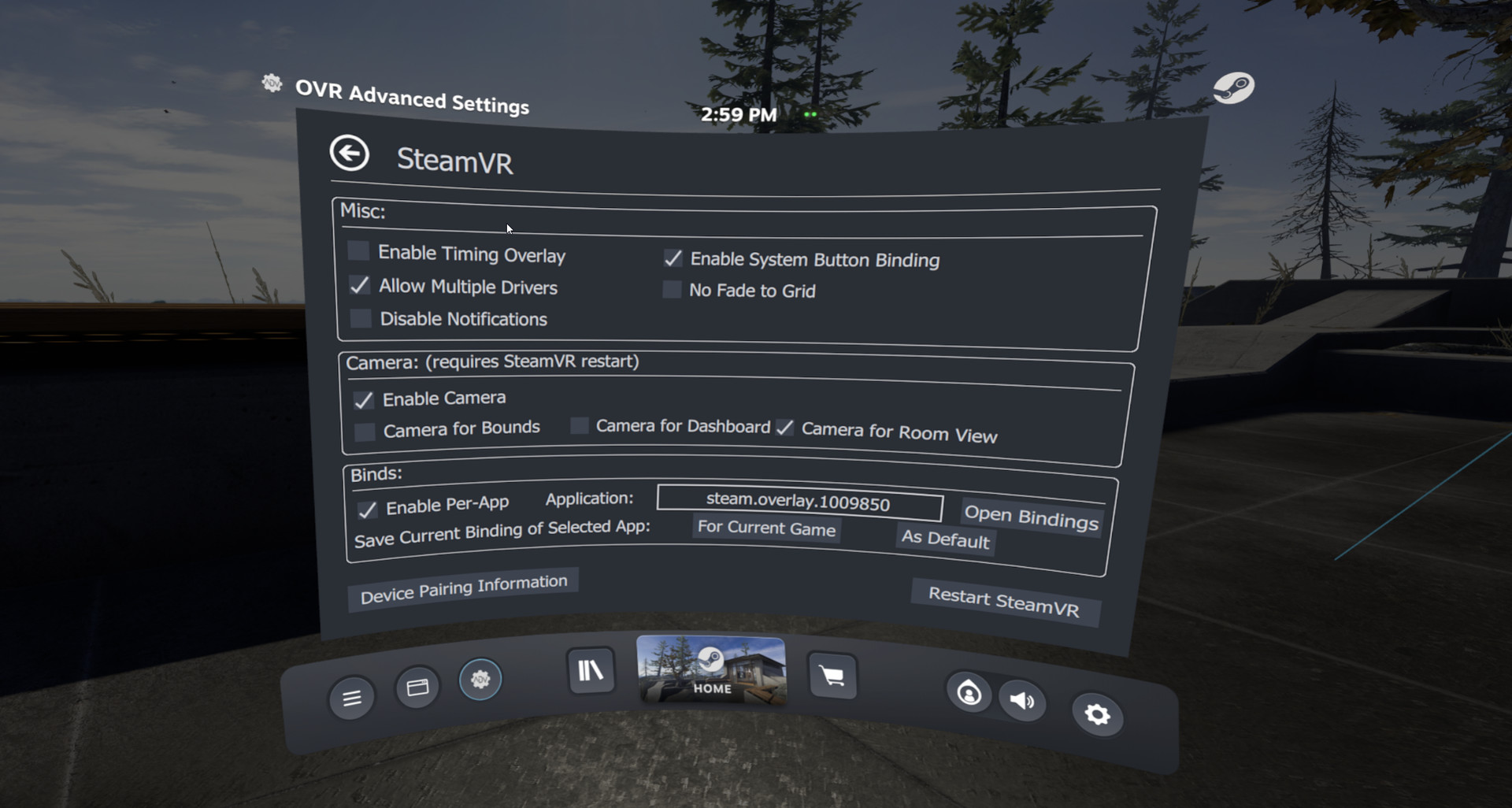
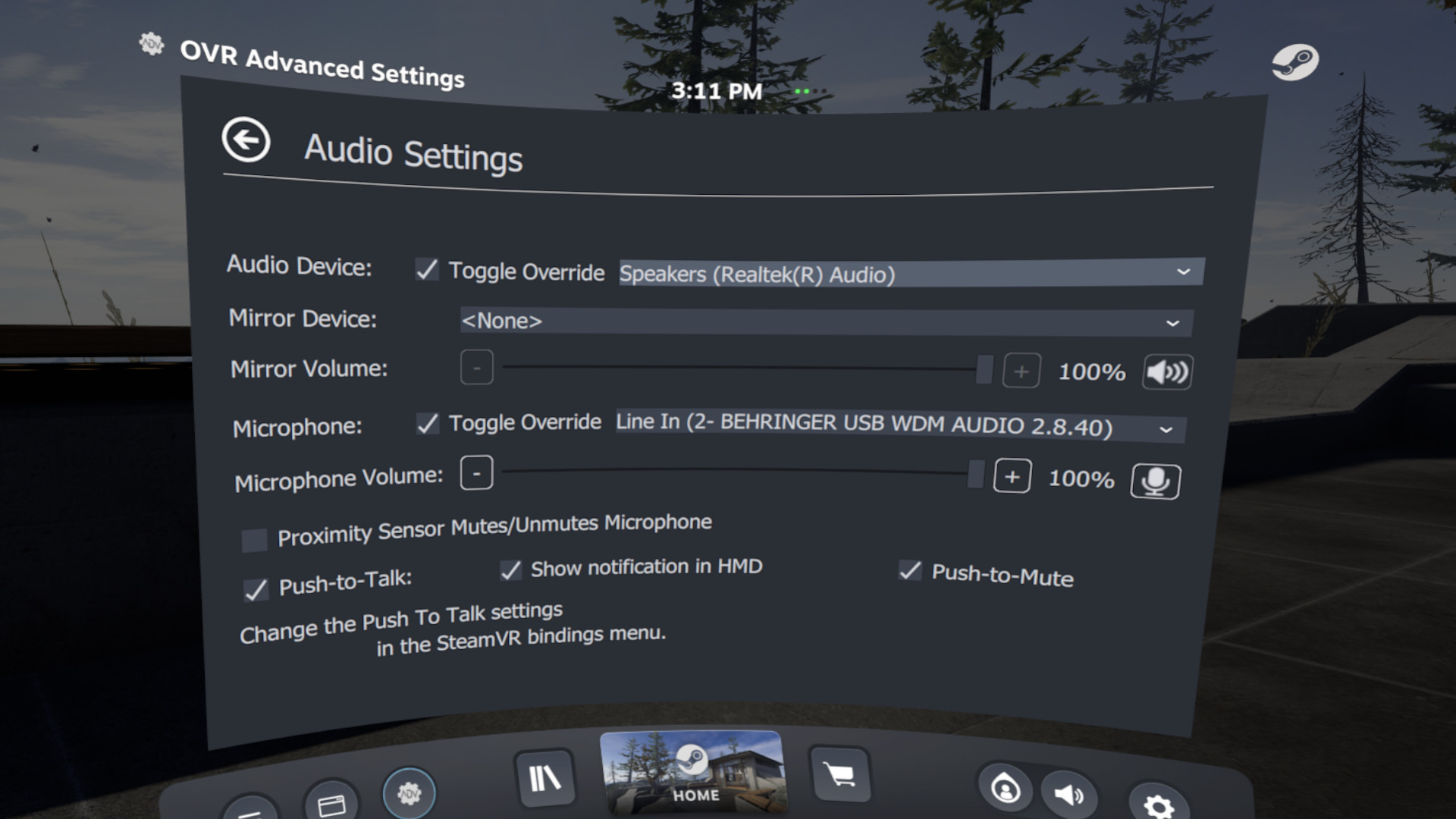
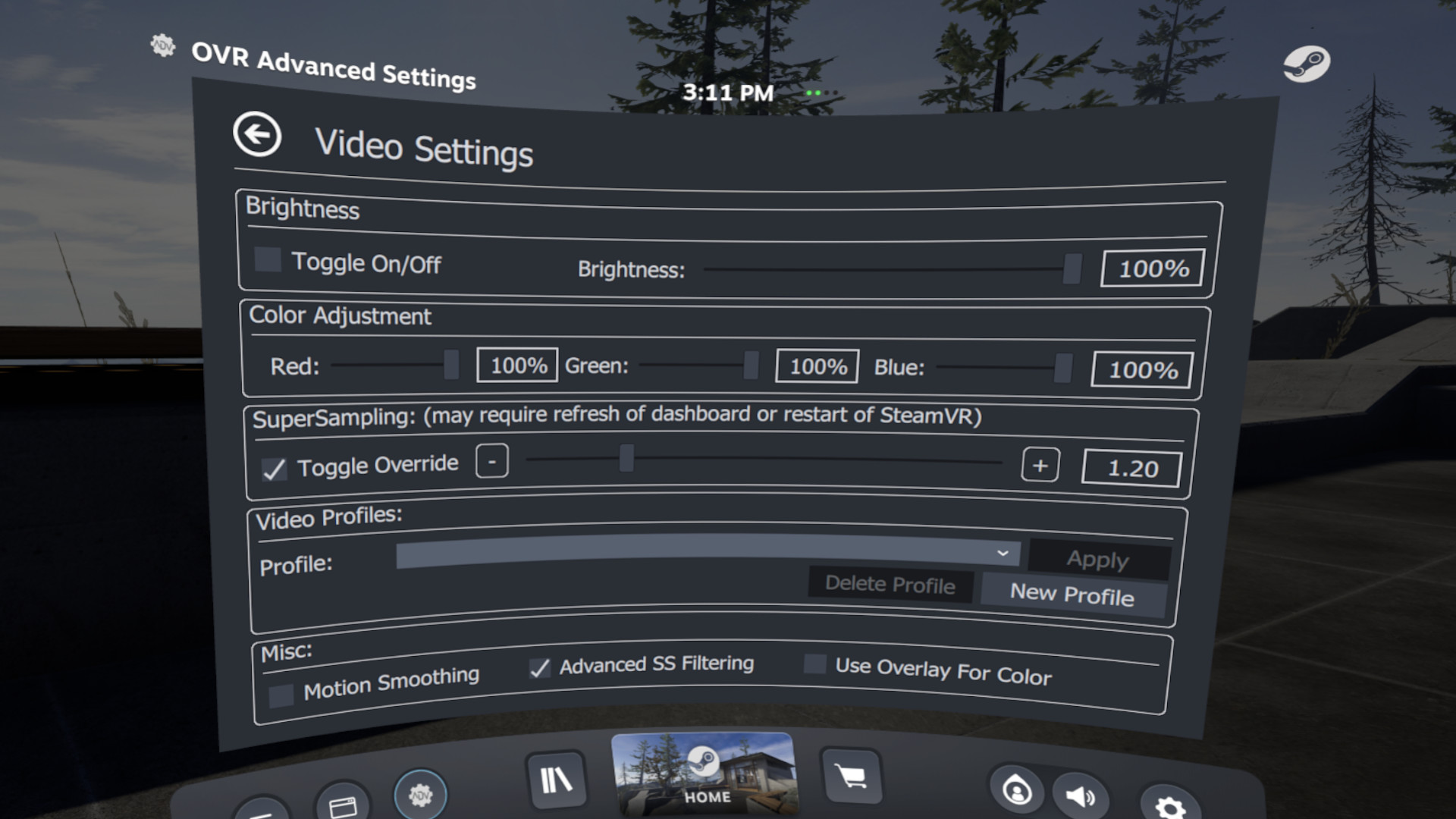
OVR Advanced Settings is a Dashboard Application for VR, that allows you to access many settings. OVRAS also has a myriad of utility features such as: simulated movement, adding smooth/snap turn to any game, video controls for the headset such as brightness, per-app bindings and much more.
Steam data © 2026 Valve Corporation. Trademarks are property of their respective owners.
All matches
Finding similar games…
OVR Toolkit - Desktop OverlayShares VR · VR Only86% · 3k positive reviews70%Strong match— OVRdropShares VR · VR Only66% · 526 positive reviews65%Strong match—
 Virtual Desktop ClassicShares VR · VR Only69% · 2k positive reviews64%Good match—
 iVRy Driver for SteamVRShares VR65% · 455 positive reviews60%Good match—
 OyasumiVR - VR Sleeping UtilitiesShares VR · VR Only96% · 354 positive reviews60%Good match—
 XSOverlayShares VR · VR Only85% · 2k positive reviews58%Good match—
All matches
The best games like OVR Advanced Settings are OVR Toolkit - Desktop Overlay, OVRdrop, Virtual Desktop Classic, iVRy Driver for SteamVR, and OyasumiVR - VR Sleeping Utilities.
Match on: filter matches for OVR Advanced Settings by tag