

 64%Good match
VRidge
59%20959% positive reviews, Mixed across 209 reviews·VR · Software
—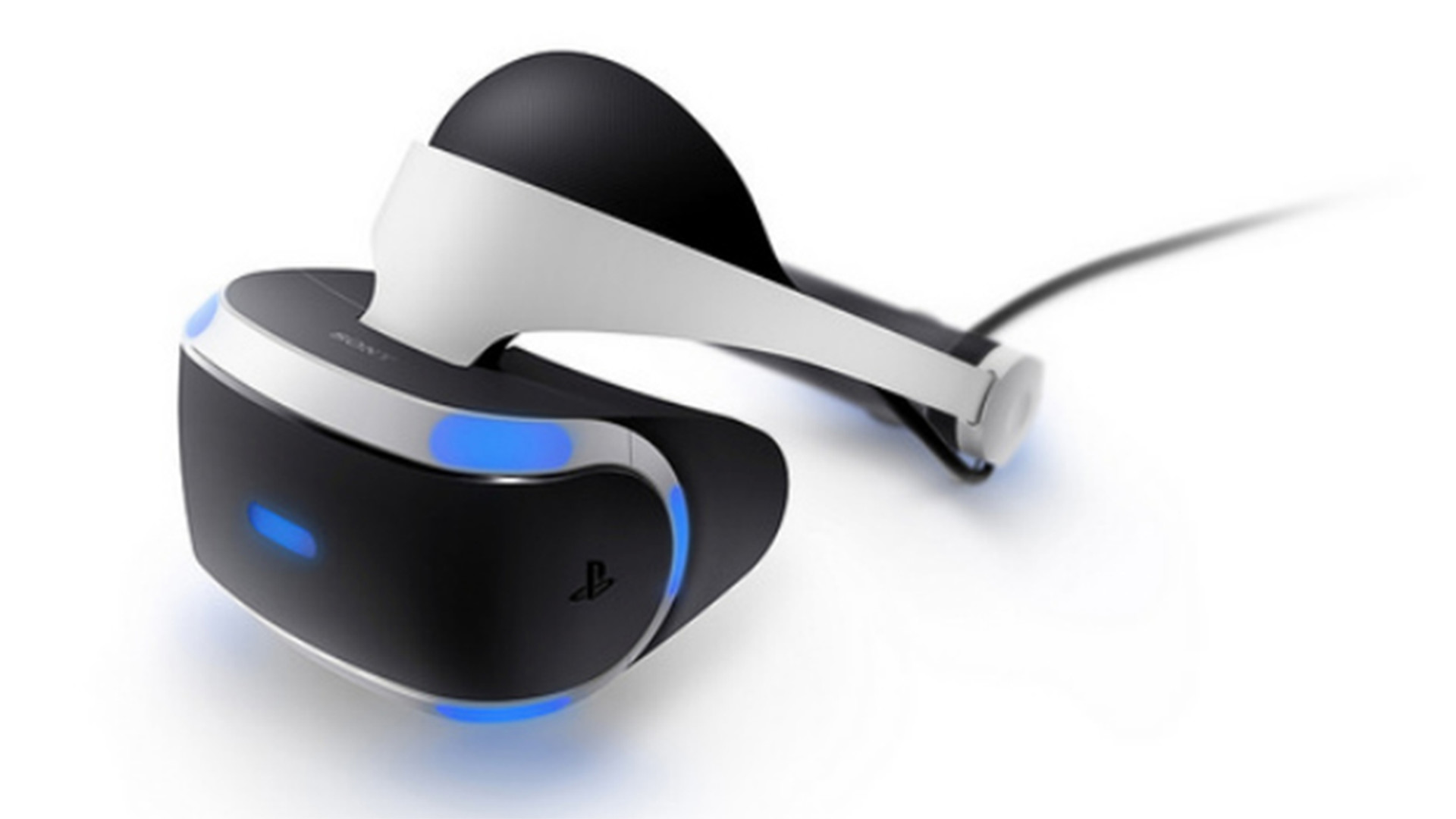
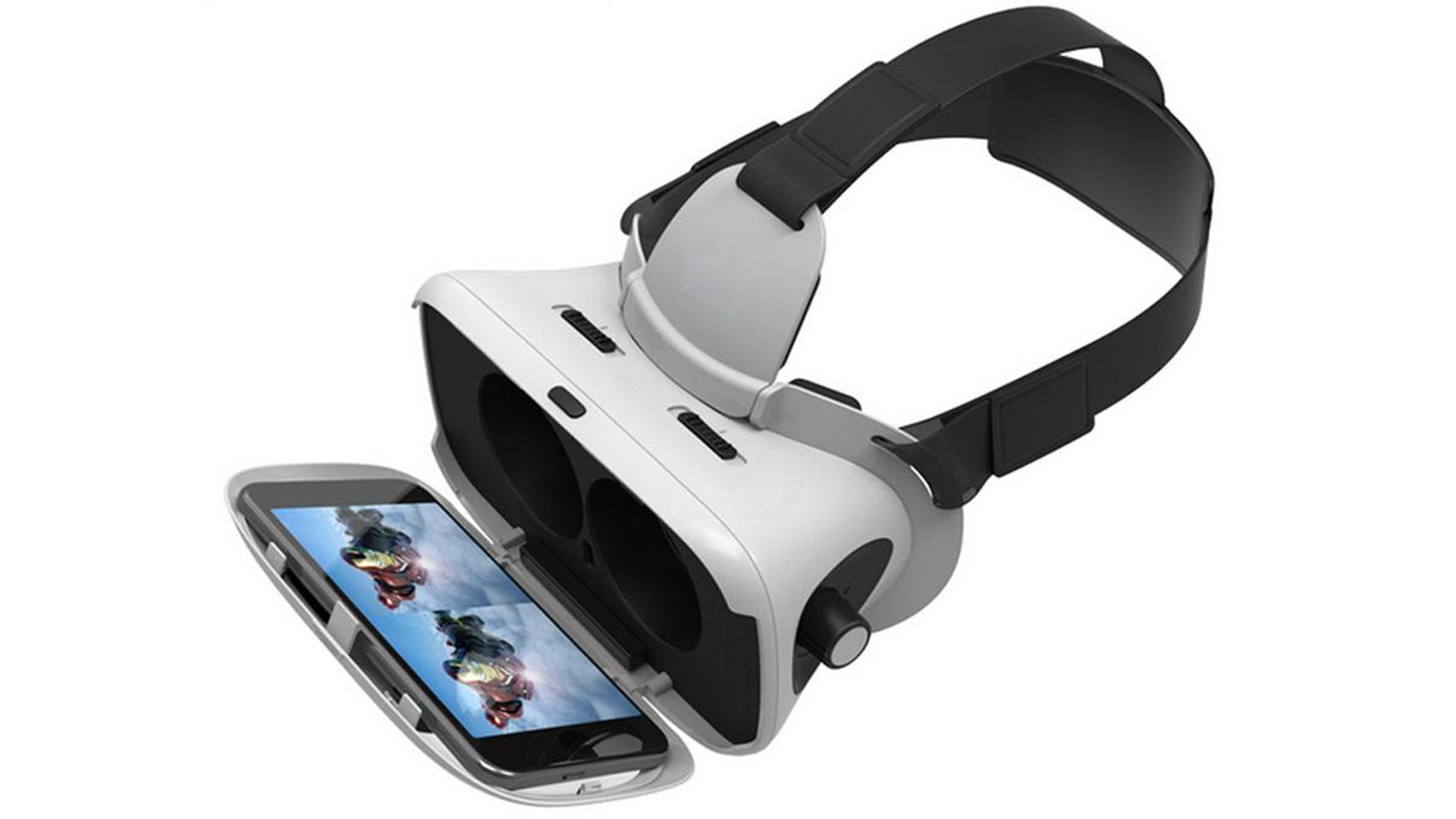
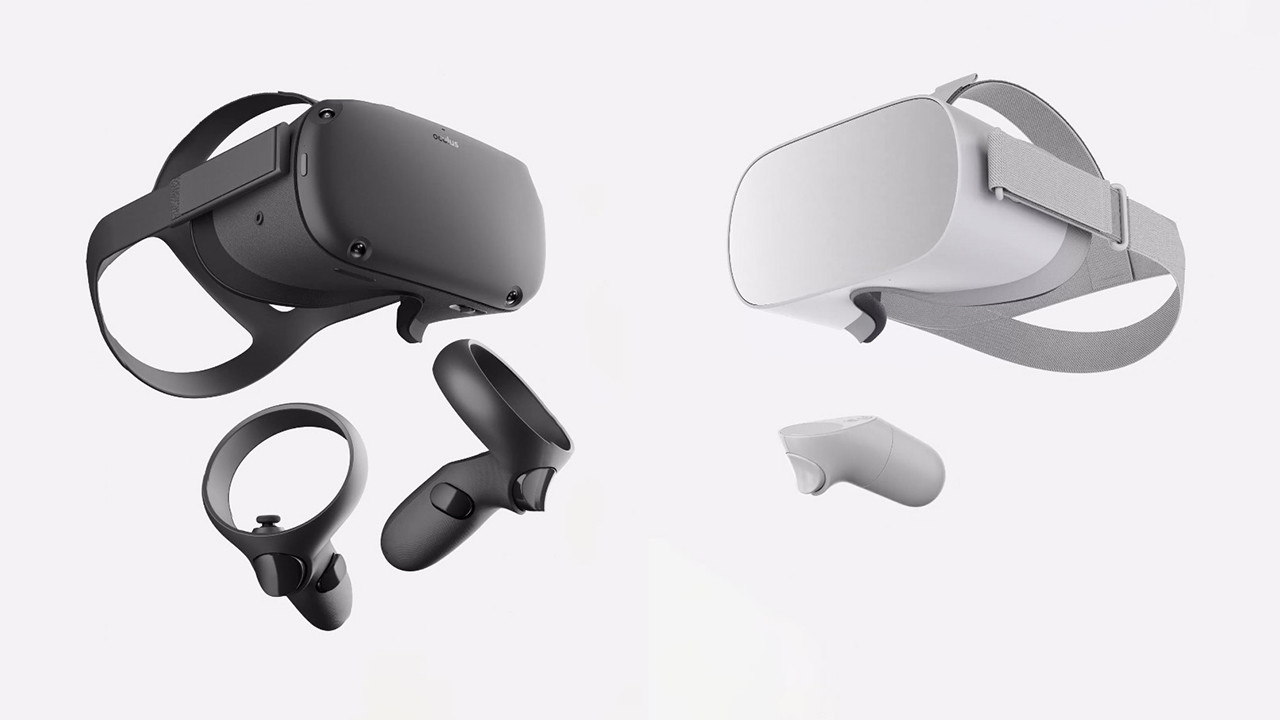
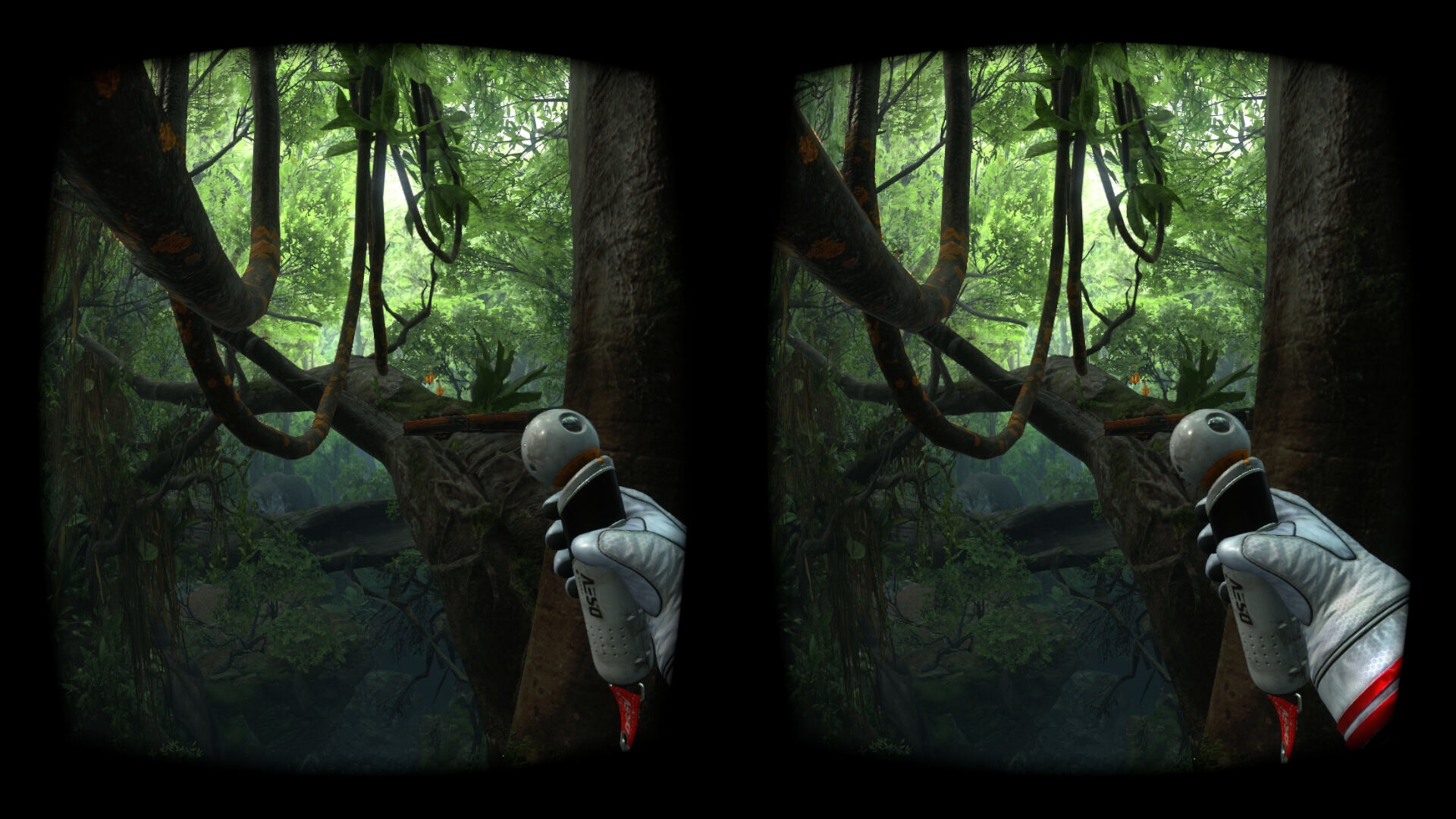
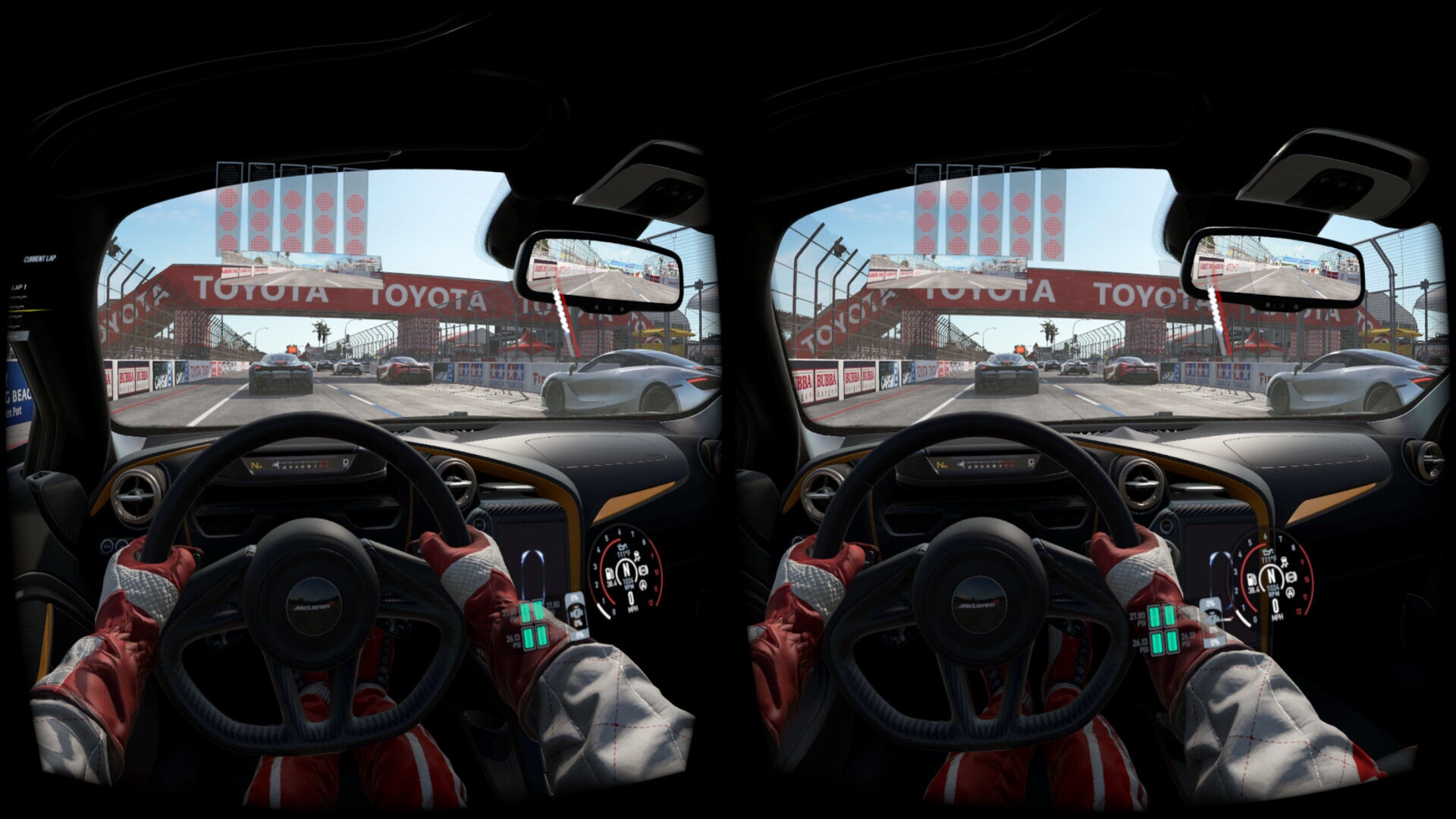
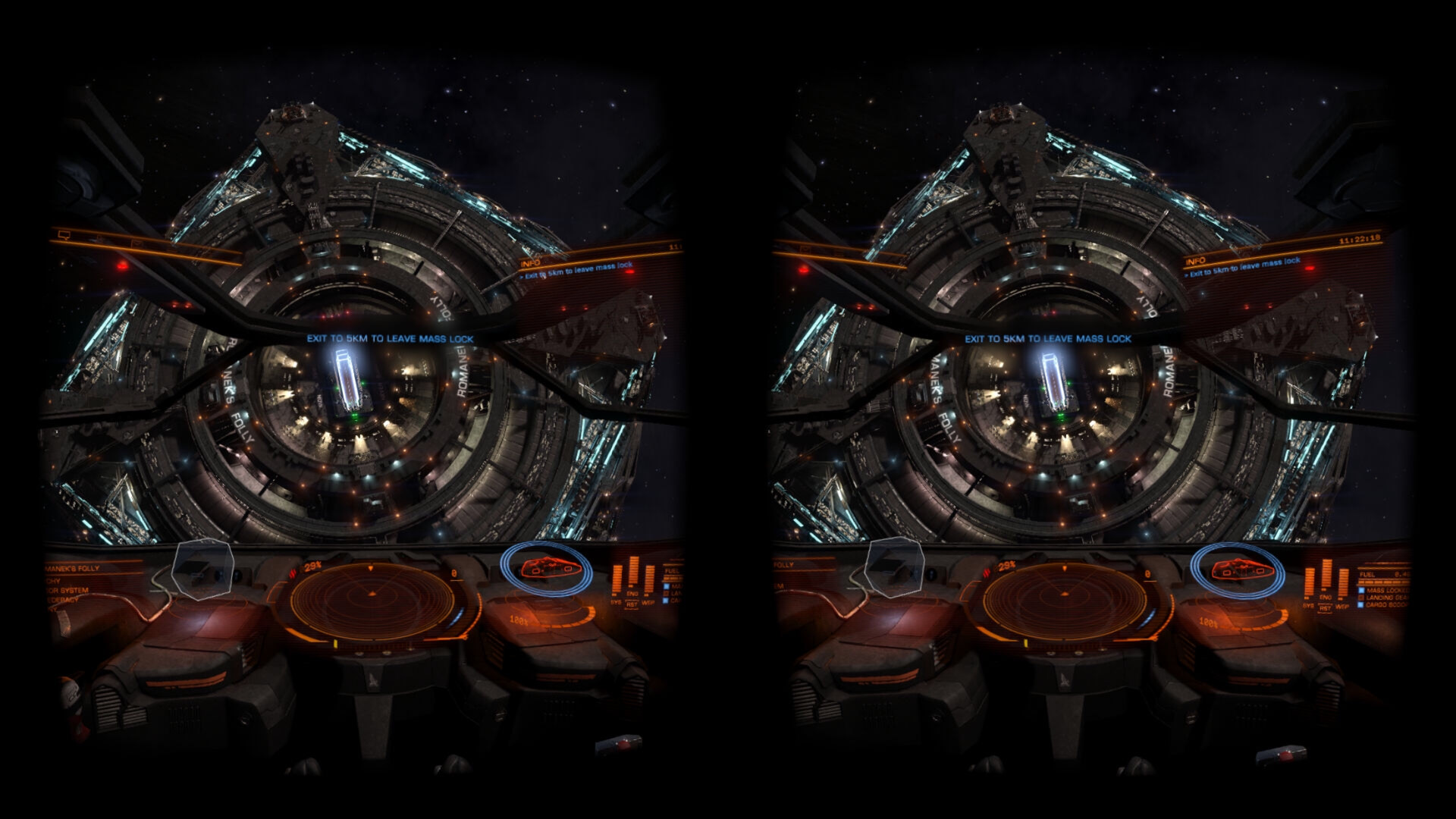
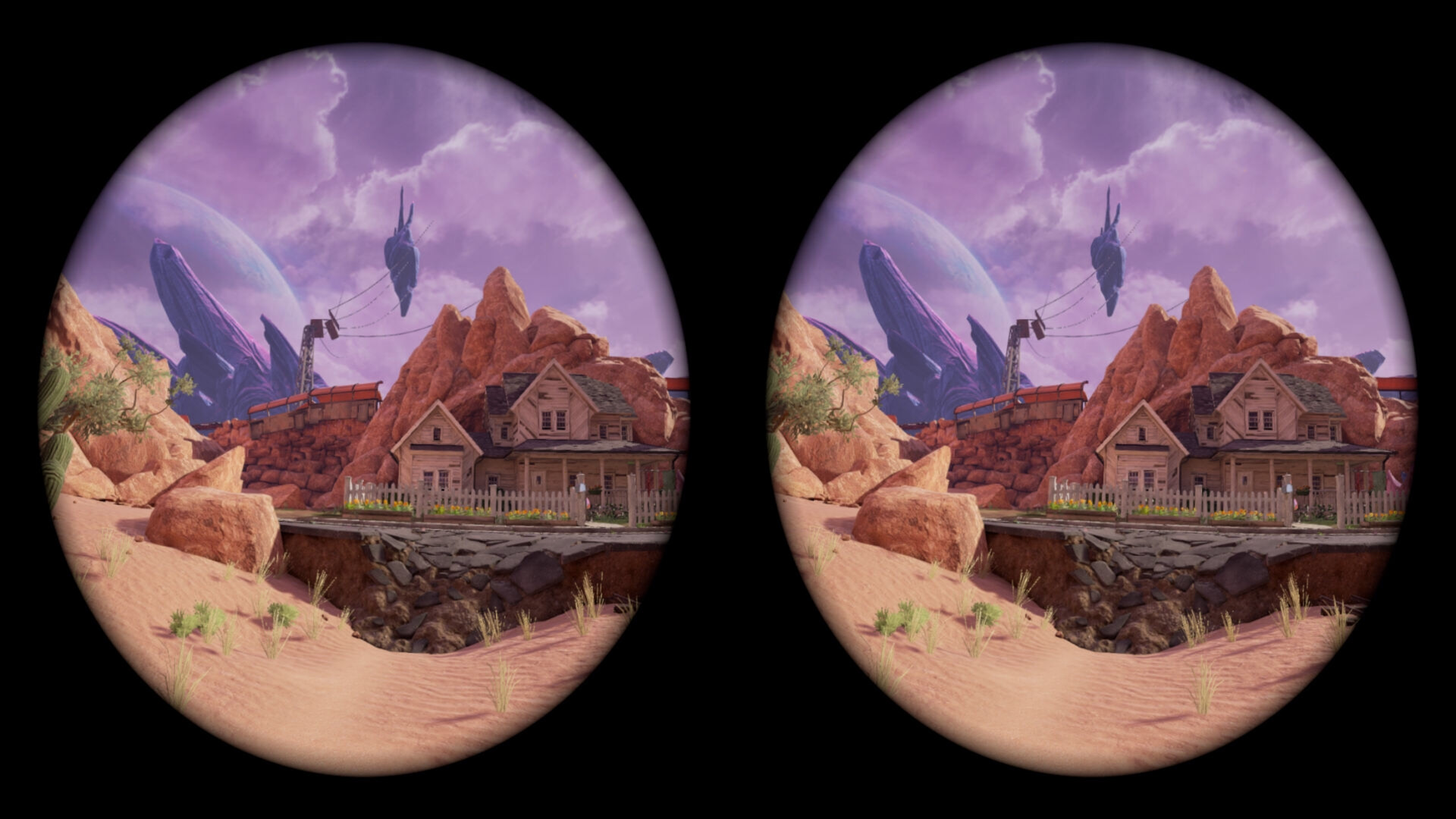
Use your iPhone, Android, GearVR, Oculus, Vive Wave, Pico Mobile or Sony Playstation VR/VR2 headset as a Virtual Reality Headset for your PC. Lets you run SteamVR & Oculus Rift PC VR titles without a dedicated PC VR headset.
This is the DEMO ("Lite") version of the iVRy Driver for SteamVR with Mobile Device, Samsung GearVR or Oculus/Meta Go/Quest, Pico, Vive Wave and Apple Vision Pro headset support. It has all of the features of "Premium" edition, but will start to reduce color saturation after being connected for more than 5 minutes.
To remove this limitation when using the Android or iOS Mobile Device apps, upgrade to the "Premium" version via: iVRy Driver for SteamVR (Mobile Device Premium Edition)
To remove this limitation when using the Samsung GearVR, Oculus Go or Meta/Oculus Quest headset app installed from Steam, upgrade to the "GearVR/Oculus Premium" version via: iVRy Driver for SteamVR (GearVR/Oculus Premium Edition)
To remove this limitation when using the Oculus Quest "Lite" app, installed from Oculus App Lab, upgrade to the "Premium" version via the Oculus App Store.
To remove this limitation when using the Pico headset app installed from Steam, upgrade to the "Pico Premium" version via: iVRy Driver for SteamVR (Pico Premium Edition)
To remove this limitation when using the Vive Wave headset app installed from Steam, upgrade to the "Vive Wave Premium" version via: iVRy Driver for SteamVR (Vive Wave Premium Edition)
To remove this limitation when using the Apple VisionPro headset app, upgrade to the "Apple Vision Pro Premium" version via: iVRy Driver for SteamVR (Apple Vision Pro Premium Edition)
In order to use the iVRy Driver for SteamVR for Android and iOS Mobile Devices, you will need to download the 'iVRy' app from your Mobile Device's app store OR for Android Mobile Devices from: iVRy for SteamVR (Android/Daydream App Installer)
In order to use the iVRy Driver for SteamVR for Samsung GearVR or Oculus Go/Quest/Quest 2 headsets, you will need to install the iVRy GearVR/Oculus app from: iVRy for SteamVR (GearVR/Oculus App Installer)
In order to use the iVRy Driver for SteamVR for Pico headsets, you will need to install the iVRy Pico app from: iVRy for SteamVR (Pico App Installer)
In order to use the iVRy Driver for SteamVR for Vive Wave-compatible headsets, you will need to install the iVRy Vive Wave app from:
iVRy for SteamVR (Vive Wave App Installer)
In order to use the iVRy Driver for SteamVR for Apple Vision Pro headsets, you will need to install the iVRy app from the Apple App Store for Vision Pro.
In order to use the iVRy Driver for SteamVR for Sony Playstation VR (PSVR), you will need to install the iVRy PSVR "Lite" or "Premium" DLC from: iVRy Driver for SteamVR DEMO (PSVR Lite Edition) iVRy Driver for SteamVR (PSVR Premium Edition) In order to use the iVRy Driver for SteamVR for Sony Playstation VR2 (PSVR2), you will need to install the iVRy PSVR2 "Lite" or "Premium" DLC from: iVRy Driver for SteamVR DEMO (PSVR2 Lite Edition) iVRy Driver for SteamVR (PSVR2 Premium Edition)
To use the iVRy Driver for SteamVR, you MUST first install SteamVR from the Steam Store: SteamVR
When using the iVRy Driver for SteamVR for the first time, it MUST be started from the "Launch" button, to ensure any additional services and drivers it requires get installed.
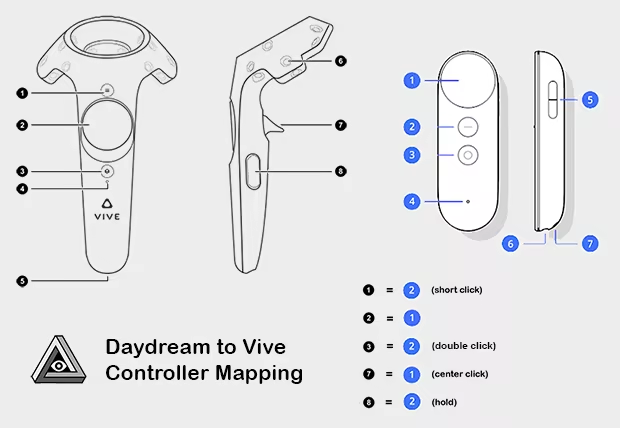
When using the Daydream (Android) version of the iVRy app, with a Daydream controller, the following button mappings will be used:
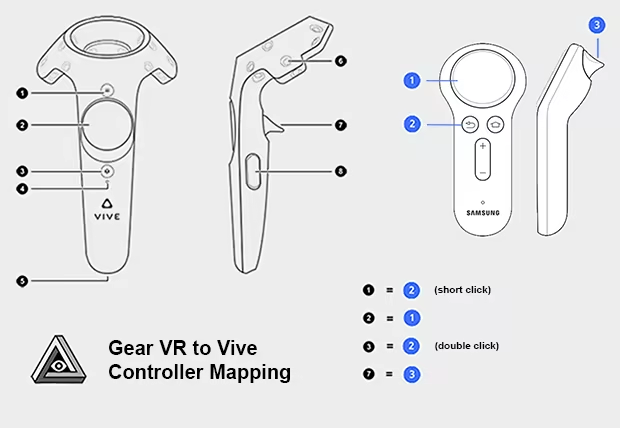
When using the GearVR or Oculus Go version of the iVRy app, with a GearVR/Oculus Go controller, the following button mappings will be used:
• iVRy is an app for your Mobile Device, Samsung GearVR or Oculus/Meta Go/Quest headset, Pico, Vive Wave, or Apple Vision Pro headset with a Virtual Reality headset driver for SteamVR. The Virtual Reality headset driver for SteamVR also includes Sony Playstation VR/VR2 headset support.
• Want to play PC VR* (Virtual Reality) titles without having to buy a dedicated VR headset?
• With iVRy, a compatible iOS or Android Mobile Device and VR headset you can!
• Also supports GearVR/Oculus Go/Quest, Lenovo Mirage Solo, Pico, Vive Wave, Apple Vision Pro, and Sony Playstation VR/VR2 headsets.
• Supports Wired (USB) connections for greater visual quality and performance.
• Supports Wireless (Wifi) connections for greater mobility.
• Automatically adjusts quality to maintain optimal frame rates on all connection types.
• User configurable quality and performance options.
• User configurable vignette options.
• Use your VR headset manufacturer's Cardboard QR code for optimal lens distortion correction and field-of-view.
• Integrates with SteamVR, so no 'manager' / 'server' apps or additional configuration required.
• Includes SteamVR Dashboard overlay, to change driver settings in VR.
• Built-in support for NoloVR 6DOF tracking and motion controllers.
• Compatible with most HTC Vive and Oculus Rift** titles.
• This edition has all of the features of the Mobile Device "Premium" edition, but will start to reduce color saturation after being connected for more than 5 minutes. Upgrade to "Premium" edition via Steam DLC or In-App Purchase to remove this limitation.
* Valve OpenVR/SteamVR. Requires Valve Steam & SteamVR on Windows 7 or later.
** Oculus Rift titles require Valve SteamVR, Oculus Home & 3rd party 'LibreVR Revive' software.
Steam data © 2026 Valve Corporation. Trademarks are property of their respective owners.
All matches
Finding similar games…
VRidgeShares VR59% · 209 positive reviews64%Good match— OVR Toolkit - Desktop OverlayShares VR86% · 3k positive reviews63%Good match—
 OVRdropShares VR66% · 526 positive reviews60%Good match—
 OVR Advanced SettingsShares VR92% · 5k positive reviews60%Good match—
 Virtual Desktop ClassicShares VR69% · 2k positive reviews59%Good match—
 Natural LocomotionShares VR , adds Immersive79% · 633 positive reviews58%Good match—
All matches
The best games like iVRy Driver for SteamVR are VRidge, OVR Toolkit - Desktop Overlay, OVRdrop, OVR Advanced Settings, and Virtual Desktop Classic.
Match on: filter matches for iVRy Driver for SteamVR by tag