


 56%Good match
Warudo
92%67292% positive reviews, Very Positive across 672 reviews·Anime · Indie
—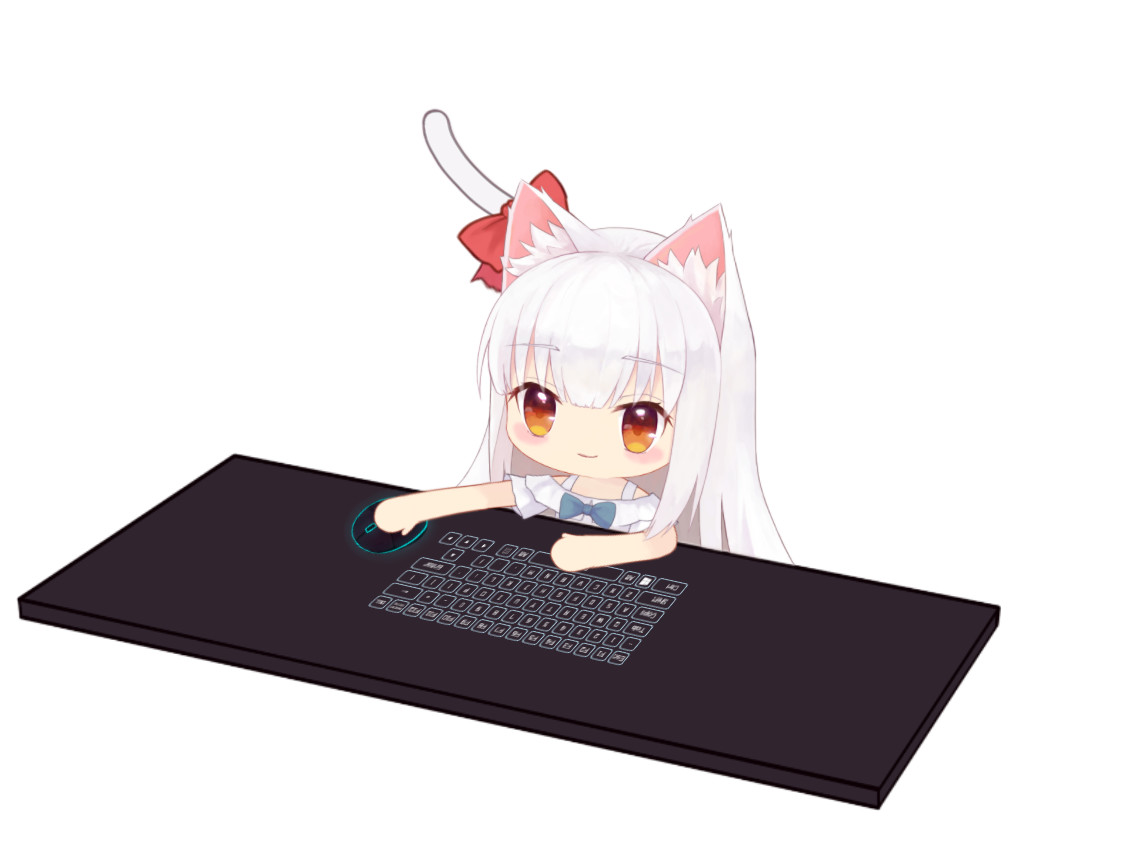
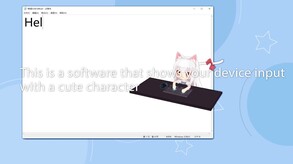


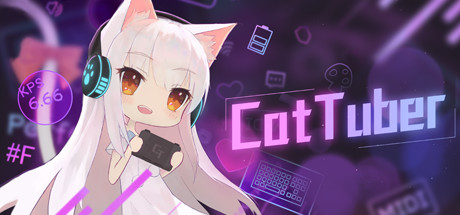
CatTuber can show your operation of keyboard, mouse and other devices with a cute virtual character. It can be used with live broadcast software such as OBS for game live broadcast, game video production, or simply placed on the computer screen as a decoration.
This is an Expandable Application officially licensed by Live2D Inc.
Currently, CatTuber can only run on win10 or above.
-------
Game live broadcast lacks vitality? Want to demonstrate gameplay but don't want to use a camera to shoot your hands? Don't like the cold interface of other software that displays operations? Then you can try CatTuber!
*More than the character, mouse and table, a variety of elements can be freely combined!
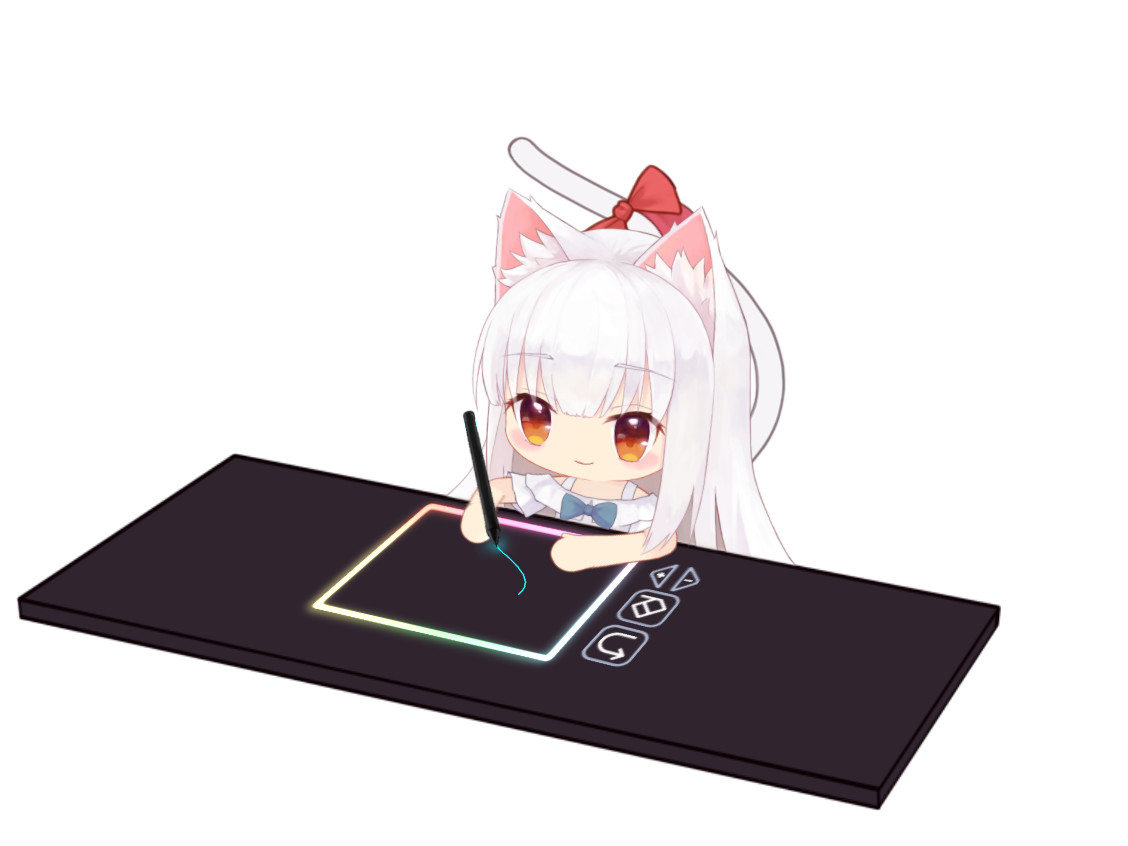
In addition to providing basic elements such as tables, characters, and mouses, the software also provides other functional decorations (such as a "KPS" that displays the number of keys per second, and a digital pen that has motion tracks). Each element has a certain number of models you can choose freely, you can mix and match as needed, and they will eventually be combined into the window content of the software. The models that come with the software can meet most needs. In addition to the models made for common games , you can find the models needed for typing, audio games, and painting in the software!
*Multi-window system
Different elements can be placed in different windows as needed. (Currently, only one window can be broadcast live in OBS. In subsequent development, each window can be broadcast live by means of a virtual camera)
* Preset system
The preset system can back up and archive some settings of the software, the position and size of windows, and the display content in the windows.That is to say, you can save the combination used for scene A and the combination used for scene B into different presets, and you can directly load the preset when needed without re-adding and setting elements.
*Custom Live2d models with new model ideas
The software will regard the folder as a resource package, and the model file can be recognized by the software by placing it in the specified folder according to the agreed method. The character and the table are modeled independently. As long as the user makes the character model according to the standard, this self-made character model can be used with all the existing tables of the same standard.The same is true for the table models.The same is true for the table model.
Steam data © 2026 Valve Corporation. Trademarks are property of their respective owners.
All matches
Finding similar games…
WarudoShares Video Production · Animation & Modeling , adds Anime92% · 672 positive reviews56%Good match— VTuber MakerShares Video Production · Animation & Modeling , adds Design & Illustration82% · 2k positive reviews53%Good match—
 VTuber EditorShares Video Production · Animation & Modeling , adds Design & Illustration76% · 331 positive reviews49%Loose match—
 RutonyChatShares Video Production · Animation & Modeling , adds Design & Illustration73% · 1k positive reviews49%Loose match—
 Wakaru ver. betaShares Video Production · Animation & Modeling , adds Anime88% · 374 positive reviews49%Loose match—
 Animaze by FaceRigShares Video Production · Animation & Modeling · Cute , adds Memes69% · 4k positive reviews48%Loose match—
All matches
The best games like CatTuber are Warudo, VTuber Maker, VTuber Editor, RutonyChat, and Wakaru ver. beta.
Match on: filter matches for CatTuber by tag