

 63%Good match
Pixeluvo
84%22584% positive reviews, Very Positive across 225 reviews·Software
—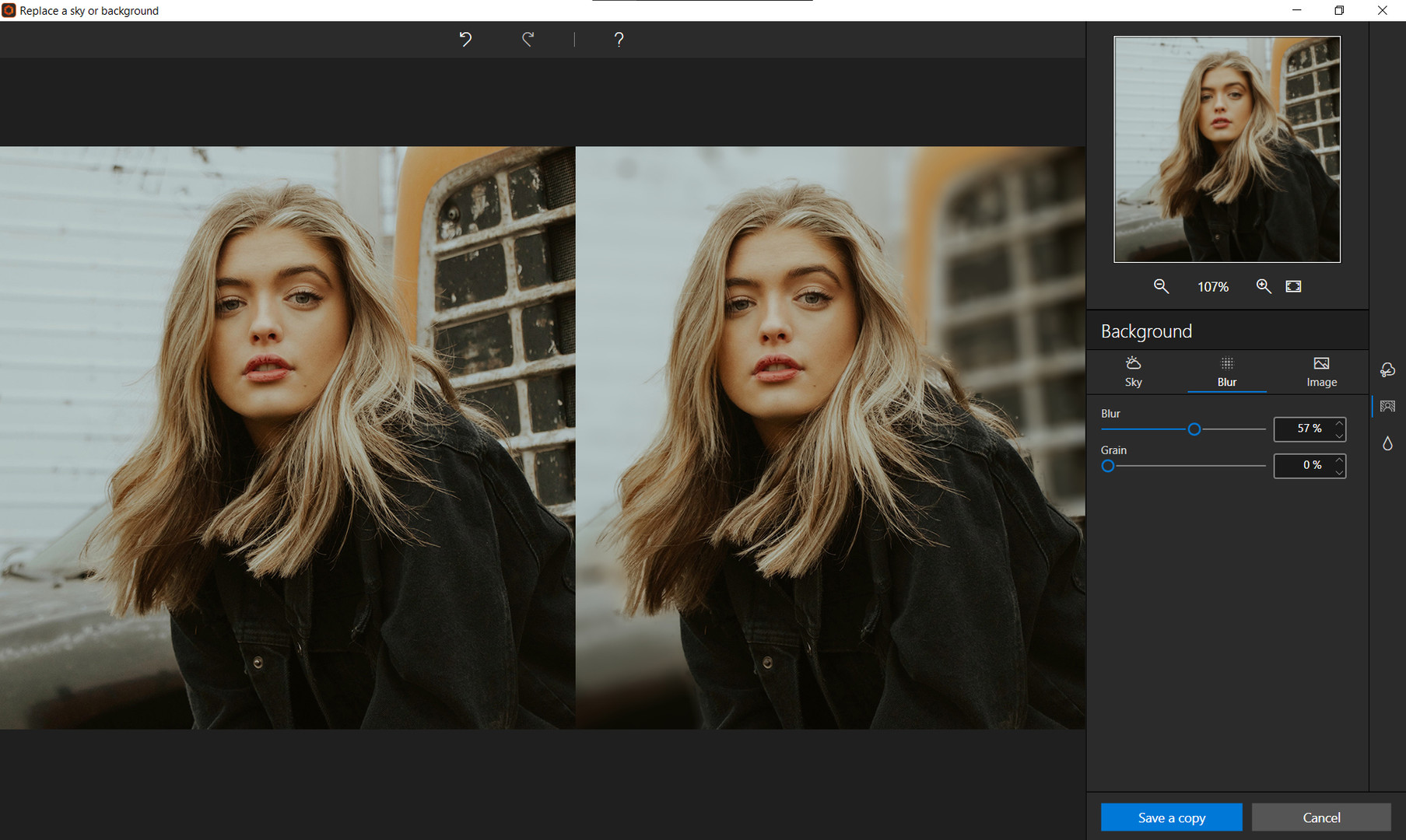
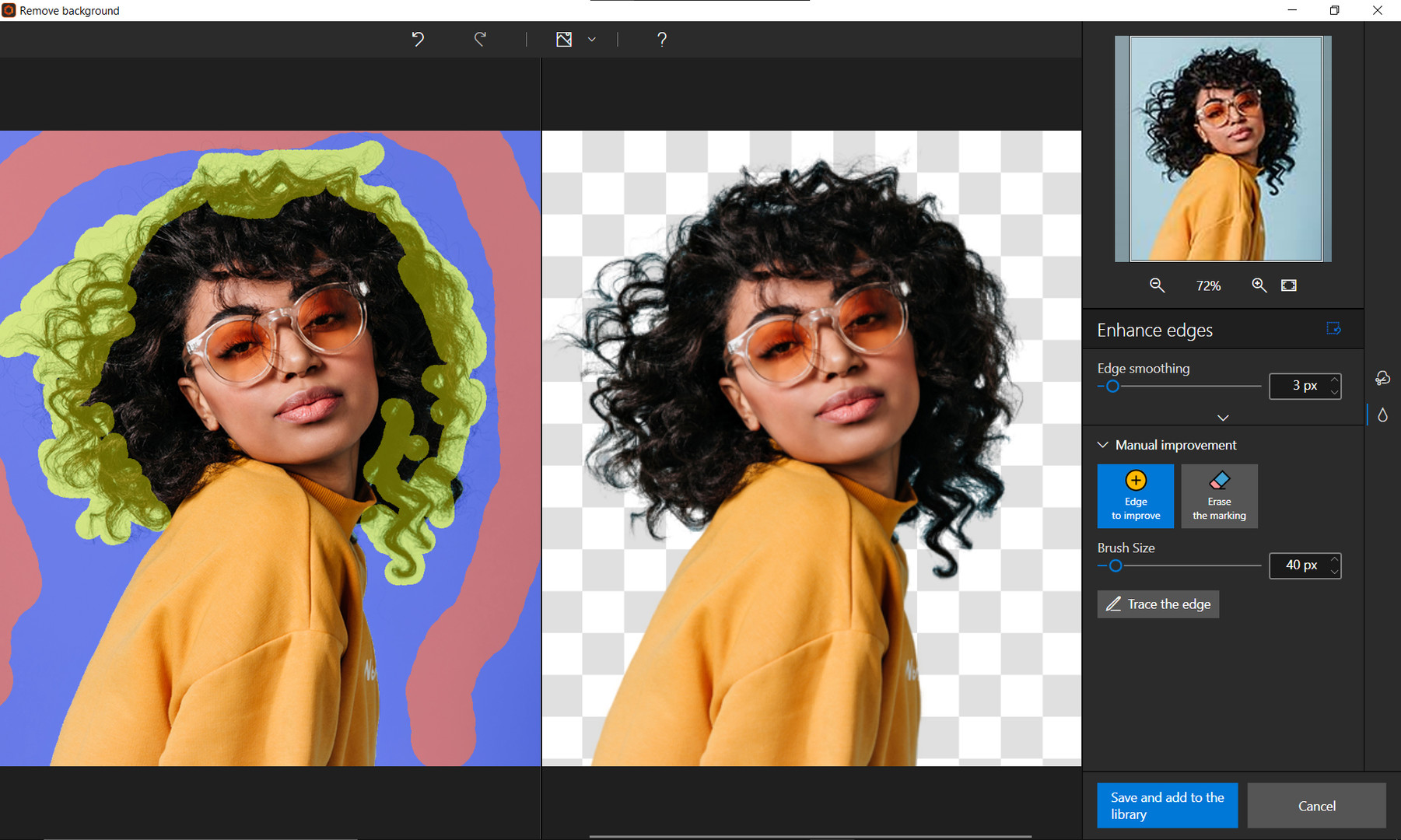

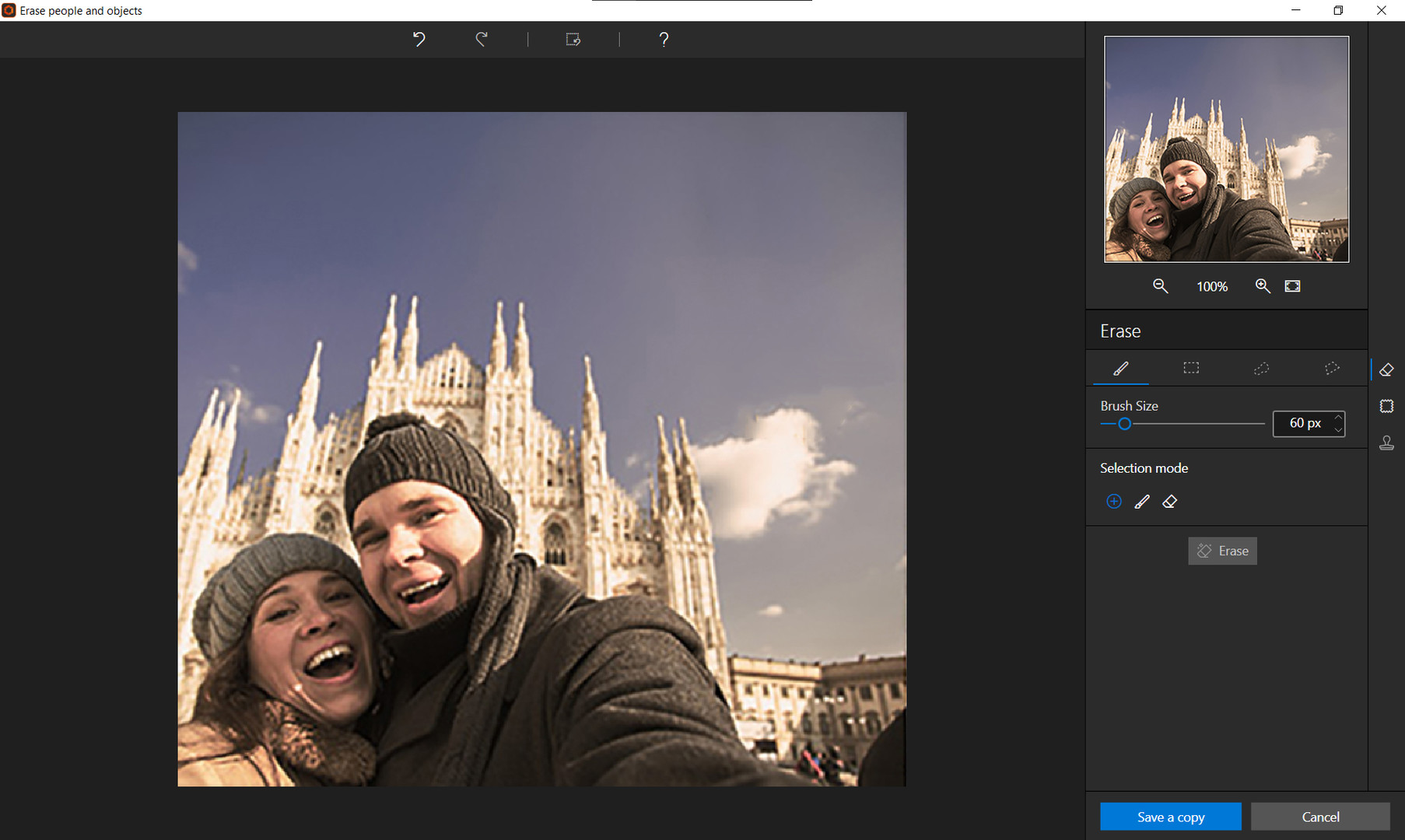
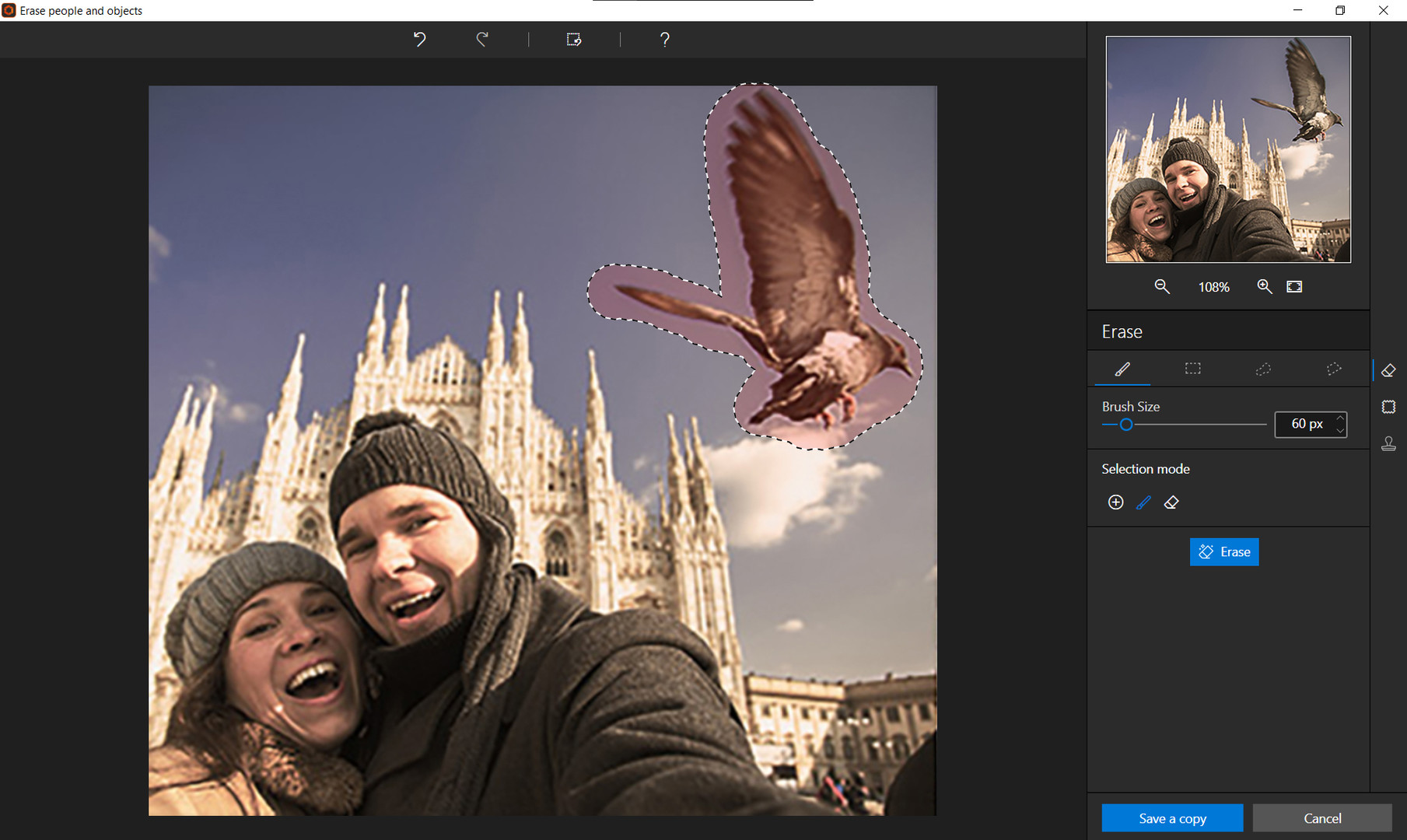
Photo editing has never been easier!
inPixio Photo Studio Pro is a software program for editing and improving your photos. It makes it simple and fast to:
In this professional version, you can also enjoy a whole host of new features, including sky replacement and background blur to enhance your photos. The result: original and creative photos worthy of a professional. Sky replacement The sky’s the limit! Make your photos more vibrant by switching the sky. Sunset or sunshine, create the atmosphere you want for your picture and say goodbye to dull skies
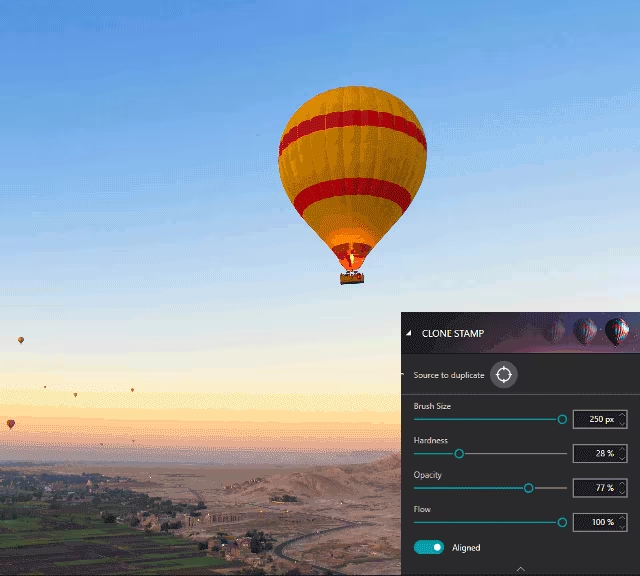
Remove objects from your photos The Erase function allows you to remove any object or person from your photo without any fall-off in the optimised quality. The erase tool features automatic detection of color contrasts, assisting you at any point in your path. inPixio Photo Studio allows you to erase an object just like an eraser, simply by highlighting the unwanted parts of the image, and reconstructs the structures of the background. Correct any residual imperfections with the Clone Stamp. Here are a few examples of use:

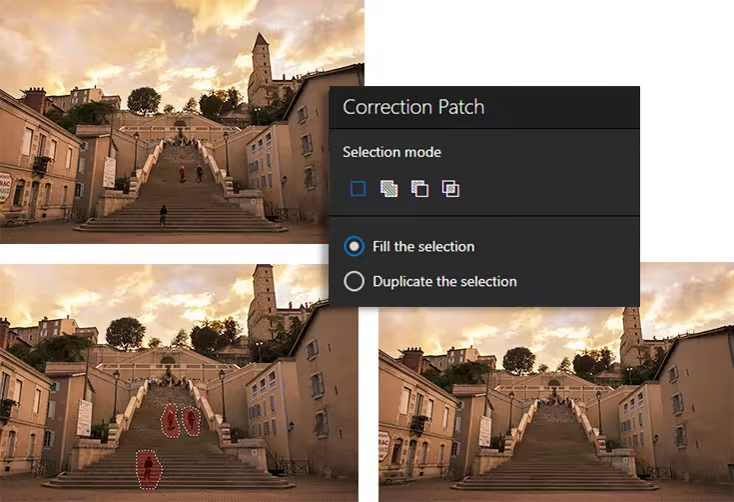
The Correction Patch tool allows you to get rid of imperfections, fill in or clone part of an image with just one flick of the mouse. It makes it easier to touch up areas that are hard to “reconstruct”. It can remove or add elements, even in areas that are very difficult to rebuild (steps, shading in the sky, etc.). Also use the patch to retouch portraits. Eliminate minor imperfections and make wrinkles less visible, like the glossy magazines do!
Use the Clone Stamp to perfect your editing or to clone contrasting features. Existing objects can be redrawn on the screen with the clone stamp. Repeat this process as often as you like to create amazing double effects!
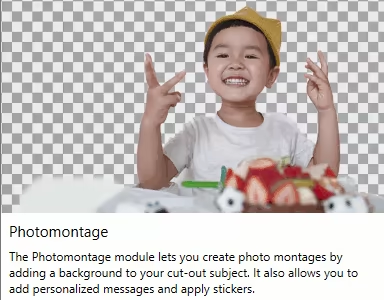
Create cut-outs and photomontages With inPixio Photo Studio, you can personalize your photos in no time: 1- Select a background image that will provide the starting base for your photomontage. 2- Add cut-out objects. Add objects and stickers to your background image. Choose from a hundred different stickers and text templates to add style to your photos and photomontages. Original content is available for every occasion (birthday, new baby, marriage, invitation...). These creations are fully editable (size, color, font, opacity).

Take things a step further with cut-out objects in inPixio Photo Studio! You can add your own cut-out objects (people or objects) by cutting them out of your photos. All you need to do is select the outline of the person or object, or the background to remove, and the Photo Studio algorithm runs automatically! You can also use the "keep" marker for important features to make sure your cut-out is perfect. Refine your cut-out by using the Enhance edges function on the trickiest areas of your image, such as hair or tree branches, to get the maximum amount of detail.
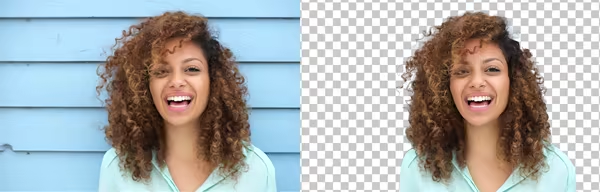
Background blur effect Make your subject pop by blurring the background. Create beautiful portraits worthy of a pro - no advanced photography skills needed.
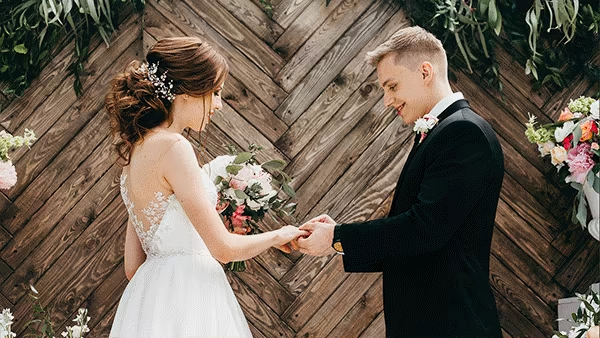
Automatic correction in 1 click: Amazing photos in just one click – using 100% automatic smart technology! Improve the quality and colors of your photos in under a second thanks to our fully automatic process. You no longer have to be a Photoshop expert to create perfect photos!
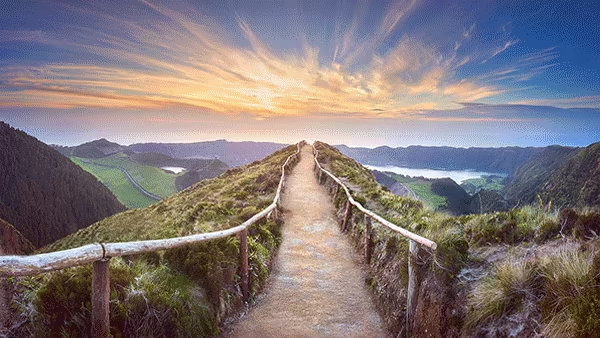
Perspective correction tool When taking a photo, perspective problems can arise if the camera is not far enough away from the subject. The most obvious case for perspective correction is shooting buildings from the ground. By playing with the perspective, you can easily straighten your subject.
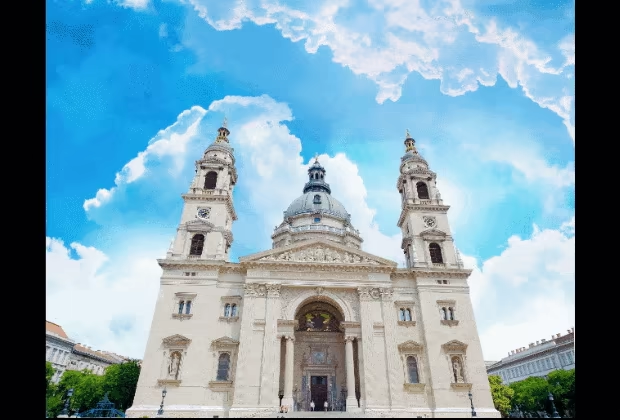
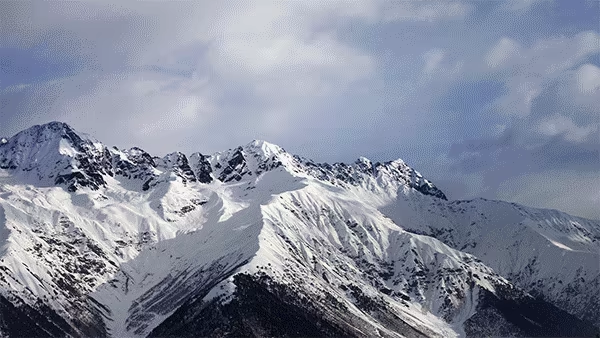
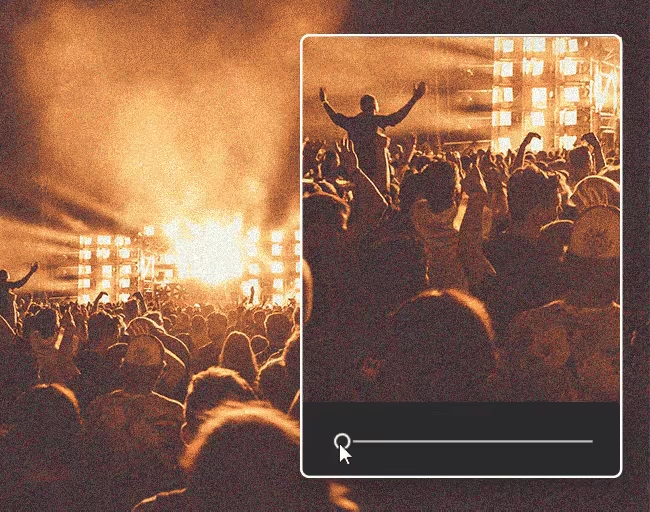
Denoise and Dehaze tools Noise is the grain that shows up on your photos when they lack luminosity. With the denoise tool, you can effectively reduce the noise in your photos.
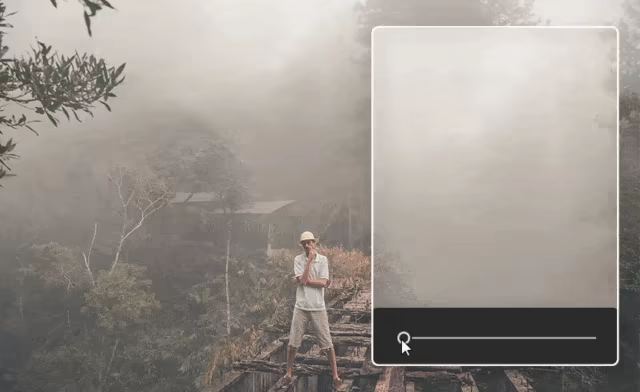
The (atmospheric) dehaze tool makes it possible to limit, or even remove altogether, the kind of unwanted fog effect which can often spoil your photos.
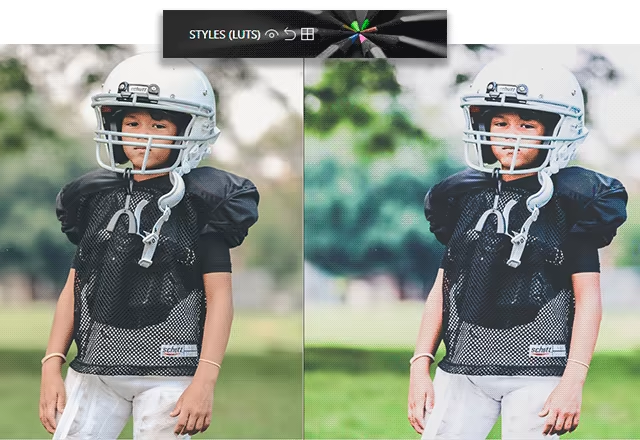
Addition of LUT styles Want to get incredible results in 1 click? Turn your pictures into one-of-a-kind shots by using styles worthy of a professional photographer. In just 1 click, your original photo is transformed and enhanced thanks to our selection of LUTs. You can also use this tool to import your own libraries or download and import free libraries from the Internet.
Also find,
User help Mini video Tooltips To get the most out of Photo Studio's features, mini videos have been added in the form of tooltips. All the features of the program are explained in a fun and dynamic way. Simply hover over one of the features to reveal a demonstration of what you can do with it.
Steam data © 2026 Valve Corporation. Trademarks are property of their respective owners.
All matches
Finding similar games…
PixeluvoShares Photo Editing , adds Design & Illustration84% · 225 positive reviews63%Good match— Pixel Studio - pixel art editorShares Photo Editing , adds Pixel Graphics95% · 6k positive reviews51%Good match—
 openCanvas 7Shares Photo Editing , adds Design & Illustration76% · 546 positive reviews50%Good match—
 openCanvas 6Shares Photo Editing , adds Design & Illustration86% · 570 positive reviews48%Loose match—
 Movavi Video Editor 202371% · 357 positive reviews45%Loose match—
 MovieMator Video Editor Pro - Movie Maker, Video Editing SoftwareShares Photo Editing , adds Video Production56% · 833 positive reviews45%Loose match—
All matches
The best games like inPixio Photo Studio Pro are Pixeluvo, Pixel Studio - pixel art editor, openCanvas 7, openCanvas 6, and Movavi Video Editor 2023.
Match on: filter matches for inPixio Photo Studio Pro by tag