

 59%Good match
openCanvas 7
76%54676% positive reviews, Mostly Positive across 546 reviews·Software
—

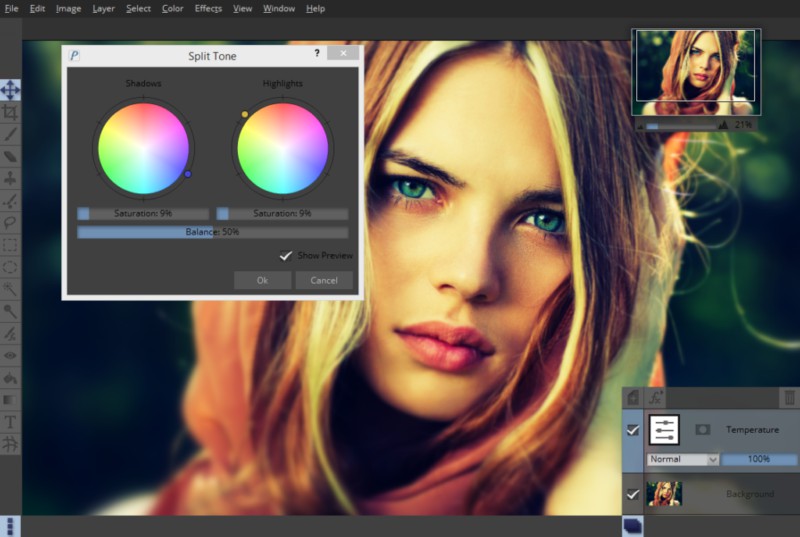
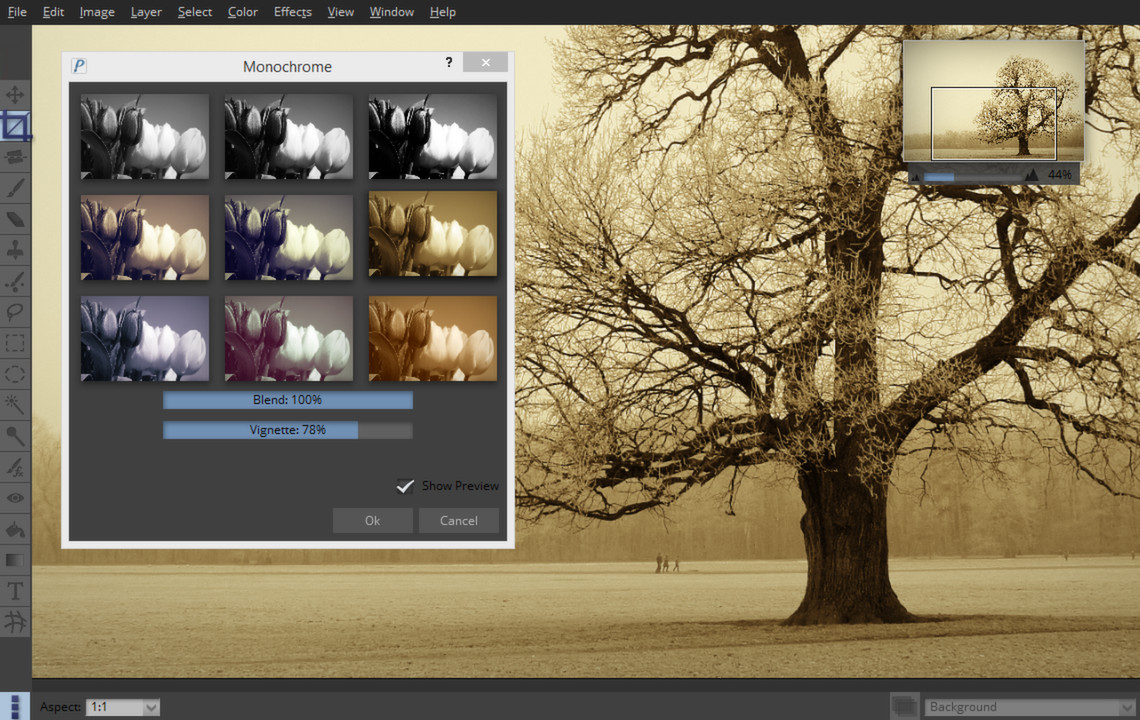
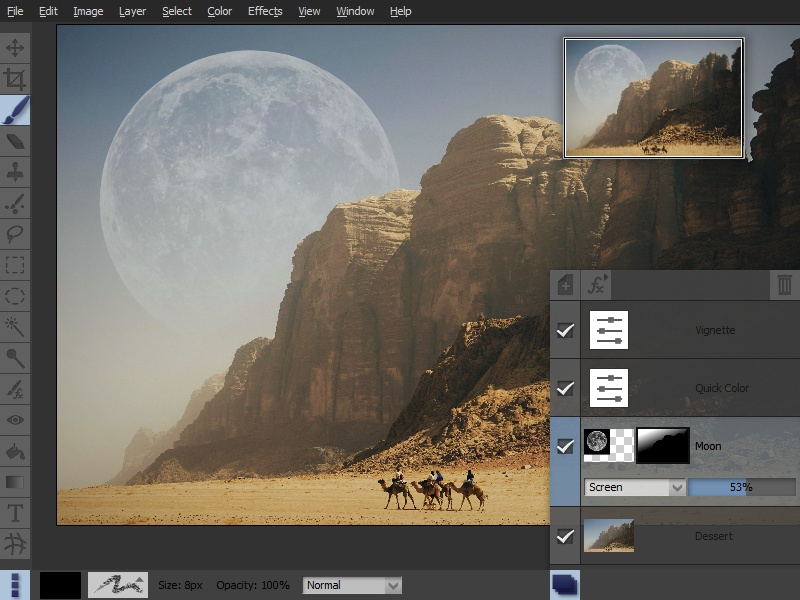
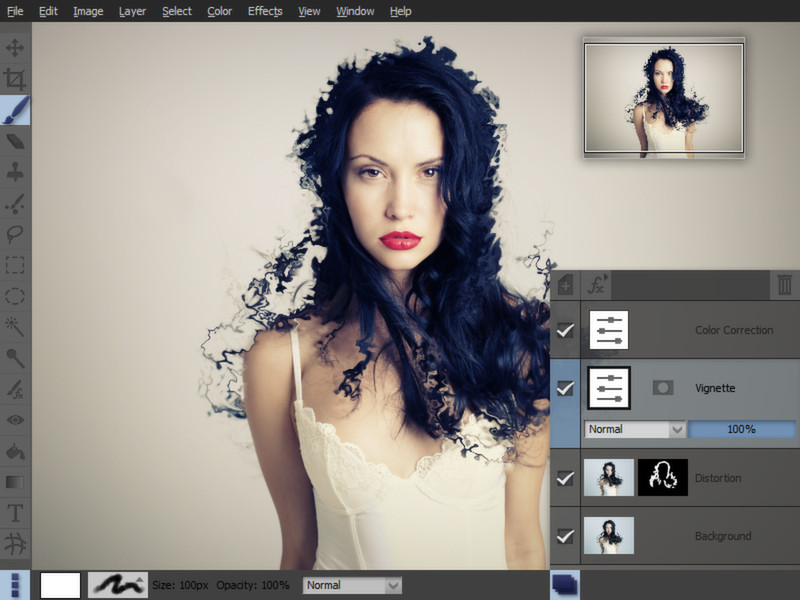
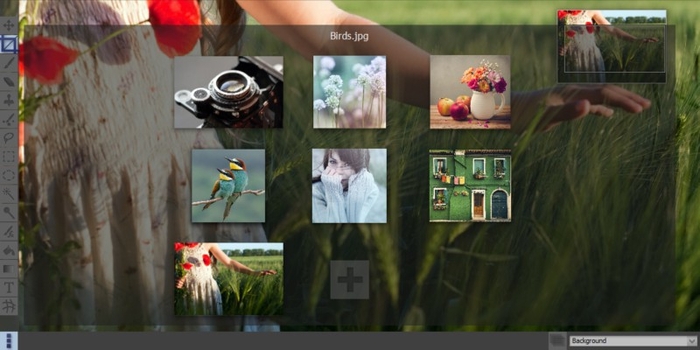
Pixeluvo is a beautifully designed image and photo editor for PC and Linux. It contains a wide range of advanced features including non-destructive editing via adjustment layers, full support for raw image formats, powerful color correction tools, realistic pressure-sensitive drawing tools and many image enhancement filters.
Pixeluvo is a beautifully designed image and photo editor for Windows. From simple photo cropping and resizing to complex image manipulation with multiple adjustment layers and masks, Pixeluvo can handle just about all your day-to-day image editing requirements. With its high quality toolset and attention to detail this is software that is simply a pleasure to use. Pixeluvo contains a wide range of advanced features including non-destructive editing via adjustment layers, full support for raw image formats, powerful color correction tools, realistic pressure-sensitive drawing tools and many image enhancement filters.
Photo Editing
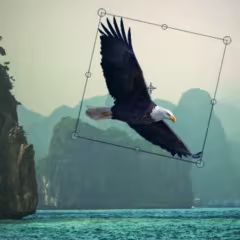
With Pixeluvo it is simple to crop, resize or rotate images. But of course it doesn’t end there. With just a few clicks you can:
Color Correction
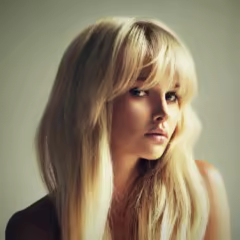
Pixeluvo contains a full range of color transform filters, allowing you to quickly transform the look of an image.
All the color correction filters can also be used in a non-destructive manner as adjustment layers, so you can come back and alter the settings at any time. RawTools
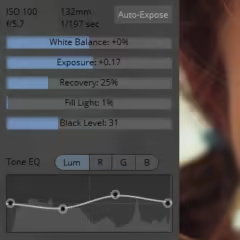
Pixeluvo contains a full high precision raw image processing pipeline.
When you are totally happy with the settings you can convert the layer to an ordinary bitmap layer in order to paint directly onto it, or apply destructive filters to it. Powerful Tools
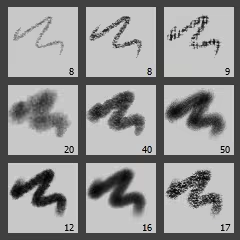
Pixeluvo includes many powerful tools for editing your images. The Paintbrush tool comes with many high quality brush presets for simulating real media, and supports pressure sensitive graphics tablets for even better realism and control. With the various selection tools you can quickly isolate regions for further editing. Other tools include:
Layers and Masks
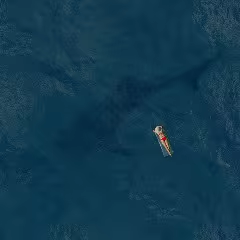
Using layers and masks can be an incredibly powerful way to build up complex images non-destructively.
Filters and Effects

Pixeluvo contains a wide selection of powerful filters and effects, from all kinds of blurs and distortion filters, to advanced image enhancement and unique painterly effects.
Modern User-Interface
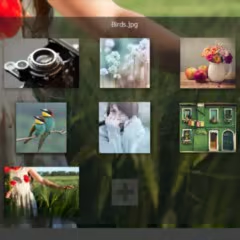
Pixeluvo’s interface has been carefully designed to be intuitive, beautiful, and to stay out of your way wherever possible. We think that you should be spending your time making your images look amazing, not wrestling with the user-interface. We have tried hard to make Pixeluvo as easy to use as possible, whilst at the same time making sure it is pleasing to look at.
Steam data © 2026 Valve Corporation. Trademarks are property of their respective owners.
All matches
Finding similar games…
openCanvas 7Shares Photo Editing · Design & Illustration76% · 546 positive reviews59%Good match— Pixel Studio - pixel art editorShares Photo Editing · Design & Illustration , adds Pixel Graphics95% · 6k positive reviews58%Good match—
 openCanvas 6Shares Photo Editing · Design & Illustration , adds Anime86% · 570 positive reviews55%Good match—
 PixelOverShares Design & Illustration , adds Animation & Modeling86% · 211 positive reviews53%Good match—
 FireAlpaca SEShares Photo Editing · Design & Illustration , adds 2D89% · 726 positive reviews50%Good match—
 Black InkShares Photo Editing · Design & Illustration , adds Animation & Modeling81% · 518 positive reviews44%Loose match—
All matches
The best games like Pixeluvo are openCanvas 7, Pixel Studio - pixel art editor, openCanvas 6, PixelOver, and FireAlpaca SE.
Match on: filter matches for Pixeluvo by tag