


 50%Good match
Warudo
92%67292% positive reviews, Very Positive across 672 reviews·Anime · Indie
—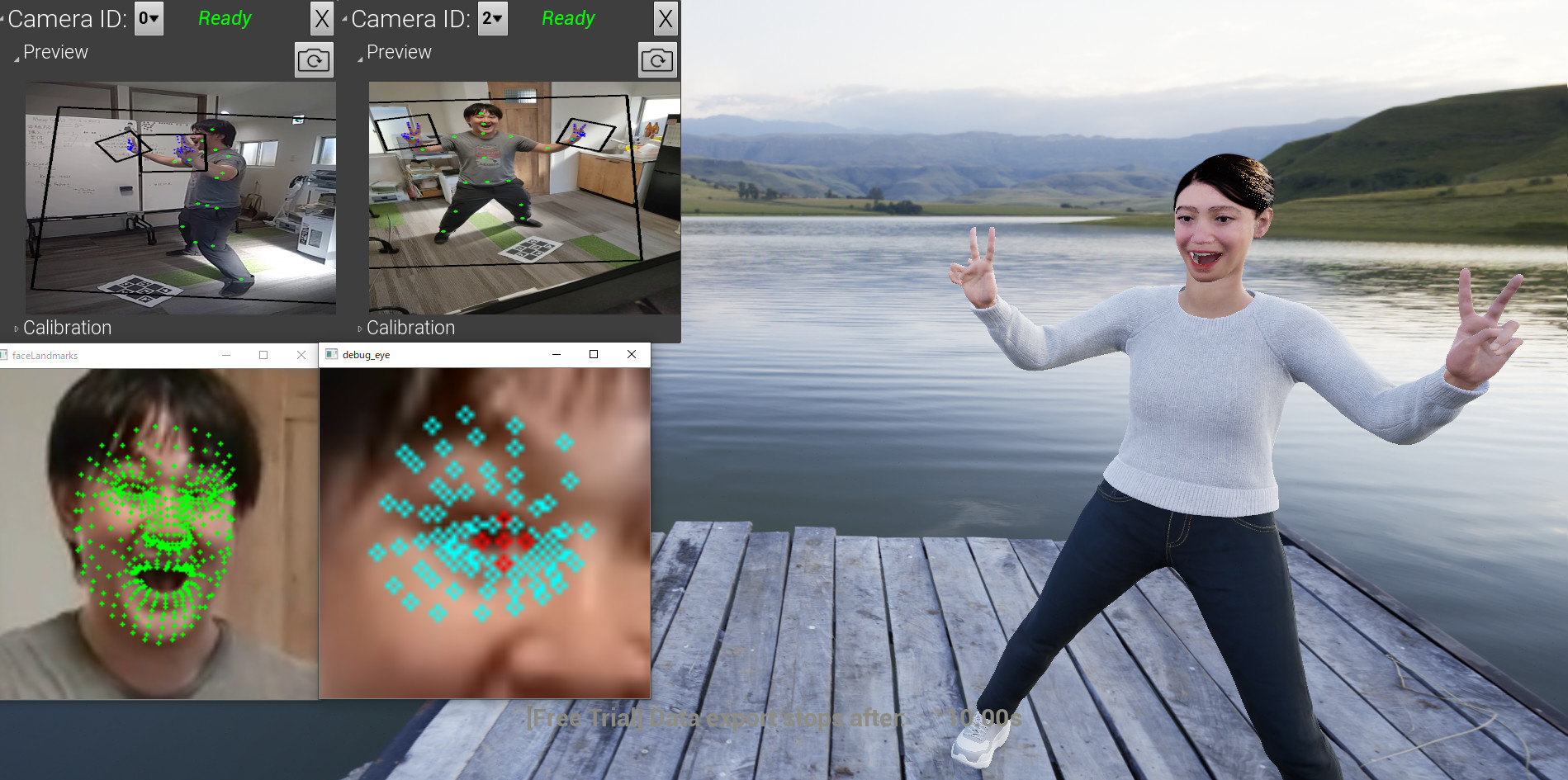
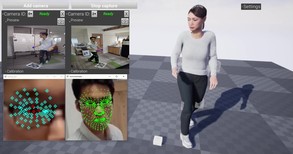
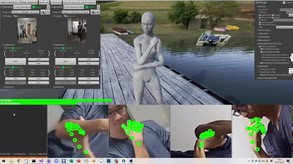
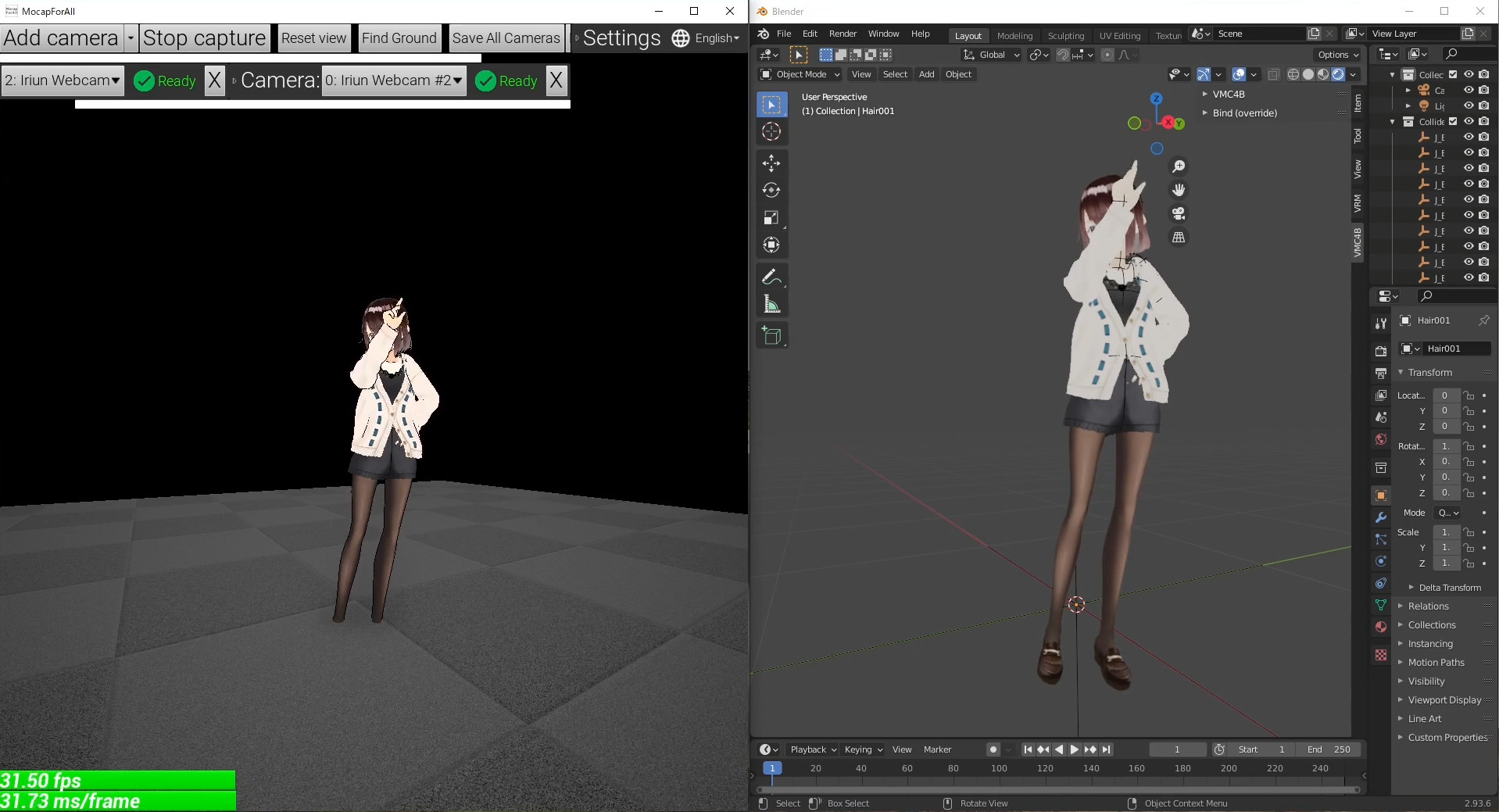

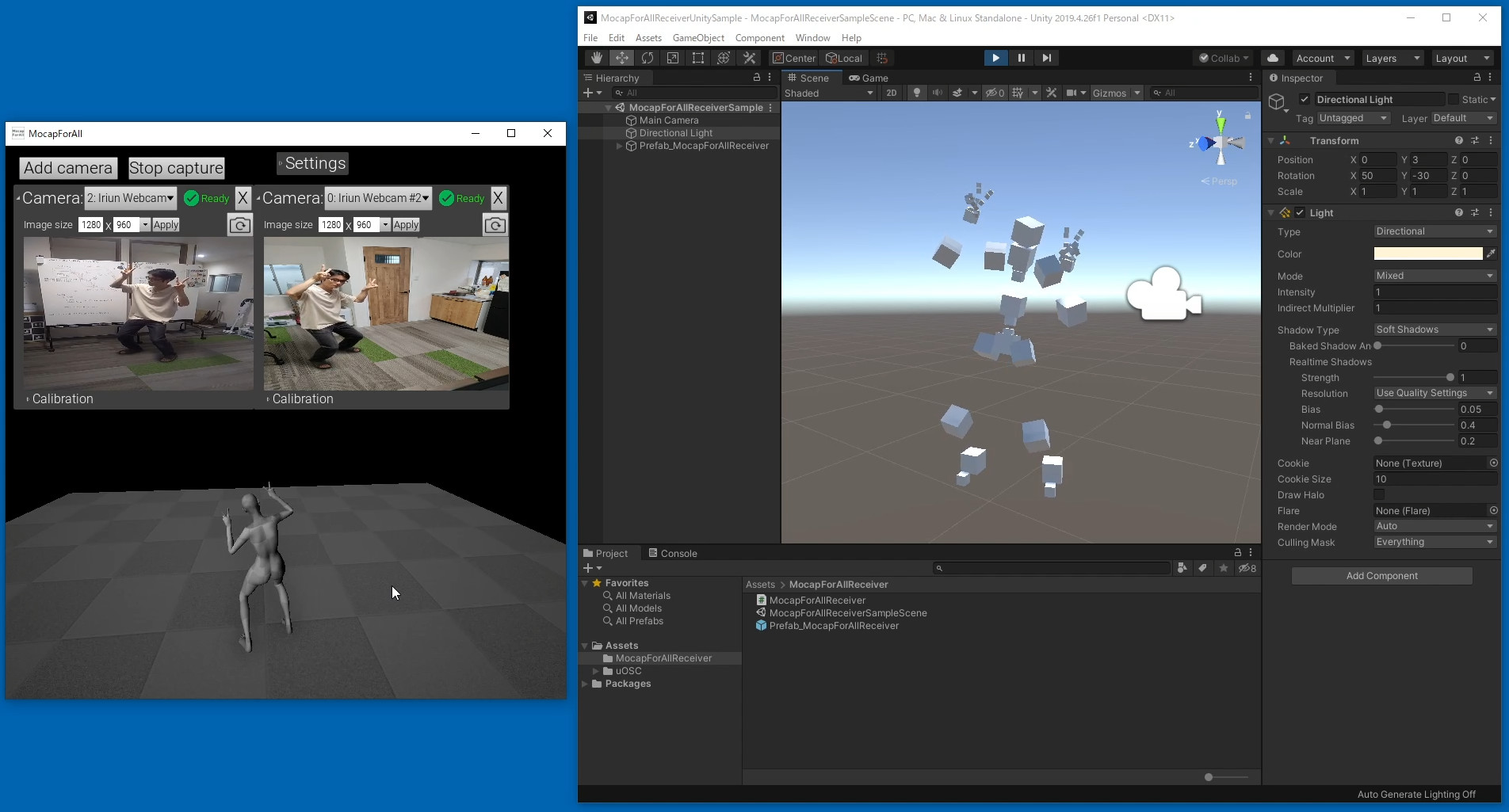
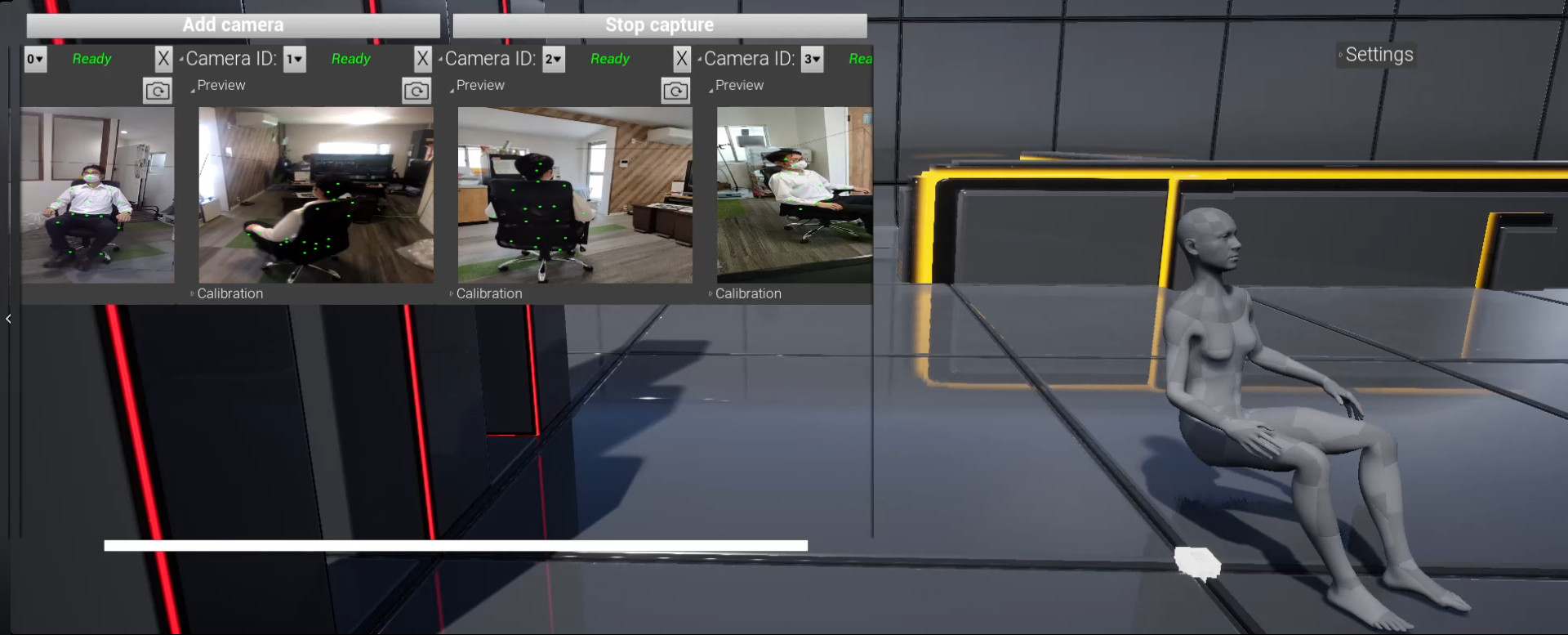
A Windows application that uses multiple webcams to capture human motion using AI. Captured motion can be exported via OSC (VMT, VMC) protocol or shared memory in real time, or saved as BVH files or FBX files. Hand tracking and face tracking supported.
-------- PLEASE TRY DEMO VERSION FIRST Make sure the app works in your environment before purchase. The demo version has limited functionality only for data export. -------- This is a Windows application that uses multiple webcams to capture human motion using AI.
You can capture human motion if you have the followings:
You can use regular webcams like the ones used in video conferences. You can also use apps that turns your smartphones or tablets into webcams.
For examples, it runs at
(*1) Both VMT protocol and VMC protocol use UDP/OpenSound Control. (*2) "VMT protocol" here refers to the message format used in the communication of Virtual Motion Tracker. The official HP of Virtual Motion Tracker does not use the word "VMT protocol", but MocapForAll uses the word "VMT protocol" for convenience. (*3) "VMC protocol" is a message format used for communication between applications such as VirtualMotionCapture. Note that VirtualMotionCapture itself is not required for other compatible apps to communicate with each other using VMC protocol. These allow you to do the followings: Use in SteamVR via Virtual Motion Tracker Through Virtual Motion Tracker, the capture motion can be used as virtual trackers in applications running on SteamVR. Use in Unreal Engine4, Unreal Engine5, Unity You can send the captured motion to Unreal Engine4, Unreal Engine5, or Unity for game development or video production.
Use in other apps via VMC protocol You can send the captured motion to various applications via the VMC protocol. The following are confirmed to work:
Save animations to files You can save the captured motion as BVH files and FBX files. It can be used with Blender etc. Create programs to receive data As the output specifications are open to public (except for FBX), you can even create your own programs to receive data from MocapForAll.
Steam data © 2026 Valve Corporation. Trademarks are property of their respective owners.
All matches
Finding similar games…
WarudoShares Animation & Modeling · Video Production , adds Anime92% · 672 positive reviews50%Good match— VTuber MakerShares Animation & Modeling · Video Production · Game Development , adds Design & Illustration82% · 2k positive reviews50%Good match—
 VBridgerShares Animation & Modeling77% · 217 positive reviews49%Loose match—
 Animaze by FaceRigShares Animation & Modeling · Video Production · Game Development , adds Memes69% · 4k positive reviews48%Loose match—
 Driver4VRShares VR , adds 6DOF62% · 1k positive reviews47%Loose match—
 Wakaru ver. betaShares Animation & Modeling · Video Production , adds Anime88% · 374 positive reviews47%Loose match—
All matches
The best games like MocapForAll are Warudo, VTuber Maker, VBridger, Animaze by FaceRig, and Driver4VR.
Match on: filter matches for MocapForAll by tag