icpaint screenshot 1
icpaint
icpaint screenshot 3
icpaint screenshot 4
icpaint screenshot 5
icpaint screenshot 6
icpaint screenshot 7
icpaint screenshot 8

Games Like icpaint

Apr 12, 2023·Tomoyuki Mizuma·
100%1 user reviews · 1
View on SteamBuyChecking stores…

icpaint is a painting application. many brush settings, many filters, vector layer, text layer, pixel art layer, adjustment layer, 3D, etc.

Top matches

Match strength key:80+65+50+<50
Finding similar games…

About icpaint

icpaint is a painting application.

Features

Compatible with WinTab (Wacom) and TabletPC
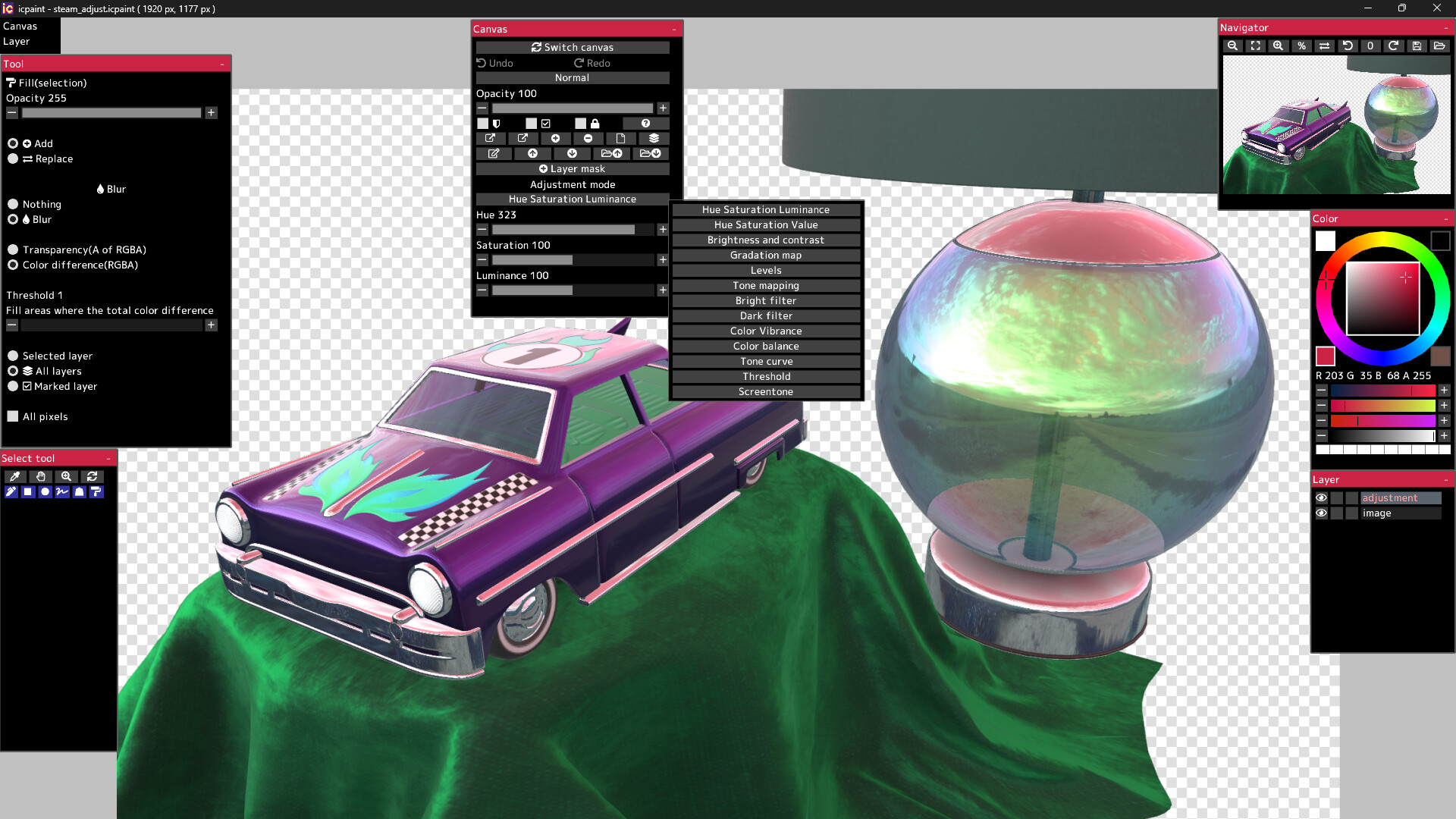
Layer type (drawing layer, group, adjustment layer, vector layer, text layer, pixel art layer, pixel art vector layer)
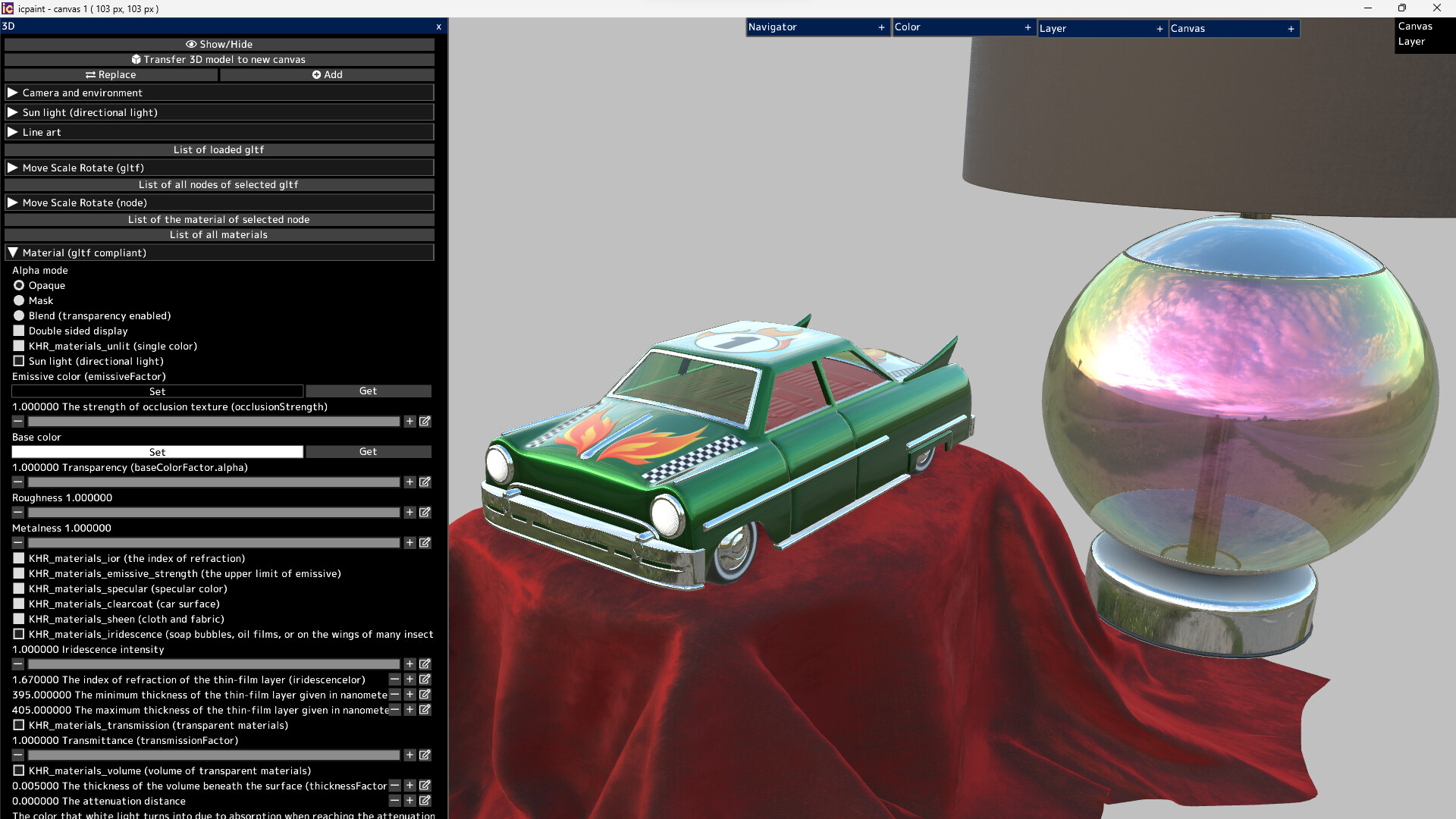
It can display very beautiful and realistic 3D. You can transfer it to a 2D canvas

Features (canvas)

Copy canvas to clipboard, Create canvas from clipboard
Resize canvas, Change resolution, Change the background of the canvas (plaid or color)
Flip horizontal, Flip vertical (canvas)
Canvas zoom, rotation, flip horizontal (view), The Ruler tool
Show guide (perspective ruler), Show grid, Adjust grid spacing
Save/Open psd, png, jpg, bmp, tga, tif, webp and gif
Save tif in CMYK for printing (RGB -> CMYK)
Save pdf
Save/Open a canvas in custom format (~.icpaint)
Recently used color, Color library
You can display the reference image
Tools to fill with various shapes (Rectangle, Rounded rectangle, Circle, Ellipse, Lasso, Polygon)
You can also paint on selections and layer masks in the same way
Select the drawing area of the layer, Blur 3x3 ~ 15x15 px (selection)
Save/Open selection, Transform selection
Recently used file list, Favorite file list

Features (layer)

Opacity, Clipping mask, Protected opacity, Layer mask, Lock layer
Duplicate layer, Erase layer, Transfer to lower layer, Combine with lower layer
Combine group, Merge all layers, Maximize layer opacity
Convert luminance to transparency, Rasterize layer, Convert layer to pixel art (254 colors)
Group all layers, Ungroup layers
Fill, Reorder layers, Paper texture
Move, Transform, Perspective transform
Liquify filter, Transform by numerical input
Resize, Flip horizontal, Flip vertical, Rotate 90°
Noise removal, Blur 3x3 ~ 15x15 px
Retouch filter (Clone Stamp tool)
Copy layer to clipboard, Paste clipboard
Create gradation (Linear or circular)
Save/Open layer mask, Transform layer mask, Blur (layer mask)
You can display a list of layers that draw the pixel at the cursor position by Ctrl + right-clicking
Show layer thumbnail, Show layer mask thumbnail
You can reorder layers by dragging and dropping layers in the layers window

29 Blending modes

Normal, Darken, Multiply, Color Burn, Linear Burn, Subtract, Lighten, Screen
Color Dodge, Color Dodge(Glow), Add, Add(Glow), Overlay, Soft Light, Hard Light
Difference, Vivid Light, Linear Light, Pin Light, Hard Mix, Exclusive
Color Darken, Color Lighten, Divide, Hue, Saturation, Color, Luminosity, Pass Through

Features (brush)

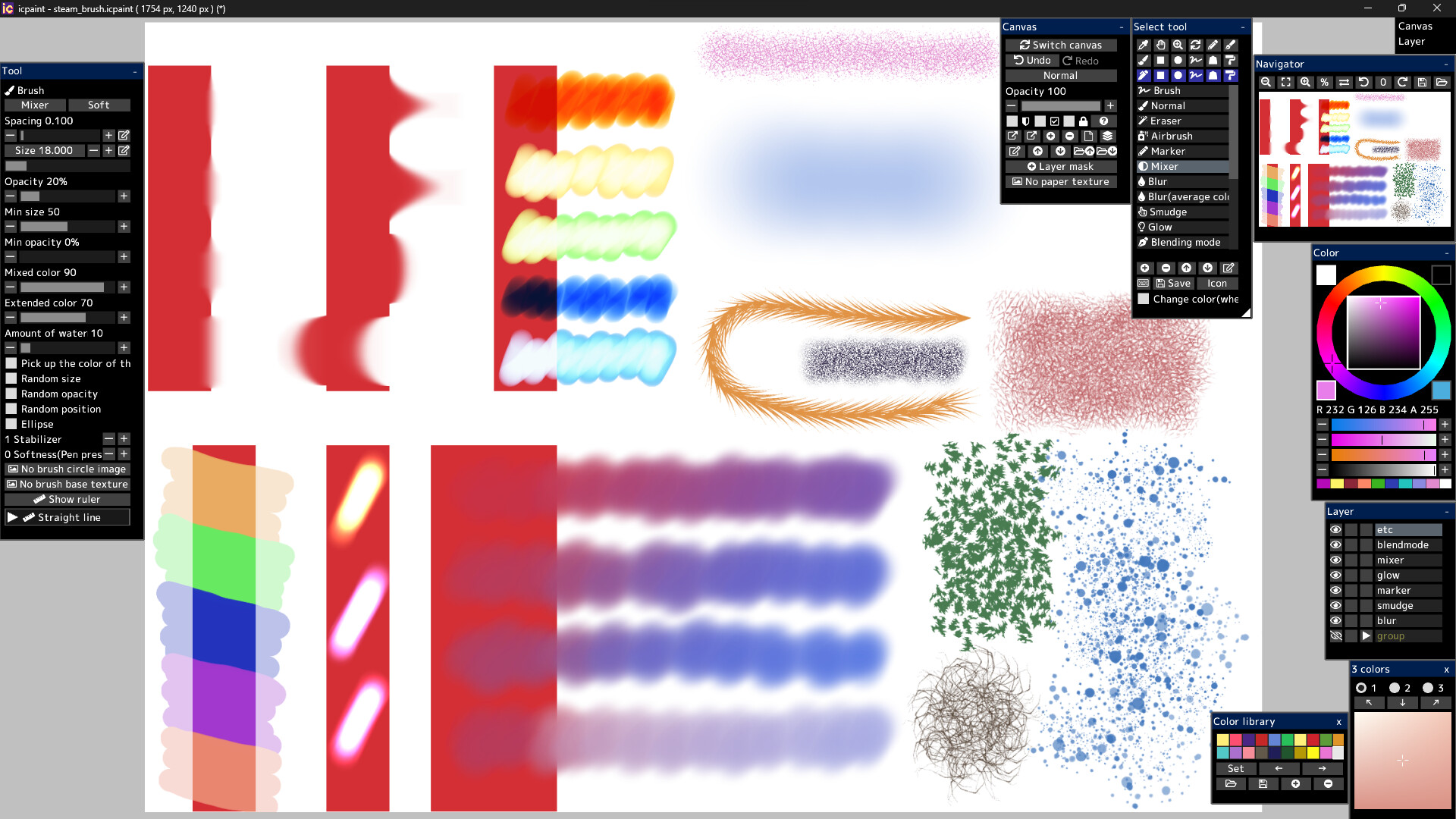
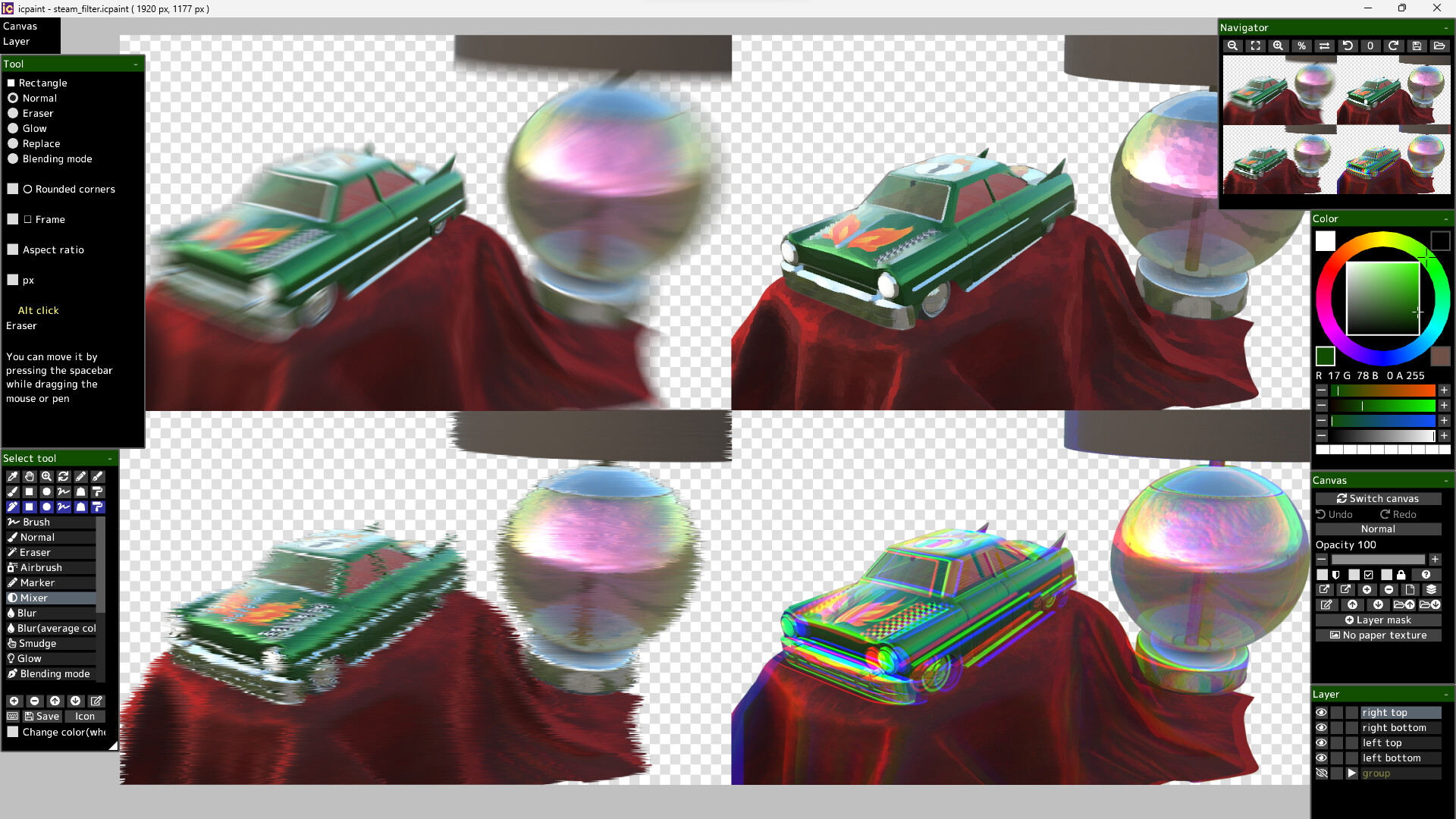
Brush modes (Normal, Eraser, Marker, Mixer, Blur, Blur(average color), Smudge, Glow, Blending mode)
Brush circle image, Brush base texture
Stabilizer, Spacing, Opacity, Min size, Min opacity
Random size, Random opacity, Random position, Random angle, Ellipse
Mixed color, Extended color, Amount of water, Blur area, Softness
Brush preset
You can set a shortcut key for each brush preset
You can draw brush strokes along the ruler
This ruler has the same feature as curves in vector layers

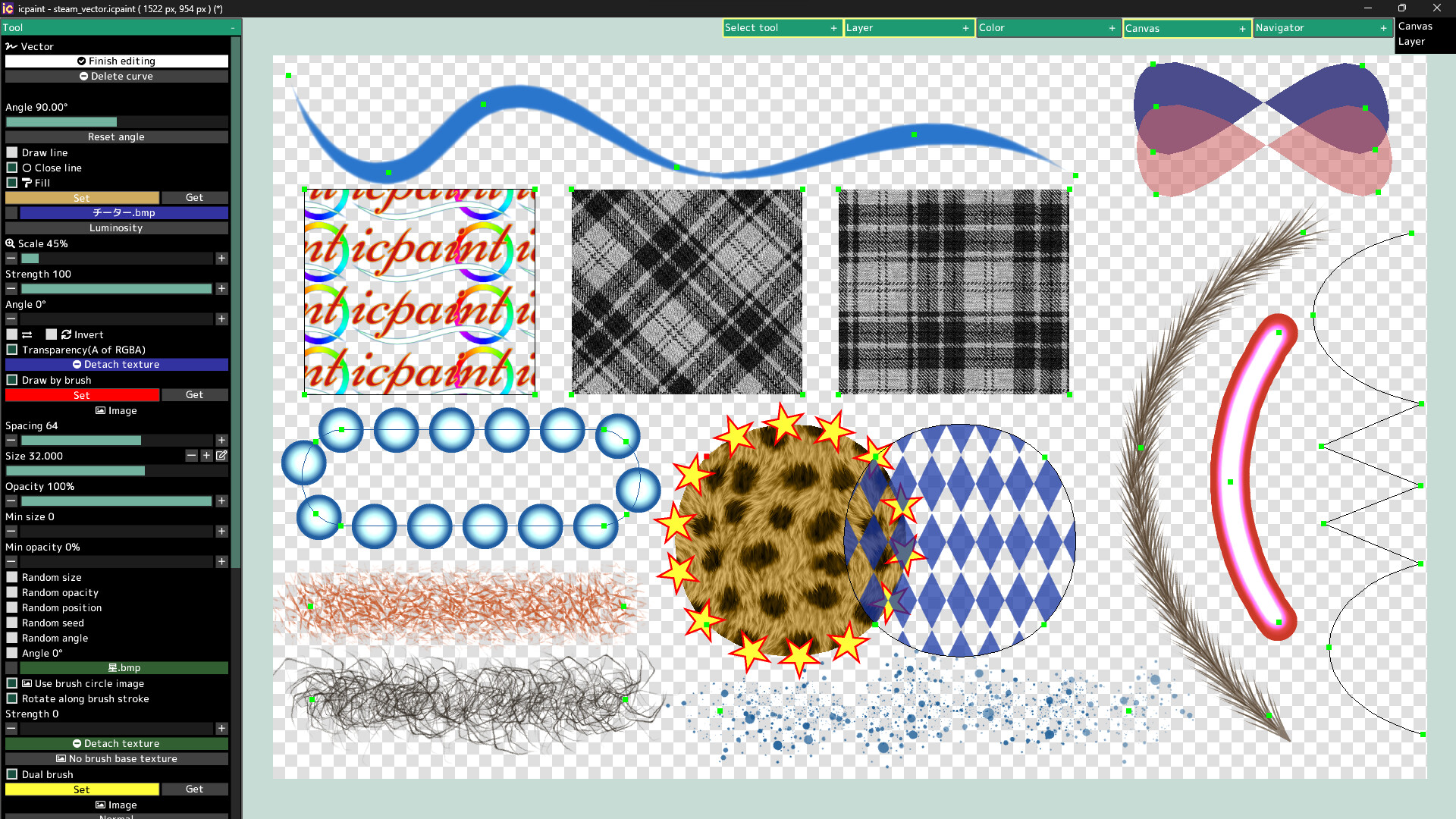
Features (vector layer)

You can draw curves and straight lines by moving control points
You can close the curve and automatically fill the inside of the curve
You can automatically draw along the curve with a brush
Dual brush
Texture for fill
You can also fill with a gradient (linear or radial)
You can adjust the start point, end point, mid point and color stop of the gradient

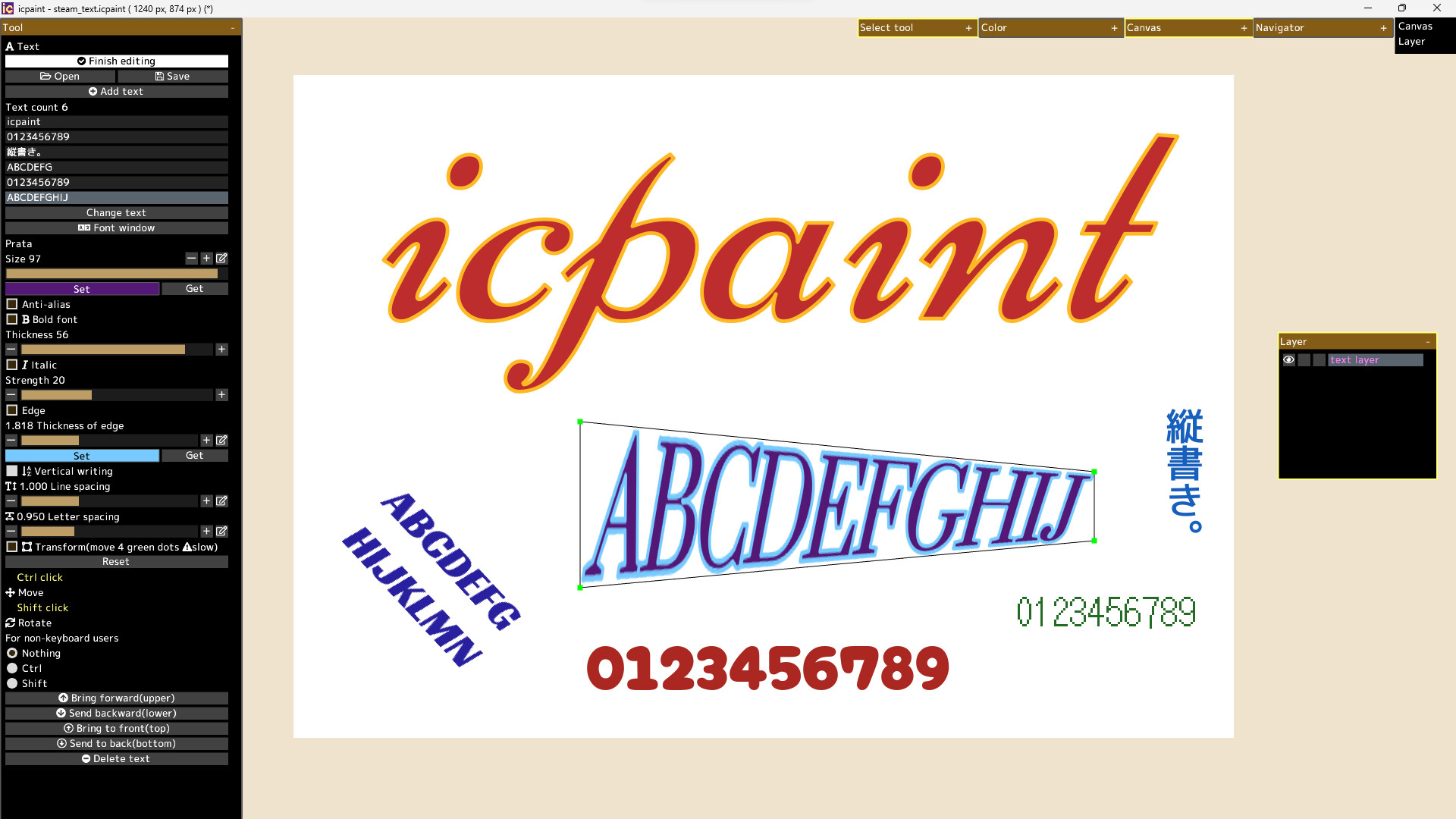
Features (text layer)

Anti-alias, Bold font, Italic, Edge, Vertical writing, Line spacing, Letter spacing
Open fonts (ttf, ttc, otf, otc)
Transform/Rotate the text layer
You can freely move the four vertices surrounding the text

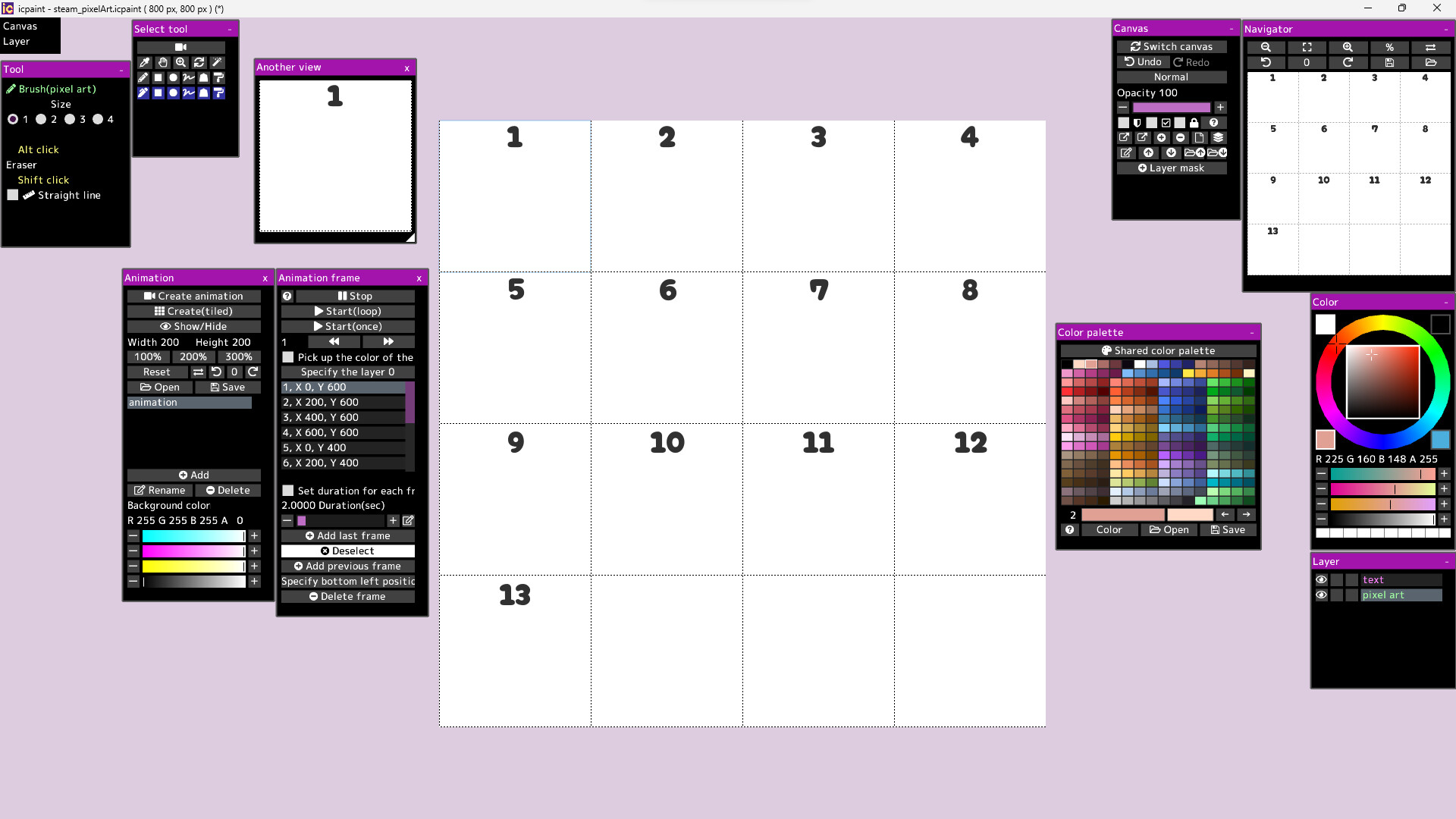
Features (pixel art layer)

Pixel art layer is a layer limited to transparent colors and 254 colors
A color index is a number from 0 to 255
The 0th color index is the transparent color
The pixel art layer is painted with a color index and displayed in RGB corresponding to that color index
You can freely change the colors in the canvas by changing the colors in the color palette
You can play the animation by drawing each frame of the animation in the canvas
You can adjust animation speed etc.
Save/Open animation (gif, webp)
Save/Open color palette
Pixel grid

Features (3D)

Open 3d model (gltf, glb)
Multiple 3D models can be opened and placed freely
You can adjust the material parameters of each 3D model
You can transfer 3D model to new canvas (2D) as it is
Line art (3D)

13 adjustment modes for adjustment layer

Hue Saturation Luminance, Hue Saturation Value, Brightness and contrast
Gradation map, Levels, Tone mapping, Bright filter, Dark filter, Color Vibrance
Color balance, Tone curve, Threshold, Screentone

50 filters

Chromatic aberration, Directional blur, Particulate blur, Gaussian blur, Radial blur, Sharp
Mosaic, Swirl, Ripple, FishEye lens, Water distortion, Wave, Shaking, Oil painting, etc.

It will not work on computers that do not support Vulkan. The Guides in the Community Hub has detailed instructions.

Steam data © 2026 Valve Corporation. Trademarks are property of their respective owners.

All matches

Similar games to icpaint

Finding similar games…