





 47%Loose match
XWidget
68%43368% positive reviews, Mixed across 433 reviews·Animation & Modeling · Design & Illustration
—Customize Windows 10/11 PCs with skins for your Start menu, taskbar, window frames, and control buttons. Modify skins by adjusting font, colors, transparency, and more for a truly unique design.
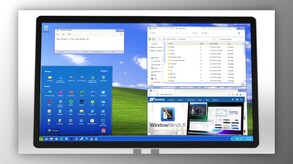
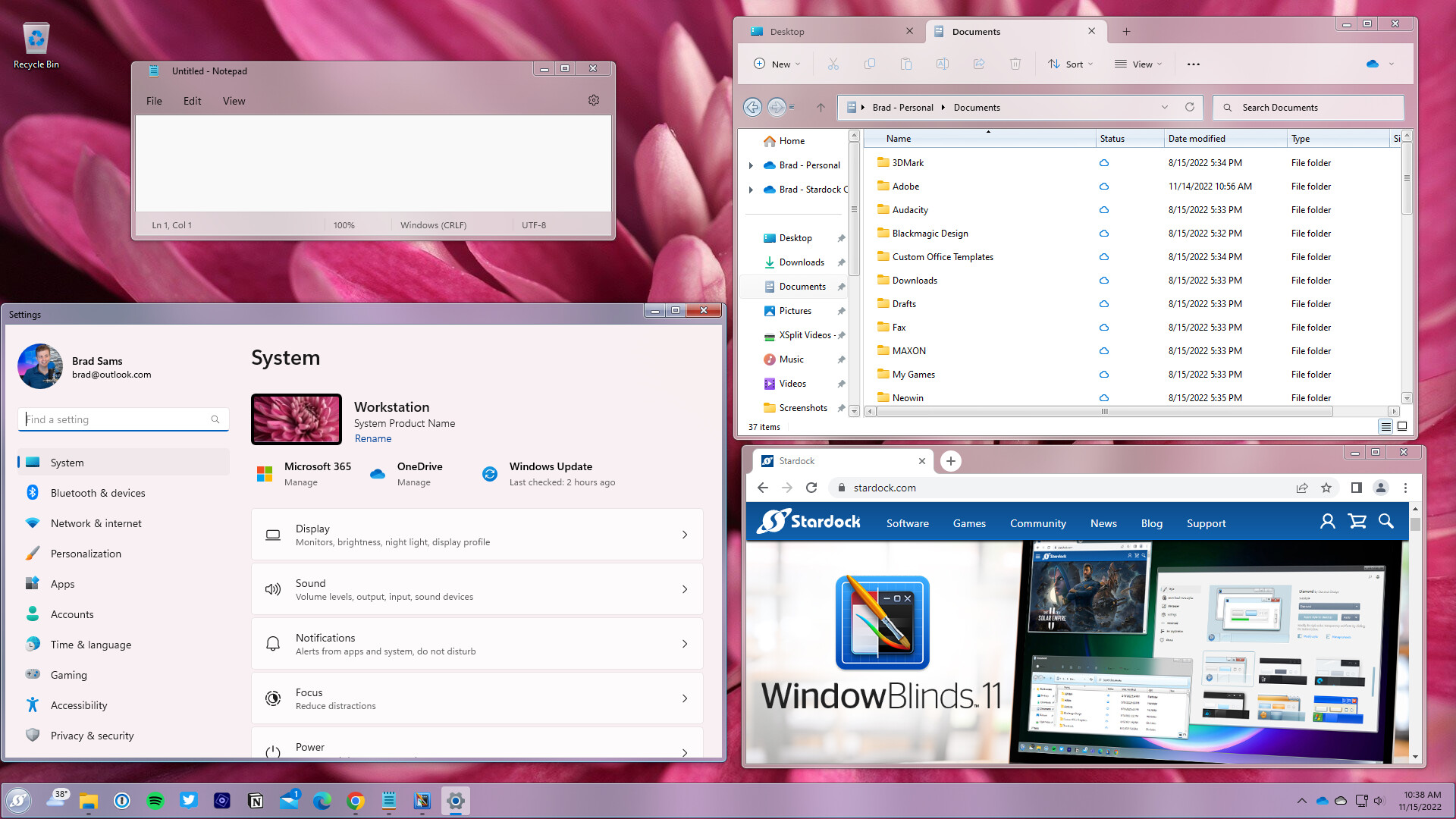
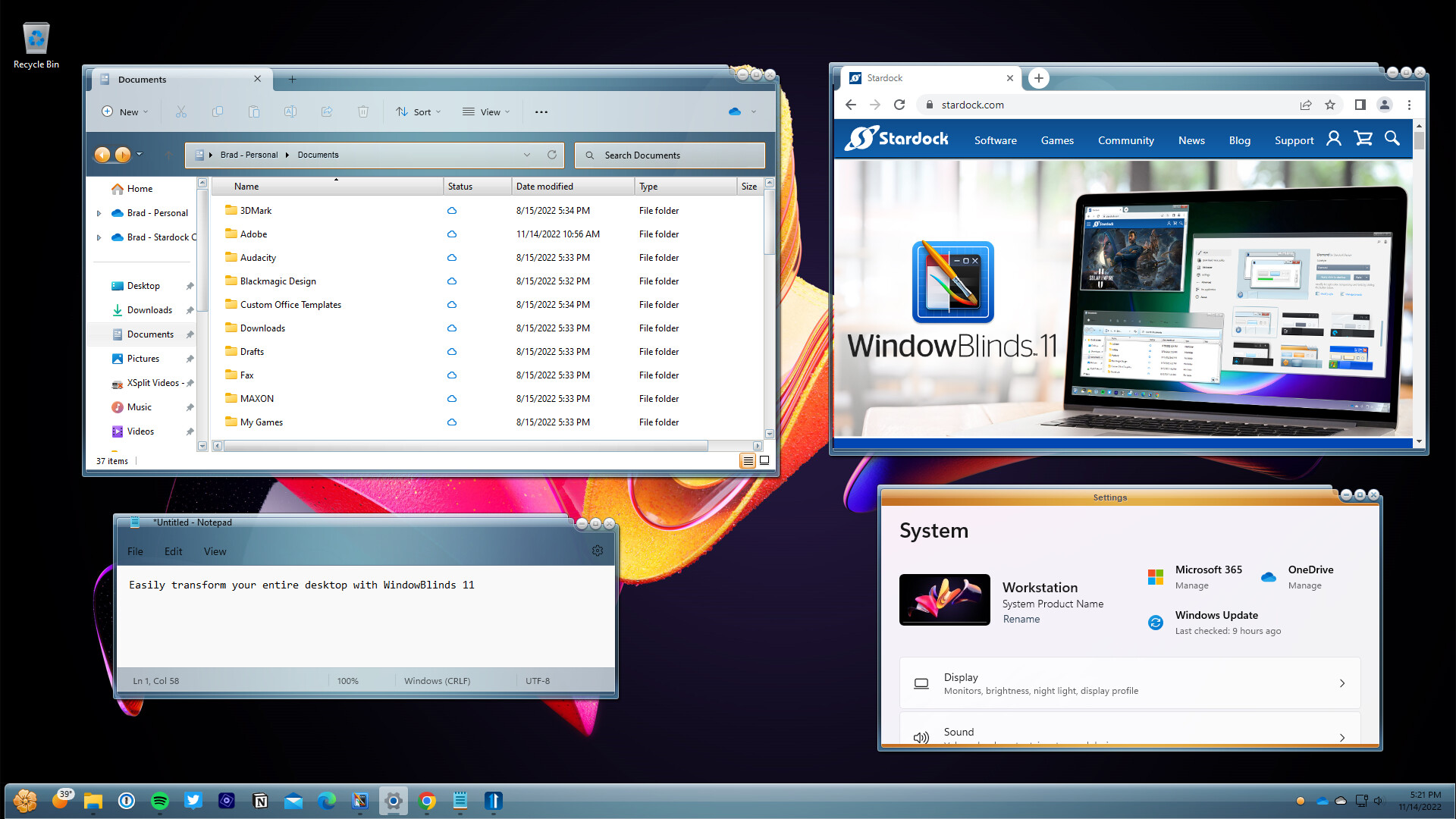
Make your Windows 10 and 11 desktops unique with WindowBlinds 11! Customize the Start menu*, taskbar, window frames, and control buttons on up to five devices. WindowBlinds lets you customize desktop interface themes called skins to personalize the look and feel of your desktop.
Visual styles: Select a skin from the many included with WindowBlinds, or browse thousands of skins from right within the app. Alternative skins: Select skins have multiple sub-styles that can be applied to suit your personal tastes. You can also save your style combinations as presets for quick access later. Integrate with Start11: When paired with Start11, you can theme your entire desktop to look like an alternative operating system such as Windows XP.
Add color: Personalize any skin by choosing from a huge array of color options. Fonts: Add some character to your skins with unique fonts. Transparency: Make your skins the center of attention, or allow them to blend into your backgrounds by increasing transparency.
Easy set-up: Quickly and intuitively navigate the configuration menu to easily personalize your desktop. Instantly preview your selections and adjustments before you apply them. Presets: Save changes to your skins by creating a preset. Presets enable you to access previous customizations and apply them quickly. Love tweaking your creations? Presets can be updated and deleted. Per application skinning: Choose skins for each of your application types. Make your word processing software stand out from your design programs by giving each one a unique look with a different skin or color scheme. Exclude applications from WindowBlinds or choose other compatibility settings to fit your style.
Steam data © 2026 Valve Corporation. Trademarks are property of their respective owners.
All matches
Finding similar games…
XWidgetShares Design & Illustration · Animation & Modeling68% · 433 positive reviews47%Loose match— DisplayFusionShares Utilities86% · 1k positive reviews46%Loose match—
 RainWallpaperShares Design & Illustration · Animation & Modeling61% · 683 positive reviews44%Loose match—
 Live Wallpaper MasterShares Design & Illustration · Animation & Modeling , adds Photo Editing73% · 601 positive reviews43%Loose match—
 OVR Toolkit - Desktop OverlayShares Utilities , adds VR86% · 3k positive reviews43%Loose match—
 Decent IconsShares Design & Illustration81% · 226 positive reviews42%Loose match—
All matches
The best games like WindowBlinds 11 are XWidget, DisplayFusion, RainWallpaper, Live Wallpaper Master, and OVR Toolkit - Desktop Overlay.
Match on: filter matches for WindowBlinds 11 by tag