


 61%Good match
Simple Sight - Crosshair Overlay
94%72594% positive reviews, Very Positive across 725 reviews·Software · Shooter
—

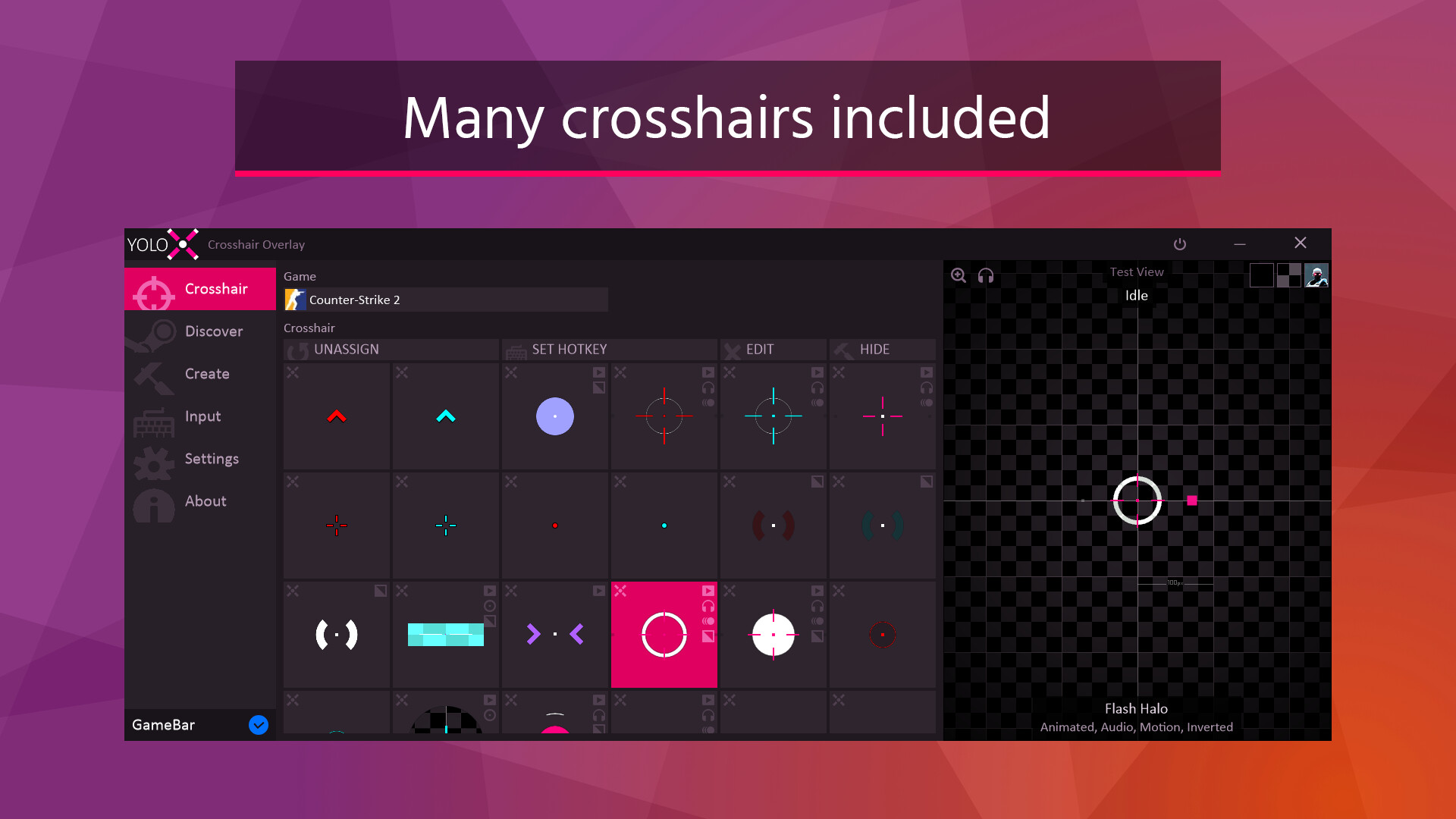
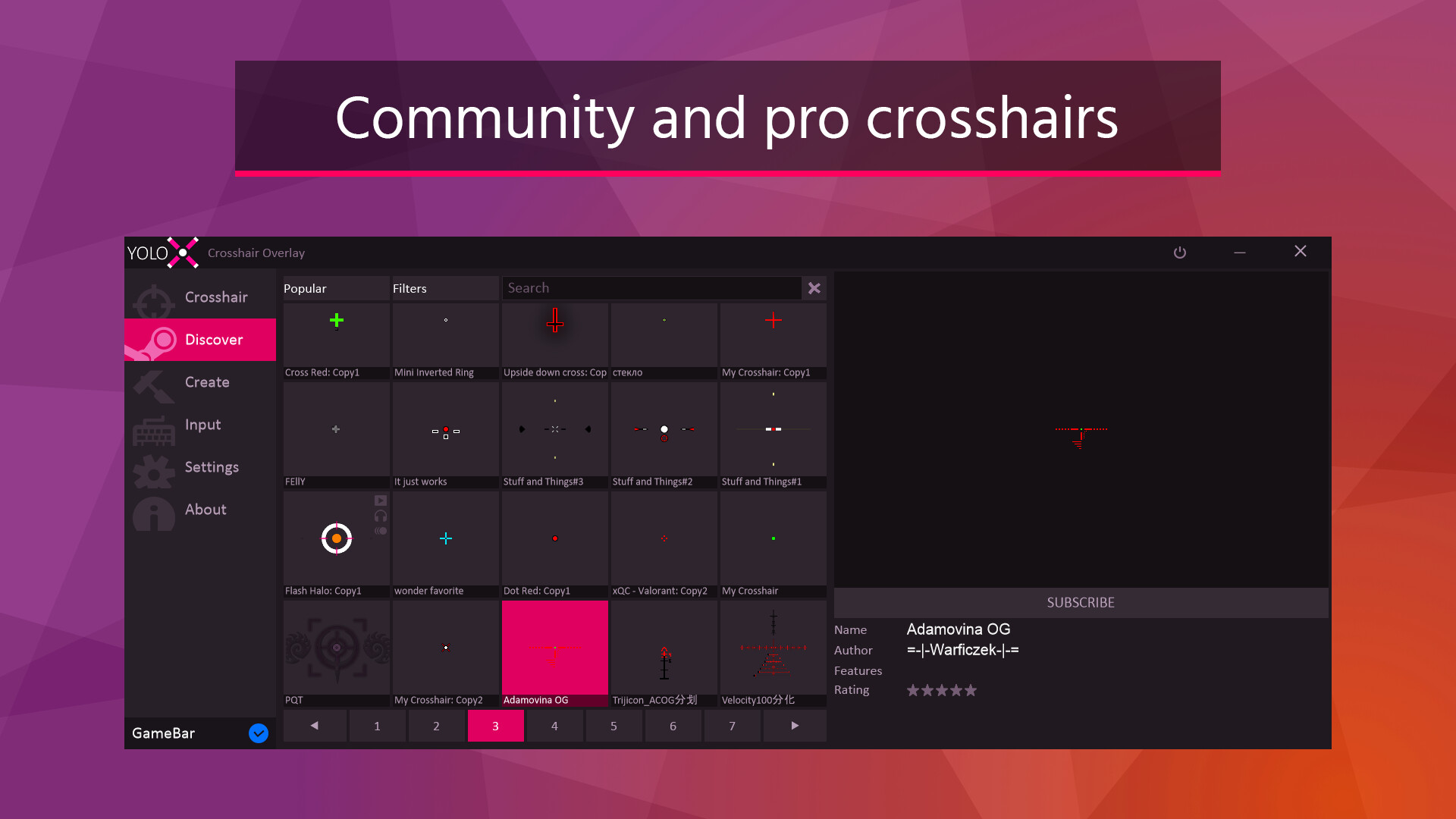
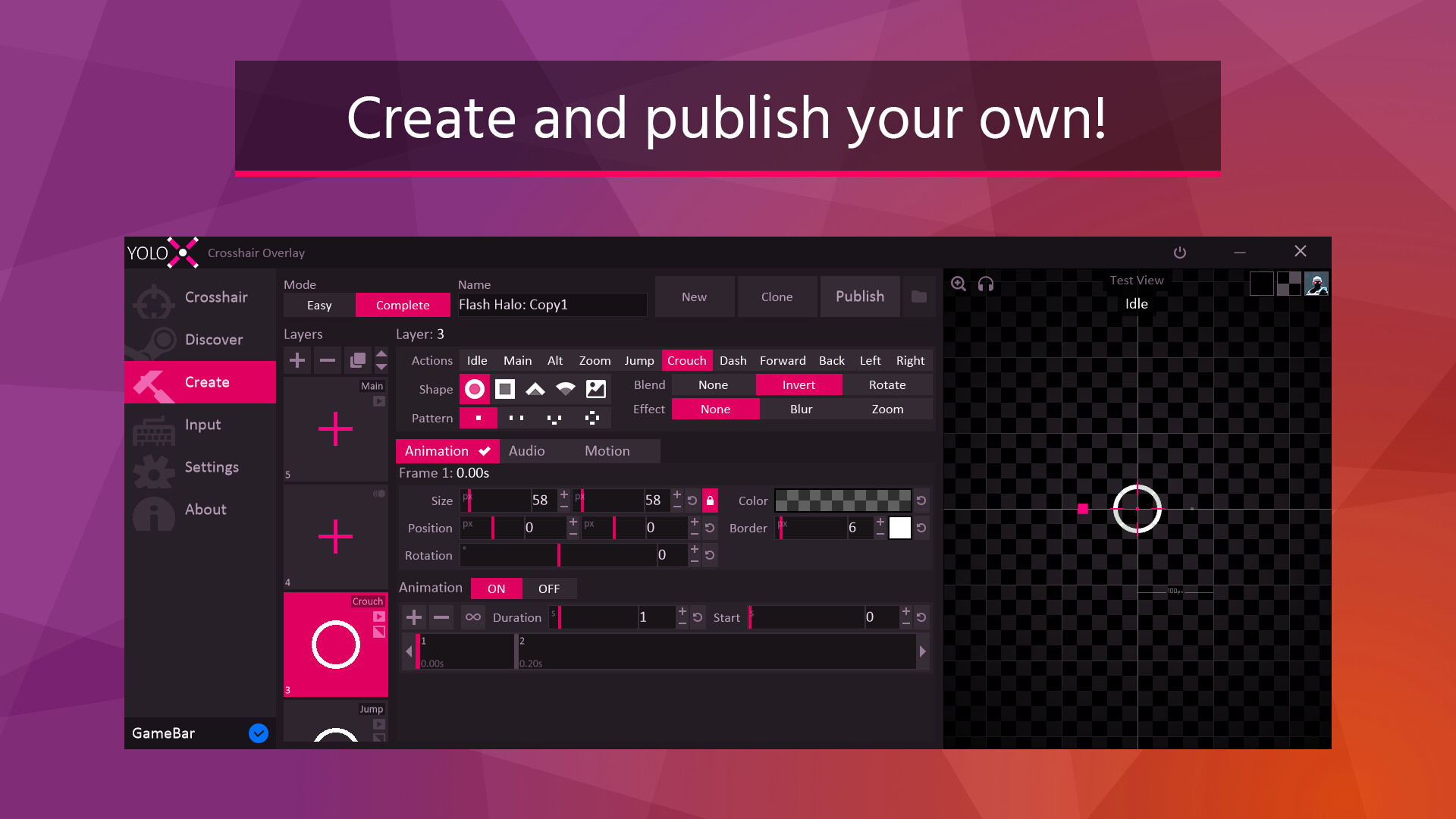
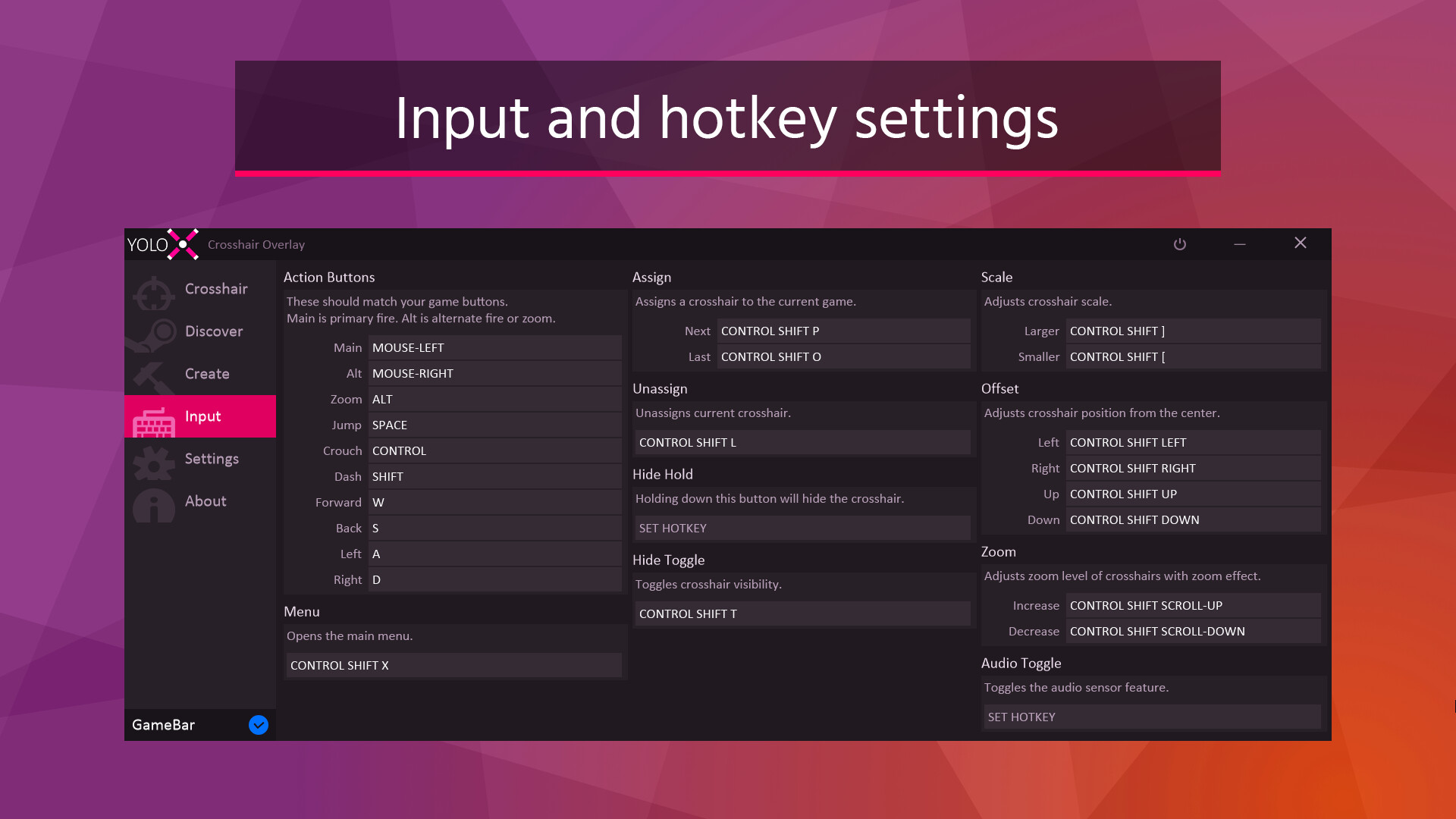
Always-visible crosshair overlay for FPS games. Dynamic color inversion, zoom, audio cues, motion reaction, anti-cheat safety with GameBar, and dedicated fullscreen.
YoloX is an always-visible crosshair overlay built for FPS games. From dynamic visibility to reactive feedback and smooth fullscreen overlays, YoloX keeps your crosshair readable, reliable, and anti-cheat safe — without unsafe hooks.
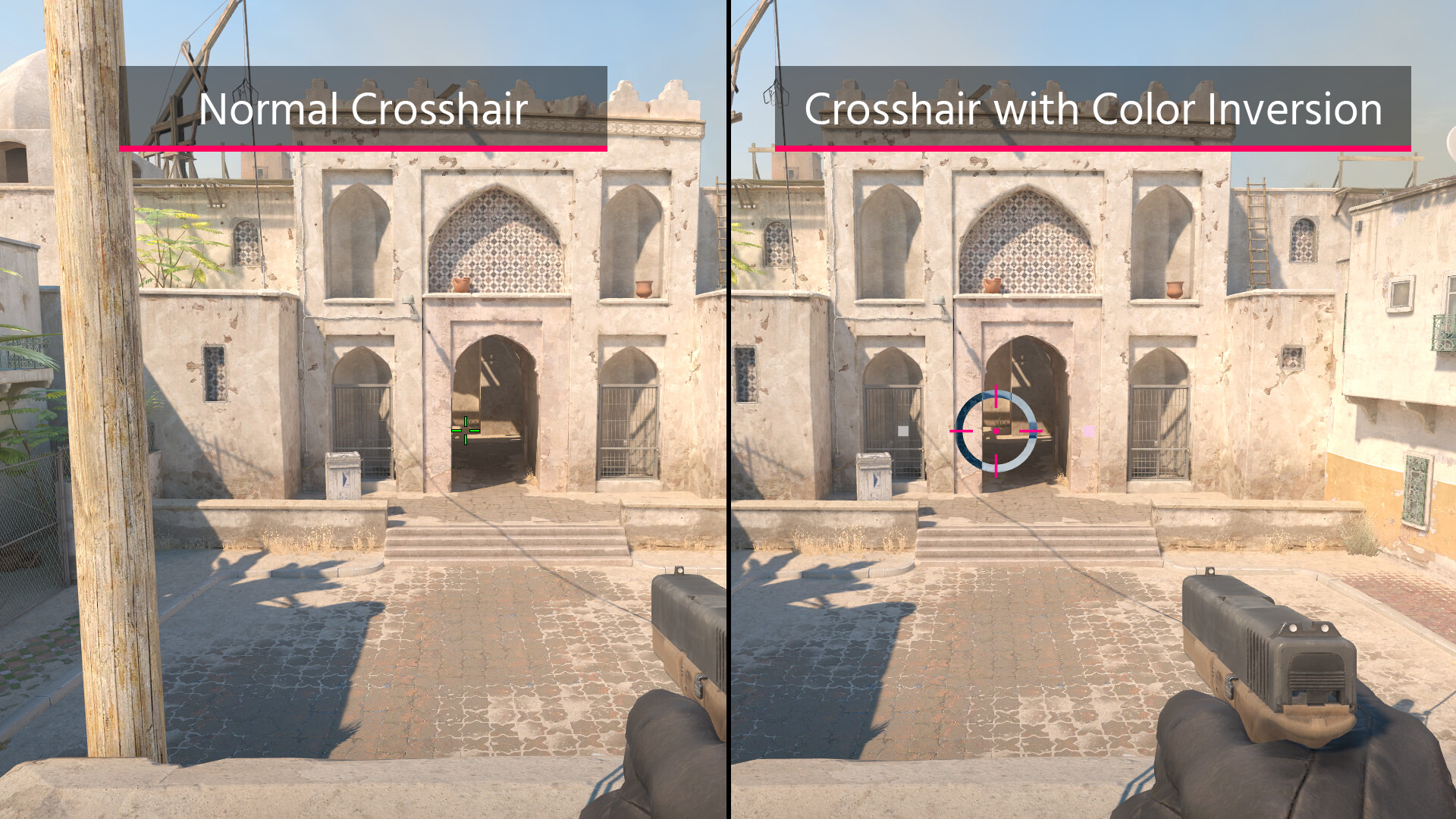
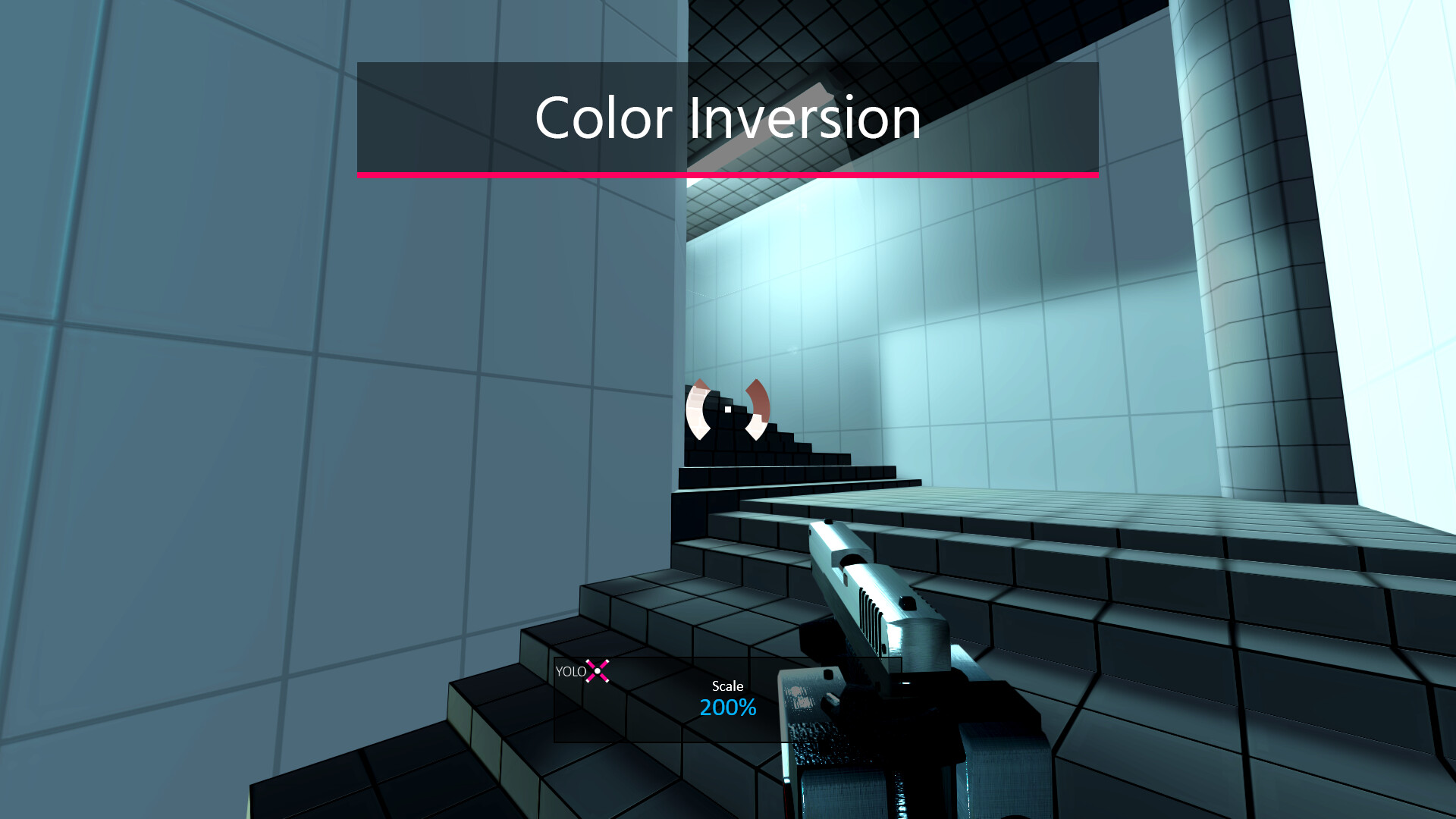
Automatically inverts color against the game so your crosshair stays visible over any background.

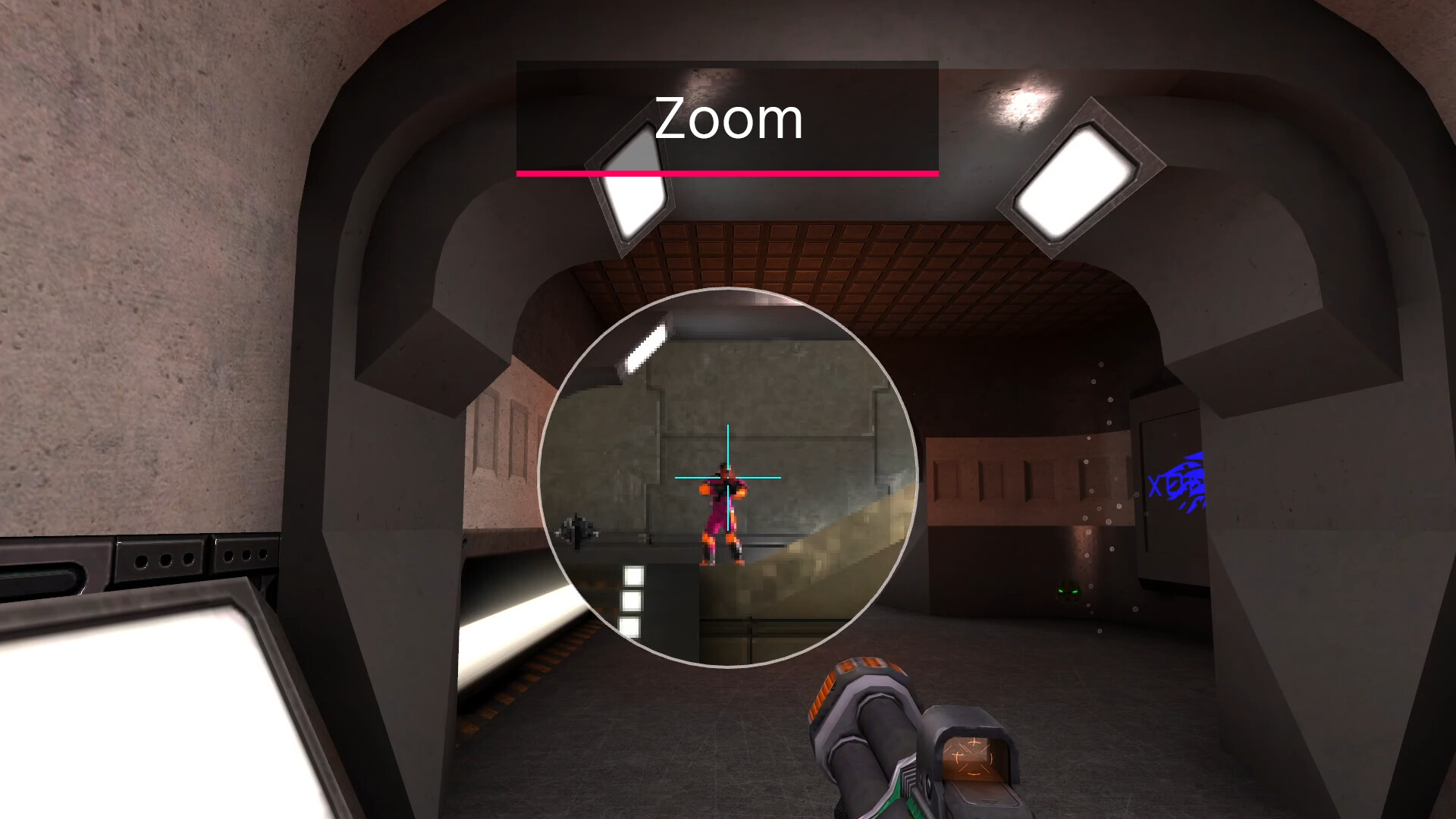
Add scope-style zoom to any weapon — even a knife!
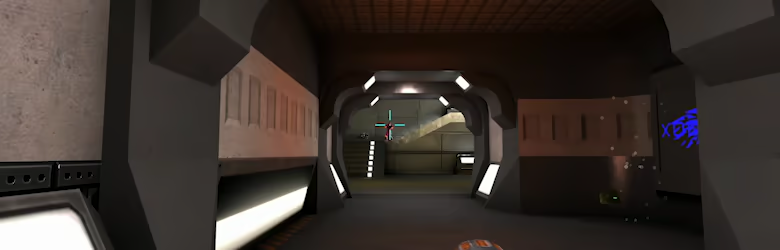
Visual reactions to game audio. Listen to music without missing important cues like shots or footsteps.
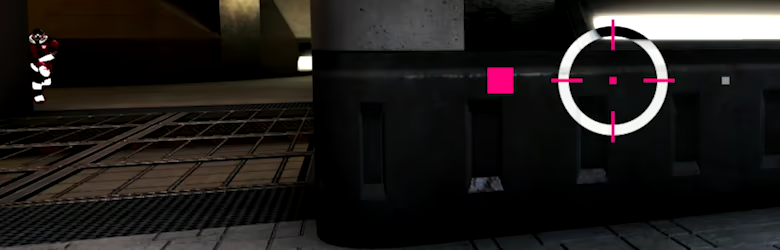
Design simple or advanced crosshairs with full creative control.
Open your game and press CTRL+SHIFT+P to assign a crosshair. Repeat to assign other crosshairs. For the full menu, click the pink X taskbar icon.
Steam data © 2026 Valve Corporation. Trademarks are property of their respective owners.
All matches
Finding similar games…
Simple Sight - Crosshair OverlayShares Shooter94% · 725 positive reviews61%Good match— HudSight - crosshair overlayShares FPS · Shooter , adds Video Production89% · 6k positive reviews57%Good match—
 Scope XShares FPS · Shooter · First-Person , adds eSports68% · 444 positive reviews53%Good match—
 AimlabsShares FPS · First-Person · Community tag: PvP , adds eSports78% · 260 positive reviews50%Good match—
 Line of SightShares FPS · Shooter · First-Person , adds Gun Customization55% · 3k positive reviews49%Loose match—
 Oblivity - Find your perfect SensitivityShares FPS · Shooter · First-Person , adds Software Training81% · 2k positive reviews48%Loose match—
All matches
The best games like YoloX - Crosshair Overlay are Simple Sight - Crosshair Overlay, HudSight - crosshair overlay, Scope X, Aimlabs, and Line of Sight.
Match on: filter matches for YoloX - Crosshair Overlay by tag