

 44%Loose match
DisplayFusion
86%1k86% positive reviews, Very Positive across 1k reviews·2013·Software
—


JustScroll allows you to adjust your volume by scrolling with your mouse.
Install-and-scroll, no setup required.
Windows Key + Scroll - Adjust volume

Scroll on Taskbar - Adjust volume
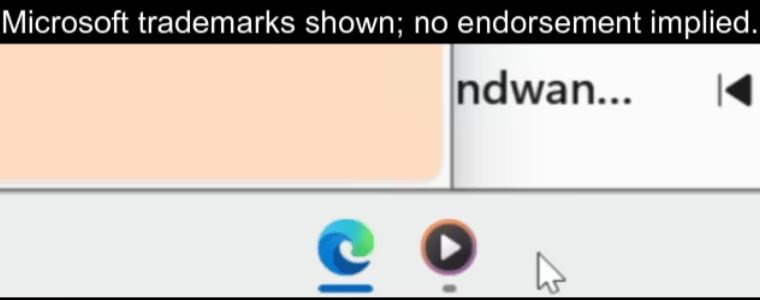
Scroll on any Taskbar App - Adjust volume for app
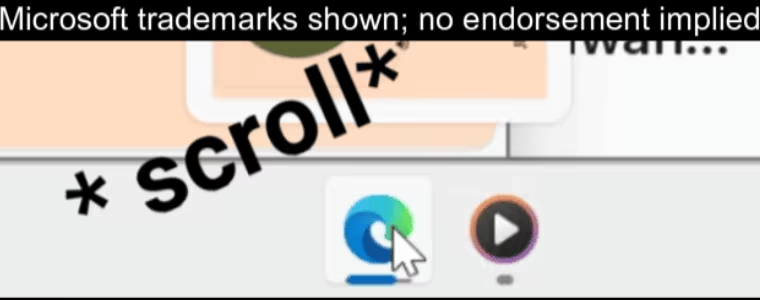
These features can be enabled in the settings.
Scroll on JustScroll Icon - Change playback device.
Mouse Side Buttons on Taskbar - Change playing audio track.
Steam data © 2026 Valve Corporation. Trademarks are property of their respective owners.
All matches
Finding similar games…
DisplayFusionShares Utilities86% · 1k positive reviews44%Loose match— OVR Advanced SettingsShares Utilities , adds VR92% · 5k positive reviews43%Loose match—
 VirtualHere For Steam LinkShares Utilities47% · 341 positive reviews43%Loose match—
 OVR Toolkit - Desktop OverlayShares Utilities , adds VR86% · 3k positive reviews43%Loose match—
 Controller CompanionShares Utilities90% · 3k positive reviews42%Loose match—
 Smart Game BoosterShares Utilities79% · 2k positive reviews42%Loose match—
All matches
The best games like JustScroll are DisplayFusion, OVR Advanced Settings, VirtualHere For Steam Link, OVR Toolkit - Desktop Overlay, and Controller Companion.
Want picks that fit how you play? Ask GamesLike in ChatGPT
Match on: filter matches for JustScroll by tag