Games Like Steam Link
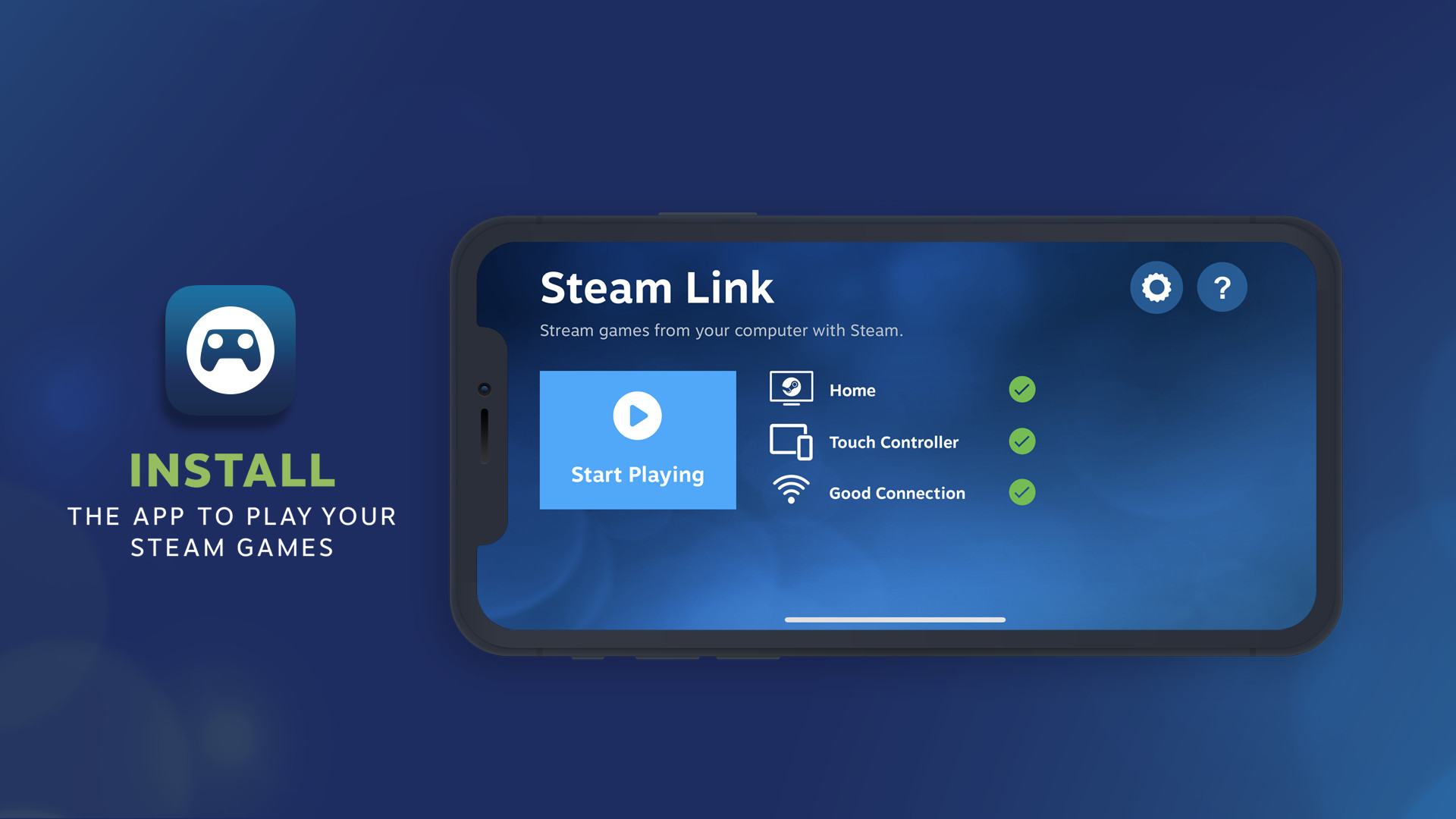
Extend your Steam gaming experience to your mobile device, TV, VR headset or PC - all you need is a local network or internet connection. In addition, the Steam Link app now supports Remote Play Together. Now you can join games hosted on a friend’s PC just by clicking a link.
Top matches
Match strength key:80+65+50+<50
About Steam Link
Get the app
The Steam Link app is free and available for all major devices and platforms.
About the Software
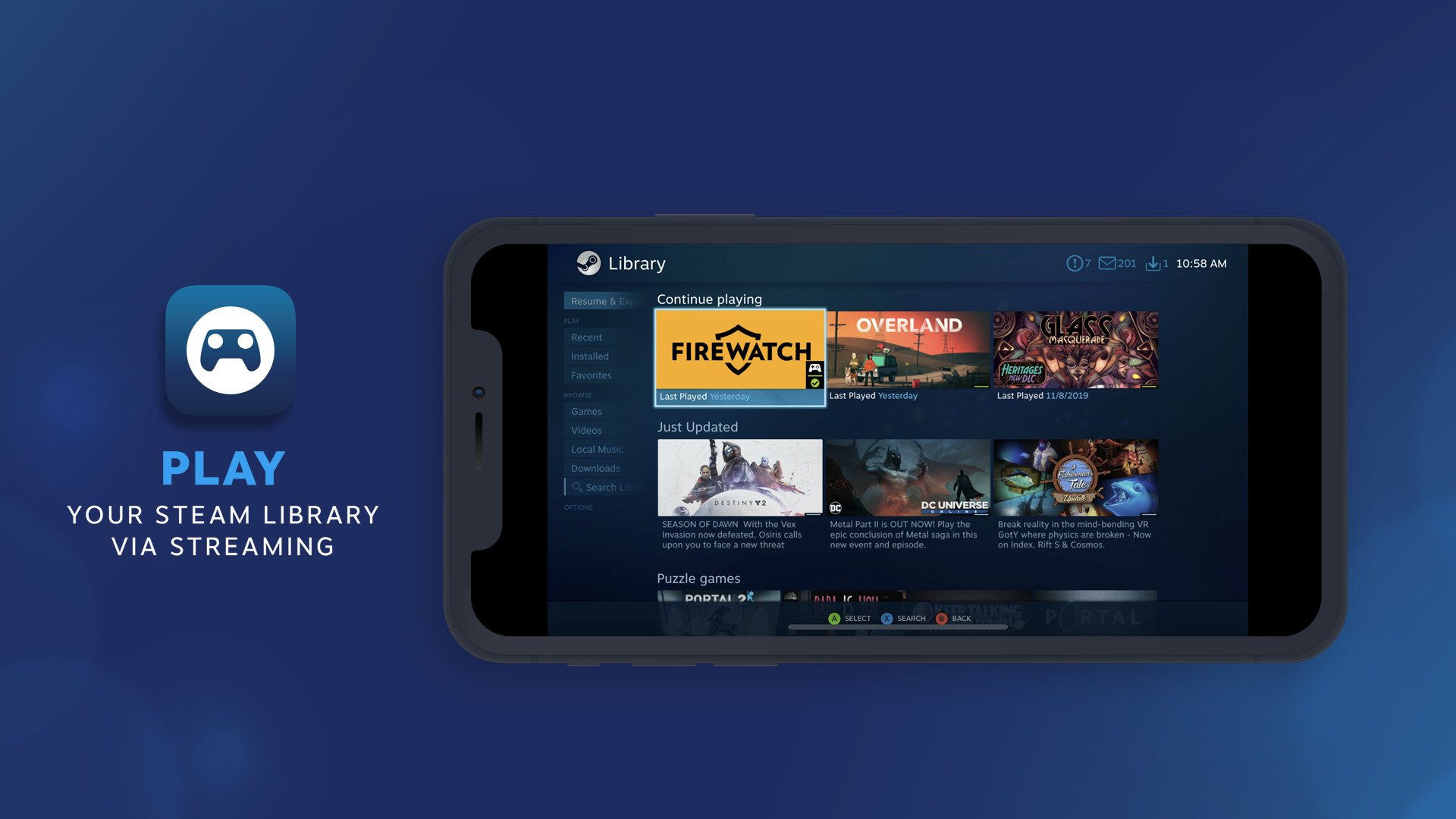
Play your Steam games on your phone, tablet, TV, VR headset or another PC using Steam Link, streaming from your home computer. With control schemes optimized for hundreds of top titles, you can now access and play games from your PC while on the couch, or on the go. Many Steam games are optimized for your devices. FIND GAMES
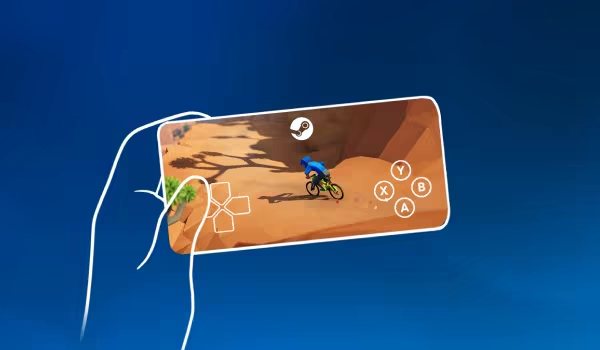
Two steps and you're in
Connect And Play
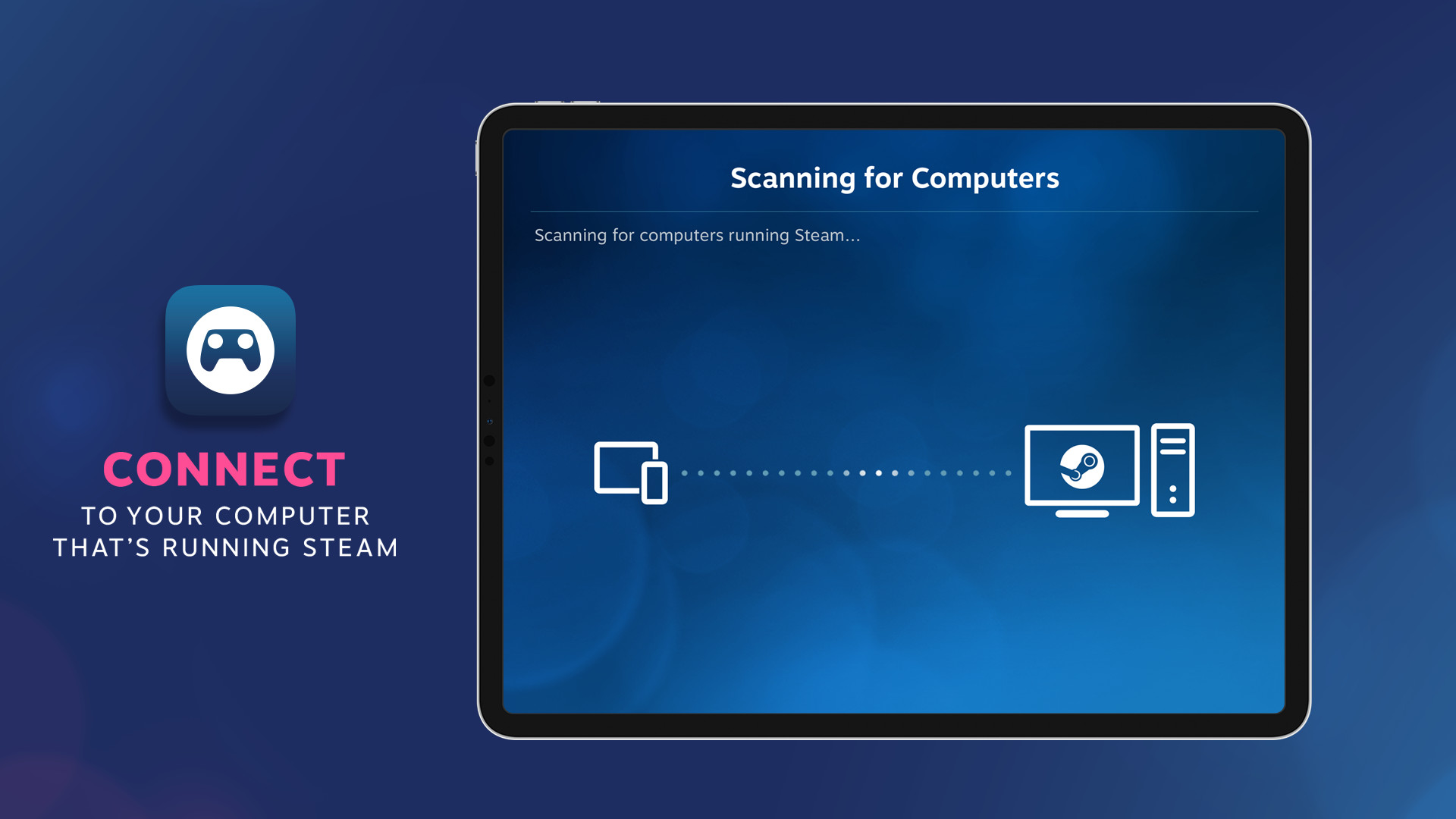
Using Steam Link, you can connect to any computer that's running Steam - either on a local network or over the internet. For best performance, use 5G, WiFi or a wired ethernet connection. VR content may only be streamed over a local network.
Take control
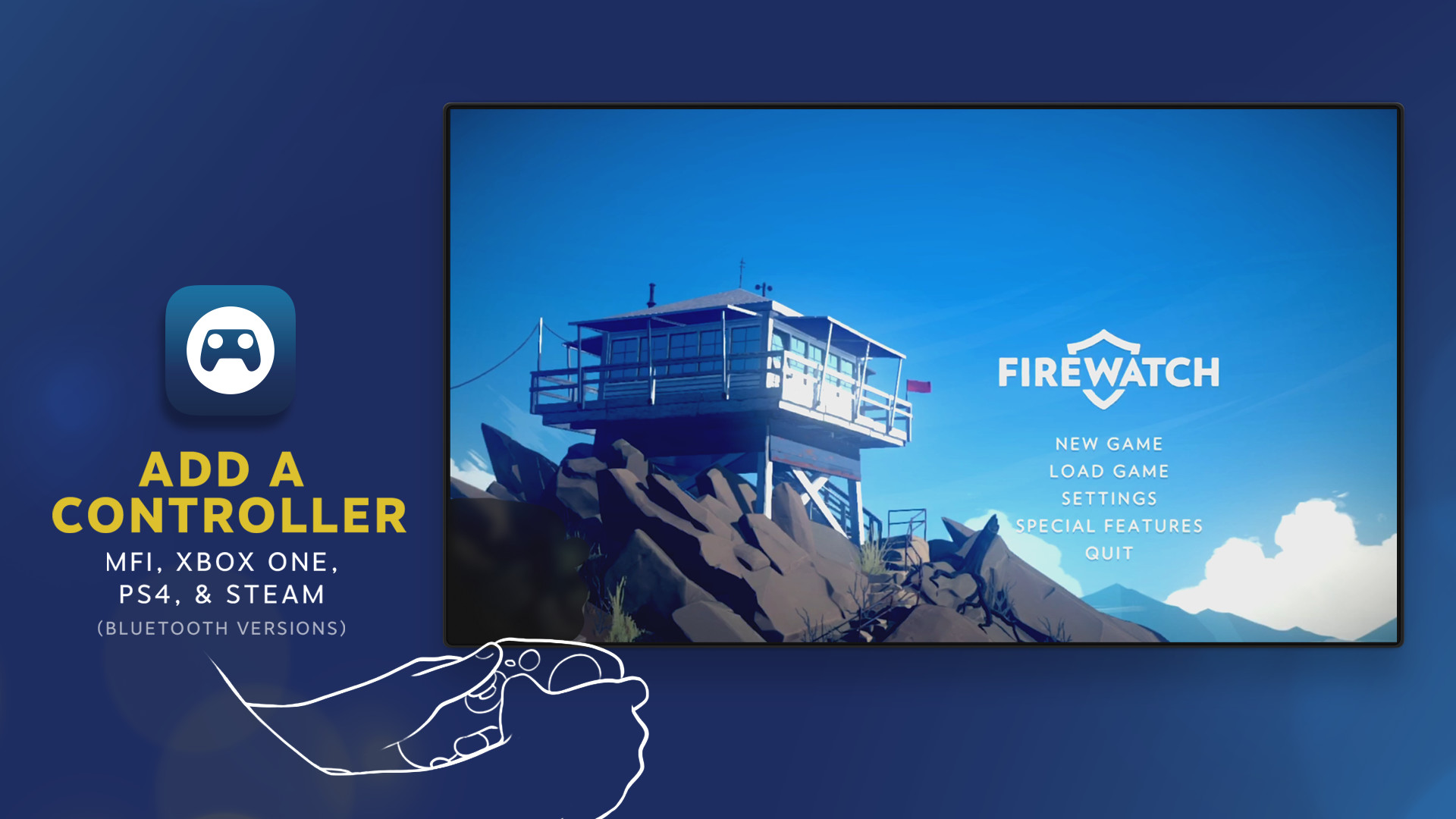
Many popular Bluetooth controllers including the Steam Controller are compatible with Steam Link and your devices. Or just use the built-in touchscreen controls.
Behind the scenes
Steam Link is designed to take advantage of the horsepower from your computer by streaming its video and audio data to your device, while your input is sent back in real time.
The Technology
Remote Play delivers real-time video encoding over a custom low-latency network protocol while sending remote input and multiplayer voice back to the gaming PC, all within milliseconds. For more information, visit Steam Support or join the conversation in our Discussion Forums.
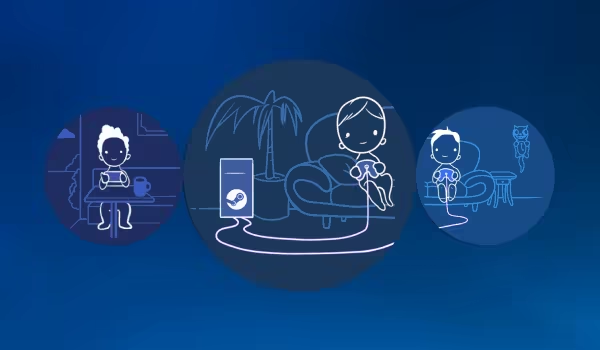
Remote Play Together
Steam Link now supports Remote Play Together as well! Any Steam player can invite anyone else with the Steam Link app to join in their game.
How it works
Stream with friends
Using Remote Play Together, you'll stream video, audio, and voice between players while using your own controllers. You can even share the keyboard and mouse. And while you're playing, all your voice chat and game volume options are available in one place.
All the devices, all the fun
Just like Remote Play Anywhere - all the person joining the game needs is a device, the Steam Link App, and an internet connection - not even a Steam account is required. That means I can join from my PC, phone, or tablet, at home or on the go.
Strictly fun
To keep things simple, only the game is displayed to your Friends, never your desktop or other Top Secret stuff. You can share — or limit access to — the keyboard and mouse. It's your choice.

Wirelessly Stream VR
With Steam Link you can now stream the games you love in your Steam library directly from your computer to compatible VR headsets. Using the power of your computer, it delivers a high-fidelity and intuitive way to wirelessly play your favorite games, discuss them with your friends, and access your desktop apps. Available on Meta Quest headsets!

To get started, download and install Steam Link onto your headset. It will walk you through wirelessly connecting to your computer located on the same network as your headset with Steam installed and running.
Minimum VR Requirements
Recommended For VR
Steam data © 2026 Valve Corporation. Trademarks are property of their respective owners.
All matches
Similar games to Steam Link
Finding similar games…