
 54%Good match
Shapelab
85%34685% positive reviews, Very Positive across 346 reviews·VR
—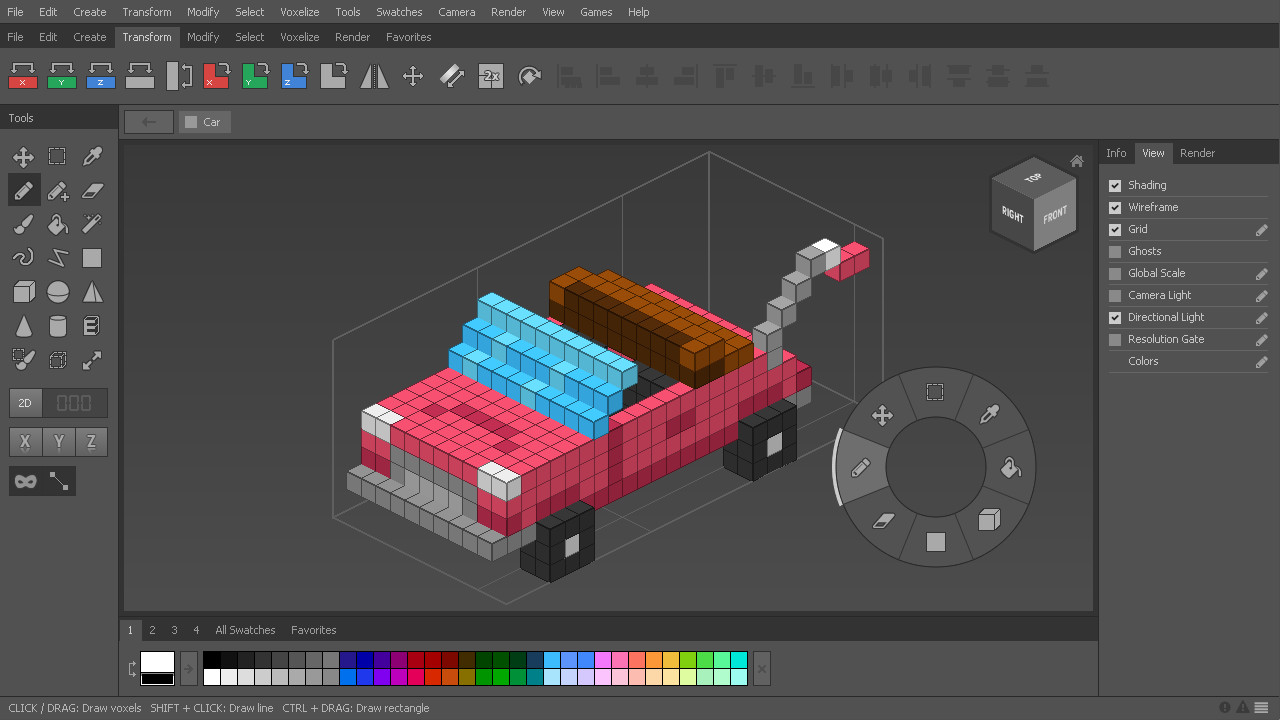

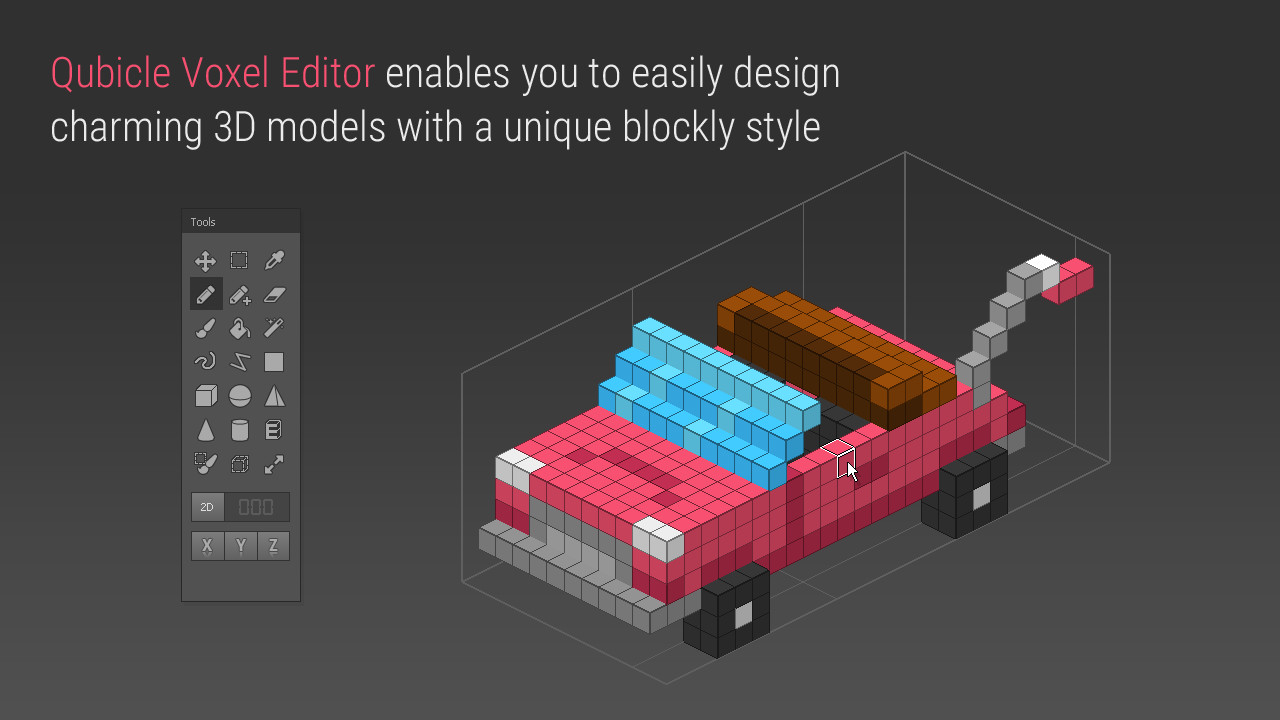
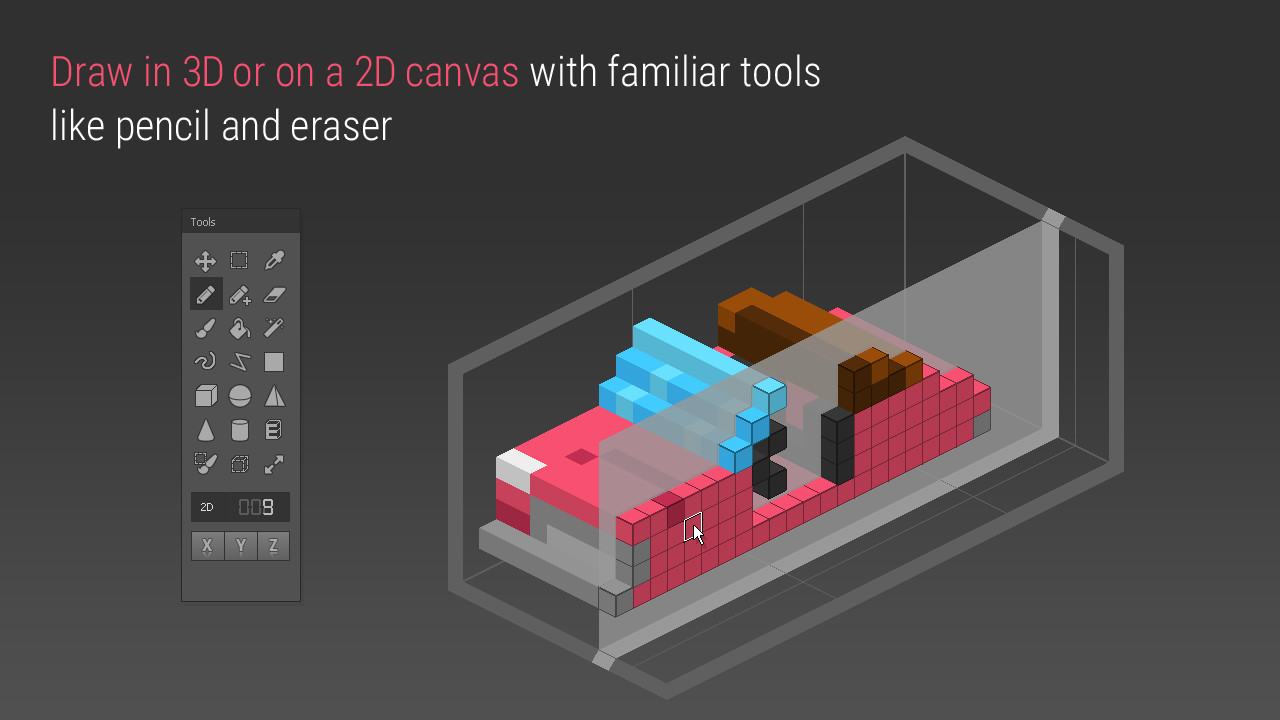
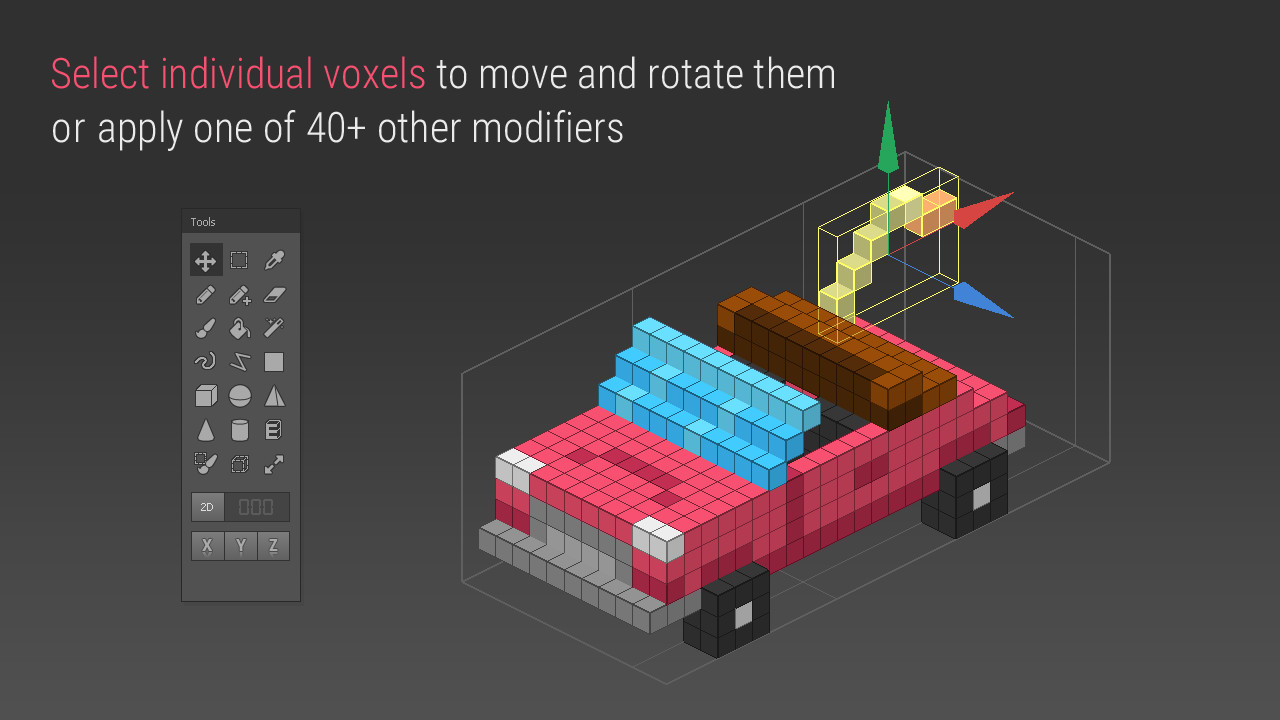
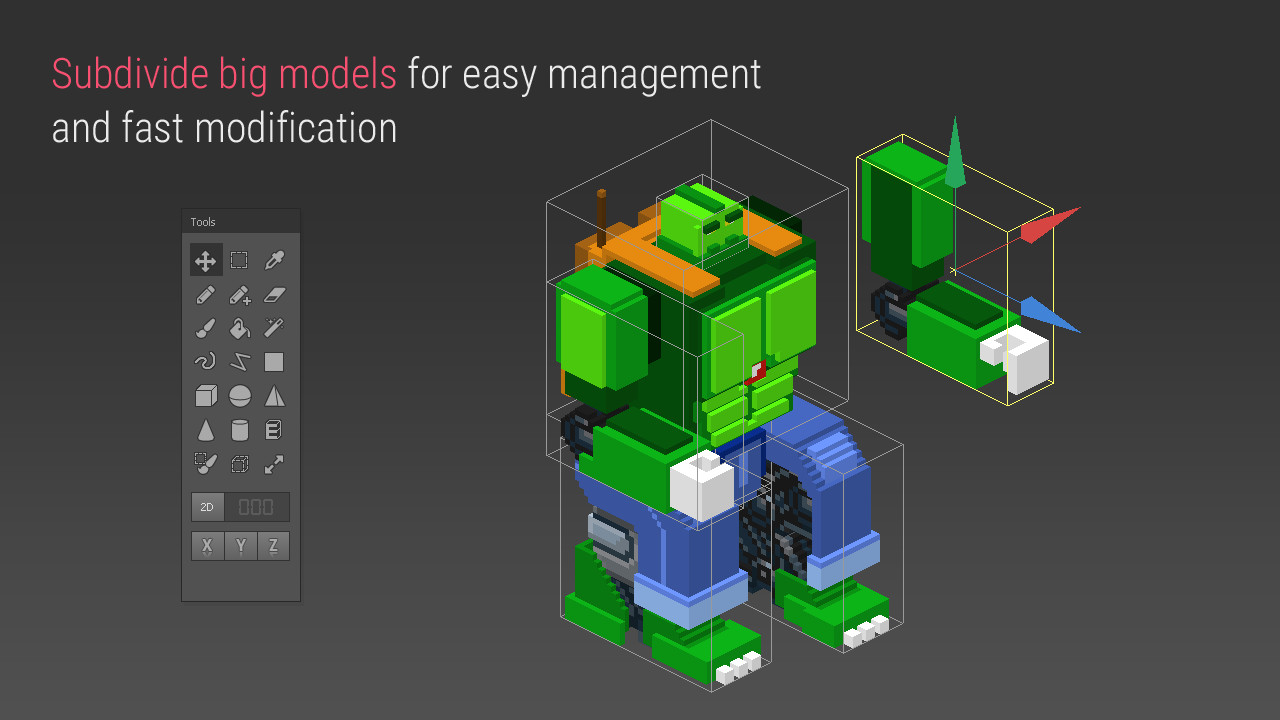
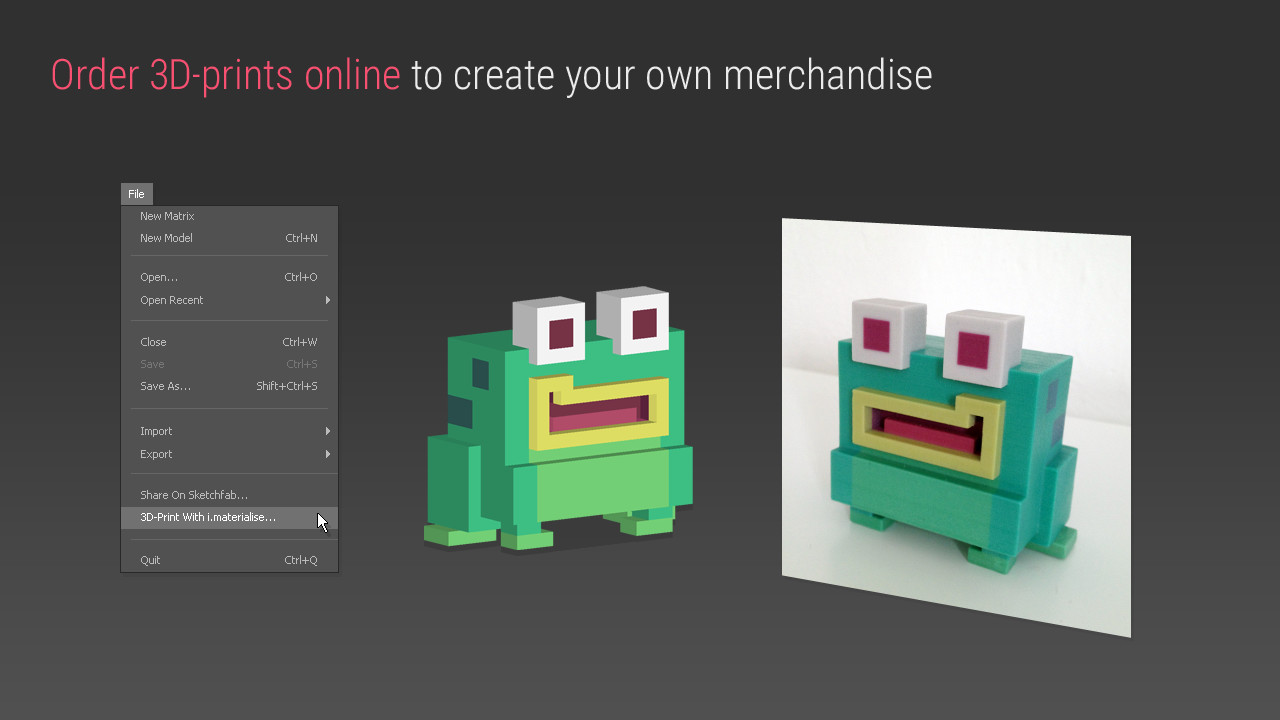
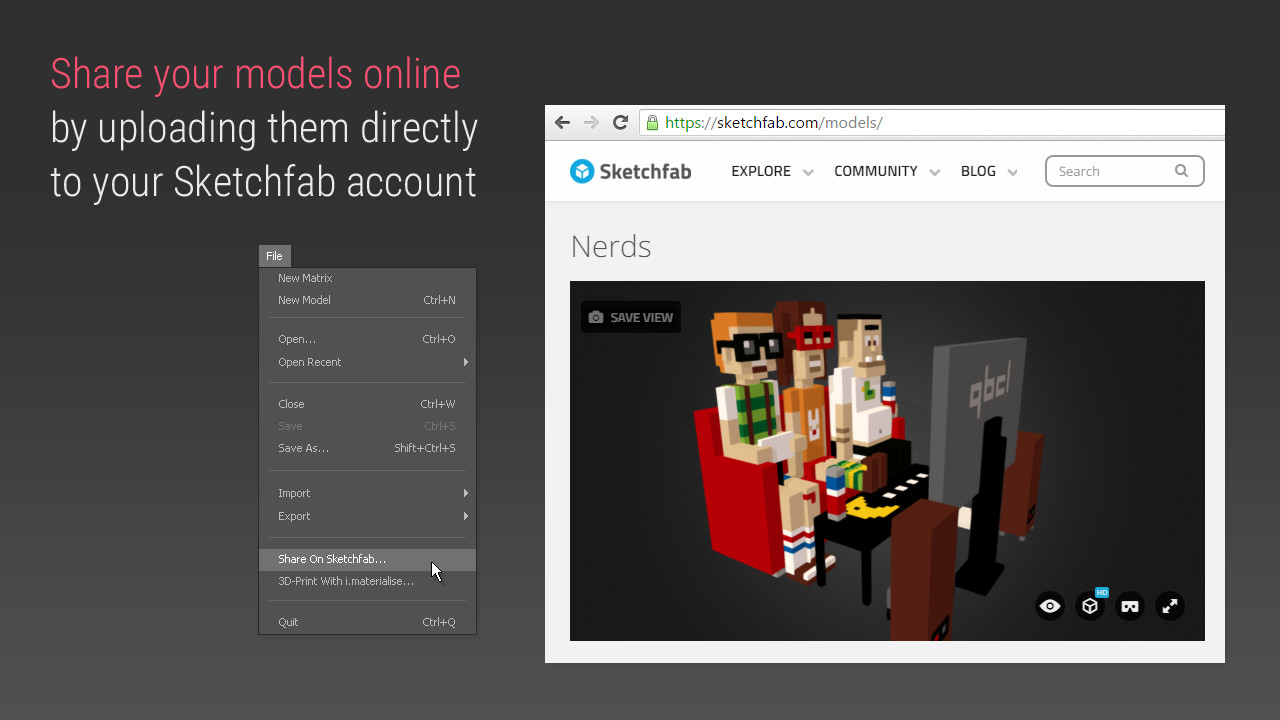
Qubicle is a professional voxel editor optimized for the easy creation of 3D models with a unique, blocky charm.
Qubicle is a professional voxel editor optimized for the easy creation of 3D models with a unique, blocky charm. It was used on big hits like Crossy Road and Shooty Skies, and will enable you to quickly design your own 3D models at an affordable price. Voxels are 3D pixels which allow for a unique aesthetic and workflow:
Qubicle is designed for professionals, with all the tools and options artists expect and need.
Thousands of professionals rely on Qubicle in their creative process. To make the software accessible to hobbyists and modders, Steam users have the opportunity to purchase the full program as available on our website, or start their voxel journey with the basic application and progressively upgrade to the full version with DLC add-ons. Of course you will get all updates and fixes for Qubicle Voxel Editor 3.0, as we continue to improve and expand the program. Qubicle Basic Edition Your departure point into the world of voxel modeling. The basic application contains all the tools required to create, export and share your voxel models and can be expanded with the following DLC modules. Qubicle Utility Module Enhance your modeling workflow with landscape generation, height map import and object hierarchy. Qubicle Mesh Module Export optimized low poly meshes that run efficiently with all common game engines. Non-optimized mesh export is included in the basic application. Qubicle Voxelizer Module Unlock the built-in Voxelizer to effortlessly convert regular meshes to voxels. Qubicle Indie Edition The full-featured software as used in the game industry. The indie edition contains all of the available Module features. Qubicle Professional License Is required if you want to use Qubicle commercially and your annual revenue is above 80K USD
We authorize the use of the Qubicle Voxel Editor to any indie developer or company generating less than $80K USD per year in revenue (based on prior fiscal year). If you are above this limit the Qubicle Professional Licence is required.
Qubicle Demo
Qubicle Basic Edition
Qubicle Utility DLC
Qubicle Mesh DLC
Qubicle Voxelizer DLC
Qubicle Indie Edition
Qubicle Professional License DLC
Steam data © 2026 Valve Corporation. Trademarks are property of their respective owners.
All matches
Finding similar games…
ShapelabShares Design & Illustration · Animation & Modeling , adds VR85% · 346 positive reviews54%Good match— RPG in a BoxShares Design & Illustration · Animation & Modeling · Voxel , adds Game Development93% · 481 positive reviews52%Good match—
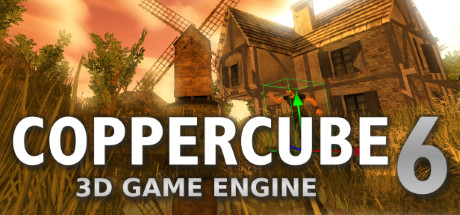 CopperCube 6 Game EngineShares Design & Illustration · Animation & Modeling , adds Game Development81% · 380 positive reviews52%Good match—
 J.A.C.K.Shares Design & Illustration · Animation & Modeling , adds Game Development93% · 303 positive reviews50%Good match—
 Marmoset Hexels 3Shares Design & Illustration · Animation & Modeling , adds Video Production91% · 333 positive reviews48%Loose match—
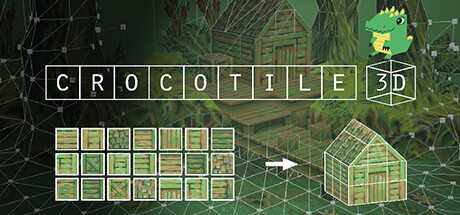 Crocotile 3DShares Design & Illustration · Animation & Modeling , adds Pixel Graphics89% · 280 positive reviews47%Loose match—
All matches
The best games like Qubicle Voxel Editor are Shapelab, RPG in a Box, CopperCube 6 Game Engine, J.A.C.K., and Marmoset Hexels 3.
Match on: filter matches for Qubicle Voxel Editor by tag