

 46%Loose match
XSOverlay
85%2k85% positive reviews, Very Positive across 2k reviews·VR · Software
—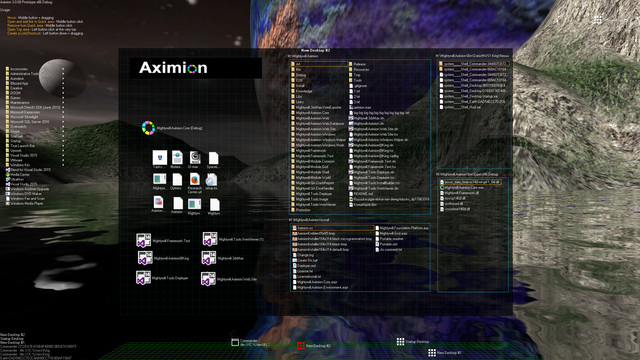
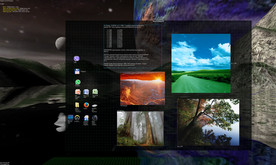
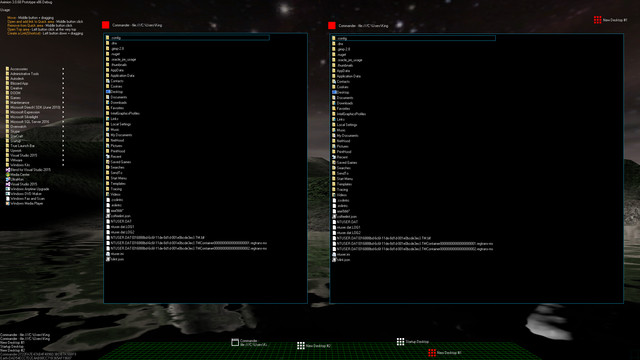
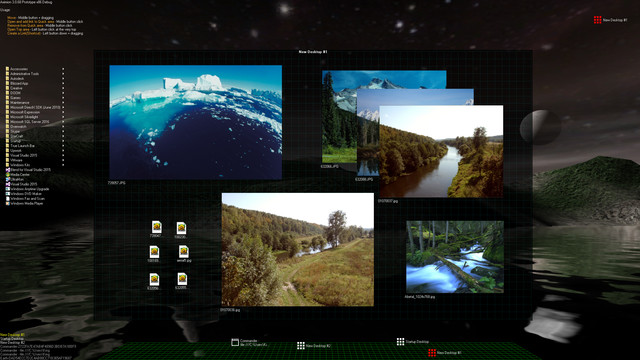
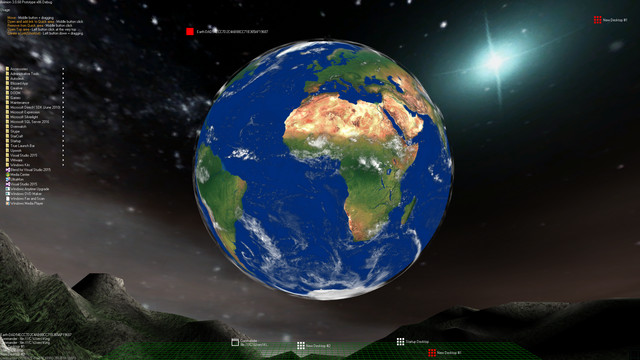
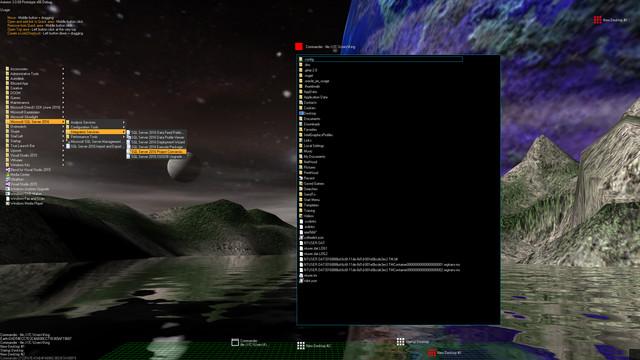
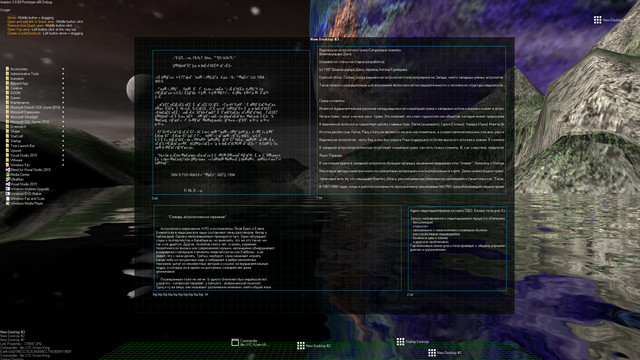
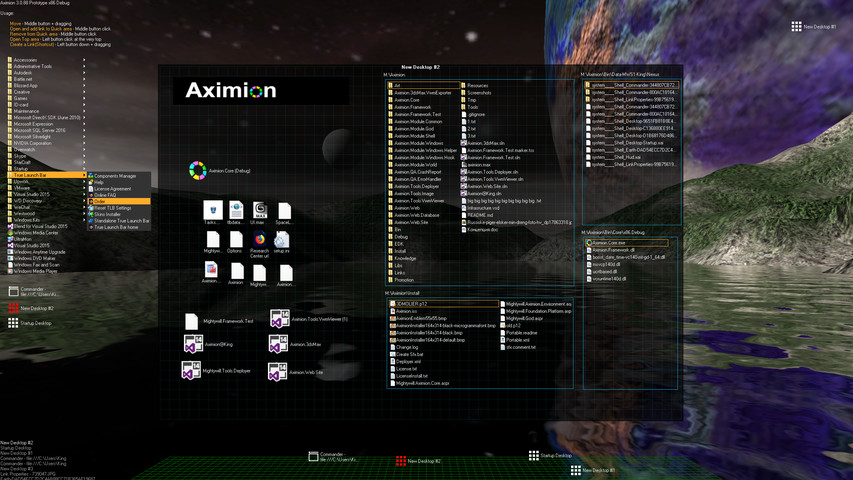
Aximion is a prototype of future desktop and virtual reality user interface environment.
Aximion is a prototype of future desktop and virtual reality user interface environment.
Several UI concepts introduced in the Aximion to help users personalize and organize their environments.
The Aximion rethinks the idea of the Desktop. In the Aximion Desktop is a place where different aspects of a single project/context/interest can be grouped into a single visual entity. For example, if you have some project you may want to gather all related files, links, remote and other resources in one place and organize them accordingly to your preferences. The Aximion Desktops look similar to regular desktops but contain special elements - Avatars. Each type of Avatar represents some aspect of your particular project/context/interest. Their important feature is to change their look accordingly to its importance for the user or to other needs and this look may vary from simple icons to mini-applications with rich functionality. The user can create as many desktops as he needs.
Any application UI can be attached to another. For example, if a top-level UI element of application A is attached to a top-level UI element of application B then if a user opens B, A will show up automatically. The user then can create various application unions which reflect some corresponding contexts. For example, if the user is a software developer then he can create an individual desktop for each of his projects and also create several other desktops that would contain shared tools and resources required for all of his projects. Once any of these project desktops is open all attached desktops with shared tools will appear together with that.
The Quick Area is used to place links to needed objects for the current session, much the same way tabs are used in browsers. Middle button click helps the user to place avatars in the form of a link to that area automatically. They do not disappear when the user closes the object so when needed the object is available for reopening.
All avatars placed to the Head Area are always available for the user and always stay on top of other objects. Using VR gear this area acts as a Heads-up display, i.e., always in a field of view whenever a user’s head moves.
History Area this is a history of user navigation. This function similar to browser history and together with Quick Area effectively replaces a standard Desktop Taskbar behaviour.
The Events Area stands for showing events and progress reports, similar to the Windows system tray but with advanced functions. It can show simple notifications about events that require user attention. Also, any user-initiated long time operations should place representation items in this area, so the user has a continuous report about current time-consuming processes.
Steam data © 2026 Valve Corporation. Trademarks are property of their respective owners.
All matches
Finding similar games…
XSOverlayShares Early Access , adds VR85% · 2k positive reviews46%Loose match— SAO Utils: BetaShares Early Access , adds Anime88% · 3k positive reviews42%Loose match—
 Astrox ImperiumShares Early Access , adds Space Sim86% · 1k positive reviews41%Loose match—
 ScreenPlayShares Early Access80% · 1k positive reviews41%Loose match—
 RainWallpaperShares Early Access , adds Animation & Modeling61% · 683 positive reviews40%Loose match—
 OVR Advanced Settings92% · 5k positive reviews40%Loose match—
All matches
The best games like Aximion are XSOverlay, SAO Utils: Beta, Astrox Imperium, ScreenPlay, and RainWallpaper.
Match on: filter matches for Aximion by tag