


 46%Loose match
Smart Game Booster
79%2k79% positive reviews, Mostly Positive across 2k reviews·Software
—



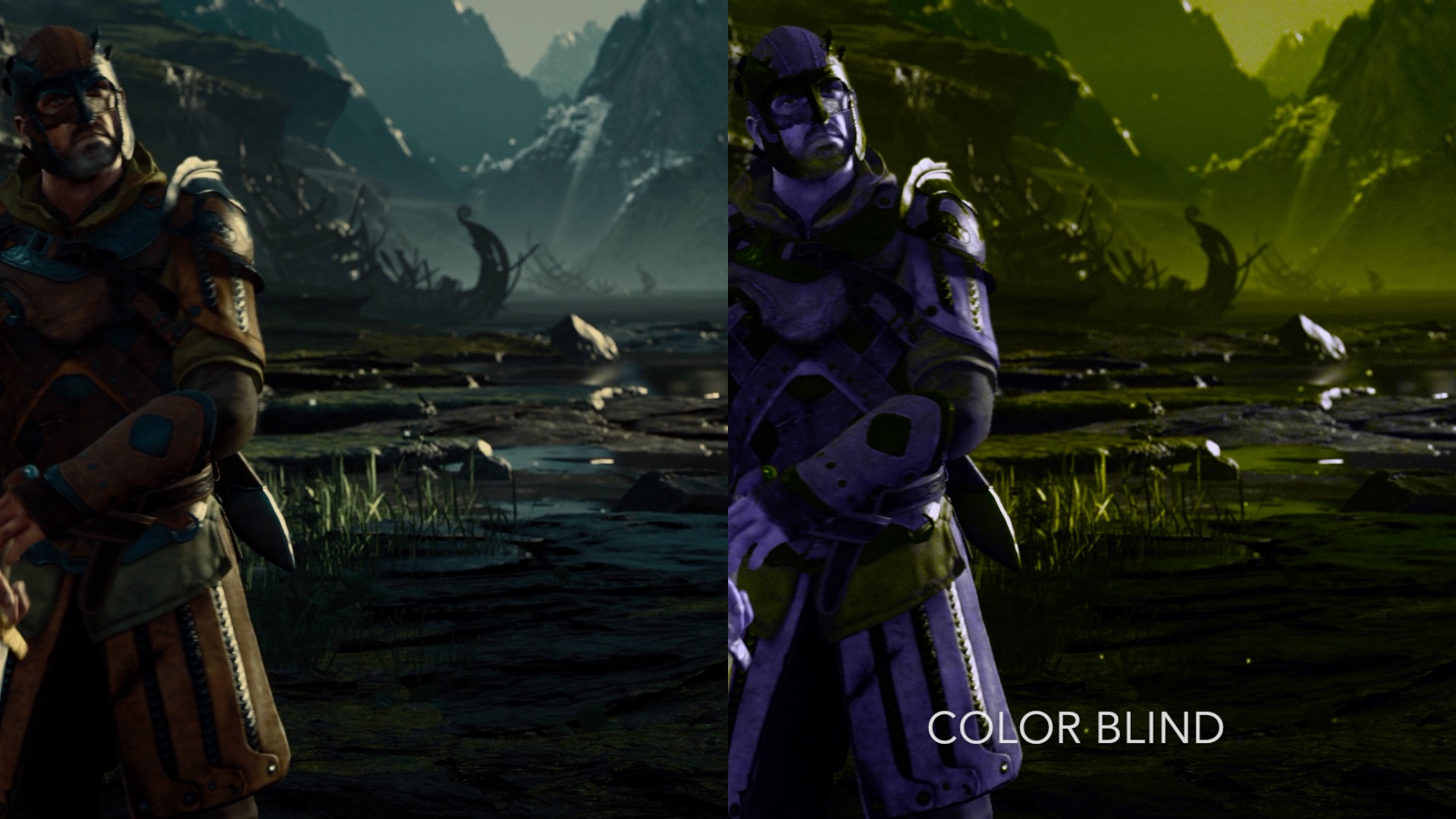
Add Filters to enhance the visuals in your favorite games.
NextFX allows users to add filters and post processing effects to enhance DirectX 11 game visuals. The tool intercepts the rendering of games and applies multiple effects specified by the user in real-time, empowering users to create customized and immersive gaming experiences. Note: It's not recommended to use NextFX with games that implement anti-cheating software.
1) Launch a DirectX 11 Steam game 2) Launch NextFX If the game's game's graphic API is supported, it will show up in the NextFX Window
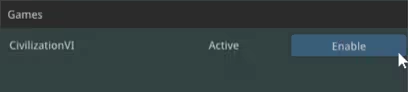
3) Click "Enable" 4) Press CTRL+N in the game window to show NextFX Settings
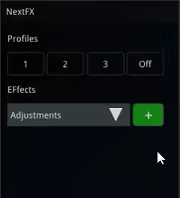
4) Press CTRL+N in the game window to refocus the game Please contact us if there are any issues with a title. contact: email protected
Steam data © 2026 Valve Corporation. Trademarks are property of their respective owners.
All matches
Finding similar games…
Smart Game BoosterShares Utilities79% · 2k positive reviews46%Loose match— EVGA Precision X1Shares Utilities81% · 5k positive reviews45%Loose match—
 ScreenPlayShares Early Access · Utilities80% · 1k positive reviews45%Loose match—
 XSOverlayShares Early Access · Utilities , adds VR85% · 2k positive reviews44%Loose match—
 Driver Booster for SteamShares Utilities83% · 11k positive reviews44%Loose match—
 DisplayFusionShares Utilities86% · 1k positive reviews44%Loose match—
All matches
The best games like NextFX are Smart Game Booster, EVGA Precision X1, ScreenPlay, XSOverlay, and Driver Booster for Steam.
Match on: filter matches for NextFX by tag