








 50%Good match
OVR Toolkit - Desktop Overlay
86%3k86% positive reviews, Very Positive across 3k reviews·VR · Software
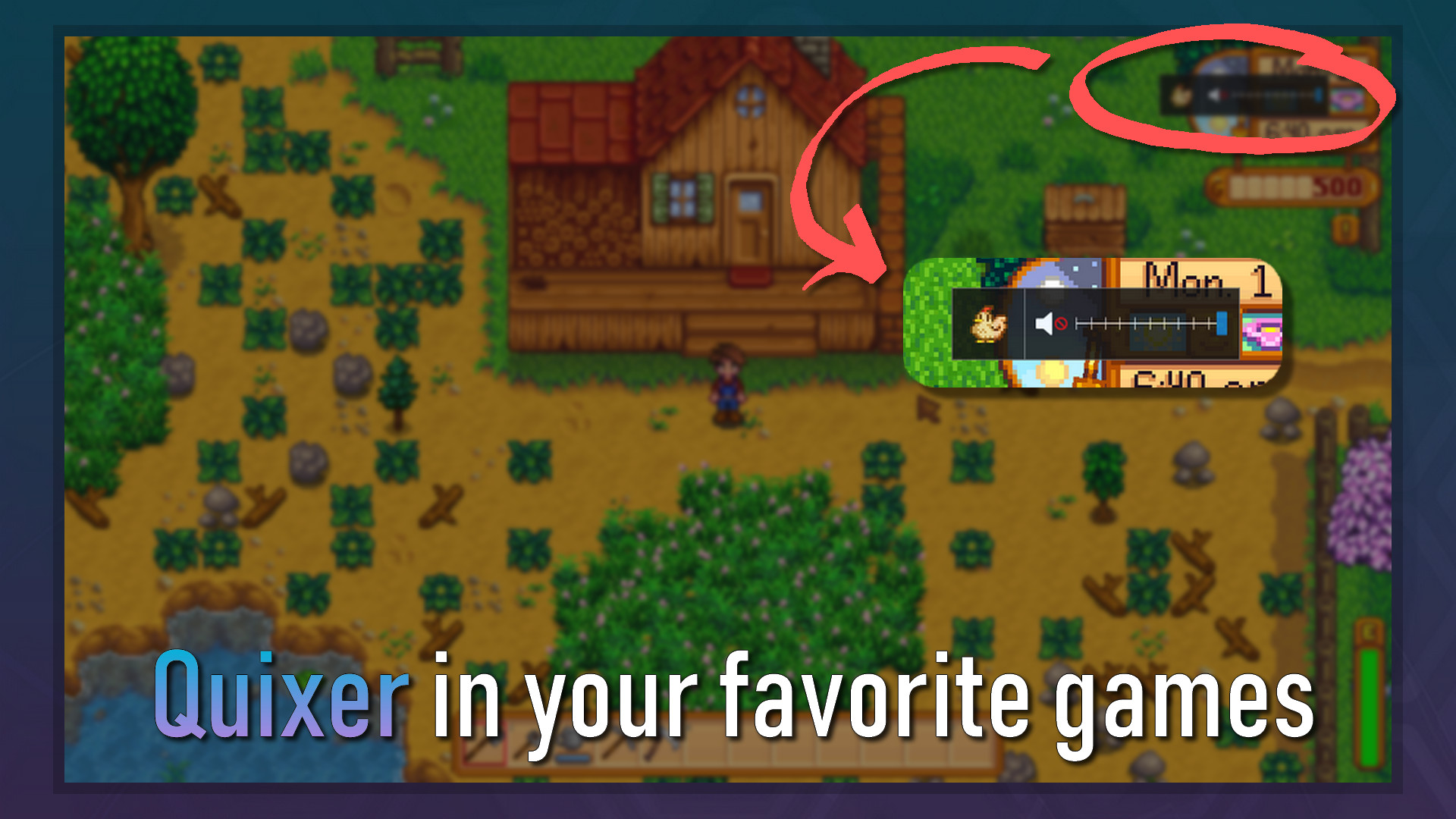
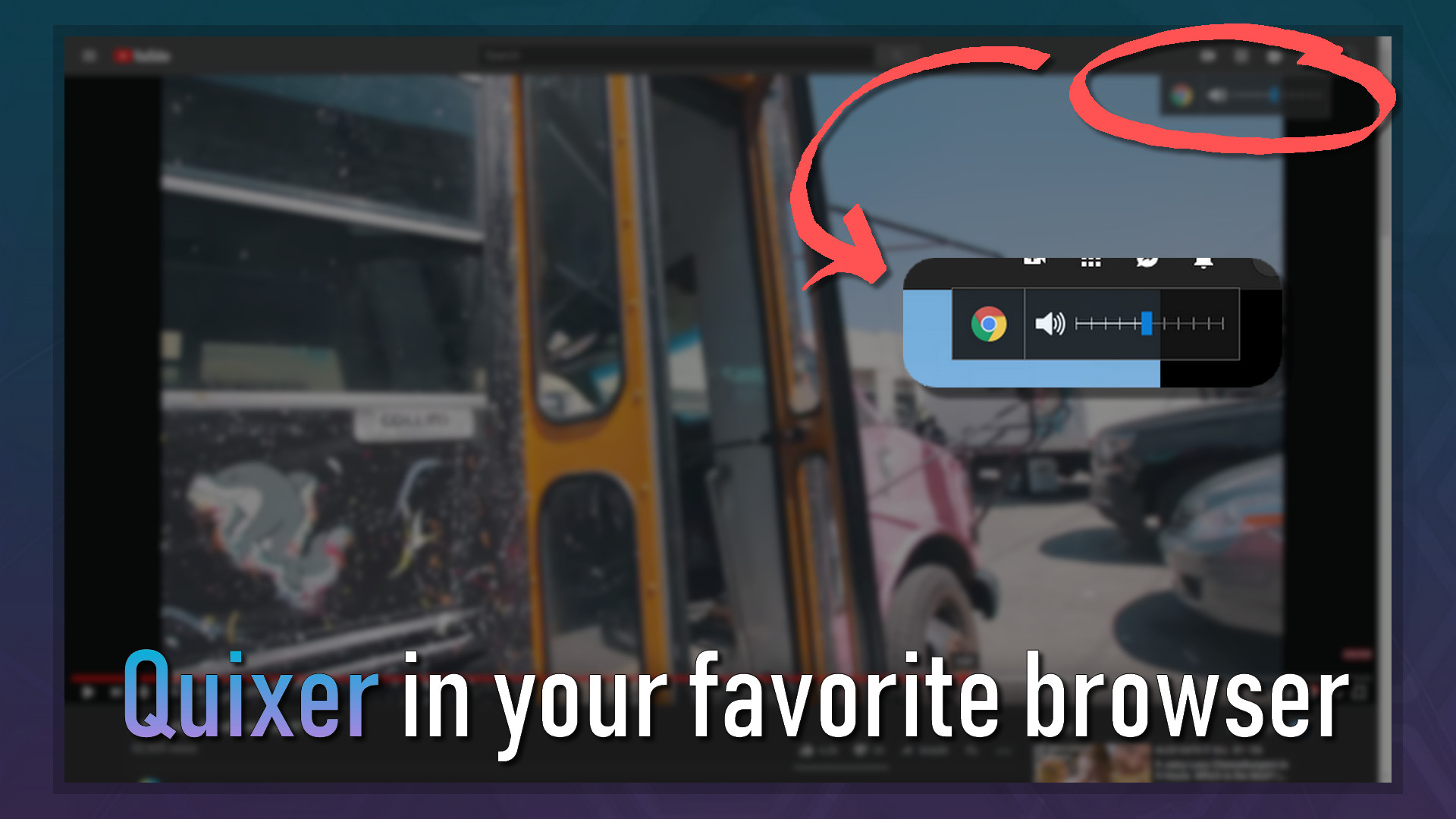
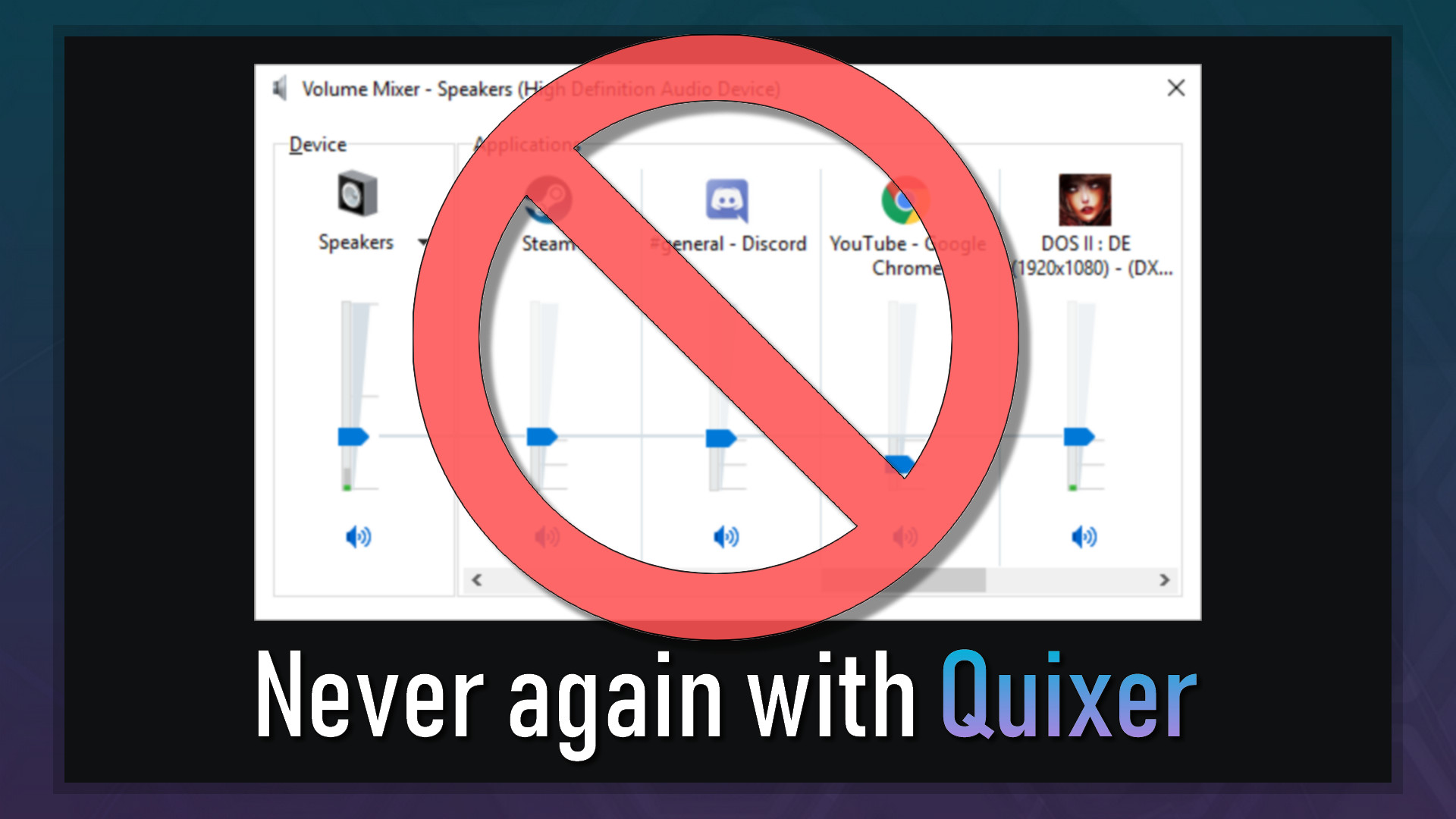
—Quixer is a quick and seamless volume mixer. It allows for specific application's volume to be adjusted without the hassle of having to go inside Windows volume mixer feature or any kind of settings. It works for both applications and games, and requires very little setup, if any at all.
Quixer is an application designed to do very simple tasks Windows should be able to do. Windows takes the roundabout way. Quixer goes straight to the point.
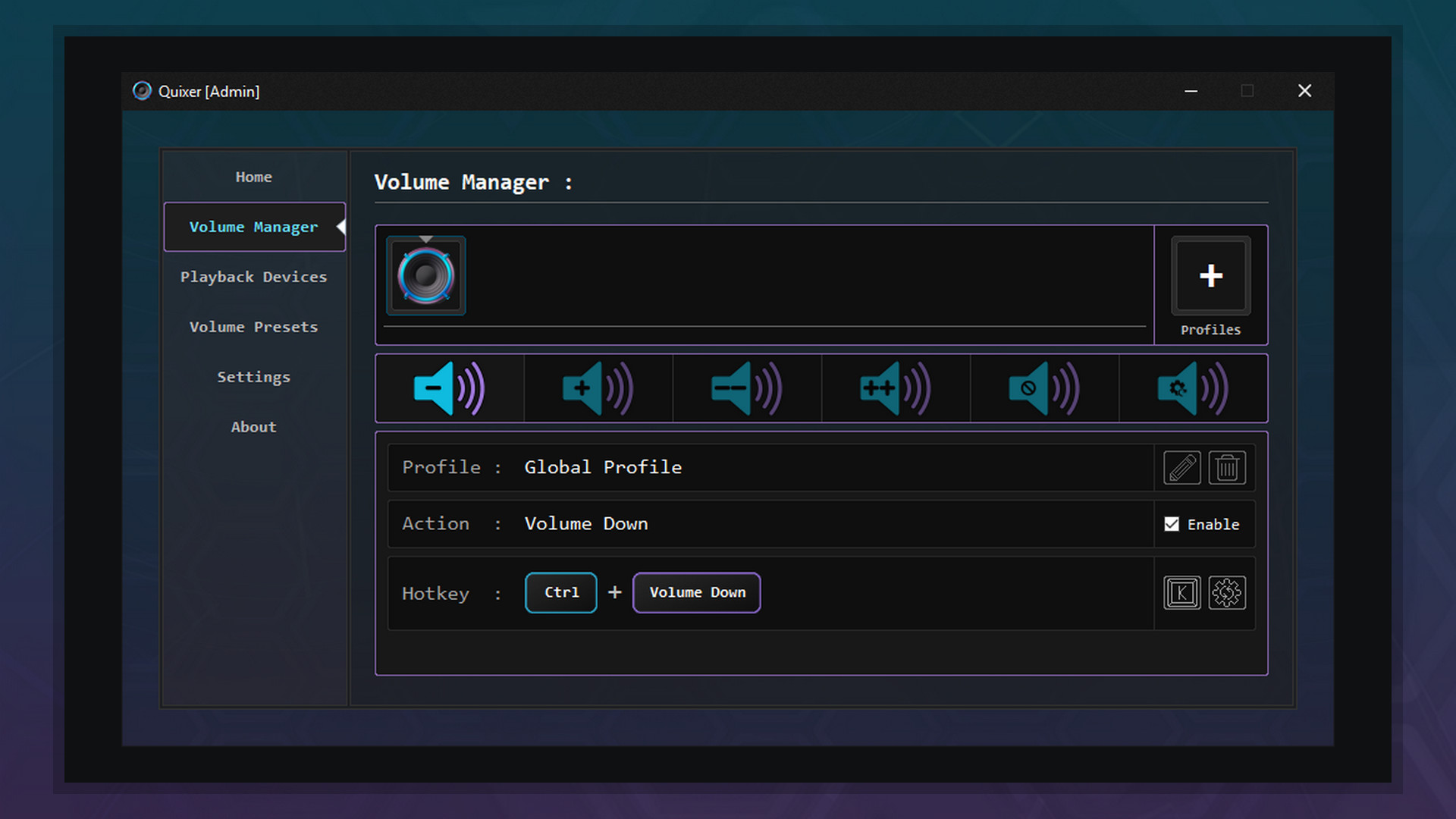
Quixer will let you seamlessly adjust any game's or application's volume with the press of a few keys. You can decrease, increase and mute the volume of focused or unfocused windows individually. Long gone are the days where you need to interrupt what you are doing by either going into your game's audio settings or Windows volume mixer.
Quixer has a feature that allows you to quickly change between Audio Devices (Playback and Recording) with both hotkeys and clicks. You will no longer have to go the long way around in Windows' sound settings.
Quixer allows you to do just that. Configure your presets the way you want, press a hotkey and let Quixer do the rest. No more adjusting each application's volume level one by one in the Windows volume mixer.
Quixer can be launched as a stand-alone (without Steam), and so there are a lot of ease of use settings. Such as Starting Quixer with Windows or Steam Integration (Displays as Playing on Steam). Each feature has a clean UI pop-up that you can also customize. Not a fan of screen noise? Just disable them. Standard versions :


I'm studying computer science in university and I push updates and do maintenance, not only for Quixer, but also for a few other of my own applications. All of that on my free time (while I should probably be studying). I've actually been developing applications for a few years. I have a few public applications, but most I keep to myself because they are very tailored to my needs. All of the features present in Quixer were scattered in different applications that I was using on a daily basis. I had never released anything with a price tag on it and I was curious about releasing something on Steam just to see the process. So I decided to gather everything in a single application, make it 10 times better, and release it. I'm very happy about the outcome! I take great pride in my creations and put a lot of meticulous effort into everything I make. Every pixel and character matters. Feedback is also very important to me. If there is a bug that needs to be fixed or a feature you would love to see implemented, be sure to mention it. I'm very proactive, passionate, and I seek perfection!
Steam data © 2026 Valve Corporation. Trademarks are property of their respective owners.
All matches
Finding similar games…
OVR Toolkit - Desktop OverlayShares Utilities , adds VR86% · 3k positive reviews50%Good match— Smart Game BoosterShares Utilities79% · 2k positive reviews50%Good match—
 SAO Utils 2: ProgressiveShares Indie · Utilities , adds Anime93% · 2k positive reviews49%Loose match—
 SAO Utils: BetaShares Indie · Utilities , adds Anime88% · 3k positive reviews49%Loose match—
 OyasumiVR - VR Sleeping UtilitiesShares Indie · Utilities , adds VR96% · 354 positive reviews48%Loose match—
 DisplayFusionShares Utilities86% · 1k positive reviews47%Loose match—
All matches
The best games like Quixer are OVR Toolkit - Desktop Overlay, Smart Game Booster, SAO Utils 2: Progressive, SAO Utils: Beta, and OyasumiVR - VR Sleeping Utilities.
Match on: filter matches for Quixer by tag