




 51%Good match
CPUCores :: Maximize Your FPS
74%11k74% positive reviews, Mostly Positive across 11k reviews·Software · Gaming
—
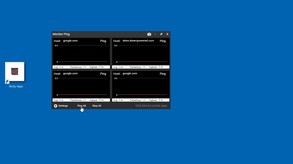
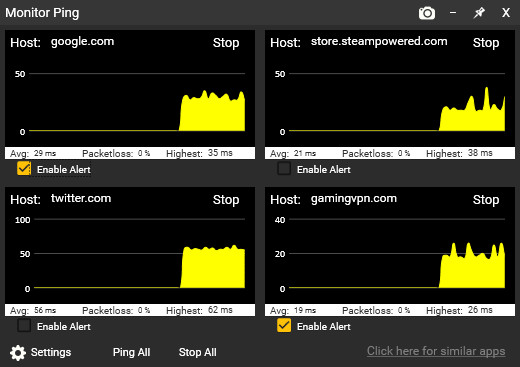


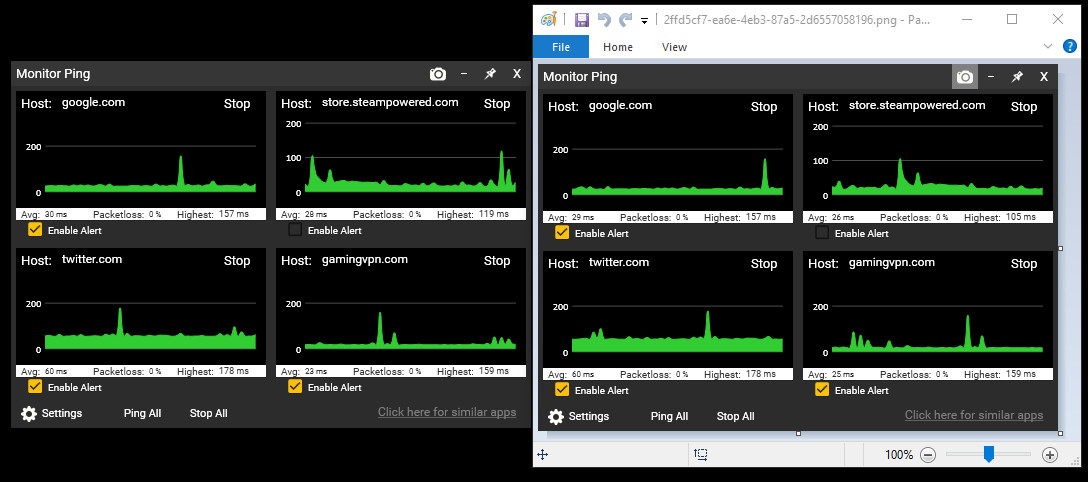
Sticky Apps :: Monitor Ping is an application to view your network connection to multiple systems on the Internet. This is a great way to monitor your PING/network to game servers, video streaming servers, or your ISP in general.

Sticky Apps :: Monitor Ping is an application to view your network connection to multiple systems on the Internet. This is a great way to monitor your PING/network to game servers, video streaming servers, or your ISP in general. This software is titled "Sticky Apps" as each application can be stickied to your desktop, allowing for easy viewing of information.

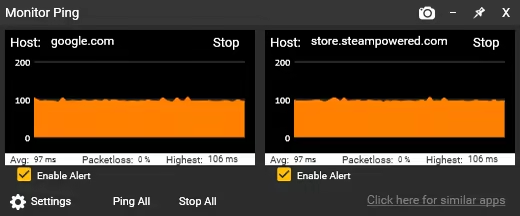
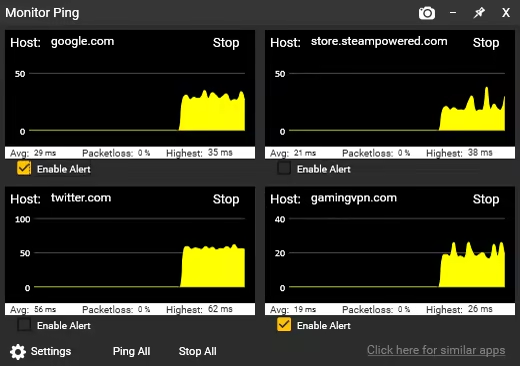
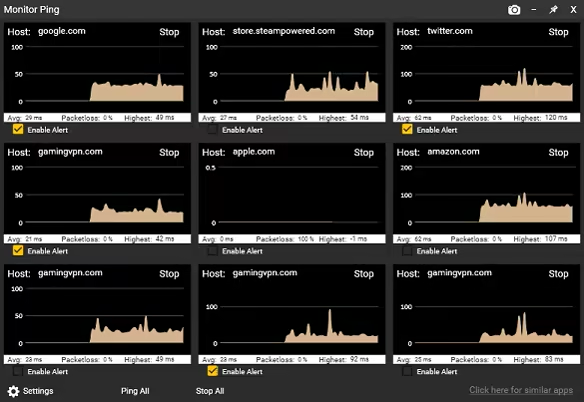
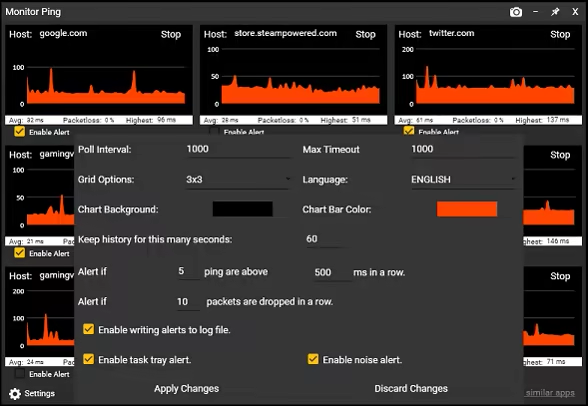

What is the difference between this and command prompt ping? The built-in Windows command prompt ping is more of a real-time latency checker to a single host. This Monitor Ping application improves upon that in several ways:
Won't this use up a lot of bandwidth? Not at all! Each monitor uses approx. 32 bytes of traffic per second in/out. To put that in perspective, you can poll a server 32,000 times before it uses even 1 MB in/out. By comparison, just watching a single second (1 second) of 1080p video on Youtube uses roughly 100,000 times more bandwidth than each monitor you have running. Why would I use this? This is a great way to decide "Is it me?" by doing the following:
Now let's say you're getting drops from your favorite game server, or experiencing lag. Just by looking at the Monitor Ping app, you can now confirm some very important information.
This application is a great first step in determining network connectivity issues, as well as just having an overall monitor to see how things are operating.
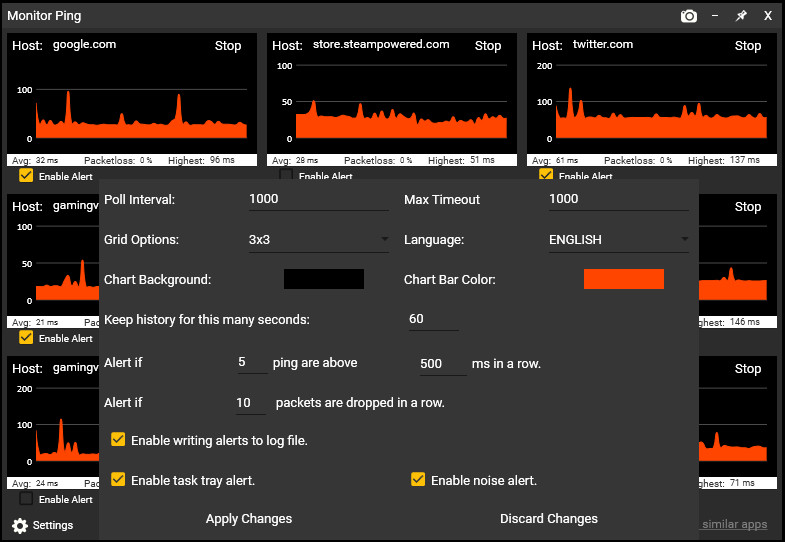
New Alerts System!
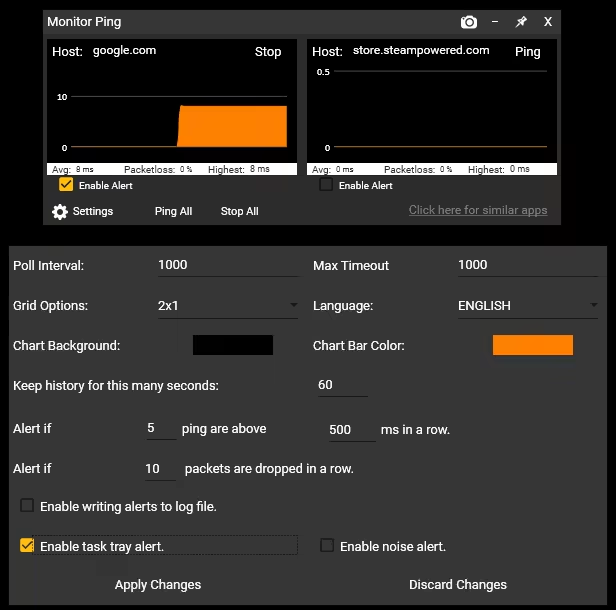
You can now receive alerts/notification of packetloss as well as high latency by the following methods:
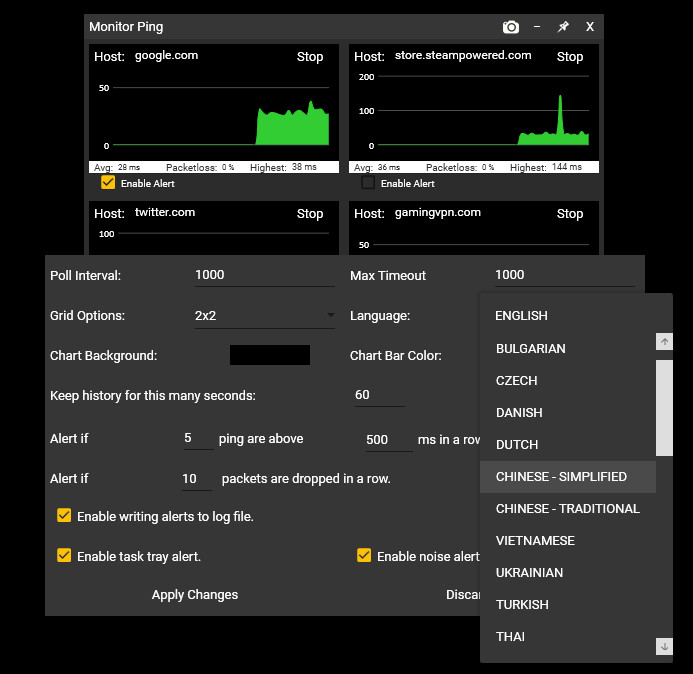
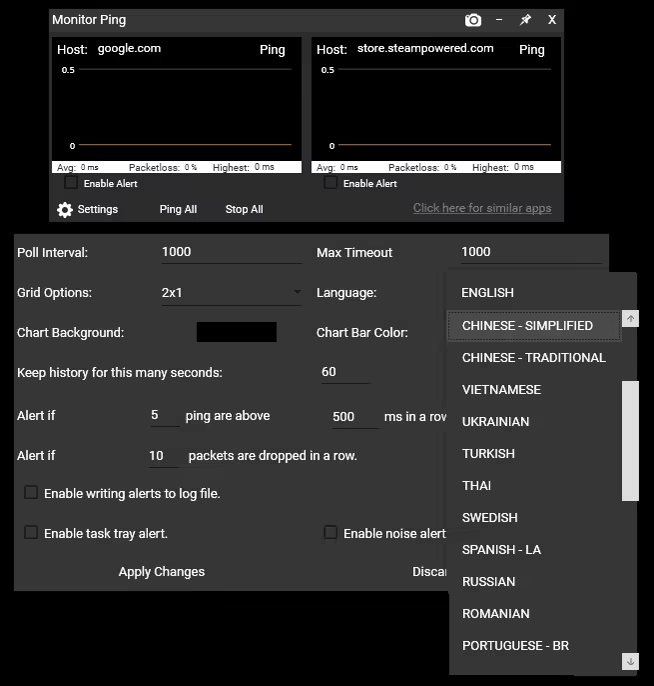
Support For 25+ Languages! The application now supports all supported Steam languages!
Steam data © 2026 Valve Corporation. Trademarks are property of their respective owners.
All matches
Finding similar games…
CPUCores :: Maximize Your FPSShares Design & Illustration · Mouse Only · Hardware , adds Gaming74% · 11k positive reviews51%Good match— FPS Monitor – hardware in-game & desktop overlaysShares FPS , adds Game Development83% · 2k positive reviews49%Loose match—
 ClearMem :: Free Up Your RAMShares Mouse Only · Hardware · Mod , adds Gaming78% · 260 positive reviews46%Loose match—
 Energy Engine PC Live WallpaperShares Design & Illustration , adds Beautiful62% · 343 positive reviews45%Loose match—
 DisplayFusionShares Utilities86% · 1k positive reviews43%Loose match—
 Smart Game BoosterShares Utilities79% · 2k positive reviews41%Loose match—
All matches
The best games like Sticky Apps :: Monitor Ping are CPUCores :: Maximize Your FPS, FPS Monitor – hardware in-game & desktop overlays, ClearMem :: Free Up Your RAM, Energy Engine PC Live Wallpaper, and DisplayFusion.
Match on: filter matches for Sticky Apps :: Monitor Ping by tag