


 72%Strong match
Simple VR Video Player
69%34769% positive reviews, Mixed across 347 reviews·VR
—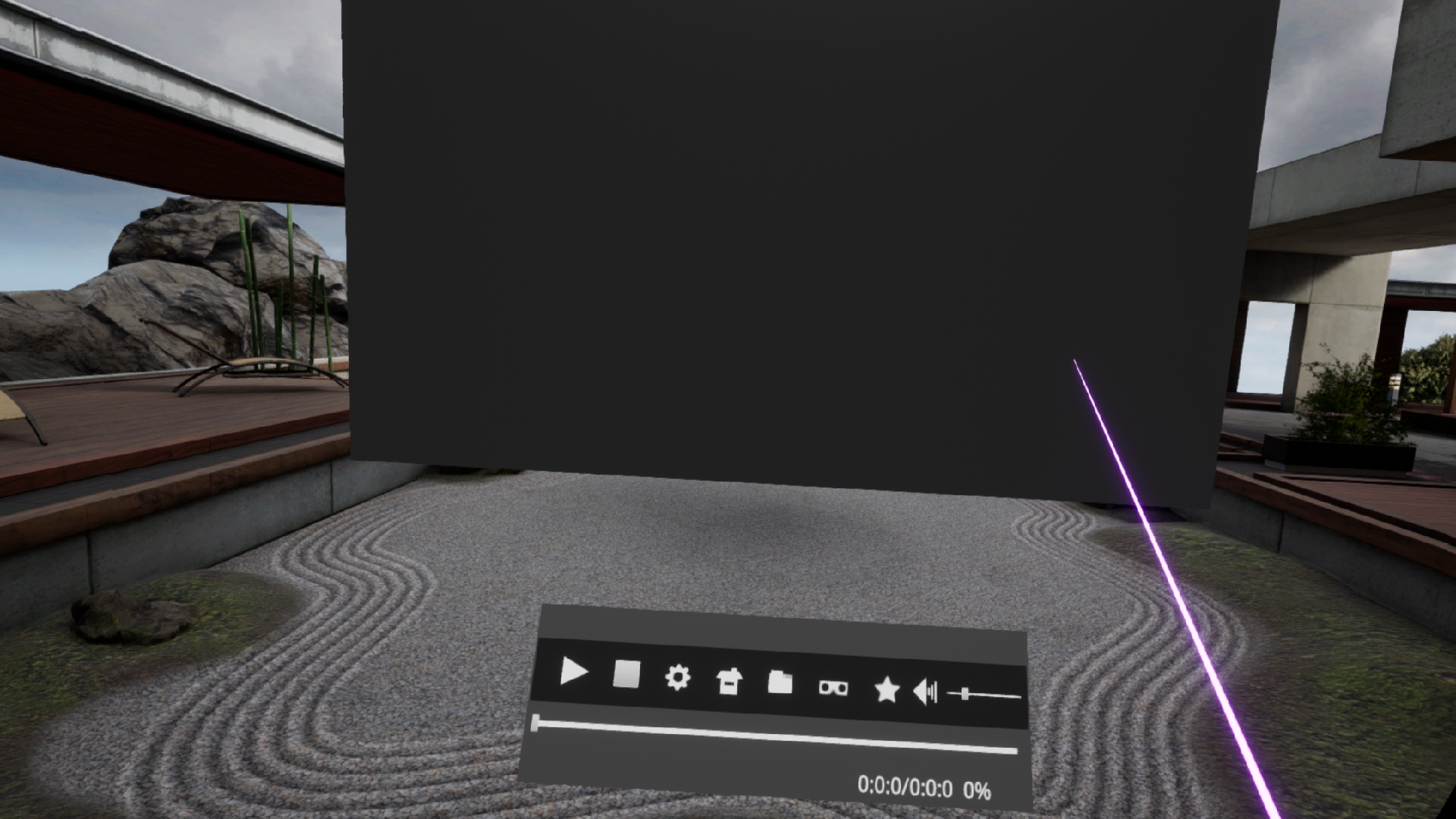
A high-performance VR media player that can play media files greater than 4K. If you have a high-performance GPU, you can play files with a QUHD (7680 × 4320) resolution.
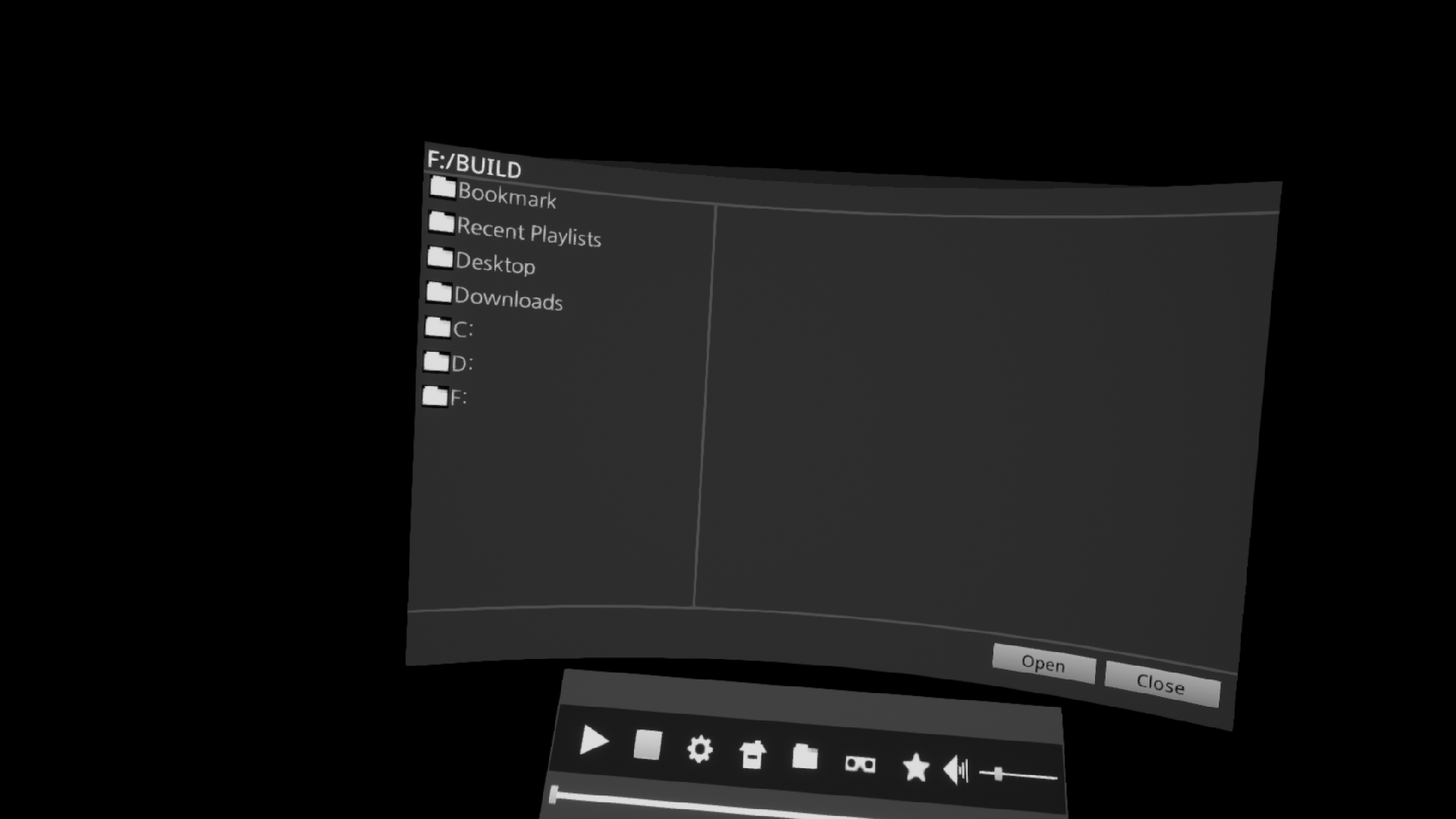
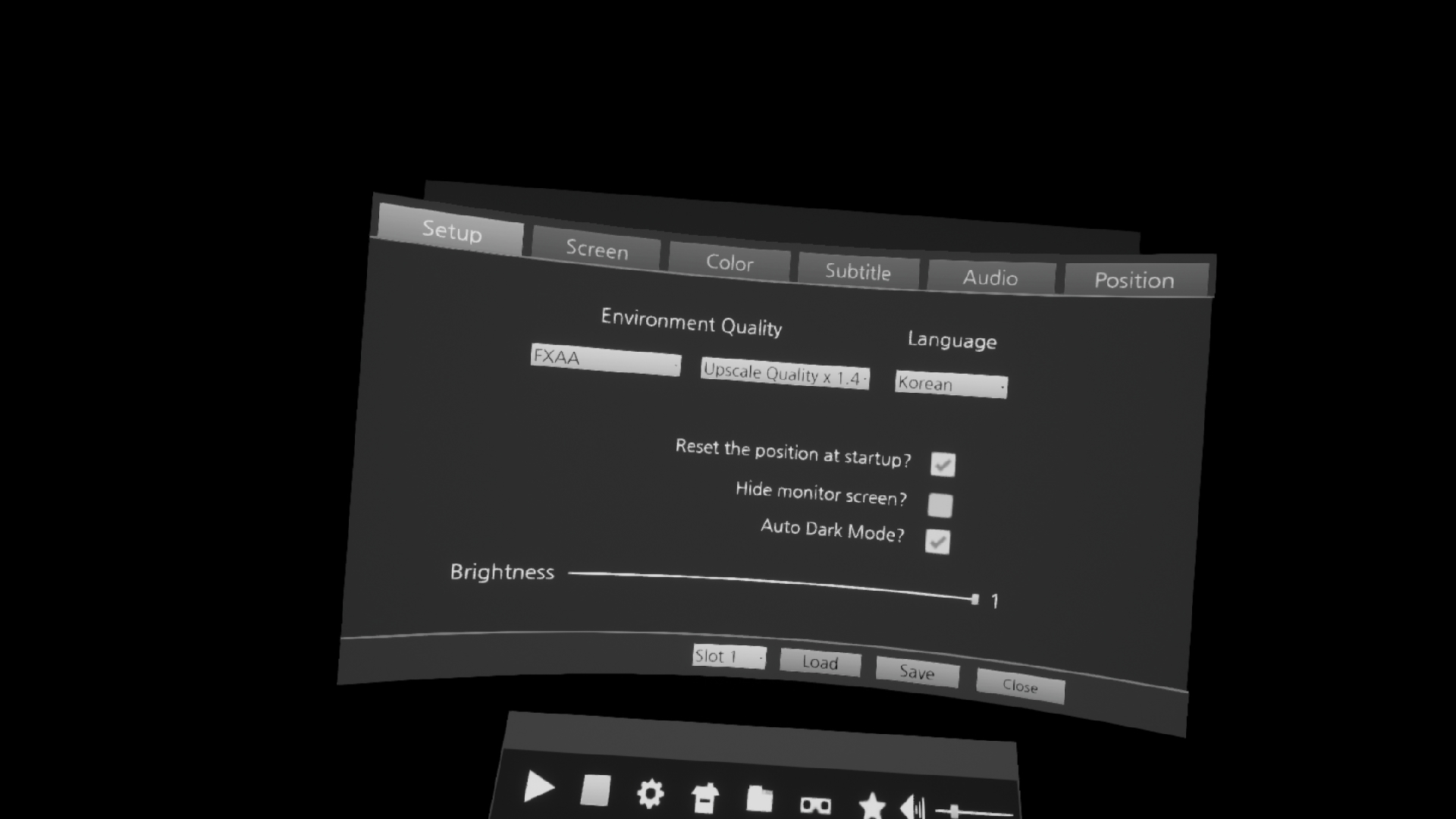
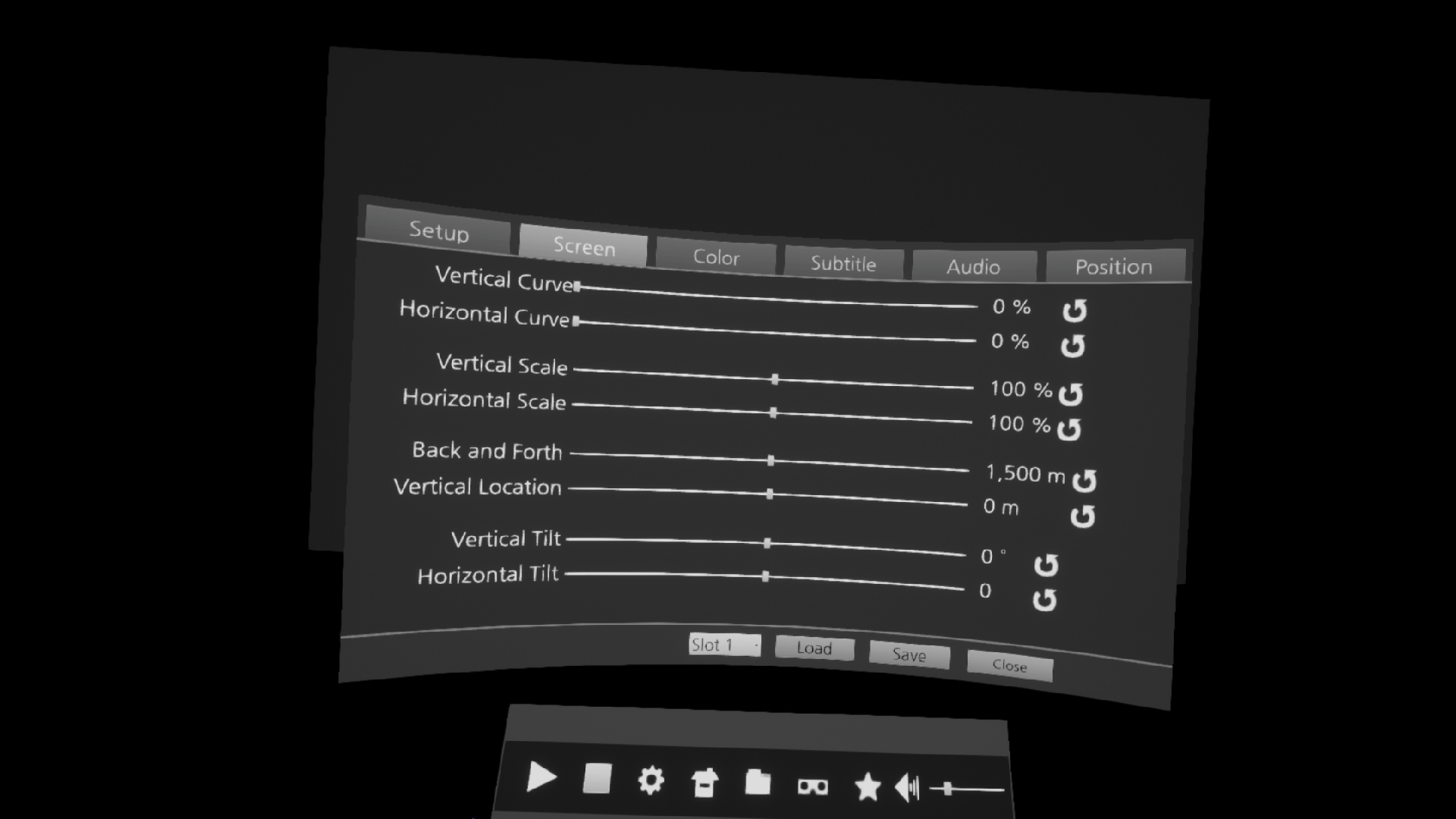
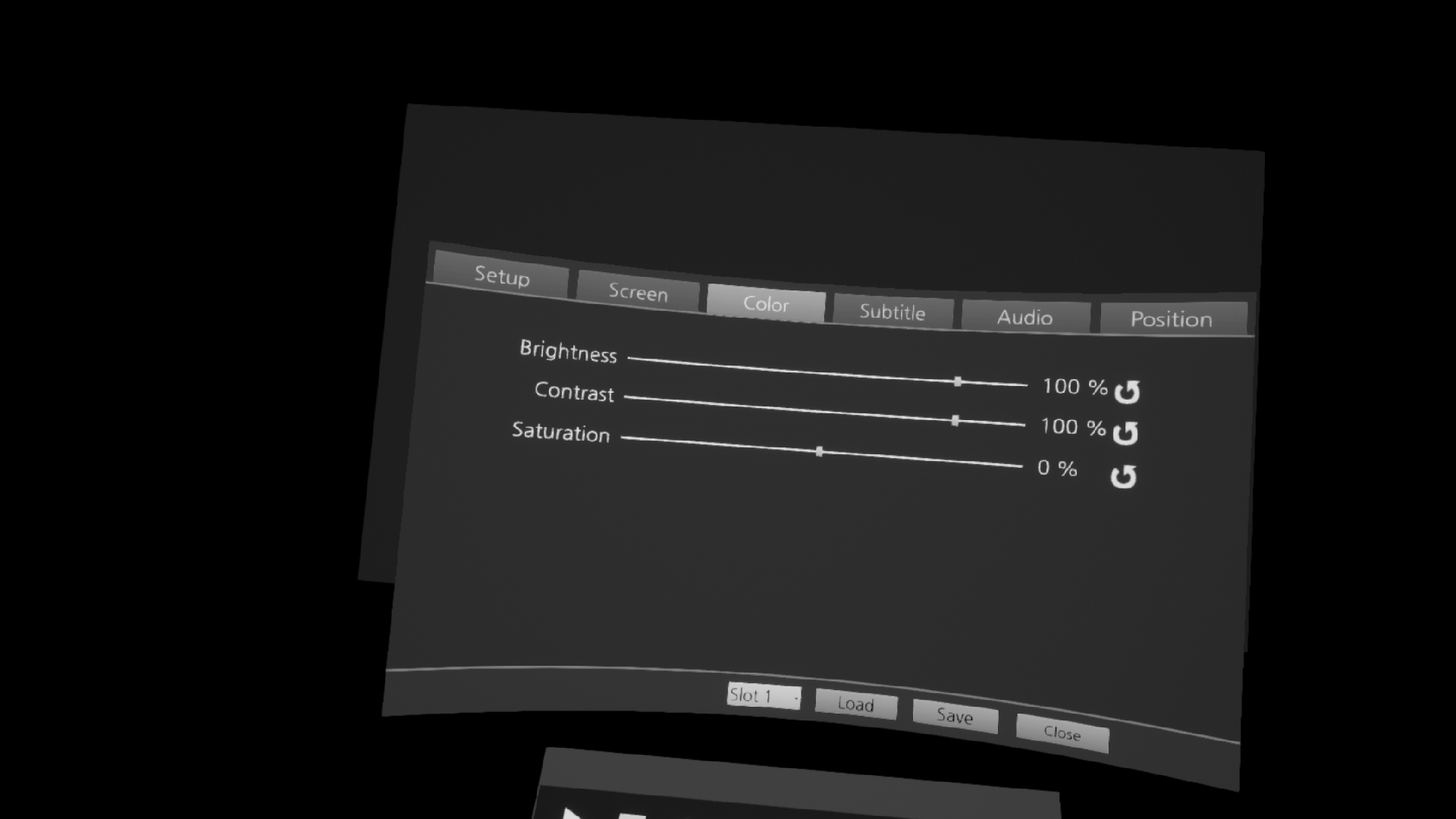
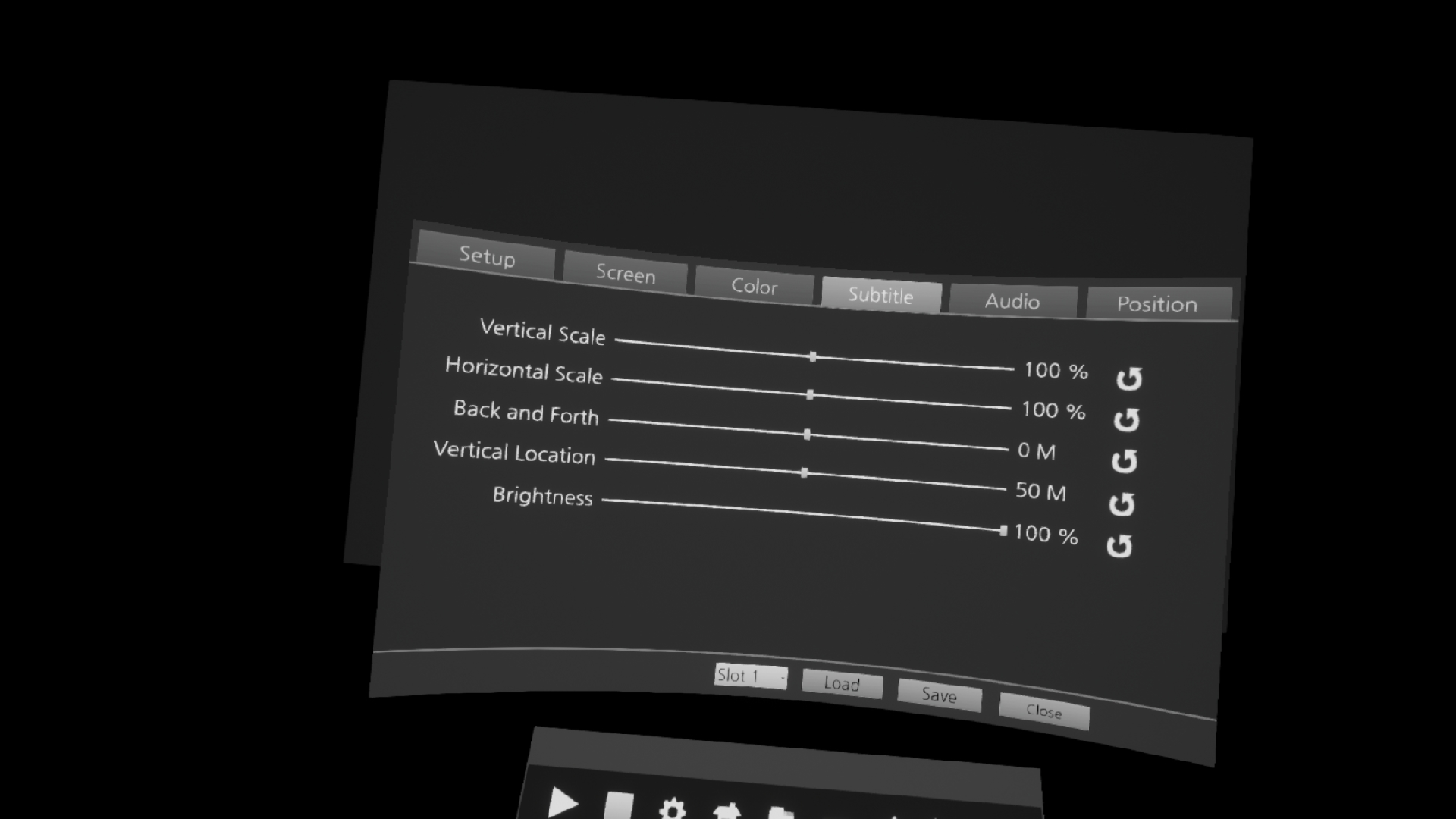
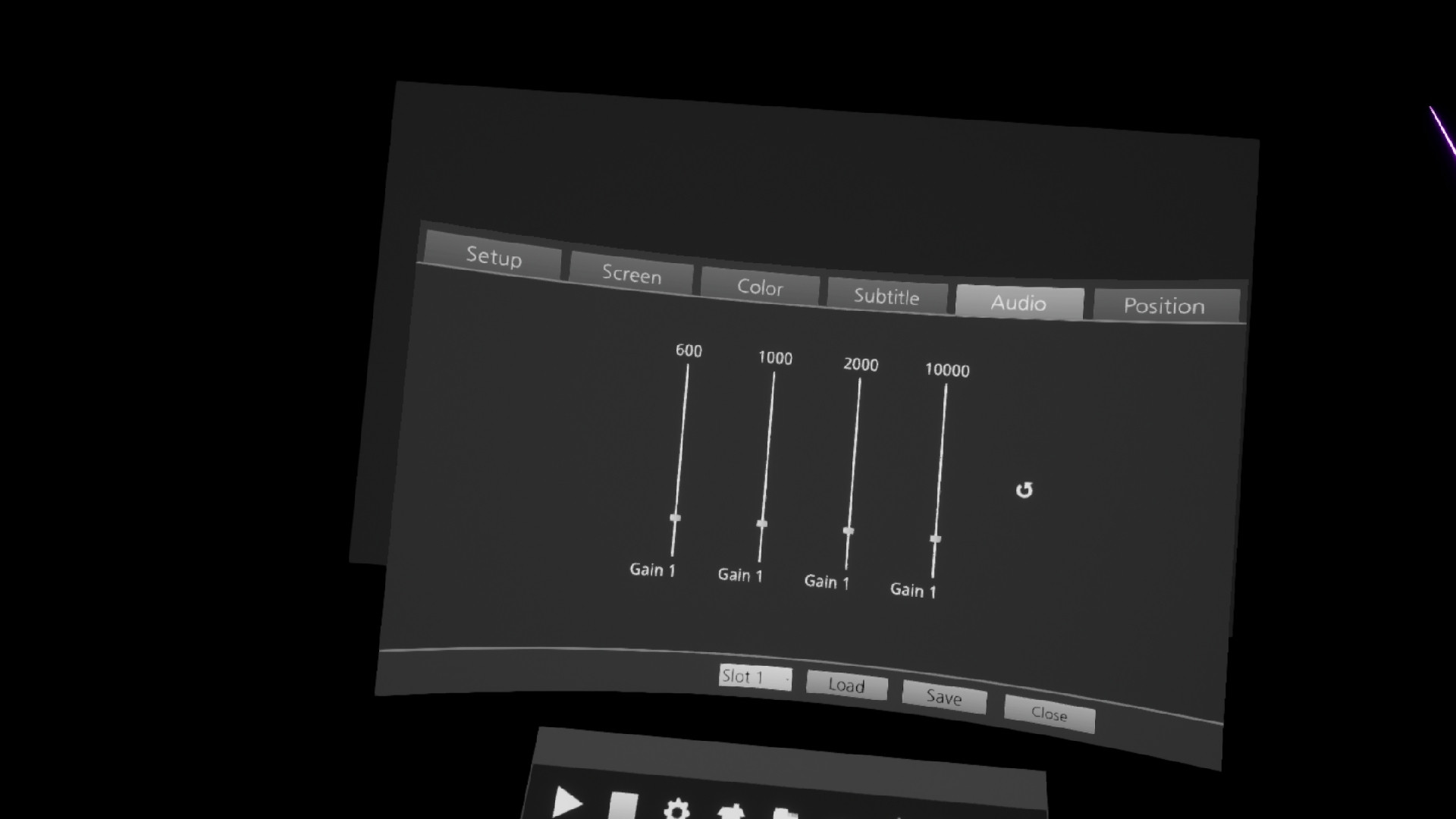
A high-performance VR media player that can play media files greater than 4K. If you have a high-performance GPU, you can play files with a QUHD (7680 × 4320) resolution. I thought a lot about VR for convenient operation. If there's anything uncomfortable, please leave a message on the bulletin board and I'll check it out. Features include: 1. Support for GPU hardware-accelerated video decode (.mkv does not support GPU hardware-accelerated) 2. Control screen size and location and color 3. Control the size and location of subtitles 4. File bookmark 5. Folder bookmark 6. Equalizer Control Sound 7. Reset Control Panel Position 8. Anti-aliasing Control 9. Control Up-Scaling Adjustments 10. Explorer Support Files 11. Supports keyboard input 12. VR Controller Input Support Media features include: 1. 2D, 3D, 180°, 360° video support. 2. 3D Stereoscopic image Side-By-Side, Top-Down support. 3. Supports UHD 3840 × 2160, QUHD 7680 × 4320 video. 4. Supports .3g2 .3gp .3gp2 .3gpp .ac3 .aif .aifc .aiff .amr .au .avi .bwf .caf .cdda .m4a .mp4v .mov .mp3 .mp4 .qt .sdv .snd .wav .wave formats 5. Support for .Srt .Smi subtitles (cautions related to subtitles) If the folder path and file name are not English, the subtitle file can not be read. Always run in English. If the name of the subtitle file is the same as the name of the media file, the subtitle is recognized automatically. When a subtitle file is run, it automatically plays the media if there is a media file with the same name. Input guide Mouse input support Keyboard Input Space Bar: Stop/Play Video Directional keys left and right =Back/forward of the image Up and down the arrow VR Controller Pad Left and Right = Back/forward of the image Up and down the pad=Small/Large, Scrollup/down in File Explorer Trigger = Click/Hide Menu FolderHow to Create Shortcuts When you click the folder icon in the File Explorer, the folder shortcut icon is added. Updated in the future theater background YouTube 2D, 3D, 180°, 360° video support. known issue chaperone is an internal function of the StramVR. Internal access is not available at this time for safety reasons. Other existing VR programs were developed with the old version of Openvr SDK and removed the chaperone. However, it is not possible to remove the chaperone at this time. However, there is a way to bypass the circular chaperone while sitting down. The contents are as follows. Run the setup in SteamVR. In the Developer entry, click the Quick Adjust button in Room and Tracking . The circular chaperone is then changed to a boxed chaperone and the circular chaperone is invisible.
Steam data © 2026 Valve Corporation. Trademarks are property of their respective owners.
All matches
Finding similar games…
Simple VR Video PlayerShares Video Production · VR · VR Only69% · 347 positive reviews72%Strong match— GizmoVR Video PlayerShares Video Production · VR · VR Only , adds 360 Video63% · 446 positive reviews62%Good match—
 Whirligig Media PlayerShares Video Production · VR , adds 360 Video80% · 489 positive reviews62%Good match—
 SKYBOX VR Video PlayerShares Video Production · VR · VR Only73% · 841 positive reviews61%Good match—
 HereSphere VR Video PlayerShares Video Production · VR · VR Only , adds 360 Video87% · 207 positive reviews60%Good match—
 OVR Advanced SettingsShares VR · VR Only92% · 5k positive reviews58%Good match—
All matches
The best games like Sim 4K VR MediaPlayer are Simple VR Video Player, GizmoVR Video Player, Whirligig Media Player, SKYBOX VR Video Player, and HereSphere VR Video Player.
Match on: filter matches for Sim 4K VR MediaPlayer by tag