


 67%Strong match
DisplayFusion
86%1k86% positive reviews, Very Positive across 1k reviews·Software
—

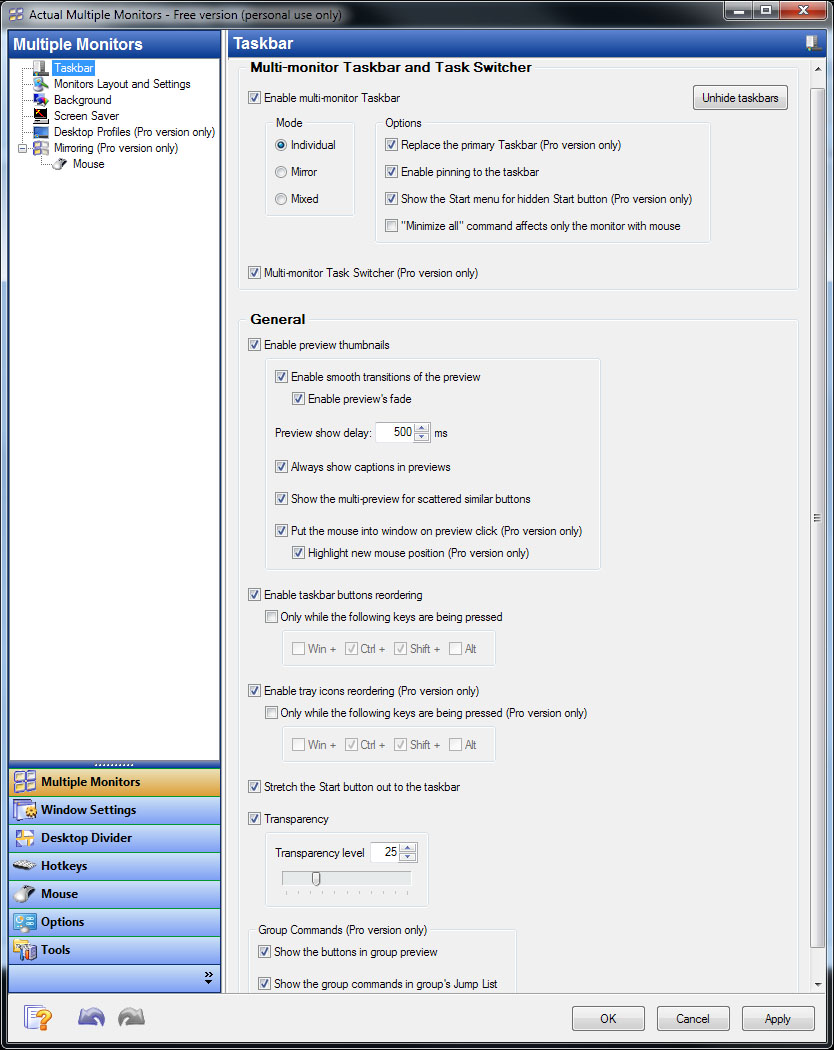

Running Actual Multiple Monitors, you will be able to emulate Windows® Taskbar on secondary monitors, create Desktop Profiles, and more!
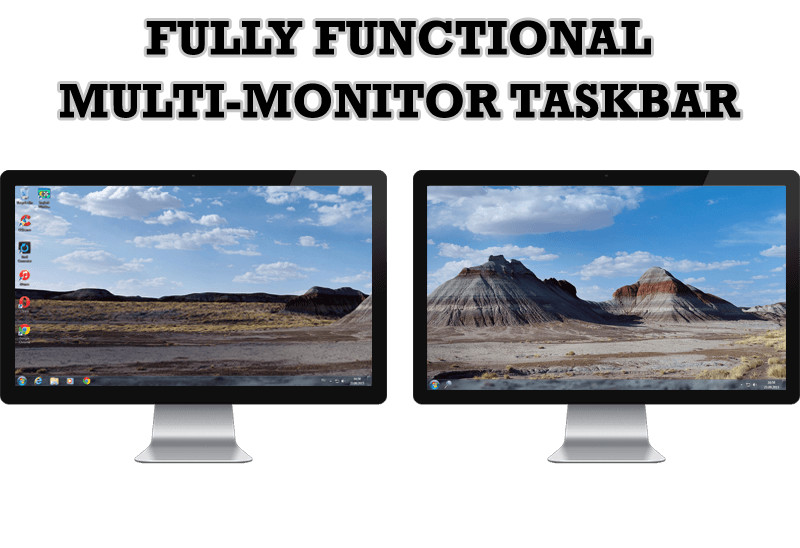
Multi-Monitor Taskbar You no longer need to move the cursor to the primary screen to access the taskbar. With Actual Multiple Monitors you will get a fully functional taskbar onto each display. ;No matter which monitor you are working with - the following Windows 7, 8 Taskbar features will be available anywhere:
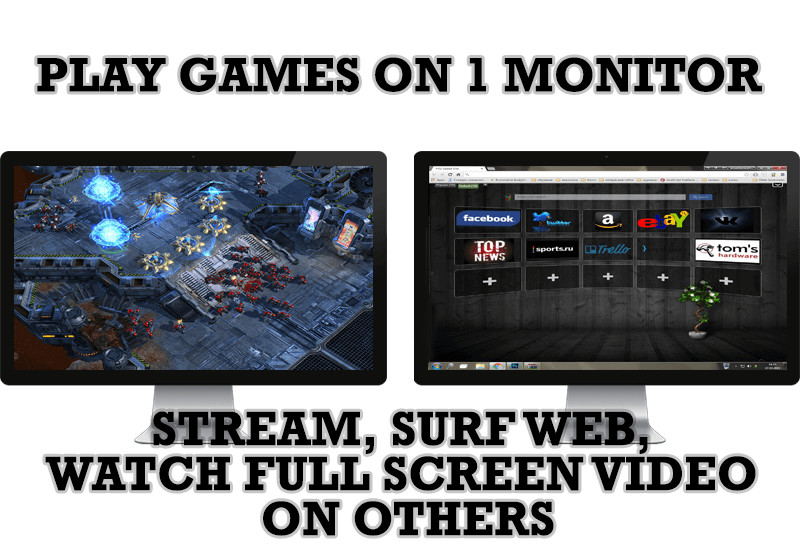
Multi-Monitor Gaming Gamers will appreciate several features of Actual Multiple Monitors that were developed specifically for enhancing multi-monitor gaming experience, making it more attractive and convenient:
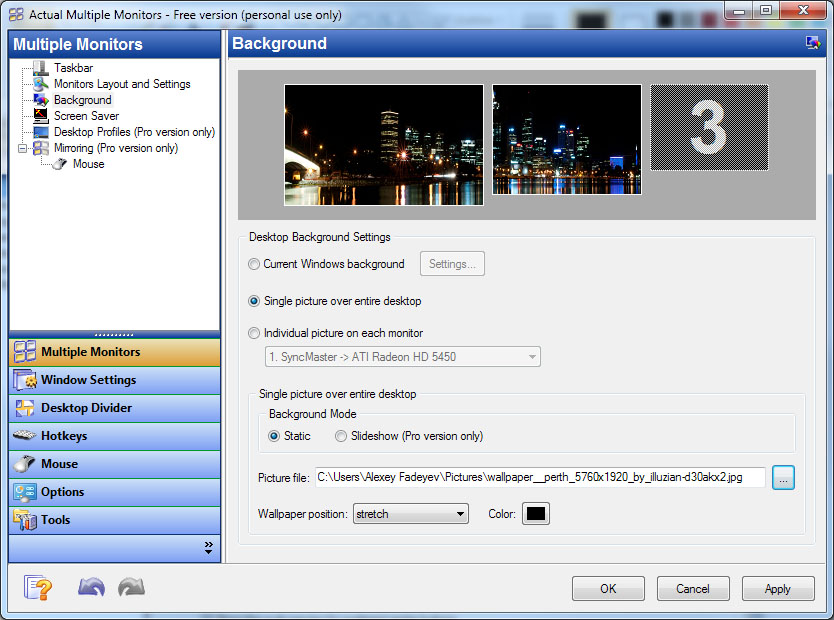
Multi-Monitor Wallpaper Using Actual Multiple Monitors, you can set up any kind of Desktop's background on multiple displays:
Additional Title Bar Buttons Be saved from routine tossing of windows between monitors - new buttons in each window's title bar give an instant access to advanced window functions and let apply them in a single click:
Custom Hotkeys Hotkeys is the tool of professionals, and Actual Multiple Monitors supports them in full. Most of program functions can be activated via hotkey, and you can customize the key combinations at will. Moreover, you will be able to add your own hotkeys for some window operations. Desktop Divider Divider allows you to divide the entire large desktop or each monitor into several non-intersecting areas (tiles). If you put a window into one of such tiles, the window will expand up to tile's borders only. You can create as many custom tile layouts as you need and activate them on the fly as circumstances require. Window Snapping If you prefer arrange your windows manually, Actual Multiple Monitors will help you make it faster and more accurate by snapping a certain edge of the dragged window to:
Also, you will get a Windows 10 Snap Assist feature and an improved version of the Windows 7 Aero Snap feature: now it works on edges between monitors. Multi-Monitor Screen Saver Actual Multiple Monitors gives new abilities for screen savers (even those that don't have native multi-monitor support) - you will be able to:
Desktop Mirroring Mirroring is a special function that allows observing a certain window, monitor or a custom part of desktop in a separate window on another monitor. It can be useful in various specific situations:
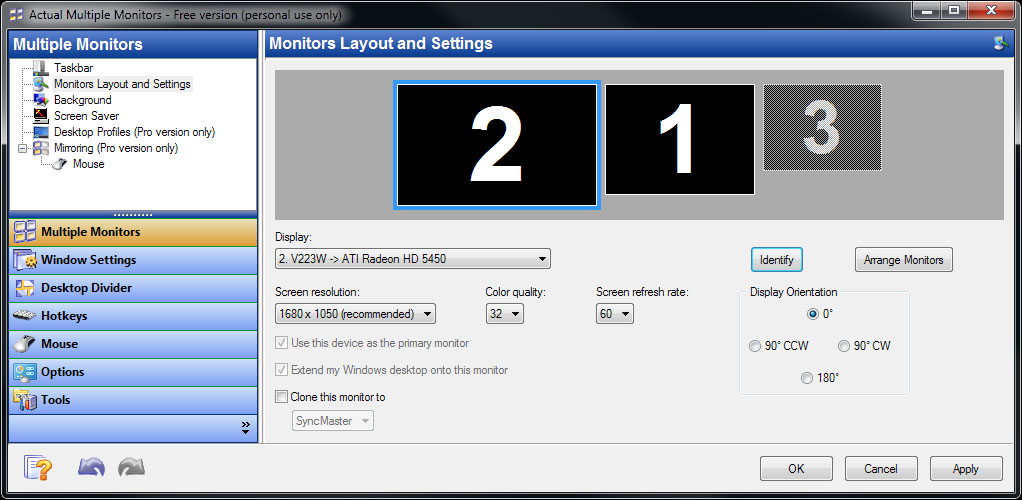
Actual Multiple Monitors fills up the gaps in Windows® user interface when working with several monitors at once. Install Actual Multiple Monitors to get such essential controls as Taskbar, Start menu, system tray and Task Switcher on each connected display, quickly allocate windows between monitors (either manually or automatically), improve the look-and-feel of your desktop with the multi-monitor desktop wallpaper and screen saver, create as many desktop profiles as you need.
Ignore Deactivation - prevents the game from being minimized. By using this feature you can play your favorite games on one display and stream, surf web, watch full screen video, and etc. on others. Lock Mouse - locks the mouse pointer in a specific window or monitor preventing it from leaving a game. Lifetime License This Actual Multiple Monitors license is a lifetime license. You don't need to pay anything for any updates. 30 days fully functional trial 30-day fully functional trial of Actual Multiple Monitors is available on the product page of our official web site: .
Steam data © 2026 Valve Corporation. Trademarks are property of their respective owners.
All matches
Finding similar games…
DisplayFusionShares Utilities86% · 1k positive reviews67%Strong match— Driver Booster 4 for SteamShares Utilities75% · 844 positive reviews53%Good match—
 ViewTrackerShares Utilities76% · 274 positive reviews52%Good match—
 OVR Toolkit - Desktop OverlayShares Utilities , adds VR86% · 3k positive reviews50%Good match—
 Smart Game BoosterShares Utilities79% · 2k positive reviews50%Good match—
 OVRdropShares Utilities , adds VR66% · 526 positive reviews49%Loose match—
All matches
The best games like Actual Multiple Monitors are DisplayFusion, Driver Booster 4 for Steam, ViewTracker, OVR Toolkit - Desktop Overlay, and Smart Game Booster.
Match on: filter matches for Actual Multiple Monitors by tag