
Is your PC ready for VR? Find out with VRMark, the virtual reality benchmark. VRMark includes three VR benchmark tests and a free-roaming Experience mode to enjoy with a VR headset or on your monitor.
Top matches
Match strength key:80+65+50+<50
About VRMark
Is your PC ready for VR? Find out with VRMark, the virtual reality benchmark.
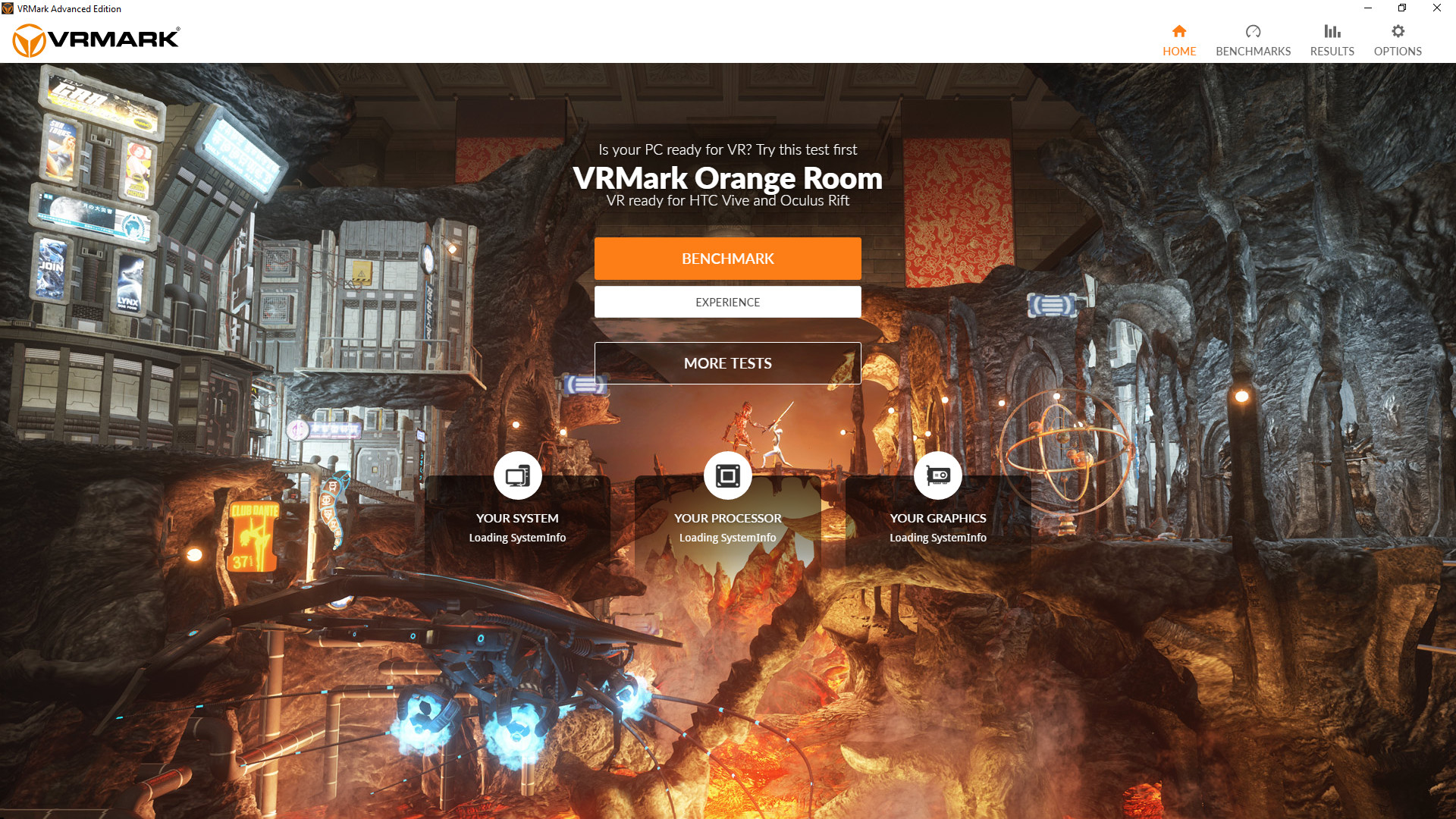
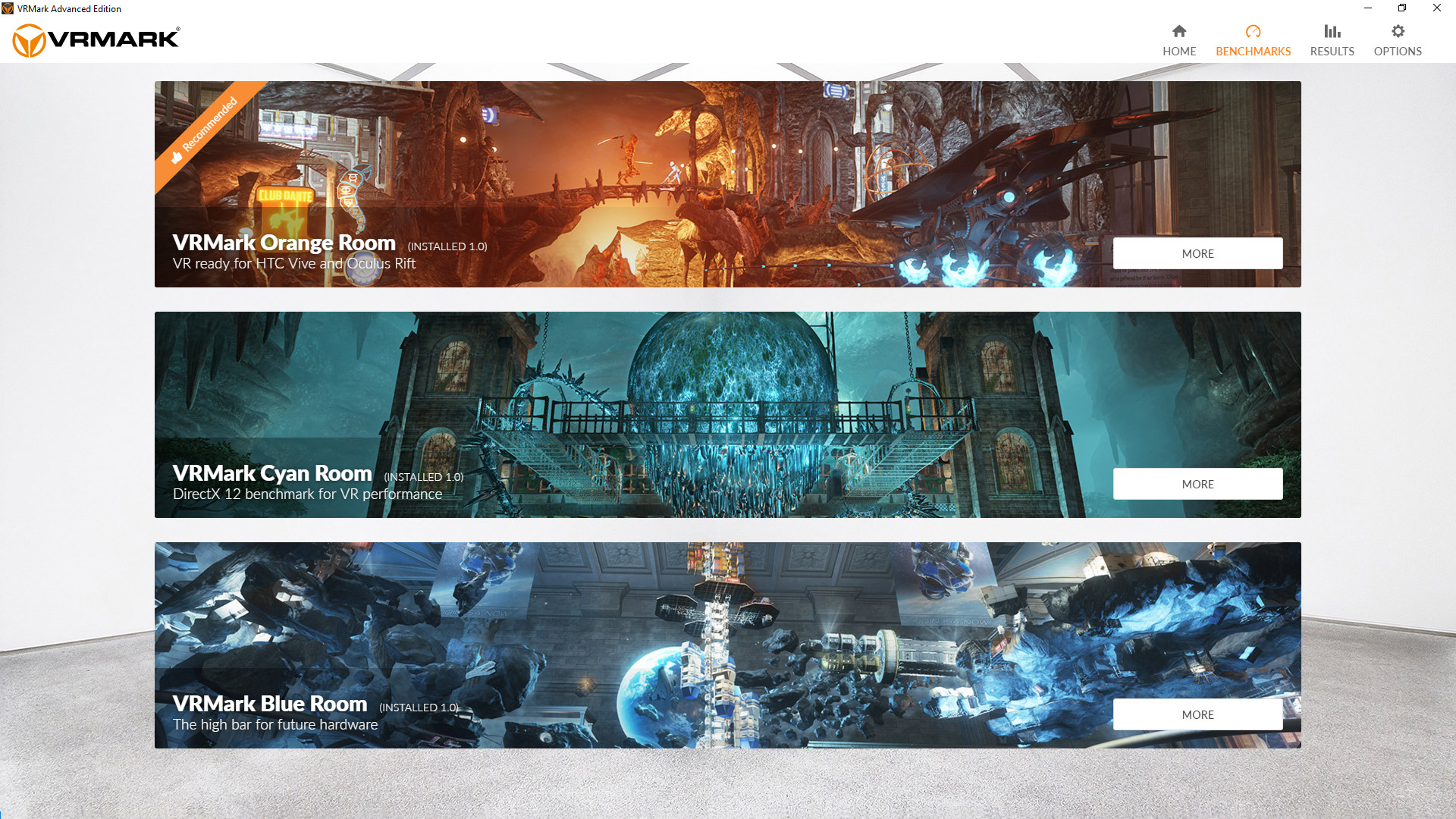
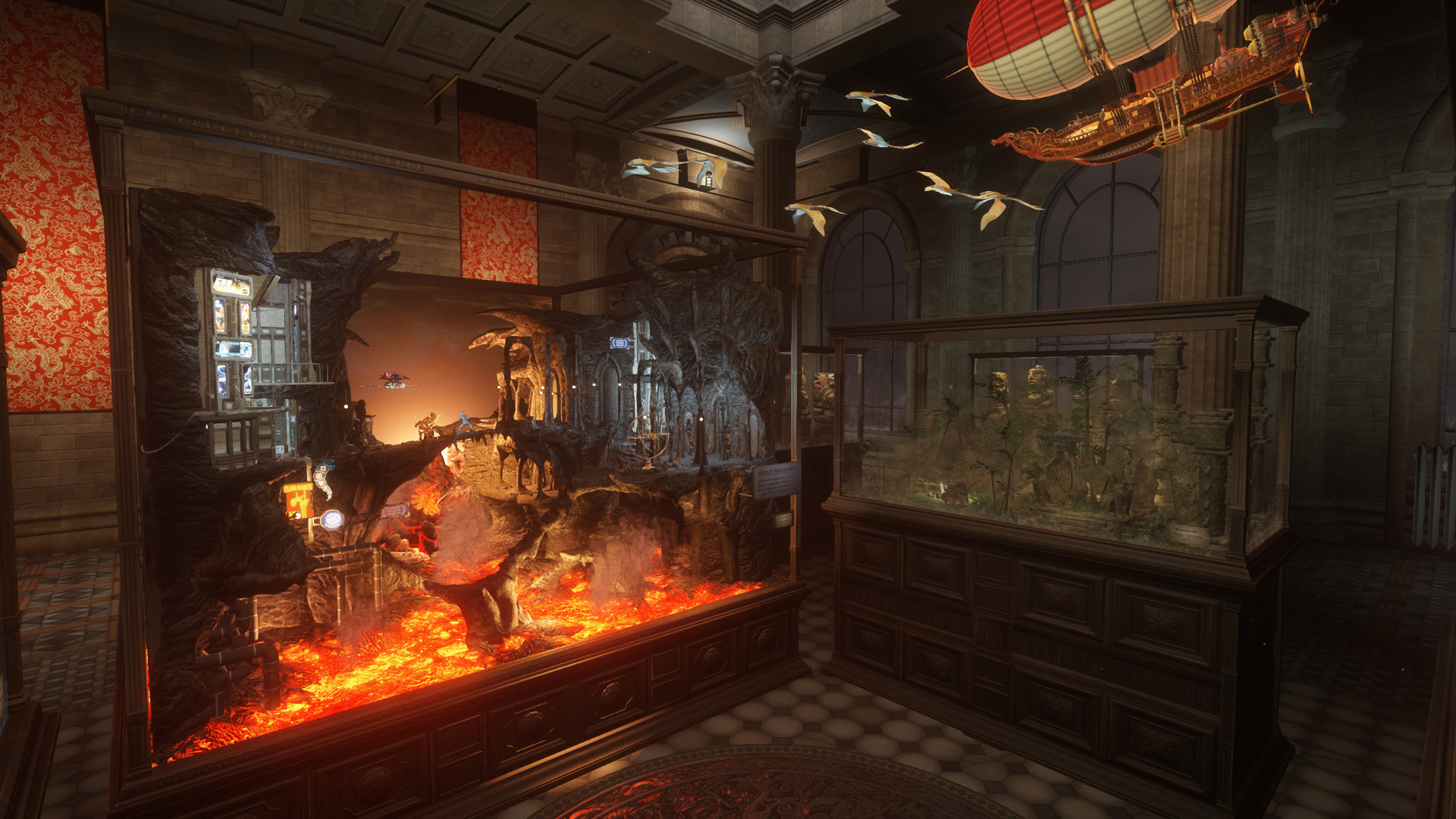
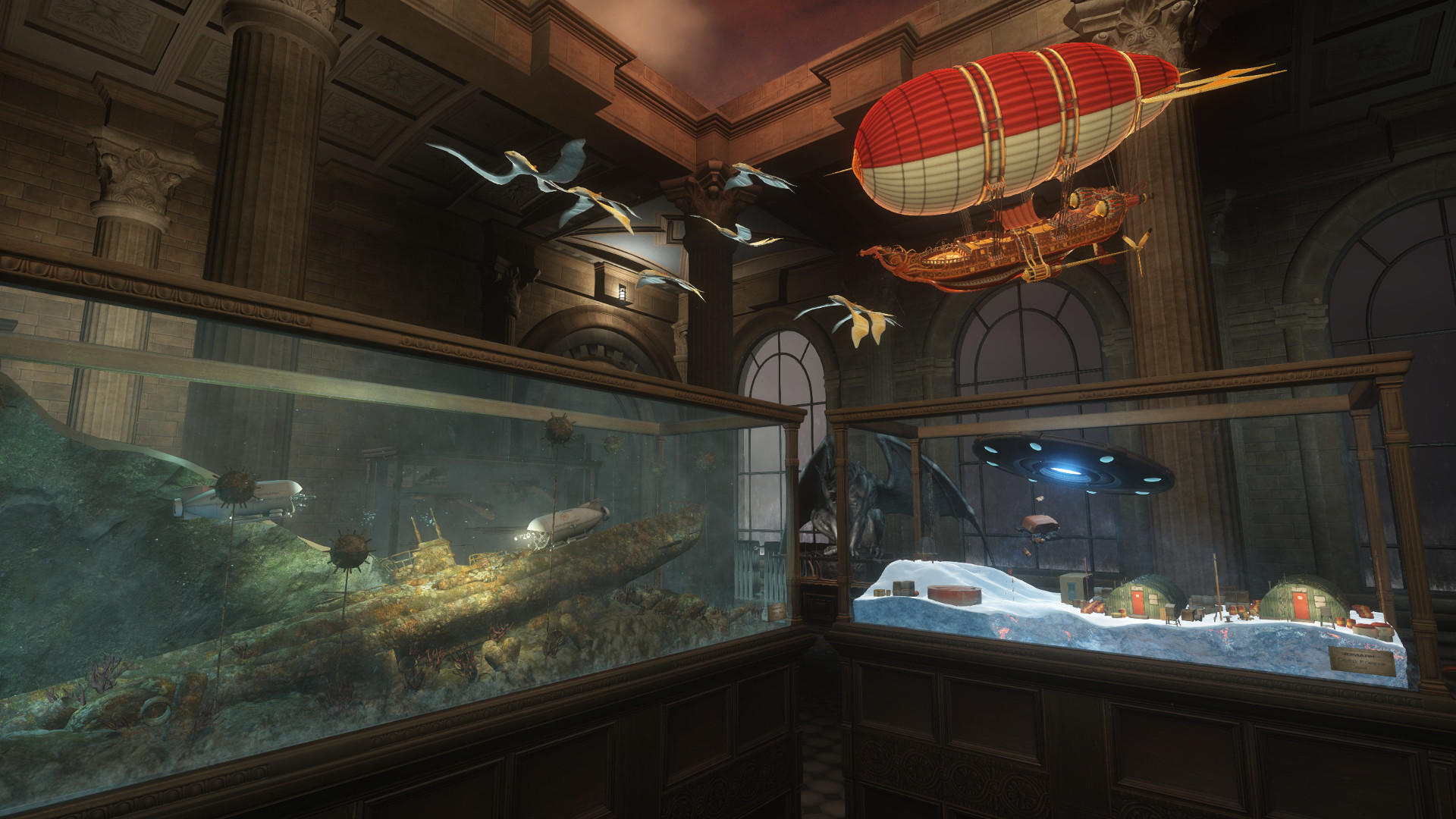
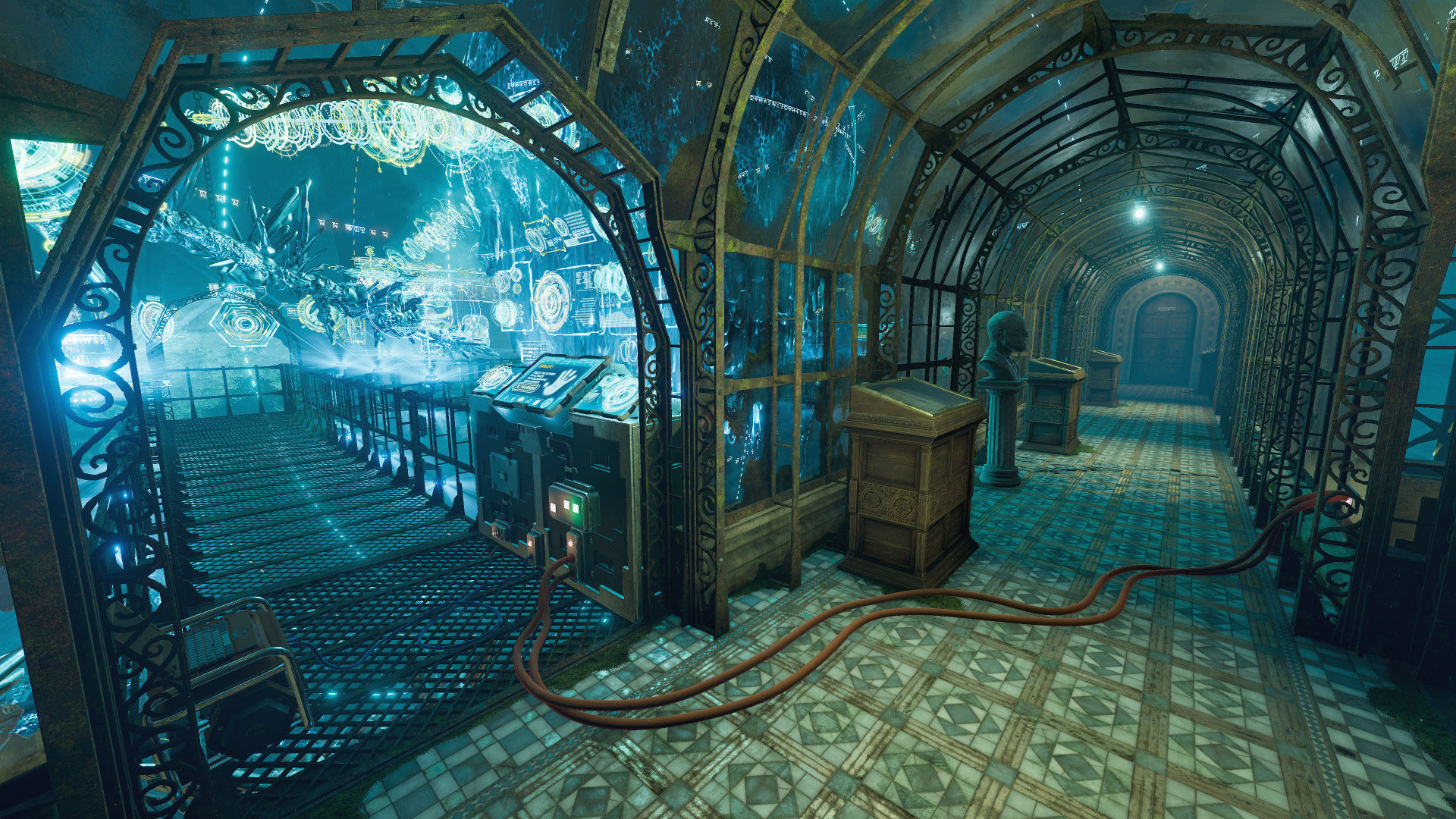
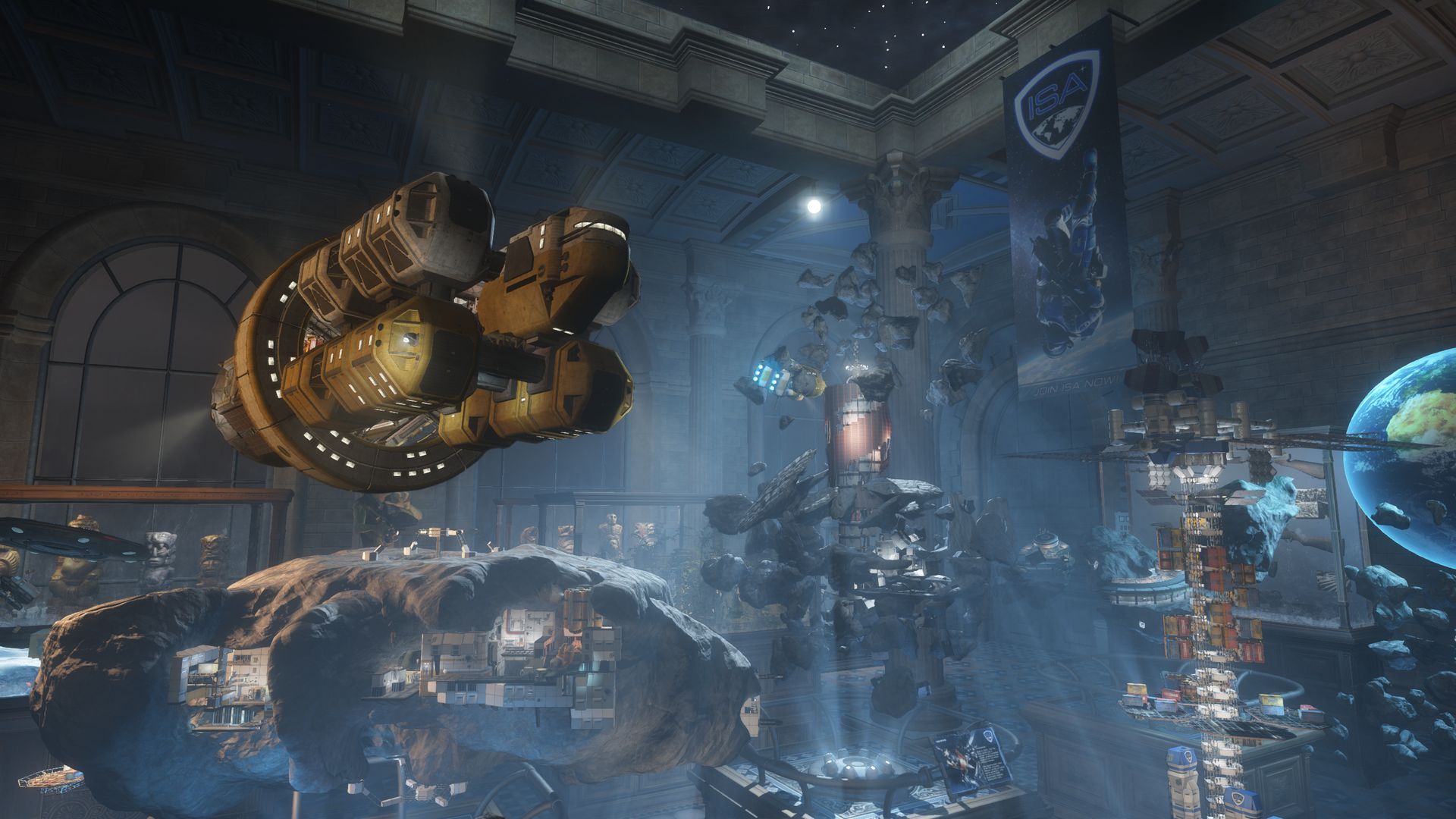
Try before you buy The performance requirements for VR games are much higher than for typical PC games. So before you buy an HTC Vive or Oculus Rift, use VRMark to see whether your PC has what it takes to deliver a great VR experience. VRMark includes three benchmark tests that run on your desktop monitor, no headset required. Or connect an HMD and see for yourself with the free-roaming Experience mode. Orange Room benchmark The VRMark Orange Room benchmark shows the impressive level of detail that can be achieved on a PC that meets the recommended minimum hardware requirements for HTC Vive and Oculus Rift. If your PC passes this test, it's ready for the two most popular VR systems available today. Cyan Room benchmark The Cyan Room benchmark is a DirectX 12 benchmark test for VR. It features a large, complex environment and many eye-catching effects. With its pure DirectX 12 engine, Cyan Room shows how using an API with less overhead can help developers deliver impressive VR experiences even on modest PC systems. Cyan Room requires Windows 10 (64-bit) and a GPU that supports DirectX 12. Blue Room benchmark The Blue Room is a much more demanding test, ideal for benchmarking the latest graphics cards. With its massive 5K rendering resolution and spectacular volumetric lighting effects, the Blue Room sets the bar for future hardware generations. Results and reporting After running each test, you'll see clearly whether your PC has passed or not. You'll get an overall score for your PC, which you can use to compare systems, and detailed charts showing how your PC performed during the test. Experience mode VR headsets use clever techniques to compensate for missed frames. With Experience mode, you can judge the quality of the VR experience with your own eyes. Explore each scene in your own time in VR or on your monitor.
Steam data © 2026 Valve Corporation. Trademarks are property of their respective owners.
All matches
Similar games to VRMark
Finding similar games…