 68%Strong match
OVR Toolkit - Desktop Overlay
86%3k86% positive reviews, Very Positive across 3k reviews·VR · Software
—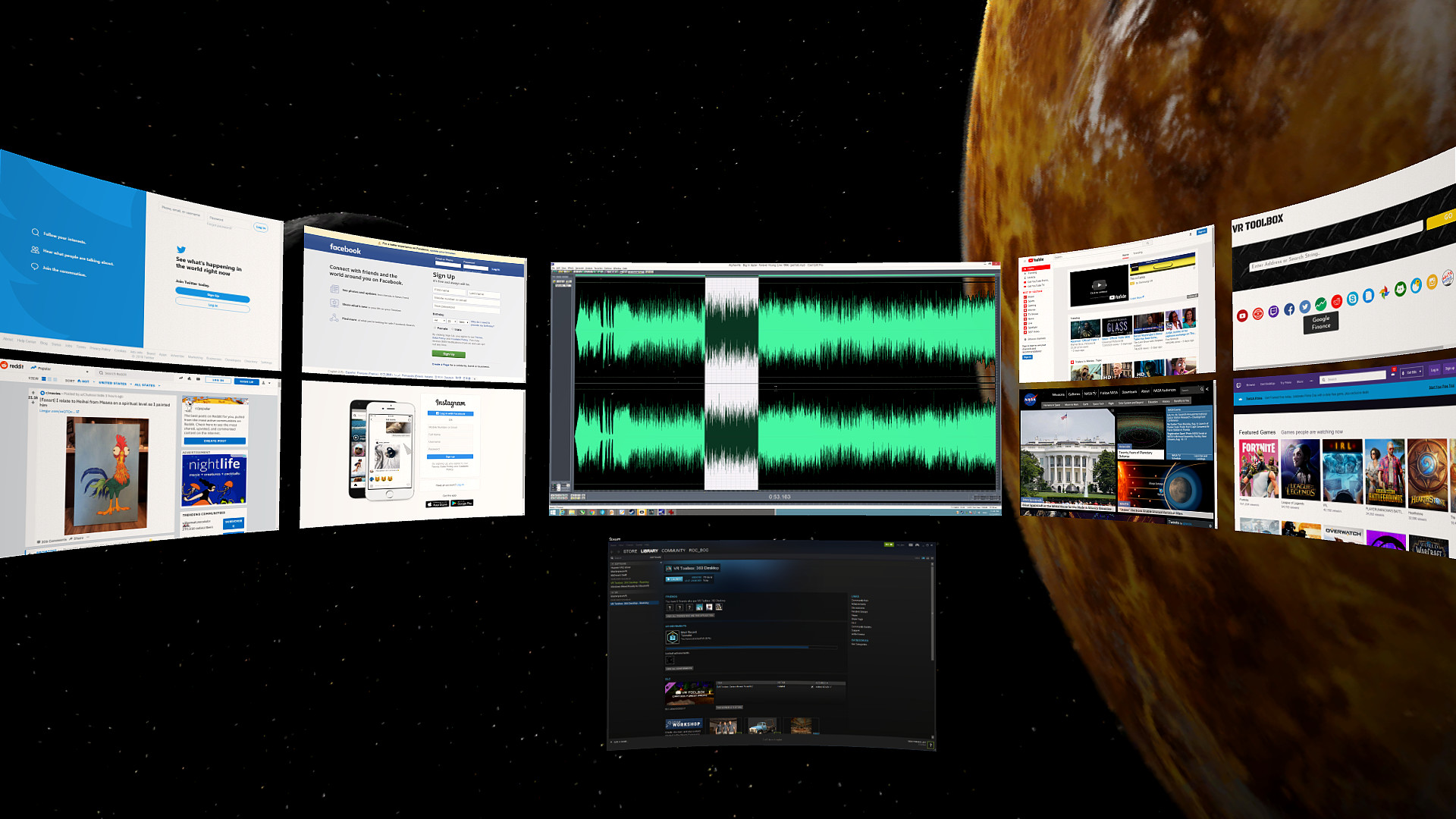

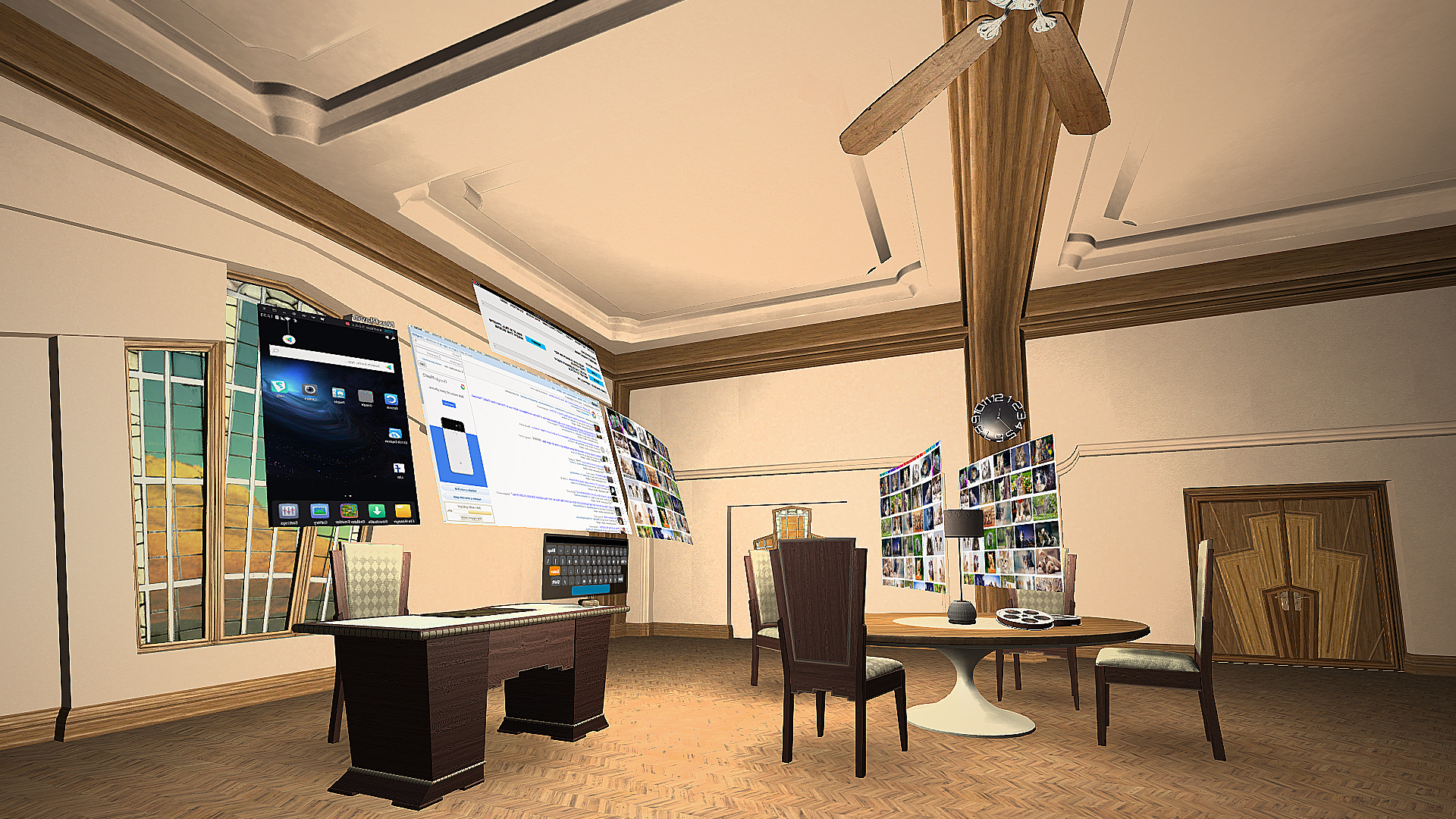
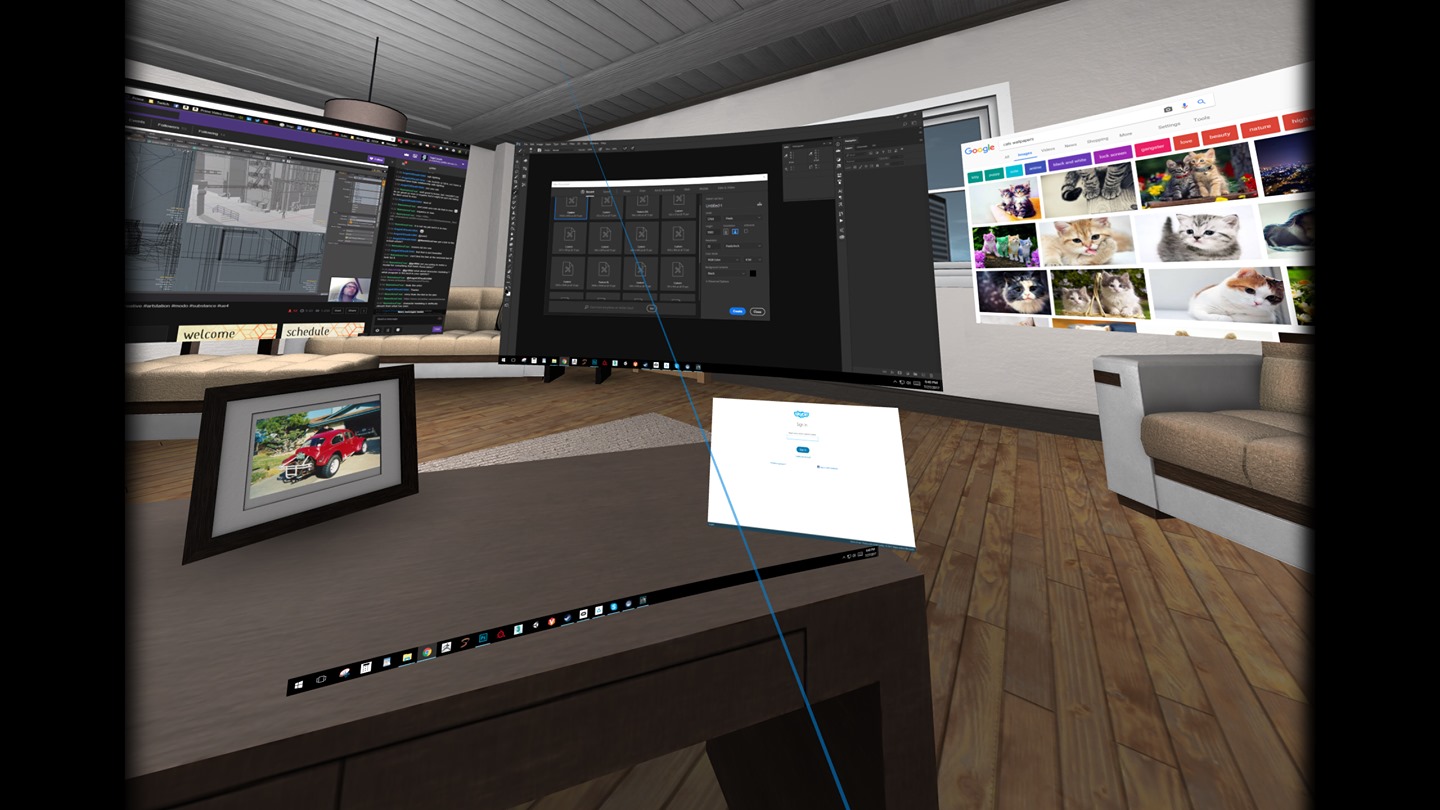
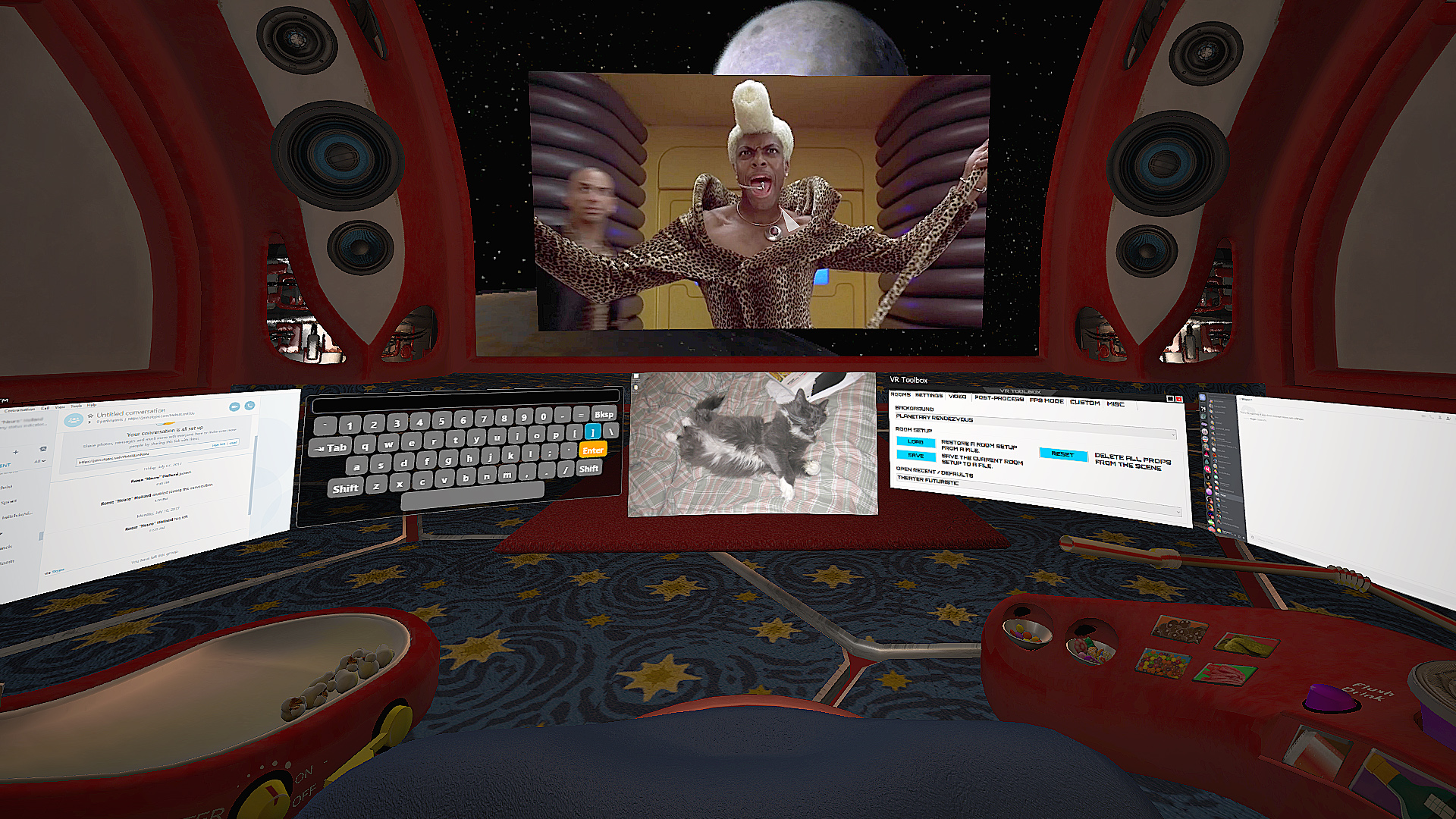
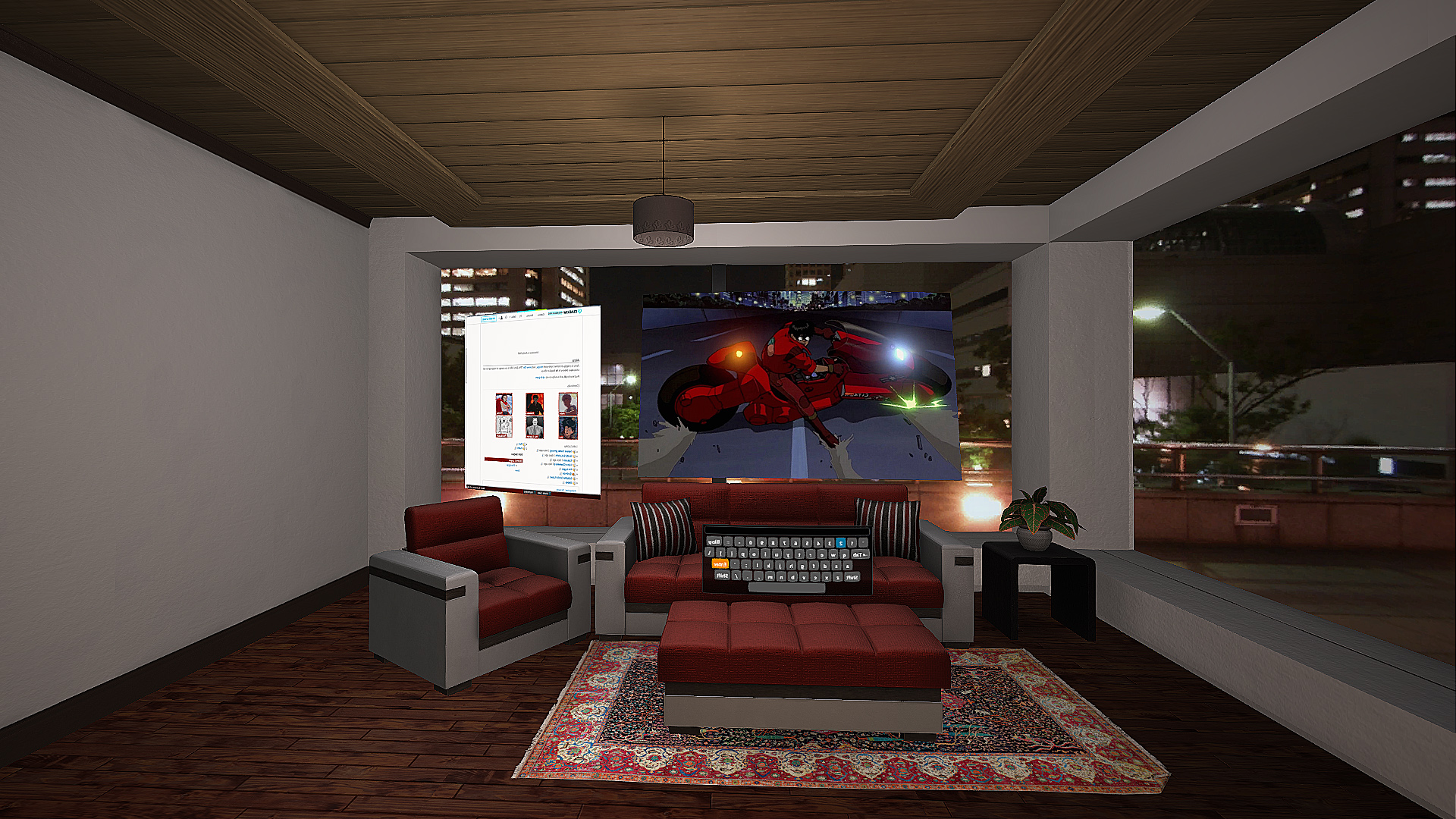
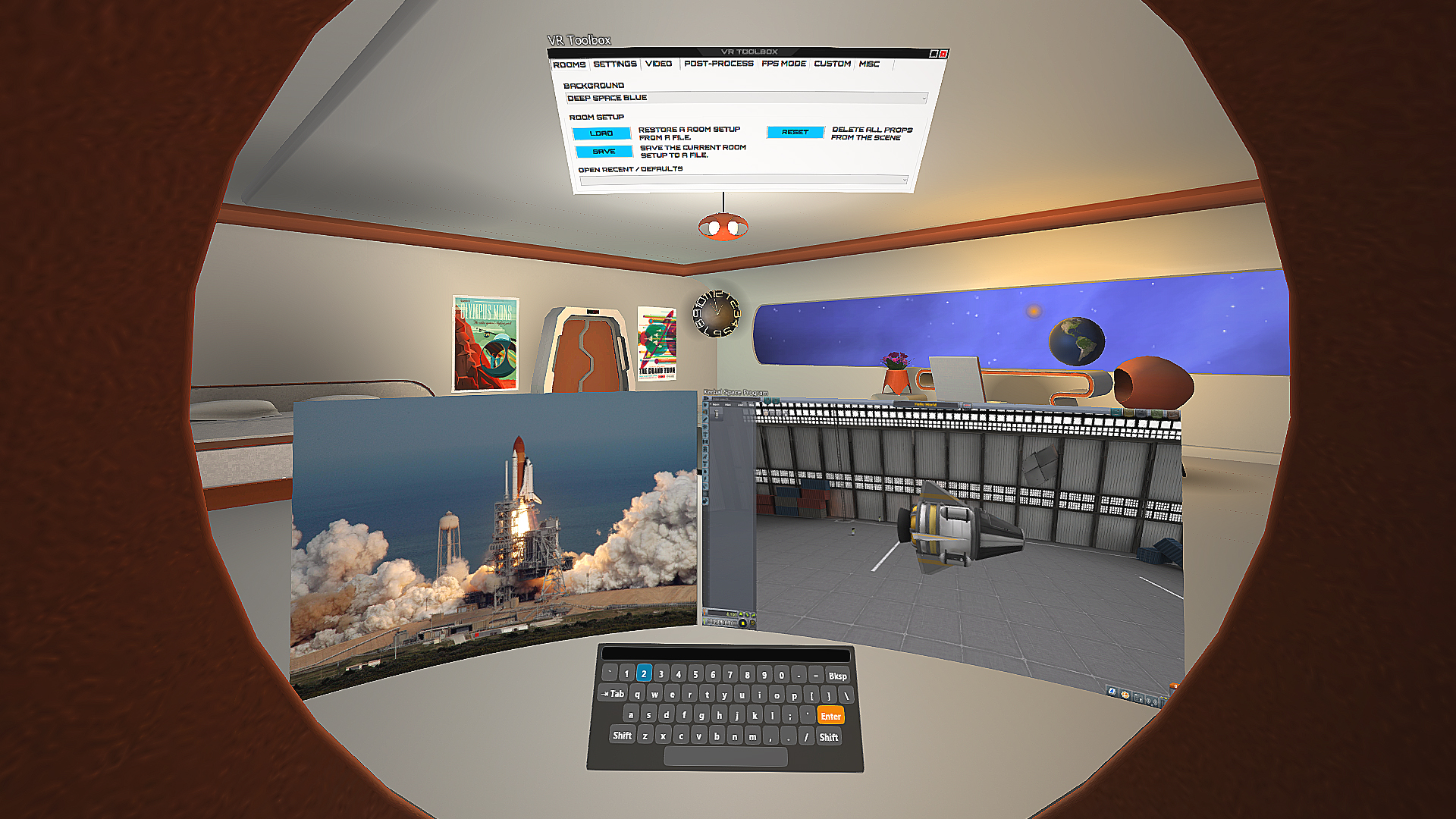
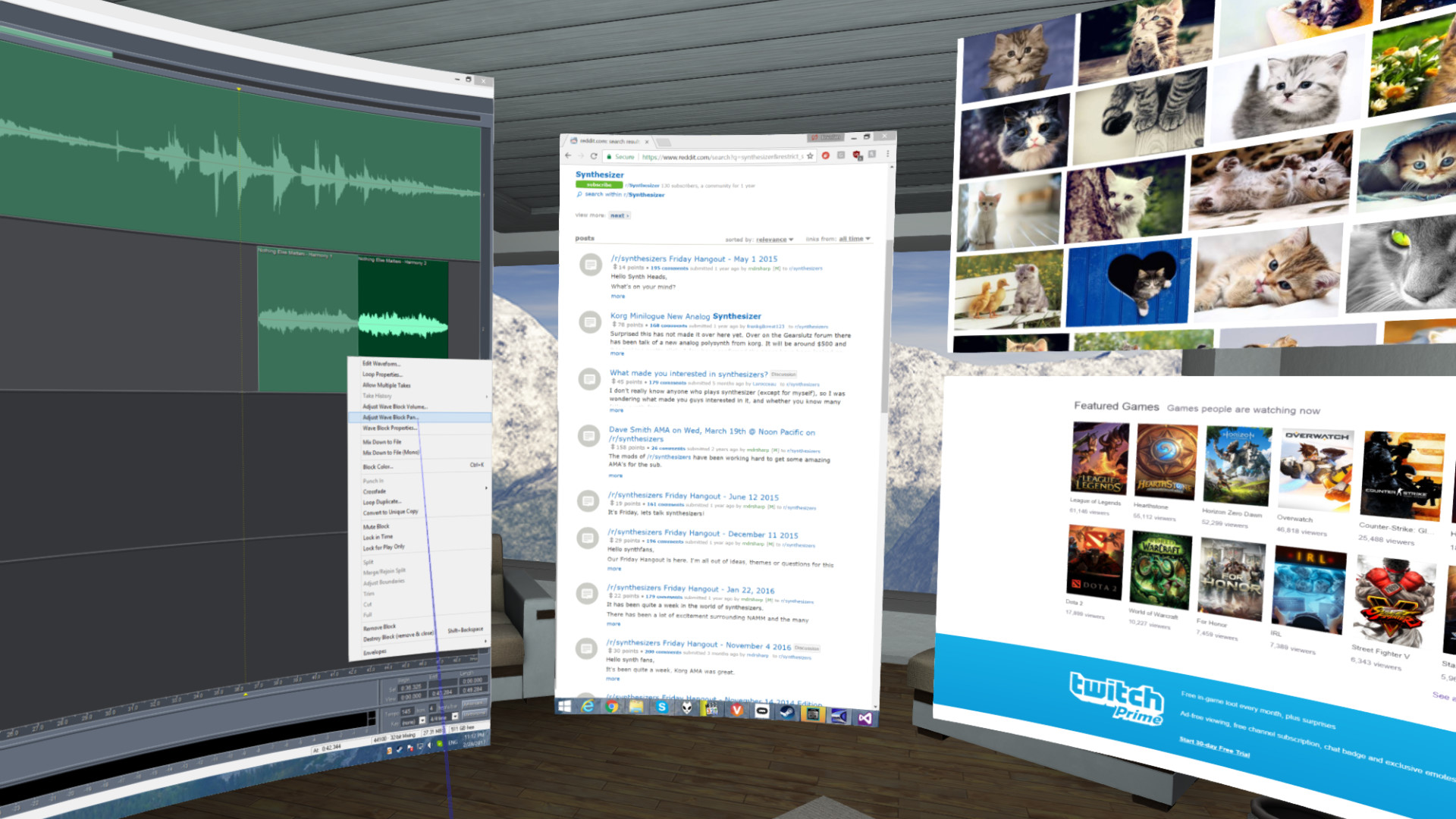
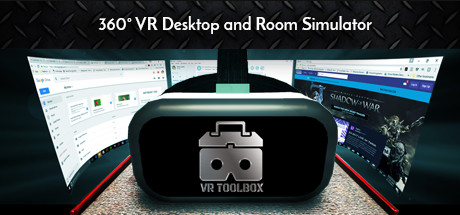
VR Toolbox is your VR mission control: enjoy virtual desktop, gaming, movies, and 360 video in your own personalized space. Mixed Reality is now Supported!
Laptop users, please setup using this guide.
* Once detached, an app doesn't need to be kept visible on the desktop anymore. If an app detaches as black (ie Chrome / MS Word), turn off hardware acceleration in the app.
Please follow the guide: to setup Steam / SteamVR. Watching Youtube 360 in 4k and Twitch requires opening them on a web screen and 64-bit 2.2.8 VLC to be installed on the system (not compatible with 3.x VLC). Get it here.
Menu button (joystick click on Oculus) -
Trigger - grab a prop Grip button - reorient a prop Left click on touchpad (B on Oculus) - left mouse click Right click on touchpad (A on Oculus) - right mouse click
Hold CTRL+SHIFT and: C - Wrap a screen on a cylinder around the camera (can reach very high curvature) F - Focus a screen L - Lock the camera translation (could be useful for backgrounds with nearby objects) P - Detach an app into its own screen R - Crop a desktop screen to the currently focused app S - Resize a screen W - Use a webcam as a beer cam 3 - Toggle the stereo / 3D mode of a screen F1 - Turn on/off mouse cursor F2 - Recenter view F3 - Change stereo mode F4 - Toggle camera pass-through F5 - Turn controllers on/off F8 - Take screenshot F9 - Debug textures / lighting F10 - Wireframe F11 - Camera stabilization for video recordings F12 - Toggle the mirror view window Arrow keys - move around the scene Space - Toggle first person mode
VR Toolbox is user-extensible. Check out the guides section:
We try to thoroughly test, but an issue might go undetected. If you have a problem with VR Toolbox, please post in the discussion forums and I'll help / address it. You can subscribe to the beta branch to get the latest and greatest features and give your feedback in the forum as well. Chrome on some systems detaches from the desktop as a black screen. If it happens for you, please try Firefox.
Steam data © 2026 Valve Corporation. Trademarks are property of their respective owners.
All matches
Finding similar games…
OVR Toolkit - Desktop OverlayShares VR · VR Only86% · 3k positive reviews68%Strong match— Virtual Desktop ClassicShares VR · VR Only69% · 2k positive reviews63%Good match—
 OVRdropShares VR · VR Only66% · 526 positive reviews63%Good match—
 OVR Advanced SettingsShares VR · VR Only92% · 5k positive reviews60%Good match—
 Natural LocomotionShares VR · VR Only , adds Immersive79% · 633 positive reviews58%Good match—
 iVRy Driver for SteamVRShares VR65% · 455 positive reviews58%Good match—
All matches
The best games like VR Toolbox: 360 Desktop are OVR Toolkit - Desktop Overlay, Virtual Desktop Classic, OVRdrop, OVR Advanced Settings, and Natural Locomotion.
Match on: filter matches for VR Toolbox: 360 Desktop by tag